

Start with Pipedrive if you run a boutique firm and want a clear visual pipeline, and start with HubSpot free if you consult alone and want to test a CRM without paying anything in month one. That split is the heart of the best CRM software for consultants in 2026, because a consultant does not sell a product off a shelf. You sell trust, expertise and a result that takes weeks to deliver, and the CRM has to track a relationship from first conversation to signed proposal to repeat engagement.
A consulting sale moves slowly and then suddenly. A prospect may read your work for months, book one discovery call, go quiet for six weeks, then return ready to sign. A spreadsheet loses that thread. A good CRM keeps the notes, the proposal version, the follow up date and the referral source in one place, so the return visit feels like a continuation rather than a cold restart. That continuity is what turns one project into a retainer.
This guide compares thirteen tools on pipeline fit, proposal and project handling, ease of use, integrations and the real monthly bill at solo, boutique and agency sizes. Prices below are starting points reported from vendor pages and recent comparisons, and vendors change prices often, so check the vendor page before you buy. Where a price is reported rather than published on the vendor page, the text says so.
Thirteen Tools at a Glance
Use this table as a shortlist, not a final ranking. The cheapest tool suits a solo consultant well, while the most capable platform suits a firm that needs marketing, sales and delivery in one system.
| Tool | Starting price | Best for |
|---|---|---|
| HubSpot | Free, paid from $20 a seat a month | Solo consultants testing a CRM |
| Pipedrive | From $14 a user a month | Boutique firms wanting visual pipelines |
| Zoho CRM | From $14 a user a month | Budget teams wanting deep customisation |
| Salesforce Starter | From $25 a user a month | Firms planning to scale past ten people |
| Monday CRM | From $12 a user a month | Teams already using Monday boards |
| Close | From $19 a user a month reported | High volume calling and outreach |
| Copper | From $9 a user a month | Consultants living in Google Workspace |
| Insightly | From $29 a user a month | Project heavy engagements |
| Capsule | From $18 a user a month | Simple pipelines for micro firms |
| Nimble | From $24.90 a user a month | Relationship driven solo consultants |
| Streak | From $15 a user a month | Gmail native solo consultants |
| Less Annoying CRM | $15 a user a month flat | Consultants wanting one simple price |
| Bonsai | From $19 a user a month billed yearly | Solo consultants wanting contracts plus CRM |
Read the table as a way to pick three finalists. A solo consultant should shortlist a free or low cost tool plus one all in one option. A boutique firm should shortlist two pipeline tools and one platform. An agency should shortlist platforms that handle permissions, reporting and multiple pipelines without custom building.
Why the Best CRM Software for Consultants Must Fit Consulting Work
A generic sales CRM assumes a short cycle and a repeatable product. Consulting breaks both assumptions. The deal may involve a discovery call, a paid audit, a proposal with three options, a procurement review and a start date two months out. The CRM must hold that long arc without forcing you to invent workarounds, and it must show at a glance which deals are live, which are waiting on the client and which need a nudge today.
Proposals are the second difference. A consultant does not send a checkout link. You send a scoped proposal, often with options and terms, and the proposal itself is part of the sale. Tools with built in proposals, e signature and invoicing save days of admin per engagement. Tools without them can still work, but you will pay for a second tool and copy data between systems, which is where errors creep in.
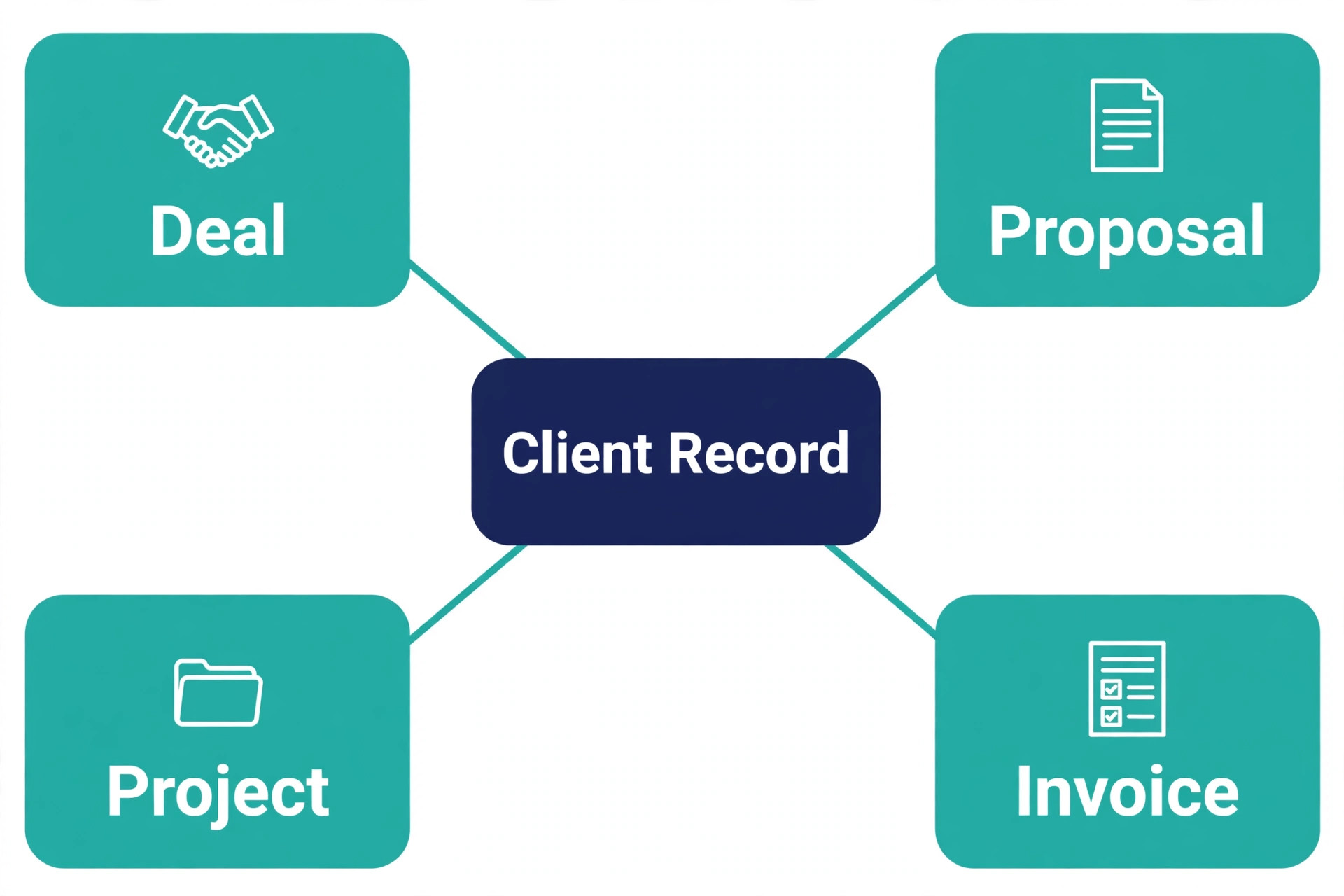
Delivery is the third difference. A consulting engagement does not end at signature. Kickoff, milestones, feedback rounds and renewal all live after the sale, and the best consultant CRM keeps delivery visible next to the deal. Insightly and Bonsai do this well. Pure pipeline tools do it less well, so firms using them usually pair the CRM with a project tool and accept the extra cost.
Thirteen Tools, Reviewed One by One

HubSpot
HubSpot is the safest starting point for a solo consultant. The free CRM covers contacts, deals, email tracking and pipelines for up to two seats, which is enough to run a real practice before spending anything. Paid Starter from $20 a seat a month adds more automation, landing pages and reporting, and the upgrade path to marketing and service tools is the strongest in this guide.
The strength is breadth without early cost. You can start free, add paid seats as the firm grows, and connect email, calendar, forms and website in one system. The weakness is price at the top end. Professional tiers cost far more per seat and carry onboarding fees that make no sense for a small firm, so treat HubSpot as a free to Starter tool unless the firm is clearly scaling into an agency.
Choose HubSpot if you want a free start and a growth path. Skip it if you need contracts and invoicing built in, because HubSpot still needs add ons or a second tool for that work.
Pipedrive
Pipedrive is the pick for boutique firms that live by their pipeline. Pricing starts from $14 a user a month on the Lite tier billed yearly, and the visual board makes it obvious which proposals are out, which calls are overdue and where revenue sits for the quarter. Smart Docs adds proposals and e signature on higher tiers, which closes much of the gap with all in one tools.
The strength is focus and speed. A new consultant can set up stages, import contacts and start working deals in an afternoon, and the activity reminders keep follow ups from slipping. The weakness is scope. There is no built in invoicing, no client portal as standard and no project delivery view, so firms that want one system for sales plus delivery will need a companion tool.
Choose Pipedrive if pipeline clarity is the main job. Skip it if the firm wants contracts, invoicing and delivery in the same tool without extra subscriptions.
Zoho CRM
Zoho CRM is the pick for budget teams that like to customise. Standard starts from $14 a user a month, and the free edition covers up to three users with basic features, which suits a tiny firm testing the waters. Custom fields, workflows, scoring and a wide app ecosystem come at prices well below Salesforce, and Zoho Books adds invoicing for firms already in the Zoho world.
The strength is value and depth. You get automation, blueprints for process control and AI scoring on higher tiers, plus integrations across the Zoho suite. The weakness is setup time. Zoho rewards a careful setup and punishes a rushed one, with menus and options that can overwhelm a solo consultant who just wants a pipeline and reminders.
Choose Zoho CRM if the budget is tight and the firm will invest a day in setup. Skip it if you want the simplest possible tool, because Zoho is powerful rather than minimal.
Salesforce Starter
Salesforce Starter Suite starts from $25 a user a month and is the entry point for firms that expect to grow into full Salesforce later. It covers accounts, contacts, leads, deals and basic reporting in a simpler package than Sales Cloud, and it gives a small firm a credible system that a future hire or investor will recognise.
The strength is scale and ecosystem. Integrations, app marketplace depth and reporting headroom are unmatched, and a firm that outgrows Starter can move up without migrating data. The weakness is fit for small practices. Even Starter feels heavier than Pipedrive or Capsule, and the full Salesforce path gets expensive fast once Professional or Enterprise tiers enter the picture.
Choose Salesforce Starter if the firm plans to pass ten consultants and wants a platform that scales. Skip it if the practice will stay under five people, because simpler tools deliver the same pipeline for less money and less setup.
Monday CRM
Monday CRM starts from $12 a user a month and suits teams already running work on Monday boards. Deals, contacts, activities and dashboards live in the same visual style as Monday projects, so a firm that manages delivery on Monday gets sales and delivery in one view without a second system.
The strength is visual working. Boards, timelines and automations feel natural to teams that think in projects, and the CRM adapts to consulting stages with little custom building. The weakness is depth as a pure CRM. Email integration, lead scoring and sales reporting are lighter than HubSpot or Pipedrive, and firms with heavy outbound or complex quoting will feel the limits.
Choose Monday CRM if the team already uses Monday for delivery. Skip it if the firm needs a dedicated sales engine, because Monday is a work platform with CRM features rather than a CRM first tool.
Close
Close is the pick for consultants who win work through high volume outreach. Pricing is reported from $19 a user a month on entry tiers, so check the vendor page for the current figure, and the built in calling, SMS and email sequences let a consultant work a prospect list without switching tools. Power dialling and call recording suit firms that prospect daily.
The strength is speed of outreach. Calls, texts and emails log automatically, sequences keep prospects warm, and reporting shows which outreach actually books calls. The weakness is fit for relationship consulting. Proposal handling, invoicing and project delivery are thin, and a consultant who wins work through referrals and content will pay for outreach power that goes unused.
Choose Close if outbound calling drives the pipeline. Skip it if referrals and inbound enquiries drive the practice, because a pipeline tool with better proposals will serve you better.
Copper
Copper starts from $9 a user a month and is built for consultants who live in Google Workspace. Contacts, deals and emails sit inside Gmail and Calendar, so a consultant rarely leaves the inbox to update the CRM. That closeness to email is the whole pitch, and for Gmail heavy practices it removes the main reason CRMs go stale.
The strength is low friction. Email logging is automatic, contact enrichment fills in details, and the learning curve is short. The weakness is breadth. Automation, reporting and customisation are lighter than Zoho or HubSpot, and firms that need deep workflows or advanced reporting will outgrow Copper as they add staff.
Choose Copper if Gmail is your office. Skip it if the firm runs on Outlook or needs deep automation, because Copper is designed around Google first.
Insightly
Insightly starts from $29 a user a month billed yearly on Plus, with Professional at $49 and Enterprise at $99. It is the pick for project heavy consulting, because deals convert into projects with tasks, milestones and files in the same system. A firm that sells a project and then delivers it in the same tool avoids the handoff gap that loses scope notes and deadlines.
The strength is deal to project continuity. Workflow automation, lead routing and dashboards arrive on Professional, and the project view keeps delivery visible to the whole team. The weakness is price once extras enter. Marketing and integration modules are billed per account on top of seats, and Plus lacks the automation that makes Insightly a real CRM, so most firms should budget for Professional.
Choose Insightly if delivery lives in the CRM. Skip it if the practice is pipeline only, because Pipedrive or Capsule will cost less for the same sales view.
Capsule
Capsule starts from $18 a user a month and suits micro firms that want a simple pipeline without a learning curve. The free tier covers two users and 250 contacts, which is enough for a solo consultant to test the tool properly. Tracks, tasks and a clean contact view keep follow ups visible without clutter.
The strength is simplicity done well. Setup takes under an hour, the interface stays calm, and the price stays predictable as the firm adds one or two people. The weakness is scale. Reporting, automation and integrations are basic next to HubSpot or Zoho, and firms past five people will start asking for features Capsule does not offer.
Choose Capsule if you want the smallest tool that still works. Skip it if the firm needs marketing automation or deep reporting, because Capsule deliberately stays light.
Nimble
Nimble starts from $24.90 a user a month and is built for relationship driven consultants. It pulls social and contact context into the contact record, tracks interaction history and reminds you to stay in touch with key relationships. For consultants whose pipeline is a network rather than a lead list, that relationship view matters more than a sales board.
The strength is relationship memory. Nimble surfaces who you last spoke to, what you discussed and when to follow up, which suits referral heavy practices. The weakness is deal management depth. Pipelines exist but are lighter than Pipedrive, and proposal, invoicing and project features need other tools.
Choose Nimble if referrals and relationships drive revenue. Skip it if the firm needs a strong deal pipeline first, because Nimble leads with people rather than deals.
Streak
Streak starts from $15 a user a month and lives inside Gmail as a sidebar CRM. Pipelines, contacts and mail merge work without leaving the inbox, which suits solo consultants who run everything from email. Setup is fast because the CRM adopts your existing Gmail habits rather than replacing them.
The strength is zero context switching. A consultant can update a deal, send a tracked email and log a call from the same window, and the mobile experience follows the same pattern. The weakness is team scale. Streak suits one or two people well and gets awkward as a firm adds roles, permissions and reporting needs that a standalone CRM handles better.
Choose Streak if Gmail is the whole office and the practice is solo. Skip it if the firm needs team reporting or delivery tracking, because Streak is a personal CRM first.
Less Annoying CRM
Less Annoying CRM charges $15 a user a month flat, with every feature included and no tiers or upsells. Contacts, pipelines, custom fields, calendar and reminders come in one price, and the support reputation is unusually strong for a tool at this price. A solo consultant can set it up in an afternoon and stop thinking about CRM pricing.
The strength is honesty of pricing. There is nothing to compare, no feature gate to discover later and no surprise bill as the contact list grows. The weakness is ceiling. Marketing automation is absent, integrations are limited and reporting is basic, so a growing firm will eventually need a more capable platform.
Choose Less Annoying CRM if you want one price and no homework. Skip it if the firm needs automation or marketing tools, because this tool deliberately keeps things simple.
Bonsai
Bonsai starts from $19 a user a month billed yearly on Essentials, with higher tiers adding pipeline and premium features, and it is the pick for solo consultants who want contracts plus CRM in one tool. Proposals, contracts, e signature, invoicing, scheduling and a client portal sit on top of a basic CRM, which collapses three subscriptions into one.
The strength is admin consolidation. A solo consultant can send a proposal, get it signed, invoice it and track payment without leaving Bonsai, and clients get a professional portal. The weakness is team scale and deal depth. Bonsai is priced per user and built for freelancers and solo practices, so a boutique firm with a complex pipeline will find Pipedrive or Insightly stronger on deals.
Choose Bonsai if admin consolidation matters more than pipeline power. Skip it if the firm runs a multi stage team pipeline, because Bonsai leads with business admin rather than sales.
Best Pick by Job
The best CRM software for consultants changes with firm size, so use this table before you read any single review as a verdict. A solo consultant needs low cost and low admin. A boutique firm needs pipeline discipline and proposal speed. An agency needs permissions, reporting and room to grow.
| Firm size | First pick | Second pick | Why this order |
|---|---|---|---|
| Solo consultant | HubSpot free | Bonsai | Free start, then admin consolidation when paid work grows |
| Boutique firm, 3 to 8 people | Pipedrive | Insightly | Visual pipeline first, project delivery second |
| Agency, 9 people and up | HubSpot Starter | Salesforce Starter | Growth path and reporting before a full platform jump |
A solo consultant who picks an agency platform will spend more time managing the tool than winning work. An agency that picks a solo tool will spend more time working around limits than serving clients. Match the tool to the size you will be in twelve months, not just the size you are today, and revisit the choice when headcount doubles.

Pipeline Stage Checklist
Consulting pipelines fail in the gaps between stages, not inside them. Use this checklist to audit any CRM before you buy, and reject a tool that cannot show each stage clearly on one screen.
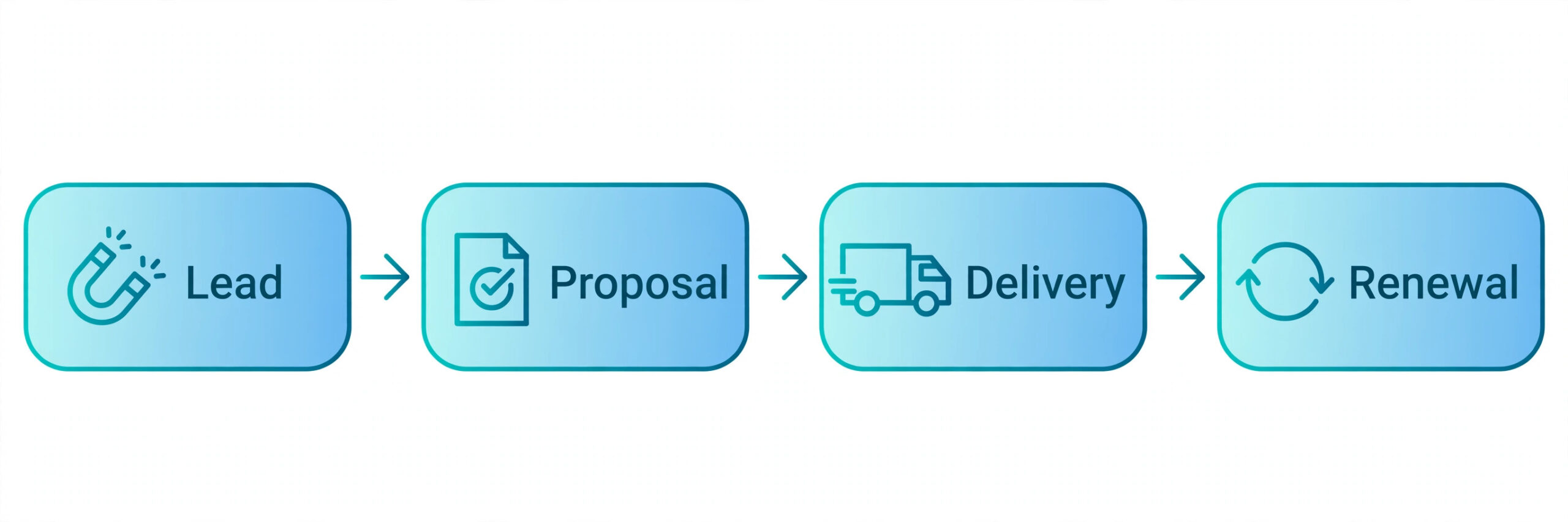
– Lead captured with source, first conversation date and next step assigned – Discovery complete with budget, decision maker, timeline and scope notes recorded – Proposal sent with version, options, expiry date and follow up date visible – Negotiation tracked with objections, revised terms and approval status – Delivery started with kickoff date, milestones, owner and renewal date set – Renewal or referral asked at project close, with the outcome logged
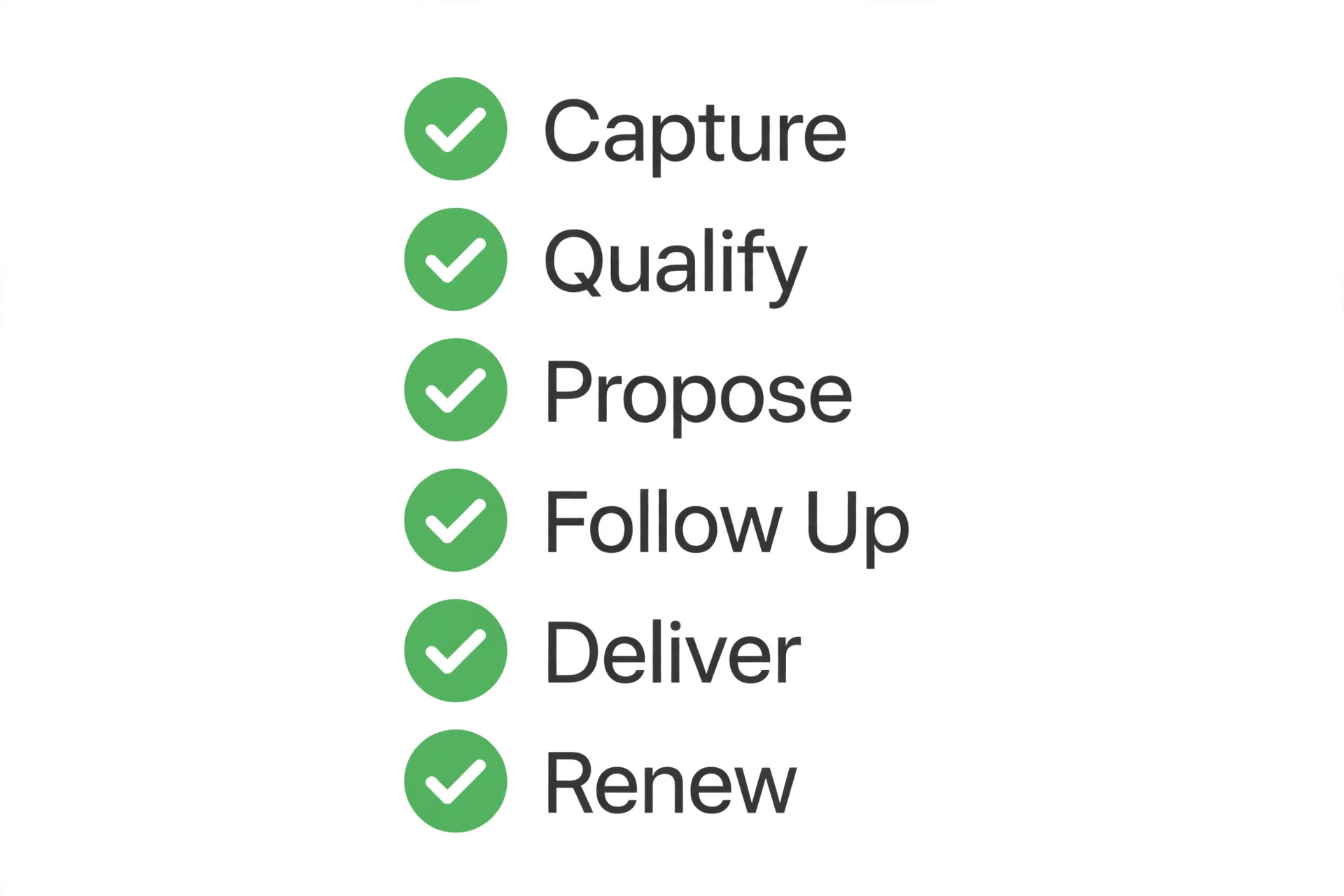
A CRM that passes this checklist keeps revenue visible. You can see how many proposals are out, how many are past expiry without a follow up, and how many active projects end in the next ninety days. That visibility is worth more than any single feature, because it turns gut feel about the pipeline into a number you can act on.
What Each Size Really Pays
Seat prices mislead because they hide the second tool. A solo consultant on a free CRM still pays for proposals or invoicing somewhere, and a boutique firm on a cheap pipeline still pays for a project tool. Price the system, not the seat, and include the companion tools in the monthly total. That system view is how the best CRM software for consultants should be judged, because a low seat price with two paid companions is not a low price at all.
| Firm size | CRM choice | CRM bill a month | Likely extras | Realistic system total |
|---|---|---|---|---|
| Solo, 1 user | HubSpot free | $0 | Proposals or invoicing tool | $0 to $30 |
| Solo, 1 user | Bonsai Essentials | $19 billed yearly | Payment processing only | About $19 plus processing |
| Boutique, 5 users | Pipedrive | About $70 | Project tool | About $100 to $150 |
| Boutique, 5 users | Insightly Professional | $245 | Marketing module if needed | $245 to $744 with marketing |
| Agency, 12 users | HubSpot Starter | About $240 | Marketing add ons | $240 to $500 plus add ons |
Annual billing usually cuts the monthly equivalent by around a fifth, but it locks cash up front. A new practice should start month to month for one quarter, prove the tool gets used daily, then switch to yearly billing for the saving. A tool nobody opens is expensive at any price.

How to Choose in One Week
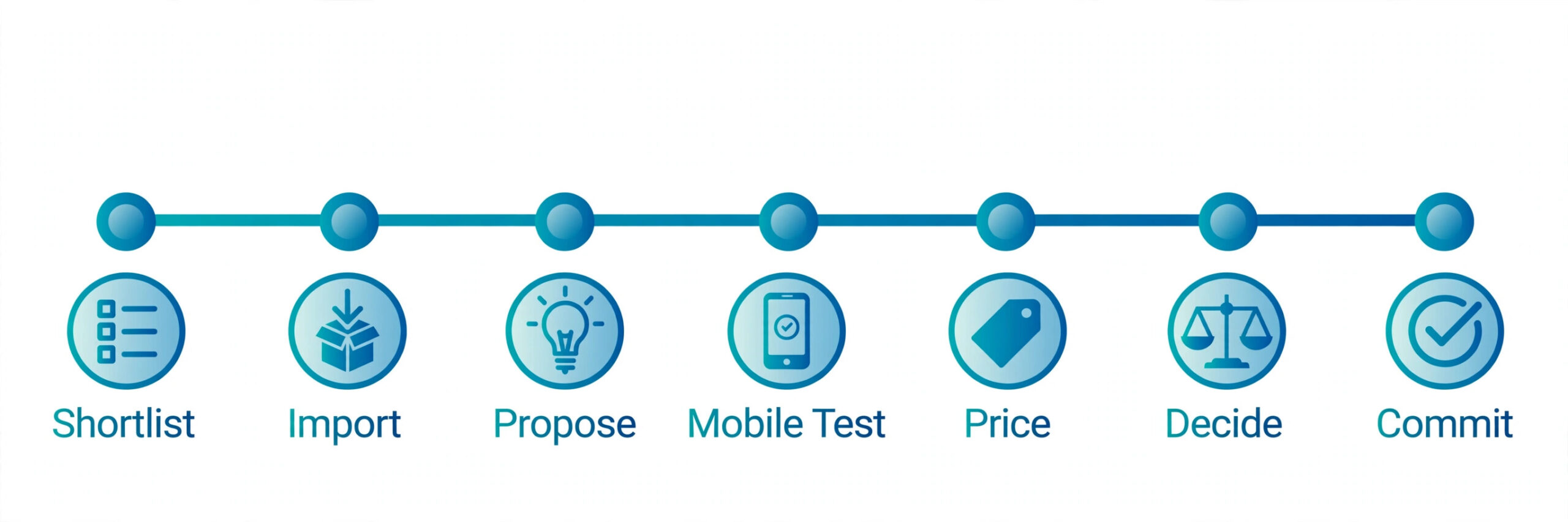
Choosing the best CRM software for consultants should take a week, not a quarter. Day one, list your current pipeline stages and your top three lost deal reasons. Day two, shortlist three tools from the table above that match your firm size. Day three, import twenty real contacts and five real deals into each trial, and work them as if they were live.
Day four, send a real proposal or follow up sequence through each tool. Day five, check the mobile app after a call and update a deal in under a minute. If any step feels awkward, that tool will feel awkward every day, and daily friction is what kills CRM adoption. Day six, price the system including companion tools. Day seven, pick one tool and commit for ninety days.
Trial discipline matters more than feature lists. A tool that wins a checklist but loses the one minute mobile update test will go stale within a month, and a stale CRM is worse than a spreadsheet because it creates false confidence about the pipeline.
Mistakes That Waste Money
The most expensive mistake is buying for a future firm that never arrives. A solo consultant on an enterprise platform pays for permissions, reporting and automation that nobody uses, and the complexity slows every deal. Buy for the next twelve months, and upgrade when headcount or deal volume forces the issue.
The second mistake is running two pipelines. A consultant who keeps deals in the CRM and also in a spreadsheet or inbox will trust neither, and follow ups fall into the gap. Pick one system of record in week one, import everything into it, and close the old lists. The pain of migration lasts a weekend. The pain of dual running lasts all year.
The third mistake is ignoring proposal and invoicing costs. A cheap CRM plus a proposal tool plus an invoicing tool can cost more than one all in one tool, and the copying between systems eats time on every engagement. Price the full admin stack before you celebrate a low seat price, and favour the tool that removes a subscription rather than adding one.
More Reading on Stratilyze
Readers comparing consultant tools usually check the neighbouring guides next. The guide to CRM software for small business covers the wider small business decision, the guide to CRM for a 3 person sales team helps with small team structure, and the guide to project management software covers delivery once a deal is won.
Frequently Asked Questions
Do solo consultants need a CRM
A solo consultant needs a CRM once active conversations pass about fifteen at a time. Below that, a well kept list works. Above it, follow ups slip, proposals go past expiry unnoticed and referrals go unasked. The signal is not client count alone. It is missed follow ups. If you missed more than two last month, a CRM will pay for itself in recovered deals.
What is the cheapest good CRM for consultants
HubSpot free is the cheapest credible start at zero cost for up to two seats, followed by Capsule free for two users and 250 contacts. Among paid tools, Copper from $9 a user a month and Pipedrive from $14 a user a month offer the best pipeline value. Judge cheap by system cost, not seat cost, and include any proposal or invoicing tool still needed.
Can one CRM handle consulting sales and project delivery
Yes, but only a few tools do it well. Insightly converts deals into projects in the same system, and Bonsai pairs a basic CRM with contracts, invoicing and a client portal. Most pipeline tools handle sales well and delivery poorly, so firms using Pipedrive or HubSpot usually pair the CRM with a project tool and accept the extra subscription.
How long does CRM setup take for a consulting firm
A simple tool like Capsule or Less Annoying CRM takes an afternoon. Pipedrive takes a day including pipeline stages and templates. Zoho and HubSpot take two to five days if custom fields, workflows and integrations are set up properly. Budget a week for data cleanup and import, because dirty contact data causes more trouble than any feature gap.
Should a consulting firm choose a niche CRM or a general CRM
A general CRM suits most firms because it handles pipelines, reporting and integrations better, and it survives a change in service mix. A niche tool suits a firm only when its proposal, contract or delivery workflow is truly unusual and the niche tool removes a whole subscription. If the niche tool only adds a few consulting labels, the general tool is the safer buy.
What does the best CRM software for consultants cost per month for a small team
A five person boutique firm should budget about $70 a month for Pipedrive, about $245 a month for Insightly Professional, or about $240 a month for HubSpot Starter, before companion tools. Add a project tool at $50 to $100 a month if the CRM does not cover delivery, and add a proposal tool if the CRM does not cover proposals. Compare annual system totals, not headline seat prices.
Final Verdict for Consultants
For most consultants, the decision is simpler than the market suggests. Solo consultants should start free on HubSpot and move to Bonsai when proposals and invoicing eat too much admin time. Boutique firms should buy Pipedrive for pipeline clarity and add Insightly only when delivery must live in the same system. Agencies should buy HubSpot Starter for growth headroom and consider Salesforce Starter when scale becomes certain.
Whatever you choose, commit to one system, work it daily for ninety days and audit the pipeline weekly. The best CRM software for consultants is the one that stays current, because a current pipeline wins follow ups, a current proposal list wins renewals and a current client record wins referrals. Pick the tool you will actually open after every call, and the revenue will follow the discipline.