

Compare two trade firms quoting the same bathroom remodel. The first firm visits on Monday, sends a detailed quote with options on Tuesday, and follows up on Thursday. The second firm visits on Monday, promises a quote soon, and sends a rough figure the following week. The first firm usually wins, even when its price is higher, because speed plus clarity beats a lower price that arrives late. That comparison is the whole case for the best quote software for trades businesses, and it explains why quoting speed deserves more attention than quoting features alone.
A quote is not just a price. It is a sales document, a scope agreement and a trust signal in one file. A customer who receives a clear quote with named items, options, exclusions and a simple approval button understands what they are buying and feels safe approving it. A customer who receives a single lump sum figure in an email has to guess what is included, and guessing creates questions, delays and lost jobs. Good quote software makes the clear version the easy version to send.
The third pressure is follow up. Most lost quotes are not lost on price, they are lost on silence. A quote sent and never followed up is a quote forgotten, especially when the customer is comparing three firms at once. Software that reminds you to follow up, shows when the customer opened the quote, and lets the customer approve with one click turns follow up from a memory task into a system. That system is worth more than a prettier template.
Why the Best Quote Software for Trades Businesses Must Sell and Protect at Once
A good quote sells by making options visible. A good, better, best structure lets a customer choose a higher tier without a new quote, and it protects margin by showing the upgrade value plainly. A single take it or leave it price forces the customer into a yes or no decision, while options turn that decision into a choice between your own tiers. Firms that present options consistently close more jobs at higher average values, because the customer picks the middle tier that feels like a balanced choice.
A good quote protects by stating scope, exclusions and validity clearly. A quote that names the materials, the labour, the permits position, the exclusions and the price validity period leaves little room for a later argument about what was included. A vague quote feels faster to write, but it buys speed now with disputes later, and disputes cost more goodwill than the hour saved. Quote software that prompts for scope and exclusions on every quote builds that protection into the routine.
Speed on site is the next test, because many trade quotes are won or lost at the kitchen table. A tool with a strong mobile app lets you build a quote from a price book, add photos, apply a template and send it before you leave the property. A tool that only works well on a desktop forces you to rebuild the quote back at the office, which adds a day of delay and a chance to forget a detail discussed on site. Test the mobile quoting flow in the trial, not just the desktop dashboard.
Conversion visibility is the final test. A tool that shows when a quote was opened, which options the customer viewed, and whether approval is pending gives you the timing for a useful follow up call. A tool that only shows sent gives you no signal at all, so every follow up is a guess. Open tracking and approval status turn follow up from nagging into well timed help, because you call when the customer has just read the quote, not a week after they forgot it.
Eight Questions to Ask a Quote Vendor
Build a real quote for a real past job during the trial, ideally one where you know the final costs and the customer questions. Use your real price book items, your real options and your real terms, then send it to a colleague and ask them to approve it on a phone. If the colleague can understand the scope, compare the options and approve without calling you for clarification, the quote passes. If they need help, your customers will need help too.
Test a revision mid trial, because revisions are the daily reality of trade quoting. Change a material, add an optional extra and adjust a quantity, then check whether the total, the options and the approval link all update together. A tool that requires rebuilding the quote from scratch for a small change will discourage revisions, and discouraged revisions become outdated quotes. A tool that updates cleanly encourages the quick revised quote that often wins the job.
Check the price book workflow before you fall in love with the template. A price book that is easy to update, easy to search on site and easy to share across the team will stay current. A price book that is hard to update will go stale, and a stale price book produces quotes that lose money or lose jobs. Ask who owns price updates, how long an update takes, and whether the change applies to new quotes without breaking old ones.
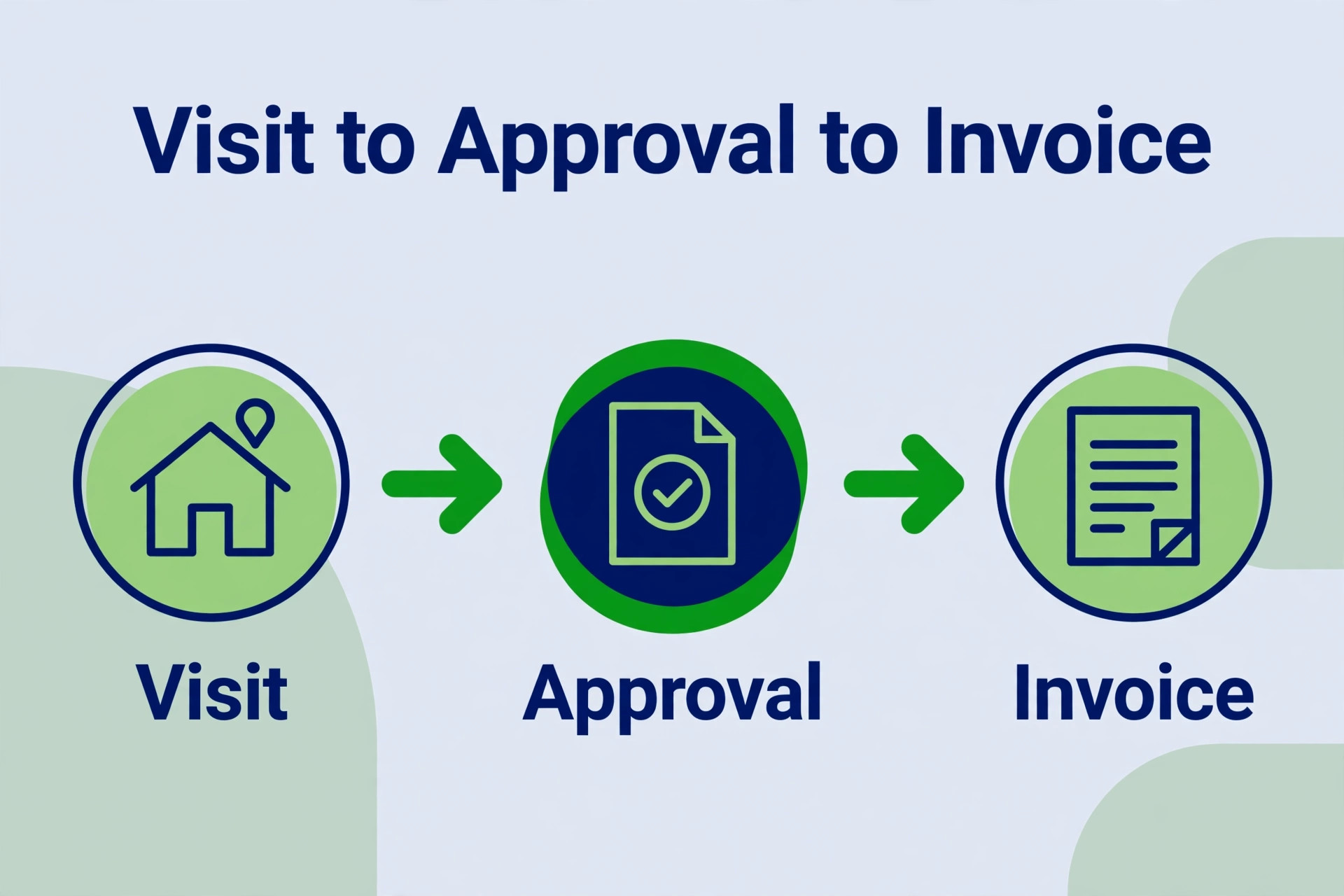
Check what happens after approval, because a quote that cannot become a job, an invoice and a schedule without retyping is only half a system. A good tool converts an approved quote into a job and an invoice in one step, with the same line items and the same customer details. A tool that forces retyping at approval creates errors at the exact moment the job should be starting cleanly. Test the approval to invoice path in the trial week. That approval to invoice test is a core test for the best quote software for trades businesses, because a broken handoff loses the momentum approval just created.
Eleven Tools Compared on Price and Fit
| Tool | Starting price | Best for |
|---|---|---|
| Jobber | about $29 a month | small to mid size trade teams, quote to payment flow |
| Housecall Pro | pricing by quote | consumer home service firms, review and booking focus |
| ServiceTitan | pricing by quote | larger firms, deep pricing and presentation tools |
| FieldPulse | about $99 a month per user | growing firms, good better best presentations |
| QuoteWerks | about $15 a month per user | small firms, accurate quotes from CRM data |
| PandaDoc | about $19 a month per user | proposal style quotes with analytics |
| Joist | free plan, paid plans from about $29 a month | contractors, fast mobile estimates |
| QuoteIQ | about $150 a month for four users | small teams, mobile AI proposals |
| Service Fusion | about $208 a month | flat rate pricing, unlimited users |
| Kickserv | about $60 a month for five users | budget firms, scheduling plus quoting |
| Workiz | about $59 a month | field service teams, phone and dispatch focus |
Read the table as a shortlist, not as a ranking, and check the vendor page before buying, because prices and user limits change often. The cheapest headline plan may exclude options, price book depth or approval tracking, while a quote only platform may be the only tool that handles a complex presentation cleanly. Price the plan for the best quote software for trades businesses that includes the quoting features you will actually use at your real team size, then compare annual totals.
Eleven Quote Tools in Detail
Jobber
Jobber is the pick for small to mid size trade teams that want a quote to payment flow in one platform. It covers quoting, scheduling, invoicing, payments and a client hub where customers approve quotes and pay invoices, with a mobile app for field work. A trade firm that currently juggles a quote tool, a scheduling tool and an invoicing tool can often replace all three with Jobber alone.
At about $29 a month for Core billed annually for one user, with Connect and Grow plans above it, it is priced for a growing team rather than a solo operator on a tight budget. The limit is that advanced quote options and upsells sit on higher plans, so a firm should price Grow, not Core, if options selling matters. If one flow from quote to payment matters most, Jobber is a strong first trial.
Housecall Pro
Housecall Pro is the pick for consumer home service firms that value booking, reviews and customer communication alongside quoting. It covers quoting, scheduling, dispatch, invoicing, payments and review automation, with a customer experience focus that suits firms serving homeowners directly. A plumbing, HVAC or cleaning firm that lives on repeat residential work will use its communication tools daily.
At pricing by quote, it requires a sales conversation and a clear statement of team size and volume. The limit is transparency, because a firm cannot compare it against a published rival price without that conversation. If residential customer experience is the priority, book the demo and get the written quote including renewal terms.
ServiceTitan
ServiceTitan is the pick for larger firms that need deep pricing, presentation and dispatch tools at scale. It covers quoting through a dedicated presentation tool, price book management, scheduling, dispatch, invoicing and reporting, with a depth that suits multi crew and multi branch operations. A large firm that needs consistent pricing across many technicians will value that control most.
At pricing by quote, reported around $250 to $500 per technician a month plus implementation, it is the dearest platform in this guide. The limit is cost and setup time, because smaller firms will pay for enterprise depth they never use. If scale and presentation depth are the requirements, ServiceTitan earns a demo, but smaller firms should trial a cheaper pick first.
FieldPulse
FieldPulse is the pick for growing firms that want good better best presentations with a strong mobile workflow. It covers estimating, sales presentations, scheduling, invoicing and custom workflows, with a native presentation builder that shows options clearly to the customer. A residential contractor that wants to sell options at the kitchen table will find its presentation flow more persuasive than a plain quote email.
At about $99 a month per user before discounts, with its sales suite as an extra, it is priced for firms that will use presentation selling every week. The limit is that the price book and dynamic proposals need the paid sales suite, so the headline price is not the full presentation price. If option selling is the strategy, price the full suite before deciding.
QuoteWerks
QuoteWerks is the pick for small firms that need accurate quotes built from CRM and accounting data, without enterprise complexity. It covers quote building, templates, integrations with more than 115 CRM and accounting systems, and real time distributor pricing that resellers and MSPs rely on. A small firm that already lives in a CRM and needs quotes to match its customer records will value that integration depth.
At about $15 a month per user for Standard, with a full 30 day trial, it is the cheapest real quoting tool in this guide. The limit is interface polish, because the product looks dated compared with modern field apps, and its strength is straightforward quoting rather than complex configuration. If accurate low cost quoting from existing data matters most, QuoteWerks is a smart trial.
PandaDoc
PandaDoc is the pick for proposal style quotes, because it builds a rich document with pricing tables, content blocks and analytics in one flow. It covers document building, templates, e-signature, payment collection on higher plans and analytics that show when a client opens the proposal. A trade firm that sells larger projects with a formal proposal, rather than a short field quote, will benefit most from that document quality.
At about $19 a month per user for Starter billed annually, with a free eSign plan for basic signing, it is priced as a sales document tool. The limit is field workflow, because it is not a dispatch or scheduling platform, so firms that need job management will pair it with another tool. If the proposal itself is the sales tool, PandaDoc is the strongest answer here.
Joist
Joist is the pick for contractors who want fast mobile estimates, because it is built around creating and sending a professional estimate from a phone. It covers estimates, invoices, payments, contracts and client management, with a mobile first workflow that suits a contractor quoting on site. A solo contractor or small crew that quotes from the truck will adopt it faster than a desktop heavy platform.
At a free plan plus paid plans from about $29 a month, it is affordable for small firms. The limit is depth for larger teams, because scheduling, dispatch and advanced reporting are thinner than on a full field platform. If fast mobile estimating is the main job, Joist is an easy trial.
QuoteIQ
QuoteIQ is the pick for small teams that prioritise broad features and mobile AI proposals, because it combines branded proposals, multiple estimate types and mobile AI assistance in one app. It covers proposals, optional services, estimate options and job management basics, with a mobile workflow built for field teams. A small team that wants AI help drafting and refining proposals will find its approach modern and fast.
At about $150 a month for four users on Pro and about $299 a month for ten users on Elite, it is priced per team rather than per user at entry. The limit is that proposal credits may apply and offline performance needs testing in the trial, because field work often happens with weak signal. If mobile AI proposals appeal, test it on a real job with a weak connection before committing.
Service Fusion
Service Fusion is the pick for firms that want flat rate pricing with unlimited users, because its bill does not grow with every technician added. It covers quoting, scheduling, dispatch, invoicing and payments, with a flat rate model that suits a growing team that would otherwise pay per seat. A firm adding technicians steadily will find its total cost more predictable than a per user platform.
At about $208 a month for unlimited users, it is priced for a team rather than a solo operator. The limit is that solo firms will pay a team price for a single user benefit, so the value only appears once the team grows. If unlimited users and predictable billing matter, Service Fusion deserves a trial at your real team size.
Kickserv
Kickserv is the pick for budget firms that want scheduling plus quoting at a low team price, because it covers the core field workflow without enterprise cost. It covers quoting, scheduling, invoicing, payments and customer management, with a simple interface that small teams learn quickly. A firm that needs reliable daily operations rather than advanced presentation selling will find it sufficient and affordable.
At about $60 a month for five users, it is one of the cheapest team prices in this guide. The limit is depth, because advanced price book, presentation and reporting features are thinner than on dearer platforms. If budget and simplicity matter most, Kickserv is a sensible first trial.
Workiz
Workiz is the pick for field service teams that value phone, dispatch and job management alongside quoting, because it is built around the inbound call that starts many trade jobs. It covers quoting, scheduling, dispatch, invoicing, payments and phone integration, with a workflow that suits firms whose jobs start with a customer call. A firm with a busy phone line and several field staff will use its dispatch tools daily.
At about $59 a month for entry plans, it is priced in the middle of this guide. The limit is that its quoting presentation is less specialised than FieldPulse or ServiceTitan, so firms that live on option selling should trial those alongside it. If phone led dispatch plus quoting is the workflow, Workiz is a strong pick.
Best Pick by Job for Trade Firms
| Job shape | Best pick | Why it wins |
|---|---|---|
| On site quote | Joist or Jobber | fast mobile quoting, approval before leaving |
| Remote quote | PandaDoc or QuoteWerks | rich proposal, accurate data from existing systems |
| Templated quote | Jobber or Service Fusion | reusable templates, consistent pricing across team |
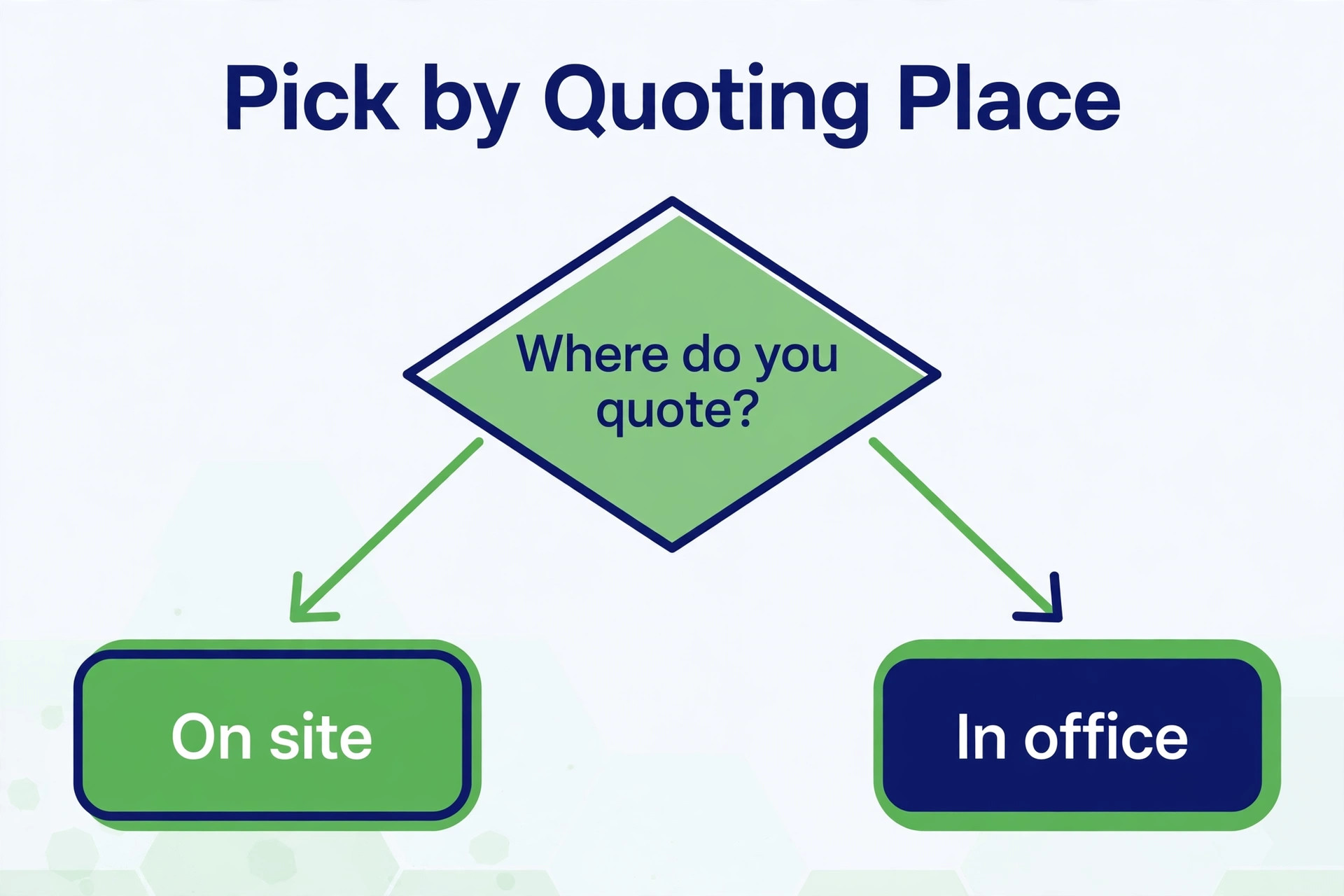
Use the table to narrow to two finalists, then build a real quote in each trial. An on site firm that buys a desktop proposal tool will still be rebuilding quotes at the office, while a remote firm that buys a mobile only tool will struggle with rich project proposals. Match the best quote software for trades businesses to the quoting location that actually wins your work, not to the tool with the longest feature list.
Follow Up Checklist
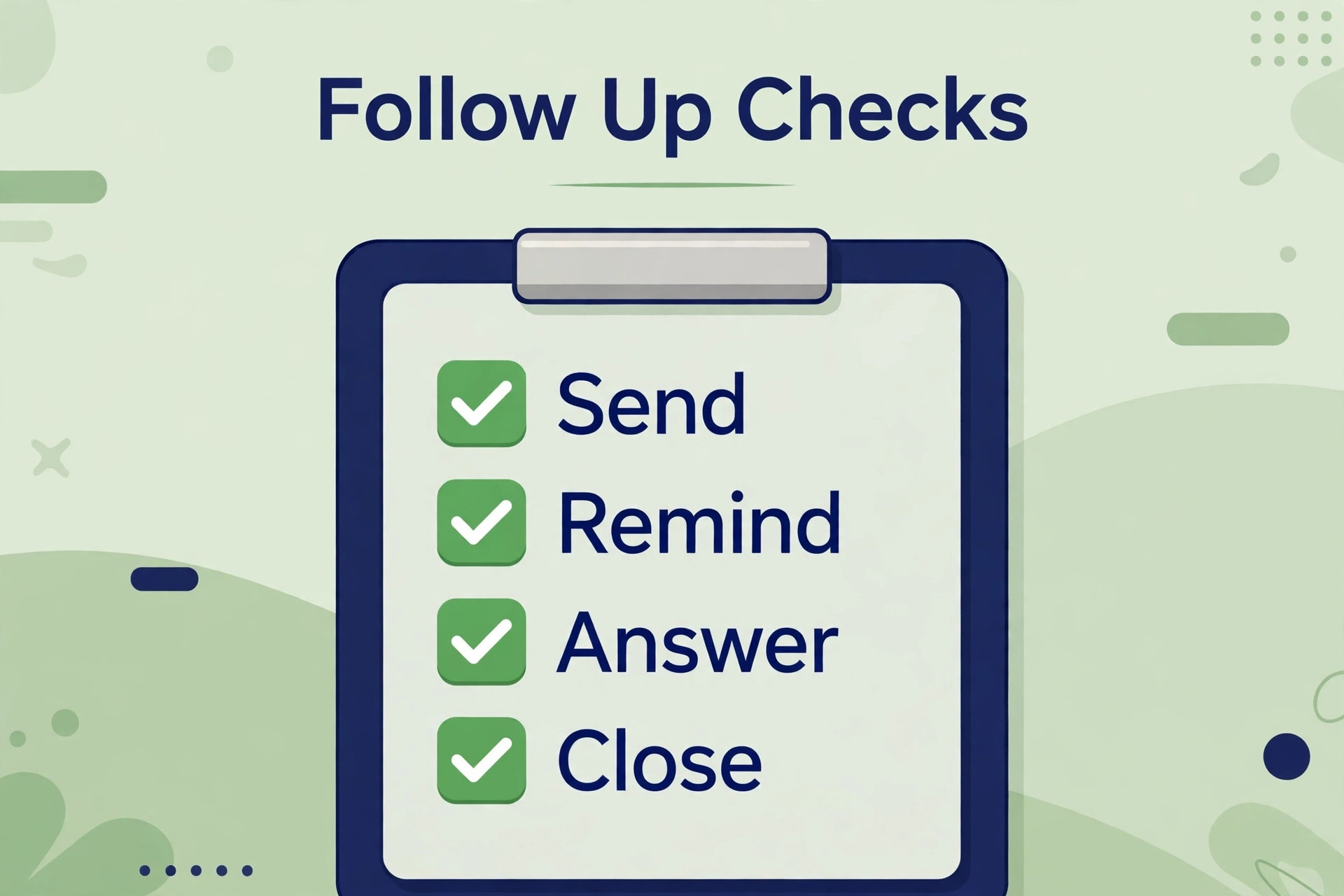
Check the approval status every morning, because a quote that has been opened but not approved is a warm lead, not a lost job. Call or message those customers first, while the quote is fresh in their mind, and ask what questions the options raised. A morning review of opened quotes turns follow up into a short daily habit instead of a weekly chore that never happens.
Check the follow up timing for each quote type. A small repair quote deserves a follow up within two days, because the customer is deciding quickly and a competitor may already have quoted. A large project quote deserves a follow up within four days, with a useful addition such as a photo, a reference or a clarified option, rather than a bare reminder. Timing plus value beats timing alone.
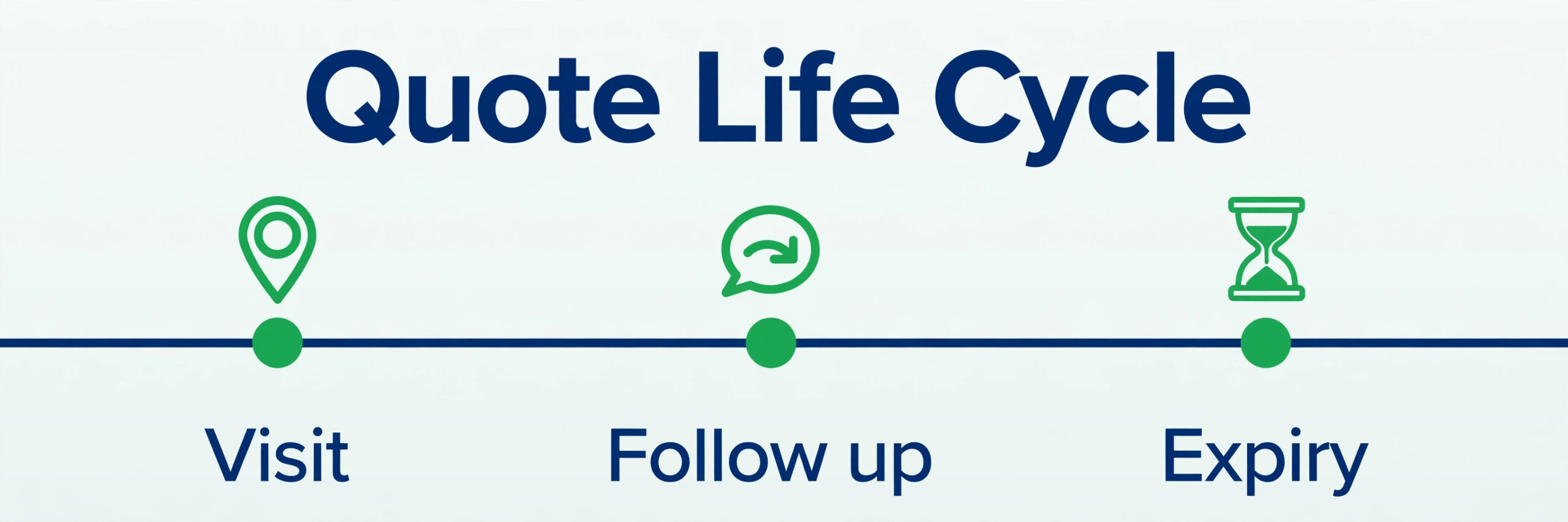
Check the expiry date on every quote, and set a reminder before it expires rather than after. A quote that expires silently looks like a firm that forgot the customer, while a reminder before expiry gives the customer a reason to decide. State the validity period clearly in the quote itself, so the follow up call has a natural deadline that both sides understand.
Check the lost quote reason for every job you do not win, and record it in one place. Price, timing, scope, competitor choice and no decision are different problems with different fixes, and a firm that lumps them together as lost will never fix any of them. A monthly review of lost reasons will show whether the problem is price, speed, presentation or follow up, and that diagnosis is worth more than any single feature.
Mistakes That Waste Quoting Money
The first mistake is quoting without a price book. A firm that prices each quote from memory or from a spreadsheet will produce inconsistent prices, slow quotes and margin leaks. Build a price book once, update it quarterly, and let every quote draw from it. Consistency in pricing is what makes quoting fast, and fast quoting is what wins jobs that a slow firm loses on timing alone. A price book kept current is the foundation of the best quote software for trades businesses, because every quote inherits its accuracy.
The second mistake is sending a lump sum with no options and no scope. A customer who cannot see what is included cannot compare your quote fairly with a rival, and will often choose the cheaper lump sum even when your scope is better. Break the quote into named items, show options where they fit, and state exclusions plainly. Clarity is a sales advantage, not just a protection measure.
The third mistake is buying a platform for features the team never uses. A firm that needs fast mobile quotes should not pay an enterprise price for dispatch, reporting and presentation depth it will never open. Audit which features your team actually used in the last month, and price the plan that covers those features well. Unused features are not value, they are subscription weight.
The fourth mistake is treating approval as the end of the workflow. An approved quote that is not converted into a job, a schedule and an invoice promptly creates a second delay after the customer has already said yes. Build the conversion step into the routine, so approval triggers the next action the same day. Momentum after approval is what turns a won quote into a started job and a paid invoice.

Quoting Workflow That Wins More Jobs
Start the visit with the price book open and the template ready, so the quote builds as you walk the job rather than after you leave. Note measurements, materials and options on site, photograph the relevant areas with permission, and confirm the customer priorities before you price. A quote built from on site notes is more accurate and more persuasive than a quote rebuilt from memory at the office later.
Send the quote the same day, whenever the job allows it, because speed is a competitive advantage that costs nothing extra. A same day quote signals organisation and enthusiasm, while a quote that arrives a week later signals backlog even when the firm is not busy. If same day sending is impossible, tell the customer exactly when the quote will arrive, and meet that promise, because a kept promise about timing builds trust before the price is even read. That same day habit is what separates the best quote software for trades businesses in daily use from a tool that only looks fast in a demo.
Follow up with value, not with a bare reminder. Add a photo of similar work, clarify an option the customer asked about, or offer a short call to walk through the scope. A follow up that helps the customer decide is welcome, while a follow up that only asks have you decided is easily ignored. The best follow up answers the question the customer has not yet asked, because it shows you understand their decision.
Review won and lost quotes monthly, as a team, and update the price book and templates from what you learn. A won quote that was priced too low should raise the price book item. A lost quote that lost on scope clarity should improve the template wording. That monthly loop turns quoting from a repetitive task into a learning system, and firms with a learning system steadily win more of the jobs they actually want.
More Reading on Stratilyze
Readers comparing quoting and trade tools usually check the neighbouring guides next. The guide to online booking software for service businesses covers booking once the quote is approved, the guide to following up unpaid quotes covers the follow up step in detail, and the guide to AI invoice generators covers invoicing once work is done.
Frequently Asked Questions
How fast should a trade quote be sent
Same day for most small and mid size jobs, and within two working days for larger projects that need supplier pricing or subcontractor input. Speed matters because customers often compare three firms, and the first clear quote sets the comparison standard. If same day sending is impossible, give an exact arrival time and meet it, because a kept timing promise builds trust before the customer reads the price.
Should a trade quote show good better best options
Yes, where the job genuinely allows tiers, because options turn a yes or no decision into a choice between your own tiers. Show the core scope as the middle tier, a basic tier that removes optional extras, and a premium tier that adds them, with clear differences between each. Avoid inventing tiers where the job has no real variation, because false options confuse the customer and undermine trust in the whole quote.
What should a trade quote include to prevent disputes
A trade quote should name the scope, the materials, the labour, the exclusions, the price validity period, the payment schedule and the approval method. State what happens if hidden conditions are found, such as damaged wiring or structural issues, and how extra work will be priced. Clarity on those points prevents most disputes, because disputes usually come from an assumption that was never written down.
Is per user pricing or flat rate pricing better for a trade team
Per user pricing suits a small stable team, because the bill follows headcount closely. Flat rate pricing suits a growing team, because adding technicians does not raise the subscription. Model the bill at your current size and at two hires larger, and choose the model whose total stays lower across that growth. A platform that looks cheap at three users can become expensive at eight, while a flat rate platform looks dear at three and cheap at ten.
Can a small trade firm use a free quote tool
Yes, for a solo operator or a tiny firm with simple quotes, because a free plan can produce a professional estimate with approval and invoicing basics. The limits that matter are template depth, price book size, team users and branding, all of which push growing firms to a paid plan. Start free if volume is low, and upgrade when template or team needs make the free plan slow rather than helpful.
How should a firm follow up a quote without sounding pushy
Follow up once with value, such as a clarified option, a photo of similar work or an answer to a question raised on site, then follow up a second time near the expiry date with a clear deadline. Avoid daily reminders, because they feel pushy and they train the customer to ignore you. A follow up that helps the customer decide is perceived as service, while a follow up that only chases a decision is perceived as pressure.
Should quote software also handle scheduling and invoicing
It should, for most trade firms, because a quote that converts into a job and an invoice without retyping saves time and prevents errors. A standalone quote tool can work for a firm that already has strong scheduling and invoicing systems, but most small trade firms benefit from one flow. Judge the whole workflow, from quote to payment, rather than judging the quote document alone.
Final Verdict for Trade Firms
Start with where you quote, not with the feature list. An on site firm should trial Joist or Jobber first. A remote firm should trial PandaDoc or QuoteWerks first. A templated firm with a growing team should trial Jobber or Service Fusion first. A large firm that needs presentation depth should trial ServiceTitan or FieldPulse, with eyes open about price. That shortlist, built from your real quoting location, will save weeks of comparing tools you were never going to use.
Build a real quote in each finalist trial, send it to a colleague, and time how long approval takes from send to signature. The tool that makes that cycle fastest, with a clear scope and visible options, is the best quote software for trades businesses for your firm. Send same day where you can, follow up with value, and review lost quotes monthly, because those habits will win more jobs than any single feature ever will.