
Verdict first. A small business should move to ActiveCampaign when email has become a sales system rather than a newsletter habit, meaning follow up sequences, lead scoring, deal stages and behaviour based triggers now matter more than a pretty template. If the business still sends one broadcast a month to a single list, the move adds power nobody will use, and staying on Mailchimp is cheaper in time as well as money. When you switch Mailchimp to ActiveCampaign small business owners are really buying automation depth, and that purchase only pays when at least two real workflows will run every week from day one.
That test matters because the two tools think differently. Mailchimp organises the world around audiences and campaigns, with automation added on top. ActiveCampaign organises the world around contacts, tags and automations, with campaigns flowing out of that system. A business that moves its contacts but keeps thinking in Mailchimp terms will rebuild a newsletter tool inside a far more powerful system and wonder why the bill rose. This guide follows the migration in the order that prevents that waste, starting with the audience, then tags, then automations, then forms, then the send test sequence that proves the new system before the old one closes.
Prices in this guide are described by plan structure rather than fixed numbers, because both vendors price by contact count and tier, and published rates change often. Confirm the current price for the exact contact count on the vendor page before committing, and run the cost comparison in this guide on the real list size, not on the round number in a pricing table.
Why a Small Business Outgrows Mailchimp
Mailchimp serves a small business well at the start. Signup is fast, templates look good, and a first newsletter can go out the same day an account is created. Growth changes the job. A business that starts selling a service, a course or a product range soon needs a welcome sequence that branches by interest, a follow up that waits for a link click, a reminder that fires only for contacts who opened but did not buy, and a handoff to sales when a lead scores high enough. Mailchimp can do parts of that, but each branch adds friction, and the workarounds accumulate until the marketing owner spends more time fighting the tool than writing to customers.
ActiveCampaign earns its place when those branches become daily work. Its automation builder handles branching, waiting, scoring and tagging in one flow, and a contact can move through several automations at once without duplicate messages tripping over each other. Deal tracking adds a second reason, because a service business can follow a lead from enquiry to signed proposal inside the same system that sent the emails. A business that only needs broadcasts will not feel that difference. A business that lives on follow up will feel it in the first week.
There is also a list hygiene reason that surprises many owners. Mailchimp billing has historically counted audience size in ways that include contacts a business would rather not pay for, while ActiveCampaign bills by contact count with its own tier breaks, and the two totals for the same real audience can differ.
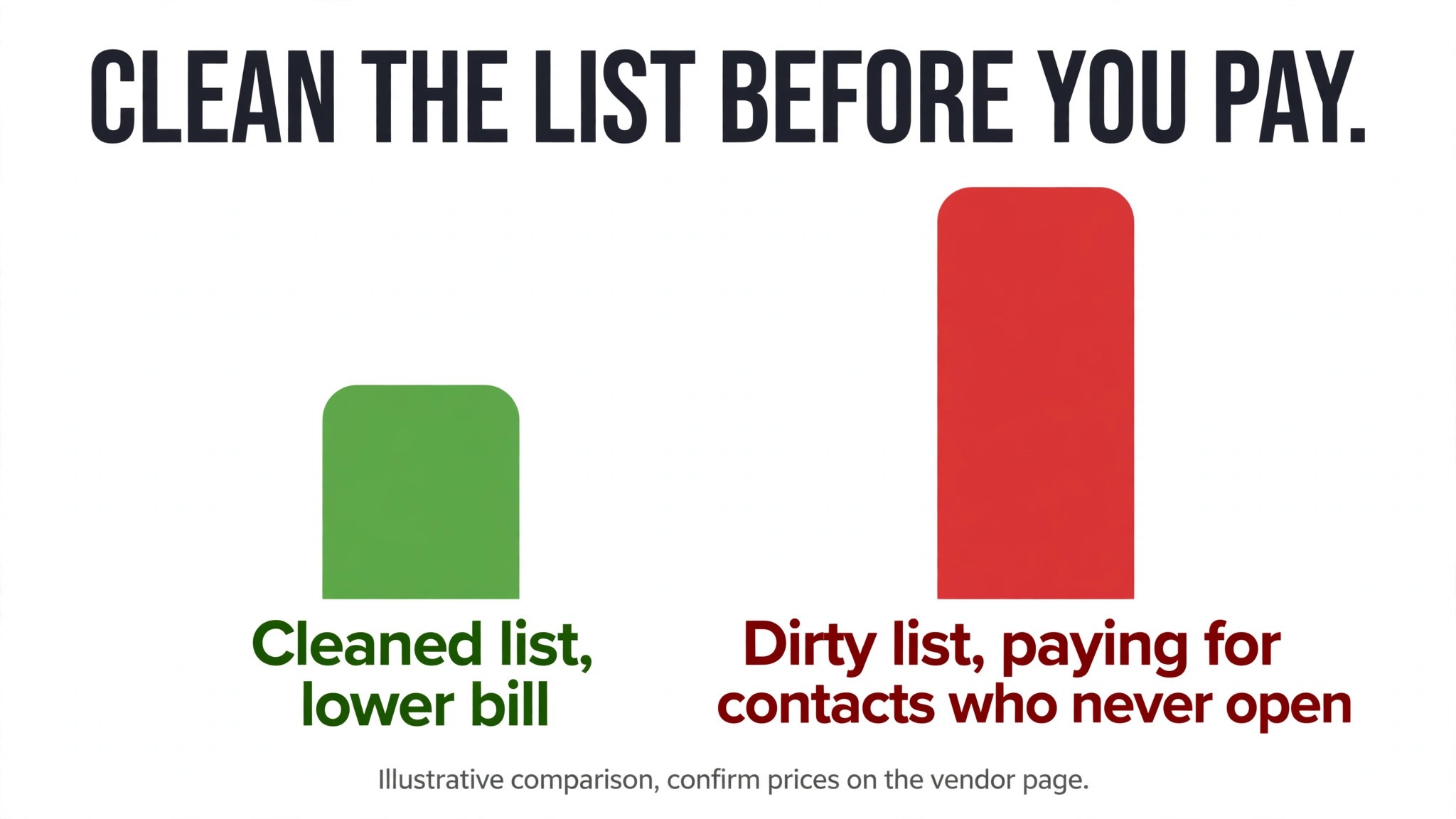
The only honest comparison is to export the real list, remove duplicates, bounces and long dead addresses, and price both tools on the cleaned number. A move that looks expensive on a dirty list can look reasonable on a clean one, and a move that looks cheap on a small list can sting as the list grows, so price the list the business will have in a year, not the list it has today.
What Travels, What Rebuilds, and What Gets Left Behind
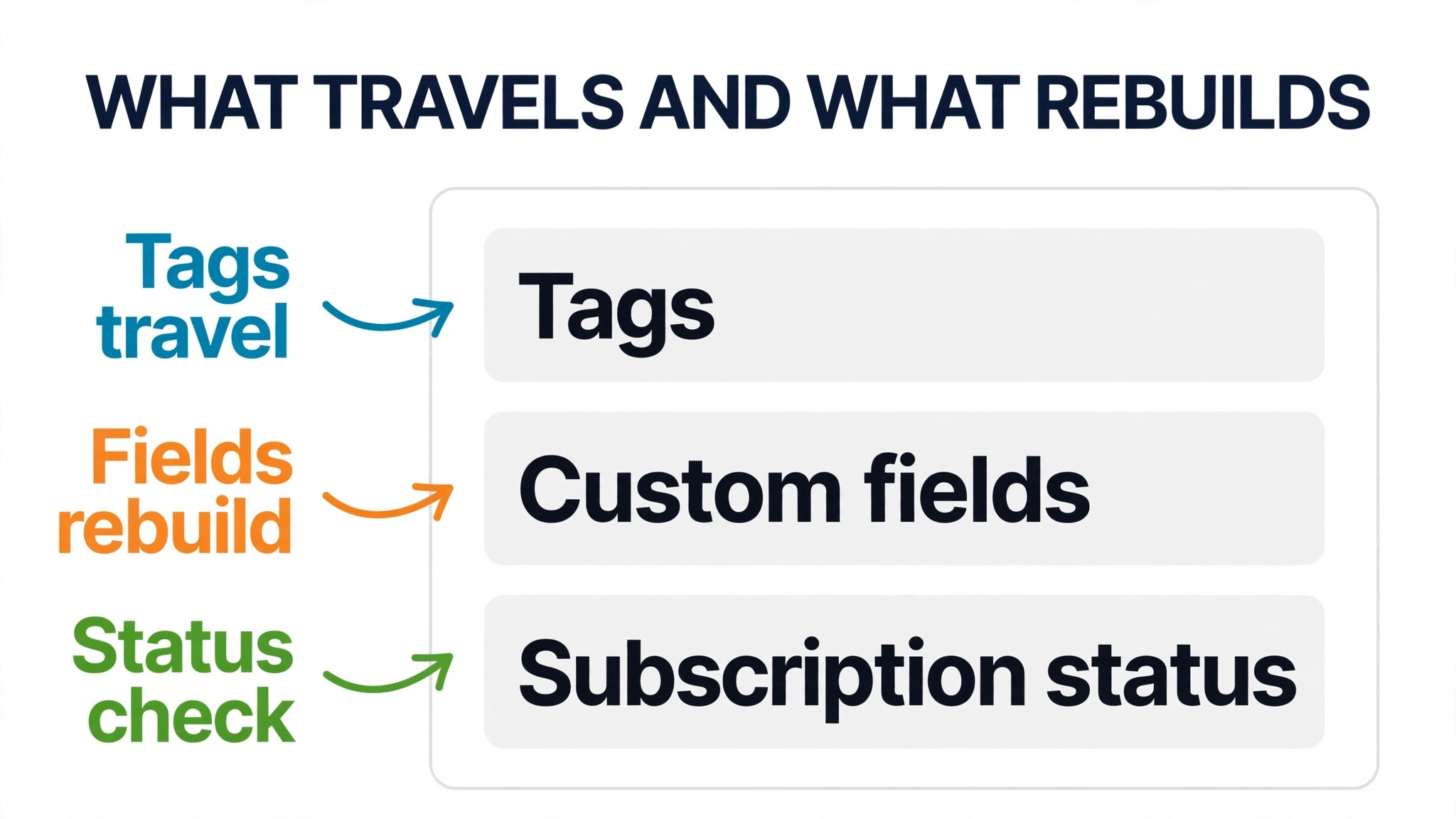
Contacts travel well. An audience export from Mailchimp as a CSV file carries names, email addresses, subscription status and most custom fields, and ActiveCampaign imports that file with a column mapping step. Tags travel inside that file in many exports, but they deserve a separate check, because a tag that arrives as a text field rather than a real tag will not trigger any automation until it is fixed. Segments do not travel as objects. A segment is a rule in Mailchimp, and the rule must be recreated in ActiveCampaign, even though the contacts inside it arrive safely.
Templates travel only in part. A custom HTML template can be exported from Mailchimp and pasted into ActiveCampaign, but a drag and drop template built in the Mailchimp editor does not become a drag and drop template elsewhere. Most small businesses should treat the move as a chance to rebuild two or three core templates properly, meaning a newsletter template, a plain text style sales email and a welcome email, rather than carrying across a library of one off designs that nobody will use again. When you switch Mailchimp to ActiveCampaign small business template cleanup is a feature of the move, not a cost of it, because a smaller template set is easier to keep on brand.
Automations, forms, landing pages and reports all rebuild by hand or with help. ActiveCampaign offers a free migration service to eligible users that can carry contacts, tags and custom fields and help rebuild forms, templates and automations, so a business should ask what its plan qualifies for before assuming a manual rebuild. Reports do not move in any useful sense. Screenshot the key Mailchimp reports, meaning open rates, click rates, bounce rates and revenue per campaign for the past year, and store them with the migration notes, because year on year comparison after the move depends on those screenshots, not on imported history.
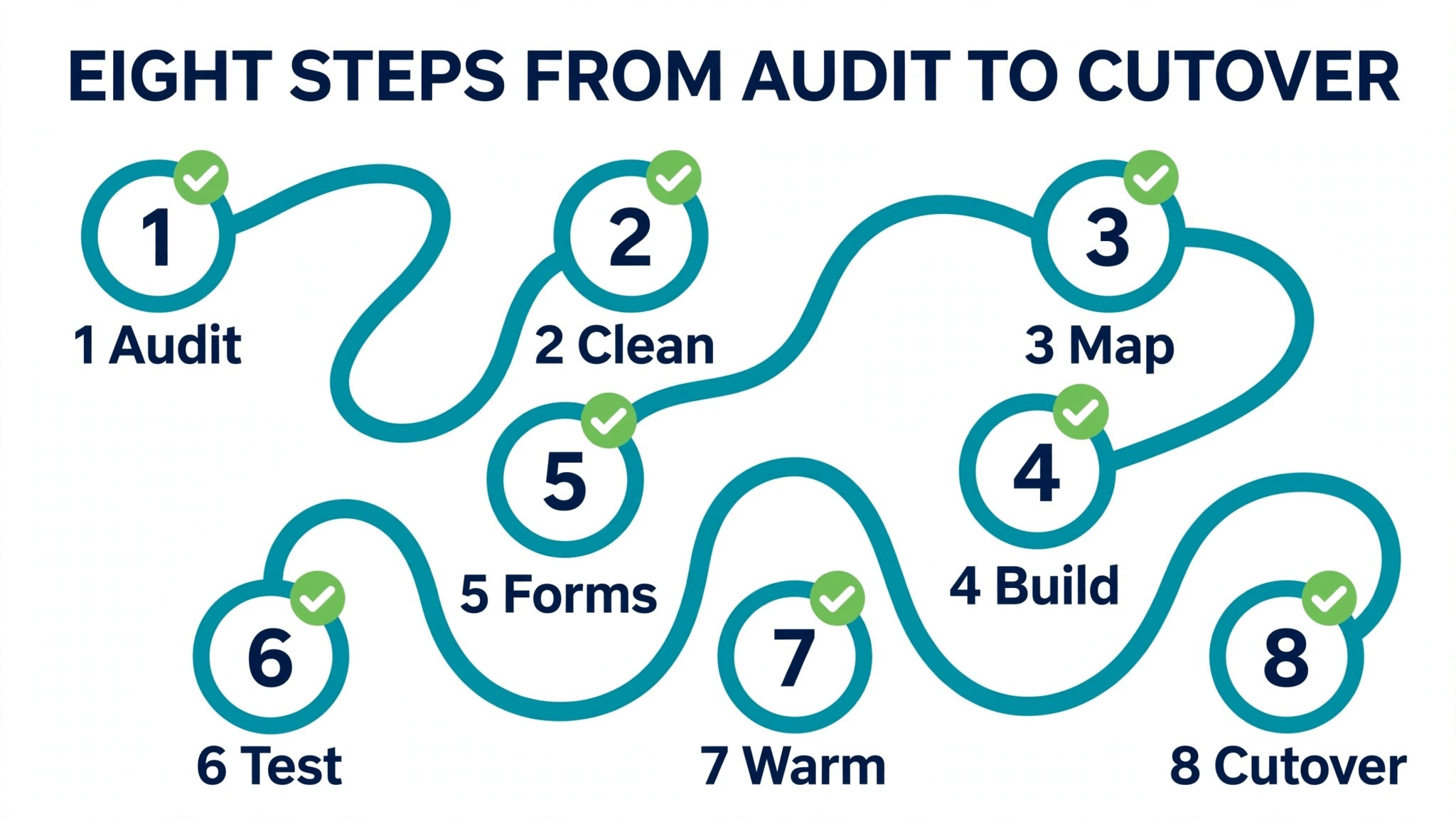
How to Switch Mailchimp to ActiveCampaign Small Business in Eight Steps
Step one is to audit the Mailchimp account before exporting anything. List every audience, every active automation, every form, every landing page and every integration, and mark each one as move, rebuild or drop. Most accounts carry dead automations and test forms that should never be rebuilt, and dropping them now saves hours later. Record the audience size, the tag list and the segment rules in a single document, because that document becomes the specification for the new account.
Step two is to clean and export the audience. Remove hard bounces, long term non openers that the business has already decided to sunset, and duplicate addresses, then export contacts as a CSV file from the audience page. Export tags and segments separately where the export allows it, and screenshot the tags page and the segments page so the rebuild can be checked against the original. Do not close the Mailchimp account at this stage, and do not stop its automations yet, because the old system must keep working until the new one is proven.
Step three is to set up ActiveCampaign and import contacts before building anything else. Create custom fields first, so the import mapping has somewhere to land, then import the CSV file and map each column to the right field. Check a sample of contacts by hand, meaning a contact with several tags, a contact with custom fields and a contact in a key segment, before importing the full list. Importing before building automations prevents the classic accident of a half built automation sending to a half imported list.
Step four is to rebuild tags and segments from the audit document. Create the tag set in ActiveCampaign, apply tags through the import where possible, and recreate each segment as a rule or, for a fixed group, as a tag based segment. Test each segment by comparing its member count with the Mailchimp original, and investigate any gap larger than a handful of contacts, because a gap usually means a mapping error rather than a real difference in the audience.
Step five is to map and rebuild automations one at a time, starting with the welcome sequence. For each Mailchimp automation, write down its trigger, its waits, its branches and its goal in plain language, then build the ActiveCampaign equivalent from that description rather than copying screen by screen. When you switch Mailchimp to ActiveCampaign small business automation mapping is where the upgrade actually happens, because a Mailchimp flow that used three workarounds can often become one clean ActiveCampaign flow with proper branching and tagging.
Step six is to rebuild forms and swap them on the website, the landing pages and any checkout or lead magnet that feeds the list. Replace the Mailchimp form code with the ActiveCampaign form or a connected form tool, and test each form with a real signup that lands in the right automation. Update any integration that adds contacts, such as a shop, a booking tool or a CRM, so new contacts flow to ActiveCampaign and not to a Mailchimp audience that nobody monitors any more.
Step seven is to authenticate the sending domain. Set up the domain authentication records ActiveCampaign requires, covering sender policy and signing records, and confirm that test mail passes authentication checks. A move that skips this step will see good mail land in spam folders, and the business will blame the new tool for a setup gap. Keep the old domain records intact until the new ones are verified, and test with the main mailbox providers the customer base actually uses.
Step eight is the send test sequence and the cutover, covered in detail later in this guide. Only when test sends pass, automations fire correctly and forms deliver to the right place should the business pause Mailchimp automations, redirect remaining signup points and plan the old account closure after two to four weeks of clean running on the new system.
Tags are the quiet engine of ActiveCampaign, and a sloppy tag rebuild is the most common reason a migration feels broken. In Mailchimp a tag is often a label added by hand or by a form, and it may carry no automation at all. In ActiveCampaign a tag should mean something precise, such as a source, an interest, a purchase state or a stage in a sequence, because tags trigger automations, start and stop sequences and build segments. A business that imports five hundred messy tags will spend months untangling them, while a business that rebuilds fifty purposeful tags will automate cleanly from week one.
Start by grouping the old tags into four buckets, meaning source, interest, customer state and internal flags. Source tags record where a contact came from, such as a lead magnet, an event or a referral. Interest tags record what the contact asked about. Customer state tags record whether the contact is a lead, a buyer or a past buyer. Internal flags record handling notes, such as a do not call marker or a VIP marker. Any tag that fits none of those buckets is a candidate for deletion, and any tag used by only one contact is almost certainly clutter rather than a system.
Apply tags during import where the export supports it, and add the rest with a bulk action or a short automation that tags contacts by segment rule. Then test the tag system with a single journey, meaning add a test tag to a test contact and watch the right automation start, the right email send and the right follow up tag apply. If that journey works, the tag system works. If it does not, fix the tag logic before building more automations on top of it, because every later automation will inherit the same fault.
Mapping Automations Without Copying the Mess
Automation mapping rewards a ruthless editor. A Mailchimp account that has grown for years usually contains a welcome flow that still mentions an old offer, a re engagement flow that nobody remembers approving, and a post purchase flow that duplicates a shop notification. Mapping those flows one to one into ActiveCampaign preserves the mess in a new tool at a higher price. The better move is to keep the journeys that earn replies and sales, rewrite the ones that still matter but read tired, and drop the rest without ceremony.
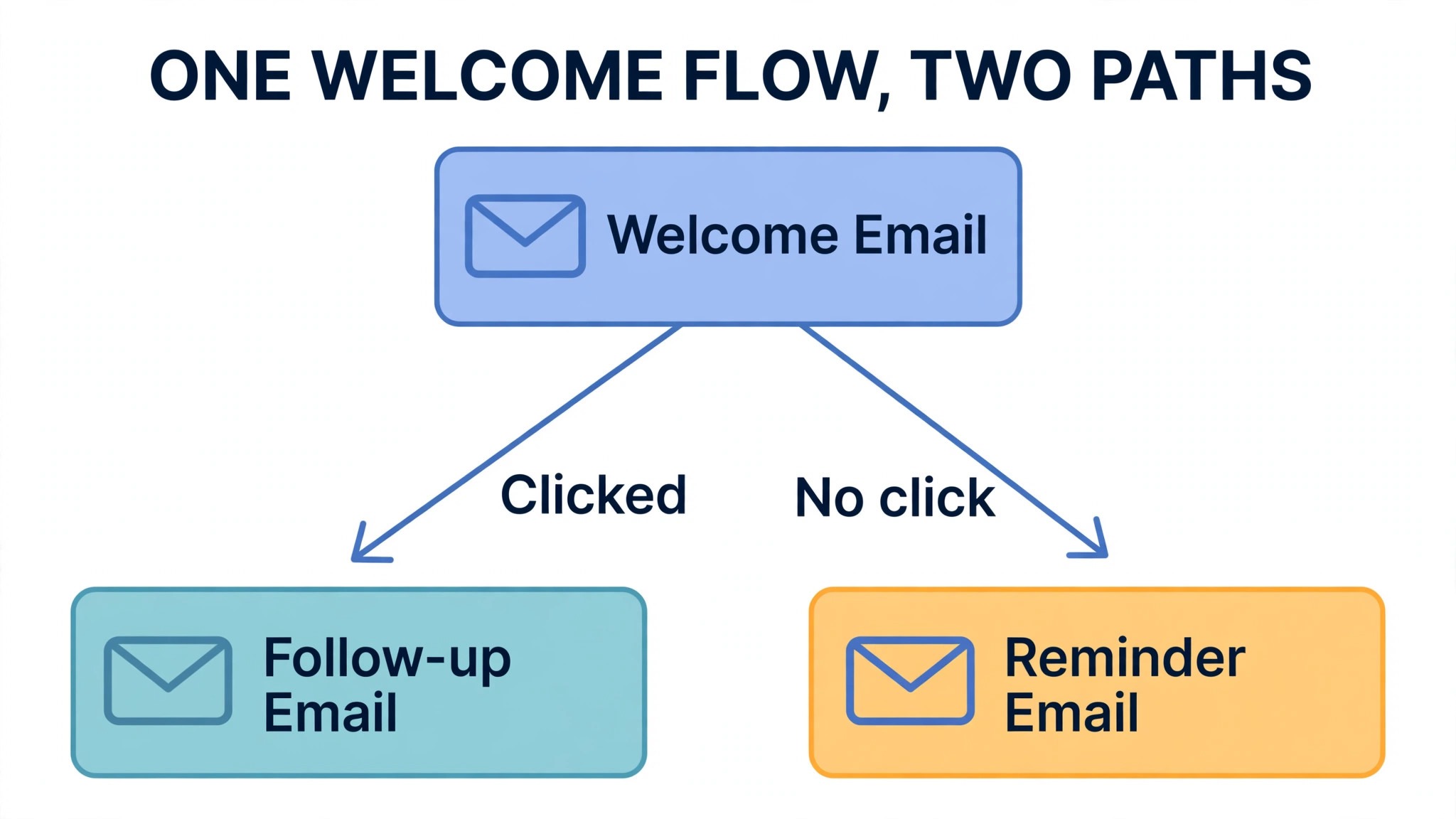
For each automation worth keeping, capture four facts before building, meaning the trigger that starts it, the wait or condition that branches it, the messages it sends and the outcome that ends it. A welcome sequence, for example, usually triggers on signup or a tag, waits a day, branches on a link click, and ends when the contact buys or replies. A cart recovery flow triggers on an abandoned cart event, waits an hour or two, and ends on purchase. Writing those four facts in plain language takes ten minutes per flow and prevents the most common rebuild error, which is building a flow that looks right but triggers on the wrong event.
Test each rebuilt automation with test contacts that follow every branch, not just the happy path. A contact who clicks, a contact who ignores, a contact who buys mid sequence and a contact who unsubscribes should each end up in the right place, with no duplicate messages and no stuck contact waiting forever. When you switch Mailchimp to ActiveCampaign small business owners often discover at this stage that two old automations overlapped and sent twice to the same buyer, and fixing that overlap alone can justify the move in customer goodwill.
| Old Mailchimp flow | ActiveCampaign rebuild | Check before launch |
|---|---|---|
| Welcome series | Tag triggered automation | Click branch and buy branch |
| Cart or enquiry follow up | Event triggered automation | Purchase ends the flow |
| Re engagement series | Tag plus wait automation | Unsubscribe ends the flow |
| Post purchase thanks | Purchase triggered automation | No duplicate shop email |
Swapping Forms and Protecting Deliverability
Forms are where a migration quietly leaks contacts, because a website can carry an old form for months after the email tool changes. Audit every place a visitor can join the list, meaning the website footer, the blog sidebar, landing pages, lead magnets, checkout checkboxes and any popup tool. List each form, its destination audience and its automation, then replace them one by one and test each with a real signup. A form that looks replaced but still posts to Mailchimp will silently build an audience nobody reads, and the business will wonder why list growth stalled after an expensive move.
Deliverability needs the same deliberate treatment. Authenticate the sending domain in ActiveCampaign, warm the new sending setup with engaged contacts first rather than blasting the full list on day one, and watch bounce and complaint rates on the first few sends. A list that was mailed rarely on Mailchimp may contain stale addresses that bounce hard on a new system, and a high bounce rate on early sends can hurt the domain reputation the business just moved to protect. Sending first to recent openers and engaged buyers, then expanding in stages, gives the new setup a clean start and surfaces list problems while they are still small.
Keep the Mailchimp account and its automations paused rather than deleted during this period, and keep an eye on both inboxes for a week. If a form was missed, its signups will appear in Mailchimp and reveal the gap. If a customer replies to an old Mailchimp message, the reply still needs a human answer. A migration is not finished when the new tool sends its first email. It is finished when the old tool has had nothing to do for two to four weeks, and that quiet period is the proof the swap is complete.
Cost, Plan Choice and the Honest Break Point
Plan choice on ActiveCampaign starts with contact count and automation need, not with feature lists. Starter plans suit a business that needs solid automations and a clean contact system, while higher tiers add deal pipelines, scoring depth, split testing and advanced reporting that a small team may not use for a year. The honest break point is the moment the business can name the higher tier feature it will use weekly. If no such feature exists, the higher tier is a hope rather than a plan, and the lower tier plus a disciplined automation set will serve better.
Compare the two bills on the cleaned list, on the list size expected in twelve months, and with the same sending volume. Include the cost of any tool that ActiveCampaign replaces, such as a separate CRM or a landing page tool, because a move that looks dearer as an email bill can look cheaper as a total marketing stack.
Equally, include the cost of help if the business will hire a freelancer to rebuild automations, because that one off cost belongs in the first year comparison even though it disappears later. When you switch Mailchimp to ActiveCampaign small business owners should confirm every number on the vendor page, because both vendors change plan names, limits and contact breaks without much fanfare, and a guide written months ago is not a quote.
A final cost trap is paying for contacts that should not be on the list at all. Before the move, sunset contacts who have not opened in a year and have never bought, after a short re engagement attempt. That cleanup lowers the new bill, improves deliverability and makes reporting honest. When you switch Mailchimp to ActiveCampaign small business list hygiene is not housekeeping for its own sake. It is the step that makes the new price fair and the new reporting believable.
The Send Test Sequence Before Cutover
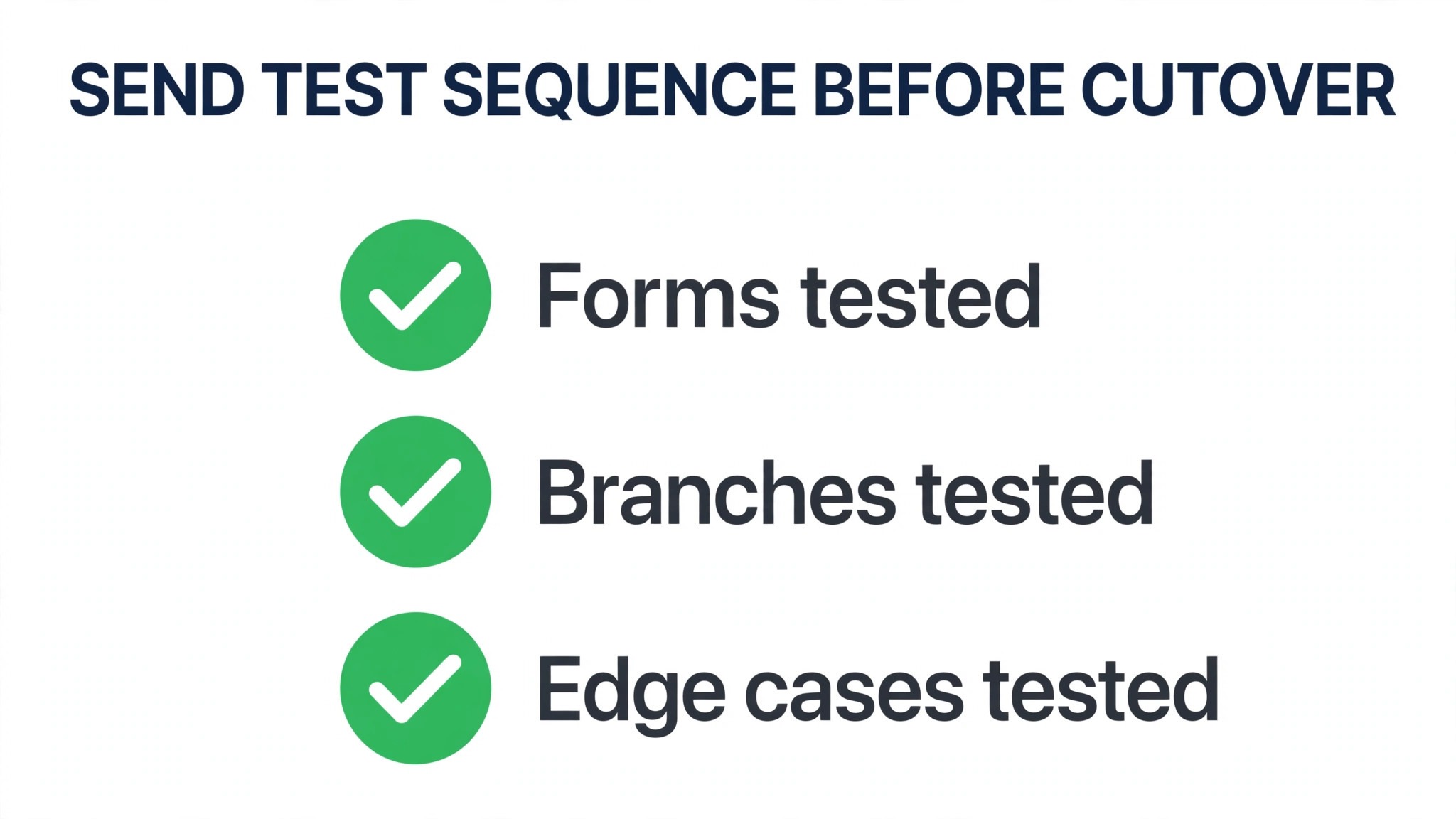
A send test sequence is a rehearsed launch in miniature, and it should run a full week before the old system pauses. Day one sends a welcome email to test contacts who signed up through each new form, and the team checks that each signup lands in the right automation with the right tags. Day two sends a broadcast to a small segment of engaged contacts, meaning recent openers and recent buyers, and the team checks delivery, authentication, links and reply handling. Day three triggers the main automations with test contacts that follow every branch, and the team confirms that no contact receives two versions of the same message.
Day four tests the edge cases that break trust, meaning an unsubscribe, a bounce, a purchase mid sequence and a reply to a sales email. Each case should end cleanly, with the contact removed from further sends where appropriate and the record updated where it matters. Day five sends to a larger engaged segment and compares open and click rates with the Mailchimp average for the same kind of message, allowing for the fact that a smaller engaged segment should perform better than a full list blast. If any day fails, fix it and rerun that day. A test sequence that is waved through with known faults is not a test at all.
Only after that week should the business pause Mailchimp automations, switch the remaining signup points and announce the change internally with a one page note on where contacts now live, who owns the automations and what to do when a customer reports a missing email. That note prevents the familiar post migration confusion where one team member keeps checking the old tool and another keeps building in the new one.
When ActiveCampaign Is the Wrong Move
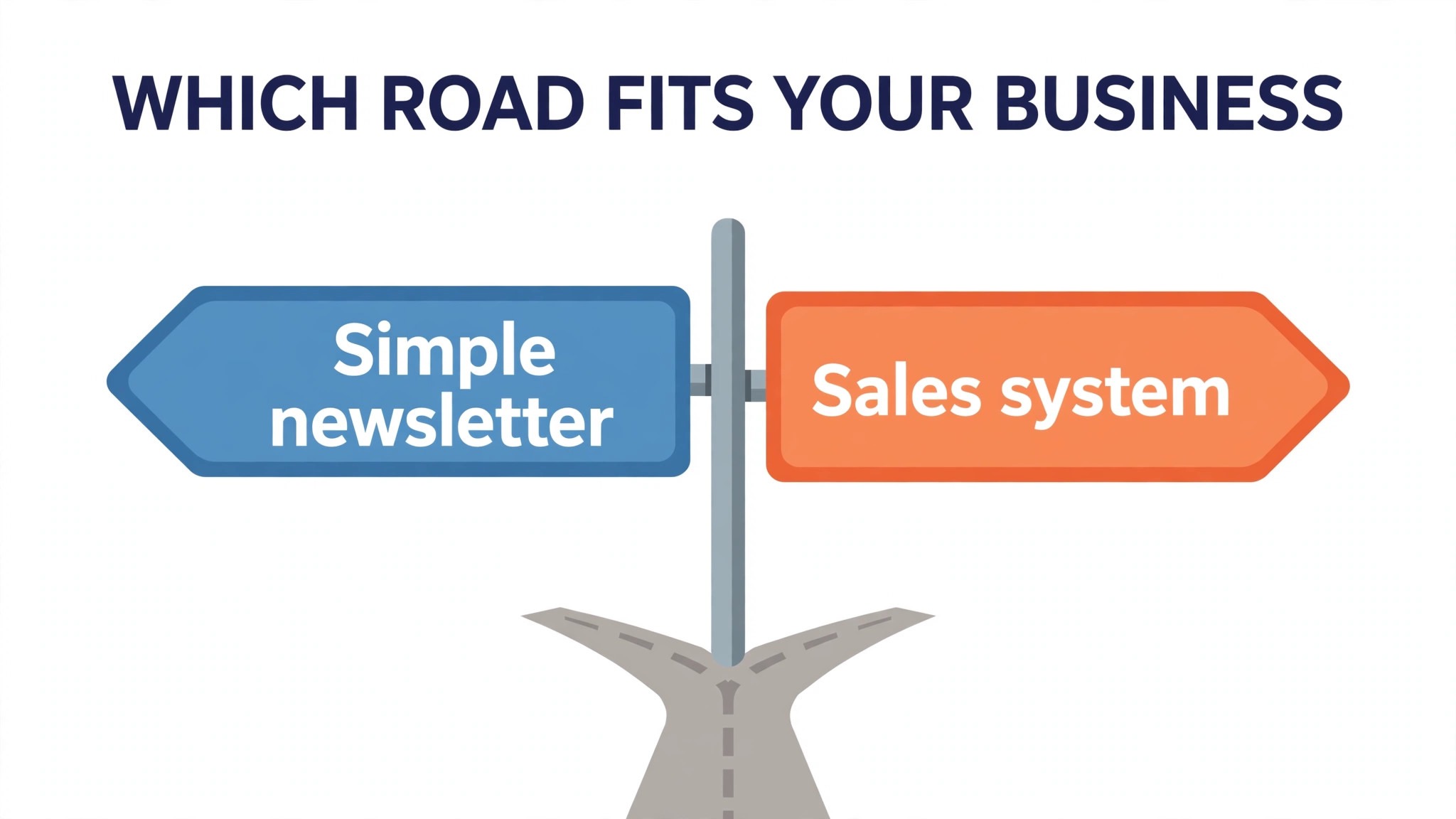
ActiveCampaign is the wrong move for a business that sends rarely, sells a single simple product and has no follow up worth automating. A monthly newsletter, a seasonal promotion and an occasional announcement do not need branching automations, deal pipelines or lead scoring, and the business will pay for depth it never opens. Mailchimp, or a simpler newsletter tool, will do that job with less setup and a lower bill, and the owner can spend the saved hours writing better emails instead of maintaining automations.
It is also the wrong move when the team will not own it. ActiveCampaign rewards an owner who checks automations monthly, prunes tags quarterly and reads the reports. A business that buys it and then ignores it for a year will end up with stale automations sending old offers to new customers, which is worse than a simple newsletter sent on time. If nobody on the team wants that job, and no freelancer is budgeted for it, the honest choice is to stay simple until the business grows into the tool. A tool bought too early is not an investment. It is a subscription waiting to embarrass its owner.
Mistakes That Spoil an Otherwise Clean Switch
The first mistake is importing a dirty list. Duplicates, bounces and dead addresses inflate the new bill, hurt deliverability and make every report suspect, and they take far longer to clean inside the new system than they would have taken in a spreadsheet before import. Clean first, import second, and treat any contact that cannot be verified as a candidate for a re engagement campaign rather than a guaranteed subscriber.
The second mistake is rebuilding every automation, including the dead ones. A migration is a cull disguised as a move, and a business that rebuilds ten automations when three earn results has tripled its maintenance for no gain. The third mistake is swapping forms last instead of early, which leaves a leak that quietly rebuilds the old audience while the new one is celebrated. The fourth mistake is skipping domain authentication or blasting the full list on day one, both of which can damage the sending reputation the move was meant to protect.
The fifth mistake is closing Mailchimp too soon. Keep the old account for two to four weeks after cutover, with automations paused and forms monitored, so a missed form, an old landing page or a forgotten integration can be caught while the data is still recoverable. When you switch Mailchimp to ActiveCampaign small business owners who keep that quiet overlap period almost never lose a contact worth keeping, and the extra month of the old plan is a small price for that certainty.
Frequently Asked Questions About Moving to ActiveCampaign
Will I lose contacts when I move?
No, if the export is cleaned and mapped carefully. Contacts, most custom fields and tags travel by CSV import, while segments and automations must be recreated as rules and flows. Check a sample of contacts with tags and custom fields after import, and compare segment member counts with the Mailchimp original before building automations on top of the imported list.
Do my Mailchimp automations move automatically?
No, not as finished flows. ActiveCampaign offers a free migration service to eligible users that can help rebuild forms, templates and automations, but most small businesses should expect to map each automation in plain language and rebuild it by hand. That rebuild is also the chance to drop dead flows and fix overlaps that sent duplicate messages on the old system.
What happens to my templates and past campaign reports?
Custom HTML templates can be exported and reused, while drag and drop templates need rebuilding. Past reports do not move usefully, so screenshot open rates, click rates, bounce rates and revenue per campaign for the past year before the move, and keep those screenshots with the migration notes for year on year comparison.
How long should I keep Mailchimp running after the switch?
Keep it for two to four weeks after cutover, with automations paused and forms monitored. That overlap catches missed signup points, old landing pages and forgotten integrations while the data is still recoverable. Close the account only when the old tool has had nothing to do for a sustained quiet period.
Will my emails land in spam on the new system?
They should not, if the sending domain is authenticated and the first sends go to engaged contacts in stages rather than a full list blast on day one. Watch bounce and complaint rates on early sends, clean stale addresses before import, and test with the mailbox providers the customer base actually uses before scaling up volume.
Is ActiveCampaign worth it for a list under 500 contacts?
It depends on what the list must do. A small list with a real sales follow up, a course launch sequence or a service pipeline can justify it, because automation depth earns its keep even at small scale. A small list that only receives a monthly newsletter will not use that depth, and a simpler tool will serve it better until follow up becomes a weekly job.
More Reading on Stratilyze
– Cost of Mailchimp for a Small Business Monthly – Cost of ActiveCampaign for a Small Business Monthly – Mailchimp Alternatives Worth a Look – Fixing Email Deliverability Before a Platform Move, plain text title, link not verified at writing time