Your team outgrew the board, or the board outgrew the team. Either way, the work to switch Monday to Asana small team operations is not mainly about moving rows from one app to another. It is about deciding what still matters, what can be left behind, and what must be rebuilt by hand because no importer will rebuild it for you. Small teams feel every mistake here. There is no spare admin to clean up a messy import, and a week of confused assignments can quietly stall delivery while everyone pretends the new tool is fine.
The good news is that the two tools are close cousins. Both give you lists, boards, timelines, assignees, due dates and comments. A small team can usually move its live work in days, not months, if it moves in the right order. The bad news is that the parts that make Monday feel like Monday, its column types, its automations, its dashboards and its update threads, do not translate cleanly. Asana has its own way of doing those things, and the translation step is where most switches go wrong.
This guide takes the honest route. It explains what Asana’s own CSV importer actually does, where a third party migration tool helps, and where you should simply rebuild. It gives you a full migration checklist and a first-week cutover plan you can run without hiring a consultant. Prices and plan names change, so check both vendors before you pay. The workflow below does not depend on a single plan tier, but a few features, such as start dates and advanced rules, do sit behind Asana paid plans, and that fact should shape your pilot, not surprise you after it.
Why Small Teams Leave Monday for Asana
Monday earns its keep with visual flexibility. You can build almost any board, add almost any column, and colour it until it looks like your process. For a team of five or eight, that freedom is often the problem. Boards multiply. Columns drift. One board tracks status one way and the next board tracks it differently, and nobody owns the standard. Asana is stricter by design. Projects have sections, tasks have a clearer hierarchy, and portfolios and goals give a small leadership group one place to see everything. Teams that switch usually want that stricter spine, not more features.
Cost is a second driver, though it is rarely as simple as a headline price comparison. Monday and Asana both charge per seat, both offer free tiers with real limits, and both change bundles often. A small team should compare the plan it actually needs, including guests, automations and timeline views, rather than the cheapest advertised tier. Do not switch for a saving you have not modelled on your real headcount, including contractors who need more than view access.
A third driver is habit. If your team already uses Asana elsewhere, or a client or partner insists on it, the cost of staying split across two tools grows every week. Work gets duplicated, status gets reported twice, and the Monday board slowly becomes a second source of truth that nobody trusts. In that case the switch is not a tool debate. It is a consolidation decision, and speed matters more than perfection.
None of this means Monday is a bad tool. It means fit changes as a team grows, or as its work changes. A team that mostly tracks simple pipelines may be happier staying put. A team that now runs cross-functional projects, with dependencies, milestones and reporting up to a founder or a client, will usually get more from Asana’s structure. Decide that question first, in one honest meeting, before you export anything.
What Actually Transfers, What Does Not, and What Needs Rebuilding
Asana’s own help documentation describes a CSV route for Monday boards. You export a board to Excel, save the main sheet as a CSV file, and use Asana’s CSV importer to create a project. Column names map to Asana fields, and you can map specific information using custom fields on a paid plan. That route moves the core of a board. Task names, assignees where the people exist in Asana, due dates, descriptions and basic custom field values can come across. It is a solid route for live, active work.
It does not move everything, and the gaps matter. Asana community answers are clear that task updates, meaning Monday’s update threads and comments, do not import through the CSV route. If you save only the main sheet, the update worksheet is detached and left behind. The suggested workaround is to paste important updates into the task description before export. That is manual, and for a small team it is also the right filter. Most update threads are noise. The ones that carry a decision, a client approval or a blocker belong in the description or in a linked document, not buried in a thread nobody will reopen.
Third party migration tools, such as Altosio, go further. Their Monday to Asana documentation lists workspaces, folders, boards, tasks and subtasks, files, comments and custom field mapping as migrated items. The same documentation notes real limits. Attachments over 100 MB are skipped by the Asana API, some custom field types have no Asana equivalent and are skipped, and setting a start date requires a paid Asana plan. Comments migrated through the API also appear under the token holder, with the original sender and timestamp appended as text, because that is an API limit, not a vendor choice. Those details are worth reading before you promise the team a perfect copy.
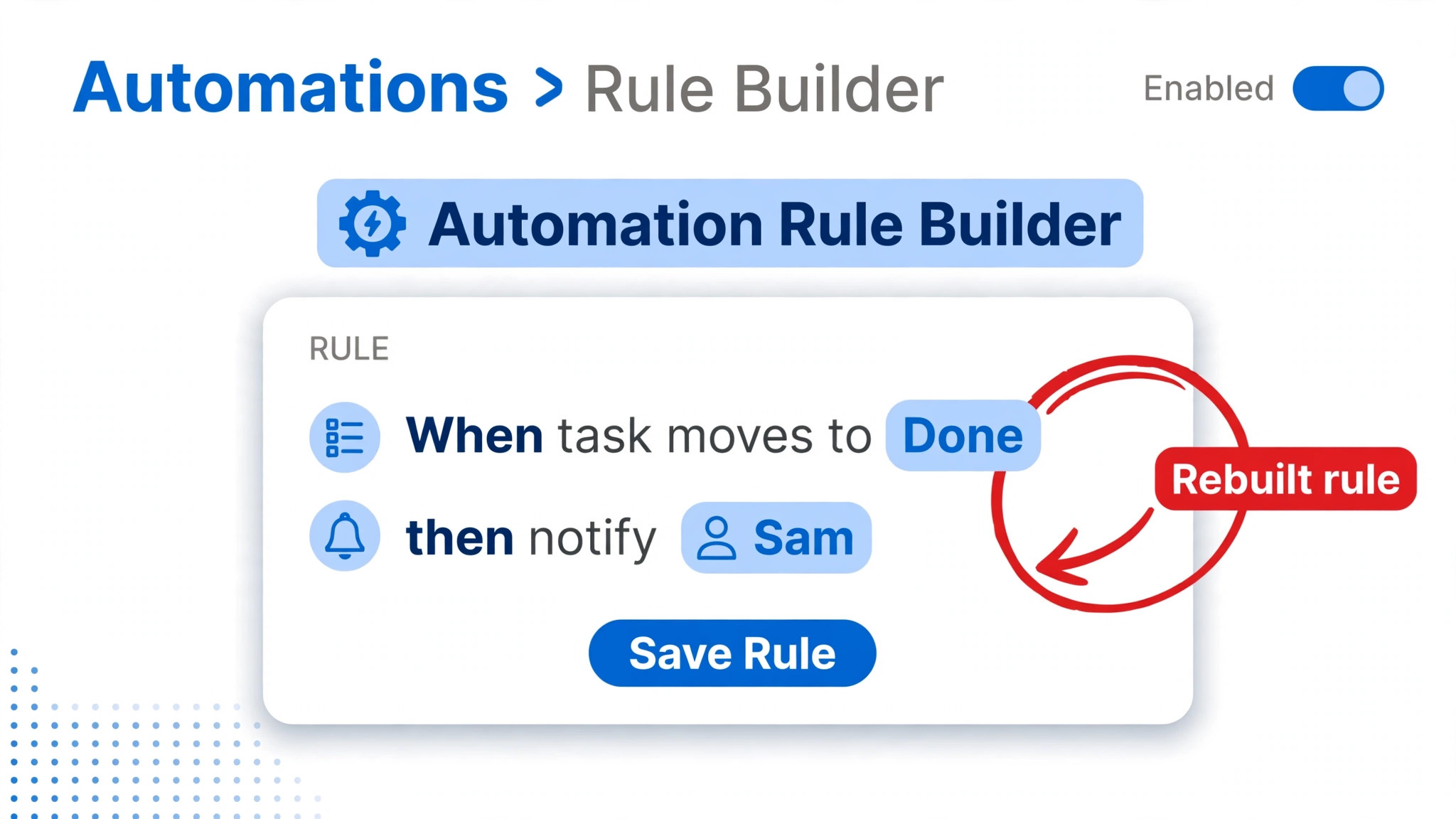
Automations do not migrate in either route. Monday automations and Asana rules are different systems with different triggers and actions, and no importer rewrites your logic for you. Dashboards do not migrate either. Forms, integrations, board permissions in their Monday form, and activity history all need a fresh build or a deliberate decision to leave them behind. Treat the switch as a rebuild of your operating system, with a data import for the live work, and you will plan it correctly. Treat it as a copy, and you will spend the first month wondering where things went.
| Item | CSV importer route | Third party migration tool | Rebuild by hand |
|---|---|---|---|
| Task names, due dates, assignees | Yes, with mapped columns | Yes | No |
| Sections and board groups | Mapped to sections with care | Yes | Check order after import |
| Custom fields | Yes, paid plan helps | Yes, some types skipped | Fix skipped types |
| Comments and updates | No, paste key ones into descriptions | Yes, with API attribution limits | Review flagged threads |
| Files and attachments | Link or reattach manually | Yes, except files over 100 MB | Reattach large files |
| Automations | No | No | Rebuild as Asana rules |
| Dashboards and reports | No | No | Rebuild in Asana |
| Guests and permissions | Invite fresh | Map by email where possible | Confirm access per project |
Decide the Scope Before You Touch an Export
A switch fails when it tries to move everything. A small team should move live work and recent history, archive the rest, and be explicit about the boundary. Start by listing every Monday board and sorting it into three piles. Live boards carry work due in the next 90 days. Reference boards hold templates, past projects or knowledge you might need. Dead boards have not changed in months and nobody can say why they exist. Move the live pile. Export the reference pile to a shared drive as a frozen record. Archive or delete the dead pile after a quick check with the board owner.
Next, name one owner for the switch. Small teams often share this job and therefore nobody does it. The owner does not need to do every task, but they own the checklist, the cutover date and the decision log. They also own the awkward calls, such as which custom fields survive. If every team member keeps their favourite field, Asana will inherit Monday’s mess. A good rule is that a field survives only if someone can say what decision it changes. Status, owner, due date and priority usually pass that test. A field nobody filters or reports on does not.
Set a freeze window for the switch Monday to Asana small team move and announce it early. During the freeze, no new Monday boards, no new automations and no restructuring. New work still lands in Monday until cutover day, but it lands in existing boards with existing fields. Without a freeze, you will chase a moving target and import a board that changed halfway through. Two working days of freeze is enough for most small teams, and it forces the team to take the date seriously.
Finally, agree what success looks like on day seven. A useful definition is simple. Every live task is in Asana, every team member can find their work in under a minute, every guest can see only what they should see, and the team has stopped opening Monday for daily work. If you cannot test those four things, you do not have a cutover plan. You have a hope.
Build the Asana Home First, Then Import Into It
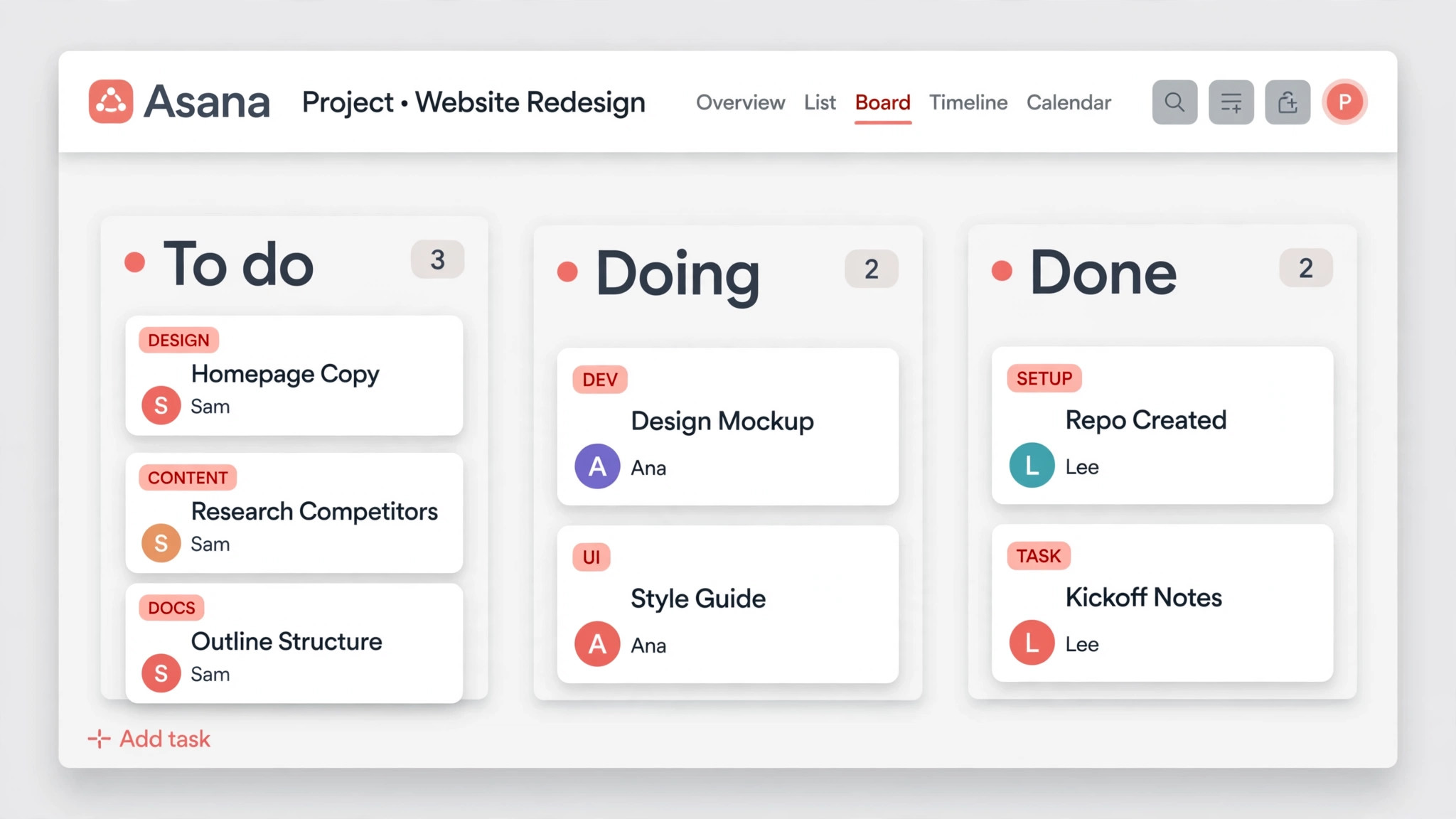
Do not import into an empty Asana workspace and hope structure appears. Build the home first. Create a team for your company, then projects for each live board, with sections that match how work actually flows. Keep section names short and verb-based, such as To do, In progress, In review and Done, or the stage names your team already uses. If Monday board groups used different stage names for the same stage, now is the moment to standardise them. Your future reporting will thank you.
Custom fields come next, and restraint matters. Create the fields you decided to keep, with the same option values your team already knows. Do not invent new values during migration week. If Monday had a priority field with High, Medium and Low, keep those three values. If it had five shades of urgency, collapse them now and tell the team why. Asana custom fields are powerful, but every extra field is a tax on every task creation from now on.
Invite people before you import, not after. Asana maps assignees by email, and a migration tool’s mapping table works only when the destination user exists. Invite staff first, then guests, with the right project access. Guests in Asana have limits that surprise Monday users, particularly around seeing other projects and organisation-wide fields, so test guest access with one friendly external contact before cutover day. A guest who can see too much is a privacy problem. A guest who can see too little will email you for every update, which defeats the purpose.
Set up templates for work that repeats. If your team runs the same client onboarding or content production flow every month, build that Asana project template during setup week, not after launch. Templates are also a good test of your new structure. If a template feels clumsy, your sections or fields are wrong, and it is cheaper to fix them before live tasks arrive.
The Full Migration Checklist
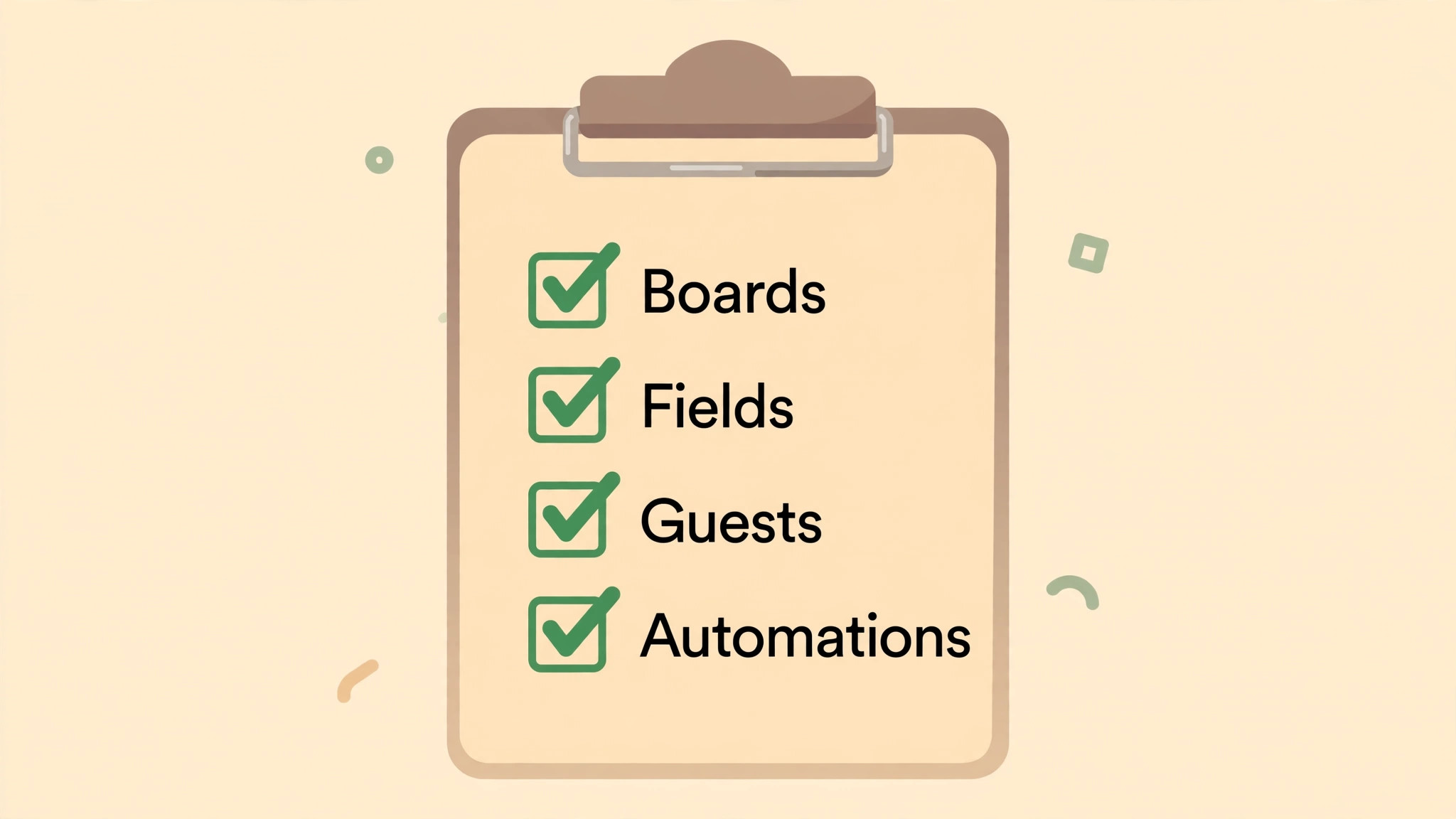
Work through this checklist in order. Tick an item only when you can show the evidence, not when you feel good about it. A checklist that is ticked from memory is how a missing automation or a wrong guest permission survives until a client notices.
Audit and scope
– List every Monday board, owner, last activity date and decision to move, archive or delete. – Record every automation on live boards, with its trigger, condition and action, in plain words. – Record every dashboard, saved view and integration on live boards, and who actually uses it. – Export a frozen copy of every board you will not migrate, and store it where the team can find it. – Confirm the Asana plan you need for start dates, custom fields, rules and guest access.
People and access
– Create the Asana team and invite every staff member with their work email. – Invite guests project by project, and test one guest account end to end. – Map every Monday user to an Asana email, including contractors and part-time staff. – Remove or reassign work owned by people who have left, before import, not after. – Write down who can create projects, who can edit custom fields, and who owns reporting.
Boards, items and fields
– Clean Monday boards first. Close or delete stale items, merge duplicates, and fix missing due dates. – Paste decision-critical Monday updates into task descriptions, and flag the rest as archived history. – Standardise section names, status values and priority values across live boards. – Create Asana projects, sections and custom fields to match the cleaned standard. – Check files over 100 MB, and plan how those files will be stored and linked instead.
Automations and dashboards
– Rebuild each live automation as an Asana rule, one at a time, and test it with a sample task. – Rebuild each live dashboard as an Asana dashboard or saved report, and check it with real data. – Rebuild forms used for intake, and test a submission from outside the team. – Reconnect integrations your team actually uses, and disconnect the ones nobody can name. – Document every rule and dashboard in one page, so the next admin is not guessing.
Test, cut over and close
– Run a pilot import of one small board, and review every task with its owner. – Fix mapping errors, then import the remaining live boards in priority order. – Run a delta check for work created or changed after the first import, and import it before cutover. – Freeze Monday on cutover morning, confirm Asana counts match, and announce the switch. – Keep Monday read-only for 30 days, then archive it, after confirming no live work remains.
How to Switch Monday to Asana Small Team Work in Week One
A cutover plan is a promise about who does what, on which day, and what happens if something slips. Vague plans fail because everyone assumes someone else checked the import. The plan below assumes a team of five to twelve people, a handful of live boards, and one owner. Scale the hours up if you have more boards, but do not stretch the plan across a month. A long, half-moved period is worse than a short, intense one, because work splits across two tools and trust in both falls.
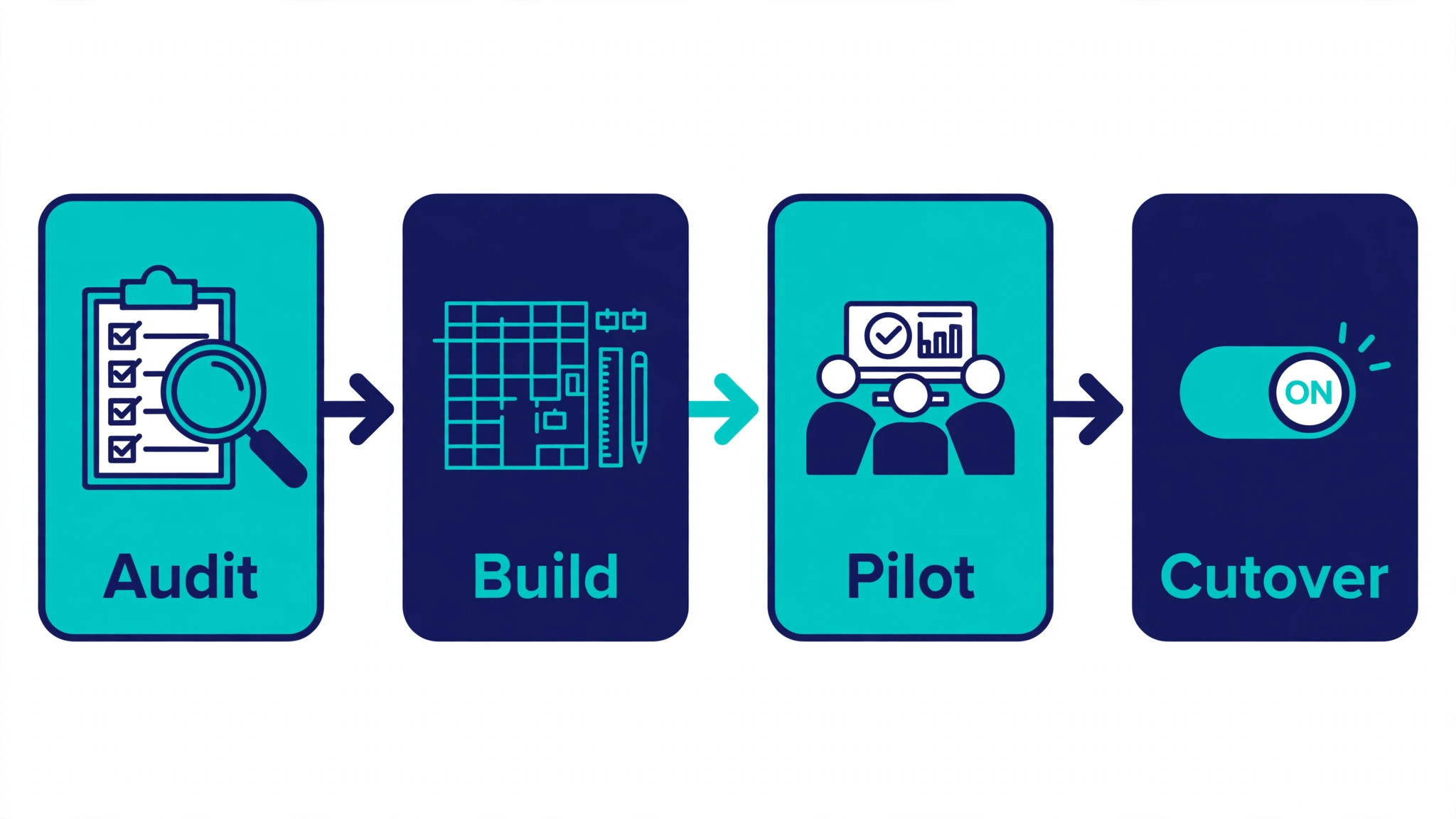
The core idea behind this approach to switch Monday to Asana small team delivery is to move in a single direction, with Monday frozen at a known point, and Asana becoming the only place for new updates from cutover morning onward. That clarity matters more than any import trick. If the team is allowed to update both tools “just for today”, you will spend the next week reconciling two versions of the truth, and the version in Monday will usually win, because it is familiar.
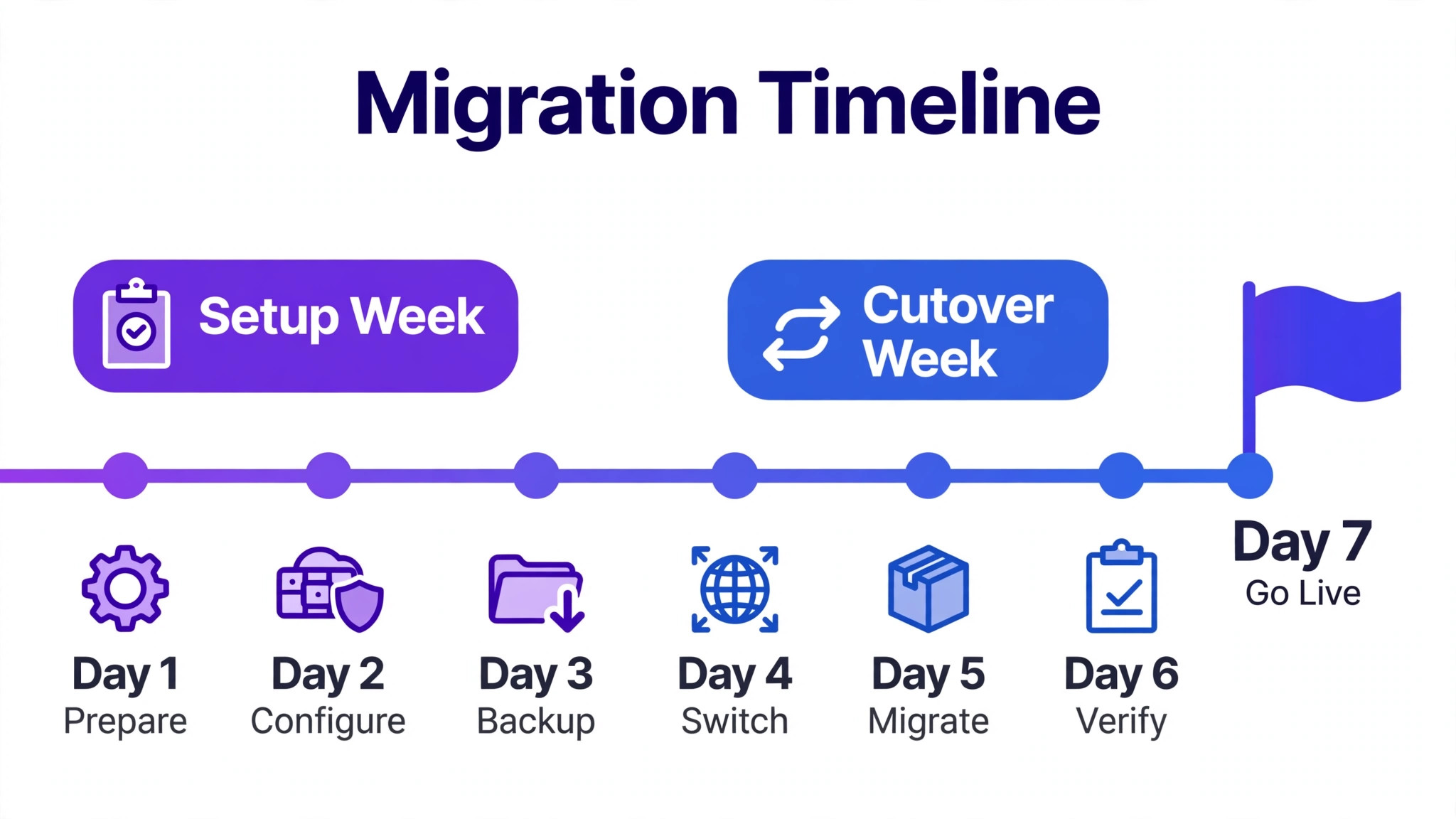
| Day | Main job | Owner | Done when |
|---|---|---|---|
| Monday, setup week | Audit boards, freeze new structures, clean live items | Switch owner | Board list signed off by every owner |
| Tuesday, setup week | Build Asana team, projects, sections and fields | Switch owner | One pilot project reviewed by the team |
| Wednesday, setup week | Invite staff and guests, rebuild top rules | Switch owner plus one tester | Guest test passes, three rules tested |
| Thursday, setup week | Pilot import of one board, fix mapping | Board owner | Pilot tasks match Monday counts |
| Friday, setup week | Import remaining boards, delta check | Switch owner | Counts match, owners confirm their work |
| Cutover morning | Freeze Monday, final delta import, announce | Switch owner | Team works only in Asana from 9 am |
| Cutover afternoon | Walk the floor, fix access and assignment gaps | Whole team | Every person finds their tasks in a minute |
| Day two to three | Rebuild dashboards, fix rules, clean stray fields | Switch owner | Reports match Monday reports for live work |
| Day four to five | Review, archive Monday to read-only, log lessons | Switch owner | Monday is read-only, lessons recorded |
| Day seven | Retrospective, decide what to improve | Whole team | Three improvements agreed and owned |
On setup Monday, the switch owner should walk each board owner through the audit in person or on a call. Email audits get ignored. Ask each owner to name the work that would hurt if it were lost, and the work they would not miss. That conversation alone usually removes a third of the clutter. Record decisions in a single page, not in chat threads that scroll away. If a board owner is on leave, wait for them or appoint a deputy. Importing someone else’s board without them is how important context disappears.
By setup Wednesday, the team should be able to log in to Asana and see a pilot project. Use that pilot board for this. Show people where their tasks live, how sections work, and how to filter by assignee. Keep the training to 30 minutes and focus on daily habits. How do I see my work today. How do I move a task forward. How do I comment without losing the thread. How do I ask for help. Everything else can wait until week two. A team that can do those four things will survive cutover day. A team that sat through a two hour feature tour will still ask where their tasks are.
Cutover morning deserves a ritual. Send one short message naming the change, the link to Asana, the place to report problems, and the fact that Monday is now read-only. Then be available. The switch owner should spend the morning answering questions in real time, fixing permissions, and reassigning any task that landed on the wrong person. Small fixes made in the first hour prevent a week of quiet workarounds. By Friday, when you run the same approach to switch Monday to Asana small team habits, the question should have changed from where is my work to how do we improve this project, and that shift is the real sign the move worked.
Pitfalls That Catch Small Teams
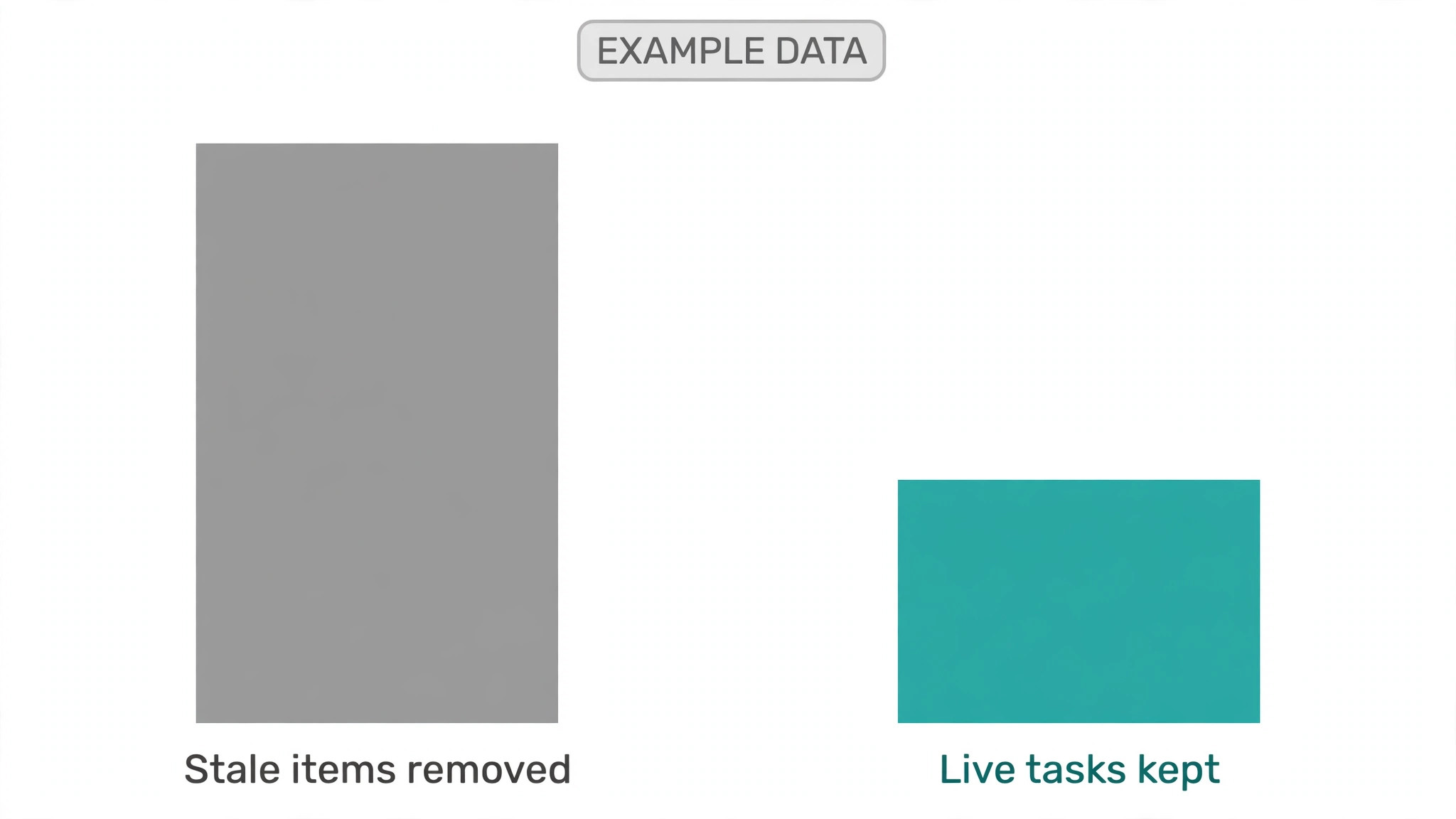
The first pitfall is importing stale work as if it were live. A board with 400 items, of which 60 are active, will make Asana look cluttered on day one, and the team will conclude the new tool is worse. Clean first, even if cleaning feels like delay. It is not delay. It is the migration. A second pitfall is mapping every Monday column to an Asana custom field. Some Monday columns exist because the board needed a workaround, not because the data matters. Ask what report or decision each field serves, and drop the rest.
A third pitfall in a switch Monday to Asana small team move is forgetting guests. Internal staff will forgive a messy first day. A client who loses access to their project, or who suddenly sees another client’s work, will not. Test guest access before cutover, and check it again after the final import, because a fresh import can change project membership if you are not careful. Keep a list of every guest, their project, and their access level, and review it in week one. This is also a good moment to remove guests who no longer need access, which is a quiet security win from the whole exercise.
A fourth pitfall is rebuilding automations too cleverly. Monday automations often grew by accident, one rule at a time, until nobody understands the full chain. Rebuilding them exactly in Asana preserves the complexity without the understanding. Instead, list the outcome each automation was meant to produce, such as notify the owner when a task is overdue, or move a task to review when its subtasks finish, and rebuild only the outcomes the team still wants. You will usually end up with fewer rules that are easier to explain, and the team will actually trust them.
Finally, do not judge the switch on day one. Every new tool feels slower on the first day, because the team is learning new clicks while doing real work. Judge it on day seven, against the success measures you set before the move. Can everyone find their work quickly. Are assignments clear. Are guests handled correctly. Has Monday stayed read-only. If those answers are yes, the switch worked, even if a few people still miss a Monday view. Keep improving from there, rather than reopening the tool debate.
Training, Habits and the First Month
Asana rewards a few simple habits. Update the task, not the chat thread, when a decision changes. Keep due dates honest, and move a date with a comment explaining why, rather than letting it quietly slip. Use sections as stages, not as filing cabinets, so a project board reads left to right as work progresses. Assign every task to one person, even when several people contribute, because a task with three owners usually has none. For a switch Monday to Asana small team move, these habits matter more than any advanced feature, and they are worth repeating in week two.
For related reading on how other small teams handle similar moves, see moving from Monday to ClickUp, moving from Asana to Smartsheet, moving from Notion to Coda, moving from Slack to Discord and setting up a client feedback loop. Each covers a different kind of switch, but the same lesson repeats. Clean the source, build the destination first, test with real people, and freeze the old tool on a known date.
In the first month, review one thing each week. Week two, review custom fields and remove any that nobody used. Week three, review rules and dashboards against real usage, and fix the ones that misfire. Week four, review guest access and project ownership, and archive any project that finished during the switch. This rhythm stops Asana from drifting back into the same sprawl that pushed you away from Monday. It also gives the team a sense that the tool is theirs, not something imposed on them for a week and then forgotten.
Budget honestly for the switch as well. The software cost is only part of it. The real cost is staff time for cleaning, testing and learning, plus any migration tool fee if you choose that route. For a small team, that time is usually a few focused days, not a project that needs a consultant. If a vendor quotes a large migration fee for a handful of boards, ask what the fee buys beyond the CSV route and a careful rebuild. Often the answer is speed and comment history, which may be worth it, but it should be a conscious choice, not a default.
Frequently Asked Questions
Can I move Monday comments into Asana with the free CSV route?
No, not directly. The CSV route moves task data, while update threads stay behind unless you paste the important ones into task descriptions before export. A third party tool can move comments, subject to Asana API limits on attribution and file size. Decide which threads carry decisions or approvals, and move only those by hand. The rest can stay in a frozen Monday export.
Do Monday automations convert to Asana rules automatically?
No. Automations are platform specific, so when you switch Monday to Asana small team work you rebuild them as rules in Asana. List each automation’s intended outcome first, then rebuild only the outcomes the team still needs. Test each rule with a sample task before cutover, because a rule that misfires on live work will erode trust faster than a missing rule.
Will guests keep the same access they had in Monday?
Not automatically. Invite guests fresh in Asana, project by project, and test one guest account end to end before cutover. Check what a guest can see, what they can edit, and whether they can see other projects. Keep a written list of guests and access levels, and review it again in week one after the final import.
How long should a small team allow for the move?
Most teams planning to switch Monday to Asana small team work can audit and build in one setup week, then cut over the following Monday, with a few days of fixes after. The exact time depends on board count and how much cleaning is needed. If your boards are messy, allow an extra cleaning day rather than importing the mess. A short, frozen cutover beats a long period with work split across two tools.
What if the pilot import looks wrong?
Stop and fix the mapping before importing the rest. Check column headers, custom field types, assignee emails and section order, then re-run the pilot on a fresh test project. It is far cheaper to fix one pilot than to clean ten imported projects. Keep the pilot project until the team confirms the live import matches it.
Should we keep Monday after the switch?
Keep it read-only for about 30 days, so the team can check old history if needed, then archive it once you confirm no live work remains. Do not keep it editable, because editable old tools invite shadow updates. A clear archive date also helps the team commit to the new tool, which is part of why a careful plan to switch Monday to Asana small team work succeeds.
A Calm Verdict
Switching tools will not fix a messy process on its own. It gives that process a cleaner home, and a cleaner home makes better habits easier to keep. If your team wants clearer ownership and simpler reporting, Asana is a strong destination, and the move is doable for a small team. If your team mainly wants visual freedom and custom boards for their own sake, you may be happier improving Monday rather than leaving it. Make that choice honestly, then move in one direction, clean first, test with real people, and freeze the old tool on a date everyone knows. Do that, and the switch becomes a week of focused work, not a month of quiet confusion.