
Verdict first for any owner who must fix PayPal refund stuck small business problems. Most stuck refunds are not lost money. They are money sitting in a visible stage of a known process, and the stage tells you the fix. A refund marked pending usually waits on the original payment clearing, a bank posting delay, or a case hold. A refund that cannot be issued at all usually points at a balance shortfall, a limitation, or a dispute that has taken control of the transaction. Find the stage, and the next step becomes obvious. Skip that step, and you will spend days chasing support for a refund that only needed time, or waiting patiently for a refund that needed action.
To fix PayPal refund stuck small business cases, start with the transaction record, not with a support message. Open the original payment, read its status line by line, and note whether a refund was ever issued, whether it shows as pending, completed, or cancelled, and which funding source the money must return to. That record is the evidence every later step depends on, and it protects you from a costly error. Issuing a second refund while the first is still moving creates a double refund that is painful to recover, especially when the customer has already received the first one through their bank.
A stuck refund also costs trust while it sits unresolved. Customers who paid in good faith and then waited for a refund judge the business by how clearly it explains the delay. A short, specific message that names the stage, the expected timing, and the next check date keeps most customers calm. A vague promise that the money is on its way, repeated for a week, does the opposite. This guide gives you the diagnosis order, the real timing patterns per PayPal help guides, and a checklist for escalation, so you can tell a customer the truth with confidence.
How to Fix PayPal Refund Stuck Small Business in Order
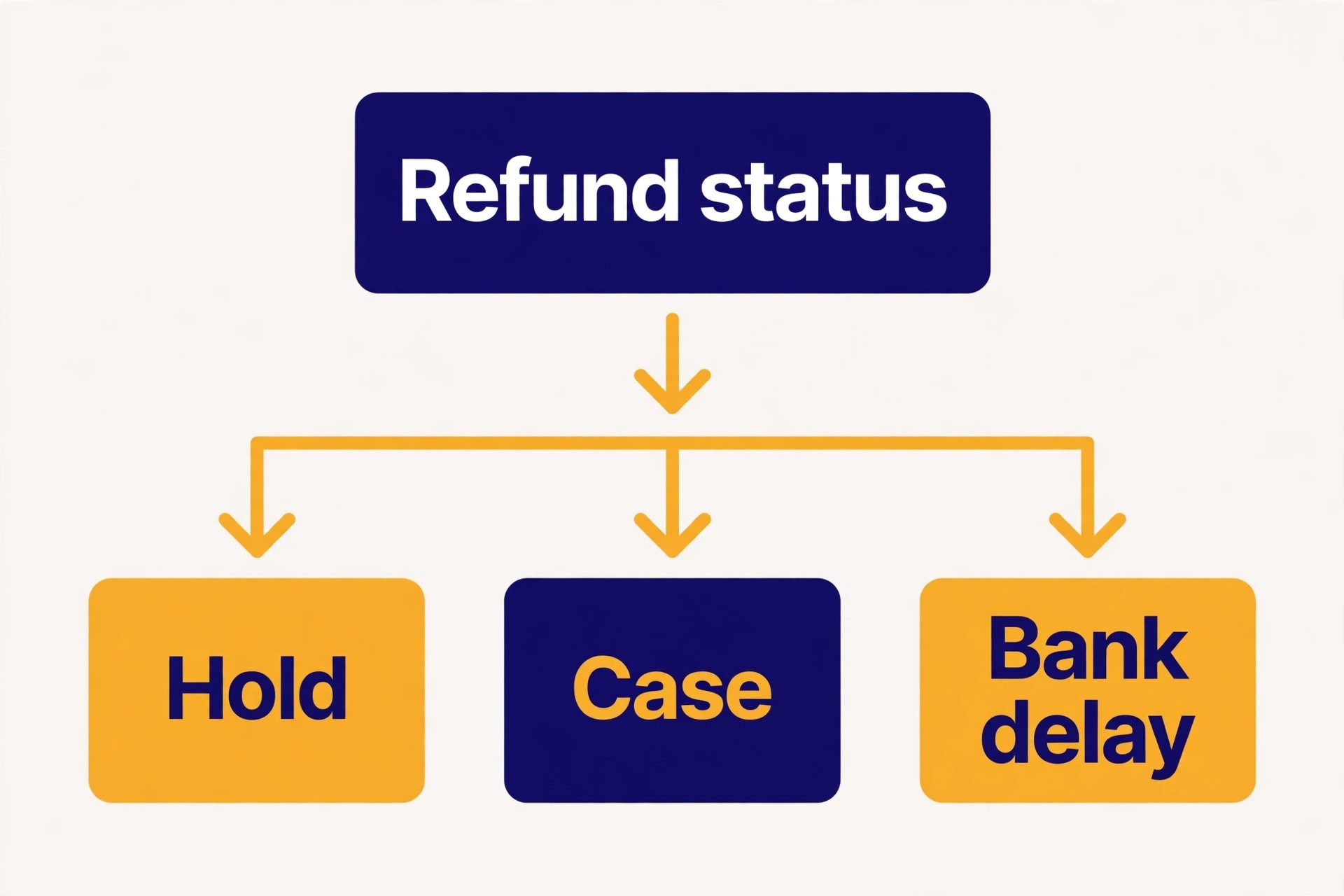
Work through the stages in this order. First, confirm whether a refund exists on the transaction at all. Second, check the original funding source and your available balance. Third, check for disputes, claims, and account limitations. Fourth, check for seller payment holds that block the underlying money. Fifth, check bank and card posting times after PayPal has completed its side. That order matters, because each stage has a different owner. PayPal owns the refund status, you own the balance and the dispute response, and the bank owns the final posting.
Gather four facts before you act. The transaction ID for the original payment, the date and amount of the refund you tried to issue, the exact status wording PayPal shows, and the funding source of the original payment. Keep those facts in one note, because support, your bookkeeper, and the customer will each ask for them, and a consistent note prevents conflicting stories. Change one thing at a time, recheck the status after each change, and never issue a duplicate refund to solve a delay. A duplicate is a new problem, not a fix for the old one.
Test the simplest explanation first. Many owners search for a complex account fault when the refund is simply waiting out a normal clearing period. Others wait for a normal period to pass when a limitation notice has been sitting unread in the account for days. The status record separates those two situations in minutes, which is why it comes first, before any message to the customer or to support.
Confirm Whether a Refund Was Issued at All
Open Activity, find the original payment, and open its full detail view. Look for a refund entry linked to that payment, and read its status rather than assuming it from the payment total. A payment can show a reduced net amount, a partial refund, or no refund at all, and each of those states leads to a different action. If no refund entry exists, the refund was never issued, and the fix is to issue it properly rather than to chase a stuck one. Check whether an earlier attempt failed silently, for example because the browser session timed out during the refund step.
If a refund entry exists, note its date, amount, and status wording exactly. A refund marked completed on PayPal side has left PayPal, and any further delay sits with the bank or card issuer. A refund marked pending is still inside PayPal process, and the reason for the wait is usually visible in the transaction detail or in an account notice. A refund marked cancelled or failed never moved, and it needs to be reissued after the underlying cause is fixed. Copy the status wording into your note, because support conversations go faster when you quote the system wording instead of paraphrasing it.
Partial refunds deserve a separate look. A customer who expected a full refund may report a stuck refund when only part of the amount has returned, because the remainder is still pending or was never included in the first refund. Compare the refunded amount with the original payment amount, including any shipping or tax portion, and confirm whether a second partial refund is still owed. Explaining a partial refund clearly, with the two amounts named, resolves many complaints that look like technical faults but are really arithmetic misunderstandings.
Take a screenshot of the refund status on the day you first notice the delay, and save it with your transaction note. Status wording can change as a case moves or a hold lifts, and the original screenshot proves what you saw and when you saw it. If the status later changes in a way that surprises the customer, the screenshot lets you explain the timeline without relying on memory. Screenshots also help support, because they show the exact wording and date rather than a paraphrase written days later.
Check the Funding Source and Your Available Balance
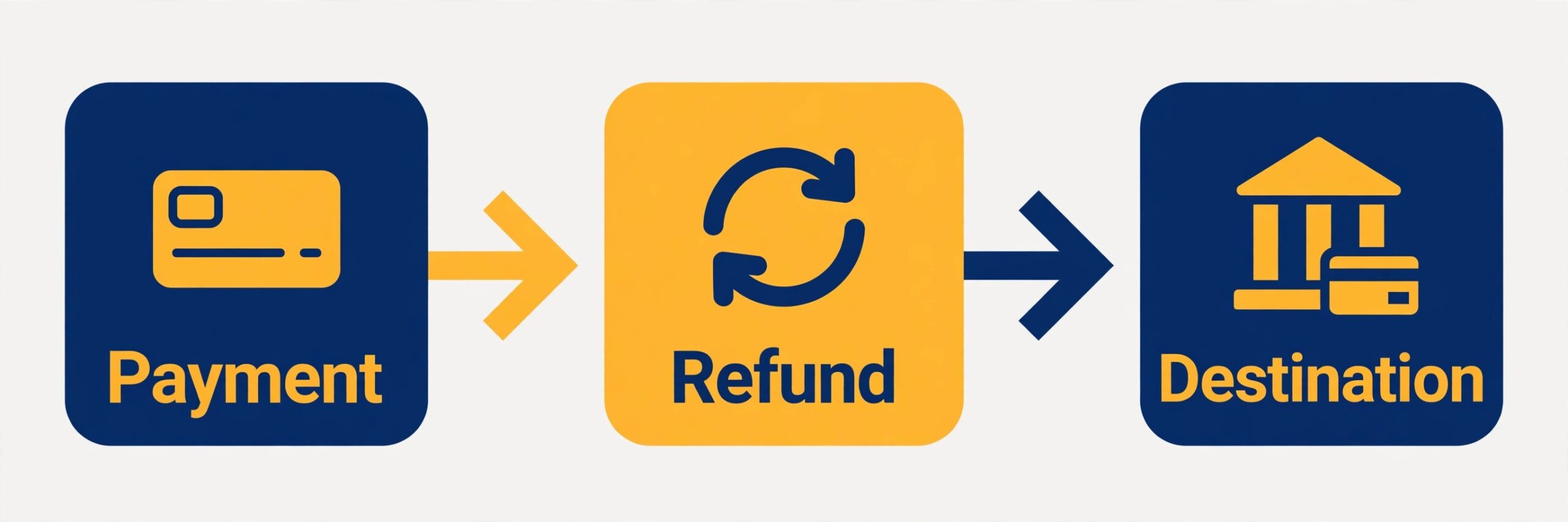
Refunds usually return to the original funding source, and that source shapes the timing. A refund to a PayPal balance often appears faster than a refund to a bank account or a card, because the bank or card issuer adds its own posting time after PayPal releases the money. Per PayPal help guides, refunds to cards can take additional days while the issuer posts the credit, and bank funded payments can take longer still while the original transfer clears. Tell the customer which destination the refund is heading to, because a customer watching the wrong account will report a delay that does not exist.
Your available balance is the next check, and it is the one owners forget when refunds stall at the issue stage. If your PayPal balance cannot cover the refund and no backup funding source is set, the refund may fail or sit unissued. Check the balance before you promise a date, and confirm whether the refund will draw from the balance, a linked bank account, or a card. If the balance is short because incoming payments are themselves on hold, the refund problem and the hold problem are the same problem, and the hold section below becomes your priority.
Currency and fee details can also confuse a refund that is actually moving. A refund in a different currency from the original payment may show a converted amount that differs from what the customer expects, and a refund issued after a fee change may not match the original total to the cent. Compare the refund record with the original payment record line by line before you conclude the amount is wrong. Where a genuine shortfall exists, say so plainly, issue the correction as a separate clearly labelled refund, and keep the two records together for your books.
Set a backup funding source before the next refund, not during it. A linked bank account that PayPal can draw on when the balance runs short prevents a refund from failing at the issue stage, and it gives you a clear answer when a customer asks why a refund has not moved. Check the backup source each quarter, because cards expire and bank details change, and an expired backup is no backup at all. Record which source is primary and which is backup, so a colleague covering for you does not have to guess during a busy week.
Disputes, Claims, and Limitations Take Control of the Money
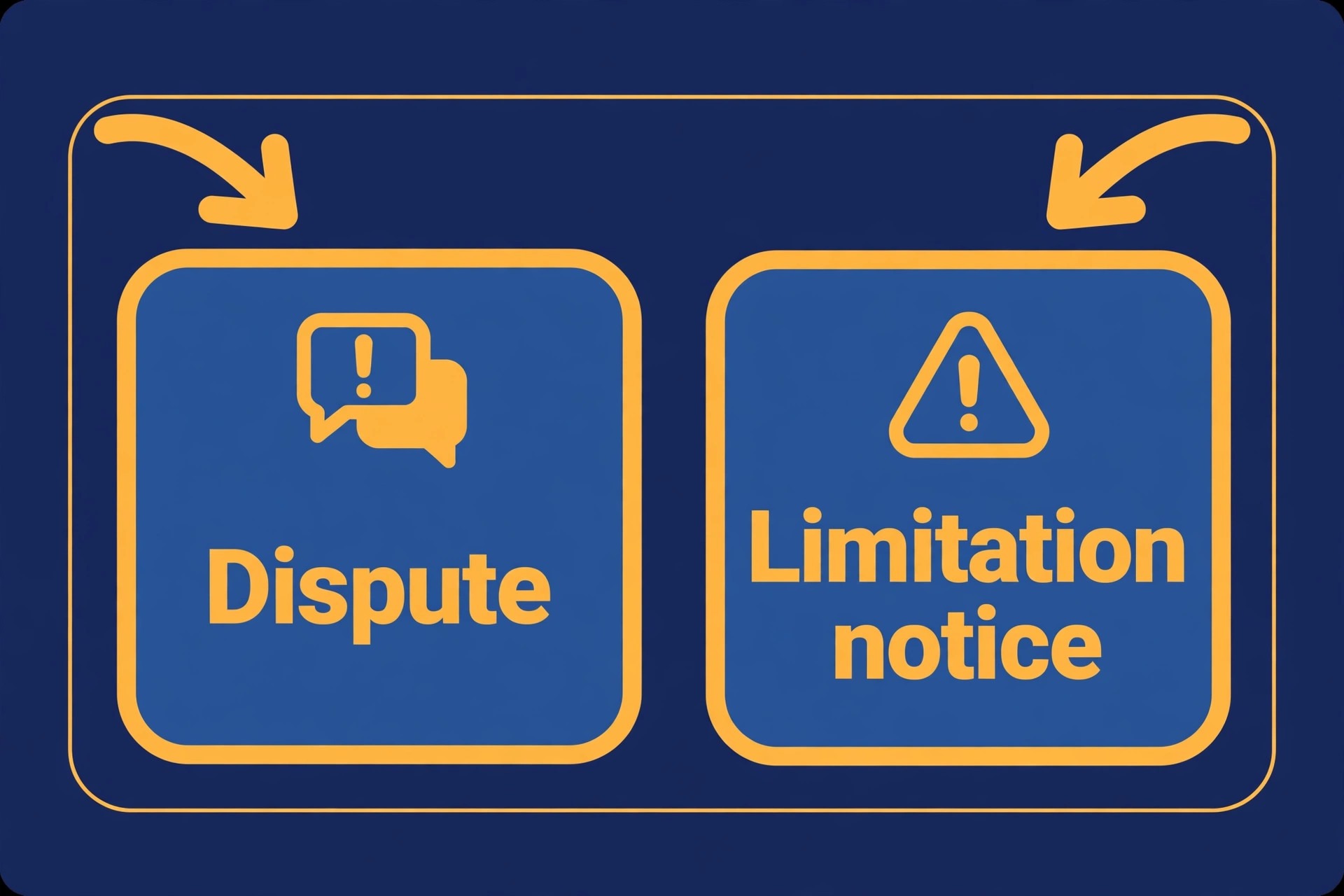
An open dispute or claim changes who controls the refund. While a case is open in the Resolution Center, PayPal may pause related refunds until the case is resolved, because the case itself will decide where the money goes. Check the Resolution Center first when a refund stalls unexpectedly, and look for any case tied to the transaction, even one the customer opened without telling you. Respond to the case promptly, with the evidence it asks for, because an unanswered case can harden into a decision against you while you wait for a refund that was never going to move independently.
Account limitations are the stronger version of the same problem. A limitation can restrict sending, withdrawing, or refunding until identity verification or requested documents are completed. Check the account notifications and the Resolution Center for any limitation notice, and complete exactly what it asks for, in the order it asks. Do not issue refunds from another account or ask the customer to accept payment elsewhere as a workaround, because that breaks the transaction record and can complicate the limitation review. Fix the limitation, then recheck the refund status, since a refund that was blocked by a limitation often moves once the limitation lifts.
Multiple disputes at once deserve attention as a pattern, not just as individual cases. Per PayPal help guides, repeated customer problems or refund requests can trigger holds and reviews, because they signal a change in selling patterns or a service problem. If several refunds stall in the same week, look for the common cause, whether it is a delayed shipment, a service that was not delivered as described, or a product issue. Fixing the underlying service problem stops the next dispute, while handling each refund in isolation leaves the pattern running.
Build an evidence folder for every transaction that ends in a dispute, and keep it separate from general email. Save the order confirmation, the delivery proof, the customer messages, and the refund record in one place, with the transaction ID as the folder name. When you fix PayPal refund stuck small business disputes with that folder ready, your case reply takes minutes instead of an afternoon of searching. The folder also helps your bookkeeper, who can reconcile the case outcome without asking you to reconstruct the story months later.
Seller Payment Holds and the 21 Day Pattern
New sellers, dormant sellers, and sellers with a changed pattern often face payment holds, and those holds sit underneath many stuck refunds. Per PayPal help guides, held payments can be released earlier when the seller adds tracking through an approved carrier, with release roughly a day after delivery is confirmed, or updates the order status to completed for a service, with release after about seven days. In rarer cases, a hold can last up to 21 days. Those timings are guides from the vendor help pages, not promises for any single payment, and they explain why a refund tied to a held payment cannot move faster than the hold itself.
Work the hold release steps deliberately. For a shipped product, add valid tracking and confirm the carrier shows delivery to the buyer address. For a service or digital item, update the order status to completed with an accurate description of what was delivered. For either case, keep the customer informed, because a customer who understands the hold is less likely to open a dispute that extends it. If the hold notice offers a specific action under your balance, follow that action rather than guessing, since the offered action is the fastest route the system provides.
Reserves are a separate hold type that owners sometimes mistake for a stuck refund. A rolling reserve holds a percentage of each transaction and releases it on a schedule, while a minimum reserve keeps a set amount available in the account. A reserve does not mean the refund is broken, but it does mean part of your balance is unavailable for refunds until the reserve schedule releases it. Check whether a reserve applies to your account, note its percentage and release timing, and plan refund cash flow around it rather than promising dates the reserve makes impossible.
Bank and Card Posting Delays After PayPal Completes
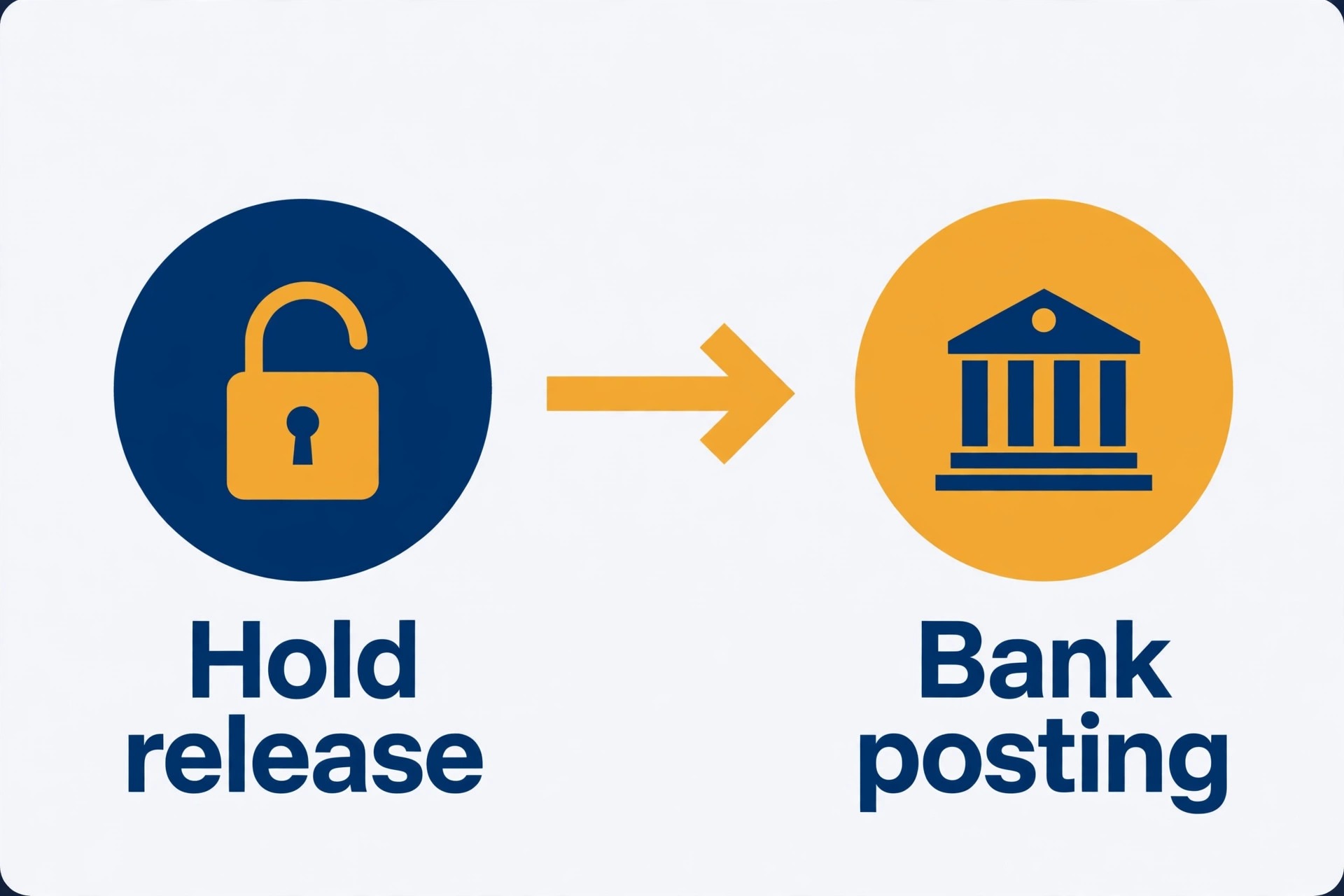
Once PayPal marks a refund completed, the remaining wait usually belongs to the bank or card issuer. Card refunds typically post within a few business days, but issuers vary, and some take longer, especially across weekends, holidays, or statement cycles. Bank account refunds can take longer, because the original bank transfer must clear in both directions. Ask the customer to check the original payment method, not a different account, and to look for a pending credit as well as a posted credit, since some issuers show the incoming credit days before it becomes available.
Give the customer a useful next step rather than a vague reassurance. Ask them to confirm the last four digits of the card or account they paid with, so you can confirm the refund destination matches. Ask them to check the statement period that covers the refund date, since a credit that lands after a statement closes appears on the next statement. If the customer reports no credit after the issuer timing you quoted, ask them to contact their issuer with the refund date, amount, and transaction reference, because the issuer can trace a completed refund that PayPal can no longer move.
Document the completed stage clearly in your own records. Note the date PayPal marked the refund completed, the destination funding source, and the date you told the customer to expect posting. That record matters for bookkeeping and for any later dispute, because it proves the refund was issued and completed on your side, with a clear handover to the issuer. It also stops the same refund from being reissued by a colleague who sees only the customer complaint and not the completed record.
Write the customer message before you need it, and keep it short enough to send from your phone. Name the stage in plain words, give the next check date, and offer one way to reach you. When you fix PayPal refund stuck small business delays with a ready message, you avoid the vague reassurance that damages trust, and you avoid writing a different explanation for every customer. A consistent message also protects you, because every customer receives the same accurate timing rather than a series of improvised promises.

Refund Escalation Checklist for a Stuck Refund
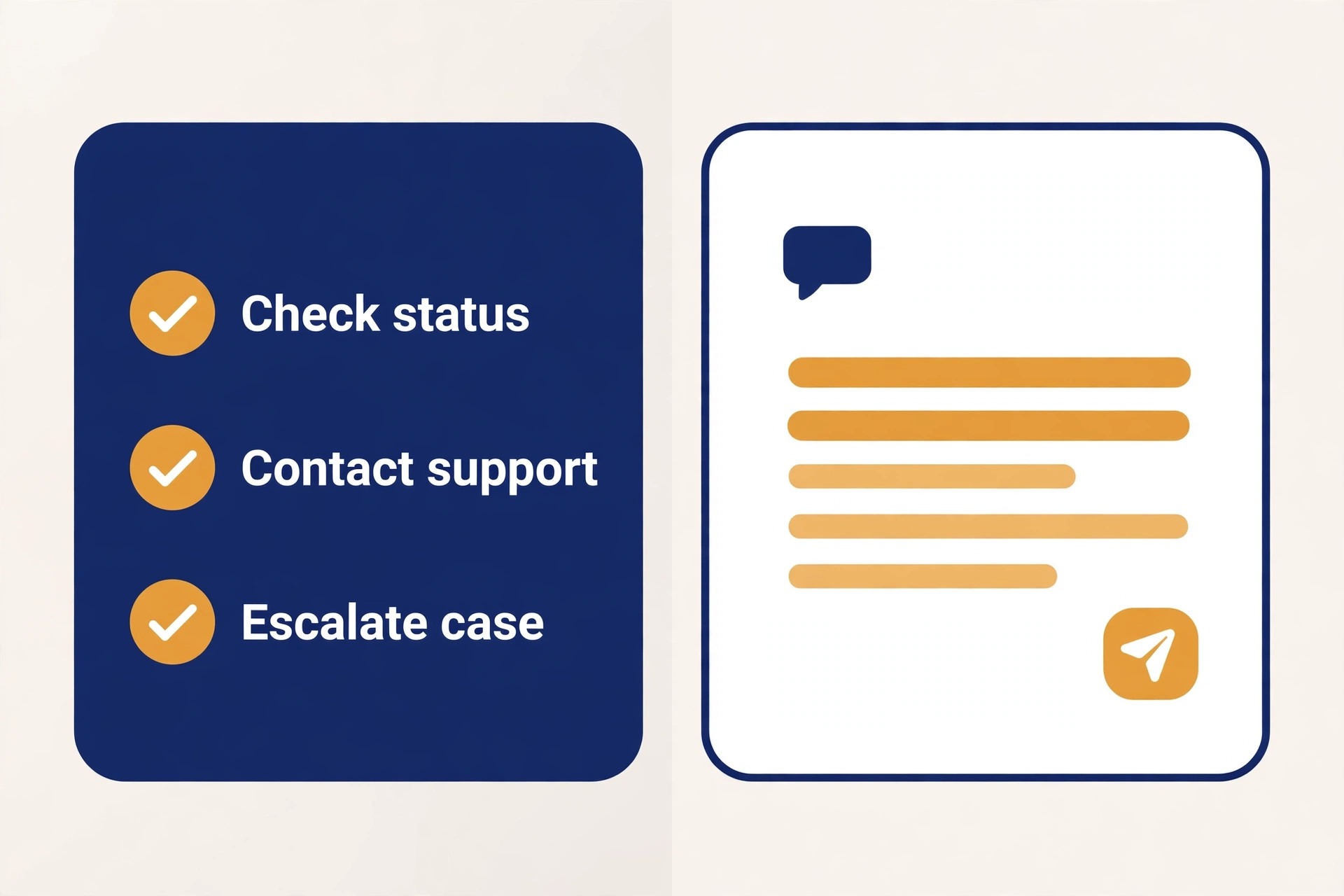
Use this checklist when a refund has not moved after its expected timing, and work through it in order. When you fix PayPal refund stuck small business cases that need escalation, the checklist is what turns a frustrated message into a case support can actually act on, because it gathers the evidence before the conversation starts.
- Open the original payment and record the transaction ID, refund date, refund amount, and exact status wording.
- Confirm the refund destination, whether it is a PayPal balance, a bank account, or a card, and confirm it matches the original payment method.
- Check the Resolution Center for any open dispute, claim, or limitation tied to the transaction or the account.
- Check your available balance and any reserve, and confirm the refund is covered without needing a duplicate issue.
- Check for a seller payment hold on the original payment, and complete the tracking or order status step that releases it.
- Confirm the bank or card posting timing that applies to the destination, and ask the customer to check the correct account and statement period.
- Contact support with the full note, including what you have already tested, and ask for the specific reason the refund is held.
- While waiting, message the customer with the stage, the next check date, and a single contact route, and do not issue a duplicate refund.
If support gives a date, put that date in your calendar and message the customer on that date even if nothing has changed, because a promised update that arrives on time preserves trust. If support asks for documents, send them in one complete reply rather than in pieces, since partial replies restart the review clock. Keep every support reference number with the transaction note, so a later agent can pick up the case without asking you to repeat the whole story. For a related hold problem on another platform, see Fix Shopify Payments on Hold Small Store, and for choosing payment tools that fit refund volume, see How to Choose a Payment Processor Small Business.
Put the follow up date in your calendar the moment you contact support, and treat it as a real appointment. A support case without a follow up date drifts, and a customer without an update assumes the worst. When the date arrives, message the customer even if the only news is that the case is still under review. That discipline turns a slow process into a managed one, and it gives you a clean record of every promise you made and kept.
Mistakes That Make a Stuck Refund Worse
When you fix PayPal refund stuck small business cases, the most expensive mistake is issuing a duplicate refund. A duplicate feels helpful in the moment, and it creates a double payment that the customer may not report, a bookkeeping error, and a recovery conversation that damages the relationship you were trying to save. Wait for the status record, confirm the first refund failed or was cancelled, and only then reissue. The second mistake is promising a date you cannot control. A promise that the money will arrive tomorrow, made before you know whether the bank or a case hold controls the timing, turns a normal delay into a broken promise.
The third mistake is ignoring the Resolution Center while you chase the refund through other channels. A case that sits unanswered can decide the transaction against you, and no support message about the refund will override a case decision. Answer cases first, with evidence, and keep the tone factual. The fourth mistake is handling refunds only by memory, with no note per transaction. When two refunds stall in the same week, memory blends them, amounts get confused, and a customer receives an update about someone else refund. One note per transaction, with IDs and dates, prevents that entirely.
The fifth mistake is silence. A customer who hears nothing assumes the worst, which is usually that the business has kept the money. A short update that names the stage and the next check date costs two minutes and prevents most escalation. Silence costs a dispute, a chargeback, or a public complaint, each of which takes far longer to resolve than the original refund. Treat communication as part of the refund process, not as an extra task after it.
Keep Records That Make the Next Refund Faster
When you fix PayPal refund stuck small business cases repeatedly, the pattern usually shows that record keeping, not payment skill, is the weak point. A refund that takes an hour to explain is a refund whose note was never written. A refund that takes ten minutes is one whose transaction ID, status, funding source, and customer messages sit in one place. Build the habit now, while only one refund is stuck, and the next busy period will feel far calmer.
Use one note per refund, and give it the same four fields every time. Transaction ID, original payment date and amount, refund date and amount, and exact status wording. Add the customer message that reported the problem, the reply you sent, and any support reference number. That note becomes the single source of truth, and it stops colleagues from giving different answers to the same customer. It also makes tax and bookkeeping work simpler, because the refund story is complete without a search through email threads.
Review stuck refunds once a week, even when the week has been quiet. A weekly review catches a refund that slipped past its expected timing, a case that needs a reply, and a hold that should have lifted but did not. The review takes fifteen minutes when notes are tidy, and it prevents the end of month surprise of several stale refunds discovered at once. When you fix PayPal refund stuck small business patterns with a weekly review, you also spot service problems early, such as a product or delivery issue that keeps generating the same refund reason.
Hand the record to your bookkeeper in the same format every month, with completed refunds separated from pending ones. A clean handover means the books reflect reality, the customer ledger matches the payment record, and no refund is counted twice. Over time, that record becomes useful evidence for process changes too, because it shows which refund reasons repeat, which products generate them, and where a small change in description, delivery, or policy would prevent the next one.
Frequently Asked Questions
How long should a PayPal refund normally take
Timing depends on the destination. A refund to a PayPal balance often appears quickly, while a refund to a card or bank account needs extra posting time from the issuer after PayPal completes its side. Per vendor help guides, bank funded payments and held payments can extend the wait further. Check the refund status first, since a completed refund means the remaining wait sits with the issuer, while a pending refund means PayPal process is still running.
Why does my refund show as pending
A pending refund usually waits on the original payment clearing, a seller payment hold, a case hold, or a limitation review. Open the transaction detail and the Resolution Center, and look for a notice that names the reason. If a hold applies, complete the tracking or order status step that releases it. If a case is open, respond to it, since the case controls the money until it closes.
Can I cancel a refund and issue it again
Do not cancel and reissue a refund that is still pending without confirming its status, because the original refund may complete after you issue the second one. Confirm whether the first refund failed, was cancelled by the system, or is still moving. Only reissue after the record shows the first attempt will not complete, and keep both records together so your books show one intended refund.
What if the customer says they never received a completed refund
Ask the customer to check the original payment method, including pending credits and the statement period that covers the refund date. Confirm the destination matches the original funding source. If no credit appears after the issuer timing, ask the customer to contact their issuer with the refund date, amount, and transaction reference, since the issuer can trace a completed refund that has left PayPal.
Does a dispute stop my refund
An open dispute or claim can pause a related refund, because the case will decide where the money goes. Check the Resolution Center, respond to the case with evidence, and avoid issuing a separate refund for the same transaction while the case is open. Once the case closes, recheck the refund status, since the case outcome determines the next step.
Should I refund from a different account to speed things up
No, because a refund from a different account breaks the transaction record and can complicate a limitation or case review. Refund through the original transaction, fix any limitation or hold that blocks it, and keep the record in one place. A faster payment through another route creates a reconciliation problem and a dispute risk that outweigh any time saved. For related checkout and listing faults, see Fix Etsy Listing Not Showing in Search Small Seller and Fix WooCommerce Checkout Not Working Small Store.
The Decision to Make Today
A stuck refund leaves you with one decision, and it is not whether to wait or to act in general. It is whether this specific refund is waiting on time, on a hold you can release, on a case you must answer, or on a balance you must cover. Answer that question from the transaction record, and the next step writes itself. If the record shows a completed refund, hand the trace to the issuer and keep the customer updated. If it shows a hold, work the release step. If it shows a case, answer the case. If it shows no refund at all, issue it properly.
That decision, made once per transaction and written down, is what separates a business that handles refunds cleanly from one that drowns in them. Keep the note, keep the customer informed at each stage, and never let a duplicate refund become the second problem. The money is usually not lost. It is waiting in a stage you can name, and naming the stage is the fix. For invoicing habits that reduce refund confusion at the source, see Best Invoicing Software for Consultants.