
This guide shows how to write a welcome email sequence small business owners can actually finish. Vendor reported benchmarks put the average automated welcome email at a 35.53 percent open rate with a 3.94 percent click rate, well above a normal broadcast to the same list, per Omnisend May 2026 benchmarks cited in recent guides. That gap is why the first week after signup matters more than any later campaign.
A new subscriber is at peak interest in the first day or two, they still remember what they signed up for, and they are still deciding whether your business is worth space in their inbox. To learn how to write a welcome email sequence small business owners can actually finish, start with that window, because a sequence that arrives late, or arrives as five sales pitches, wastes the best attention you will ever get from that subscriber.
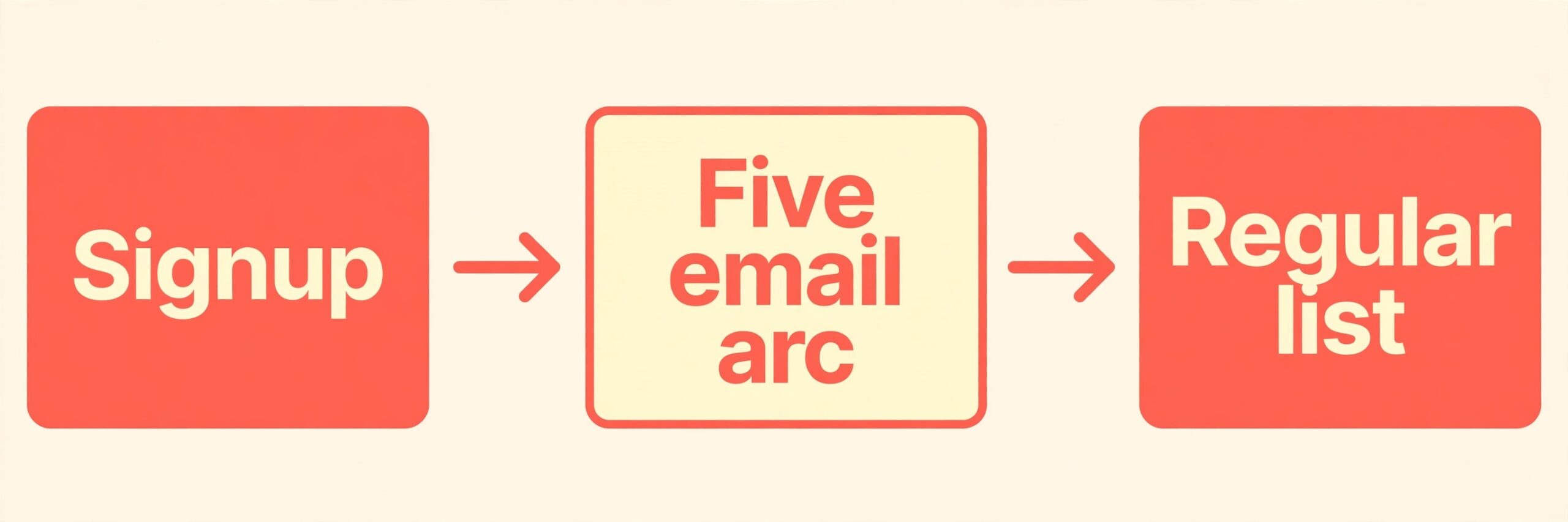
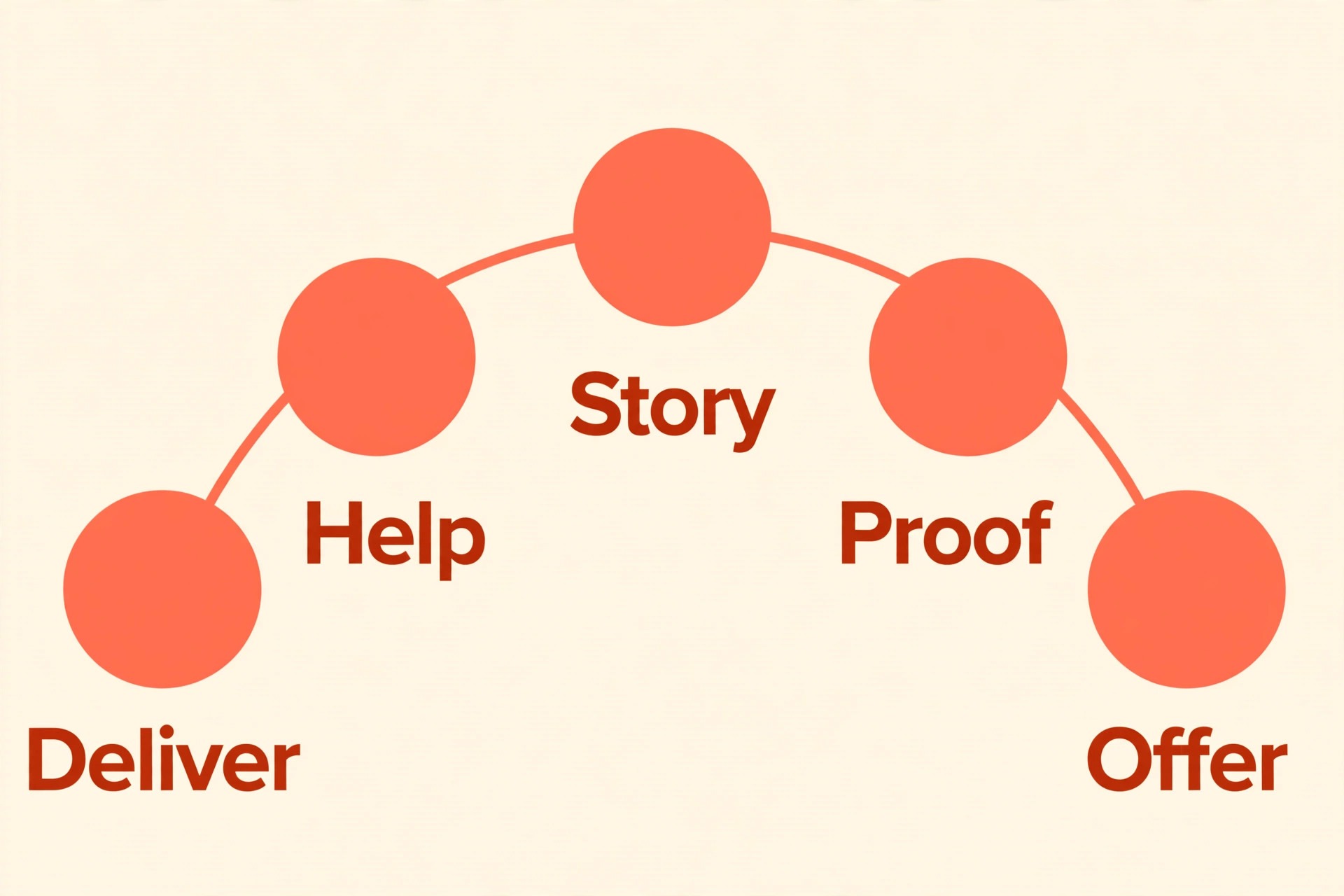
A welcome sequence is not a newsletter, and it is not a sales funnel dressed up as a greeting. It is a short series of emails, usually five, sent over about a week to ten days, that does three jobs in order. It delivers what was promised, it builds trust by being useful, and it makes one clear offer.
Each email does one job and carries one main link, because an email that tries to introduce you, deliver a resource, explain a product, and ask for a sale all at once gets skimmed and acted on not at all. Small businesses do not need a fourteen day campaign with branching logic. They need five good emails, written in a plain voice, sent on time.
This guide gives you that sequence as a working template you can adapt, not as copy to paste blindly. It covers the setup before you write, the five email arc with subject ideas and body outlines, the send timing checklist, subject and writing choices, deliverability basics, and a simple way to measure and improve the sequence. It also covers the mistakes that turn a welcome into an unsubscribe, such as too many links, too much selling too early, and a sequence that runs so long subscribers forget why they joined. By the end, you will have a sequence you can build in an afternoon and maintain without a marketing team.
How to Write a Welcome Email Sequence Small Business Owners Can Finish
Start with three decisions, and make them before you write a single subject line. First, decide what the subscriber signed up for, and what you promised in return, whether it is a guide, a discount, a checklist, or simply regular updates. The first email must deliver that promise immediately, because a late freebie feels like a broken deal.
Second, decide who the sender is, using a real name and an address that accepts replies, because a welcome from a named person is trusted more than a welcome from a generic brand address. Third, decide what the one offer at the end of the sequence will be, so the earlier emails can lead toward it naturally instead of introducing it as a surprise.
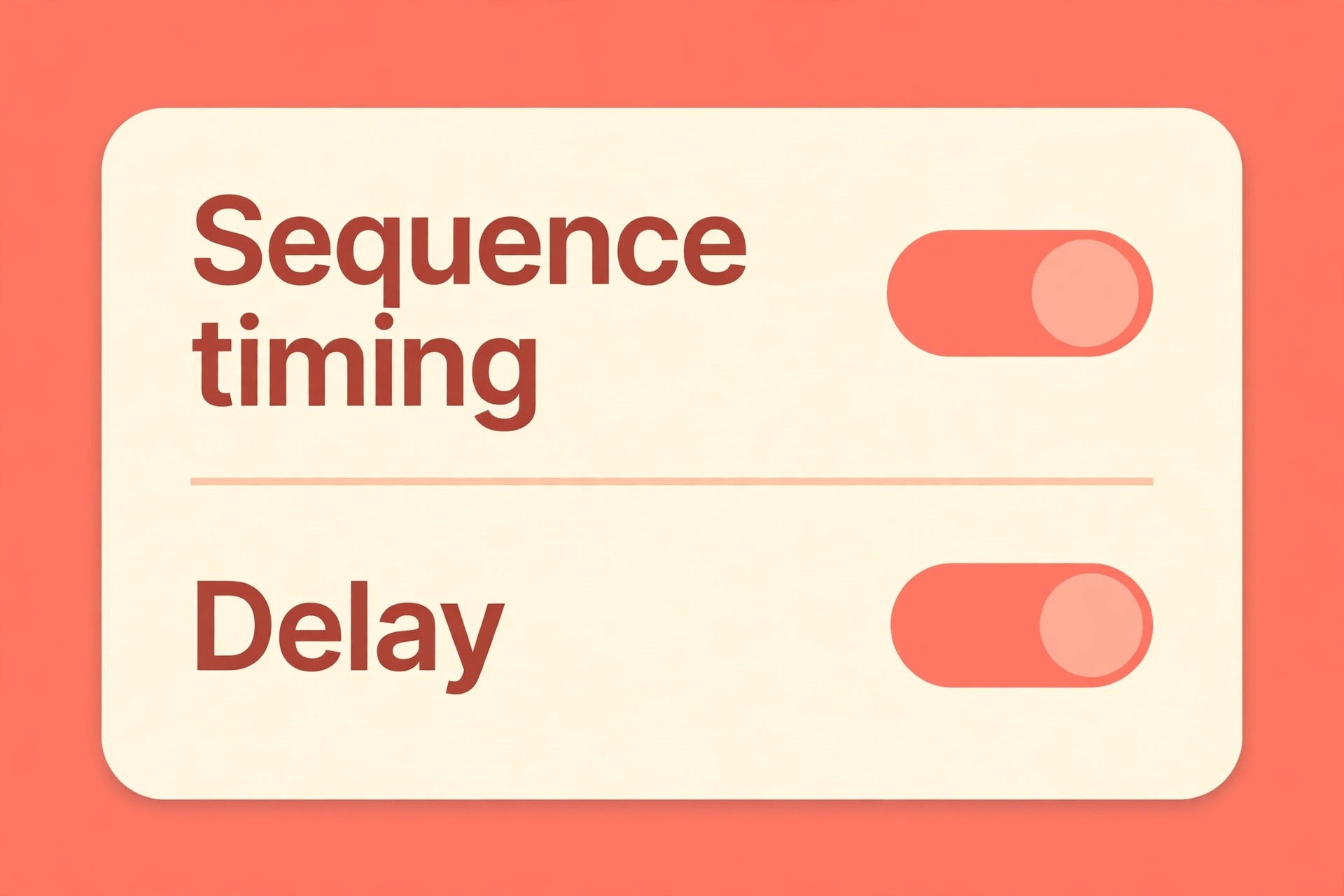
Keep the sequence to five emails over seven to ten days, which is the range most small business guides recommend. Send the first email immediately on signup, the second a day or two later, and space the rest two to three days apart. That spacing keeps you present while attention is high, without arriving daily and training subscribers to ignore you. After the sequence ends, move subscribers to your regular emails promptly. A gap of a month with no message after a warm welcome undoes the trust the sequence built, because the subscriber forgets you before the next message arrives.
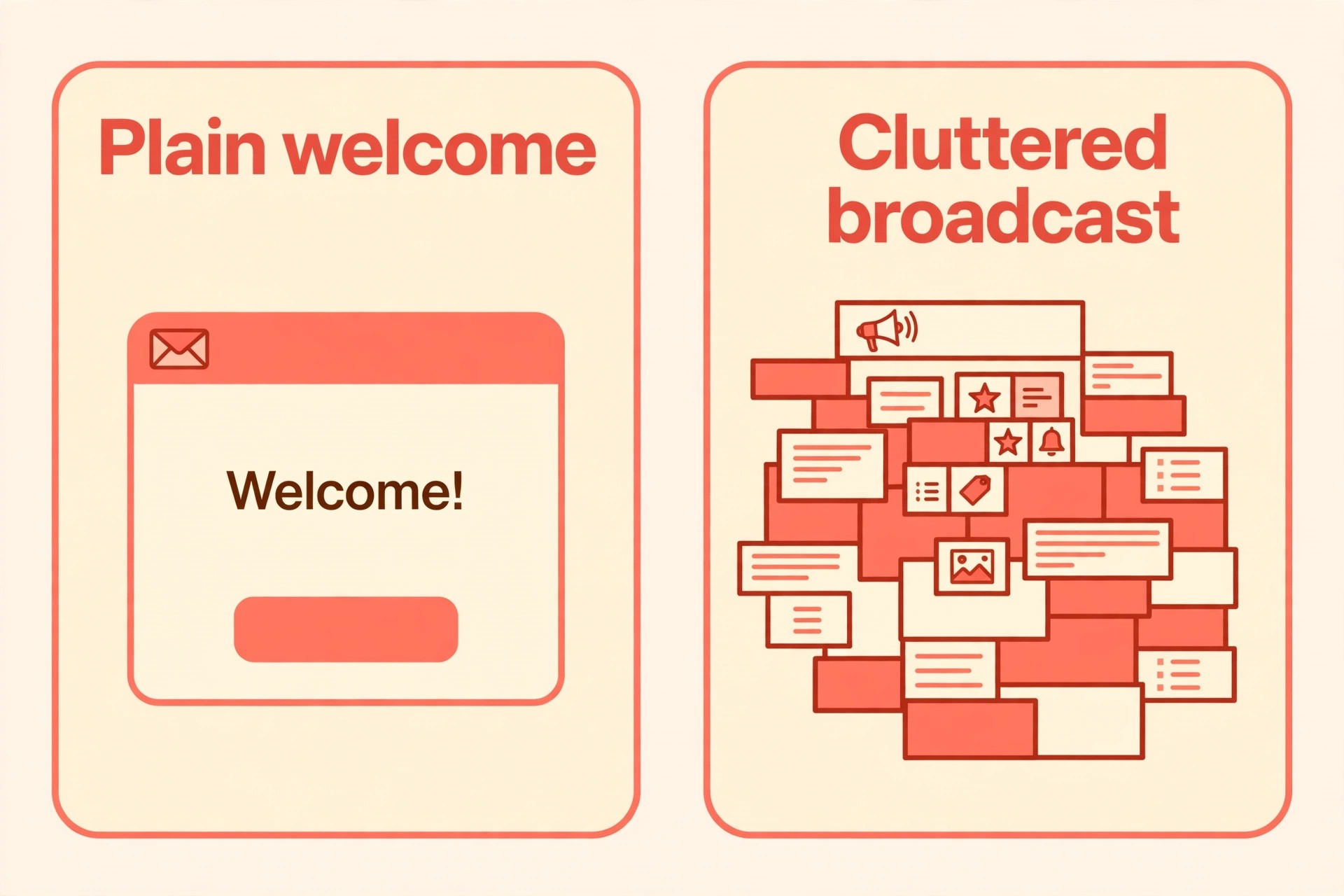
Write each email for one reader on a phone, not for an audience. Use short paragraphs, one idea per email, and a single clear next step. A subscriber reading on a phone will give you under a minute, so the first line must carry the point, and the link must be easy to find without scrolling through a long design. Plain text, or a simple design with one image at most, usually outperforms a heavy template for a small business welcome, because it reads like a message from a person rather than a broadcast from a brand.
Before You Write, Fix the Promise and the Sender
The promise is the contract behind the sequence. If your signup form offered a guide, the first email delivers that guide, with a link that works, a file that opens, and a short note on how to use it. If the form offered a discount, the first email carries the code as selectable text, not only inside an image, so subscribers can copy it without retyping. If the form offered regular tips, the first email states what kind of tips, how often they arrive, and what the next one will cover. A vague promise produces vague emails, and vague emails produce unsubscribes.
The sender setup is just as practical. Use a real name, a reply friendly address, and a consistent subject style, so subscribers recognise you in a crowded inbox. Set up sender authentication through your email tool, including the records providers expect, which recent guides name as SPF and DKIM, with DMARC for larger senders. Even a small list benefits from proper authentication, clear consent, and an easy unsubscribe path, because providers increasingly filter unauthenticated mail. Ask your email tool for its authentication checklist, complete it before launch, and send a test to yourself and a colleague to confirm the message lands in the inbox rather than in spam.
List hygiene starts at signup, not at cleanup time. Send welcome sequences only to people who reasonably expect them, meaning they signed up through your form, your checkout, or a clear opt in. Do not buy lists, do not add event contacts without permission, and do not import old contacts into a welcome sequence as if they had just joined. A welcome sent to someone who never asked for it is not a welcome at all, and it damages deliverability for every later message. A clean start, with clear consent, is the cheapest deliverability investment a small business can make.
The Five Email Arc, Email by Email
The arc below follows the pattern most small business guides agree on, with timing that fits a seven to ten day window. Adapt the examples to your own offer, but keep the job of each email intact. Changing the order, or merging two jobs into one email, weakens the sequence more than any wording change, because the subscriber needs time to absorb each step before the next one arrives.
Email 1, Deliver Immediately
Send this email immediately on signup, and give it one job, which is to deliver what was promised and set expectations.
- Subject idea. Your guide is inside, plus what comes next.
- Opening line. Thank the subscriber by name where your tool allows it, name the resource, and link to it in the first short paragraph.
- Body outline. One sentence on how to use the resource, one sentence on what the next emails will cover, and one sentence on how often you will write.
- Single link. Link only to the promised resource, so the subscriber cannot miss it among competing calls to action.
- Close. Invite a reply with one simple question, such as what the subscriber is working on right now, because a reply signals engagement to providers and starts a real conversation.
Email 2, Give a Quick Win on Day 1 or 2
Send this email a day or two after the first, and give it one job, which is to help the subscriber get a small result from the resource they already received.
- Subject idea. A fast way to use what you downloaded.
- Opening line. Point to one specific tip, step, or example from the resource, rather than summarising the whole thing again.
- Body outline. Walk through the quick win in three short steps, name the outcome the subscriber should expect, and warn about the one common mistake that blocks it.
- Single link. Link back to the resource, or to a short supporting page, so the subscriber can act without searching.
- Close. Ask whether the quick win worked, and invite a reply, because early replies tell you the sequence is landing.
Email 3, Tell Your Story and Name the Problem on Day 3 or 4
Send this email on day three or four, and give it one job, which is to explain who you are, what problem you work on, and how you approach it differently.
- Subject idea. Why I started this business, and what I focus on now.
- Opening line. Name the problem your customers face in plain words, before you introduce yourself at length.
- Body outline. Share a short account of how you came to focus on this problem, what you learned from early customers, and what approach you use now.
- Single link. Link to your best free post, guide, or about page, chosen because it helps a newcomer understand your work.
- Close. Connect the story to the subscriber situation with one sentence, and preview the proof that follows in the next email.
Email 4, Show Proof on Day 5 or 6
Send this email on day five or six, and give it one job, which is to show the approach working for a real customer, without implying that one result is guaranteed for everyone.
- Subject idea. How one customer used this approach, and what changed.
- Opening line. Describe the customer starting situation in one sentence, so the reader can recognise their own situation in it.
- Body outline. Describe the decision the customer made, the step they took, and the outcome that followed, with specifics rather than vague praise.
- Single link. Link to the paid offer, a case page, or a product page, but only where it follows naturally from the proof.
- Close. Note honestly that results vary, and invite the reader to consider whether the same step fits their situation.
Email 5, Make One Clear Offer on Day 7 to 10
Send this email on day seven to ten, and give it one job, which is to make one clear, low pressure offer and move the subscriber to your regular list.
- Subject idea. The next step, if you want help with this.
- Opening line. Recap the sequence in one sentence, naming the resource, the quick win, and the proof the subscriber has already seen.
- Body outline. Describe the offer, what it includes, who it fits, and what happens after purchase or booking, in plain terms.
- Single link. Link only to the offer page, so the decision is easy to act on.
- Close. State what happens next, whether that is regular emails, a reply invitation, or a simple thank you, so the sequence ends cleanly rather than fading out.
Send Timing Checklist and Sequence Table
When you learn how to write a welcome email sequence small business owners can time well, remember timing is part of the message. An email that arrives too fast feels pushy, an email that arrives too late feels forgotten, and a sequence that runs for a month feels like a campaign that never ends. The table below gives the timing most small business guides recommend, and the checklist that follows it turns that timing into a setup you can verify before launch. Use the table as your default, and adjust only when subscriber behaviour gives you a reason, such as a clear drop in engagement after a particular email.
| When it sends | The one job it does | One link to | |
|---|---|---|---|
| 1 Deliver | Immediately on signup | Hand over what was promised and set expectations | The promised resource |
| 2 Quick win | Day 1 or 2 | Help the subscriber get a small result fast | The resource or supporting page |
| 3 Story | Day 3 or 4 | Explain who you are and the problem you solve | Your best free post or about page |
| 4 Proof | Day 5 or 6 | Show the approach working for a real customer | The offer or case page |
| 5 Offer | Day 7 to 10 | Make one clear offer and move to regular emails | The offer page only |
When you set up the sequence in your email tool, work through this checklist in order, and test the full sequence with a test subscriber before you publish it. A test run catches broken links, wrong timing, and missing personalisation far more cheaply than a live launch, because you can fix them in private rather than apologising to new subscribers.
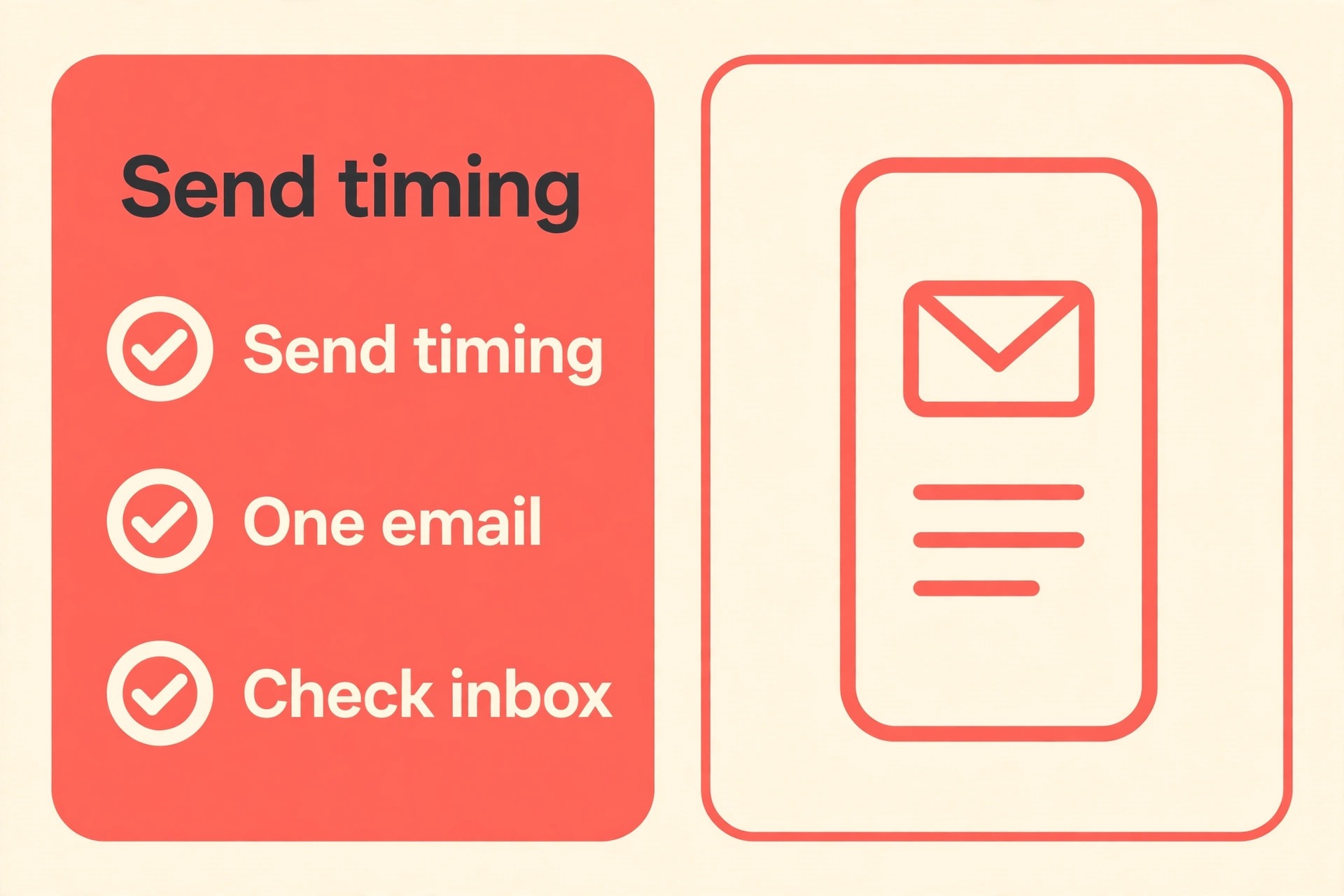
- Confirm email 1 triggers immediately on signup, with the promised resource link working from a phone.
- Confirm emails 2 to 5 are spaced two to three days apart, with no two emails scheduled for the same day.
- Confirm each email carries only one main link, and that the link matches the job named in the table.
- Confirm the sender name, reply address, and unsubscribe link are correct on every email, not only on the first.
- Confirm the sequence ends by moving subscribers to the regular list, with no silent gap and no extra pitch emails after the offer.
- Send a full test sequence to yourself, click every link, reply to one email, and confirm the reply reaches the right inbox.
If the test reveals a timing clash, such as a regular campaign landing on the same day as a welcome email, pause the regular campaign for new subscribers during their welcome week. New subscribers deserve a clean first week, and a clash that buries email 3 under a broadcast teaches them to ignore you before trust has formed. For email tool cost context, see Cost of Brevo for Small Business Monthly and Cost of MailerLite for Small Business Monthly.
Subject Lines and Writing Choices That Keep Readers
When you learn how to write a welcome email sequence small business owners can trust, write the subject line after the email, when you know what the email is actually about, rather than before you write the body. A subject that describes the contents, rather than teasing them, earns more trust from small business subscribers, who are busy and sceptical of clever tricks. Keep subjects short enough to read on a phone, use the subscriber name only where it feels natural, and avoid subject lines that promise something the email does not deliver. A subject that overpromises once will depress opens for the rest of the sequence, because subscribers learn to discount your headlines.
The first line matters as much as the subject, because many inboxes show it as preview text. Start with the point, not with a greeting that fills the preview with filler. A first line that names the resource, the tip, or the customer story gives the reader a reason to open fully, while a first line that says only hello wastes the most valuable line in the email. Read each first line on a phone before launch, and rewrite any that do not carry meaning on their own. That single check improves the whole sequence more than any design change.
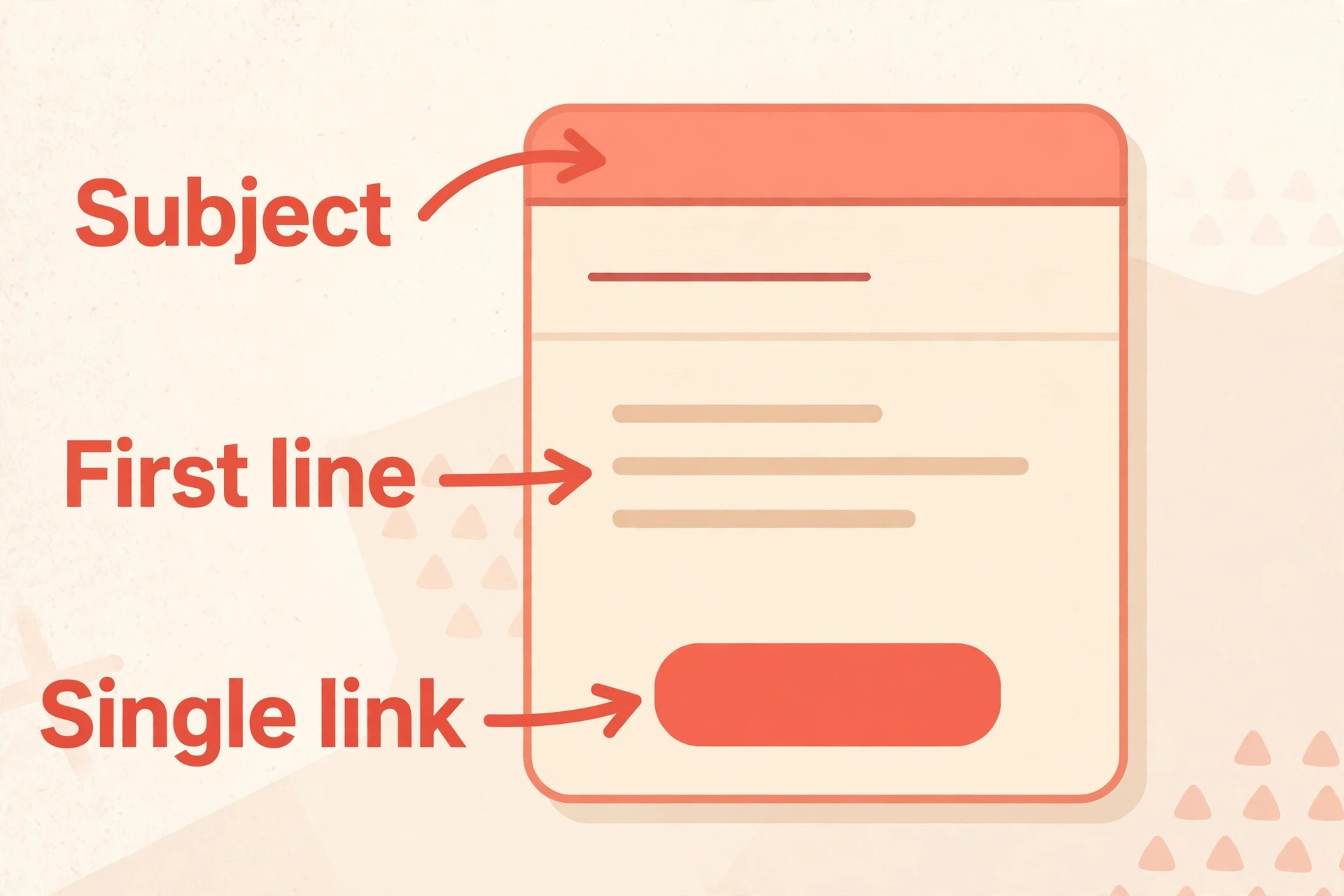
Keep the voice plain and personal, as if writing to one friend who asked for help. Short sentences, short paragraphs, and concrete nouns beat formal marketing language, because a welcome is a conversation starter, not a brochure. Avoid jargon, avoid claiming results you cannot support, and avoid filling space with background that does not help the reader act. When you write a sentence, ask whether it helps the subscriber use the resource, understand your approach, or decide on the offer. If it does none of those three things, cut it, even if it sounds impressive.
Segmentation, Deliverability, and Respect for the Inbox
When you learn how to write a welcome email sequence small business owners can maintain, segment only when it improves relevance, not because your tool offers complex branching. A small business with one strong sequence will outperform a business with five half finished branches, because the single sequence gets tested, improved, and maintained. Add a branch only when real behaviour shows that different subscribers need different examples, such as service buyers versus product buyers, or beginners versus experienced users. Start simple, watch replies and clicks, and let evidence, not enthusiasm for automation, decide when to split the sequence.
When you learn how to write a welcome email sequence small business owners can deliver, deliverability basics deserve a place in the writing plan, because a beautifully written sequence that lands in spam helps nobody. Complete sender authentication before launch, keep complaint rates low by sending only to consenting subscribers, and include a clear unsubscribe path on every email. When you write the sequence, avoid spam trigger habits such as all capital subject lines, excessive exclamation marks, and image only emails with no readable text. A plain text heavy email from a real name, sent to a consenting list, is the strongest deliverability choice a small business can make, and it costs nothing extra.
Respect also means giving subscribers a way out that does not feel like a punishment. An unsubscribe link that works in one click, a preference option for fewer emails where your tool supports it, and a friendly final message for those who leave all protect your reputation. Subscribers who leave cleanly may return later, and they will not mark you as spam on the way out. Subscribers who cannot leave easily will mark you as spam, and that mark harms deliverability for everyone who stays. Treat the unsubscribe as part of the sequence design, not as a failure to hide.
Measure the Sequence and Improve One Email at a Time
To learn how to write a welcome email sequence small business owners can measure, track actions that are close to the purpose of the sequence, rather than vanity numbers alone. Opens are an imperfect signal, because privacy features affect them, so track clicks, replies, resource use, enquiries, trials, purchases, and unsubscribes per email. A sequence with strong opens but no clicks is not working, because readers are curious but not moved. A sequence with modest opens but steady replies and clicks is working, because readers are engaged enough to act. Report those numbers per email, not only for the sequence as a whole, so you can see which email needs work.
Improve one email at a time, starting with the weakest link in the chain. If email 1 has low clicks, the resource link or the first line is the problem. If email 3 has high unsubscribes, the story may be too long or too self focused. If email 5 has clicks but no purchases, the offer description or the landing page is the problem, not the sequence as a whole. Change one element, such as the subject, the first line, or the single link, and compare the next group of subscribers with the previous group before changing anything else. That discipline prevents a rewrite that fixes one email and breaks another.
Review the sequence quarterly, and update it when your offer, price, or resource changes. A welcome sequence that describes an old offer, links to a retired page, or names a price you no longer charge damages trust at the exact moment trust matters most. A quarterly review that takes an hour, checking every link, every price, and every claim, keeps the sequence accurate without a full rewrite. When you update an email, send the new version to yourself first, and confirm the change reads naturally in the context of the emails around it.
Mistakes That Turn a Welcome Into an Unsubscribe
The first mistake is selling in email 1, before the promise has been delivered or trust has been built. A subscriber who signed up for a guide and receives a sales pitch instead learns that your promises are bait, and the rest of the sequence will be read with suspicion. Deliver first, help second, and offer last, in that order, without exception. The second mistake is too many links. Three links mean no click, because the reader cannot tell which action matters. One job and one link per email is a rule, not a suggestion, and breaking it is the fastest way to lose a new subscriber attention.
The third mistake is writing like a brand instead of a person. Heavy design, stock language, and a generic sender name make a welcome feel automated, even when the content is good. Plain text from a real name, with a reply invitation, feels human, and human messages get replies. The fourth mistake is a sequence that runs too long. More than seven emails, or a sequence stretched over a month of pitches, trains subscribers to unsubscribe, because the welcome never ends and the regular value never begins. Five emails over seven to ten days is enough, and ending cleanly is a strength.
The fifth mistake is never checking the sequence after launch. Broken links, outdated offers, and authentication lapses accumulate quietly, and each one costs subscribers who never complain, they simply leave. When you learn how to write a welcome email sequence small business teams can maintain, the maintenance habit is part of the skill, because a sequence is a living asset, not a document you write once and forget. Schedule the quarterly review, keep the test subscriber active, and fix small faults before they become a pattern.
Frequently Asked Questions
How many emails should a welcome sequence have
Four to seven is the practical range, and five works for most small businesses. Fewer than four rarely leaves room to be useful before making an offer, while more than seven means writing and maintaining content most subscribers will not finish. Five emails over seven to ten days gives room to deliver, help, explain, prove, and offer, without overstaying the welcome.
How long after signup should the first email arrive
Immediately, within minutes of signup, while the subscriber still remembers what they asked for. A late first email feels like a broken promise, especially when the signup offered a resource or a discount. Set the trigger to immediate in your email tool, test it with a test subscriber, and confirm the resource link works from a phone before launch.
Should welcome emails be plain text or designed
Plain text, or a simple design with at most one image, usually works best for a small business welcome, because it reads like a message from a person. Heavy templates with many images can trigger spam filters, load slowly on phones, and hide the link the subscriber needs. Keep the design simple, keep the link obvious, and let the words carry the welcome.
What if subscribers join for different reasons
Start with one strong sequence that serves the most common reason, and add branches only when behaviour shows different groups need different examples. A single well tested sequence beats several half finished branches, because it gets maintained and improved. Watch replies and clicks for signs that a group needs its own version, and split only when the evidence is clear.
How do I know if my welcome sequence is working
Track clicks, replies, resource use, enquiries, and purchases per email, rather than opens alone, since privacy features make opens unreliable. A healthy sequence shows steady clicks and replies through the middle emails, a clear offer response in the final email, and low unsubscribes overall. Improve the weakest email first, changing one element at a time, and compare results before changing anything else.
Can I reuse the same sequence for customers who already bought
No, because a buyer needs a different welcome, focused on using what they bought, getting support, and learning the next step, rather than on a lead resource and a first offer. Build a short buyer sequence separately, with delivery, usage help, and a next step that fits a customer rather than a prospect. Reusing the prospect sequence for buyers confuses both groups and wastes the trust a purchase already created. For tracking habits that keep buyer follow up accurate, see Fix HubSpot Email Not Tracking Small Business, and for a related platform move that affects customer lists, see Switch Shopify to Squarespace Small Store.
Launch Week for Your Welcome Sequence
Launch week has a simple rhythm, and it starts before any subscriber sees the sequence. Day one is setup, with the promise confirmed, sender authentication completed, and the five emails drafted in your tool. Day two is testing, with a test subscriber run through the full sequence, every link clicked, and timing confirmed. Day three is launch, with the form live, the first real subscriber welcomed immediately, and the test subscriber kept active for ongoing checks. Days four to seven are watching, with daily checks on delivery, replies, and any subscriber questions, and a fix for any fault the same day it appears.
That rhythm matters because a welcome sequence is judged in its first week, by its first subscribers, and those subscribers will tell others whether your business follows through. When you learn how to write a welcome email sequence small business owners can launch in a week, the launch itself becomes proof of the promise, because subscribers experience a business that delivers on time, writes plainly, and offers help before asking for a sale. Keep the sequence short, keep the promise, keep the reply inbox open, and let the five emails do their quiet work. For invoicing follow up that pairs well with a new subscriber offer, see Best Invoicing Software for Consultants.
