

Firms that still track client work in inboxes and spreadsheets lose an estimated one working day a week to chasing documents, checking job status, and retyping the same update for partners. That is the starting point for this guide to best practice management software for accounting firms, where the right tool is decided less by feature count and more by how work actually moves through a firm during tax season and month end close.
A practice management system is not a nicer to do list. It is the record of every client engagement, every deadline, every document request, and every handoff between staff. When that record lives in one place, a partner can see capacity, a manager can see bottlenecks, and a client gets one portal instead of five email threads. When it does not, the firm pays in missed deadlines and in staff time spent asking where a job stands.
Five Systems at a Glance
| Tool | Starting price | Best for |
|---|---|---|
| Karbon | 59 dollars per user per month on annual billing | growing firms where work runs through email |
| TaxDome | 800 dollars per seat per year on a one year term | firms that want one portal for clients |
| Canopy | 74 dollars per user per month on annual billing | tax heavy practices |
| Financial Cents | 19 dollars per month for solo users | small firms that want a fast start |
| Jetpack Workflow | check the vendor pricing page | firms built on recurring monthly work |
Read the table as a shortlist, not as a final ranking. The cheapest option may suit a small team perfectly, while the most expensive option may be the only one that handles a specific workflow. Pick three finalists from the table, then read their full sections before you decide.

How to Judge the Best Practice Management Software for Accounting Firms
Start with the work, not the demo. List the ten jobs the firm repeats most, from monthly bookkeeping closes to annual tax returns, and score each tool on those jobs alone. A beautiful dashboard that cannot handle a review chain or a client chase is a decoration, not a system. The best choice is the tool that handles the repeated work with the fewest workarounds.
Price per seat is only the first number. TaxDome bills upfront for a full year, Karbon and Canopy bill per user per month on annual terms, and a low headline tier can hide tax modules, extra users, or portal limits. Model the cost for the real team size on the plan the firm will actually use, not the entry tier on the pricing page.
Client experience decides adoption. If clients will not use the portal, staff will fall back to email, and the firm will pay for a system it bypasses. Test the portal with a real client style task during the trial, such as uploading a document, signing a form, and answering a message. Count the clicks and the confusion, because clients will do the same.
Migration is where good decisions die. Export the current job list, client list, and open deadlines before signing, and ask each vendor how that data maps into its system. A vendor that cannot show a migration plan in the trial will not invent one after the contract is signed. Budget two to four weeks for a careful move, longer for a large tax book.
Every Tool, Examined in Turn
1. Karbon
Karbon suits firms where client work still runs through email. Team starts at 59 dollars per user per month on annual billing, and Business starts at 89 dollars. Monthly billing is higher, at 79 dollars and 99 dollars, and it is offered only to teams of four or more. The product turns an inbox into shared work, so a client email can become a task with an owner, a due date, and a visible status.
The strength is control over complex work. Workflow templates, recurring jobs, capacity views, and client task tracking give a growing firm one place to see every engagement. Firms that run tax, bookkeeping, and advisory work side by side benefit most, because the same system can carry different job types without forcing every job into one shape.
The limit is price and setup time. A small firm that needs a simple job list will pay for depth it never uses, and the first month takes real configuration. Choose Karbon if email is the main channel and the firm has more than a handful of staff. Skip it if a solo practitioner only needs a clean job tracker.
2. TaxDome
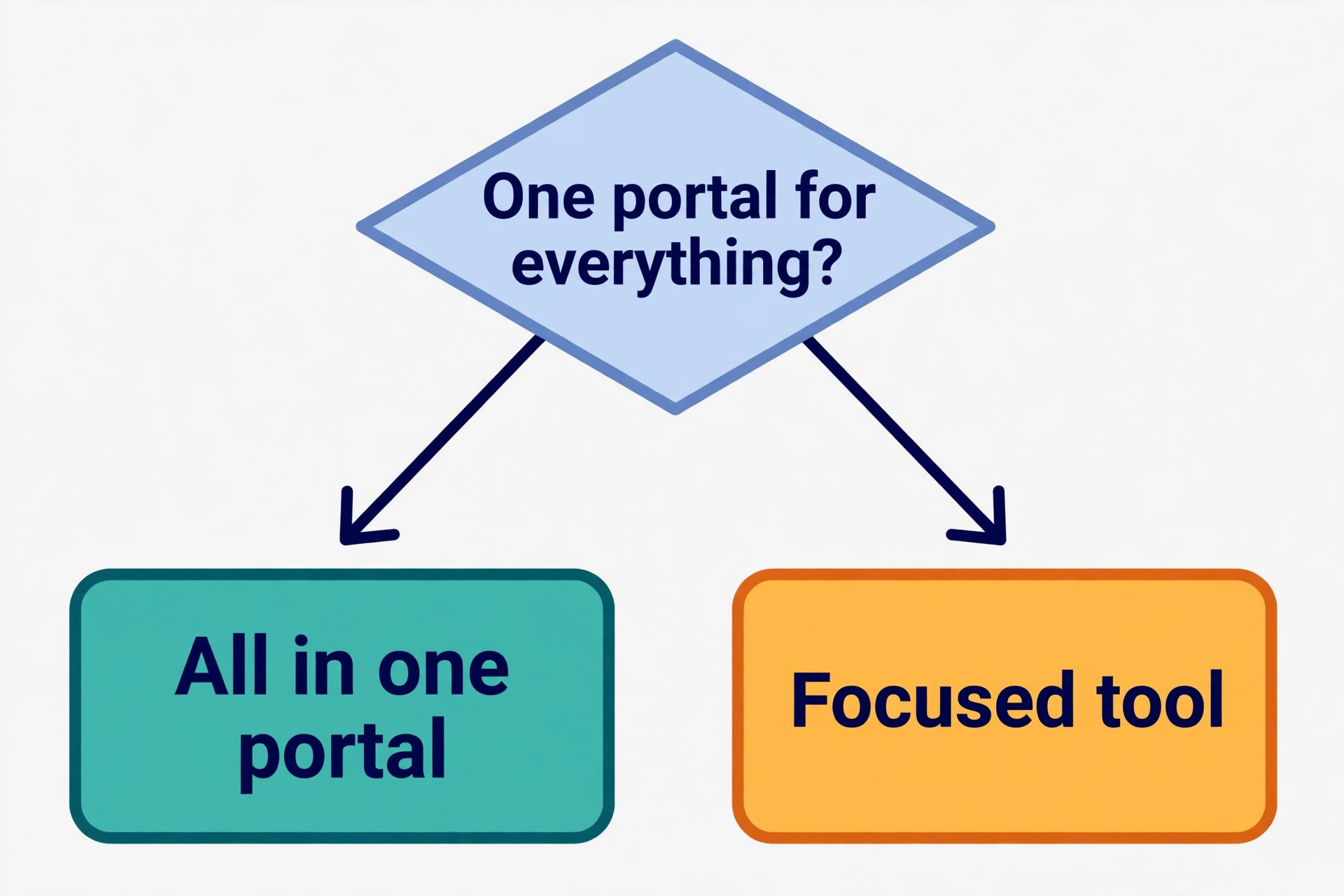
TaxDome is the all in one option for firms that want one client portal for almost everything. Essentials costs 800 dollars per seat per year on a one year term, Pro costs 1000 dollars, and Business costs 1200 dollars. Every plan bills upfront for the year, so a ten person firm on Pro pays 10000 dollars on day one. That billing model is the first thing to budget for.
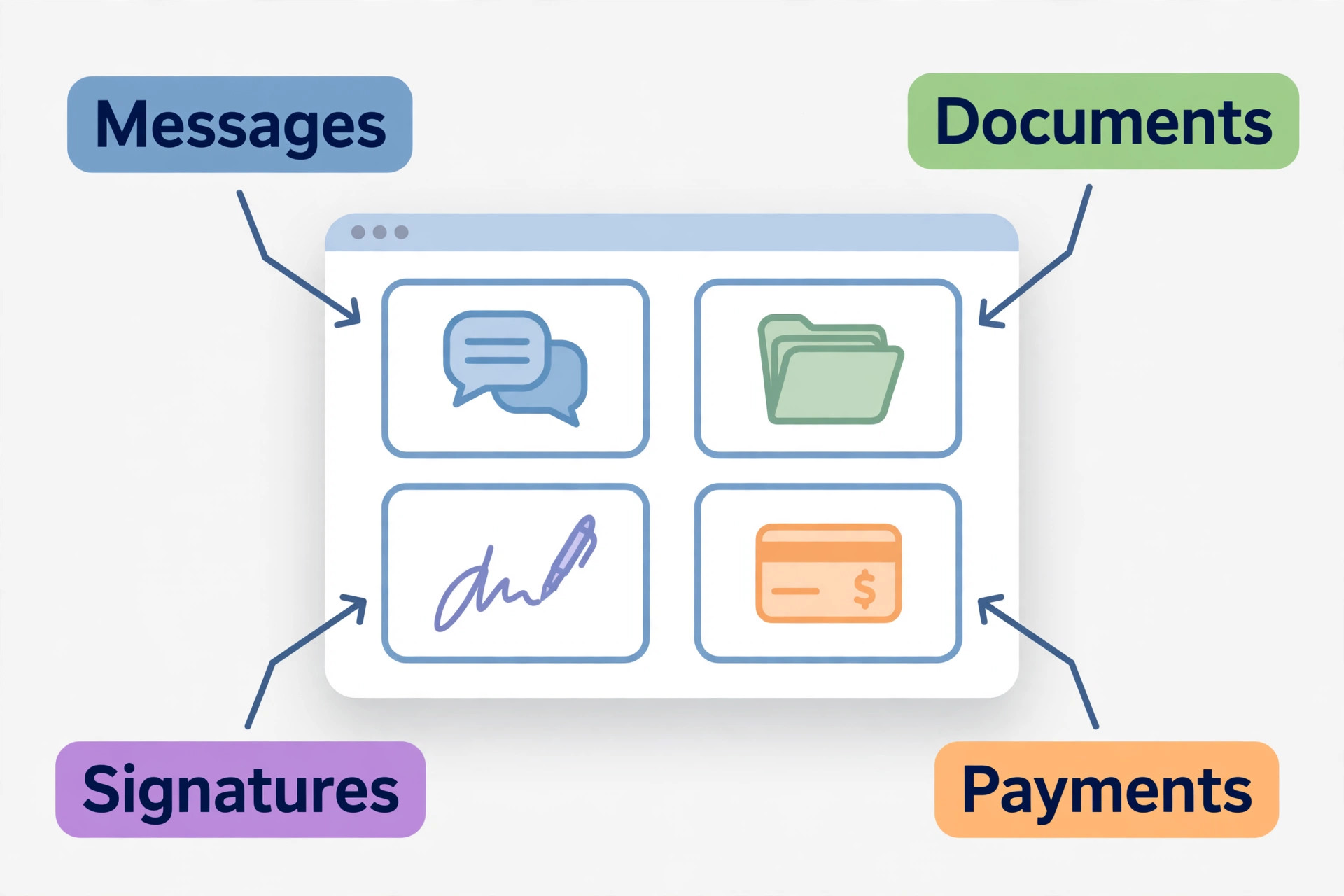
The strength is the client side. Clients get a polished portal and a mobile app for messaging, document upload, electronic signatures, organizers, and payments. Behind the portal, the firm gets customer records, workflow automation, time tracking, and billing. Firms that chase missing documents every tax season will feel the difference quickly.
The limit is the upfront commitment and the learning curve of a broad product. Solo users are limited to Essentials, and teams that want the fuller automation set must move to Pro. Choose TaxDome if one portal and predictable per seat pricing matter most. Skip it if monthly billing is a hard requirement.
3. Canopy
Canopy is built for tax heavy practices, and that focus shows in the feature set. Standard starts at 74 dollars per user per month on annual billing, Plus starts at 109 dollars, and Premium starts at 149 dollars. Tax specific modules sit on top of those plans, so the real total for a tax practice is higher than the headline tier price.
The strength is tax workflow depth. IRS transcript retrieval, tax resolution case handling, notice management, and document heavy workflows are native parts of the product rather than add ons. Firms that spend tax season inside transcripts and notices will find tools here that general workflow products simply do not offer.
The limit is cost and complexity for general bookkeeping firms. A firm with little tax work pays a tax premium for features it rarely opens. Choose Canopy if tax and tax resolution drive the revenue. Skip it if the book is mostly monthly bookkeeping with a light tax season.
4. Financial Cents
Financial Cents is the simpler choice for small firms that want to start fast. Solo costs 19 dollars per month, Team costs 49 dollars per user per month, and Scale costs 69 dollars per user per month, all on annual billing. The pricing is easy to explain to a partner, and there is no module maze to work through before the first job is created.
The strength is speed. Workflow templates, client task tracking, and a clean job view let a small team move from spreadsheets to a shared system in days rather than weeks. Firms that have struggled with adoption will appreciate a product that staff actually open every morning, because a system nobody uses saves nobody any time.
The limit is depth at scale. Larger firms with complex review chains and heavy email driven work may outgrow the simpler model. Choose Financial Cents if the firm is small, wants a fast rollout, and values ease over depth. Skip it if the firm needs the deepest workflow control available.
5. Jetpack Workflow
Jetpack Workflow is a focused workflow product for accounting and bookkeeping firms. Recent comparisons put its starting price at about 40 dollars per user per month, so check the vendor pricing page for the current plan before you budget. The product concentrates on recurring jobs, templates, and deadlines rather than trying to be a portal, a billing system, and a document store at once.
The strength is clarity. Recurring monthly work, annual compliance jobs, and client chasing each get a visible status, and templates keep the same steps from being reinvented every month. Firms that run a high volume of repeat bookkeeping jobs will value that repetition handling more than a long feature list.
The limit is breadth. Firms that want a full client portal, electronic signatures, and billing inside the same login will need a second product beside it. Choose Jetpack Workflow if recurring job control is the main pain. Skip it if the firm wants one login for the whole practice.
The Best Pick by Job
This guide compares the best practice management software for accounting firms by job, because a tax firm and a bookkeeping firm do not need the same system. Use the table to match the firm type to the pick, then read the full section for that tool before deciding.
| Job | Best pick | Why it fits |
|---|---|---|
| Tax firms | TaxDome | One portal for organizers, signatures, and payments through tax season |
| Bookkeeping firms | Financial Cents | Fast setup and clear recurring job tracking for monthly closes |
| Advisory firms | Karbon | Deep workflow control and email driven collaboration across engagements |
For a related decision, the guide to AI tools for accountants covers automation beside practice management, and the guide to accounting software for small business covers the bookkeeping system that sits underneath the workflow.
A Setup Checklist for a Calm First Month
Move in stages, not in one big switch. Start with one service line, such as monthly bookkeeping, and move the next line only when the first runs cleanly for two full cycles.
1. Import clients and open jobs first, and check that every deadline survived the move. 2. Build one template per repeated job type before adding custom work. 3. Invite a small group of clients to the portal and fix confusion early. 4. Set owners and due dates for every open job, with no unowned work left. 5. Run the old tracker in parallel for two weeks, then retire it on a set date.
Mistakes That Cost More Than the Monthly Fee
The most expensive mistake is buying for the largest firm the partners hope to become, rather than the firm that exists today. A system built for fifty staff will slow a team of five, and staff will quietly return to spreadsheets. Buy for the next twelve months, and choose a product with a clear upgrade path instead of paying for scale in advance.
The second mistake is skipping the client test. Internal staff can learn almost any interface, but clients will not. If the portal feels like work, document collection stays slow, and the firm keeps chasing the same missing items by email. A one hour client test in the trial prevents a year of chasing.
The third mistake is ignoring the billing model. Upfront annual billing changes cash flow, per user pricing grows with every hire, and module pricing grows with every new service line. Put the three year cost on one page before signing, including the plan the firm will need in year two, not only the entry price in year one.

What a Trial Must Prove Before Tax Season
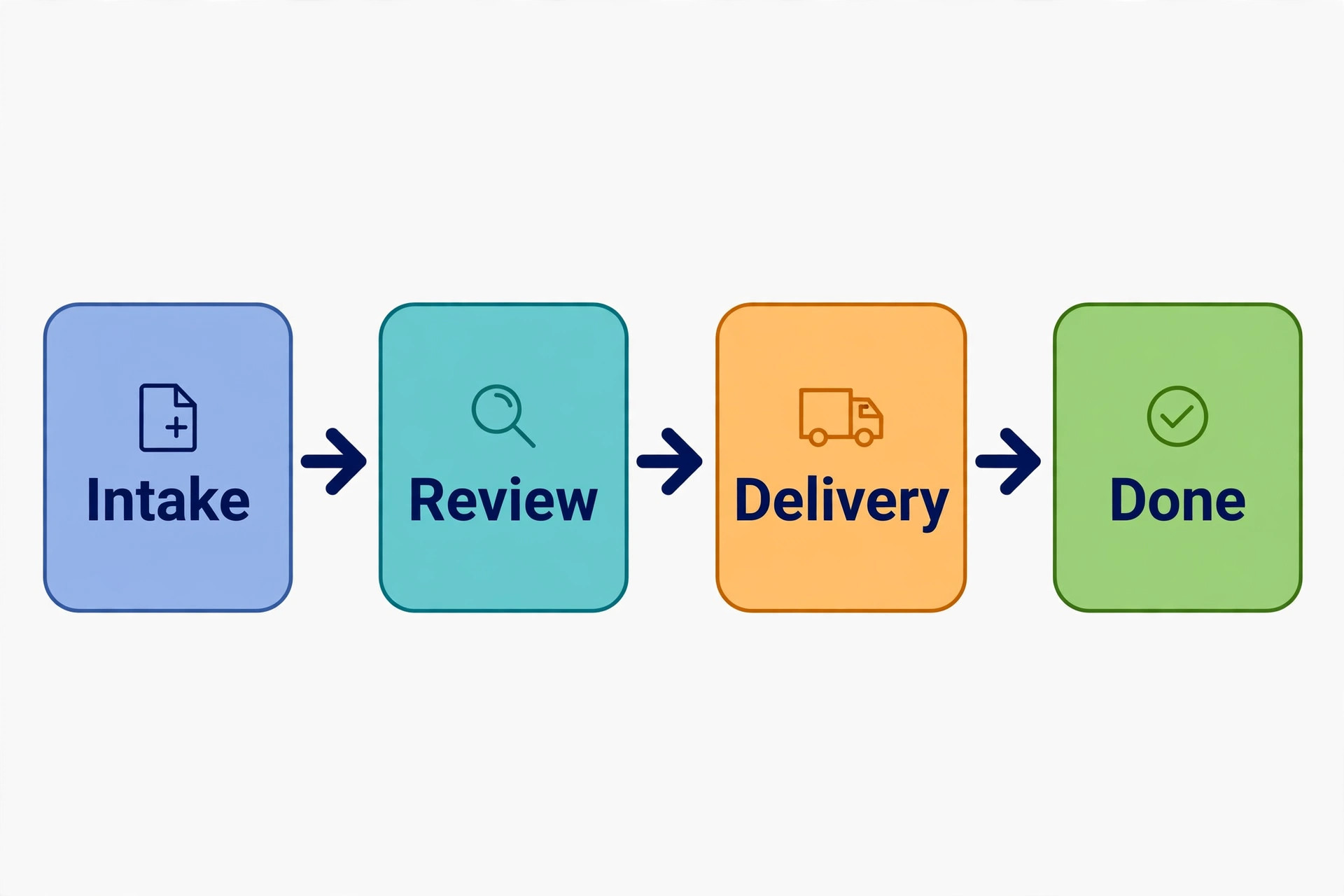
Run a real job end to end, not a demo job. Create a client, send a document request, receive a file, route the work through review, and deliver the result. If any step needs a spreadsheet beside the system, write it down, because that workaround will repeat hundreds of times a year.
Test capacity honestly. Load the trial with a full week of real jobs and watch the board under pressure. A system that looks clean with ten jobs can collapse at two hundred, and tax season will not wait for a better view. Ask how the firm sees overdue work, unassigned work, and work waiting on a client, in one glance.
Test support before you need it. Raise a real question during the trial and time the answer. Support quality matters most in the first month and during tax season, when a slow answer can block a whole team. A vendor that answers fast in a trial is more likely to answer fast when it counts.
Capacity, Security, and the Work Nobody Sees
Capacity planning is where the best practice management software for accounting firms proves its value outside tax season. A firm that can see every job, owner, and deadline on one board can spot an overloaded senior before a deadline slips, and can move work early instead of apologizing late. Ask each finalist how capacity is shown, because a simple job list hides overload until it is too late to fix.
Review chains deserve a separate test. A return that moves from preparer to reviewer to partner needs clear handoffs, comments that stay beside the job, and a record of who approved what and when. If review notes live in email, the firm loses the audit trail that protects it when a client questions a filing. Test a three step review in the trial, not just a single owner job.
Document retention rules vary by client type and by jurisdiction, and the system should help the firm follow them rather than leaving retention to memory. Ask how long documents are kept, how a client file is archived when an engagement ends, and how a deleted file is recovered. A firm that cannot answer those questions for a vendor should not trust that vendor with client records.
Security checks start with access control. Not every staff member needs every client file, and a system should allow role based access, two factor sign in, and a log of who opened sensitive documents. Ask for the security documentation in writing, and check whether client data is encrypted in transit and at rest, because a verbal assurance is not a security policy.
Integration depth matters more than integration count. A workflow tool that connects cleanly to the accounting ledger, the tax preparation product, and the document store will save hours a week. A tool with a long integration list but shallow connections will still force manual entry at every handoff. Test the two integrations the firm uses daily, not the full list.
Client onboarding is a second decision hidden inside the first. A new client needs an engagement letter, a document checklist, portal access, and a first job created without a dozen manual steps. A system with onboarding templates will cut that work to minutes, while a system without them will make every new client feel like a project.
Reporting should answer partner questions without a spreadsheet export. Ask for utilization by staff member, realization by service line, overdue jobs by client, and work waiting on clients, all in one view. If a report needs manual cleanup every week, the firm is paying for a system and still doing the reporting work by hand.
Training cost is easy to underestimate. A system that takes a week to learn will cost more in lost billable time than a higher monthly price on a simpler product. Ask for training materials, onboarding support, and a named contact for the first month, and time how long a new hire takes to run a real job in the trial.
Renewal pricing deserves a written question. Ask what the price will be in year two, whether per user pricing changes when the firm adds seasonal staff, and whether a plan change mid year is prorated. A low entry price that rises sharply on renewal is a common trap, and the time to discover it is before signing, not at the renewal invoice.
Seasonal staff create a pricing problem that annual plans hide. Tax season hires need access for a few months, not a full year, and a per user annual bill for a seasonal worker is wasteful. Ask how seasonal seats are handled, whether seats can be paused, and whether a part time user costs the same as a full time user.
Advisory work needs different tracking from compliance work. Advisory engagements run on milestones and meetings rather than filings and deadlines, so a system built only for tax jobs will force advisory work into the wrong shape. Test an advisory engagement end to end, from proposal to delivery, before assuming one system fits every service line.
Bookkeeping clients generate repeat work that should be templated once and reused monthly. A system that handles recurring jobs well will auto create next month work, carry forward checklists, and flag missing bank feeds early. A system that treats every month as a new job will waste staff time recreating the same structure twelve times a year.
Client communication inside the system beats email for one simple reason. Messages stay beside the job, the document, and the deadline, so a new staff member can pick up a client without reading a year of inbox history. Test how a client reply is handled, whether it creates a task, and whether staff get notified without checking the portal manually.
Data export terms should be read before the contract is signed. Ask what format client and job data exports in, whether documents export with their folder structure intact, and how long the firm can access data after cancellation. A system that makes exit painful is not a partner, it is a lock in, and the firm should know that cost in advance.
Mobile access matters for partners who review work away from the desk. A partner should be able to approve a return, answer a client message, and check capacity from a phone without a full desktop session. Test the mobile view with a real approval task, because a mobile app that only shows a job list will not help during a busy week.
The firm should also test what happens when a client leaves. Archiving a client, removing portal access, and retaining the file for the required period should be simple and auditable. A system that makes offboarding messy will leave orphaned access and scattered files, which is a security risk as well as an administrative headache.
Finally, the best practice management software for accounting firms is the one the team will still use in the second tax season, not just the first month. Enthusiasm fades, but habits built on a clear board, a working portal, and a fair price will last. Choose the system that survives a bad week, a staff departure, and a client surge, because those three events will happen, and the system must handle all of them.

Pricing Renewals, Partners, and Client Trust
Partner visibility is a test that the best practice management software for accounting firms must pass in the first month. A partner should see every open job, every overdue item, and every client waiting on the firm, without asking staff for a status update. If partners still ask for updates by email, the system has not become the record, and the firm is paying for a second tracker.
Client trust grows when communication is clear and timely. A client who can see what the firm needs, what has been received, and what happens next will send documents faster and call less. That clarity is not a soft benefit, it is the difference between a smooth tax season and a season spent chasing the same items for weeks.
Pricing renewals should be planned a full quarter before they arrive. Review the user count, the plan tier, and the modules in use, then ask whether a lower tier would still cover the work. Firms that review renewals early often find seasonal seats or unused modules that can be removed, and that review alone can fund a training day for the team.
Staff turnover is a normal event, and the system should make handover painless. A departing staff member jobs should transfer to a new owner in minutes, with history, documents, and client messages intact. Test a handover in the trial, because a system that makes handover hard will lose knowledge every time someone leaves.
A firm that grows by acquisition faces a second migration problem. Acquired clients, jobs, and documents must merge into the existing system without duplicates or lost history. Ask how mergers are handled, whether client records can be merged cleanly, and how long a merged book takes to settle, because growth by acquisition is common in this market.
The final test is simple and unforgiving. Pick the busiest week of the last tax season, load that workload into the trial, and run it with the real team. The system that keeps jobs visible, clients informed, and deadlines met under that load is the right choice, even if its demo looked less polished than a rival.
Ownership, Realization, and New Partners
The best practice management software for accounting firms also needs a clear answer on who owns a job when the owner is away. A system with deputy owners, shared inboxes, and visible cover arrangements will keep work moving during holidays and sick leave, while a system that depends on one person will stall.
Reporting on realization, the gap between work done and fees collected, should be visible by client and by service line. A firm that cannot see realization will keep doing unprofitable work for polite clients, while a firm that sees it can reprice, rescope, or refer that work on with confidence.
Finally, the best practice management software for accounting firms should make a new partner first month feel organized rather than overwhelming. A clear board, a working portal, and a short list of overdue items will help a new partner contribute fast, while a messy system will make even strong hires look slow.
Frequently Asked Questions
How long does it take to switch practice management software?
A small firm can move in two to four weeks if templates and client data are prepared in advance. Larger firms with a big tax book should plan six to eight weeks, including a parallel run where the old tracker stays live until the new system proves itself.
Is a client portal really worth the cost?
Yes, when clients actually use it. A portal cuts document chasing, keeps messages beside the job, and gives clients one place to sign and pay. If clients refuse the portal, the value drops sharply, so test it with real clients before committing.
Should a solo practitioner buy a full practice system?
A solo practitioner usually needs a light workflow tool and a clean client portal, not an enterprise workflow engine. Financial Cents Solo and Jetpack Workflow suit that scale better than a large team product, and the money saved can fund marketing or training instead.
What is the biggest hidden cost in this category?
The biggest hidden costs are upfront annual billing, per user growth as staff join, and paid modules for tax or document features. Model the cost at the real team size on the plan the firm will use in year two, and ask for every module price in writing.
Can one system handle tax, bookkeeping, and advisory work?
Yes, but the fit differs by firm. Karbon handles varied engagement types well, TaxDome handles the client portal side best, and Canopy leads for tax depth. Map the ten most repeated jobs first, then choose the system that handles those jobs with the fewest workarounds.
What should a firm check before signing a contract?
Check data export terms, contract length, price rises on renewal, and support hours during tax season. Ask for a written migration plan and a named contact for the first month. A contract without an exit path for the firm’s own data is a risk, not a detail.
The Verdict for Accounting Firms
For most growing firms, Karbon is the strongest all round choice, because email driven work and deep workflow control match how real firms operate. Tax firms that live inside client portals will get more value from TaxDome, and tax heavy practices should test Canopy before deciding anything else. Small firms should start with Financial Cents and upgrade only when the work demands it.
Do not choose on price alone, and do not choose on a demo alone. Run one real job end to end in two finalists, test the portal with a real client, and model the three year cost at the real team size. The best system is the one the team opens every morning and the clients use without being chased. That test, run honestly, will name the winner faster than any feature list.