
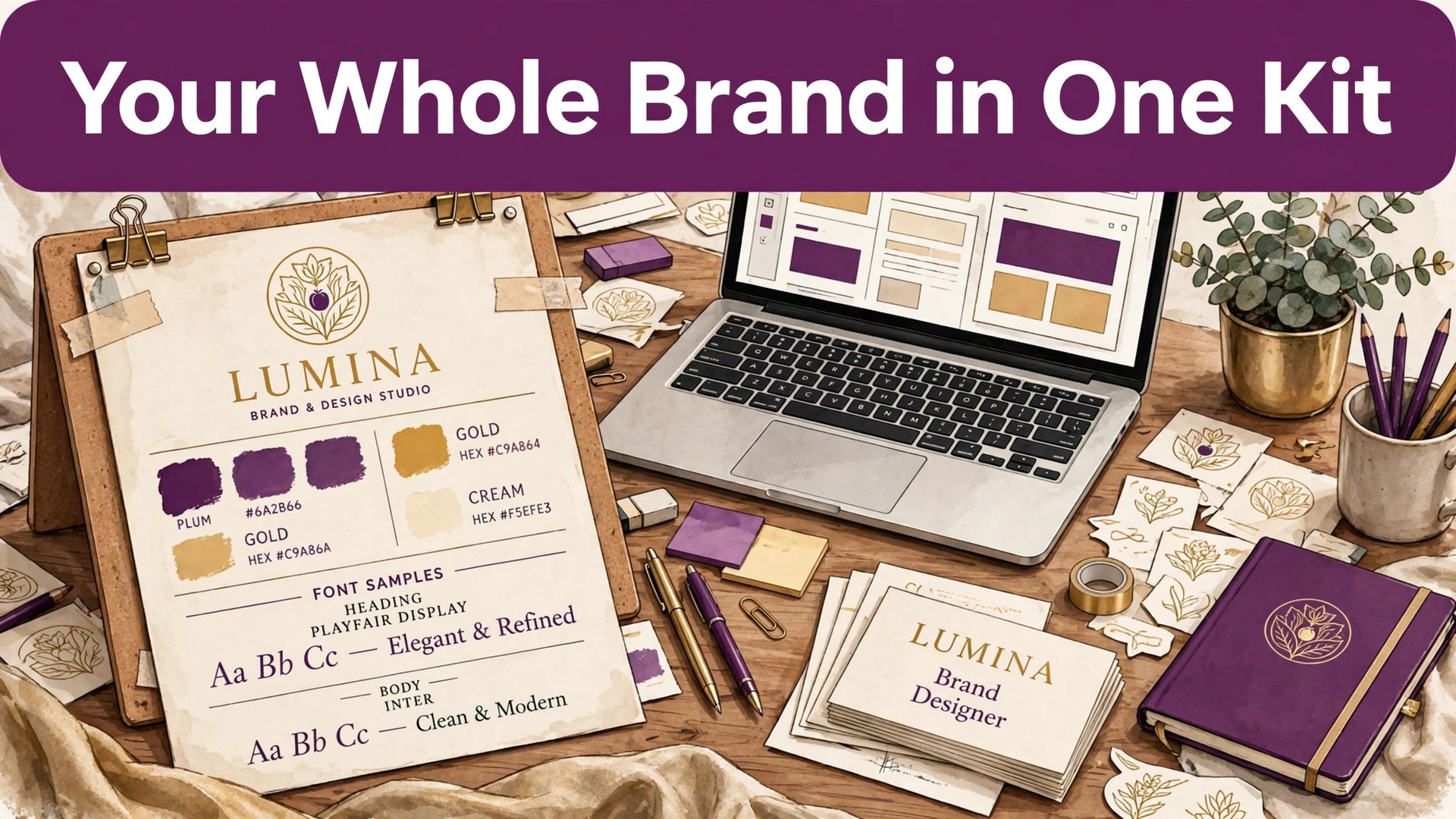
A new business can have a logo in an afternoon and still look inconsistent everywhere it appears, because the logo file alone does not carry the colours, fonts, and templates that keep a brand together. That gap is the problem this guide solves. The best AI brand kit generators turn one logo into a usable system, so social posts, cards, and documents all look like they came from the same business.
This guide compares twelve tools on logo quality, kit completeness, file types, and price, with honest limits on originality. If you are launching a business, a side project, or a creator brand, the right kit here will save you from rebuilding your look for every new asset.
Why a Logo Alone Is Not a Brand
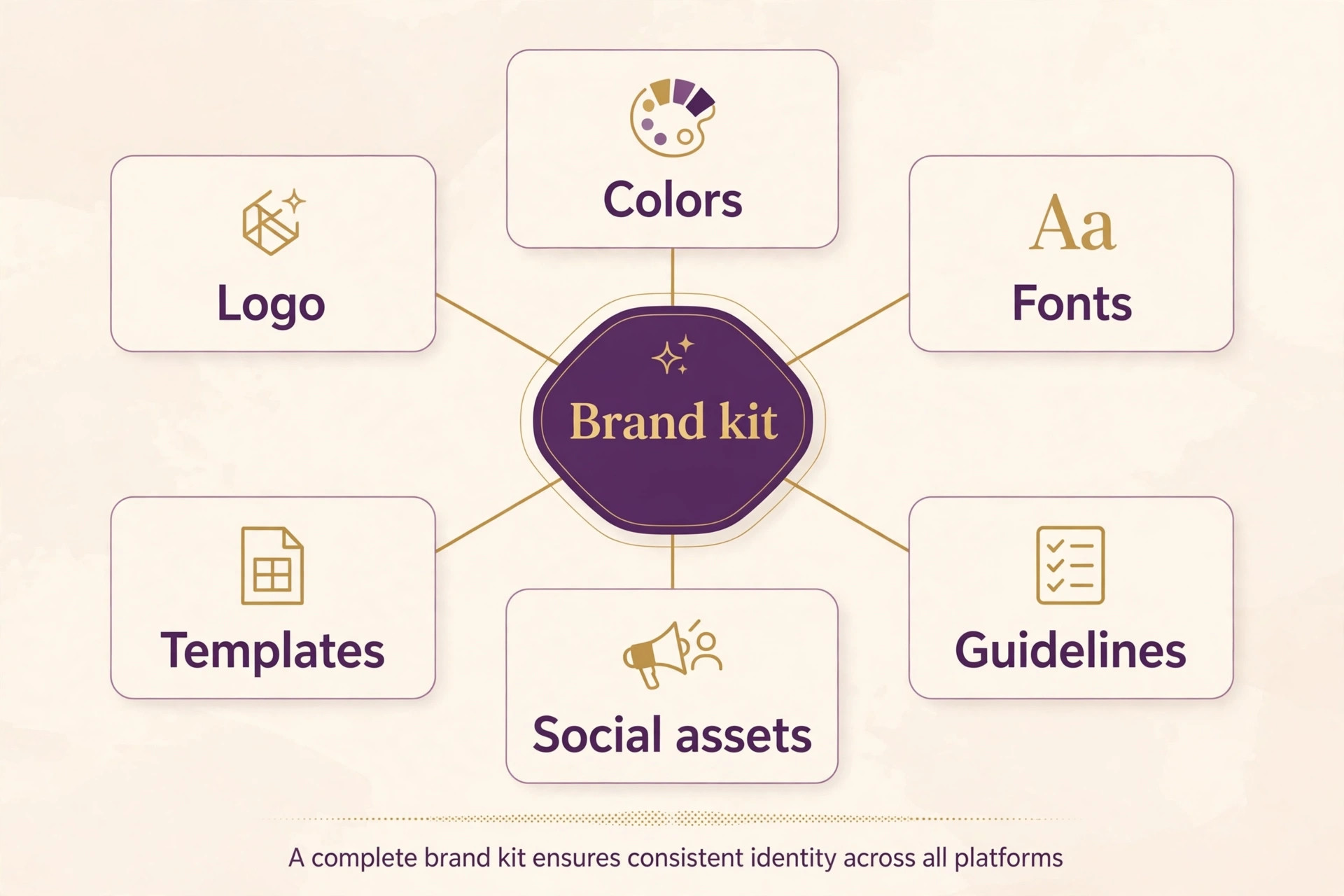
A brand is a system of repeatable choices. The same two or three colours, the same one or two fonts, the same logo spacing, and the same photo style, applied everywhere without thinking. Without a kit, each new asset becomes a fresh decision, and fresh decisions drift. A social post uses one blue, a business card uses another, and a website header uses a third, until the business looks like three different businesses.
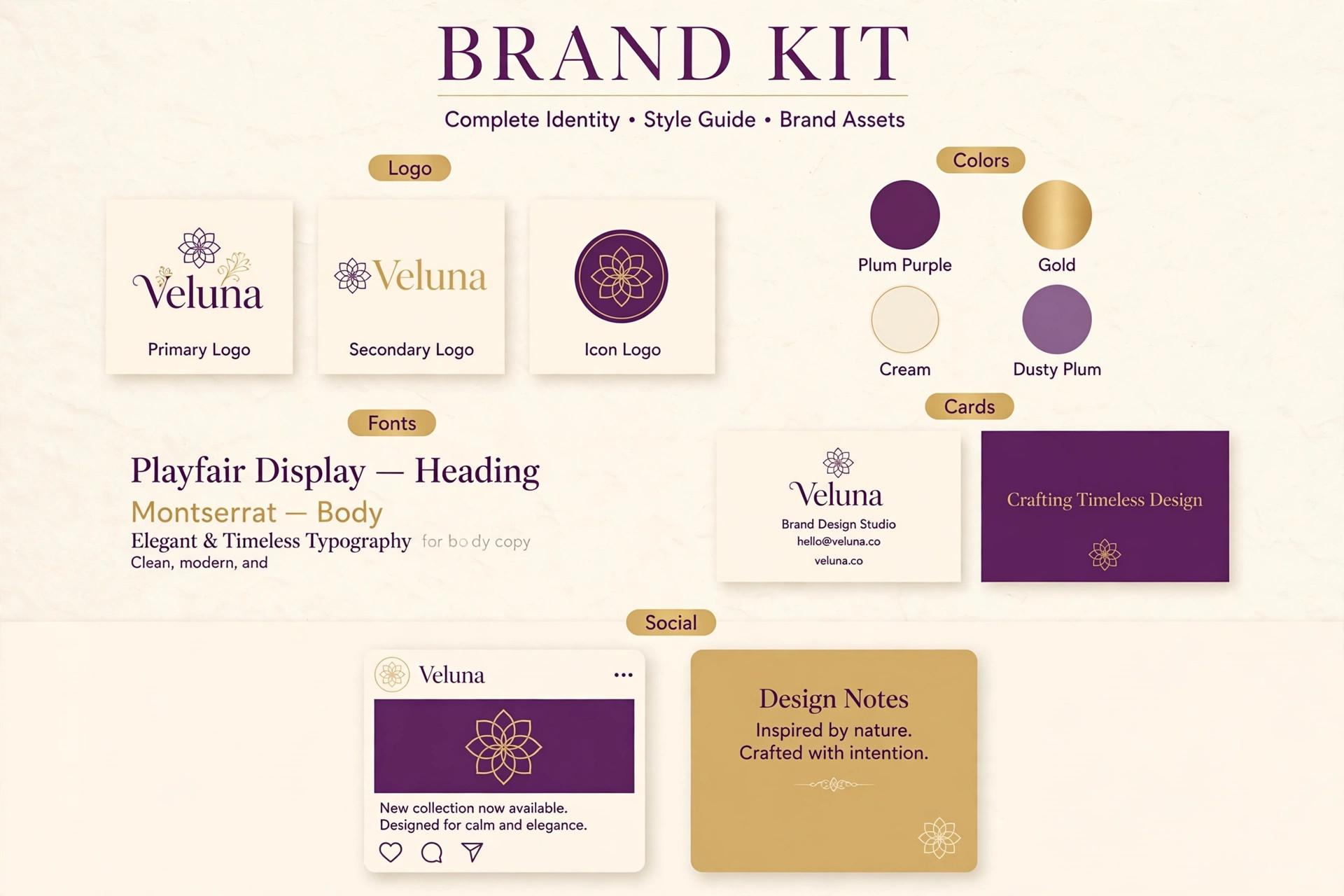
That drift costs trust, because customers judge consistency as professionalism. A kit prevents drift by storing the choices once and applying them automatically. When best AI brand kit generators are judged on that system test, the winner is not the tool with the prettiest logo generator, but the tool whose kit actually travels into the templates you use daily. A kit that stays inside one app while you design elsewhere is a filing cabinet, not a system, and best AI brand kit generators that sync colours and fonts across many asset types are the ones that change daily work.
Best Pick by Job
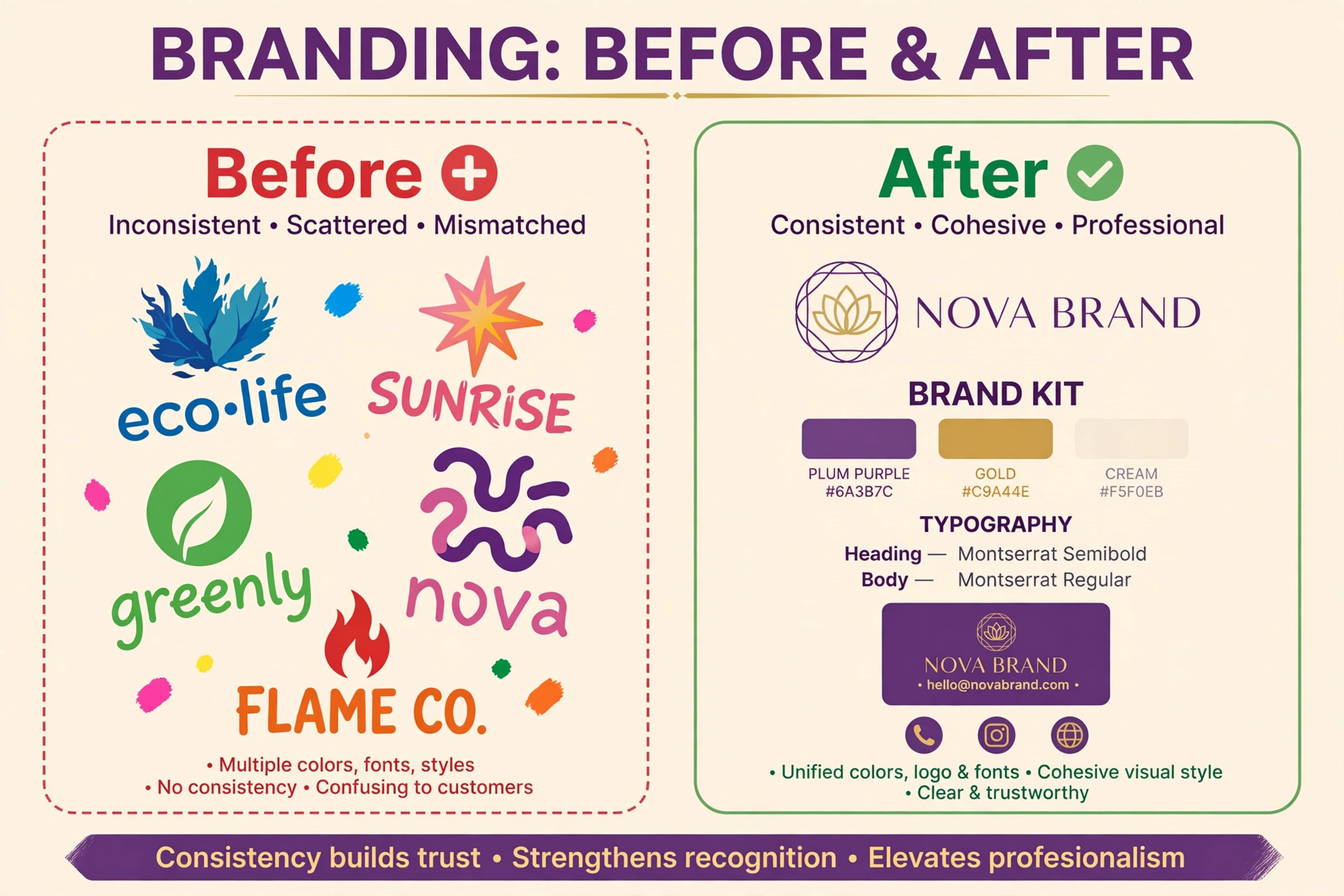
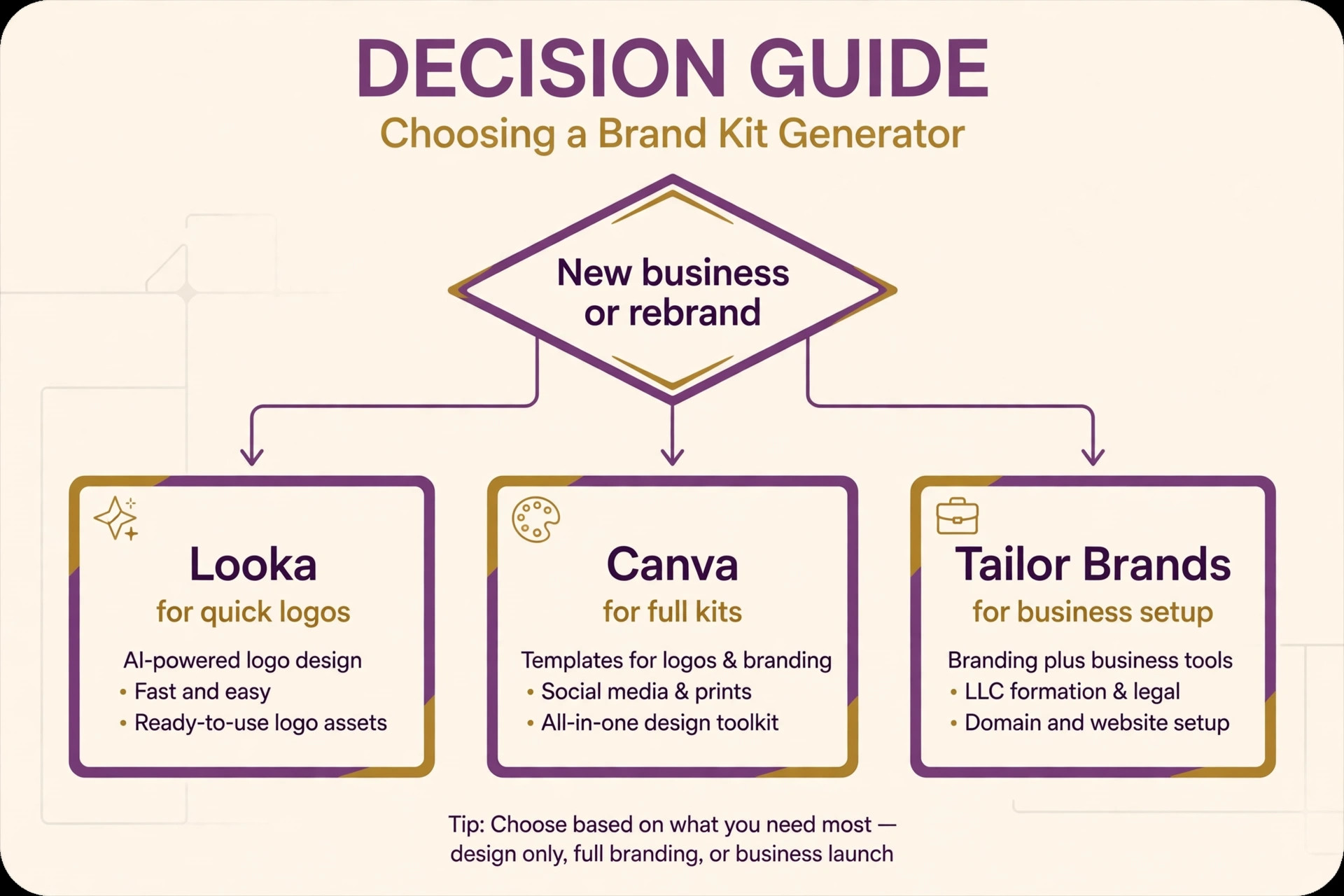
The table below gives the short answer for each common job, then the reviews explain the trade-offs behind each pick. Use it to narrow the list to two or three options before you start a free trial.
| Tool | Best for | Free tier |
|---|---|---|
| Canva | teams already working in Canva | Yes |
| Looka | startups that want a ready brand pack | Paid only |
| BrandCrowd | buyers who want designer-made templates | Yes |
| Design.com | solo creators and small brands | Yes |
| Tailor Brands | founders who want a full business launch | Paid only |
| Adobe Express | Adobe users who need brand-safe assets | Yes |
| LOGO.com | buyers who want more original marks | Yes |
| Wix Logo Maker | businesses building a site on Wix | Yes |
| Hatchful by Shopify | beginners who want a free logo fast | Yes |
| Vistaprint | brands selling physical products | Yes |
| LogoAI | entrepreneurs who want a full kit cheaply | Paid only |
| Recraft | design-led brands that need vectors | Yes |
How to Choose Among the best AI brand kit generators
Start with where your brand will appear. A creator who lives on social media needs social templates and a link page. A shop that sells physical products needs packaging, signage, and print files. A consultant needs documents, decks, and email signatures. Each of those lists points to a different kit strength, so list your top five asset types before you compare tools.
Next, check file types. You need a vector file for print and a transparent PNG for digital use, at minimum. A kit that only gives a single PNG will cost you later when a printer or a sign maker asks for a vector. Finally, check the originality question, because best AI brand kit generators vary on this point more than their marketing suggests. Template-based marks can resemble other businesses, so customise the icon, the font, and the colour palette heavily, and consider an exclusive licence when a tool offers one.
The Tools in Detail
The reviews below follow the same order as the table. Each one covers what the tool does, who it suits, pricing, and the honest limits, so you can compare like with like.
1. Canva
Canva is built for teams already working in Canva. It offers Brand Kit tools that store logos, colours, and fonts, then apply them across templates. Canva is the strongest brand kit choice for an active team. Once the kit is set, every social post, deck, and document pulls from the same colours and fonts, which is where consistency actually happens. Pricing is Free plan, Pro from about 12.99 dollars per month in some regions.
Strength to note. The kit lives inside a tool the team already uses daily. Limit to weigh. Brand Kit controls are paid features, and logo generation is template-led rather than AI-original.
2. Looka
Looka is built for startups that want a ready brand pack. It offers AI logo generation plus a brand kit with business cards and social templates. Looka turns a few inputs about industry, style, and colour into a logo and a matching kit. The one-time purchase model suits a founder who dislikes subscriptions. Pricing is 20 dollars for a basic logo file, 65 dollars for a premium file set, 96 dollars per year for the Brand Kit.
Strength to note. A complete launch pack without an ongoing subscription. Limit to weigh. The basic file gives only one PNG, so budget for the premium set for print use.
3. BrandCrowd
BrandCrowd is built for buyers who want designer-made templates. It offers a large designer-made logo library with brand kit templates. BrandCrowd wins on polish. Its templates are made by designers, so many need little editing, and an exclusive licence option can retire a design from the library. Pricing is Free browsing, paid plans from about 3 dollars per month billed annually.
Strength to note. Polished templates with an exclusivity option. Limit to weigh. Symbols are not exclusive by default, so heavy customisation still matters.
4. Design.com
Design.com is built for solo creators and small brands. It offers an AI logo generator whose colours and fonts sync across social posts, cards, and websites. Design.com earns its place here because the kit actually travels. Logo colours and fonts flow into matching social assets, business cards, and email signatures without rebuilding each file, and free vector downloads are generous. Pricing is Free downloads, paid plans from about 3 dollars per month billed annually.
Strength to note. Free vector exports and kit-wide colour and font sync. Limit to weigh. It is browser-only, and template-based marks still need customisation to feel unique.
5. Tailor Brands
Tailor Brands is built for founders who want a full business launch. It offers logos, brand kits, business cards, and websites in one subscription. Tailor Brands is an all-in-one launch service rather than a single kit tool. A founder can move from logo to cards to a site without changing platforms. Pricing is Paid plans from about 3.99 dollars per month in older listings, with full subscriptions higher.
Strength to note. The widest business launch bundle in this group. Limit to weigh. The subscription model costs more over time than a one-time logo purchase.
6. Adobe Express
Adobe Express is built for Adobe users who need brand-safe assets. It offers brand kits, Firefly image tools, and Adobe Fonts in a browser editor. Adobe Express suits teams already in Adobe’s world. Brand kits on paid plans keep assets consistent, and Firefly generation is positioned as commercially safe for business use. Pricing is Free plan, Premium from 9.99 dollars per month.
Strength to note. Strong brand controls with commercially positioned AI tools. Limit to weigh. The kit is less complete than a dedicated logo-to-kit service for a first launch.
7. LOGO.com
LOGO.com is built for buyers who want more original marks. It offers AI-generated custom icons rather than shared template symbols. LOGO.com stands out on originality. Its icons are generated for each business rather than pulled from a shared library, which lowers the chance of a near-identical mark elsewhere. Pricing is Free plan, Brand Plan from 36 dollars for the first year.
Strength to note. More original icons than template libraries offer. Limit to weigh. The template and asset range is smaller than the biggest libraries.
8. Wix Logo Maker
Wix Logo Maker is built for businesses building a site on Wix. It offers a chat-led logo maker tied to Wix sites and brand assets. Wix Logo Maker makes sense when the website is the priority. The logo flows into the site, and brand assets stay in one account. Pricing is Free to design, paid downloads from about 20 dollars in some listings.
Strength to note. A smooth path from logo to live website. Limit to weigh. It is weaker as a standalone kit outside the Wix system.
9. Hatchful by Shopify
Hatchful by Shopify is built for beginners who want a free logo fast. It offers a simple industry-template logo maker from Shopify. Hatchful is the no-cost starting point. Pick an industry, choose a style, and download a logo set for social profiles and basic use. Pricing is Free.
Strength to note. Free and genuinely simple for a first logo. Limit to weigh. Customisation depth and kit features are limited.
10. Vistaprint
Vistaprint is built for brands selling physical products. It offers a free brand kit tied to printed products. Vistaprint is practical when the brand lives on physical items. The free kit stores colours and logos, then applies them to cards, packaging, and signage orders. Pricing is Free Brand Kit, print products priced per order.
Strength to note. A free kit with a direct path to print. Limit to weigh. Digital template depth is thinner than the design-first kit tools.
11. LogoAI
LogoAI is built for entrepreneurs who want a full kit cheaply. It offers AI logo generation with full brand kit downloads. LogoAI packages a logo with business cards, social assets, and brand guidelines at a one-time price, which suits a founder launching on a fixed budget. Pricing is From 29 dollars.
Strength to note. A full kit at a one-time price. Limit to weigh. The design style range is narrower than the largest libraries.
12. Recraft
Recraft is built for design-led brands that need vectors. It offers vector generation with style locking for consistent brand assets. Recraft is the design-led pick. True vector output scales to any size, and style locking keeps new assets visually consistent with the kit, which matters for packaging and infographics. Pricing is Free tier, paid plans from about 12 dollars per month.
Strength to note. Vector output with style consistency controls. Limit to weigh. It is less suited to photographic brand imagery than image-first generators.
What a Complete Kit Should Contain
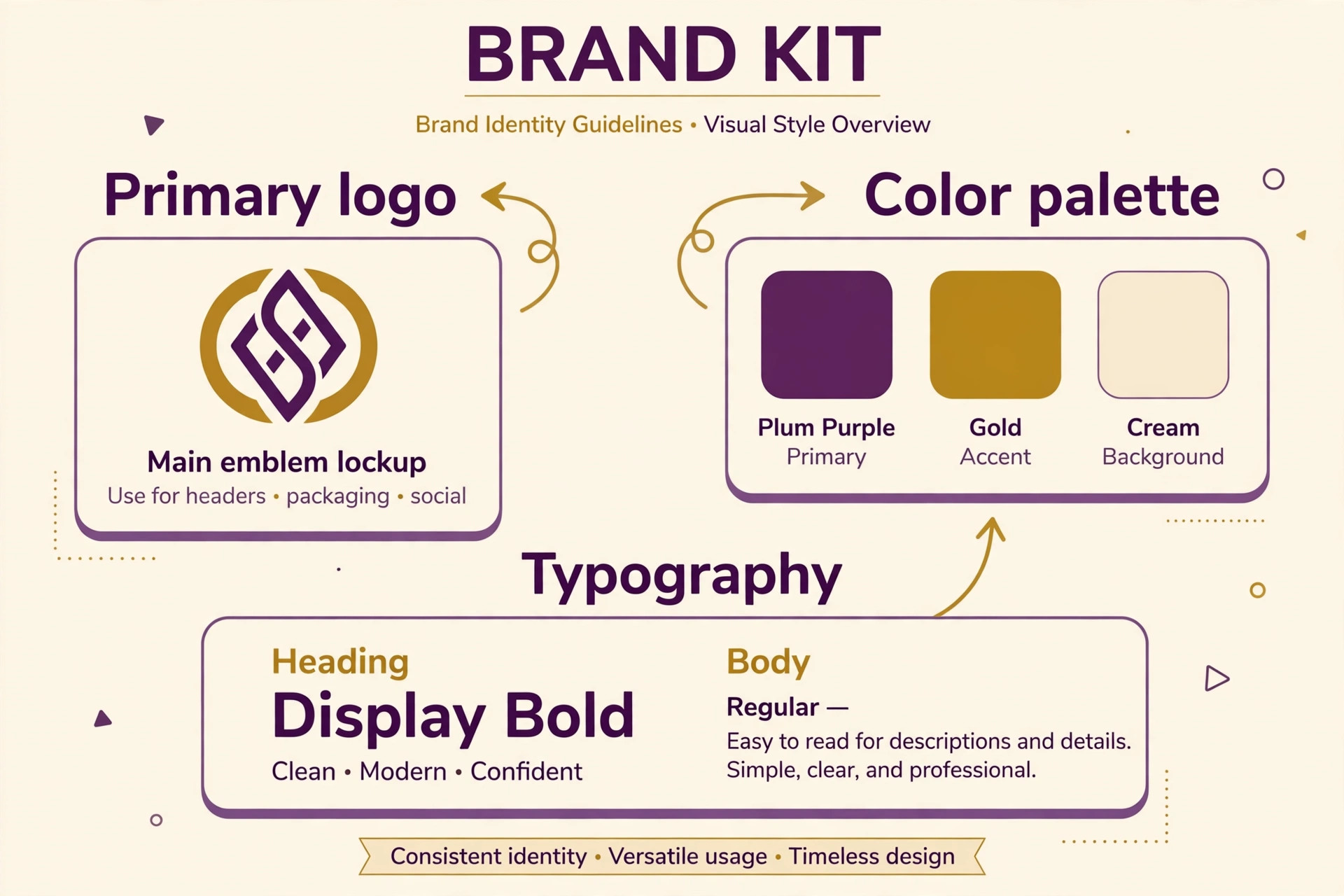
A complete kit contains a primary logo, a simplified logo for small sizes such as avatars, a colour palette with exact codes, font choices for headings and body text, and templates for the assets you use most. Social templates, business cards, letterheads, and email signatures cover most small businesses. Brand guidelines, even a one-page version, help anyone else who designs for you, because they state the colours, fonts, and spacing rules in one place.
Missing pieces are common. Some kits include social templates but no print files. Some include print files but no guidelines. Some include a website builder but weak social assets. Before you pay, list the assets you will need in the first three months and check each one against the kit contents, rather than assuming a kit labelled complete covers them all. The tools in this guide that offer best AI brand kit generators differ most on this checklist, and best AI brand kit generators with the longest template lists are not always the best fit when your top assets are missing.
Originality, Trademarks, and the Honest Limits of AI Kits
AI kit tools work from shared libraries or generated variations, which means another business can end up with a similar mark. That risk is real, but it is manageable. Customise heavily by changing the icon details, the layout, and the palette rather than accepting the first suggestion. Test the mark at avatar size, because a detailed mark that looks good large can turn to mush small, and a simplified version solves that problem.
Trademark protection is a separate question. A logo generator does not register a trademark for you, and a generated mark may still conflict with an existing brand in your industry. Before investing in signage or packaging, search trademark databases for your business name and mark in your country, and consider professional advice for a business where the brand itself is the main asset. A kit tool is a fast starting point, not a legal clearance, and treating it that way protects the investment you make in the brand over time.
Setting Up Your Kit in a Weekend
Day one is for decisions. Choose the business name, pick three candidate logos, and test them at avatar size and on a dark background. Narrow to one mark, then set the palette to two main colours and one accent, and choose one heading font and one body font that read well on screens and in print. Write those choices down in a single document, even if the tool stores them, because a written record survives a change of tools.
Day two is for assets. Generate the social templates, the business card, and the email signature from the kit, and use them for one real post, one real email, and one real document. That real-world test reveals problems a preview hides, such as a colour that looks different on a phone or a font that renders poorly in email. Fix those issues in the kit before you scale, because every asset made after the fix inherits the correction. By the end of the weekend, the brand should feel automatic rather than improvised, and the next design should start from the kit rather than from a blank page.
Colour and Typography Choices That Age Well
Colour choices should survive beyond a trend cycle. A palette built around one or two timeless main colours, with a single accent for calls to action, will still look current in three years, while a palette built on a fashionable gradient may date quickly. Test the palette on light and dark backgrounds, in print, and on a phone screen, because a colour that looks rich on a desktop monitor can look muddy in print or washed out on a cheap phone display. Accessibility matters here too, since text must contrast strongly enough against its background for all readers, and a palette that fails contrast checks will exclude some customers.
Typography follows the same rule. Choose a heading font with character and a body font that stays readable at small sizes, and resist adding a third or fourth font for decoration. Two fonts, used consistently, look more professional than five fonts used creatively, because consistency signals intention. Check that both fonts support the characters your business needs, including accents and symbols, and that they render well in email, where font support is narrower than on the web. A kit that locks those two fonts in place prevents the slow drift where each new document introduces a new typeface.
Finally, keep the system simple enough that someone else can follow it. A one-page guideline that shows the logo, the colours with their codes, the fonts, and three examples of correct use will do more for consistency than a long brand manual nobody reads. Share that page with anyone who designs for you, from a freelancer to a new staff member, and review it once a year as the business grows.
When to Refresh a Brand Kit and When to Leave It Alone
A brand kit should evolve slowly, not change with every trend. Refresh the kit when the business changes in a real way, such as a new audience, a new product line, or a move into a new market, because the old look may no longer fit the new offer. Refresh it also when the current kit causes practical problems, such as a logo that fails at small sizes, colours that print poorly, or templates that no longer match the platforms you use. Those are functional reasons, and they justify the cost of change.
Do not refresh the kit simply because you are bored with it. Customers recognise a brand through repetition, and frequent changes erase that recognition. A founder who sees the logo daily will tire of it far sooner than a customer who sees it weekly, so boredom is a poor signal for a rebrand. Instead, refresh the templates and the photography while keeping the core mark, colours, and fonts stable, because fresh assets with a stable core feel new without losing recognition.
When a refresh is justified, plan it as a rollout rather than a sudden switch. Update the website and social profiles first, then the documents and templates, then the printed materials as they run out, so the change does not waste existing stock. Tell existing customers about the change in a short announcement that explains what is new and what stays the same, because a sudden unexplained change can confuse loyal buyers. A planned rollout keeps the brand recognisable through the transition and protects the trust the old kit built.
Brand Kits for Creators, Shops, and Consultants
Creators need a kit that works at small sizes and in motion. Avatars, banners, thumbnails, and short video frames all draw from the same colours and fonts, and a kit that includes motion templates or lower-third graphics saves repeated work. The priority is recognition in a crowded feed, so a bold accent colour and a distinctive heading font matter more than a large template library. Test the kit on a real feed next to other creators, because a kit that looks good alone can vanish among brighter competitors.
Shops need a kit that works on physical products and packaging. Print files, label templates, and signage colours matter more than social templates, and the kit should include exact colour codes for printers. A shop that changes packaging colours with every product line confuses repeat buyers, so the kit should lock the main colours while allowing one accent per product range. Consultants need a kit that works in documents and decks, with clean templates, consistent headings, and an email signature that matches the website. For consultants, restraint is the brand, and a kit with too many decorative elements undermines the professional impression it should build.
Common Kit Mistakes and How to Fix Them
The first mistake is too many colours. A kit with six main colours gives every designer a different favourite, and the brand drifts within weeks. Fix it by choosing two main colours and one accent, and removing the rest from the kit. The second mistake is a logo that only works large. Fix it by creating a simplified version for avatars and favicons, with fewer details and stronger shapes, and using that version wherever the full logo would shrink below readable size.
The third mistake is inconsistent photography. A kit that specifies colours and fonts but not photo style will produce social posts with clashing imagery, from bright stock photos to dark product shots. Fix it by choosing a photo treatment, such as warm tones or high contrast, and applying it consistently. The fourth mistake is never updating templates when platforms change sizes. Fix it by reviewing template sizes twice a year and regenerating the most used assets. Each fix is small, but together they turn a kit from a one-time purchase into a living system that keeps the brand consistent as the business grows.
More Reading on Stratilyze
A brand kit is the foundation, not the finish. The next step is using it consistently across your website, your social profiles, and your customer documents, so every touchpoint reinforces the same impression. Review the kit every few months as the business grows, and update the templates when the offer or the audience changes, rather than letting the kit drift out of date.
Read our guide to how to build a personal brand with ai for the next step after you finish this design.
Read our guide to best ai logo makers for the next step after you finish this design.
Read our guide to best ai business name generators for the next step after you finish this design.
Read our guide to best ai tools for graphic designers for the next step after you finish this design.
Read our guide to best ai tools for small business for the next step after you finish this design.
Read our guide to how to start a clothing brand with ai for the next step after you finish this design.
Frequently Asked Questions
What is an AI brand kit generator?
An AI brand kit generator creates a logo from your business name and preferences, then builds a kit around it with colours, fonts, and templates for social posts, cards, and documents. The kit keeps those choices consistent across every asset you make.
How much does a brand kit cost?
Costs range from free kits, such as Hatchful and Vistaprint, to one-time logo purchases around 20 to 65 dollars, and subscriptions from about 3 dollars per month billed annually. Canva Pro and Adobe Express bundle kits into wider subscriptions that cost more per month.
Are AI-generated logos unique?
Not automatically. Most tools use shared libraries or generated variations, so another business can have a similar mark. Customise the icon, font, and palette heavily, and consider an exclusive licence when a tool offers one, to reduce the similarity risk.
What file types should a brand kit include?
At minimum, you need a vector file such as SVG or PDF for print and a transparent PNG for digital use. A good kit also includes social sizes, business card files, and brand guidelines with exact colour codes and font names.
Yes. Many creators use a kit mainly for social templates, avatars, and banners. Canva, Design.com, and BrandCrowd all sync kit colours and fonts into social assets, which keeps a feed looking consistent without extra design work.
Should I hire a designer instead of using a kit tool?
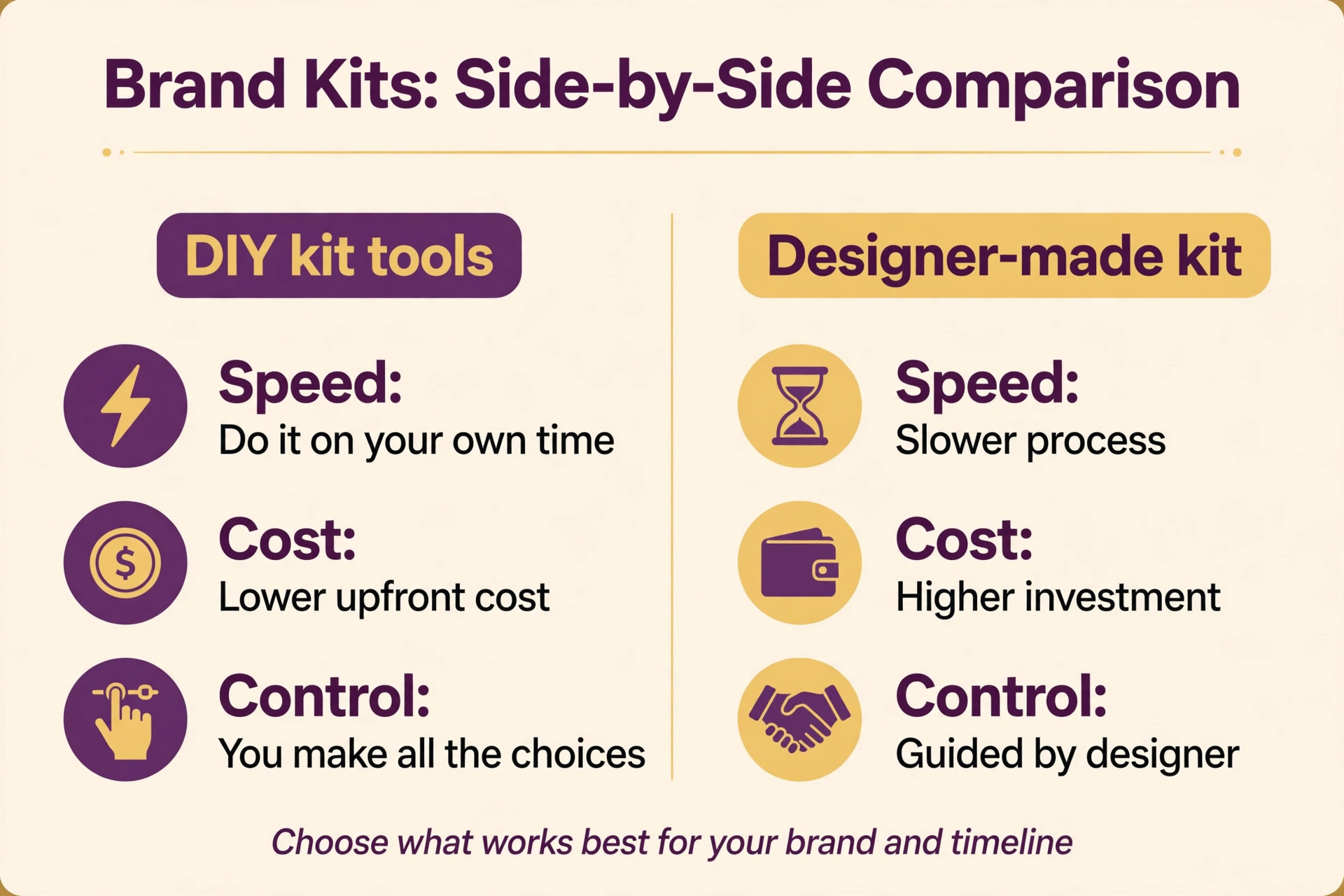
A kit tool suits a launch on a budget or a tight timeline, while a designer suits a business where the brand is the main asset or where trademark distinctiveness matters greatly. Many businesses start with a kit and commission a designer later, once the brand direction is proven.
Our Final Take on Brand Kit Tools
Canva is the best kit for a team that already designs daily in Canva, because the kit lives where the work happens. Looka is the best one-time purchase for a founder who wants a launch pack without a subscription. BrandCrowd suits buyers who want polished designer templates, and Design.com suits solo creators who want free vector downloads and kit-wide sync across social assets, though it should be judged on that sync rather than on any ranking claim.
Whichever tool you choose, customise the mark, test it small, and use the kit for real assets in the first week. A kit that sits unused is just a folder of files, while a kit used daily becomes the brand. Start with the system, not the logo, and the consistency will follow. Revisit the kit after a month of real use and note which templates you actually used and which you ignored, because that usage record tells you what to keep and what to replace.
A kit shaped by real use fits the business better than a kit chosen on launch day, and the businesses that treat the kit as a living system are the ones whose brands still look coherent a year later. Share the one-page guideline with every new designer or freelancer before they start, because a guideline shared late cannot undo assets already made in the wrong colours, while a guideline shared early makes consistency the default rather than a correction. That single habit, sharing the guideline before work starts, saves more redesign time than any template library ever will, and it keeps every new asset on brand from the very first draft.