

The best AI tools for teachers aren’t one tool — they’re five different jobs wearing one label. Lesson planning on Sunday night, a quiz by third period, feedback on 30 essays, a reading passage levelled three ways for one class, and a delicate parent email before lunch: no single product wins all five. Roundup lists that crown one “best teacher AI” miss how classrooms actually work.
So we organised this guide by task, then tested the leading tool for each: we built a week of 6th-grade science materials (an ecosystems unit) across all five platforms — lesson plans in MagicSchool, leveled readings in Diffit, an interactive lesson in Curipod, rubric-checked explanations in Khanmigo, and essay feedback in Brisk Teaching — and recorded what each free-for-education tier actually allows. Here’s the task-first map.
The Task Map
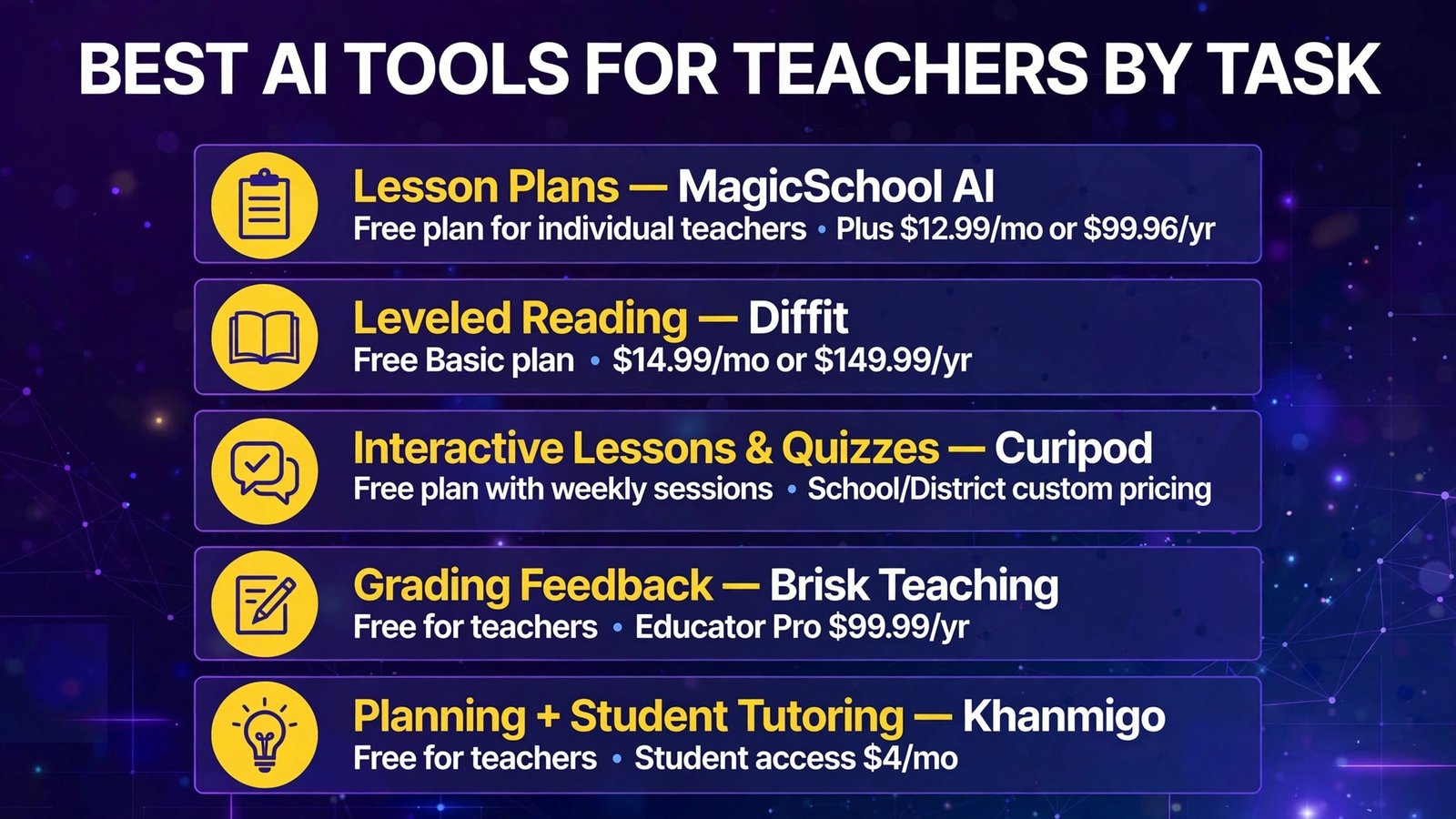
| Teaching task | Best tool | Free-for-education tier (Oct 2026) | Paid plan |
|---|---|---|---|
| Lesson plans (all-purpose) | MagicSchool AI | Free plan for individual teachers | Plus $12.99/mo or $99.96/yr (~$8.33/mo) |
| Differentiation / leveled reading | Diffit | Free Basic plan | $14.99/mo or $149.99/yr |
| Interactive lessons & quizzes | Curipod | Free plan with weekly sessions | School/District custom pricing |
| Grading feedback (in Google Docs) | Brisk Teaching | Free for teachers (20+ tools, usage limits) | Educator Pro $99.99/yr |
| Pedagogy-first planning + student tutoring | Khanmigo (Khan Academy) | Free for teachers | Student access $4/mo (families) or district |
Bottom line: Start with the free stack in the last section — MagicSchool (plans) + Diffit (differentiation) + Brisk (feedback) + Khanmigo (pedagogy) costs $0 and covers four of the five core tasks. Add Curipod when you need live, interactive lessons students respond to in class, and pay for a Plus/Pro tier only when a free limit starts biting weekly, not before.
The Test: One Unit, Five Tools
Our test unit: 6th-grade science — ecosystems and food webs, one week of instruction. Each tool got the slice of work it claims to do best:
- MagicSchool: full lesson plans, objectives, a quiz, a rubric, and a parent email about the unit project
- Diffit: one source article on food webs, leveled to three reading levels with comprehension questions
- Curipod: one interactive lesson (slides + polls + written responses) on predator–prey relationships
- Khanmigo: lesson hook, exit tickets, and a leveled explanation of “keystone species”
- Brisk Teaching: feedback on five sample student paragraphs, inside Google Docs
We graded on: output quality for that task, editing time needed, free-tier limits hit, and classroom-readiness (privacy posture, export options).
1. MagicSchool AI — Lesson Plans and Everything Else (The All-Purpose Toolkit)
Primary task: lesson plans (plus rubrics, quizzes, IEP drafting help, report-card comments, and parent emails).
What it is: MagicSchool is a purpose-built teacher platform with 80+ tools — lesson plan generator, unit planner, rubric maker, quiz maker, text leveler, IEP assistant, and the “Raina” AI coach — all wrapped in education-specific guardrails, with student-facing tools available under teacher control. It’s the most widely adopted teacher AI in US K–12.
2026 pricing (verified): Free plan for individual teachers — core tools with standard usage limits. Plus: $12.99/month monthly, or $99.96/year (~$8.33/month) — expanded usage, output history, and editing features. Enterprise: custom quote for schools/districts (SSO, admin dashboards, LMS integrations).
Our test notes: MagicSchool produced the most complete lesson-plan package fastest: objectives tied to standards, a warm-up, direct instruction outline, a group activity, and an exit ticket — in one generation, in a format a substitute could follow. The quiz maker generated a usable 10-question check (we fixed two answer-key quibbles), and the parent-email tool turned “your child has a project due Friday” into a warm, professional note in seconds — the task teachers dread most, done best here. Output is a draft: standards citations should be spot-checked (every tool in this category occasionally invents a plausible-looking standard code), and activities skew generic until you paste in your real constraints.
Pros:
- Broadest toolkit — lesson plans, rubrics, quizzes, IEP support, parent emails in one login
- Genuinely free plan for individual teachers, not a 7-day trial
- Education-specific privacy posture (FERPA/COPPA-oriented, no training on student data per vendor)
- Raina coach makes iterating on a plan feel like chatting with an instructional coach
Cons:
- Free tier has usage limits heavy users will hit mid-month
- Standards alignment claims need human verification
- Output is text-based — you’ll still make your own slides and visuals
- 80+ tools means a learning curve to find your five favourites
Best for: The teacher who wants one platform for planning season — and the parent-email and report-comment tasks nobody else handles as well.
Verdict: The default starting point. If you install one tool from this guide, it’s this one — free.
2. Diffit — Differentiation and Leveled Reading (The Specialist)
Primary task: differentiation — turning one text into the right text for every reader in the room.
What it is: Diffit takes a topic, pasted text, URL, PDF, or video and generates a reading resource adapted to your chosen level — passage, comprehension questions, vocabulary support, and discussion prompts — with versions for multiple grade levels from the same source. It exclusively uses cited, credible sources, which matters when the content is going in front of students.
2026 pricing (verified): Free Basic plan — leveled resources with PDF download, printing, and sharing (recent content accessible for a limited window, ~90 days per current plan descriptions). Individual: $14.99/month or $149.99/year — premium exports (Google/Microsoft), standards/DOK alignment, advanced tools. Schools: custom, by enrollment.
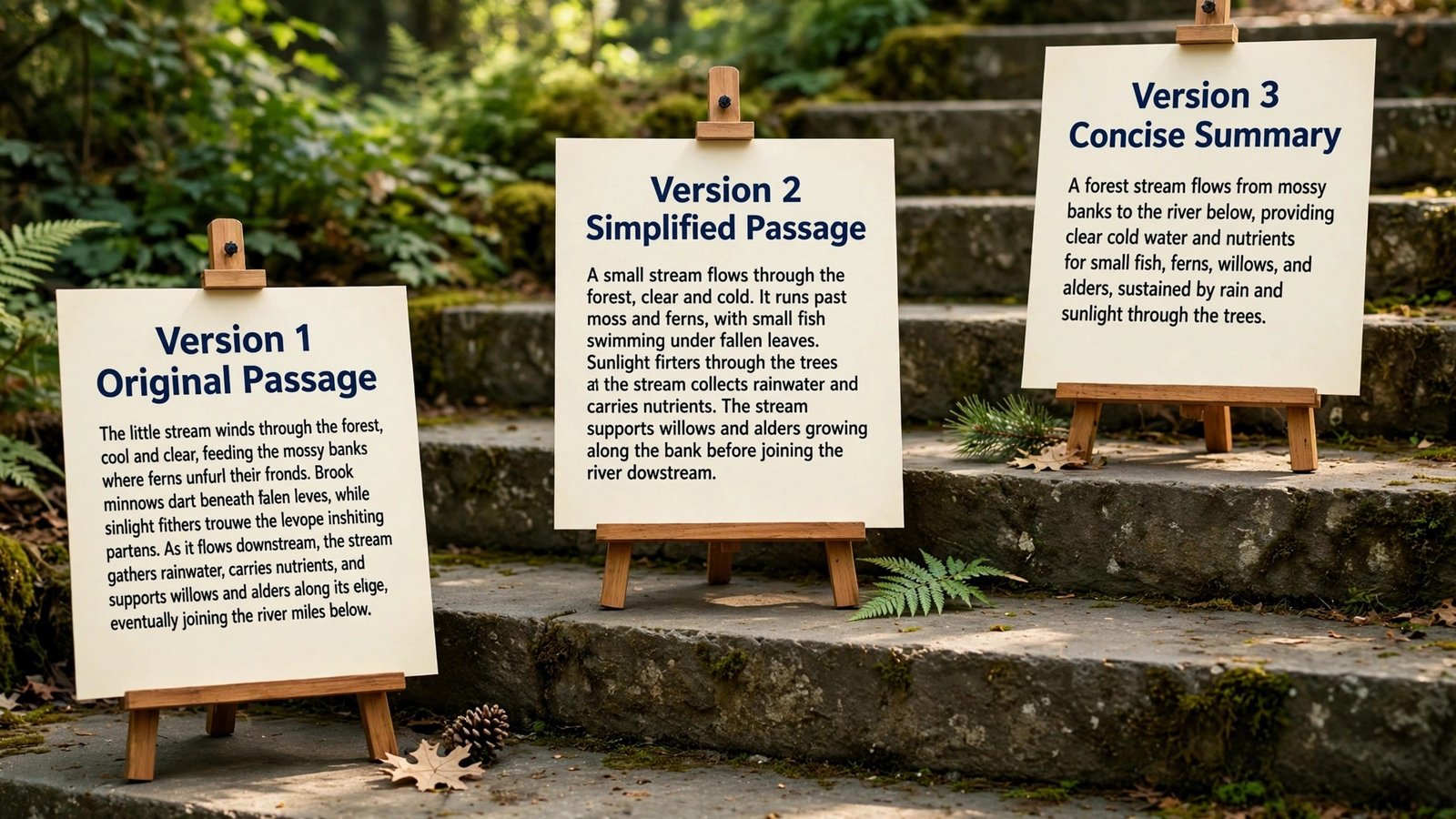
Our test notes: This is the single biggest time-saver in the guide for mixed-ability classes. Our food-webs article became three genuinely distinct versions — same core content, different sentence complexity and vocabulary scaffolding — in under a minute each. Doing that by hand is 30–45 minutes of rewriting per passage. Comprehension questions were solid at recall level and light at analysis level (we added one “why” question per version). The free plan covered our whole test week comfortably.
Pros:
- Best-in-class leveling — multiple reading levels from one source in ~a minute
- Generates questions, vocabulary, and prompts alongside the passage
- Cited sources reduce the “AI invented this” risk for student-facing text
- Collects no student data (a real privacy plus)
Cons:
- Reading/ELA-centric — not a math or science worksheet engine
- Questions skew basic; deeper analysis questions are on you
- Free plan’s history window means saving/exporting your keepers promptly
- Premium price ($14.99/mo) is the highest individual tier in this guide for a single-purpose tool
Best for: ELA, social studies, and science teachers with wide reading-level spreads — and anyone supporting multilingual learners or IEP accommodations.
Verdict: The differentiation king. If leveled reading is your weekly pain, Diffit’s free plan alone justifies this whole guide.
3. Curipod — Interactive Lessons and Live Quizzes (The Engagement Tool)
Primary task: interactive lessons & quizzes — lessons students participate in, not just receive.
What it is: Curipod generates interactive, slide-based lessons from a topic: polls, word clouds, drawing and writing prompts, and discussion questions that students answer live on their devices (join by code, Kahoot-style). Its current focus is teacher-led writing practice with instant “Glow and Grow” AI feedback on student responses, aligned to state test rubrics and to 55+ curriculum programs (HMH, Amplify CKLA, Savvas, and others).
2026 pricing (verified): Free teacher plan — weekly writing/lesson sessions that renew, with unlimited student writers; student responses capped at 1,000 characters on free (5,000 on paid). School & District plans: custom pricing (unlimited practice, SSO via Clever/ClassLink, curriculum pacing). Individual paid pricing is not prominently published — most paid access flows through schools, so treat Curipod as free-tier-or-district.
Our test notes: Our predator–prey lesson built in under a minute: hook poll, short reading, a written-response prompt with rubric-based AI feedback, and a closing reflection. The live dashboard (who’s answered, who’s stuck) is the real product — formative assessment you can act on during the lesson instead of grading tonight. The paste-blocking on student responses (students can’t paste AI text in) is a thoughtful anti-shortcut touch. Limits: free sessions are capped weekly, and the strongest curriculum-aligned writing features shine most in ELA/science/social studies.
Pros:
- Live participation + instant rubric-based feedback in one flow
- Free plan includes unlimited student writers on weekly sessions
- Strong privacy stance: teacher-controlled AI, no student chatbots, no training on student data
- Aligns to the curricula districts already use
Cons:
- Paid pricing is school/district custom — individuals can’t simply upgrade
- Free plan caps sessions per week and response length
- Best for writing-forward subjects; less central for pure math computation
- Generated lessons still need an edit pass before class
Best for: Teachers who want checks-for-understanding during class and structured writing practice with immediate feedback.
Verdict: The engagement pick — the only tool here whose output happens live, with your students, in the room.

4. Brisk Teaching — Grading Feedback Where You Already Work
Primary task: grading feedback (plus in-context quizzes, leveling, and lesson materials) — inside Google Docs, Slides, Classroom, Canvas, and Schoology.
What it is: Brisk is a Chrome/Edge extension that lives inside the tools you already use. Highlight student writing in a Google Doc and it drafts rubric-based feedback comments; point it at an article or video and it generates comprehension questions, levels the text, or builds a quiz — without copy-pasting into another tab.
2026 pricing (verified): Free for individual teachers — 20+ tools with usage limits (hitting a cap triggers a wait, roughly 30 minutes per its help docs), plus a 14-day premium trial on signup. Educator Pro: $99.99/year (~$8.33/month) — unlimited use, additional feedback styles, AI writing detection. Schools & Districts: custom.
Our test notes: Feedback is where teacher hours actually go (studies put grading at ~5 hours a week), and Brisk attacks it at the exact point of pain: inside the student’s doc. Our five sample paragraphs got specific, rubric-anchored comments — “your topic sentence promises three causes but the paragraph covers one” — in the teacher’s voice options we selected, ready to accept/edit/reject per comment. The non-negotiable rule held in our test: read every comment before it reaches a student. Two of our ~25 generated comments misread the student’s intent; a 60-second scan caught both. That review step is the job — Brisk makes it 5× faster, not zero.
Pros:
- Works inside Google Docs/Classroom — zero workflow change, zero new tabs
- Rubric-based feedback drafts you approve comment-by-comment
- Free tier is generous enough for real weekly use
- Also levels text and builds quizzes from whatever’s on your screen
Cons:
- Chrome/Edge extension only — no mobile, no Firefox/Safari path
- Free tier usage caps interrupt marathon grading sessions
- AI feedback needs a human read before it reaches students (always)
- Less useful if your school lives outside Google/Microsoft ecosystems
Best for: Google Workspace teachers drowning in written feedback — the highest-hours-saved tool in this guide.
Verdict: The feedback workhorse. Install it, grade one set of essays with it, and you’ll understand the hype in 20 minutes.

5. Khanmigo — Pedagogy-First Planning and the Student Tutor
Primary tasks: lesson planning support and student-facing tutoring — the most education-theory-grounded tool here.
What it is: Khan Academy’s AI: a Socratic student tutor that guides learners to answers instead of handing them over (with moderation and adult visibility), plus a teacher assistant that drafts lesson hooks, objectives, rubrics, exit tickets, and progress summaries — anchored to Khan Academy’s own content library.
2026 pricing (verified): Khanmigo for Teachers is free for educators (supported regions; backed by Microsoft sponsorship). Individual/family learner access: $4/month or $44/year. Student classroom access (the tutor for your whole class) is available through school/district partnerships — custom pricing, not self-serve by individual teachers.
Our test notes: Khanmigo’s teacher tools were the most pedagogically careful of the five: its lesson hook for keystone species asked a genuinely good question, its exit tickets targeted the misconception students actually have (confusing predator with keystone), and its leveled explanation of “keystone species” read like a teacher wrote it. The student tutor is the differentiator — it’s the only tool here we’d point students at unsupervised-with-oversight, because it refuses to just give answers. The constraint is real, though: individual teachers can’t switch on class-wide student access; that needs a district partnership.
Pros:
- Teacher tools are completely free — and pedagogically the soundest here
- Student tutor teaches Socratically instead of answer-dumping
- Built-in moderation and adult visibility for student use
- Anchored to Khan Academy’s trusted content library
Cons:
- Class-wide student access requires a district partnership
- Less of a general productivity suite than MagicSchool (no parent-email machine)
- Works best inside the Khan Academy ecosystem
- Regional availability for the free teacher offer varies
Best for: Teachers who want an AI students can safely use — and planning help that respects how learning actually works.
Verdict: The conscience of the list. Free for teachers; lobby your district for the student side.
Verified Free-for-Education Tiers
| Tool | Free tier | Real limit to know | Card required? |
|---|---|---|---|
| MagicSchool | Free plan, core 80+ tools | Usage limits on generations | No |
| Diffit | Basic plan, leveled resources + PDF | History window (~90 days); premium exports paid | No |
| Curipod | Free plan, weekly sessions | Session caps; 1,000-char student responses | No |
| Brisk Teaching | Free, 20+ tools | Usage caps with wait periods | No |
| Khanmigo (teachers) | Free for educators | Student class access is district-only | No |
One Free Stack for a Classroom ($0 Total)
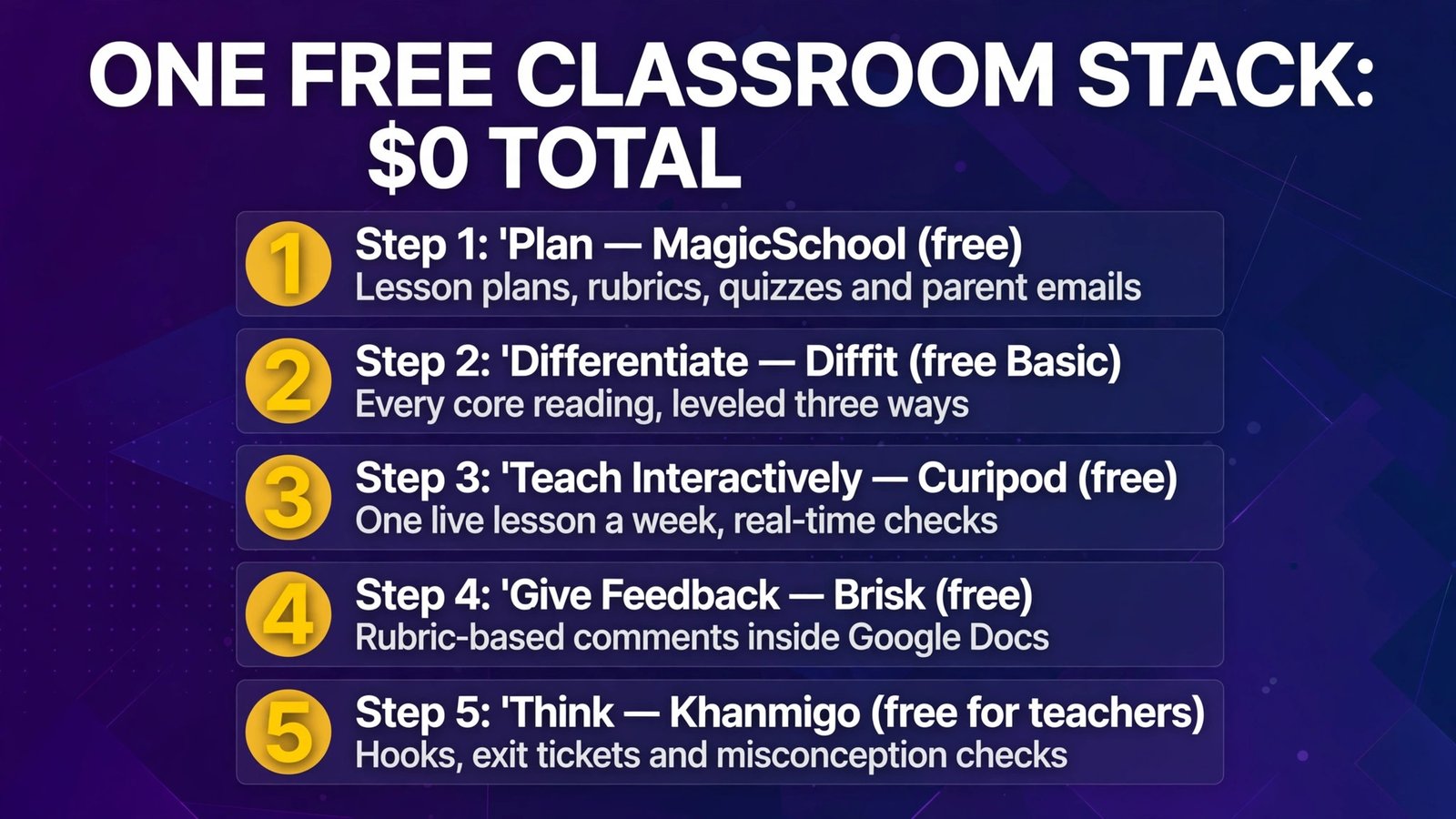
You don’t need a budget to run a serious AI-assisted classroom in 2026. This stack covers the five core tasks for $0:
- Plan with MagicSchool (free) — lesson plans, rubrics, quizzes, and your parent emails, Sunday-night-proof.
- Differentiate with Diffit (free Basic) — every core reading, leveled three ways before Monday.
- Teach interactively with Curipod (free) — one live lesson a week with real-time checks for understanding.
- Give feedback with Brisk (free) — rubric-based comments drafted inside the Docs your students already submit.
- Think with Khanmigo (free for teachers) — hooks, exit tickets, and misconception checks; point students to Khan Academy content alongside it.
Total cost: $0. Total setup time: about an hour. The first paid upgrade worth considering is whichever limit you hit weekly — for most teachers that’s MagicSchool Plus ($99.96/year) or Brisk Educator Pro ($99.99/year). Buy the bottleneck, not the bundle.
Full Comparison Table
| MagicSchool | Diffit | Curipod | Brisk | Khanmigo | |
|---|---|---|---|---|---|
| Primary task | Lesson plans | Differentiation | Interactive lessons | Grading feedback | Tutoring + planning |
| Free for teachers | Yes | Yes (Basic) | Yes | Yes | Yes |
| Entry paid | $12.99/mo | $14.99/mo | District custom | $99.99/yr | $4/mo (learners) |
| Quizzes | Yes | Comprehension Qs | Live, interactive | From any content | Exit tickets |
| Parent emails | Yes (standout) | No | No | Limited | Newsletters |
| Student-facing | Yes (controlled) | Materials only | Yes (live sessions) | No | Yes (district) |
| Works inside | Web platform | Web platform | Web platform | Google/Microsoft docs | Khan Academy |
How to Choose
- Name your worst task first. Planning backlog → MagicSchool. Reading-level spread → Diffit. Silent-class syndrome → Curipod. Feedback mountain → Brisk. Student AI use → Khanmigo (via your district). The task picks the tool, not the brand.
- Start with the free stack above. Every tool here is free for teachers at a useful level. Run the $0 stack for a month before paying anything — your real bottleneck will identify itself.
- Check your district’s rules before student-facing use. Privacy postures differ: Diffit collects no student data, Curipod and Khanmigo are built for supervised student use, and MagicSchool’s student tools need teacher/district controls. If your district has an approved-tools list, stay on it.
- Verify standards and facts yourself. Every generator here can produce a plausible-but-wrong standard code or a subtly-off fact. You’re the editor-in-chief; budget the 5-minute check.
- Pay for the limit you hit, when you hit it. Plus/Pro tiers (~$8–15/month) remove caps — worth it only for the tool you use weekly. Summer-pause your subscriptions; several teachers in reviews expense the annual plans (~$100) through PD budgets instead.
Frequently Asked Questions
What is the best free AI tool for teachers?
For a single pick, MagicSchool’s free plan — it covers lesson plans, quizzes, rubrics, and parent emails in one place at $0. But the honest answer is the free stack: MagicSchool + Diffit (differentiation) + Brisk (feedback) + Khanmigo (planning/tutoring) together cover nearly every weekly task without spending anything.
Is MagicSchool AI really free for teachers?
Yes — MagicSchool offers a free plan for individual teachers with access to its core tools and usage limits. Plus ($12.99/month, or $99.96/year) raises the limits and adds history and editing features; Enterprise is a custom district quote. The free plan is a real working tier, not a timed trial.
Can AI tools grade student work?
They can draft feedback — and that’s the right framing. Brisk generates rubric-based comments inside Google Docs that you approve or edit before students see them, and Curipod gives instant rubric-aligned feedback during live writing practice. Neither should be the final grader of record: in our test, roughly 1 in 12 AI comments misread a student’s intent. Use AI for the first pass; keep your judgment for the grade.
Are these tools safe for student data?
The tools here are education-built: MagicSchool, Curipod, and Khanmigo publish FERPA/COPPA-oriented postures and state they don’t train models on student data; Diffit collects no student data at all. Still verify your district’s data-privacy agreements (DPA) before using any tool with students — district approval, not vendor marketing, is what counts.
Diffit vs MagicSchool: which do I need?
Both, probably — they do different jobs. MagicSchool is the broad toolkit (plans, rubrics, emails, quizzes). Diffit is the deep specialist for one job: leveling reading material. If forced to choose one, pick MagicSchool for breadth; add Diffit the first week you face a three-level reading spread.
What about ChatGPT for teachers?
General chatbots are capable — and in the US, ChatGPT has offered a dedicated free tier for verified K-12 educators — but they start from a blank prompt every time, with no education guardrails, no standards libraries, and no student-safe modes. The purpose-built tools in this guide wrap the same underlying models in teacher workflows and privacy controls. Use a chatbot for brainstorming; use these for classroom work.
Conclusion
The best AI tools for teachers in 2026, by the only ranking that matters — the task in front of you: MagicSchool for lesson plans and the admin writing around them, Diffit for differentiation, Curipod for live interactive lessons, Brisk Teaching for grading feedback, and Khanmigo for pedagogy-first planning and safe student tutoring. All five are free for teachers at a genuinely useful level, which means the barrier isn’t budget anymore — it’s the hour it takes to set up the stack and the habit of reviewing what the AI drafts.
Start with the free stack, run it for a month, and let your own bottleneck tell you if — and where — a $100/year upgrade earns its keep. That’s how technology is supposed to enter a classroom: on your terms, for your worst task first.
Next step: pick your single most painful recurring task this week — Sunday planning, essay feedback, or leveled reading — and run it through the matching free tool above before Friday. One real task, honestly graded against your old workflow, tells you more than any roundup (including this one).