

Two electrical firms can run the same vans, hire the same calibre of technician, and charge the same hourly rate, yet one ends the month with clean books and booked weeks ahead while the other chases invoices and loses emergency calls. The difference is rarely skill. It is the system that turns a phone call into a dispatched van, a signed quote, and a paid invoice without anything falling through the cracks. That is the job of the best field service management software for electricians, and this guide judges fourteen tools on how well they do it.
Electrical work has a shape that generic scheduling tools miss. A day can mix a planned panel upgrade booked two weeks ahead with an emergency call about a dead circuit at midnight. The dispatcher must see which technician is free, which van carries the right parts, and how far each job sits from the next. Software that only shows a calendar leaves those decisions to phone calls, and phone calls are where emergency work gets lost.
The second test is quoting and money. Electrical jobs range from a small socket repair to a full rewire, and each one needs a clear quote, a record of materials used, and an invoice that goes out before the van leaves the driveway. A tool that captures all three on a phone removes the evening paperwork pile. A tool that leaves invoicing for later leaks revenue, because jobs invoiced late are jobs paid late, or never.
Why the Best Field Service Management Software for Electricians Must Handle Emergencies
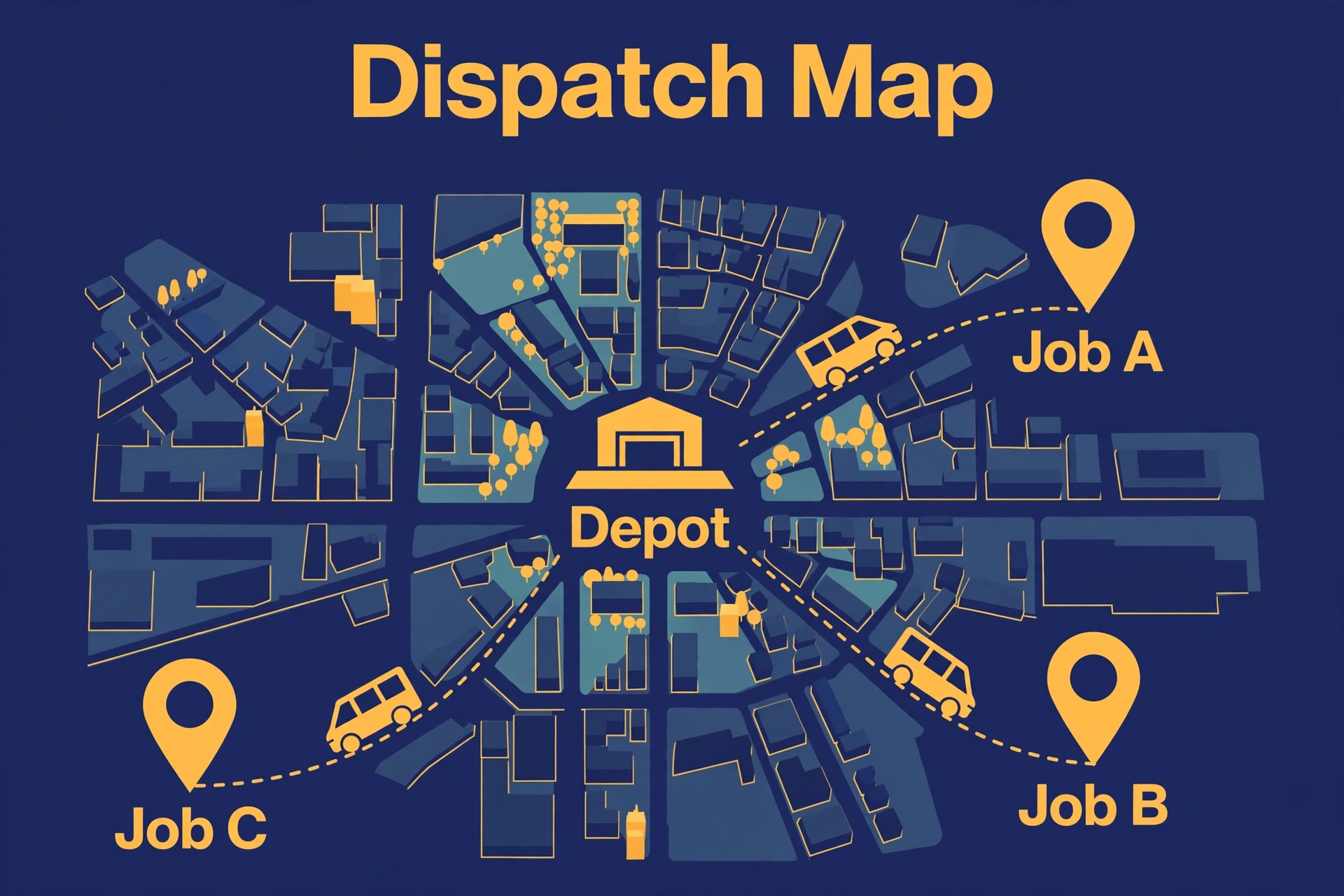
The first quality to test is the dispatch board. A good board shows every technician, the current job, the estimated finish time, and the drive to the next call, so the dispatcher picks the nearest free electrician in seconds. A weak board shows a list of jobs with no live position, which forces a round of calls to find out who is actually free. Those calls are the delay that loses emergency work to a rival.
The second quality is what the customer hears. An automatic text with the technician name, arrival window, and a live tracking link calms a stressed customer and cuts repeat calls to the office. A firm that still relies on the customer calling back for updates spends its day answering status questions instead of booking new jobs. Communication is part of the service here, not an extra.
The third quality is offline strength. Electricians work in basements, plant rooms, and new builds where signal drops. A mobile app that freezes without a connection gets abandoned by technicians, and abandoned software helps nobody. Test the app in a basement or a concrete stairwell during the trial, not in the office, and watch whether a job sheet saved offline syncs cleanly when signal returns.
The fourth quality is the price book. Standard electrical jobs such as panel changes, circuit additions, and EV charger installs should quote from a consistent price list, so two technicians price the same job the same way. A tool with a strong price book protects margins on common work. A tool without one leaves pricing to memory, and memory drifts under pressure.
Seven Questions to Ask in a Field Service Trial
Run the trial on real jobs, not on demo data. Book a planned panel upgrade, a midnight emergency callout, and a job that moves address mid-day, and watch how each case flows. If the address change needs retyping in three places, it will need retyping in real life too, and retyping under pressure creates wrong-address dispatches that waste a whole morning.
Price the tool at your real technician count, not at one user. Per-user pricing multiplies with every hire, per-job pricing multiplies with volume, and flat pricing stays still while both grow. A solo electrician and a five-van firm can reach opposite answers from the same pricing page, so model the bill at your current size and at one van larger before signing.
Check the phone setup carefully. Some tools include a phone system, some charge extra for it, and some expect you to keep your existing number elsewhere. Missed-call handling matters more for electricians than for most trades, because a missed emergency call is a lost job, not a delayed reply. Ask exactly what happens when every technician is busy and the next call arrives.
Check the accounting link before you fall in love with the board. A tool that syncs invoices, payments, and customer balances to your accounting software saves hours every week. A tool that exports only a spreadsheet creates a weekly reconciliation chore that grows with the firm. Ask for a sample export during the trial and show it to your bookkeeper, not just to the dispatcher.
Fourteen Tools Compared on Price and Fit
| Tool | Starting price | Best for |
|---|---|---|
| Jobber | about $29 a month billed annually for Core | solo electricians and small crews |
| Housecall Pro | about $59 a month billed annually for Basic | firms that want a price book |
| ServiceTitan | pricing by quote | large firms with a call centre |
| Service Fusion | about $245 a month flat for Starter | firms that hate per-seat billing |
| FieldPulse | pricing by quote | growing firms that want custom workflows |
| Workiz | pricing by quote | firms that want a built-in phone system |
| Tradify | about $47 a month per user | firms that want simple job tracking |
| Simpro | pricing by quote | commercial and project-heavy firms |
| FieldEdge | pricing by quote | firms on QuickBooks Desktop |
| Kickserv | about $60 a month for five users | growing firms that want flat tiers |
| GorillaDesk | about $49 a month per route | firms priced by van, not by headcount |
| ServiceM8 | about $29 a month for 50 jobs | high-volume solo operators |
| RazorSync | pricing by quote | firms that want a simple mobile app |
| FieldCamp | pricing by quote | firms that want dispatch automation |
Read the table as a shortlist, not as a ranking. Prices change often, so check the vendor page before buying, and price the plan that actually includes the features you need rather than the cheapest headline plan. The cheapest tool may suit a solo electrician perfectly, while a dearer tool may be the only one that handles a call centre cleanly. Use the table to pick three finalists for the best field service management software for electricians, then read their full sections below before deciding.
Fourteen Field Service Tools in Detail

Jobber
Jobber is the pick for solo electricians who want the cheapest clean dispatch board. It covers scheduling, quotes, invoices, online booking, and payments, with route optimisation that cuts drive time between jobs. The mobile app is easy for technicians to learn, which matters when a new hire must take live jobs in the first week.
At about $29 a month billed annually for Core, it undercuts most rivals at one user, with extra users priced per user on top. The limit is that advanced automation and two-way texting sit on higher tiers, so a firm that lives on emergency texts should price Connect or Grow, not Core, before deciding.
Housecall Pro
Housecall Pro is the pick for firms that want a price book, customer texts, and review requests built in from the start. It covers scheduling, dispatch, estimates, invoices, and online booking, with on-my-way texts that keep customers informed. The price book helps technicians quote standard jobs consistently, which protects margins on common work.
At about $59 a month billed annually for Basic, it costs more than Jobber at one user, while larger tiers rise with user count. The limit is route optimisation, which sits on a top tier, so a multi-van firm should check which plan actually includes the routing it needs before committing.
ServiceTitan
ServiceTitan is the pick for a large firm with a call centre, marketing spend, and complex reporting needs. It covers dispatch, scheduling, estimates, invoicing, marketing, and detailed reporting, with capacity planning that suits a multi-van operation. A firm running ten or more vans will use reporting and call tracking that smaller tools simply do not offer.
Pricing is by quote and per technician, which puts it out of reach for most small electrical firms, and implementation takes real staff time. The limit is cost and complexity, not capability. A small firm buying ServiceTitan early will pay for reporting nobody runs, so it should only enter the shortlist once van count and call volume justify it.
Service Fusion
Service Fusion is the pick for a firm that is tired of counting seats. It charges a flat monthly rate, at about $245 a month for Starter, with unlimited users on every plan, so adding office staff or technicians never raises the subscription. That simplicity helps a firm that grows and shrinks with seasons, because the bill stays still while headcount moves.
The limit is that several useful features, such as job costing, inventory, and the customer portal, are add-ons on Starter rather than included. A firm should price the plan plus the add-ons it actually needs, not the headline rate alone. If the firm has eight or more users, the flat bill usually wins anyway.
FieldPulse
FieldPulse is the pick for a growing firm that wants custom workflows without enterprise weight. It covers scheduling, job management, invoicing, and customer records, with separate full-access and field-only seats so technicians do not need the same price as office staff. That seat split can keep a growing firm affordable, because most technicians need field tools only.
Pricing is by quote, built around seat count, so the firm should ask the vendor to separate each seat type in the quote. The limit is that published pricing is absent, which makes early budgeting guesswork. If custom job flows matter more than a published price, FieldPulse earns a trial place.
Workiz
Workiz is the pick for firms that want dispatch plus a built-in phone system in one place. It covers scheduling, invoicing, and customer communication, with a phone system that ties calls directly to jobs. For a firm losing emergency calls after hours, that phone link is the feature that matters most.
Pricing is by quote, so no number can be budgeted from this guide alone, and the firm should ask for the full monthly total including phone and payment costs. The limit is budget transparency, because a firm cannot compare Workiz against a published rival price without a sales conversation. Book the demo, get the written quote, and compare totals, not headlines.
Tradify
Tradify is the pick for a firm that wants simple job tracking at a modest per-user price. It covers scheduling, quotes, invoices, and job management for trades, at about $47 a month per user on entry plans. The interface is straightforward, which helps a firm whose technicians dislike complex software and just want the next job, the address, and the invoice.
The limit is dispatch depth, because Tradify is a general trade tool rather than an emergency-dispatch specialist. A firm that lives on emergency callouts should test live dispatch, arrival texts, and reassigning jobs mid-day very carefully. If most work is planned, Tradify is a calm, affordable choice.
Simpro
Simpro is the pick for commercial electrical firms that run projects, not just service calls. It covers quoting, project management, stock control, and invoicing, with asset and maintenance tracking that suits contract work. A firm handling commercial maintenance contracts and multi-stage installs will use project depth that residential tools lack.
Pricing is by quote, and implementation takes planning, so Simpro suits a firm with office staff who can own the setup. The limit is weight for small residential firms, which may find the project machinery slows down a simple socket repair. A residential-only firm should trial a lighter tool alongside it.
FieldEdge
FieldEdge is the pick for a repair-oriented firm that runs on QuickBooks Desktop. It covers dispatch, quoting, invoicing, and customer management, with a QuickBooks Desktop sync that many rivals have dropped. For a firm whose books live in QuickBooks Desktop, that sync alone can justify the shortlist place.
Pricing is by quote, with setup costs reported by reviewers, so the firm should ask for the full first-year total in writing. The limit is a dated desktop feel in places, which some technicians dislike. If the accounting link matters most, FieldEdge still earns a serious look.
Kickserv
Kickserv is the pick for a growing firm that wants flat user tiers instead of per-seat creep. It charges about $60 a month for five users, about $119 for ten, and about $199 for twenty, with annual billing saving roughly a fifth. That tier shape suits a firm moving from three vans to six, because the bill steps up in predictable jumps rather than with every single hire.
The limit is that some integrations cost extra on certain tiers, so the firm should check integration pricing during the trial. If the firm uses QuickBooks Online and needs a simple, flat bill, Kickserv is a strong middle option between solo tools and enterprise platforms.
GorillaDesk
GorillaDesk is the pick for firms that want to pay by van rather than by person. It charges about $49 a month per route on Basic, about $99 on Pro, and about $149 on Growth, with office and crew users included. A van carrying two technicians therefore costs one route, not two seats, which changes the maths for crew-based electrical work.
The limit is that online booking, the customer portal, and QuickBooks sync sit on Pro and above, so a firm should not judge GorillaDesk on Basic alone. If crews ride together and the firm wants route-based billing, GorillaDesk is the most honest pricing model in this guide for that shape.
ServiceM8
ServiceM8 is the pick for a solo electrician who does many small jobs and wants unlimited users. It charges by job volume, not by headcount, at about $29 a month for 50 jobs, about $79 for 150, and about $149 for 500, with a free plan for very low volume. That meter suits a busy solo operator far better than per-seat pricing, because office help costs nothing extra.
The limit is the mobile experience, which is strongest on Apple devices, with a lighter Android app. A firm whose technicians carry mixed phones should test the Android flow on a real job before committing. If the team is Apple-based and job volume is high, ServiceM8 is hard to beat on price.
RazorSync
RazorSync is the pick for a firm that wants a simple mobile app and a tidy job flow. It covers scheduling, dispatch, invoicing, and customer records, with a mobile experience that technicians learn quickly. A small firm that found larger platforms heavy may settle into RazorSync faster, because there is less setup to fight through.
Pricing is by quote, so the firm should get the written monthly total before comparing it with published rivals. The limit is depth for large firms, which may outgrow its reporting and automation. For a small crew that mainly needs clean dispatch and invoicing, that limit rarely bites.
FieldCamp
FieldCamp is the pick for a firm that wants dispatch automation and AI-assisted scheduling in a newer platform. It covers dispatch, job management, invoicing, and customer communication, with automation that reduces manual dispatcher work. A firm drowning in phone-based dispatch may find its automation the most interesting feature in this guide.
Pricing is by quote after a demo, so no budget number can be set from this guide alone. The limit is maturity, because a newer platform has a shorter track record than Jobber or Housecall Pro. A firm that values proven stability should trial FieldCamp alongside an established rival before switching.
Best Pick by Job for Electrical Firms
| Firm shape | Best pick | Why it wins |
|---|---|---|
| Solo electrician | ServiceM8 or Jobber | low entry cost and a clean board for one van |
| Small crew, two to five vans | Housecall Pro or Kickserv | price book plus texts, or flat tiers that grow calmly |
| Multi-crew firm, six or more vans | Service Fusion or ServiceTitan | flat billing or call-centre depth at scale |
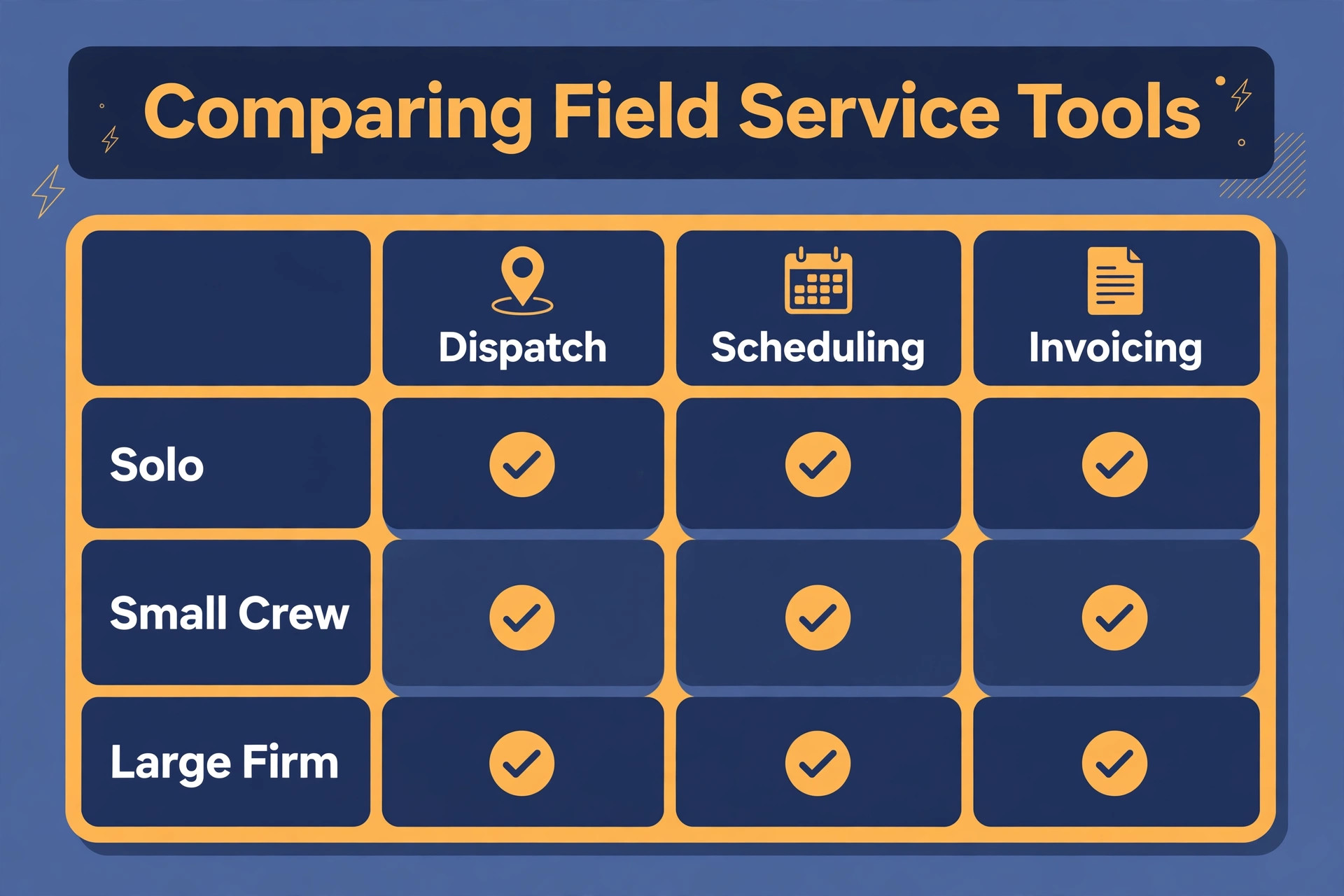
Use the table as a starting point, then test the pick against your own job mix. A solo electrician who does mostly emergency work may prefer Workiz for its phone system, while a small crew doing commercial contracts may prefer Simpro for project depth. The table answers the common case, while the trial answers your case, and the trial answer is the one that counts.
The best field service management software for electricians is therefore not one product but the product that matches the firm’s shape. A solo operator pays for simplicity and low cost. A small crew pays for quoting consistency and customer texts. A multi-crew firm pays for capacity planning and reporting. Buying the wrong shape wastes money twice, once on the subscription and once on the workarounds.

The Shortlist Checklist for Electrician Firms
Before signing for the best field service management software for electricians, confirm dispatch speed, offline mobile strength, price book depth, phone handling, accounting sync, and export options. Each item protects a different part of the month. Dispatch speed protects emergency revenue, offline strength protects field adoption, and the price book protects margins. Phone handling protects after-hours calls, the accounting sync protects bookkeeping time, and export options protect the firm’s future freedom to leave.
Test the checklist on one real week of jobs. Move a job mid-day, lose signal in a basement, quote a panel change from the price book, and invoice from the van. If any step needs a workaround, that workaround becomes daily friction. A tool that passes all six checks on real jobs is worth its price, while a cheaper tool that fails two of them will cost more in lost calls and late invoices.
Training decides whether the checklist result sticks. A technician who learns the app in a quiet hour with a patient trainer will use it on a live job, while a technician handed a login and a manual will revert to paper by Friday. Budget one paid training hour per technician, name one person in the firm as the software owner, and review the first month of jobs together so bad habits are caught early rather than baked in.

Monthly Costs at Three Different Crew Sizes
A solo electrician can run Jobber Core or ServiceM8 at roughly $29 a month, which is the cost of one small repair call. The risk at this size is not the subscription but the tier trap, where the features that actually matter sit one tier above the headline plan. Price the tier that includes texting and automation, not the tier that merely looks cheap.
A three-van firm faces a wider spread when shopping for the best field service management software for electricians. Housecall Pro at entry pricing plus extra users, Kickserv at about $119 a month for ten users, and GorillaDesk at about $99 a month per route on Pro all land in a similar band, while Service Fusion at about $245 a month flat starts to look competitive once office staff join. Model each option at your exact user and route count, because the cheapest headline rarely stays cheapest at three vans.
A ten-van firm should expect a serious bill wherever it goes. Service Fusion stays flat at its plan rate with unlimited users, while per-user tools multiply with every hire and ServiceTitan adds implementation cost on top. At this size the deciding factor shifts from price to reporting, capacity planning, and call handling, because a small percentage gain in booked jobs dwarfs the subscription difference.

Mistakes That Waste Money on Field Software
The first mistake is buying for the firm you hope to become rather than the firm you run today. A solo electrician who buys an enterprise platform pays for reporting nobody runs and a setup nobody owns. Buy for today’s job mix, and switch when van count or call volume actually justifies the heavier tool, not before.
The second mistake is ignoring the phone. Electrical firms lose more revenue to missed calls than to any software gap, yet many buyers compare boards and price books while leaving phone handling as an afterthought. Ask how missed calls are captured, how after-hours calls route, and whether the phone cost sits inside the quoted total or on top of it.
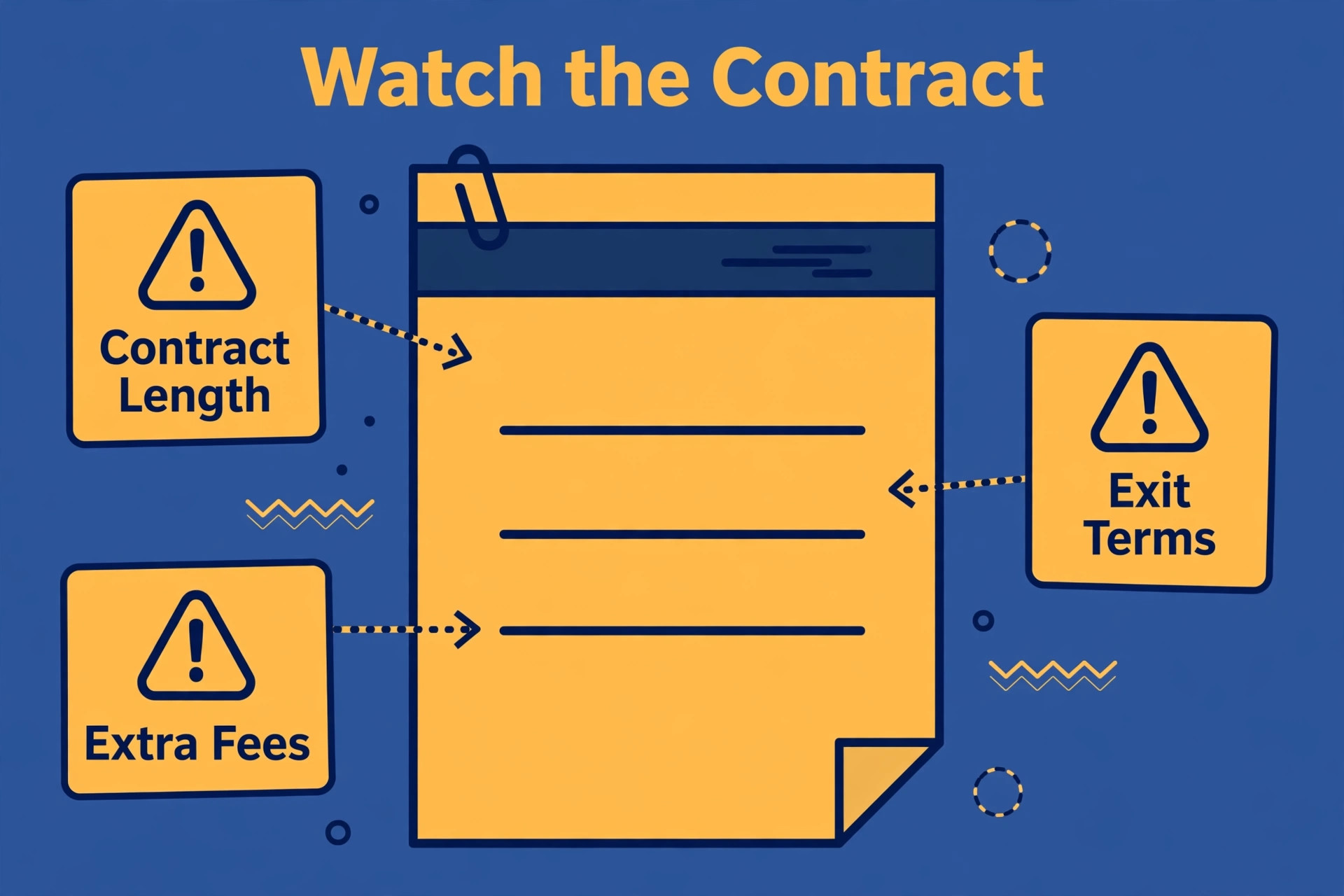
The third mistake is skipping the export test. A tool that locks customer history behind a weak export owns the firm’s records, and that hold shows up at renewal time. Ask for a sample export during the trial, keep a monthly export outside the system, and confirm in writing what leaves with you if the contract ends.
The Verdict for Electrical Firms
Start with Jobber or ServiceM8 if you run one van, with Housecall Pro or Kickserv if you run a small crew, and with Service Fusion if you want flat billing at scale. Reserve ServiceTitan for the point where call volume and reporting genuinely demand it. That ladder keeps the subscription matched to the firm’s shape at every stage, and it avoids the two classic errors of buying too little or far too much.
Whichever tool you choose, run the real-job trial, price the tier you actually need, and check the phone and export terms before signing. The best field service management software for electricians earns its keep in minutes saved on emergency calls, quotes priced consistently, and invoices paid on time. Pick the tool that proves those three wins in your trial week, and the subscription pays for itself.
More Reading on Stratilyze
Readers comparing field tools usually check the neighbouring guides next. The guide to locksmith dispatch software covers emergency dispatch in a related trade, the guide to mobile mechanic invoicing software covers invoicing from the van, and the guide to small business CRM software helps with the wider customer records around it.
Frequently Asked Questions
Do electricians need field service software or just a calendar
A calendar is enough when work is planned days ahead and one person runs the diary. Field software becomes necessary when emergency calls arrive while vans are already out, because the dispatcher must see live van positions, reassign jobs, and text customers without a round of phone calls. If missed calls and wrong-address jobs are already a problem, a calendar is no longer enough.
How fast should an emergency electrical call be dispatched
As fast as possible, ideally with a live answer and a van dispatched within a few minutes, because a customer with no power will call the next firm on the list. A tool with a live board, automatic texts, and missed-call handling protects that first response even when every technician is busy, which is exactly when most emergencies arrive.
Is Jobber worth it for a solo electrician
It can be, when the solo electrician wants a clean dispatch board, quotes, and invoices in one app at a low entry price. It is harder to justify on higher tiers for a solo operator whose work is mostly planned, because a cheaper job-based tool may cover that work for less. Price the tier the firm actually needs, not the tier with the longest feature list.
Should a firm pay per user, per job, or per route
Per-user pricing suits a firm that will grow and shrink, because the bill follows headcount. Per-job pricing suits a busy solo operator, because office help costs nothing extra and the bill follows volume. Per-route pricing suits crew-based firms, because a van carrying two technicians costs one route. The right meter depends on which number grows fastest in the firm.
What happens to customer records if the firm switches tools later
That depends on export options, so check them before you buy. A good tool exports customers, job histories, and balances in a usable format, while a weak one exports only names and phone numbers. Ask for a sample export during the trial, and keep a monthly export outside the system as insurance against any future move.
Does the best field service management software for electricians need a built-in phone system
Not always, but it helps an emergency-heavy firm more than any other feature. A built-in phone system ties calls to jobs, records missed calls, and routes after-hours calls without a separate service. A firm whose work is mostly planned can keep its existing phone setup, while a firm that lives on emergencies should treat phone handling as a core requirement, not an add-on.