

Two small clinics can offer the same video visits, yet one runs a calm day of on-time appointments, signed intake forms, and paid claims, while the other juggles video links, phone messages, and notes typed after hours. The difference is rarely clinical skill. It is whether the video visit sits inside a real practice workflow or floats beside it as a separate link. That distinction is the core question of the best telehealth software for small clinics, and this guide judges thirteen tools on how well they answer it.
A small clinic needs more than a video call. Patients need a waiting room they can join without downloading software, reminders that reduce no-shows, intake forms that arrive signed before the visit, and notes that flow into the chart without retyping. A tool that covers only the video leaves the rest of the workflow to email and phone calls, and that scattered workflow is what burns out a small team.
The second pressure is compliance. Any tool that handles patient health information needs a signed business associate agreement, encryption, and access controls that fit the clinic’s obligations. A free video tool without a proper agreement for the clinic’s shape is not a bargain, it is a risk. Confirm the agreement covers your practice shape before going live, because free-tier coverage varies by vendor and plan, and the vendor page is the authority.
Why the Best Telehealth Software for Small Clinics Must Cover the Whole Visit
The first quality to test is the patient joining experience. A good tool lets patients join from a browser link with no download and no account, shows a clear waiting room, and admits them when the clinician is ready. A tool that needs an app install or a new password loses patients at the exact moment they need care, and those patients call the front desk instead, which defeats the purpose of the virtual visit.
The second quality is scheduling and reminders. A good tool ties video visits to the clinic calendar, sends automatic reminders, and lets patients reschedule without a phone call. A tool that only provides a video room leaves scheduling to a separate system, which means double entry and double the chance of a clash. No-show rates fall when reminders and easy rescheduling are built in, and that fall is worth more than any single feature.
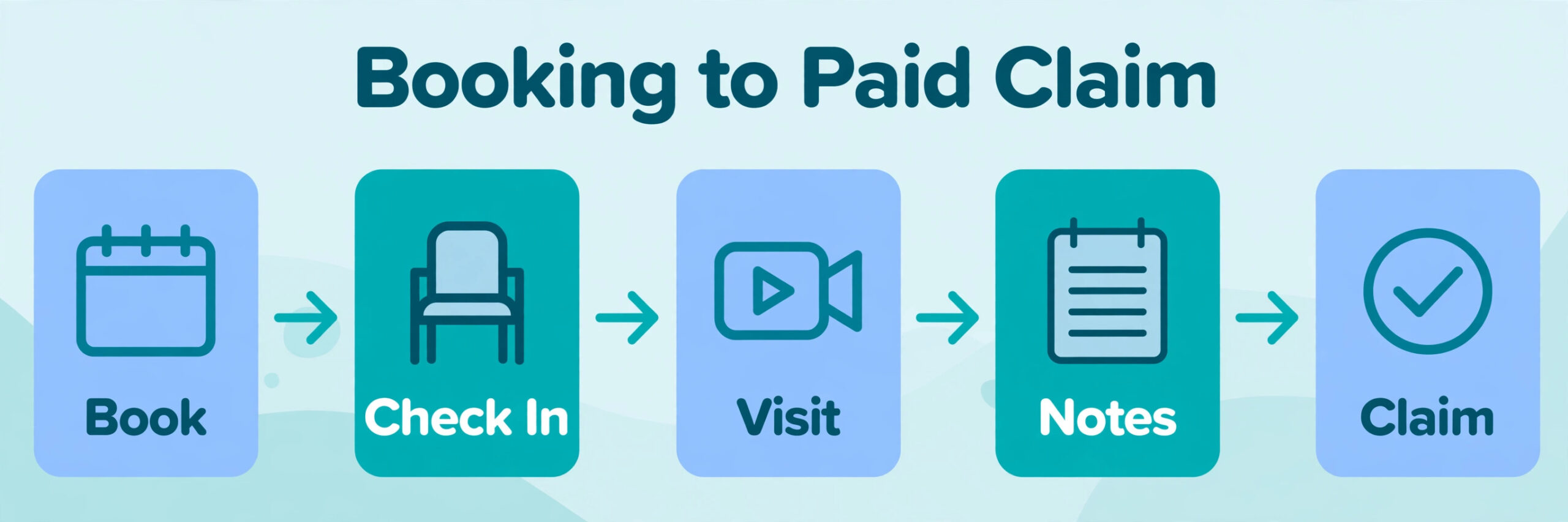
The third quality is documentation and billing. A good tool, or a good pairing of tools, moves visit notes into the chart, generates superbills or claims, and collects payment without a separate chase. A video-only tool leaves notes and billing to manual steps after the visit, which pile up by Friday. Judge the whole visit, from booking to paid claim, not just the video quality in a demo call.
The fourth quality is group and hybrid flexibility. A small clinic may run one-to-one visits most days, then need a group session, a family consult, or a hybrid day mixing in-person and video appointments. A tool that handles group visits and a mixed calendar cleanly grows with the clinic, while a tool built only for solo calls forces a second system the moment the clinic adds a group program.
Seven Questions to Ask in a Telehealth Trial
Run the trial on real clinic days, not on demo calls. Book a new patient, a follow-up, and a group or family visit, and watch how each case flows from booking to notes. If the group visit needs a workaround or the new patient intake needs retyping, that friction becomes daily reality, and daily friction is what makes staff quietly revert to phone calls.
Test the patient journey on a phone with a weak connection. Join from a browser, sit in the waiting room, and complete the visit on mobile data, because many patients join from phones rather than desktops. If video freezes or the waiting room confuses a non-technical patient, the tool will generate front-desk calls, and front-desk calls are the hidden cost of a pretty demo.
Check the agreement and security terms before you fall in love with the video quality. Confirm a signed business associate agreement, encryption in transit and at rest, and access controls that fit the clinic’s needs. Ask the vendor to confirm in writing which plan includes the agreement for a multi-provider practice, because individual and clinic coverage differ on several tools in this guide.
Check the existing chart and billing link together. A tool that syncs with your current records system saves hours of double entry, while a tool that stands alone creates a second record that nobody fully trusts. Ask for a sample record flow during the trial and show it to whoever handles billing, not just to whoever runs the video visit.

Thirteen Tools Compared on Price and Fit
| Tool | Starting price | Best for |
|---|---|---|
| SimplePractice | about $49 a month per provider | therapy and wellness practices |
| Doxy.me | free tier, paid from about $29 a month | solo providers who need simple video |
| Zoom for Healthcare | about $17 a user a month | clinics that want compliant video on Zoom |
| VSee | free tier, paid from about $29 a month | configurable clinics and group visits |
| TheraNest | pricing by quote, check the vendor page | therapy practices that want notes plus video |
| TherapyNotes | pricing by quote, check the vendor page | therapy practices that want billing plus video |
| Carepatron | free tier, paid from about $14 a month | solo practices that want low-cost practice tools |
| Mend | pricing by quote, check the vendor page | larger small groups that want engagement plus video |
| Amwell | enterprise quote | clinics that want a turnkey virtual care network |
| Updox | about $50 a provider a month | practices that want video plus patient engagement |
| Coviu | about $40 a user a month | clinics that want in-session clinical tools |
| eVisit | enterprise quote | outpatient groups that want deep workflow |
| Teladoc Health | enterprise quote | clinics that want a large virtual care network |
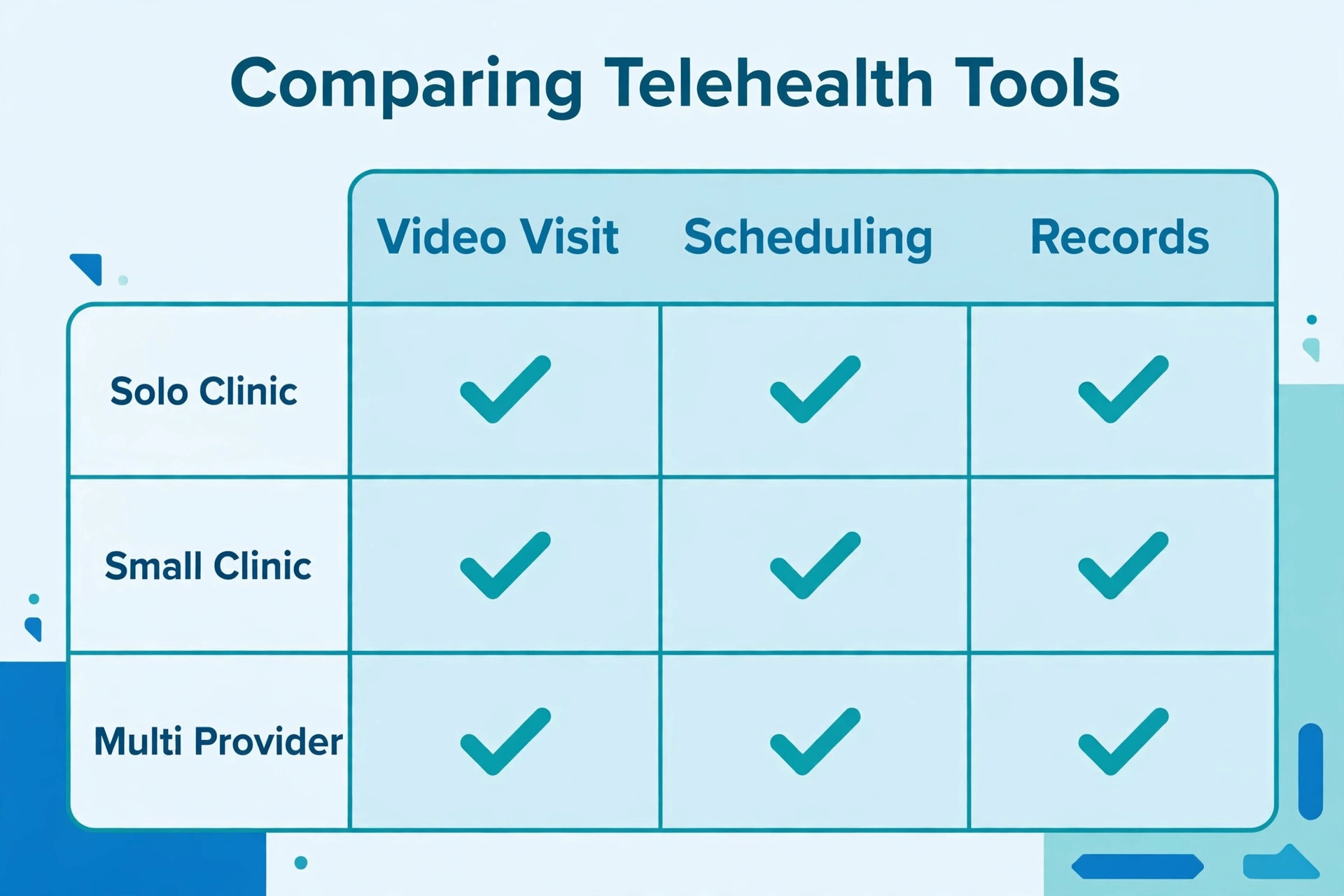
Read the table as a shortlist, not as a ranking. Prices change often, so check the vendor page before buying, and price the plan that actually includes the features you need rather than the cheapest headline plan. The cheapest tool may suit a solo provider perfectly, while a quote-only platform may be the only one that handles a group practice cleanly. Use the table to pick three finalists for the best telehealth software for small clinics, then read their full sections below before deciding.
Thirteen Telehealth Tools in Detail
SimplePractice
SimplePractice is the pick for therapy and wellness practices that want telehealth, notes, and billing in one tool. It offers built-in video, a client portal, intake forms, scheduling, and electronic claims, with a business associate agreement on every paid plan. A solo therapist or small wellness practice can run the whole visit, from booking to paid claim, without bolting on a separate video tool.
It starts at about $49 a month per provider for Starter, about $79 for Essential, and about $99 for Plus, with group features on Plus. The limit is that it is built around therapy workflows, so a multi-specialty medical clinic may find its templates and billing narrower than a general platform. If therapy or wellness is the practice, SimplePractice is the most complete answer in this guide.
Doxy.me
Doxy.me is the pick for a solo provider who needs simple, no-download video visits at the lowest cost. Patients join from a browser link, wait in a virtual waiting room, and need no account or download, which suits patients with low technical confidence. A provider testing telehealth, or a practice that already runs a separate records system, can start on the free tier and upgrade only when paid features are needed.
It starts free, with paid plans from about $29 a month billed annually. The limit is depth, because it has no records system or billing, and multi-provider practices need a clinic agreement arranged through the vendor team. Confirm the agreement covers your practice shape before going live. If simple video is the need, Doxy.me is the shortest path from signup to first appointment.
Zoom for Healthcare
Zoom for Healthcare is the pick for a clinic that wants compliant video on the Zoom platform its patients already know. It adds healthcare-grade security, a signed agreement through its paid healthcare offering, and waiting-room controls to the familiar Zoom meeting experience. A clinic whose patients already use Zoom will see fewer joining problems, because the patient behaviour is already learned.
It starts at about $17 a user a month on healthcare plans reported by reviewers, though exact pricing comes through sales. The limit is that it is a video layer, not a clinical platform, so scheduling, notes, and billing still live elsewhere. If the clinic already runs a records system and only needs trusted video, Zoom for Healthcare is a strong, familiar choice.
VSee
VSee is the pick for a configurable clinic that wants group visits, kiosks, or specialised workflows. It offers browser-based video, multi-party calls, and configuration options that suit rural clinics, telestroke programs, and multidisciplinary teams. A clinic with unusual visit shapes will value the configurability that simpler tools cannot offer.
It starts with a free tier, with paid plans from about $29 a month that include the agreement. The limit is a dated feel in places and a heavier setup, so a small practice that wants a quick start may find it slower to adopt. If configurability and group visits matter more than a polished first-day experience, VSee earns a trial place.
TheraNest
TheraNest is the pick for a therapy practice that wants notes, scheduling, and telehealth in one therapy-focused system. It offers built-in video, note templates including SOAP and treatment plan formats, a client portal, and insurance billing with electronic claims. A therapy practice that lives on documentation quality will use the template depth that general tools lack.
Pricing is by quote, so check the vendor page and get the written monthly total before comparing it with published rivals. The limit is focus, because it is built for therapy rather than general medicine, so a mixed clinic gains less. If therapy documentation and billing drive the choice, TheraNest is a serious rival to SimplePractice.
TherapyNotes
TherapyNotes is the pick for a therapy practice that wants billing strength alongside video visits. It covers scheduling, notes, telehealth, and insurance billing, with a reputation among therapy practices for claims handling and payment tracking. A practice whose main pain is unpaid or delayed claims will value the billing workflow most, because clean claims protect revenue week after week.
Pricing is by quote, so check the vendor page and get the written total including any per-claim or add-on costs. The limit is that its interface feels more functional than modern, which some clinicians dislike. If billing reliability matters more than a sleek design, TherapyNotes deserves a place on the shortlist.
Carepatron
Carepatron is the pick for a solo practice that wants low-cost practice tools with video included. It offers scheduling, notes, invoicing, superbills, and telehealth, with a free tier and paid plans from about $14 a month. A solo provider starting a practice can run booking, video, and invoicing in one low-cost system without committing to a larger platform.
The limit is depth for larger groups, because group workflows and advanced reporting are thinner than on dedicated group platforms. Confirm the agreement terms for your practice shape on the vendor page before going live. If low cost and a single system for a solo practice matter most, Carepatron is the best budget answer here.
Mend
Mend is the pick for a larger small group that wants patient engagement plus video in one platform. It covers video visits, reminders, intake, and messaging, with integrations to major records systems so patient data flows rather than being retyped. A group practice struggling with no-shows will value the engagement layer most, because reminders and easy rescheduling directly protect booked revenue.
Pricing is by quote, so check the vendor page and get the written total for your provider count. The limit is that it is priced and built for groups rather than solo providers, so a solo practice may find it heavier than needed. If engagement and group scale drive the choice, Mend is the strongest answer in this guide.
Amwell
Amwell is the pick for a clinic that wants a turnkey virtual care network rather than a tool to configure. It offers video visits, provider networks, and deep integrations with large records systems, serving health systems and larger outpatient groups. A clinic that wants to offer virtual care at scale, including on-demand visits, will use network breadth that small tools cannot offer.
Pricing is enterprise quote only, which puts it out of reach for most small clinics, and implementation takes real planning. The limit is cost and weight, not capability. A small clinic buying Amwell early pays for network scale it does not use, so it should only enter the shortlist once volume and network needs genuinely demand it.
Updox
Updox is the pick for a practice that wants video plus the workflow around the visit in one place. It bundles video, secure messaging, a patient portal, online scheduling, reminders, electronic fax, and forms, with connections to many records systems. A practice tired of juggling separate tools for messaging, fax, and forms will value the single engagement suite most.
It starts at about $50 a provider a month, with add-ons that can raise the total. The limit is a steeper learning curve reported by reviewers, plus lighter reporting in places. If the workflow around the visit matters as much as the visit itself, Updox is the most complete engagement answer here for a small clinic.
Coviu
Coviu is the pick for a clinic that wants rich in-session clinical tools. It offers browser-based video with screen sharing, a digital whiteboard, real-time annotation, and multi-party calls, which suit physiotherapy exercise demos, specialist consults, and family discussions. A clinic whose sessions need demonstration and shared documents will use those tools every day.
It starts at about $40 a user a month, with no free plan, so even a small practice pays from day one. The limit is thinner public plan detail, so the clinic should confirm exactly which features sit on the quoted tier. If interactive sessions drive the choice, Coviu is the most capable room in this guide.
eVisit
eVisit is the pick for an outpatient group that wants deep workflow control across many providers. It offers video visits, scheduling, intake, and integrations with major records systems, built for health-system outpatient volumes. A group practice with complex routing, triage, and reporting needs will use workflow depth that solo tools lack.
Pricing is enterprise quote only, so check the vendor page and get the written total for your provider count. The limit is cost and implementation time for a small clinic, which may find the platform heavier than its daily needs. If group workflow depth is the deciding factor, eVisit earns a shortlist place alongside Mend.
Teladoc Health
Teladoc Health is the pick for a clinic that wants a large, established virtual care network behind its visits. It offers broad virtual care services, provider networks, and integrations with large records systems, serving employers, health plans, and health systems. A clinic that wants to plug into a wide network rather than build its own virtual service will value that scale.
Pricing is enterprise quote only, which puts it out of reach for most small clinics. The limit is fit, because it is a network service first and a clinic tool second, so a small practice gains less control over its own workflows. If network breadth matters more than owning the workflow, Teladoc Health is the name to quote.
Best Pick by Job for Small Clinics
| Clinic shape | Best pick | Why it wins |
|---|---|---|
| Solo practice | SimplePractice or Doxy.me | full practice tools, or simple free-start video |
| Group practice | Mend or Updox | engagement at scale, or video plus messaging and forms |
| Hybrid clinic | Zoom for Healthcare or Coviu | familiar video, or interactive sessions for mixed days |
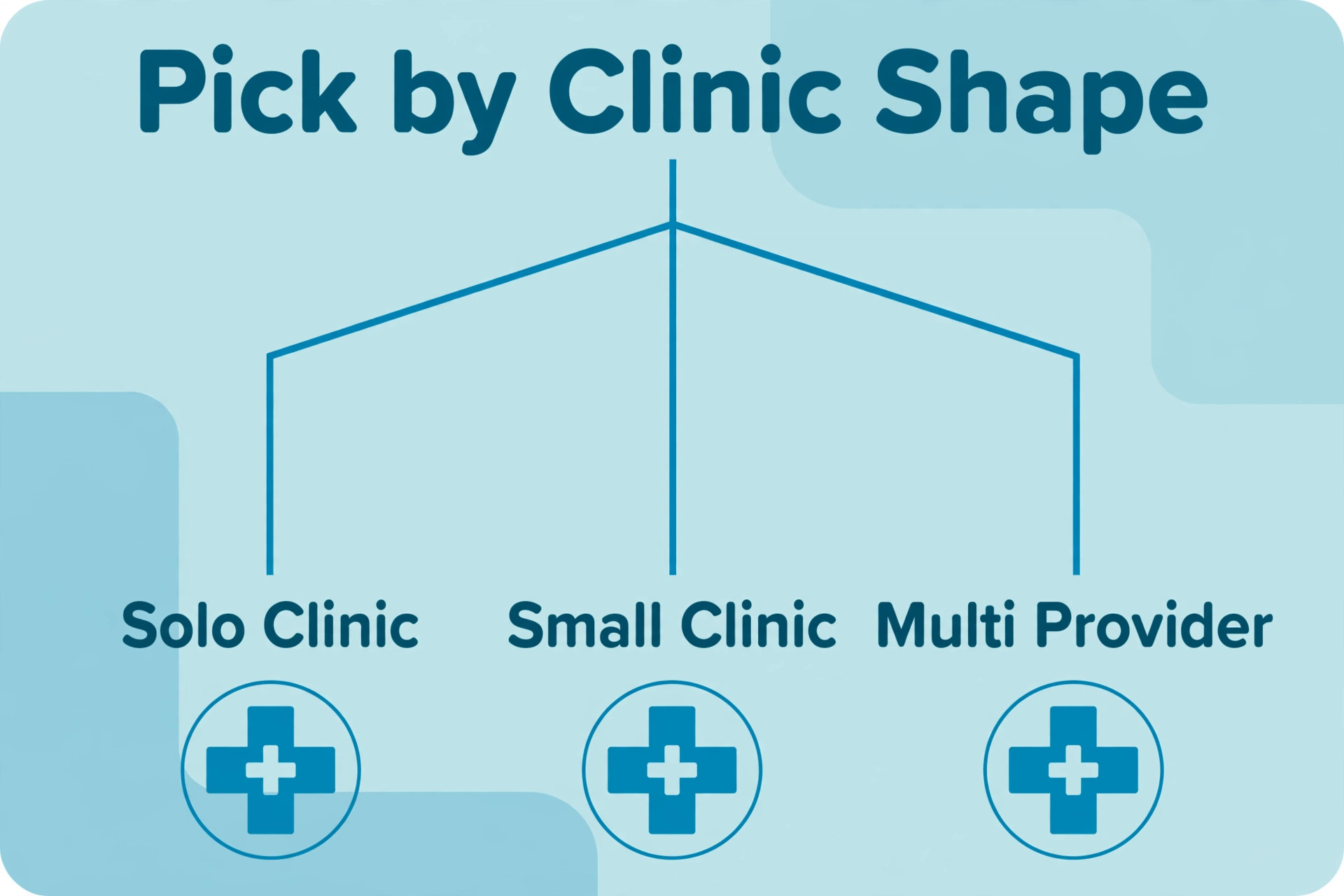
Use the table as a starting point, then test the pick against your own visit mix. A solo therapist may prefer TheraNest for its note templates, while a group practice with physiotherapy may prefer Coviu for its in-session tools. The table answers the common case, while the trial answers your case, and the trial answer is the one that counts.
The best telehealth software for small clinics is therefore not one product but the product that matches the clinic shape. A solo practice pays for simplicity or a complete small system. A group practice pays for engagement and workflow. A hybrid clinic pays for familiar video or interactive sessions. Buying the wrong shape wastes money twice, once on the subscription and once on the workarounds.
The Shortlist Checklist for Small Clinics
Before signing for the best telehealth software for small clinics, confirm patient joining ease, scheduling and reminders, documentation and billing flow, agreement coverage, records integration, and export options. Each item protects a different part of the visit. Joining ease protects attendance, reminders protect booked revenue, and documentation flow protects clinician time. Agreement coverage protects compliance, records integration protects data accuracy, and export options protect the clinic’s future freedom to leave.
Test the checklist on one real clinic week. Book a new patient, run a follow-up, hold a group visit, and push notes and billing through. If any step needs a workaround, that workaround becomes daily friction. A tool that passes all six checks on real visits is worth its price, while a cheaper tool that fails two of them will cost more in no-shows, late notes, and unpaid claims.

Monthly Costs at Three Different Clinic Sizes
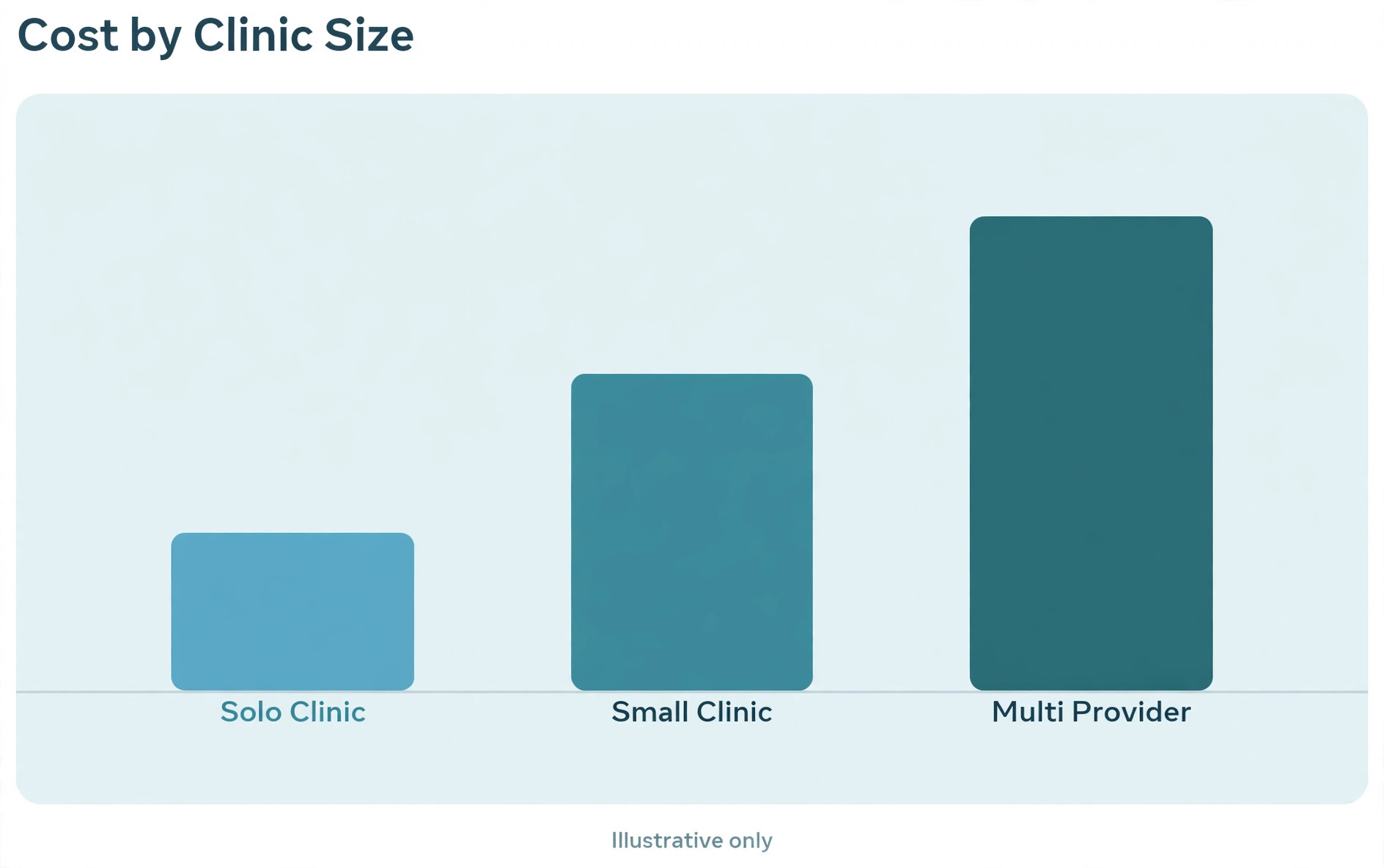
A solo provider can start free on Doxy.me or Carepatron, or pay about $49 a month for SimplePractice Starter, which is less than the revenue from one visit. The risk at this size is not the subscription but the missing agreement or feature, where the tool that looks free lacks the clinic coverage or billing the practice actually needs. Price the tier that includes the missing item, not the tier that merely looks free.
A three-provider practice faces a wider spread. SimplePractice at about $49 to $99 a month per provider, Updox at about $50 a provider a month, and Coviu at about $40 a user a month all land in a similar band, while Zoom for Healthcare at about $17 a user a month plus a separate records system changes the comparison. Model each option at your exact provider count, including any per-claim or add-on costs, because the cheapest headline rarely stays cheapest at three providers.
A ten-provider group should expect a serious bill wherever it goes. Mend and eVisit at quoted rates, plus SimplePractice Plus with per-clinician add-ons, all cost real money, while Amwell and Teladoc Health add network pricing on top. At this size the deciding factor shifts from price to engagement, workflow, and reporting, because a small percentage gain in attendance and paid claims dwarfs the subscription difference.
Mistakes That Waste Money on Telehealth Software
The first mistake is buying video only and ignoring the workflow around it. A cheap video room that leaves scheduling, intake, notes, and billing to manual steps costs more in staff hours than a dearer integrated tool saves in subscription. Price the whole visit workflow, not just the video minute, before deciding.
The second mistake is assuming the agreement covers the practice. Individual and clinic coverage differ on several tools, and a free tier that suits a solo provider may not cover a group. Get the agreement confirmed in writing for your exact provider count and practice shape before the first patient visit, because a compliance gap discovered later is far costlier than a higher tier chosen upfront.
The third mistake is skipping the export test. A tool that locks visit history and patient records behind a weak export owns the clinic’s care record, and that hold shows up at renewal time. Ask for a sample export during the trial, keep a regular export outside the system where policy allows, and confirm in writing what leaves with you if the contract ends.

The Verdict for Small Clinics
Start with Doxy.me if you need simple video today, with Carepatron if you want low-cost practice tools, and with SimplePractice if you run a therapy or wellness practice that needs notes and billing together. Move to Updox when the workflow around the visit matters most, to Mend when group engagement drives revenue, and to Coviu when sessions need interactive clinical tools. Reserve Amwell, eVisit, and Teladoc Health for the point where scale and network needs genuinely demand them.
Whichever tool you choose, run the real-clinic trial, confirm the agreement in writing for your practice shape, and check the billing and export terms before signing. The best telehealth software for small clinics earns its keep in visits that start on time, patients who join without a phone call, notes finished the same day, and claims paid without a chase. Pick the tool that proves those four wins in your trial week, and the subscription pays for itself.
More Reading on Stratilyze
Readers comparing clinic tools usually check the neighbouring guides next. The guide to therapist practice management software covers practice tools for therapy clinics, the guide to med spa booking software covers appointment booking for a related clinic type, and the guide to appointment reminder software for small business helps with the reminders that cut no-shows.
Frequently Asked Questions
Do small clinics need telehealth software or just a video call app
A general video app is enough for an occasional call between people who already know each other. Telehealth software becomes necessary when visits involve patients, waiting rooms, intake, notes, and billing, because a general app handles none of that workflow and may lack the right agreement. If virtual visits are a regular service, a general app is no longer enough.
How do patients join a telehealth visit without technical trouble
The smoothest path is a browser link with no download and no account, plus a clear waiting room and a reminder message with the link. Test the journey on a phone with a weak connection during the trial, because many patients join from phones rather than desktops. A tool that needs an app install will generate front-desk calls from the least technical patients.
Is SimplePractice worth it for a solo therapist
It can be, when the solo therapist wants telehealth, notes, portal, and billing in one system at about $49 a month for Starter. It is harder to justify on Plus for a solo provider who does not run group visits, because the group features sit unused. Price the tier the practice actually needs, not the tier with the longest feature list.
Should a clinic pay per provider, per user, or a flat enterprise rate
Per-provider pricing suits a small clinic, because the bill follows clinicians rather than all staff. Per-user pricing suits a clinic where many staff need access, because the bill follows every seat. An enterprise rate suits a large group, because it bundles volume and network features. The right meter depends on which number grows fastest in the clinic.
What happens to visit records if the clinic switches tools later
That depends on export options, so check them before you buy. A good tool exports visit histories, notes, and patient records in a usable format, while a weak one exports only summary counts. Ask for a sample export during the trial, and keep a regular export outside the system where policy allows, as insurance against any future move.
Does the best telehealth software for small clinics need a signed agreement on every plan
It needs a signed agreement that covers the clinic’s actual practice shape before patient visits begin. Some tools include it on every paid plan, some vary it by tier, and some arrange clinic coverage separately. Confirm the coverage in writing for your provider count, because assuming coverage is the costliest shortcut in telehealth buying.