
Most freelancers lose work not on price, but on speed. A proposal sent three days late, as a plain document with no clear next step, is easy to ignore. The best proposal software for freelancers fixes that gap, turning a quote into a branded, signable page that a client can accept and pay in minutes, while the freelancer is still top of mind.
That speed matters because freelance work is often decided quickly. A client comparing two designers or two writers will favour the one whose proposal is clear, professional and easy to sign. A tool that tracks opens, sends a polite follow up and collects a deposit at signing can be the difference between a project that starts this week and one that drifts away.
This guide compares ten tools for freelancers, not agencies. Prices are starting points on annual billing where stated, and document limits matter, since a cheap plan that caps monthly proposals can become expensive fast for a busy freelancer.
Ten tools, one quick table
Use this table to shortlist by price and fit, then read the sections for limits on documents, users and payments. The best proposal software for freelancers for a designer sending two proposals a month is not the same tool a consultant sending twenty needs.
| Tool | Starting price | Best for |
|---|---|---|
| PandaDoc | From $19 per user per month, billed annually | Freelancers wanting broad document tools |
| Proposify | From $19 per user per month, billed annually | Freelancers wanting brand control |
| Better Proposals | From $13 per user per month, billed annually | Freelancers wanting the lowest polished price |
| Qwilr | From $35 per user per month, billed annually | Freelancers selling with web page proposals |
| Prospero | From $12 per user per month, billed annually | Freelancers wanting unlimited proposals cheaply |
| Nusii | From $29 per month flat for one user | Freelancers wanting predictable flat pricing |
| GetAccept | From $25 per user per month | Freelancers closing larger B2B deals |
| HoneyBook | Check the vendor page | Freelancers wanting proposals plus client management |
| Ignition | From $39 per month | Freelancers selling retainers and packages |
| Bonsai | Check the vendor page | Freelancers wanting contracts, time and invoicing together |
Why the best proposal software for freelancers beats a document and an email
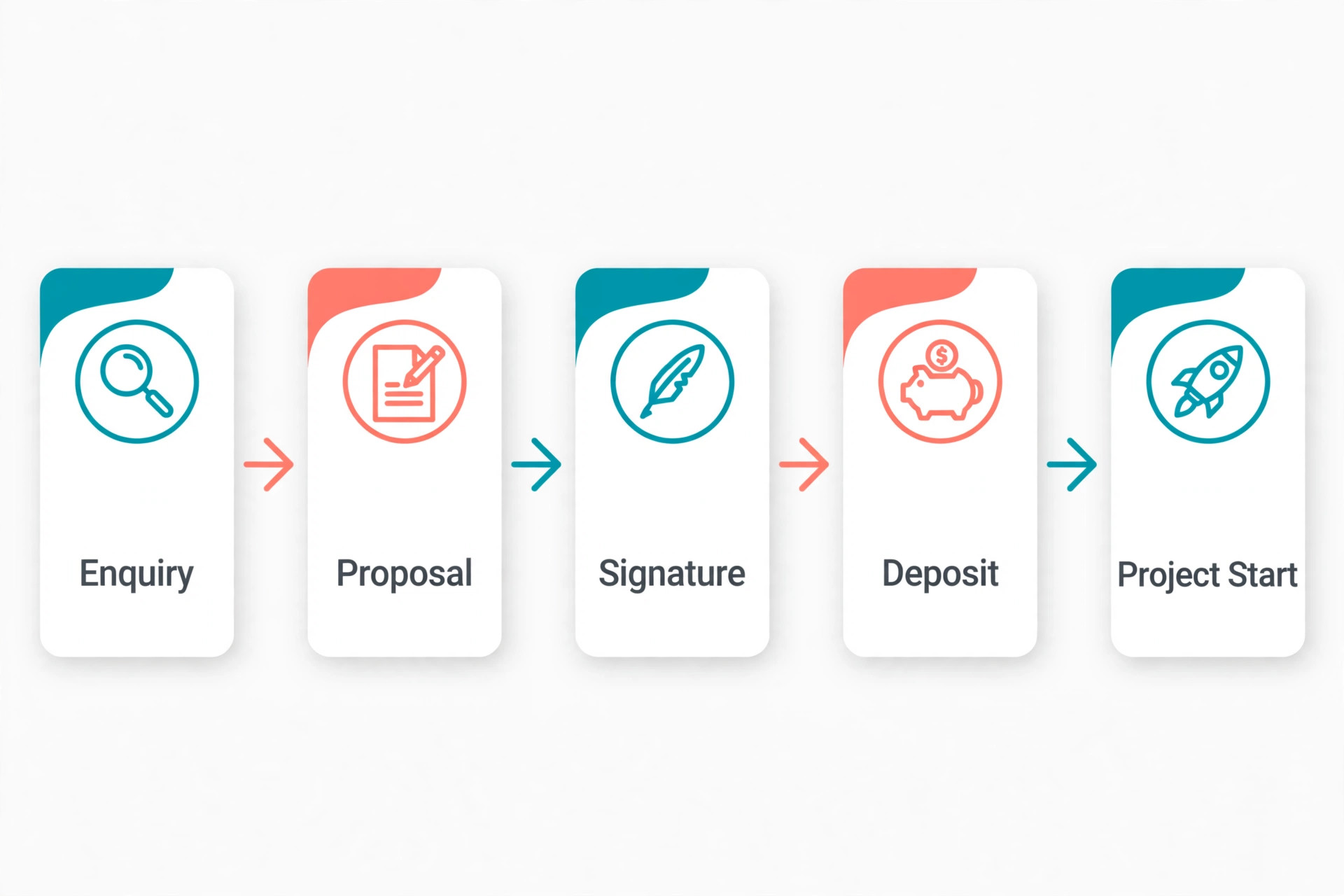
A document attachment puts the work on the client. They must download it, read it, print or sign it, and send it back, with payment handled separately. A proposal tool removes those steps. The client opens a link, sees pricing options, signs online and pays a deposit in the same flow, which shortens the time between yes and paid.
Tracking is the second advantage. A proposal tool shows when a client opens the proposal, which sections they read, and whether they viewed pricing. That information tells a freelancer when to follow up and what to say, instead of guessing whether silence means disinterest or a busy inbox.
Consistency is the third advantage. Templates, pricing tables and terms stay the same across proposals, so a freelancer does not rewrite scope, payment terms and timelines from scratch each time. That consistency also protects the freelancer, because scope and revision limits are stated clearly before work starts.
Finally, a good proposal tool looks professional at small scale. A solo freelancer can present like a studio, with branded pages, clear packages and a clean signature flow, without hiring a designer or learning a complex sales platform. That presentation helps win larger projects and justifies higher rates.
PandaDoc
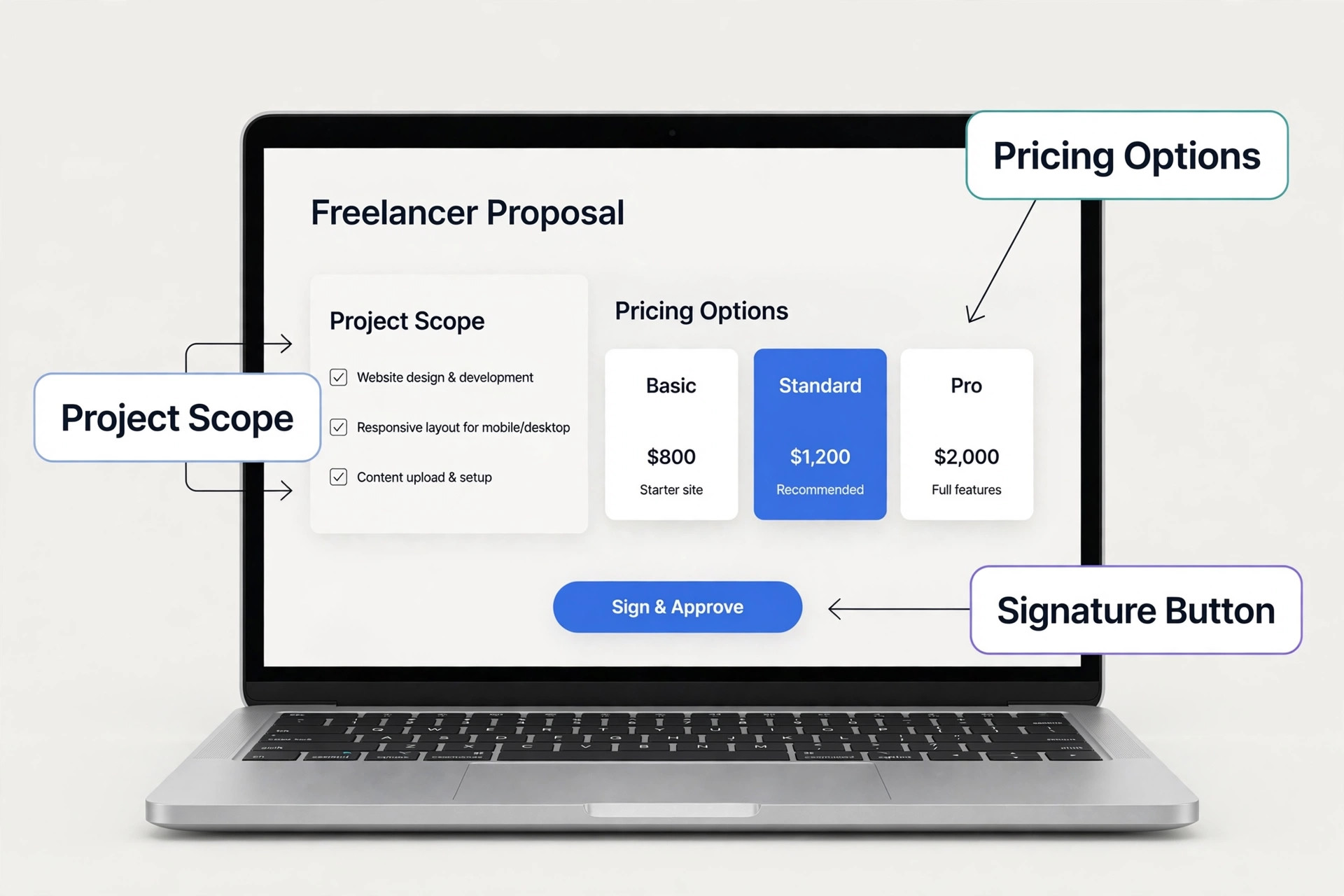
PandaDoc covers proposals, quotes, contracts and e-signatures in one platform, with a free e-sign tier for limited sends. Its template library is large, its CRM integrations are broad, and its pricing tables let clients choose a package, which suits freelancers offering tiered services.
Starter is capped at five templates, with quotes, pricing tables, approvals and CRM integrations starting on Business at $49 per user per month. Choose PandaDoc for document breadth, and skip it if you only need simple proposals at the lowest price.
Proposify
Proposify leads on design control and consistency, with polished templates, approval workflows and engagement tracking. A freelancer who cares how every proposal looks, and who wants the same brand standard on every send, will appreciate its editor and content library.
Newer Build pricing is reported higher, around $39 per user per month, so check the current plan before budgeting. It is stronger for teams than for a solo freelancer on a tight budget. Choose it for design quality, and skip it if price is the deciding factor.
Better Proposals
Better Proposals is the budget pick that does not look cheap. At $13 per user per month billed annually, it offers over 250 templates, e-signatures on every plan, Stripe and PayPal payments inside the proposal, and open notifications that tell you when a client reads it.
Starter allows one user and ten documents per month, with Premium at $21 allowing fifty, so high volume freelancers land on Enterprise. Choose it for value and speed, and skip it if you send more than fifty proposals a month.
Qwilr
Qwilr turns proposals into interactive web pages rather than PDF style documents, with pricing, video, images and payment in one scrollable page. That format suits creative freelancers whose work needs to be seen, not just described, and whose clients decide on visual impact.
The price is higher than Better Proposals and Prospero, and the page format suits some clients better than others. Choose Qwilr when the proposal itself must impress, and skip it when a simple document style proposal is enough.
Prospero
Prospero offers unlimited proposals at $12 per user per month billed annually, which is rare at this price. It covers templates, e-signatures, payments and tracking in a simple interface that a freelancer can learn quickly, without the weight of a sales platform.
Design depth and integrations are thinner than Proposify and PandaDoc, so a freelancer needing advanced branding may feel limited. Choose Prospero for volume at low cost, and skip it if pixel perfect design control is essential.
Nusii
Nusii charges a flat monthly rate rather than per user for a solo freelancer, with five active proposals on the Freelancer plan. Its templates are clean, its tracking is clear, and its pricing stays predictable, which helps a freelancer budget a fixed monthly tool cost.
The active proposal cap means a busy freelancer must archive old proposals to free space, and agency plans cost more. Choose Nusii for flat, predictable pricing, and skip it if you keep many proposals open at once.
GetAccept
GetAccept combines proposals, e-signatures and buyer engagement tracking, with deal rooms that suit larger business clients and multi stakeholder decisions. A freelancer selling to companies, rather than individuals, will value the visibility into who viewed what and when.
It is built for sales teams more than solo freelancers, so some features will go unused at small scale. Choose GetAccept for B2B deal visibility, and skip it if your clients are mostly individuals signing quickly.
HoneyBook
HoneyBook combines proposals, contracts, invoices, payments and client communication in one platform for independent businesses. A freelancer who wants the whole client journey in one place, from enquiry to final payment, will find it more complete than a proposal only tool.
Pricing and plan details change often, so check the vendor page for the current starting price and limits. Choose HoneyBook for an all in one client system, and skip it if you only need proposals and already have invoicing elsewhere.
Ignition
Ignition is built for proposals that turn into automated billing, which suits retainers, monthly packages and recurring services. It helps a freelancer proposal, engagement letter and payment collection in one flow, reducing the admin around ongoing work.
It is priced for professional services and is less suited to one off project quotes. Choose Ignition for retainer pitches, and skip it if most of your work is single project quotes.
Bonsai
Bonsai bundles proposals, contracts, time tracking, invoicing and expenses for freelancers in one workspace. A freelancer who tracks hours, bills expenses and manages several clients at once will benefit from having those tools connected to the proposal that started each project.
Pricing varies by plan and region, so check the vendor page before comparing it with proposal only tools. Choose Bonsai for a full freelance workspace, and skip it if you want a proposal tool only, without extra features to learn.
Match the tool to the proposal you send most
A simple quote, a detailed proposal and a retainer pitch need different strengths. This table matches the tool to the job, so you do not pay for design power when speed matters, or buy a cheap tool that cannot handle a retainer. The best proposal software for freelancers depends on the proposal type first.
| Your situation | Best pick | Why it fits |
|---|---|---|
| Simple quote, fast turnaround | Better Proposals | Low price, fast templates, payment at signing |
| Detailed proposal, design led | Proposify | Brand control, polished pages, engagement tracking |
| Retainer pitch, recurring billing | Ignition | Proposal to automated billing in one flow |

Follow up checklist that wins work without nagging
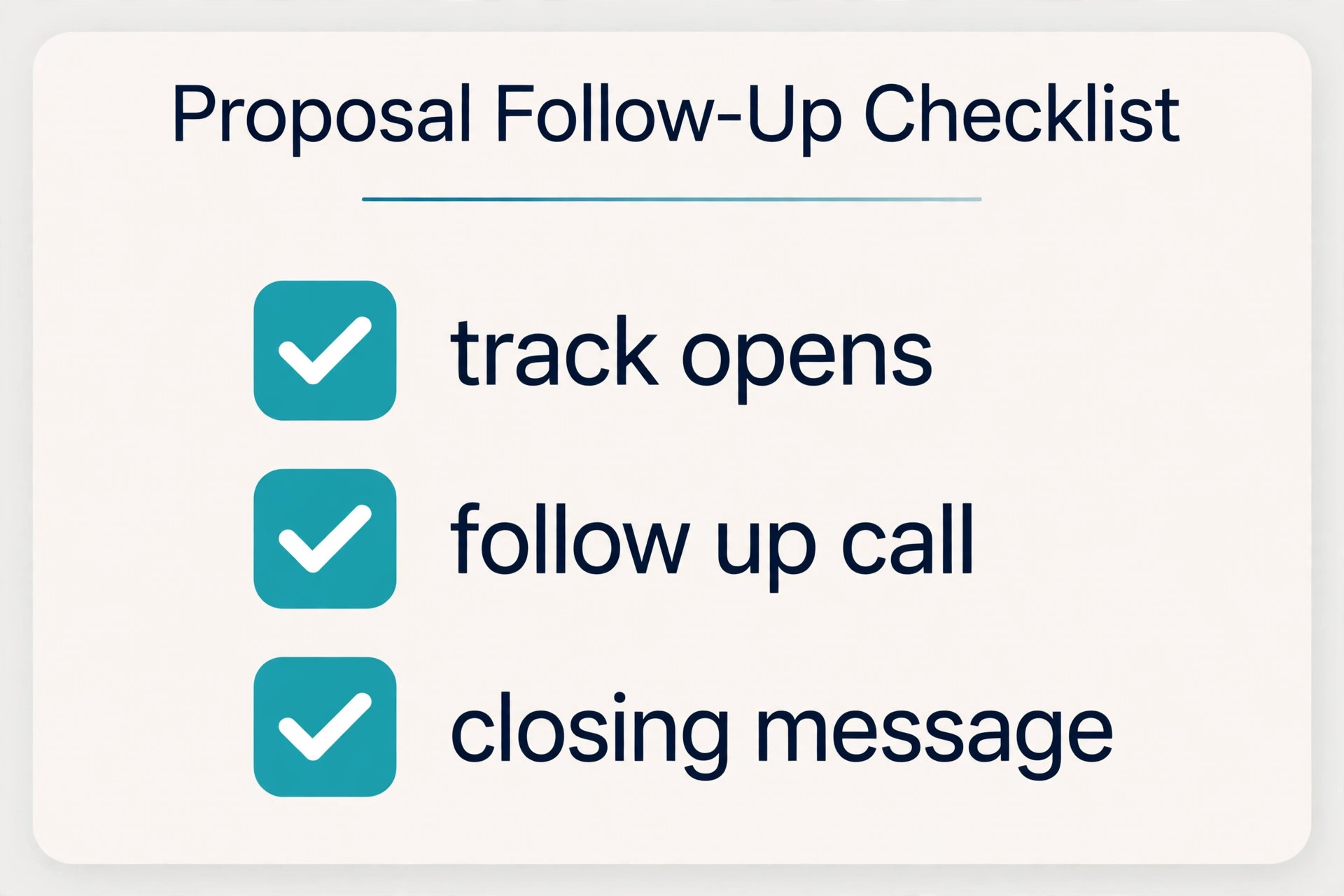
A proposal tool tracks opens, but the freelancer still has to follow up well. Use this checklist after every send, and your close rate will improve without turning follow up into pressure. The best proposal software for freelancers works best when follow up has a clear rhythm.
– Send the proposal with a short personal message, naming the project, the start date and the next step. – Check opens after one day, and follow up once if the proposal was opened but not signed. – Wait three business days before a second follow up, and add one useful detail, not just a reminder. – Offer a short call in the second follow up, with two time options, to resolve questions fast. – After seven days with no response, send a closing message that asks whether the project is paused or cancelled. – Record the outcome for every proposal, noting price, scope and reason for win or loss. – Reuse winning proposal sections as templates, and retire sections that clients always question. – Collect a deposit at signing whenever possible, so a yes becomes a paid project, not a promise.
What a freelancer really pays in a year
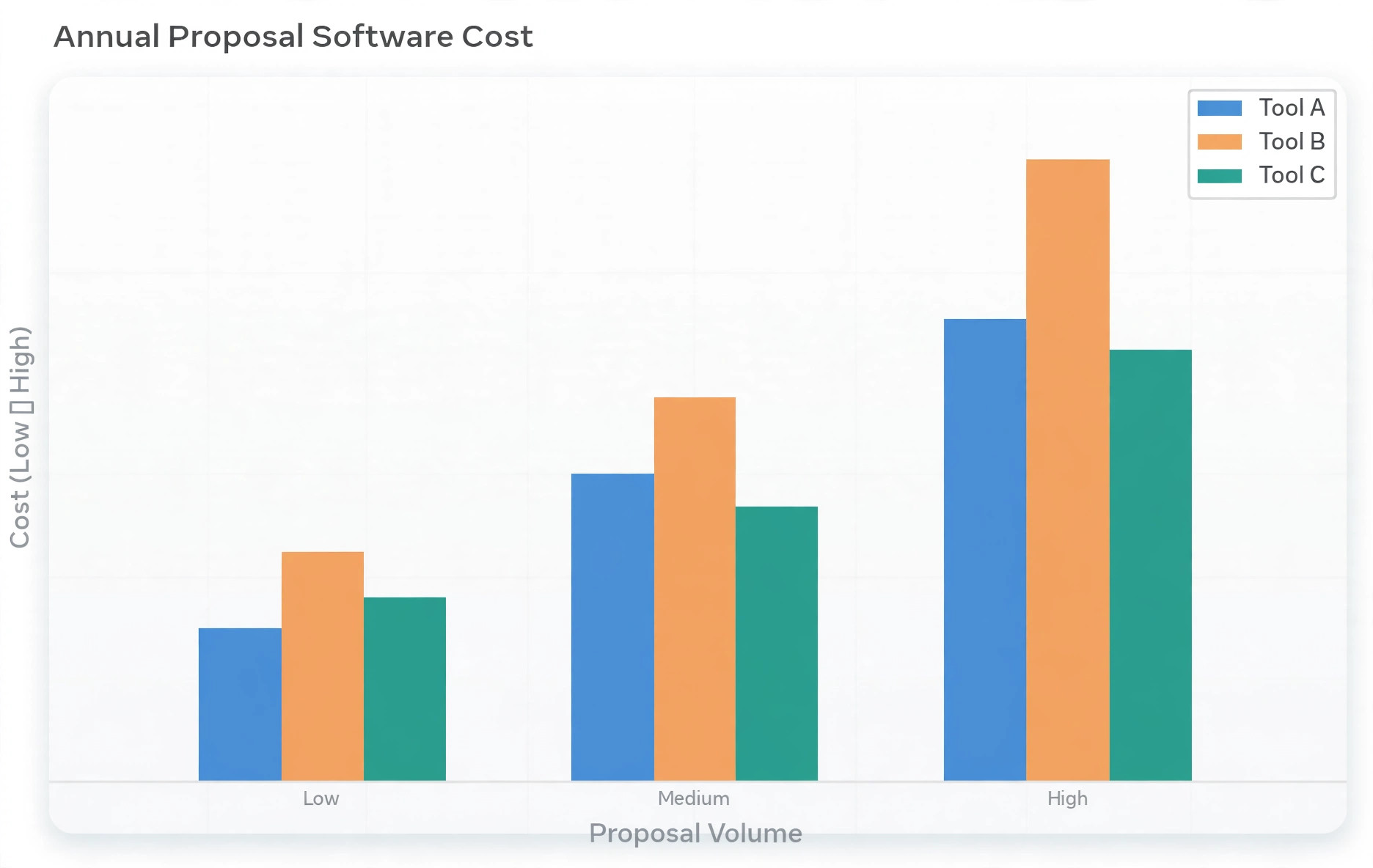
Start with the annual subscription at your proposal volume. Better Proposals Starter at $13 per user per month billed annually costs $156 a year, but its ten document monthly cap may force an upgrade to Premium at $21, or $252 a year, for a busy freelancer. PandaDoc Starter at $19, or $228 a year, looks similar, until Business at $49 becomes necessary for pricing tables.
Add payment processing next. Stripe and PayPal fees apply on top of the subscription, usually a percentage plus a fixed fee per payment, so a deposit collected through the proposal still carries that cost. That fee is worth paying for faster payment, but it should be included in pricing, either in the project fee or as a stated payment term.
Count the cost of unused features. A freelancer paying for a sales platform with CRM automation, deal rooms and team approvals, while sending five proposals a month, is subsidising features for larger teams. A proposal only tool at $12 to $19 a month often delivers the same close rate for a solo freelancer at half the price.
Finally, check renewal and document limits before signing annually. An annual plan saves money only if the document cap fits your volume for twelve months. If your proposal volume doubles in a busy quarter, a monthly plan or an unlimited plan may be cheaper overall, even at a higher monthly rate.
Pricing presentation inside a proposal changes how clients decide. A single price forces a yes or no decision, while two or three packages let a client choose a level and feel in control. The middle package should be the recommended fit, with clear differences in scope, timeline and support. Avoid packages that differ only by vague wording, since clients will ask for clarification and delay the decision. Test package wording with a past client and rewrite anything they find unclear.
Scope and revision limits protect freelancers more than any other proposal section. A proposal that states deliverables, revision rounds, timeline and exclusions in plain language prevents the slow expansion of a project that eats profit. Clients respect clear boundaries when they are stated before work starts, and they resent boundaries introduced halfway through. Write scope as if a stranger must understand it, because after a month, both sides will rely on the written version, not memory.
Follow up timing matters as much as follow up content. A client who opened a proposal yesterday is warm, while a client who opened it three weeks ago has likely moved on. Proposal tracking shows open times, so use that data to follow up within a day of an open, with a helpful addition rather than a generic reminder. A short video walkthrough, a relevant example or an answer to a likely question adds value and gives the client a reason to reply.
Deposits at signing change cash flow and commitment. A freelancer who collects a deposit when the proposal is signed starts work with a committed client, while a freelancer who invoices after delivery carries the risk of late payment and scope disputes. State the deposit percentage, the payment link and the start date in the proposal itself, so signing and paying happen together. Clients who pay a deposit are far more likely to provide materials on time and respect the timeline.
Templates should be living documents, not fixed files. After every won and lost proposal, note which sections clients questioned, which pricing structure worked, and which scope wording prevented disputes. Update the template monthly with those lessons, and retire sections that consistently cause confusion. A template that improves with every proposal becomes a competitive advantage, because each new proposal starts stronger than the last one did.
Personalisation still matters inside a templated proposal. A client should see their name, their project, their goals and a specific next step, not a generic document with a name swapped in. Spend ten minutes tailoring the opening, the scope and the package recommendation to the actual project, and the proposal will feel written for that client alone. That small effort often decides a close between two freelancers with similar prices and similar work.
Proposal analytics should guide pricing, not just follow up. If most clients choose the lowest package, the packages may be mispriced or the middle package may not offer enough extra value. If most clients ask for custom scope, the packages may not match real needs. Review proposal outcomes quarterly, adjust package contents and prices, and test the changes on the next ten proposals before deciding whether they worked.
Legal basics in a proposal protect both sides without needing a lawyer for every project. Payment terms, late payment handling, intellectual property transfer on final payment, cancellation terms and revision limits should all appear in clear language. A proposal tool that supports reusable terms blocks makes this easy, and a freelancer who reuses the same terms consistently avoids negotiating legal points from scratch on every project. Review terms annually with a professional for larger projects.
Finally, the proposal is also a marketing asset. A polished, branded proposal that a client forwards to a partner or manager can win work from people the freelancer never met. Make the proposal readable by a non expert, include a short summary at the top for decision makers, and ensure the document looks professional when printed or forwarded. A proposal that travels well inside a client organisation can close deals that a private email never reaches.
Choosing the best proposal software for freelancers is easier when you start from your last twenty proposals, not from a feature list. Count how many were simple quotes, how many were detailed proposals, and how many were retainers, then check which tool handles your most common type best. A freelancer who mostly sends simple quotes should not pay for a retainer platform, and a freelancer who mostly pitches retainers should not buy a tool that cannot bill automatically.
Proposal design should match the client, not just the freelancer brand. A corporate client may expect a formal, detailed document with clear terms, while a small business owner may prefer a short, visual page with packages and a signature button. Build two templates, one formal and one visual, and choose based on the client in front of you. That flexibility often matters more than any single template library, because clients decide faster when a proposal feels made for them.
Response time after a proposal is sent can be improved with a simple habit. Set a reminder to check opens the next morning, and prepare a helpful follow up in advance, so you are not writing from scratch when a client opens but does not sign. A prepared follow up that answers a likely question, offers a short call, or shares a relevant example will always outperform a generic message sent days later when the client has moved on.
Pricing confidence grows when proposals are tracked over time. Record the quoted price, the package chosen, and whether the project was won or lost, and review that record monthly. Patterns will emerge, showing which services sell at which price, which packages clients prefer, and where scope wording needs tightening. That record turns proposal software from a sending tool into a pricing tool, and pricing is where freelance profit is actually made.
Finally, protect your time by setting a proposal expiry date. A proposal open for ninety days invites a client to return months later expecting the same price, timeline and availability. A thirty day validity period, stated clearly in the proposal, creates a natural reason to follow up and protects the freelancer from outdated pricing. Clients understand expiry dates, and most will decide faster when they know the offer will not stay open forever.
Speed of follow up is often the deciding factor in a close, and the best proposal software for freelancers should make that speed easy rather than adding steps. When a client opens a proposal, the freelancer should see it promptly, send a prepared follow up, and offer a short call without hunting through email threads. A tool that surfaces opens clearly and keeps the proposal, signature and payment in one place will help a freelancer act while interest is high, which is exactly why the best proposal software for freelancers earns its monthly cost many times over.
Proposal mistakes that lose freelance work
One common mistake is sending a proposal with no clear next step. A client who reads a long document and sees no accept button, no signature line and no payment link must reply by email to move forward, and many will delay. Every proposal should end with one obvious action, whether that is sign, pay a deposit or book a call.
Another mistake is burying the price at the end of a long document. Clients decide on value and price together, so hiding the price creates suspicion and extra questions. Show pricing clearly, with package options where possible, and explain what each package includes in plain terms, so the client can choose without a call.
A third mistake is writing scope in vague terms. Phrases like design work or content support invite scope creep, because the client and freelancer remember different versions of the deal. State deliverables, revision limits, timeline and what is excluded, so both sides sign the same understanding.
A fourth mistake is following up too much or not at all. Silence after a proposal often means the client is busy, not uninterested, while daily reminders feel like pressure. A rhythm of one follow up after an open, one after three days, and a closing message after a week balances persistence with professionalism.

How to test finalists with a real proposal
Build the same proposal in two tools, using a real past project with real pricing, scope and terms. Time the build, check the mobile view, and send a test to yourself and a friend. The tool that produces a clean, signable proposal fastest, with the fewest fixes, is usually the tool you will keep using.
Test the client side carefully. Open the proposal on a phone, try to sign it, and try to pay a test deposit. Note any step that confuses a first time client, any form that asks for too much information, and any delay in the confirmation message. A proposal that is easy for you but hard for the client will not close work.
Test tracking and follow up in the trial. Send the test proposal, open it from another device, and check whether the tool reports the open correctly and promptly. Then set a follow up reminder and confirm it appears where you will see it. Tracking that lags or hides will not help you time a follow up well.
End with a volume and price check. Count how many proposals you sent in the last three months, and price each finalist at that volume, including the next tier if you are near a cap. A tool that fits this month but caps next month should be chosen knowing the upgrade cost, not as a surprise during a busy period.
More Reading on Stratilyze
– Best Invoicing Software for Freelancers – Best Contract Templates for Freelancers – Best CRM Software for Freelancers – Best Time Tracking Software for Freelancers
Frequently Asked Questions About Proposal Software
Do freelancers need proposal software, or is a PDF enough?
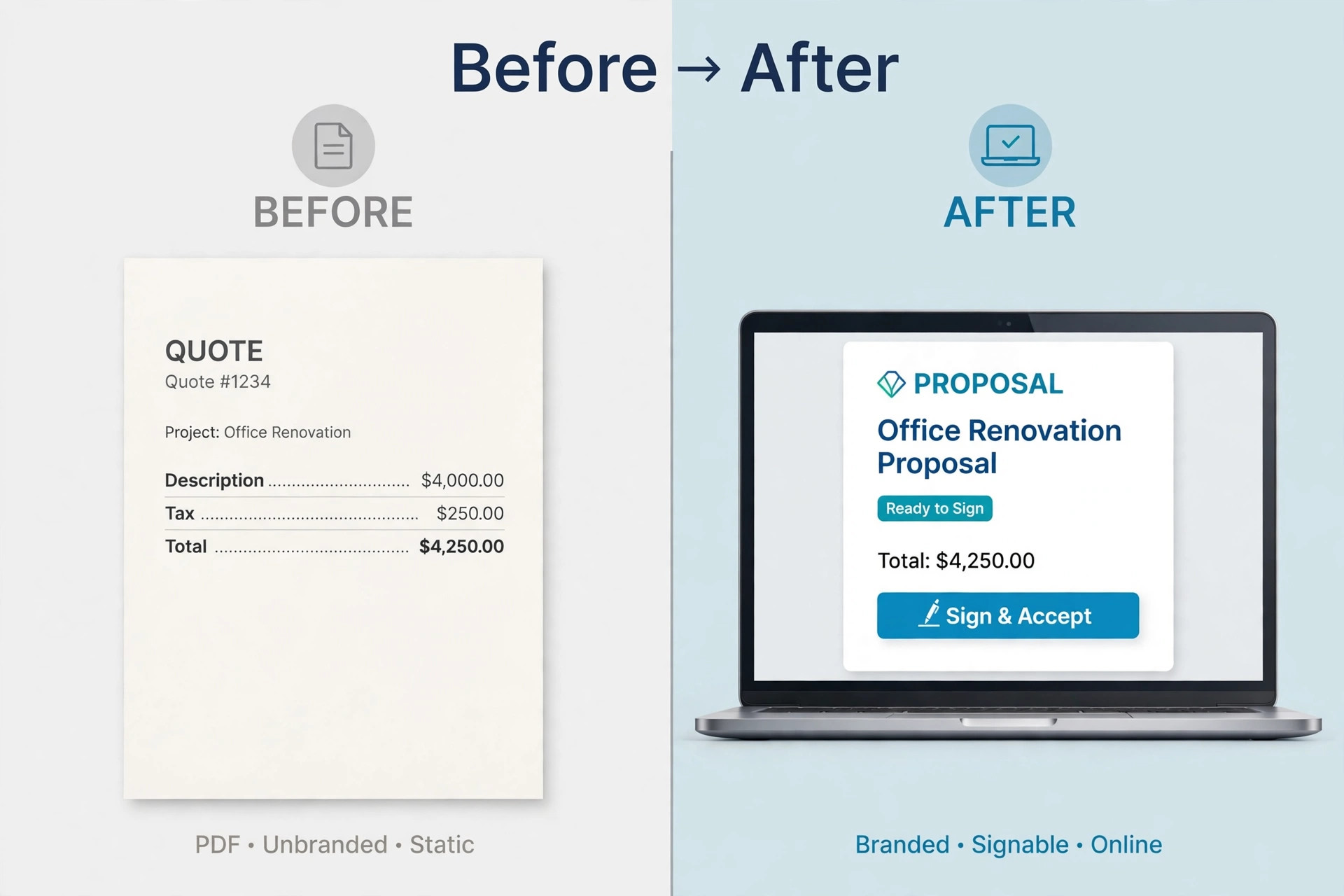
A PDF works for a simple quote to a known client, but it cannot track opens, collect signatures or take payment in one flow. Proposal software pays for itself when faster signing, clearer scope and deposit collection prevent even one lost project a year.
What is the cheapest good proposal tool for freelancers?
Prospero at $12 per user per month billed annually and Better Proposals at $13 are the cheapest credible options in this guide. Prospero offers unlimited proposals, while Better Proposals caps Starter at ten documents a month, so volume decides which is cheaper for you.
Can clients sign and pay inside the proposal?
Yes, on most tools in this guide. PandaDoc, Better Proposals, Qwilr, Prospero and Nusii all offer e-signatures, and most connect to Stripe or PayPal for deposit payment. Test signing and payment on a phone during the trial before relying on it.
How many proposals can I send on a starter plan?
It varies widely. Prospero is unlimited, Better Proposals Starter allows ten a month, and Nusii Freelancer allows five active proposals. Count your last three months of proposals and choose a plan with headroom, not a plan you will outgrow in a month.
Will proposal software work for retainers?
Ignition is built for retainers and recurring billing, while HoneyBook and Bonsai handle ongoing client work well. Proposal only tools can pitch a retainer, but check whether billing repeats automatically, or whether you must invoice manually each month.
Should I offer package options in a proposal?
Package options often help, because they let a client choose a level without negotiating from scratch. Offer two or three packages with clear differences, and highlight the middle option as the recommended fit. Avoid too many options, which can delay a decision.
The verdict for freelancers
Better Proposals is the best starting point for most freelancers, because it is cheap, polished and fast, with signatures and payment built in. Prospero is the pick for high volume freelancers who need unlimited proposals, and Proposify is the pick when design quality decides the deal. PandaDoc suits freelancers who also need broader document tools.
The tool matters less than the proposal itself. Clear scope, clear pricing, one next step and a deposit at signing will win more work than any template library alone. A proposal tool makes those habits easy, but it cannot replace them, so build the habit first and let the tool carry it.
Test two finalists with a real proposal, check the document cap at your true volume, and sign up for the plan that fits next quarter, not just this week. Then send proposals the same day a client asks, follow up with the checklist above, and let speed and clarity do the selling for you.