

A small business owner usually starts with a simple question. How much will the website cost each month, and will that number stay put once the site starts selling, booking or growing? The cost of Wix for small business monthly is the answer most owners look for first, because Wix is often the first builder they try, and the headline price is rarely the whole bill. A brochure site, a booking site and a store can sit on three different plans, and each plan brings its own storage limit, collaborator limit and payment terms.
The confusion is understandable. Wix shows monthly equivalents for plans paid yearly, and it also sells monthly billing at a higher rate. Add a domain renewal, a paid app or two, business email and payment processing, and the monthly figure on the pricing page can look very different from the money leaving the bank account. This guide separates the plan price from everything around it, so you can budget with numbers that hold up in year one and year two.
Prices in this guide are United States list prices reported in October 2026, before tax, and Wix changes prices and promotions often. Treat every figure here as a starting point and check the vendor page at checkout. Where sources disagree on a detail, this guide says so plainly rather than picking the friendlier number and hoping you never notice.
Wix Plans at a Glance
| Plan | Annual billing per month | Monthly billing per month | Year one on annual billing | Storage | Sell online |
|---|---|---|---|---|---|
| Free | $0 | $0 | $0 | 500 MB | No |
| Light | $17 | $24 | $204 | 2 GB | No |
| Core | $29 | $36 | $348 | 50 GB | Basic |
| Business | $39 | $46 | $468 | 100 GB | Standard |
| Business Elite | $159 | $172 | $1,908 | Unlimited | Advanced |
Read the table from right to left as well as left to right. The cheapest plan that does the job is the right plan, and the most expensive plan is wasted money if the business never uses its extra storage, collaborators or selling tools. Annual billing saves $84 a year on Light, Core or Business compared with monthly billing, which is real money, but only if the business is sure it will keep the site for a full year. Monthly billing costs more and buys flexibility, which matters when a business is still testing whether its website will earn its keep.
The free plan is useful for learning the editor and testing a layout. It carries Wix branding, it uses a Wix subdomain rather than a custom domain, and it cannot sell online. That makes it a trial, not a business website, and most owners move off it as soon as the site needs to look professional. A custom domain, removal of Wix branding and a free domain for the first year come with every paid plan, subject to the conditions Wix shows at checkout.
What the Cost of Wix for Small Business Monthly Really Includes
Light is the entry paid tier, and it fits a simple branded site. It gives a custom domain connection, no Wix ads, 2 GB of storage, basic site analytics and room for 2 site collaborators. What it does not give is payments. A business that wants to take a deposit, sell a product or charge for a booking cannot do it on Light, and that single limit decides more upgrades than any other feature. Light also runs out of room fast for photo heavy businesses, because 2 GB fills quickly once project photos, menus and team pictures pile up.
Core is the first plan that accepts payments, and for many small businesses it is the real starting point. It adds basic ecommerce, 50 GB of storage, 5 site collaborators and booking tools, which covers a small store, a service business taking deposits and a salon or studio taking appointments. The jump from Light to Core is $12 a month on annual billing, and it buys the ability to earn money through the site, which is the point at which a website stops being a brochure and starts being a sales channel.
Business is the standard ecommerce tier. It adds standard ecommerce features, 100 GB of storage and room for 10 collaborators, plus subscriptions, abandoned cart recovery and multiple currencies. The step from Core to Business is $10 a month on annual billing, and it suits a store that is already selling steadily and wants the tools that recover lost carts and keep subscribers paying. Business Elite, at $159 a month on annual billing, adds advanced ecommerce, unlimited storage and 100 collaborators, and it is aimed at high volume operations rather than a typical small business.

The Fee Breakdown, Brochure Site Versus Store
A brochure site has the simplest bill. On Light with annual billing, the plan costs $17 a month, or $204 for the year, paid in full up front. In year one the domain is often free for the first year under the paid plan conditions, so the plan alone can be the whole first year website bill. In year two the domain renews at roughly market rate, commonly reported around $14 to $16 a year for a .com, which adds about $1.25 a month to the effective monthly cost.
Business email is not included, so a business that wants an address on its own domain needs a separate mailbox service, and that is the most common surprise in the brochure site budget. Price that mailbox from the start, even for a one person business, because an address that looks professional is part of the site, not an optional extra added later.
A store has a longer bill, and payment processing is the part owners most often forget. Card payments through Wix Payments in the United States are commonly reported at 2.9 percent plus 30 cents per online transaction, and Stripe or PayPal rates are similar. Those processor fees are separate from the plan price, and they scale with sales rather than sitting flat. A store selling $5,000 a month in $50 orders, which is 100 orders, would pay about $175 in processor fees on that volume at 2.9 percent plus 30 cents per order. That figure is not a Wix profit line, it is the cost of moving money, but it belongs in the monthly budget all the same.
The question of a separate Wix transaction fee needs a straight answer, because sources disagree. Several 2026 reviews report that Wix does not add its own transaction fee on current paid plans, while older material and some plan tables show percentage fees on lower tiers. The safe way to read this is that processor fees definitely apply, any platform fee depends on the exact plan and region Wix shows at checkout, and the checkout page is the final word. A store should confirm the fee line before launch, not after the first payout lands short.
Worked totals make the choice concrete. A brochure site on Light, annual billing, with a domain renewing in year two and a single business mailbox at a typical low cost, lands near $17 to $25 a month in effective cost once email and domain are counted. A small store on Core, annual billing, selling $2,000 a month, pays $29 for the plan plus roughly $70 to $80 in processor fees on that volume, for a monthly total near $100 before apps. The same store on Business pays $39 for the plan plus the same processor fees, near $110 a month, and gains abandoned cart recovery and subscriptions for the extra $10.
A larger store shows why Business earns its keep. At $10,000 a month in sales, processor fees alone run near $320 a month at the commonly reported rate, and the plan price becomes a small share of the total. At that volume the $10 step from Core to Business is trivial next to a single recovered cart a week, and the storage and collaborator headroom matter more than the plan price. The lesson is that small stores should compare plan prices, while larger stores should compare what each plan recovers and automates.
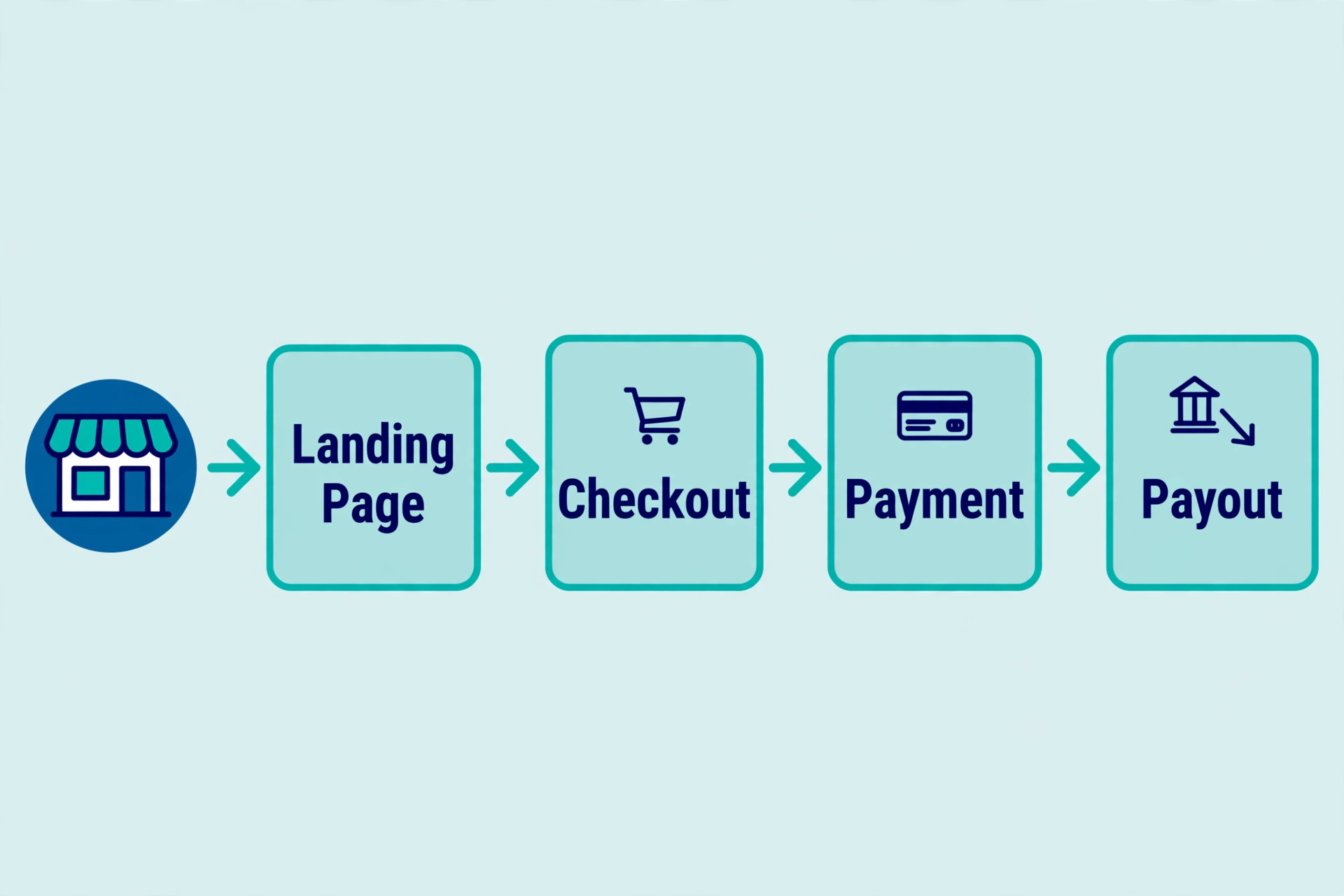
Who Each Tier Actually Fits
Light fits a business whose website only needs to inform. A consultant, a tradesperson with a services page, a restaurant showing a menu and opening hours, or a portfolio business fits here, provided the photo library stays small and nobody needs to pay through the site. The risk is growth. The moment the business wants deposits, bookings with payment or a small shop, Light stops fitting, and the upgrade to Core becomes a forced move rather than a planned one.
Core fits the business that earns through its site without running a large catalogue. A salon taking paid bookings, a fitness studio selling class packs, a maker selling a few dozen products, or a service business taking deposits fits here. The 50 GB of storage covers most photo libraries, and 5 collaborators cover an owner plus a small team. Core is also the tier where a business should test whether online selling works before paying for Business features it may not use yet.
Business fits a store with steady sales and repeat buyers. Subscriptions suit a business selling refills, memberships or regular services, abandoned cart recovery suits any store with meaningful traffic, and multiple currencies suit a store selling beyond its home market. Ten collaborators suit a team where marketing, fulfilment and support all touch the site. If none of those apply yet, Business is a future upgrade, not a day one need.
Business Elite fits a business that has outgrown small business tiers. Unlimited storage, 100 collaborators and advanced ecommerce suit a high volume store, a multi location operation or a business with developer needs. Most small businesses should treat Elite as a signpost for later, not a starting plan, because $159 a month buys a lot of advertising or stock that a young store needs more.

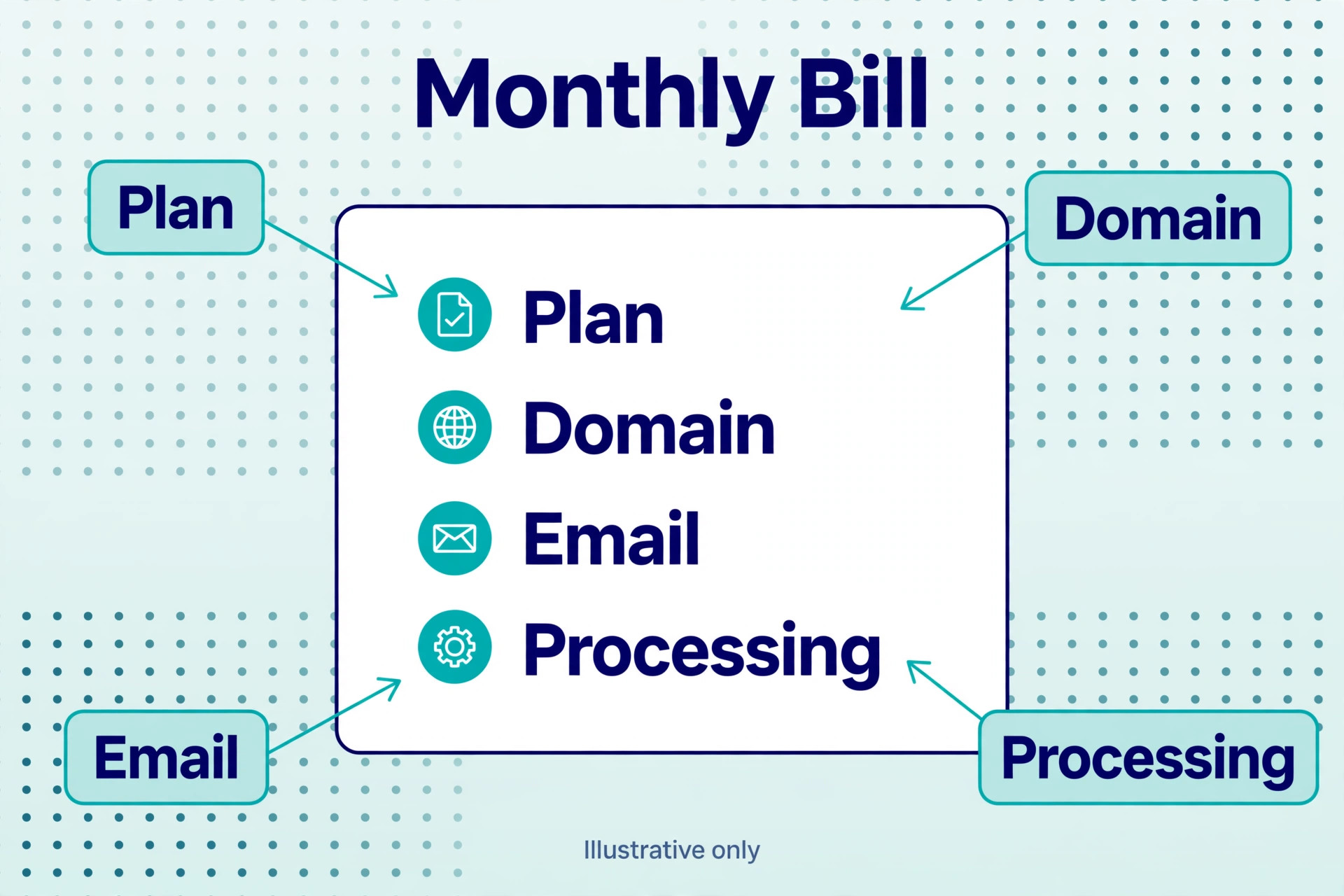
Paid apps are the first hidden cost, and they creep rather than arrive. Wix has a large app market, and features that feel like they should be built in can carry a monthly price. Email marketing suites, advanced booking tools, live chat automation and members area upgrades are commonly reported in the range of a few dollars to tens of dollars a month each. A business running email marketing and bookings through paid apps can add $30 to $50 a month on top of the plan, which can exceed the step between two plans. Audit apps quarterly and cancel the ones nobody opens.
Business email is the second hidden cost, and it surprises owners because a domain feels like it should include mail. Wix does not include email hosting with its plans, so a business that registers a domain through Wix and expects a mailbox on that domain needs a separate service. Google Workspace and similar mailbox services are commonly reported from around $6 per user per month, and a three person team therefore adds roughly $18 a month before anything else. Price the mailbox into the first year budget, not as an afterthought.
Storage and collaborators are quieter limits. Hitting the Light storage cap mid project forces an upgrade at an awkward moment, and adding a designer, a marketer and a support person can push a team past the collaborator limit of a lower tier. Neither limit is a trick, both are printed on the pricing page, but both are easy to miss when the headline price looks small. Count photos, count editors and pick the tier that fits the team you will have in six months, not only the team you have today.
Domain renewal and multi year billing deserve a careful read. The free domain for the first year applies under conditions, to selected extensions, and it does not cover renewals or an existing domain brought in from elsewhere. Multi year prepayment brings bigger discounts but ties the business to the platform for longer, and switching platforms later means rebuilding rather than exporting a site. Wix offers a 14 day cancellation window for a first time premium upgrade, which is worth using to test the real editor, not only the demo.
When to Upgrade, and When to Hold
Upgrade from Light to Core when the site needs to take money. That is the cleanest trigger in the whole pricing structure, because no workaround on Light replaces payments. Upgrade from Core to Business when abandoned carts, subscriptions or multiple currencies would pay for the $10 monthly step, or when storage or collaborators run short. A store recovering even two or three carts a month has usually covered the difference, and a team hiring its sixth editor has no choice.
Hold on Core when sales are light and the extra Business features sit unused. Paying for abandoned cart recovery while traffic is tiny buys nothing, because there are few carts to recover. Hold on Light when the site is purely informational and the photo library is small, because an upgrade bought for features nobody uses is the most common waste in small business software. Review the tier every quarter against real numbers, meaning orders, bookings, storage used and collaborators active, rather than against a feeling that a bigger plan must be better.
Downgrading has its own cost, and it is not only the refund timing. A store that drops from Business to Core loses the features tied to the higher tier, and a site that drops to the free plan regains Wix branding and loses its custom domain setup. Plan downgrades around a quiet period, export content and customer lists first, and check which features the lower tier removes before confirming. The cheapest month is not cheap if it breaks checkout or booking for a week.

What Switching Away From Wix Really Costs
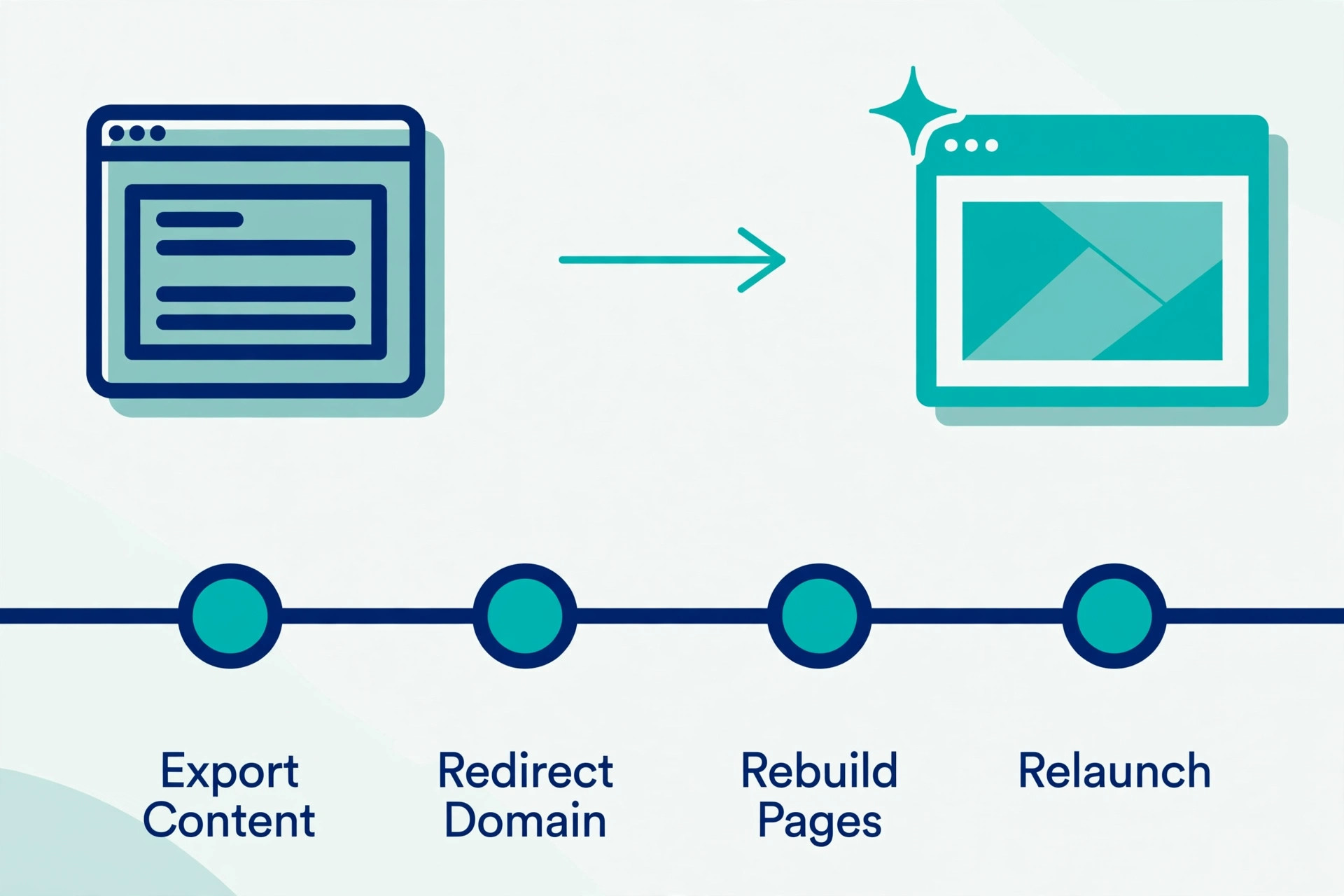
Switching away from Wix is where the monthly price story turns into a migration story. Wix sites do not export cleanly to another builder or to WordPress in the way a document exports, so a move usually means rebuilding pages, redesigning layouts and rechecking every link, form and product. Content and images can be carried across with effort, but the design and the site structure are largely rebuilt by hand. Budget days of work or a designer fee, not an afternoon.
The less visible switching costs are customer facing. Domain settings, email records, payment connections, booking calendars and search rankings all need attention during a move, and a rushed move can break bookings or lose search visibility for weeks. That is why the plan choice matters less than the platform choice. Pick Wix because the editor, the selling tools and the app market fit the business, not only because Light is $17 a month, because the cost of leaving later dwarfs a year of plan differences.
A business that already suspects it will outgrow Wix within a year should weigh that honestly before building. A simple brochure site moves cheaply, because there is little to rebuild. A store with hundreds of products, automated emails, bookings and customer accounts moves expensively. The monthly price is the smallest part of that decision, and the rebuild is the largest.
Wix Verdict for a Small Business Budget
For a brochure site, Light on annual billing is the sensible default, at $17 a month, with domain renewal and business email added to the true monthly figure. For a business that takes payments or bookings, Core on annual billing at $29 a month is the real starting point, because Light cannot do the job that earns money. For a store with steady sales, Business at $39 a month is the better value, because abandoned cart recovery, subscriptions and extra headroom cost only $10 more than Core and can pay for themselves quickly.
Monthly billing suits a business still testing its site, at $24 for Light, $36 for Core and $46 for Business, and the premium buys the right to walk away without a year prepaid. Annual billing suits a business that knows it will keep the site, and it saves $84 a year on each of the three main tiers. Either way, budget processor fees on top of the plan, audit paid apps, and check the vendor page at checkout, because the plan price is the floor of the bill, not the ceiling.
Building a Year One and Year Two Budget
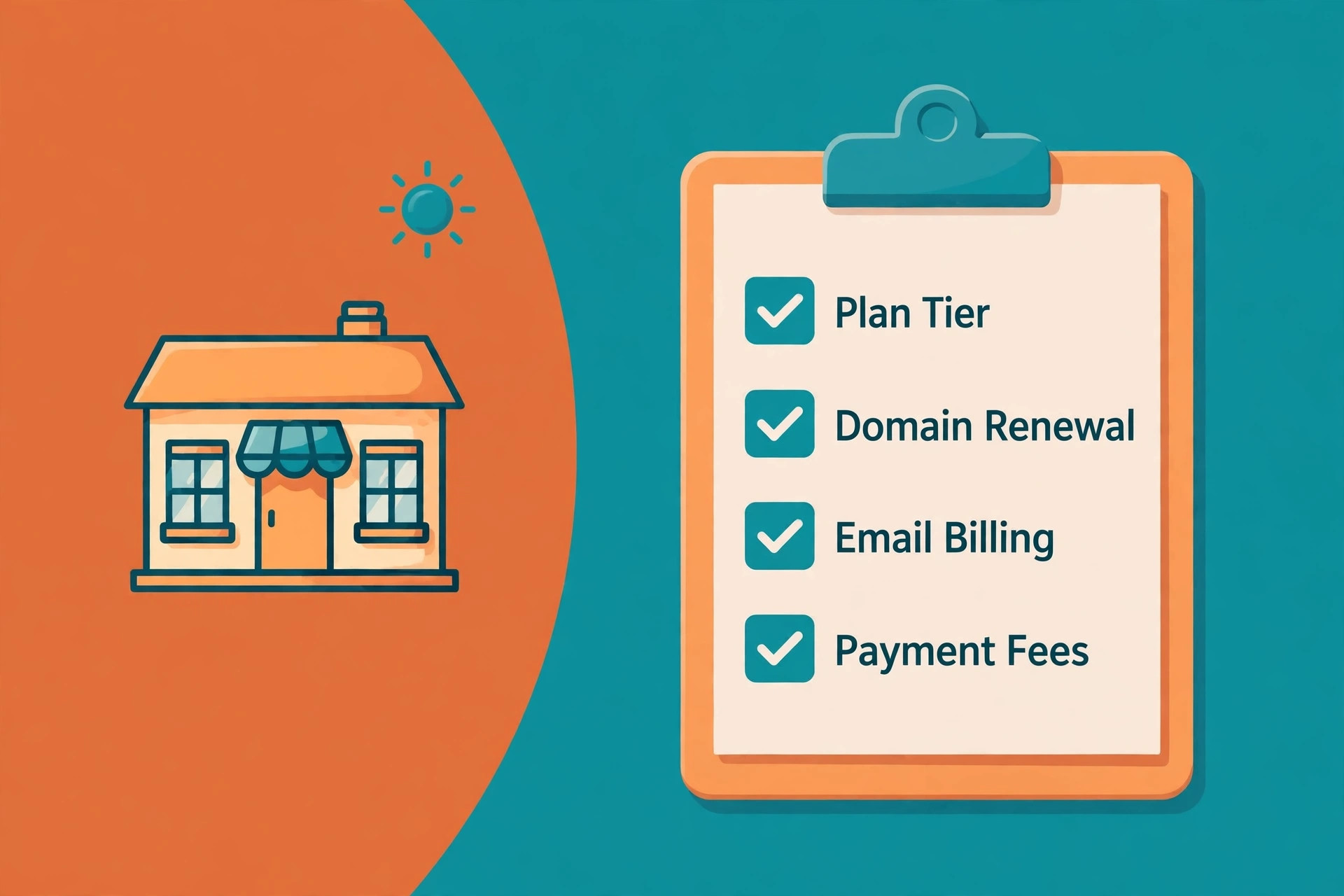
A year one budget should start with the plan, then add the items that are certain, then add a small allowance for the items that are likely. The cost of Wix for small business monthly in year one is therefore not a single line, it is a small table the owner can check each quarter. Plan price sits at the top, domain sits next where it is not free, email follows, apps follow, and processor fees follow for any business that sells. Writing those lines down before launch stops the common surprise of a bill that is double the headline price.
Year one for a brochure site on Light is the easiest budget to hold. The plan costs $204 on annual billing, the domain is commonly free for the first year under the paid plan conditions, and a single mailbox adds a modest monthly sum. A realistic year one total therefore lands near $270 to $330 for plan plus email, before any paid apps or design help. That range is honest because it admits the mailbox, and it still shows a brochure site as one of the cheaper professional options a small business can buy.
Year one for a small store on Core looks different, because sales volume drives a large share of the bill. The plan costs $348 on annual billing, and processor fees depend entirely on how much the store sells and at what average order value. A store selling $2,000 a month pays roughly $840 to $960 a year in processor fees at the commonly reported rate, which means the plan is only about a quarter of the platform related spend. Owners who budget only the plan will understate the year by a wide margin.
Year two changes the brochure site budget more than it changes the store budget, in percentage terms. The cost of Wix for small business monthly in year two adds domain renewal, and it adds any apps adopted during year one that were forgotten by renewal time. A brochure site that cost $204 for the plan in year one can cost $220 to $240 for plan plus domain in year two, plus email, which is still modest, but it is no longer the headline figure. Stores feel year two less, because processor fees already dominate their bill and the plan step is small beside them.
A useful habit is to set a monthly budget line that matches reality rather than the pricing page. Take the annual plan price and divide by twelve, add the domain renewal divided by twelve, add the mailbox per user, add a fixed app allowance, and for a store add processor fees as a percentage of expected sales. The cost of Wix for small business monthly calculated this way will be higher than the headline, and that is the point, because a budget that survives contact with reality is worth more than a budget that looks cheap on paper.
Seasonal businesses need one more adjustment. A business that sells heavily at Christmas or in summer should not judge a plan by a quiet month, because processor fees spike with sales and storage or booking limits bite at peak times. Check the plan against the busiest month, not the average month, and check whether a higher tier would have recovered carts or handled bookings during that peak. A plan that copes in February and fails in December is the wrong plan, however cheap it looks in the quiet season.
Taxes also belong in the budget, and they are easy to miss because pricing pages show prices before tax. Wix adds tax based on the billing address, so the card charge will be higher than the listed monthly equivalent. The difference is small on Light and larger on Business Elite, but it applies across the board, and a business budgeting to the cent should add it. Keep the first invoice and compare it with the pricing page, because that invoice is the true monthly figure for that business.
Design and content help sit outside the Wix bill but inside the real website budget. A business that pays a designer to build the site, a photographer for product pictures or a writer for service pages will spend more in year one than the plan price suggests, and that spend is often worth it. The cost of Wix for small business monthly should not be blamed for design spend, but a total website budget that omits design will mislead the owner about what a professional site really costs to launch well.
A final check before paying is to price the same site on monthly billing for three months. Monthly billing costs more per month, at $24 for Light, $36 for Core and $46 for Business, but it lets the owner test the editor, the booking flow and the checkout with real customers before committing to a year. If the site earns its keep in that trial, annual billing saves money from then on. If it does not, the owner has learned cheaply, and that lesson is worth the monthly premium.
Renewal discipline is the last budget skill, and it matters more than plan choice over time. Put the renewal date in a calendar with a reminder a month ahead, list every paid app with its price, and cancel anything unused before renewal rather than after. The cost of Wix for small business monthly stays low when the owner reviews it, and it drifts upward when nobody looks, because apps renew quietly and tiers stay put after the business that needed them has changed.
Frequently Asked Questions
How much does Wix cost per month for a small business?
A small business typically pays $17 a month for Light, $29 for Core or $39 for Business on annual billing, before tax, domain renewal, apps, email and payment processing. Monthly billing raises those figures to $24, $36 and $46. The right figure depends on whether the site sells, books or only informs, because Light cannot take payments and Core is the first tier that can.
Which Wix plan is cheapest for selling online?
Core is the cheapest plan that sells online, at $29 a month on annual billing. It covers basic ecommerce, bookings and 50 GB of storage, which suits a small store or a service business taking payments. Business adds standard ecommerce tools for $10 more a month, and it is worth it once cart recovery or subscriptions would earn back that difference.
Does Wix charge a transaction fee on top of payment processing?
Payment processor fees definitely apply, commonly reported at 2.9 percent plus 30 cents per online card transaction through Wix Payments in the United States. Sources disagree on whether Wix adds a separate platform fee on current plans, so check the fee line Wix shows at checkout for the exact plan and region before launch. Budget processor fees separately from the plan price in every case.
Is annual billing worth it for a small business on Wix?
Annual billing saves $84 a year on Light, Core or Business compared with monthly billing, which is a clear saving for a business sure it will keep the site for a year. Monthly billing is worth the premium while the business is testing, because it avoids prepaying a full year for a site that may change direction. Choose annual billing for a settled site and monthly billing for an experiment.
What extra costs should a small business add to the Wix plan price?
Add domain renewal after the first year, business email through a separate mailbox service, any paid apps for email marketing, bookings or chat, and payment processing fees on every sale. Paid apps alone can add $30 to $50 a month for a business running several of them, so audit apps quarterly and cancel anything the team no longer uses.
Can a small business start free on Wix and upgrade later?
Yes, the free plan lets a business learn the editor and test a layout without paying, and upgrading keeps the work already built. The free plan carries Wix branding, uses a Wix subdomain and cannot sell, so it suits testing rather than trading. Upgrade when the site needs a custom domain, no branding or payments, and use the 14 day cancellation window on a first premium upgrade to test properly.
More Reading on Stratilyze
– Best Website Builder for Restaurants – Best AI Website Builders – Cost of Shopify for Small Business Monthly – Cost of Canva for Small Business Monthly – Migrate Wix to WordPress for Bloggers