
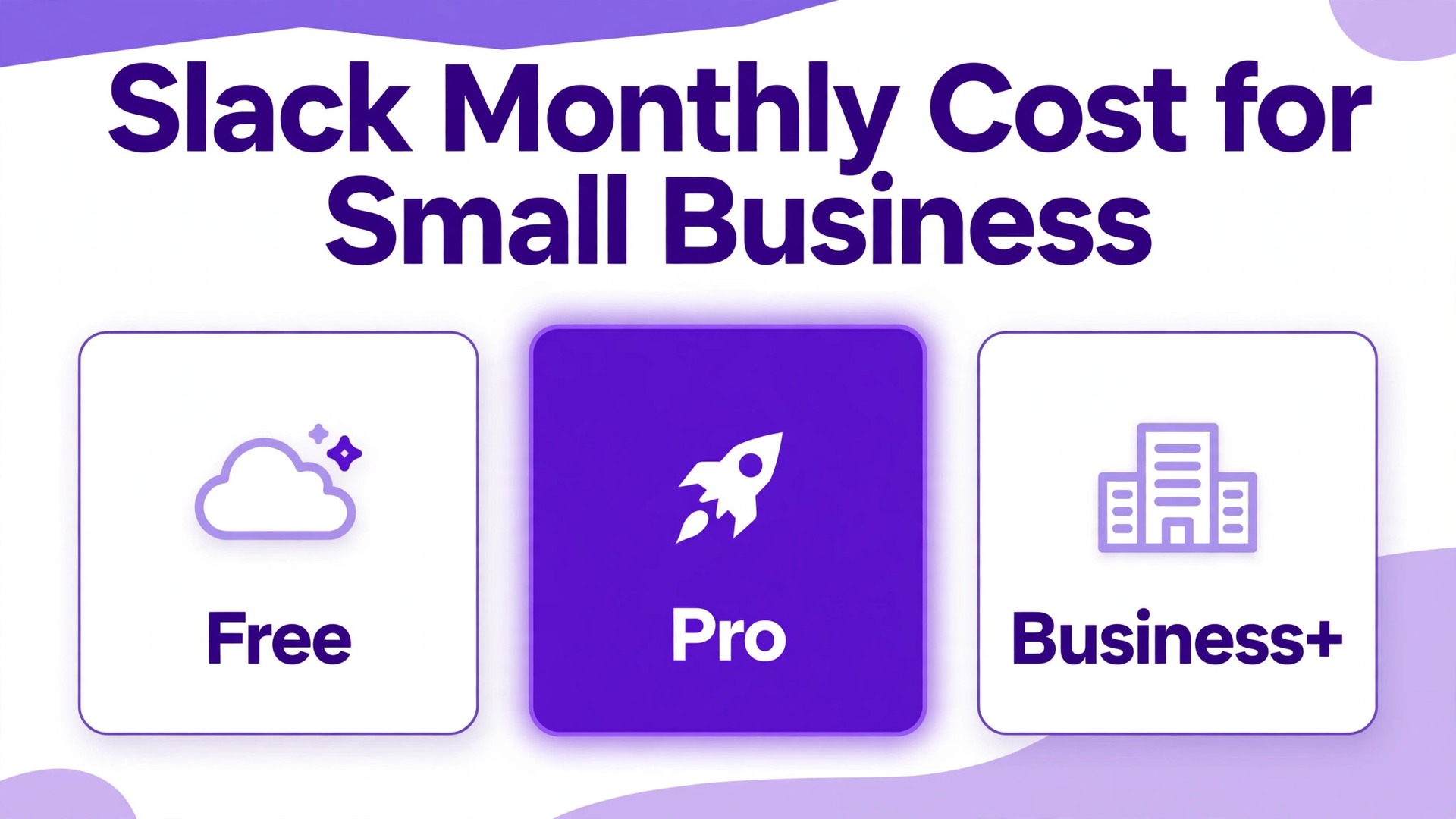
Verdict first. For most small teams, the cost of Slack for small business monthly is $7.25 per active user per month for Pro on annual billing, or $8.75 on monthly billing, and that is the figure to budget unless the team needs the security and AI controls of Business+. A five person team therefore pays about $36 a month on Pro annual billing, a fifteen person team about $109, and a fifty person team about $363. Free costs nothing but hides history after ninety days, and Business+ doubles the Pro price for controls most small teams do not yet need.
That verdict needs two qualifications before it can be trusted. First, Slack charges per active user, not per account created, under its Fair Billing Policy, so inactive members do not count. Second, the annual price is paid as a yearly sum, not as a monthly charge, so the monthly equivalent looks small while the card charge is twelve times larger. Both details change budgeting, and both are covered in full below, with worked totals for three team sizes and the hidden costs that sit beside the subscription.
Prices in this guide are United States list prices reported in 2026, before tax, and Slack changes prices and promotions often. Treat every figure here as a starting point and check the vendor page at checkout. Promotional offers, such as half price for three months on monthly plans bought online within seven days of creating a workspace, appear from time to time and should not be budgeted as permanent prices.
What the Cost of Slack for Small Business Monthly Buys
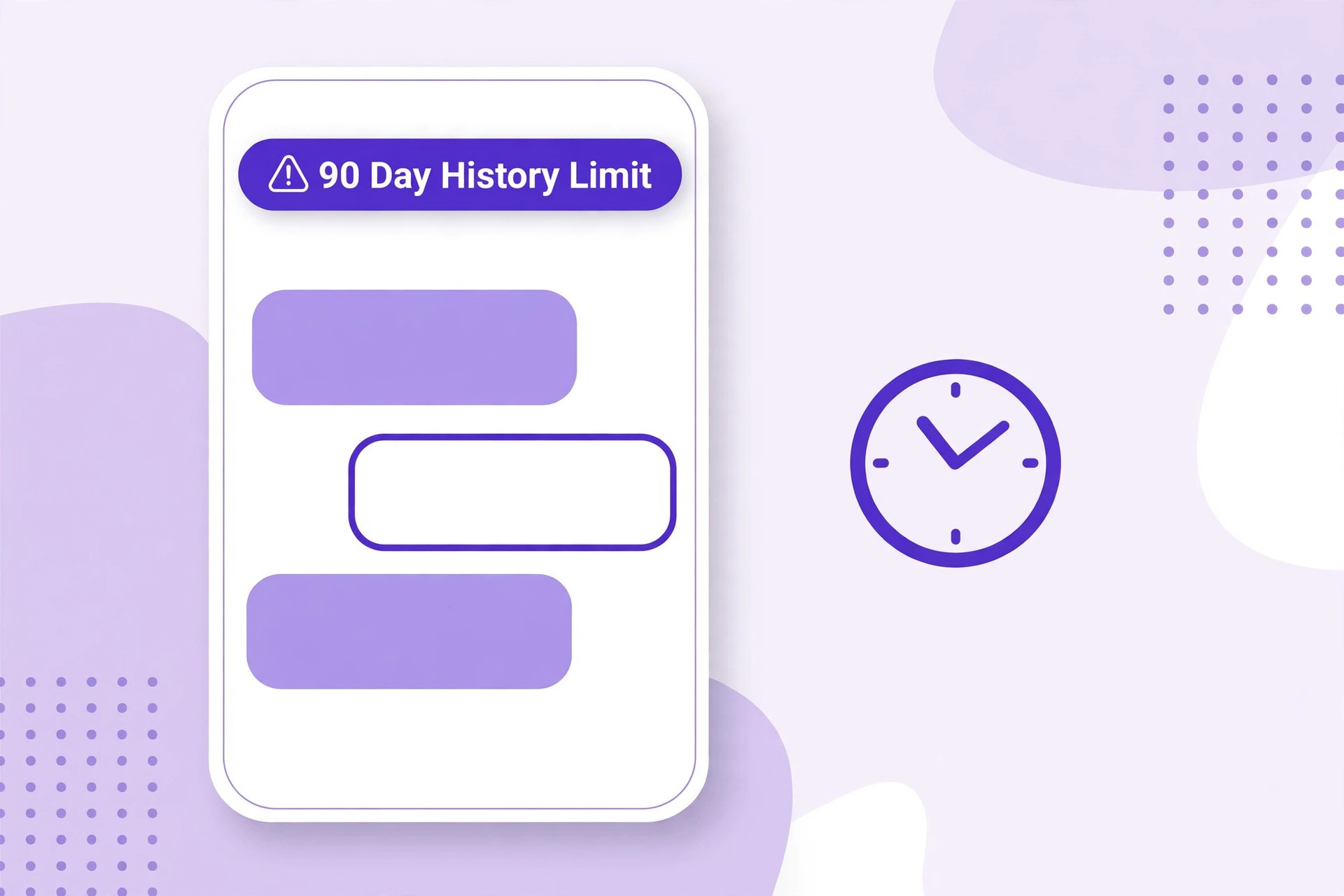
Free buys core messaging, channels, one to one huddles and up to ten app integrations, with only the most recent ninety days of message history visible and data older than a year deleted. That limit is the whole free plan story, because a team that treats Slack as its memory will lose that memory on Free. Free suits a team testing Slack, a side project or a group that keeps important decisions elsewhere, and it fails a team that searches old conversations for client details, passwords of process or past decisions.
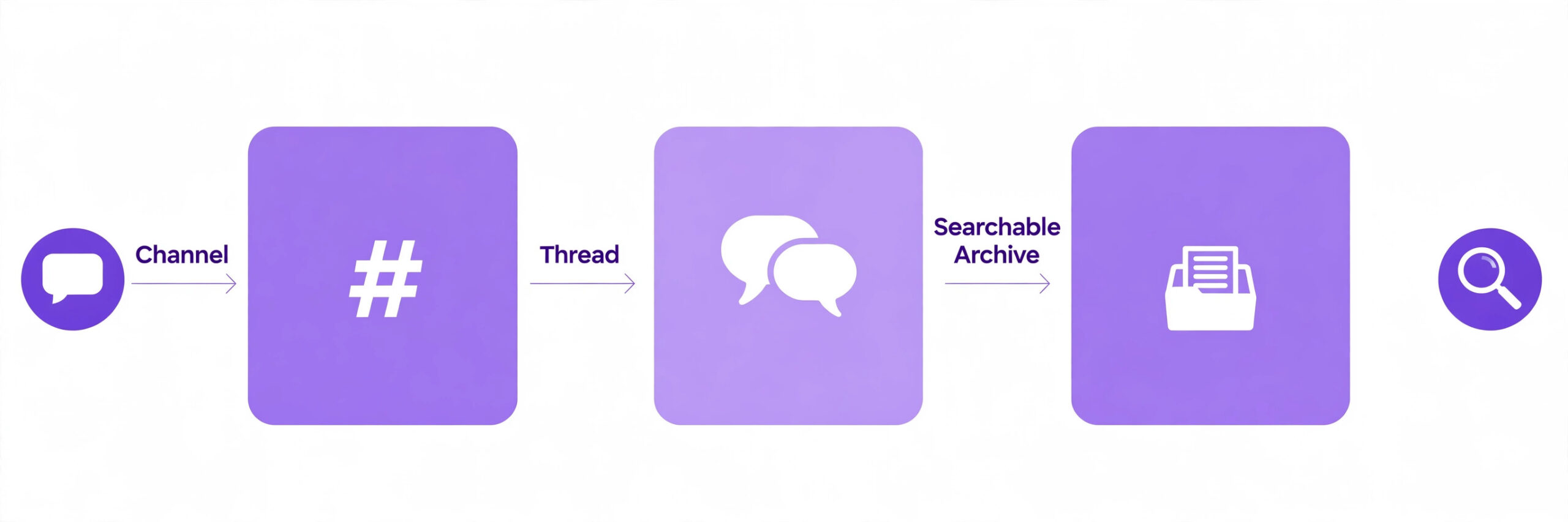
Pro buys unlimited message history and unlimited app integrations, group huddles, canvases and lists, Workflow Builder and AI conversation summaries. That combination is why Pro is the default for small businesses, because unlimited history turns Slack from a chat room into a searchable archive, and unlimited apps let the team connect email, calendars, project tools and customer systems without counting integrations. Group huddles cover team calls for most small teams, although very large calls may need a separate meeting tool.
Business+ buys everything in Pro plus the full AI set, including Slackbot answers, AI search, daily recaps, file summaries and workflow generation from a written prompt, plus SAML single sign on, SCIM user provisioning, compliance exports and a 99.99 percent uptime service level agreement. Those controls matter to a business with compliance duties, regulated clients or a formal IT policy, and they matter little to a five person team without those duties. Enterprise+, priced through sales, adds enterprise search, multiple workspace management and native data loss prevention for large organisations, and it is outside small business budgeting.
The Fee Breakdown, Per User Pricing Explained
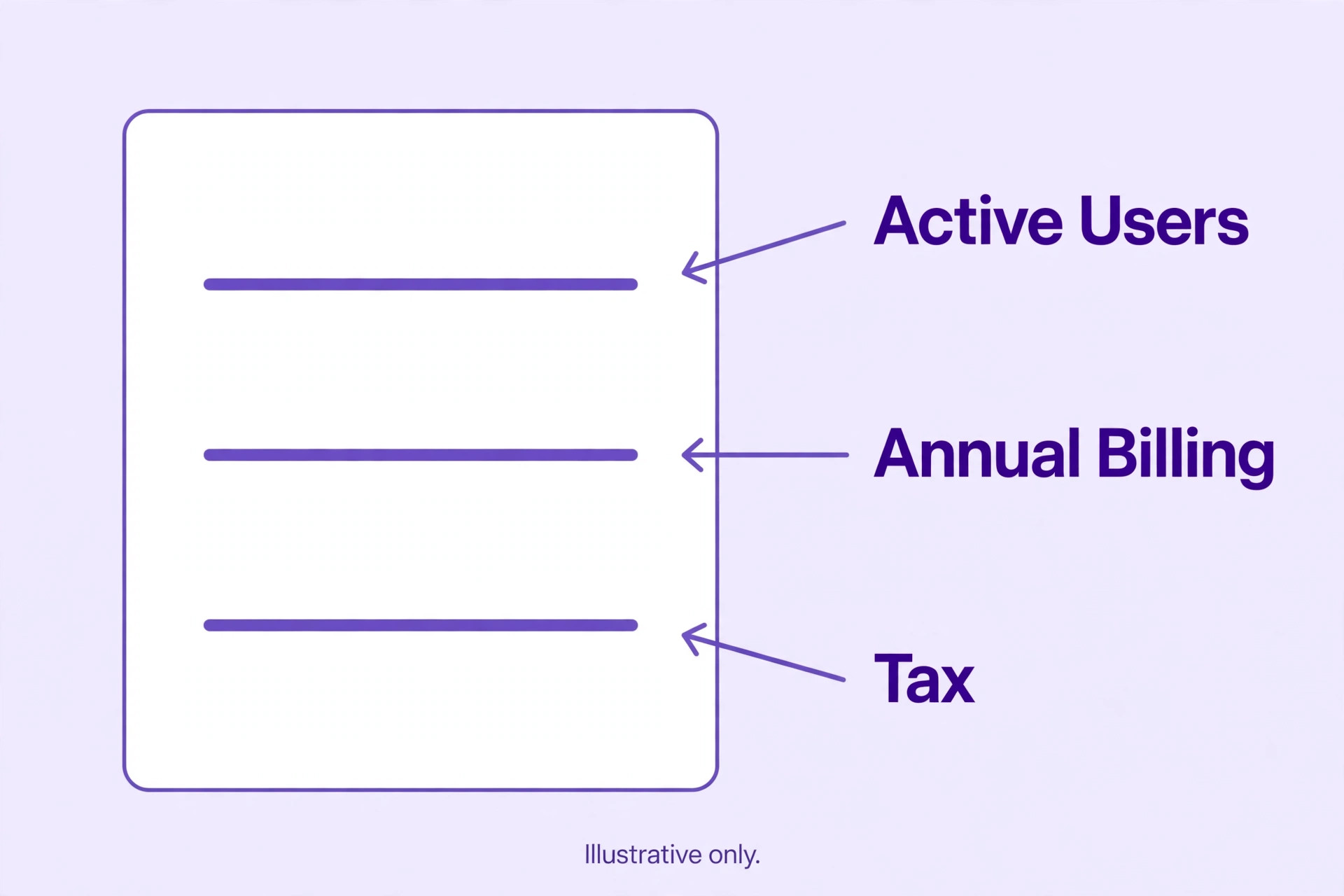
Slack pricing is per active user per month, which means the bill scales directly with headcount. A team with ten accounts but only seven active members pays for seven on Pro or Business+, because Fair Billing credits inactive members. That policy rewards honest team management, because removing leavers promptly lowers the bill, while leaving dormant accounts in place wastes nothing if those members truly never become active. The practical habit is to audit members quarterly and remove anyone who left, because a clean member list is a lower bill and a smaller security risk.
Annual billing charges $7.25 per user per month for Pro and $15 for Business+, billed as a yearly sum. Monthly billing charges $8.75 for Pro and $18 for Business+, paid month by month. The monthly premium is about 20 percent on Pro and 20 percent on Business+, which is the price of flexibility. A new team unsure whether Slack will stick should pay monthly for a quarter, prove the habit, and then switch to annual billing for the saving. A settled team should pay annually and bank the difference.
Taxes sit on top of list prices, and the card charge will exceed the monthly equivalent shown on the pricing page. That difference is small per user but visible on a fifty person team, where a few percent of tax adds tens of dollars a month. Keep the first invoice and compare it with the pricing page, because that invoice is the true monthly figure for that team, and it is the figure the next budget should use.
Worked Monthly Totals for 5, 15 and 50 Person Teams
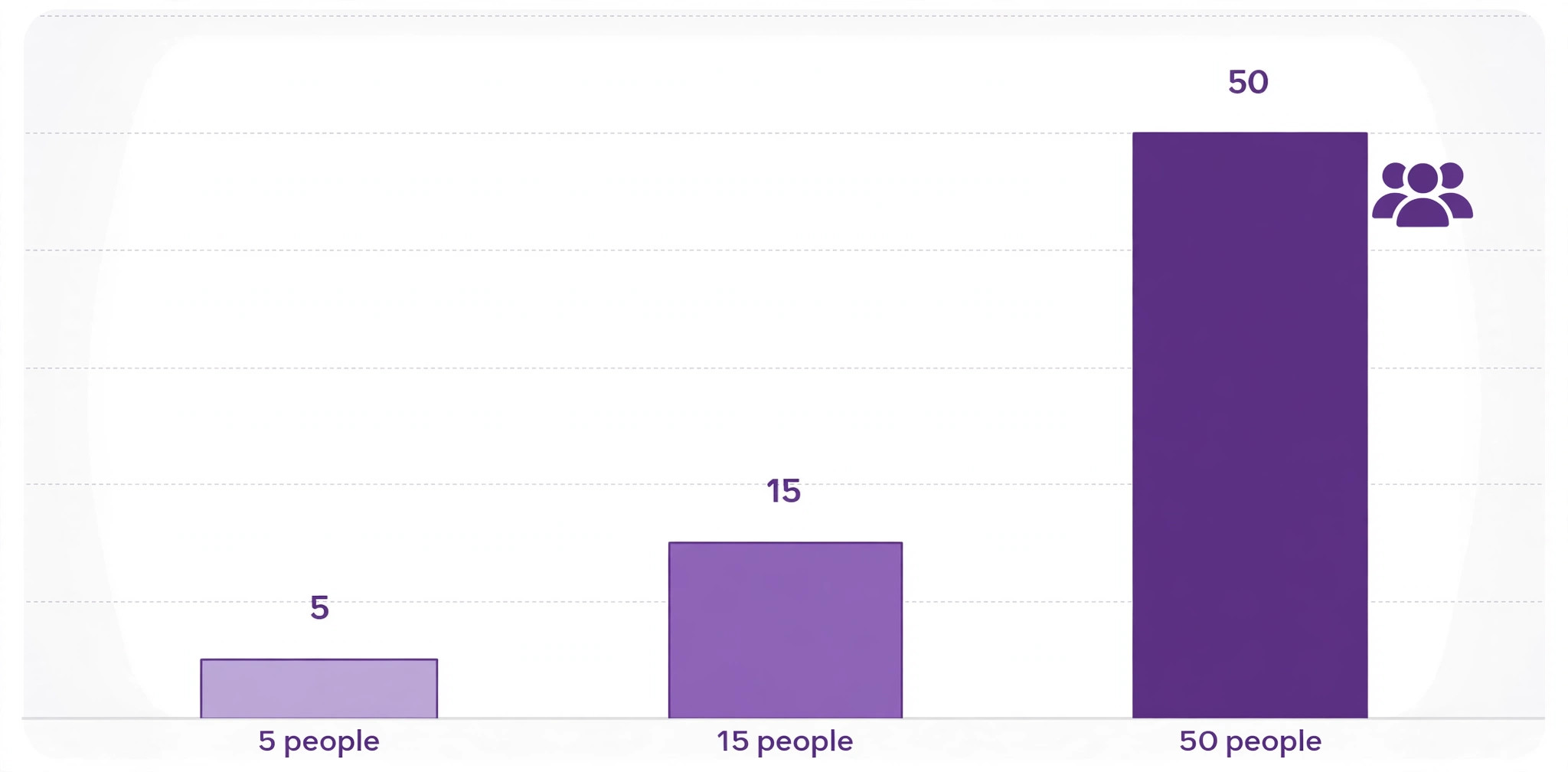
A five person team is the simplest case. On Pro annual billing the team pays $36.25 a month in equivalent terms, or $435 for the year, paid up front. On Pro monthly billing it pays $43.75 a month, or $525 over a year. On Business+ annual billing it pays $75 a month equivalent, or $900 a year, and on Business+ monthly billing $90 a month, or $1,080 a year. The gap between Pro and Business+ at this size is about $39 a month on annual billing, which buys security controls a five person team rarely needs, so Pro is the clear default.
A fifteen person team shows the scale effect. On Pro annual billing the team pays $108.75 a month equivalent, or $1,305 a year. On Pro monthly billing it pays $131.25 a month, or $1,575 a year. On Business+ annual billing it pays $225 a month equivalent, or $2,700 a year, and on Business+ monthly billing $270 a month, or $3,240 a year.
The annual saving from choosing annual over monthly billing at this size is $270 a year on Pro and $540 a year on Business+, which is money worth claiming once the team is settled. The gap between Pro and Business+ widens to $116 a month on annual billing, so the Business+ decision should be made on compliance needs, not on a vague wish for more features.
A fifty person team is where Slack becomes a serious budget line. On Pro annual billing the team pays $362.50 a month equivalent, or $4,350 a year. On Pro monthly billing it pays $437.50 a month, or $5,250 a year. On Business+ annual billing it pays $750 a month equivalent, or $9,000 a year, and on Business+ monthly billing $900 a month, or $10,800 a year.
At this size Fair Billing matters most, because a team with sixty accounts but only fifty active members pays for fifty, and a team that forgets to remove leavers can drift upward. A fifty person team should also compare Slack against bundled alternatives, because a business already paying for a suite that includes chat may duplicate cost by adding Slack on top.
| Team size | Pro annual per month | Pro monthly per month | Business+ annual per month | Business+ monthly per month |
|---|---|---|---|---|
| 5 people | $36.25 | $43.75 | $75 | $90 |
| 15 people | $108.75 | $131.25 | $225 | $270 |
| 50 people | $362.50 | $437.50 | $750 | $900 |
The Free Plan Limit That Forces Most Upgrades
Ninety days of visible history is a generous trial and a poor archive. A team that discusses a client project in January and needs that discussion in May will find it hidden on Free, and data older than a year is deleted under the policy in force since August 2024. That deletion is permanent, not a paywall that unlocks on upgrade in every case, so a team that stays on Free too long can lose decisions, links and files it assumed were safe. Export important decisions to a document or project tool from the start, even on a paid plan, because chat is a poor permanent record for anything that must survive staff changes.
Free also limits apps to ten and huddles to one to one calls with a thirty minute limit in some reports, which constrains a team that relies on integrations or group calls. Downgrading to Free has consequences too, because existing Slack Connect channels disconnect, guest accounts deactivate, and canvases and lists become read only. A team considering a downgrade to save money should export canvases, save key files and warn external collaborators first, because the downgrade changes how outsiders reach the team.
The upgrade trigger is usually a search that fails. When a team member cannot find a conversation from three months ago that decides a client question, the cost of Pro becomes obvious, because one lost decision can cost more than a month of Pro for the whole team. Upgrade at that moment, not after the next failure, and treat unlimited history as insurance for institutional memory rather than as a luxury feature.
Paid apps are the first hidden cost, although Slack itself does not charge for most integrations. Some third party tools connected to Slack carry their own subscriptions, and a team connecting a project tool, a survey tool, a bot platform and a reporting tool can pay more for those tools than for Slack itself. That spend is not a Slack cost, but it is a Slack related cost, because the integrations are the reason the team chose Slack. Audit connected apps quarterly and remove the ones nobody uses, because each idle app is a subscription and a security exposure.
Training and notification management are the human hidden costs. New members need guidance on channels, threads, naming and etiquette, or channels become noisy and important messages drown. Notification overload is the most common complaint about Slack in reviews, and a team that never sets norms will pay in interrupted work rather than in subscription fees. Spend an hour setting channel rules, thread habits and quiet hours when the team adopts Slack, because that hour saves many hours later.
Guests and external collaboration carry a pricing nuance worth checking. Free workspaces limit external collaboration to one to one direct messages, while paid plans open broader Slack Connect options. A business working closely with clients or contractors should confirm guest and Connect terms for its plan before promising clients a channel, because the plan that works internally may not cover the external workflow. Business+ and Enterprise+ add the admin controls that make large scale external collaboration manageable, and that is a legitimate reason to upgrade for a client facing team.
Who Each Tier Fits, Honestly
Free fits a tiny team, a short project or a community testing whether Slack suits its members, provided nobody relies on old history. It also fits a team that keeps decisions in documents and uses Slack only for quick chat, because the history limit then matters less. Free does not fit a business that treats chat as its record, a team with more than ten needed integrations, or a team that runs group calls daily, because each of those needs is a paid feature.
Pro fits most small businesses, from a five person startup to a fifty person team, because unlimited history and apps cover the core needs without compliance overhead. A team that messages daily, searches old work, connects a handful of tools and runs group huddles will find Pro sufficient for years. The AI summaries on Pro help a busy team catch up, without the full AI set that Business+ adds, and that middle ground is exactly where most small teams live.
Business+ fits a team with compliance duties, regulated clients, formal identity management or a need for the full AI set and a strong uptime agreement. A healthcare adjacent business, a financial services firm, a business handling sensitive client data, or a team whose clients demand single sign on and export controls should price Business+ as a requirement rather than an upgrade. A team without those duties that buys Business+ for AI alone should test whether the Pro AI summaries already cover its needs, because the price doubles for controls it may never invoke.
When to Upgrade Slack, and When to Hold
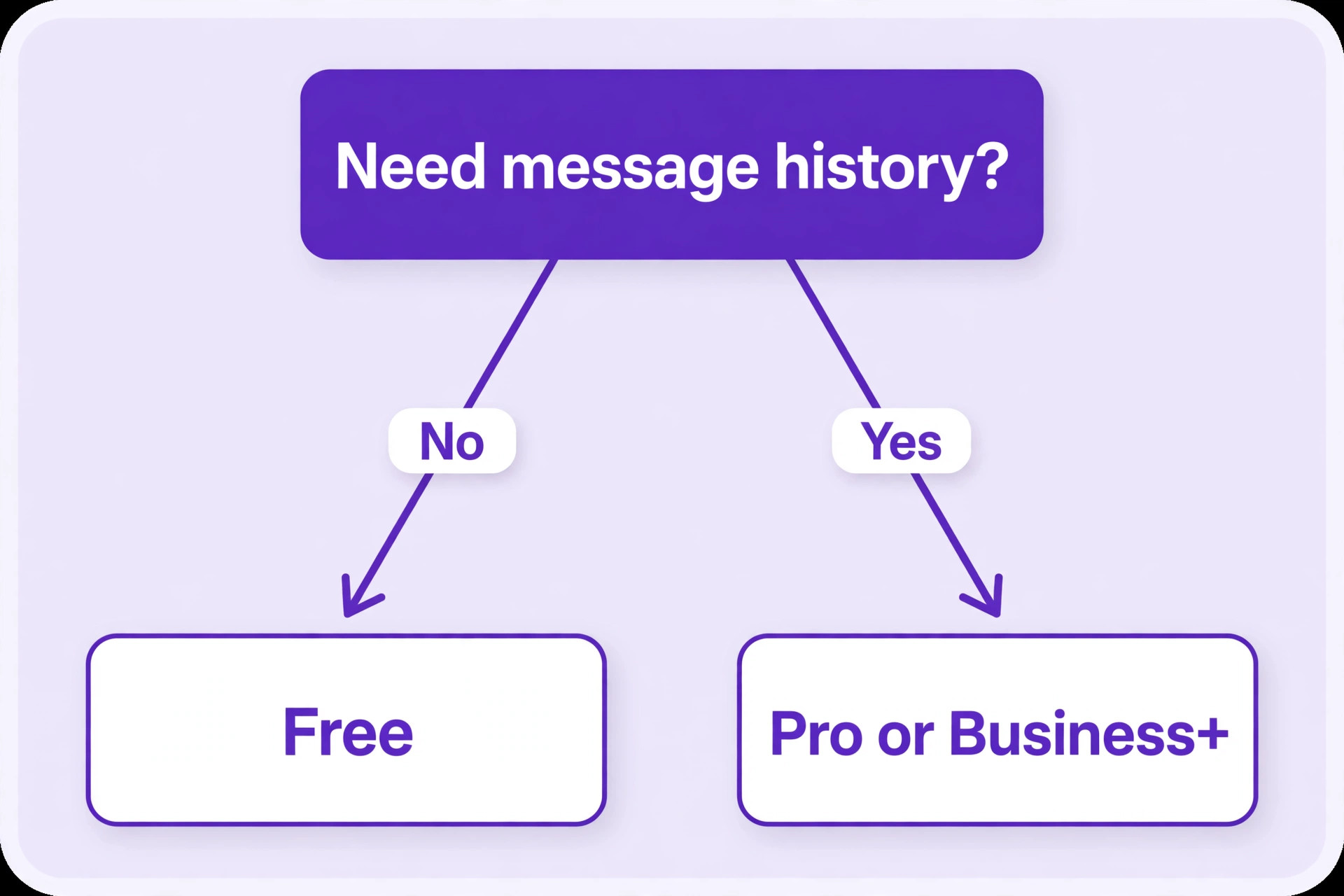
Upgrade from Free to Pro when history, apps or group calls limit real work, which is usually within the first few months for an active team. The trigger is concrete, meaning a failed search, a needed eleventh app or a group call that Free cannot host. Upgrade from Pro to Business+ when a client, a regulator or an internal policy requires single sign on, provisioning, compliance exports or the full AI set, and document that requirement, because it justifies the doubled price to anyone reviewing the budget.
Hold on Pro when the team is settled and no compliance requirement has appeared, because Business+ features unused are the most expensive kind. Hold on Free when the team is small, the history limit has never bitten, and decisions live in documents rather than chat, because paying for unlimited history the team never searches is waste. Review the tier at each renewal against real usage, meaning active members, apps connected, searches run and huddles held, rather than against a feeling that a bigger plan must be safer.
Downgrading from Business+ to Pro saves about half the bill at any team size, and it is worth doing if the compliance requirement that drove the upgrade has ended. Check first which features the team actually uses, because losing single sign on or exports mid contract can break client commitments. Downgrading to Free should be treated as an exit, not a saving, because history, Connect channels and canvases all change, and the team should export first.
Switching Away From Slack, and What It Costs
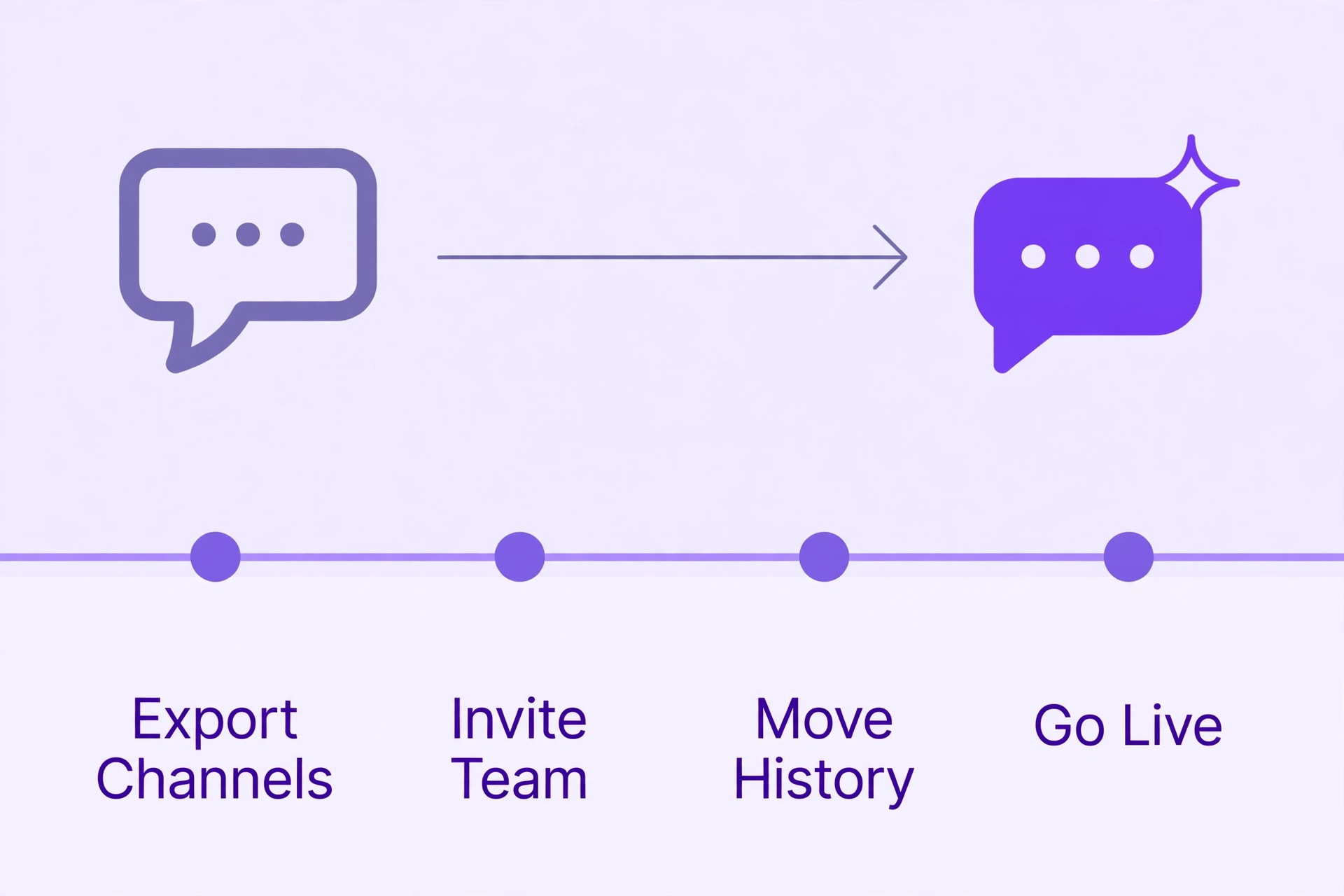
Leaving Slack costs institutional memory more than money. Chat history, canvases, workflows and integrations do not move cleanly to another chat tool, so a team that leaves should export what it can, document key decisions elsewhere and accept that old conversations will be harder to search. A team that kept decisions in documents from the start will move cheaply, while a team that kept everything in chat will move painfully. That difference is a reason to keep a document habit even on a paid plan.
The migration itself should run in parallel, with the new tool live for a pilot team while Slack remains for everyone else, and a cutover date set once the pilot proves itself. Warn external collaborators early, because Slack Connect channels do not transfer, and clients will need new invites on the new system. Budget a week of reduced speed during cutover, because habits take time to move, and do not cancel Slack until the new tool has survived a busy week with real work.
Verdict Restated for the Budget
For a small team, Pro on annual billing is the default, at $7.25 per active user per month, with monthly billing at $8.75 for teams still proving the habit. Business+ at $15 annual or $18 monthly is a compliance purchase, not a general upgrade, and Free is a trial with a ninety day memory. The cost of Slack for small business monthly stays fair when the team audits active members, claims the annual saving once settled, and reviews the tier against real usage each renewal. A team that does those things pays for chat it actually uses, and a team that does not pays for accounts, history and controls it never needed.
Slack Versus Bundled Chat in a Suite
Many small businesses already pay for a suite that includes chat, and that changes the Slack decision entirely. A business on Microsoft 365 has Teams, a business on Google Workspace has Chat, and both are included in a subscription the business already pays for. The cost of Slack for small business monthly in that situation is not $7.25 per user, it is $7.25 per user on top of a suite that already offers chat, which means the business pays twice for overlapping work. That duplication can be justified, but only if Slack earns it through habits, integrations or external collaboration that the bundled tool does not match.
The honest test is usage, not preference. Run both tools for a month with a pilot team, measure messages, searches, integrations used and time saved, and see whether Slack carries work the bundled tool drops. A team that loves Slack but does all its real work in the bundled tool is paying for a preference, while a team that runs client channels, bots and workflows in Slack that the bundled tool cannot replicate is paying for capability. Preference is a weak reason to duplicate a subscription, and capability is a strong one.
External collaboration is the strongest capability argument for Slack. Clients, contractors and partners often already use Slack, and a shared channel with a client who lives in Slack is easier than asking that client to adopt a new tool. Slack Connect makes that sharing structured, with admin controls on paid plans, while bundled chat tools vary in how easily they share externally. A client facing business should weigh how many clients would benefit from a shared channel, because even a few shared channels can justify Slack where internal chat alone would not.
Migration from a bundled tool to Slack, or back again, should be priced in time rather than in fees. Moving channels, habits and integrations takes weeks, and a team that switches for a small saving may lose more in disruption than it gains in subscription. The cost of Slack for small business monthly should therefore be compared over a year, including the migration week, rather than as a single month snapshot. A saving that takes a month to realise and a week to implement is still a saving, but a saving that disrupts client work is not.
Managing Channels and Notifications So Slack Pays
Slack pays when it reduces meetings and email, and it costs when it becomes another inbox that interrupts constantly. Channel design is the lever. Create channels by team, project and client, archive channels when projects end, and keep the channel list short enough that a new member can understand it in five minutes. A workspace with hundreds of stale channels is a maze, and a maze costs time every day, which is a hidden cost no subscription figure captures.
Notification habits are the second lever. Encourage threads for side discussions, so channels stay readable, and set expectations for response times, so nobody feels forced to answer instantly at all hours. Use quiet hours and do not disturb settings, and reserve direct messages for urgent matters rather than for every thought. A team that treats every message as urgent will burn out, while a team that treats Slack as asynchronous with clear urgent paths will work faster and calmer. The cost of Slack for small business monthly is easier to defend when the team can point to fewer meetings and faster decisions, and harder to defend when it points only to more pings.
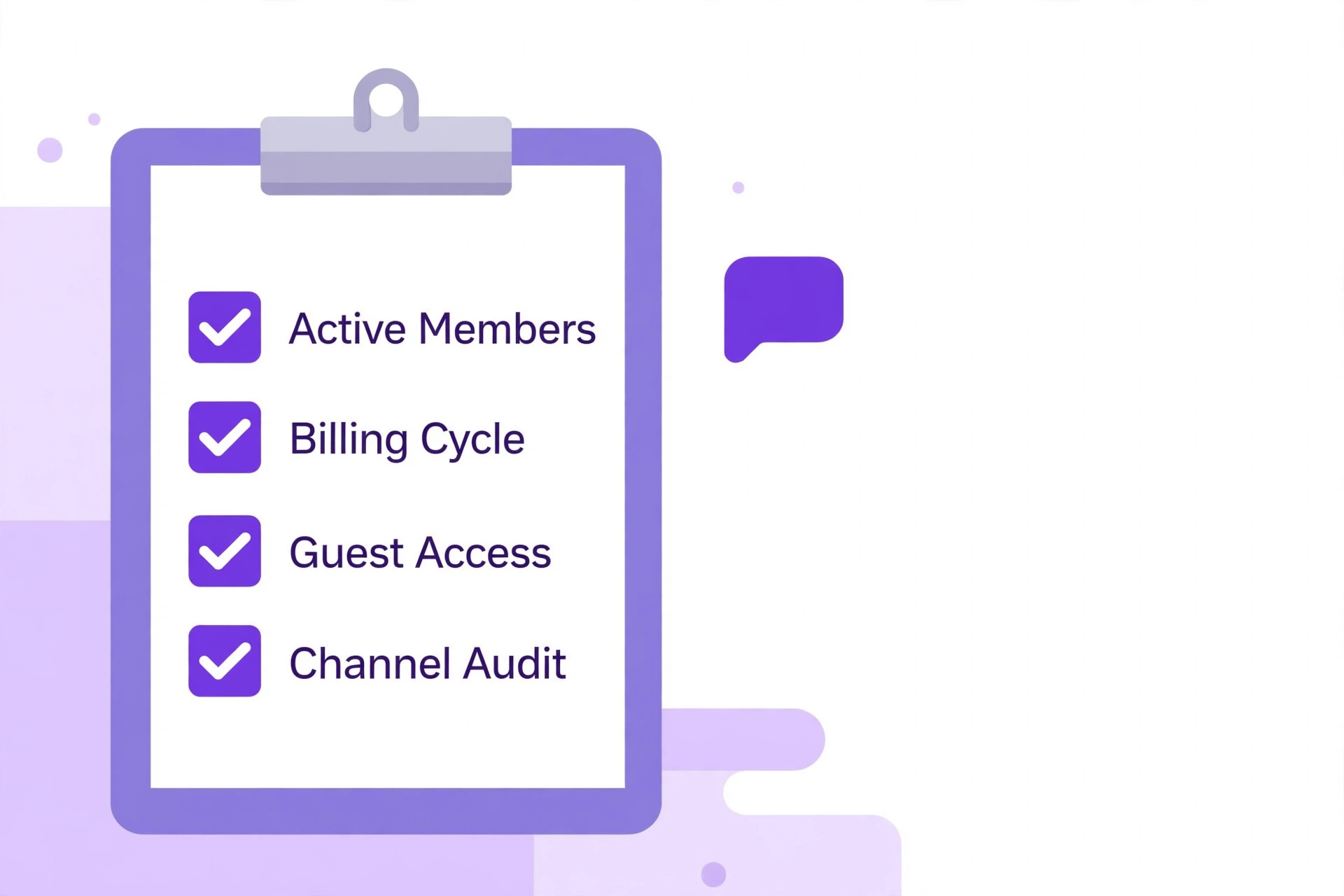
Admin habits close the loop. Review apps, channels and members quarterly, archive what is dead, remove what is unused, and ask the team what frustrates them about Slack. Those reviews take an hour a quarter and keep the workspace, and the bill, aligned with real work. A workspace that nobody tends will drift into noise, and noise is the reason teams abandon chat tools and return to email, which wastes the entire subscription. Tend the workspace like any other business system, because it is one.
A Simple Slack Budget Worksheet
A worksheet keeps the Slack decision honest, and it needs only four lines. Line one is active users multiplied by the per user rate for the chosen tier and billing cycle, which is the subscription itself. Line two is connected apps with their own subscriptions, because those costs ride along with Slack even though Slack does not charge them. Line three is tax, taken from the first invoice rather than guessed. Line four is staff time for admin and training, estimated honestly, because a tool that needs constant tending costs more than its subscription suggests.
Run the worksheet for Pro and for Business+ side by side, and for annual and monthly billing, so the owner sees four totals rather than one headline price. The cost of Slack for small business monthly on Pro annual billing will usually win that comparison for a small team, and Business+ will win only when a compliance requirement is written into the worksheet as a must have rather than a nice to have.
A worksheet that shows the requirement explicitly makes the upgrade decision easy to defend, and a worksheet without it makes the same upgrade look like overspending. Keep the worksheet with the renewal file, update active users each quarter, and let the numbers, not habit, decide the next renewal.
One final worksheet habit is worth adding. Each quarter, compare the active user count on the invoice with the headcount the business actually employs, and investigate any gap larger than two people. A gap usually means leavers were never removed, guests were never reviewed, or a pilot team never wound down, and each of those is a small leak that compounds over a year. Closing the gap takes minutes, and it is the easiest saving in the whole Slack budget, because it costs nothing in features and nothing in disruption, and it keeps the member list honest for security reviews as well as for billing. Repeat the check every quarter without fail.
Frequently Asked Questions
How much does Slack cost per month for a small business?
A small business pays $0 on Free, $7.25 per active user per month for Pro on annual billing or $8.75 on monthly billing, and $15 per active user per month for Business+ on annual billing or $18 on monthly billing. A five person team therefore pays about $36 a month for Pro annual billing, while a fifty person team pays about $363.
Does Slack charge for inactive users?
No, Slack charges per active user under its Fair Billing Policy, so members who never become active do not count toward the bill. Audit members quarterly and remove leavers promptly, because a clean member list keeps the bill tied to the real team and reduces security risk at the same time.
Is Slack Free enough for a small business?
Free can work for a tiny team that keeps decisions in documents and uses Slack only for quick chat, but its ninety day visible history and ten app limit constrain most active teams. Data older than a year is deleted, so a business that treats chat as its memory should upgrade to Pro for unlimited history before important conversations disappear.
When is Business+ worth it over Pro for a small business?
Business+ is worth it when a client, regulator or internal policy requires single sign on, user provisioning, compliance exports or the full AI set, or when a strong uptime agreement matters. Without those requirements, Pro covers most small teams, and Business+ doubles the price for controls the team may never use.
How can a small business lower its Slack bill?
Pay annually once the team is settled, which saves about 20 percent over monthly billing, audit active members so leavers stop counting, and remove unused connected apps that carry their own subscriptions. Check for promotional offers at signup, but do not budget a temporary discount as a permanent price.
What happens if a team downgrades from paid Slack to Free?
Downgrading to Free hides history beyond ninety days, disconnects existing Slack Connect channels, deactivates guest accounts and makes canvases and lists read only. Export important content, save key files and warn external collaborators before downgrading, because the change affects how outsiders reach the team.
More Reading on Stratilyze
– Cost of Slack for Small Teams Monthly – Slack Alternatives – Slack vs Microsoft Teams – Cost of Zoom for Small Business Monthly – Cost of Google Workspace for Small Business Monthly