
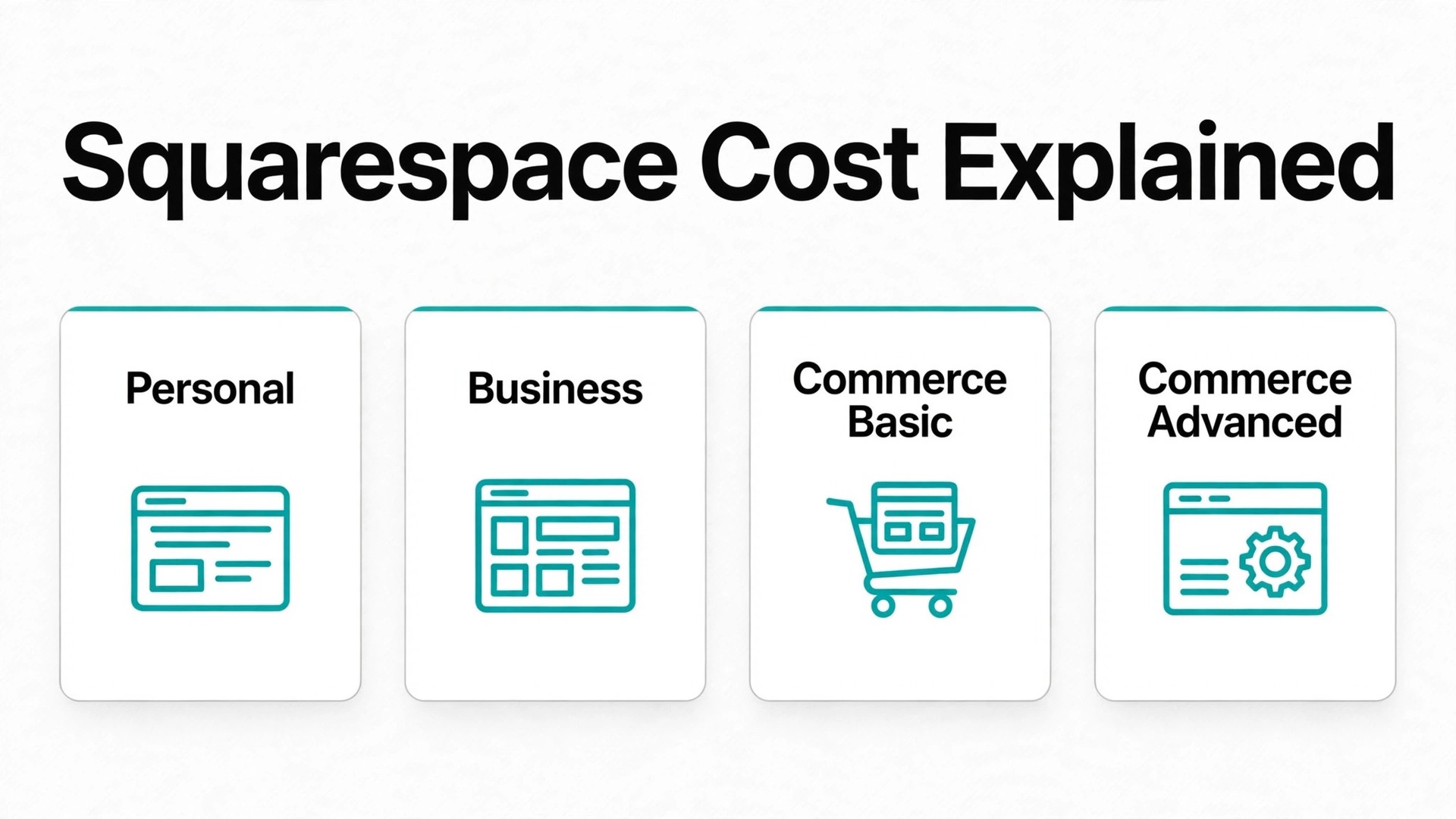
Start on Business if the site mainly presents services and takes occasional payments, and start on Commerce Basic if selling products is a real part of revenue rather than an occasional extra. That verdict frames the cost of Squarespace for small business monthly planning in one line, because the cheapest tier that covers selling is usually cheaper than a higher looking tier that still charges a transaction fee on every sale. Paying a low subscription and a 3 percent fee on every order is not a low cost store.
Squarespace is a website builder with commerce built in, which means design, hosting, security and basic store tools arrive in one subscription. A small business does not need a separate host, a theme purchase or a developer retainer to launch a professional site, and that simplicity is worth money for an owner who wants to focus on clients rather than software. The trade off is less flexibility than an open platform, and transaction fees that reward choosing the right tier before the first sale.
This guide breaks down Personal, Business and Commerce tiers, explains transaction fees, and gives worked monthly totals for a service site and for a store. Prices below are starting points from vendor pages and recent comparisons, and Squarespace has renamed tiers on newer pages, so check the vendor page before you buy. The classic names Personal, Business, Commerce Basic and Commerce Advanced are used here because most guides still use them, and the newer names Basic, Core, Plus and Advanced refer to similar tiers at changed prices on some pages.
Four Tiers at a Glance
Use this table to shortlist a tier, then read the transaction fee section before you commit, because the fee difference between Business and Commerce can cost more than the subscription difference within a few sales.
| Tier | Monthly billing | Annual billing, per month | Transaction fee on sales |
|---|---|---|---|
| Personal | $23 a month | $16 a month | Not a selling tier in classic structure |
| Business | $33 a month | $23 a month | 3 percent |
| Commerce Basic | $36 a month | $27 a month | 0 percent |
| Commerce Advanced | $65 a month | $49 a month | 0 percent |
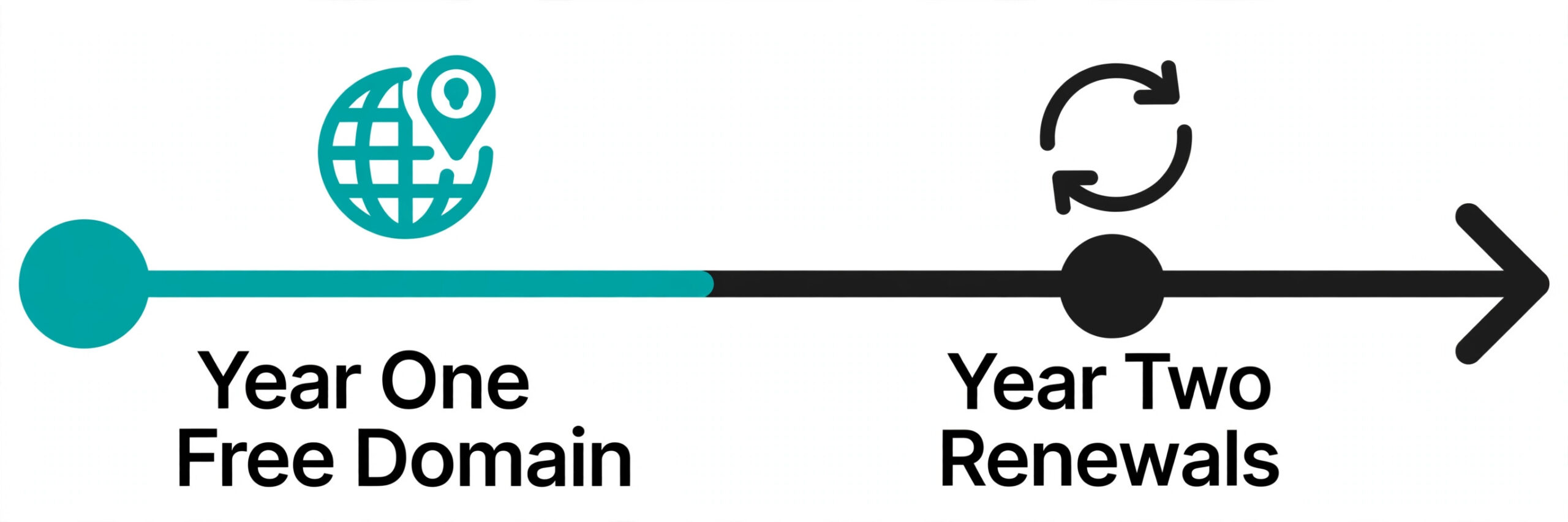
Annual billing includes a free custom domain for the first year on most plans, which saves a domain purchase in year one but not in later years. Monthly billing suits a short test or a seasonal site, while annual billing suits any business that plans to keep the site for a full year, because the saving is roughly a quarter to a third depending on tier.
What the Cost of Squarespace for Small Business Monthly Really Includes
Every Squarespace plan includes templates, unlimited bandwidth in most configurations, SSL security, basic search optimisation tools, analytics at a level that rises by tier, and a 14 day free trial with no card required. A small business can therefore launch a polished site on any tier, and the tier decision is mainly about selling, customisation and marketing depth rather than basic appearance.
Business adds the features most service businesses notice first, including custom code injection, full analytics, promotional pop ups and banners, and a free year of Google Workspace for a professional email address. Commerce tiers add full store features, including unlimited products, point of sale, customer accounts, advanced shipping and discount tools that grow with the store. Advanced adds abandoned cart recovery, advanced shipping, subscriptions and commerce APIs for larger or more complex stores.
Contributors also differ by tier in ways that matter for a team. Personal allows two contributors, while Business and Commerce tiers allow unlimited contributors, which suits a business with staff, a designer and a marketer all editing the site. A solo owner will never hit the Personal contributor limit, but a small team with three or more editors should not buy Personal for that reason alone.
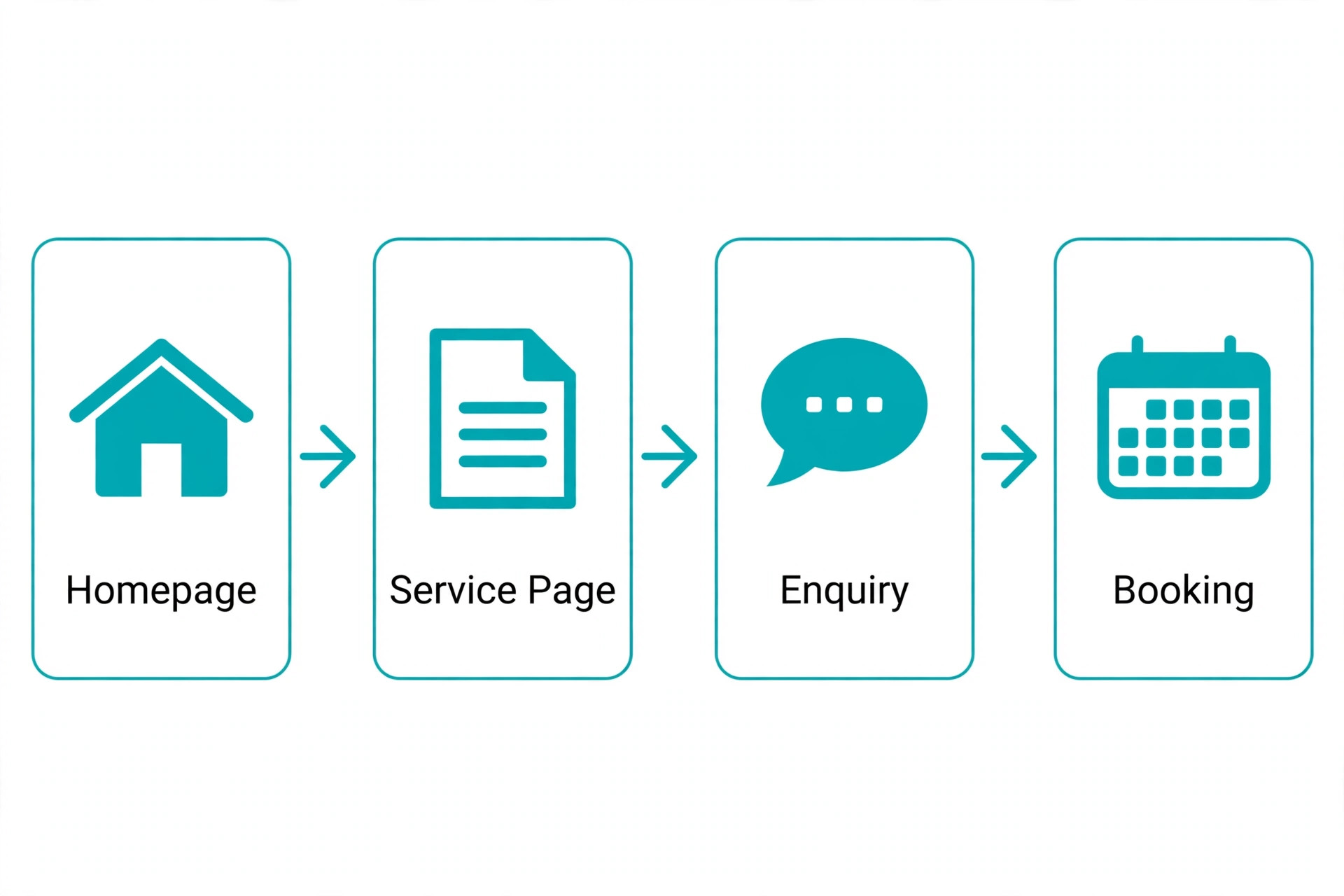
Personal, Business and Commerce in Detail

Personal
Personal is the brochure site tier, priced at $23 a month on monthly billing or $16 a month on annual billing. It covers a portfolio, a blog, service pages, contact forms and basic analytics, with two contributors and a free custom domain for the first year on annual billing. A freelancer, photographer or consultant who needs a professional presence without selling online will find Personal complete.
The limit is selling and customisation. Personal does not include custom code, full analytics, promotional banners or commerce features in the classic structure, and a business that later adds a shop will need to upgrade rather than simply enabling selling. Personal suits a business whose site exists to win enquiries, not to take payments, and whose design needs fit the built in templates.
Choose Personal if the site is a brochure and selling is not planned. Skip Personal if the business sells anything regularly, because Business or Commerce will cost less in fees and frustration within the first few orders.
Business
Business is the service business tier, priced at $33 a month on monthly billing or $23 a month on annual billing. It adds custom code, full analytics, banners and pop ups, unlimited contributors and a free year of Google Workspace, and it allows selling with a 3 percent Squarespace transaction fee on top of card processing. A service business that takes bookings, sells a few products or accepts deposits will find Business a strong fit.
The limit is the transaction fee. A business selling $5,000 a month through Business pays $150 a month in transaction fees alone, which is more than five times the subscription difference between Business and Commerce Basic on annual billing. That fee makes Business a poor store tier, even though it is an excellent service site tier, and the distinction should drive the tier choice.
Choose Business if the site mainly wins clients and selling is occasional. Skip Business if product sales exceed a few hundred dollars a month, because Commerce Basic removes the transaction fee and quickly becomes cheaper overall.
Commerce Basic
Commerce Basic is the small store tier, priced at $36 a month on monthly billing or $27 a month on annual billing, with no Squarespace transaction fee. It adds full store features including unlimited products, point of sale, customer accounts, basic shipping and discount tools, plus everything in Business. A store selling physical products, digital downloads at low volume or services with checkout will find Commerce Basic the right starting store tier.
The value is fee removal plus store depth. A store that moves from Business to Commerce Basic pays only $4 a month more in subscription on annual billing and saves 3 percent of sales in transaction fees, which is $150 a month on $5,000 in sales. That maths makes Commerce Basic cheaper than Business for almost any real store, and it is the clearest value step in the whole Squarespace range.
Choose Commerce Basic if selling is a real revenue line. Skip Commerce Basic only if the business never sells online, because the store features will sit unused and Business covers a service site for less money.
Commerce Advanced
Commerce Advanced is the growing store tier, priced at $65 a month on monthly billing or $49 a month on annual billing, with no Squarespace transaction fee. It adds abandoned cart recovery, advanced shipping with carrier rates, advanced discounts, subscriptions and commerce APIs, plus everything in Commerce Basic. A store with higher volume, subscriptions or complex shipping will feel the difference quickly.
The cost only makes sense when advanced features earn their price. Abandoned cart recovery alone can recover enough lost checkouts to pay the $22 a month gap over Commerce Basic on annual billing for a store with steady traffic, and advanced shipping rates reduce support questions and cart abandonment for stores shipping varied weights. A small store with low traffic and simple shipping will not see that return yet, and should stay on Commerce Basic until volume proves otherwise.
Choose Commerce Advanced if cart recovery, subscriptions or advanced shipping drive revenue. Skip Commerce Advanced if the store is small and simple, because Commerce Basic covers the catalogue and checkout for far less money.
Transaction Fees Explained
Transaction fees are the most misunderstood part of Squarespace pricing, because they sit on top of card processing rather than replacing it. Card processing, typically about 2.9 percent plus $0.30 per transaction through Stripe or PayPal, applies on every sale regardless of tier. The Squarespace transaction fee is an additional platform fee on some tiers, and it is that extra fee that separates a cheap store from an expensive one.
Business charges a 3 percent Squarespace transaction fee on sales, which means a $50 order costs $1.50 in platform fees plus about $1.75 in card processing, for a total fee near $3.25 before product and shipping costs. Commerce Basic and Commerce Advanced charge no Squarespace transaction fee, so the same $50 order costs only card processing at about $1.75. Over 100 orders a month, that difference is $150, which dwarfs the $4 subscription gap between Business and Commerce Basic on annual billing.
Digital product fees deserve a separate check on newer tier pages, where Basic, Core, Plus and Advanced show different digital fees from the classic structure. A course creator or download seller should confirm the current digital fee on the vendor page for the exact tier being bought, because digital fees can change the maths for a business whose products cost nothing to fulfil but still attract a percentage fee. That check belongs in the cost of Squarespace for small business monthly planning for any seller of courses, downloads or memberships, because a digital fee of several percent on a high margin product can exceed the whole subscription within a few sales.
Worked Monthly Totals for a Service Site
A service site on Business at $23 a month on annual billing pays $276 a year in subscription, with a free domain in year one and a free year of Google Workspace for one user. That site presents services, collects enquiries, takes occasional deposits and runs a blog, and it pays no transaction fee on enquiries because no products are sold through checkout. The realistic monthly cost in year one is therefore $23, which is the full Squarespace bill for a brochure plus enquiry site.
Year two changes the total modestly. The domain renews at roughly $20 to $70 a year depending on extension, which adds about $2 to $6 a month in amortised terms, and Google Workspace renews at about $6 per user per month after the free year. A service site in year two therefore costs about $31 to $35 a month all in for subscription, domain and one professional email address, before any email campaign or scheduling add ons.
A service site on Personal at $16 a month on annual billing pays $192 a year and suits a solo professional who needs no custom code, no full analytics and no selling. The saving against Business is $7 a month, which is small, and the features given up include custom code and promotional banners that many service businesses use within months. Most service businesses should therefore start on Business unless the budget is truly tight, because the upgrade cost later is larger than the saving now.
Worked Monthly Totals for a Store
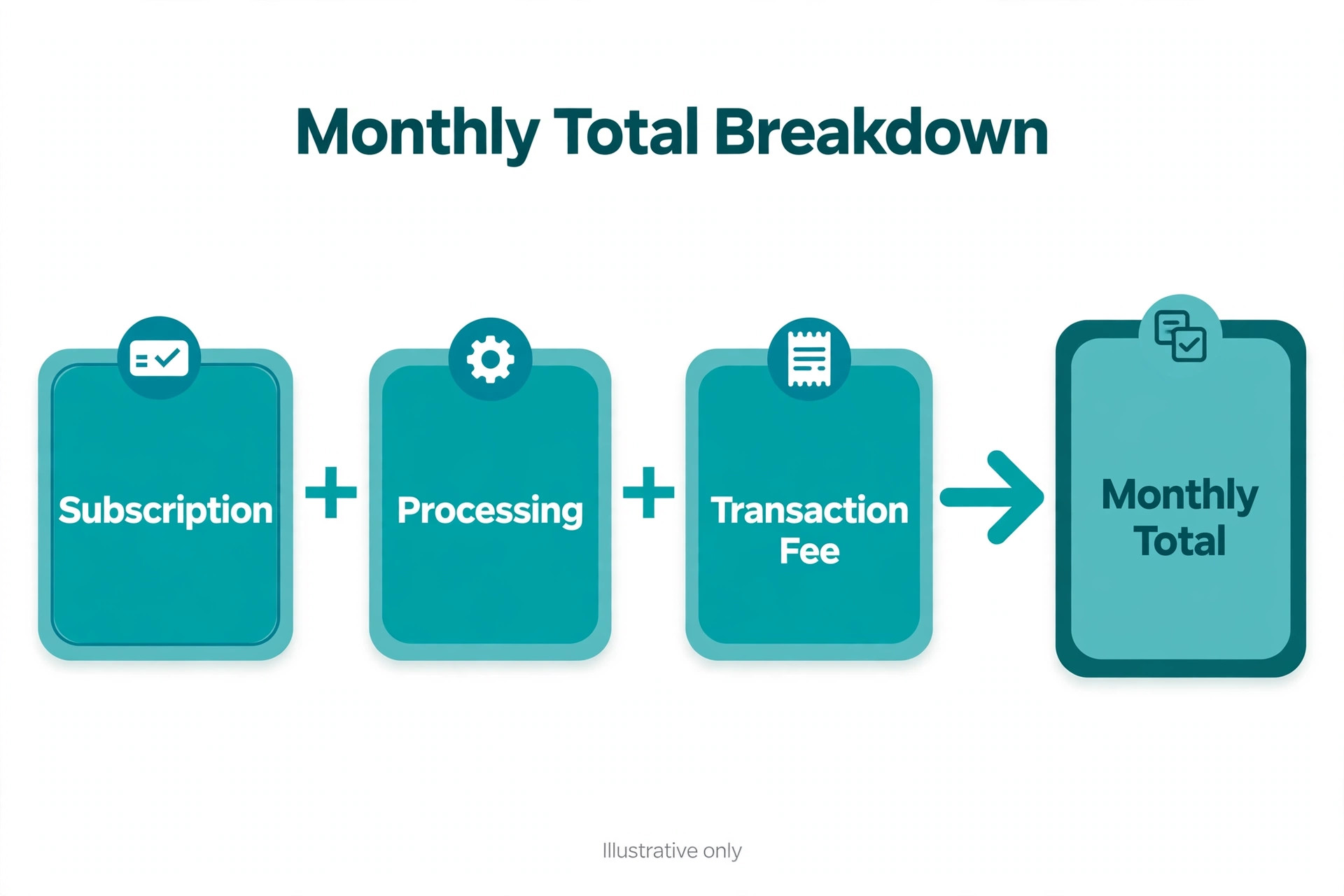
A store on Commerce Basic at $5,000 a month in sales, with 100 orders at $50 average, pays $27 a month in subscription on annual billing. Card processing at about 2.9 percent plus $0.30 per order comes to about $174 a month. The realistic all in total is therefore about $201 a month, with no Squarespace transaction fee, and that total is the benchmark every other store tier should be compared against.
The same store on Business would pay $23 a month in subscription, about $174 a month in processing and $150 a month in 3 percent transaction fees, for an all in total near $347 a month. Commerce Basic is therefore about $146 a month cheaper than Business for the same sales, despite a $4 higher subscription, which proves that subscription price alone is a poor guide to store cost. Any store selling more than a few hundred dollars a month should be on a Commerce tier.
A larger store on Commerce Advanced at $15,000 a month in sales, with 300 orders, pays $49 a month in subscription on annual billing. Card processing at about 2.9 percent plus $0.30 per order comes to about $525 a month. The realistic all in total is therefore about $574 a month, with abandoned cart recovery, advanced shipping and subscriptions included. At this volume, cart recovery that saves even 2 percent of checkouts returns more than the $22 subscription gap over Commerce Basic.
Domains are the first hidden cost after year one. Annual billing includes a free custom domain for the first year on most plans, but renewal costs roughly $20 to $70 a year depending on extension, and a business with several domains pays that figure per domain. Budget domain renewal from year two onward, and keep domains registered in one place to avoid losing track of renewal dates.
Email campaigns are the second add on to price separately. Squarespace Email Campaigns is billed as a separate subscription that rises with list size and send volume, and a business that builds a newsletter list will pay for campaigns on top of the site subscription. A business with a large list should compare Squarespace campaigns against a standalone email tool, because the standalone tool may offer better automation for a similar price.
Scheduling, memberships and extensions form the third group. Scheduling tools for bookings, membership features for gated content and third party extensions for shipping, accounting or marketing each add monthly fees that accumulate quietly. Audit add ons quarterly, remove tools with no bookings or no measurable lift, and favour built in Squarespace features whenever they cover most of the need.
Squarespace Against Wix, WordPress and Shopify
Wix is the closest builder rival, with similar subscription pricing and a simpler app market for some small businesses. Squarespace wins on design polish and template quality for service and creative businesses, while Wix wins on app breadth and flexibility for businesses that need unusual features. Price alone rarely decides between them, because subscription and processing totals land in a similar range, so design fit and feature fit should decide.
WordPress is the open rival, with no platform subscription but real costs in hosting, themes, plugins, security and maintenance time. A technically confident owner may spend less in cash on WordPress and more in time, while a busy owner will spend more in total once maintenance is counted honestly. Squarespace suits an owner who wants a site that simply works, while WordPress suits an owner who wants full control and accepts the upkeep that control requires.
Shopify is the store rival, and it wins for a business whose main job is selling at scale. Shopify offers deeper store apps, more payment options and stronger multi channel selling than Squarespace Commerce, but it costs more at comparable tiers and adds its own platform fees on some payment routes. A business that mainly sells should compare Shopify and Commerce Advanced on system total, while a business that mainly presents services with some selling should stay on Squarespace.
How to Choose the Right Squarespace Tier
Choosing a tier starts with a selling test, not a feature list. If the business sells products or paid downloads every month, choose a Commerce tier before anything else, because the transaction fee saving alone justifies it. If the business sells nothing online and only wins enquiries, choose Personal or Business based on custom code and analytics needs, and save the Commerce subscription for later.
Next, check the free year terms before buying annual billing. Confirm that the free domain and free Google Workspace year apply to the chosen tier and region, and diary their renewal dates, because year two costs rise when those free periods end. A business that budgets only for year one will be surprised in year two, even though the renewal figures are published plainly at signup.
Finally, use the 14 day trial with real content, not demo text. Build the homepage, add services or products, set up checkout with a test order, and check the site on a phone, because most visitors will arrive on mobile. A trial that only browses templates proves nothing about checkout, shipping or mobile design, and it leaves the tier decision to guesswork. Run the test order through the exact payment provider you plan to use, and record subscription, processing and any transaction fee on that order, because the cost of Squarespace for small business monthly use is clearest on one real order rather than across separate pricing pages.

Squarespace Mistakes That Inflate the Bill
The most expensive mistake is selling on Business for months because the subscription looked cheaper. A store doing $5,000 a month on Business pays $150 a month in transaction fees that Commerce Basic would remove, and that mistake costs $1,800 a year if it runs for twelve months. Check the tier the week the first product goes on sale, not at year end, and move to Commerce the moment selling becomes regular.
The second mistake is paying for add ons that duplicate built in features. Squarespace already covers forms, blogs, basic email capture, SEO tools and analytics, so an extension that repeats one of those jobs wastes money every month. List every add on, match it against built in features, and cancel any add on whose job the platform already does well enough for the current stage.
The third mistake is staying on monthly billing for years out of inertia. Monthly billing suits a trial month, but a business that keeps a site for two years on monthly billing gives up roughly a quarter to a third in annual savings for flexibility it no longer needs. Switch to annual billing once the site is proven, review the tier at each renewal, and treat the annual saving as marketing budget rather than lost flexibility.

A Full Year on Squarespace
Annual totals make the commitment concrete. A service site on Business pays $276 a year in subscription on annual billing, plus domain renewal and email costs in year two that take the realistic year two total to roughly $372 to $420 a year. A store on Commerce Basic at $5,000 a month in sales pays $324 a year in subscription and about $2,088 a year in processing, for an all in total near $2,412 a year before product costs. A store on Commerce Advanced at $15,000 a month pays $588 a year in subscription and about $6,300 a year in processing, for an all in total near $6,888 a year.
The cost of Squarespace for small business monthly planning should therefore focus on fees and add ons, not just subscription, because processing dominates every store total and add ons dominate many service site totals after year one. Negotiating nothing about subscription will save as much as removing one unused add on or moving from Business to Commerce Basic for a selling store, and those moves deserve attention first.
Renewal review should happen thirty days before the annual date. Confirm the tier still matches selling behaviour, confirm domain and email renewals, audit campaigns, scheduling and extensions, and check whether newer tier names or digital fees change the best choice. A business that reviews at renewal keeps the site bill tied to actual use rather than last year configuration, and it catches fee changes before they run for another year.
When to Upgrade and When to Stay
Upgrade from Personal to Business the week custom code, full analytics or promotional banners become real needs, not the week they sound useful in a feature list. A brochure site that gains a booking flow, a lead magnet with pop ups or a need to embed third party tools has outgrown Personal, and the $7 a month gap on annual billing is smaller than the workaround time Personal forces. Stay on Personal only while the site truly remains a simple brochure with no selling and no custom code.
That upgrade timing is part of the cost of Squarespace for small business monthly planning, because paying for a tier months before its features are needed wastes money just as surely as staying on a tier that charges fees on every sale.
Upgrade from Business to Commerce Basic the moment product sales become regular, even if sales are still small. A store doing $500 a month on Business pays $15 a month in transaction fees, which already exceeds the $4 subscription gap to Commerce Basic, so the upgrade pays for itself at very low sales. Stay on Business only while selling remains occasional and unpredictable, and review the decision monthly once the first products go live, because a quiet store can become a regular seller within a quarter.
Upgrade from Commerce Basic to Commerce Advanced when abandoned carts, subscriptions or shipping complexity appear in support questions and lost sales. A store fielding daily questions about shipping rates, losing checkouts to cart abandonment or launching a subscription product has a clear case for Advanced, and the $22 a month gap on annual billing is modest against those returns. Stay on Commerce Basic while traffic is low and shipping is simple, because Advanced features earn nothing on a store that has not yet proven volume.
More Reading on Stratilyze
Readers pricing website platforms usually check the neighbouring guides next. The guide to website builders for restaurants covers a simpler site option for food businesses, the guide to POS systems for coffee shops covers in person selling that pairs with a website, and the guide to accounting software for small business covers bookkeeping for site and store revenue.
Frequently Asked Questions
How much does Squarespace cost per month for a small business
A small business pays $23 a month on Personal, $33 a month on Business, $36 a month on Commerce Basic and $65 a month on Commerce Advanced with monthly billing, or $16, $23, $27 and $49 a month with annual billing. Card processing adds about 2.9 percent plus $0.30 per order on sales, and Business adds a 3 percent transaction fee, so a $5,000 a month store pays about $201 a month all in on Commerce Basic against about $347 a month on Business.
Is Squarespace Personal enough for a small business
Personal is enough if the site is a brochure, portfolio or blog that wins enquiries without selling online. It covers templates, basic analytics and two contributors for $16 a month on annual billing. It is not enough if the business needs custom code, full analytics, promotional banners or selling, because those features require Business or Commerce tiers.
Does Squarespace charge transaction fees
Squarespace charges a 3 percent transaction fee on Business sales, and no transaction fee on Commerce Basic and Commerce Advanced sales in the classic structure. Card processing charged by Stripe or PayPal applies on every sale regardless of tier, at about 2.9 percent plus $0.30 per transaction. Digital product fees on newer tier pages can differ, so confirm the current fee for your exact tier on the vendor page.
Should a service business choose Business or Commerce Basic
Choose Business if the site mainly wins clients and selling is occasional, because Business covers custom code, analytics and banners for $23 a month on annual billing. Choose Commerce Basic the moment selling becomes regular, because it removes the 3 percent transaction fee for only $4 a month more in subscription on annual billing, which saves $150 a month on $5,000 in sales.
Is annual billing cheaper than monthly billing for Squarespace
Yes, annual billing cuts the monthly equivalent by roughly a quarter to a third depending on tier, and it includes a free custom domain for the first year on most plans. A business that plans to keep the site for a full year should switch to annual billing after a short monthly test. A business testing a concept for a month or two should stay monthly until the site proves itself.
What is the real cost of Squarespace for small business monthly use for a store
A store on Commerce Basic at $5,000 a month in sales pays about $201 a month all in, including $27 subscription on annual billing and about $174 in card processing. A store on Commerce Advanced at $15,000 a month pays about $574 a month all in, including $49 subscription and about $525 in processing. Add domain renewal, email campaigns and any scheduling or extension fees on top of those totals for the full operating bill.
Final Verdict on Squarespace Costs
For most small businesses, the right Squarespace spend is Business for a service site and Commerce Basic for a store, on annual billing once the site has proven itself for a month. Start on Personal only for a pure brochure site, and move to Commerce Advanced only when cart recovery, subscriptions or advanced shipping earn their price. That ladder keeps the subscription honest and ties every upgrade to selling behaviour rather than feature curiosity.
Before you buy, confirm the transaction fee on your exact tier, price processing alongside subscription, and diary domain and email renewals for year two. The cost of Squarespace for small business monthly use is fair when the tier matches selling behaviour and add ons stay lean, and wasteful when a store sells on Business or a site carries unused extensions, so let actual sales decide the tier and review it every year.