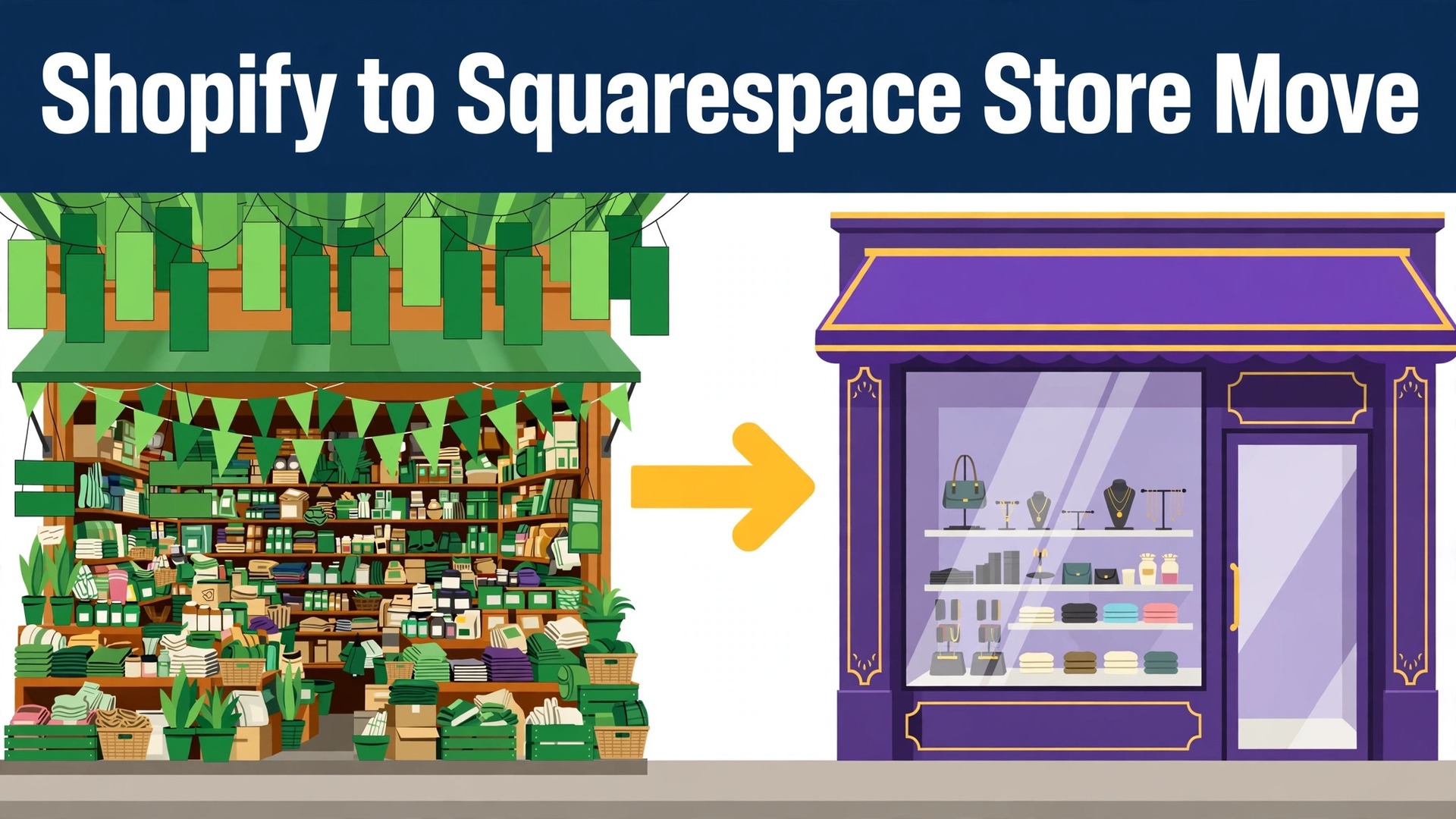
If you plan to switch Shopify to Squarespace small store costs are the first thing to test, and the verdict is simple for a modest catalogue. If your products are straightforward, your discounts are simple, and your main frustration is paying for apps and upkeep, the move is worth doing. If your store leans on complex variants, wholesale rules, or apps that run core parts of the business, stay put until you have priced the rebuild. That single distinction decides whether this guide saves you money or costs you features.
This guide covers the move in the order a small store owner should actually do it. You will export products, customers, and order records, rebuild the storefront on a template, recreate discounts and shipping rules, map redirects, and cut over the domain with a first week plan. Keep the Shopify store live until the new store is tested, because a live fallback is worth more than any launch date.
One fact shapes the whole project. Squarespace can import products and contacts from Shopify export files, but it cannot import your theme, your apps, or your store layout. Design and store settings are rebuilt by hand. Owners who accept that up front plan well. Owners who expect a copy of their store are surprised, and surprise is expensive in launch week.
The Verdict On Whether To Switch Shopify To Squarespace Small Store Owners Should Trust
Small stores move for three reasons, and they are all about simplicity. The first is cost. A Shopify subscription plus several paid apps can exceed the cost of one Squarespace commerce plan, especially when apps charge per month for features that Squarespace includes. The second is maintenance. Fewer apps means fewer updates, fewer conflicts, and fewer surprises. The third is design. Squarespace templates give a polished storefront quickly, which matters when the owner is also the photographer, copywriter, and packer.
Stay on Shopify when the store depends on depth. Stores with hundreds of variants per product, complex bundling, subscription rules, wholesale pricing tiers, or marketplace integrations will find Squarespace limits quickly. The platform supports variants, but Shopify supports far more variant combinations per product, so a store built around deep options needs careful testing before any move. If an app runs your fulfilment, your reviews, or your loyalty scheme, check whether an equivalent exists on Squarespace before you export anything.
Ask what the store actually needs to sell tomorrow. List the five features that directly produce orders, then test each one on a private Squarespace build before committing. A feature that works in a demo but fails with your real catalogue is not a feature. This test takes an afternoon and prevents the most common regret, which is discovering a missing capability after the old store is closed.
Shopify And Squarespace Compared For A Small Catalogue
Shopify is built first as a commerce engine. Its strength is depth in products, variants, discounts, apps, and integrations with sales channels. That depth is why larger stores and stores with unusual selling models stay there. The cost of depth is complexity, and small stores often pay for power they never use.
Squarespace is built first as a website builder with commerce added. Its strength is a coherent storefront, simple product management, and design that looks finished without a designer. Its weakness is that commerce features stop sooner. Shipping rules, discount types, and app choices are narrower, and workarounds take more effort as the catalogue grows.
| Question | Shopify answer | Squarespace answer |
|---|---|---|
| Catalogue depth | Very deep variants and apps | Solid for modest catalogues |
| Storefront design | Theme based, wide choice | Template based, polished quickly |
| Monthly cost shape | Subscription plus apps | One plan, fewer add ons |
| Selling channels | Many channels and integrations | Fewer channels, simpler setup |
| Best fit | Complex or growing stores | Simple small stores |
Read that table against your real catalogue, not an imagined future one. A store with forty products and two options each is a simple store, whatever its ambitions. A store with four hundred products and heavy variant logic is a complex store, whatever its revenue. Migrate the store you have, and let future growth be a future decision.
What Moves Across And What You Rebuild
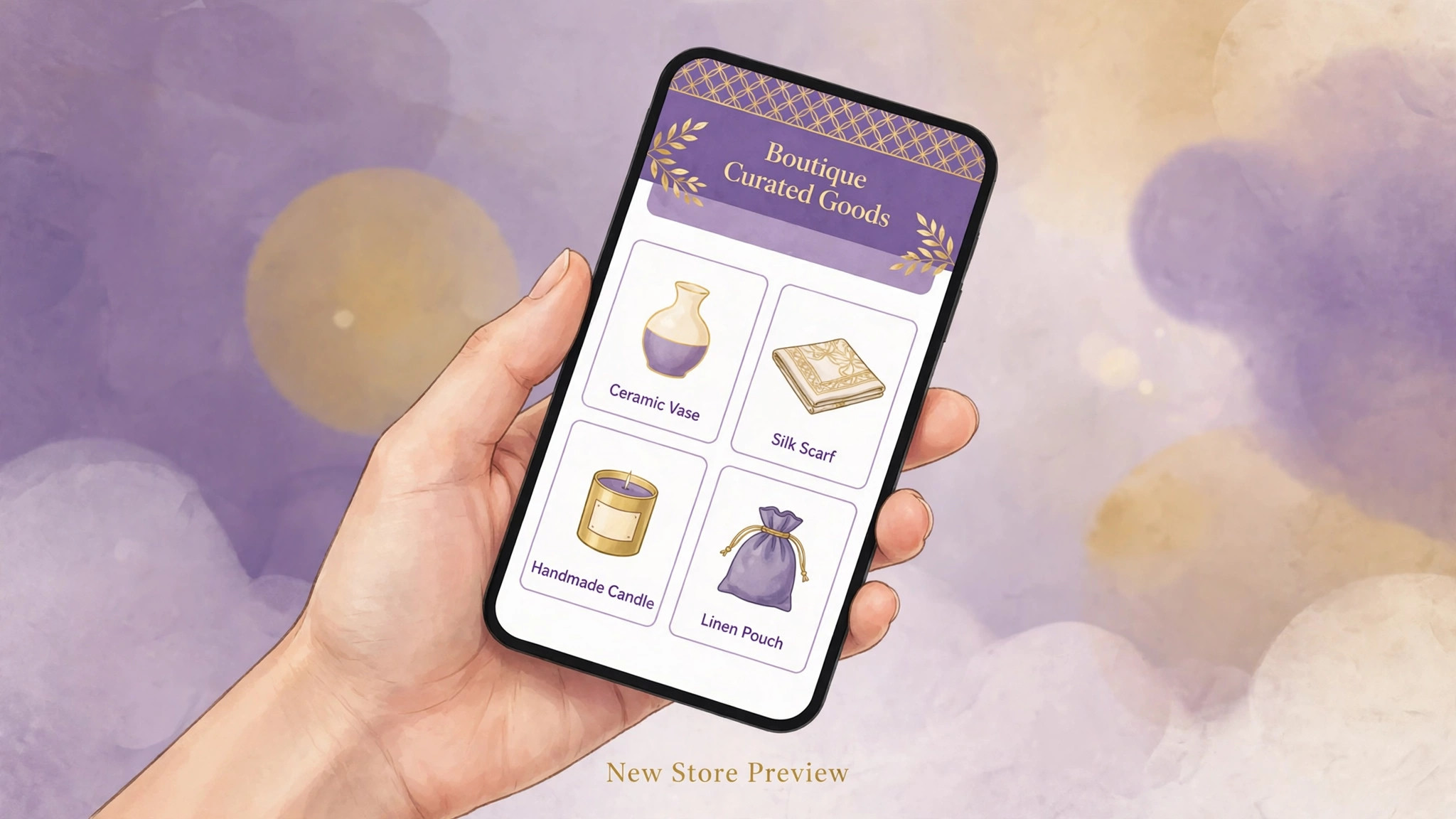
Shopify exports products, customers, and orders as separate files, and Squarespace imports products and contacts from those files. Product titles, descriptions, prices, stock levels, and images generally carry across when the file is prepared cleanly. Customer names, email addresses, and addresses carry across too, which protects your ability to email past buyers from the new store.
What does not move needs a plan of its own. Customer passwords never transfer between platforms, for security reasons, so every customer must create a new password on the new store. Order history may import only as reference data, and it may not link to customer accounts in the way owners expect. Discount codes, gift card balances, product reviews, and blog content all need manual recreation or a separate tool. Keep a list of each item and its plan, because forgotten items surface as customer complaints.
Variant handling deserves a trial run with your hardest product. Shopify allows many more variant combinations than Squarespace supports in a single product structure, and products with size, colour, material, and personalisation options can exceed the new structure. Test that product first, before importing hundreds of simpler ones. Restructuring variants may mean splitting one product into several, which changes addresses and needs redirect care.
| Item | What happens in the move |
|---|---|
| Products and prices | Imported from the export file |
| Product images | Imported when files and links are clean |
| Customers and addresses | Imported, passwords excluded |
| Order history | Reference data only, links may not carry |
| Discount codes | Recreated by hand |
| Gift card balances | Recreated or transferred manually |
| Product reviews | Needs a review tool on both sides |
| Blog posts | Moved manually, not by product import |
| Theme and apps | Rebuilt, not imported |
Treat the import as a draft, not a finished catalogue. Open products in batches, check images, prices, stock, and options, and fix problems before the store goes public. A catalogue checked in batches is trustworthy. A catalogue assumed correct is a refund queue.
Costs Fees And The App Bill You Stop Paying
Platform pricing changes regularly, so treat any figure in a guide as a starting point and confirm at checkout. One migration guide listed Squarespace commerce plans at monthly rates that undercut a Shopify subscription plus apps for a small store, but that comparison only helps if you count your real app bill. Add up every app, integration, and theme charge on the current store before comparing, because owners routinely forget two or three small charges that add up.
Payment processing is a separate cost from the platform plan. Squarespace stores typically connect to a major payment processor, and processing fees apply per sale on top of the plan. Compare the combined cost of plan plus processing on both platforms at your real monthly sales, not at a round number from a pricing page. A cheaper plan with higher processing fees can cost more at higher volumes, while a pricier plan can win at low volumes. Run the arithmetic with last month’s actual orders.
Do not forget the one off costs. Product photography fixes, copy rewrites, redirect work, and a few hours of help all belong in the budget. Overlap the two platforms for at least one month, so the old store remains a fallback. Cancelling Shopify the day the new store launches saves one month of subscription and risks far more in lost orders if something breaks. Overlap is insurance, and insurance looks expensive only until it is needed.
Step By Step Move For A Small Store
Work through these steps in order, and keep the old store taking orders until the new store passes testing. A store migration is not a website redesign. Orders, stock, and customer trust are live throughout, and the sequence protects them.

Step 1 Audit Products Customers And Apps
Export a full product list and mark every product as keep, fix, or retire. List every app, what it does, and whether the business stops if it stops. Note every discount code in use, every gift card balance outstanding, and every shipping rule that customers rely on. This audit becomes the rebuild list, and anything missing from it will be discovered by a customer.
Step 2 Export Shopify Data Cleanly
Export products, customers, and orders as separate files from the Shopify admin. Open each file and check for broken characters, missing images, and variant rows that look wrong. Clean the product file before import, because dirty data imported quickly becomes dirty data displayed publicly. Keep untouched copies of every export as your backup.
Step 3 Build The Squarespace Store In Private
Choose a commerce plan that fits the catalogue, pick a template close to the look you want, and set a site password so the unfinished store stays hidden. Import products and contacts, then rebuild collections, navigation, and the homepage in traffic order. Recreate shipping zones, tax settings, and payment connections early, because a beautiful storefront with no working checkout helps nobody.
Step 4 Recreate Discounts Reviews And Content
Recreate every discount code still in circulation, and decide how outstanding gift cards will be honoured. Move product reviews with a review tool that works on the new platform, or plan to collect fresh reviews after launch and say so honestly. Copy blog posts by hand if the blog matters for traffic, preserving titles and publish order, and check that images and formatting survived.
Step 5 Test Buying Like A Customer
Place test orders for a simple product, a variant product, and a discounted product. Check stock deductions, confirmation emails, shipping calculations, and tax totals. Test on a phone, because most small store traffic arrives there. Fix every failure before cutover, and keep a written test log so nothing is retested from memory.
Step 6 Map Redirects For Products And Pages
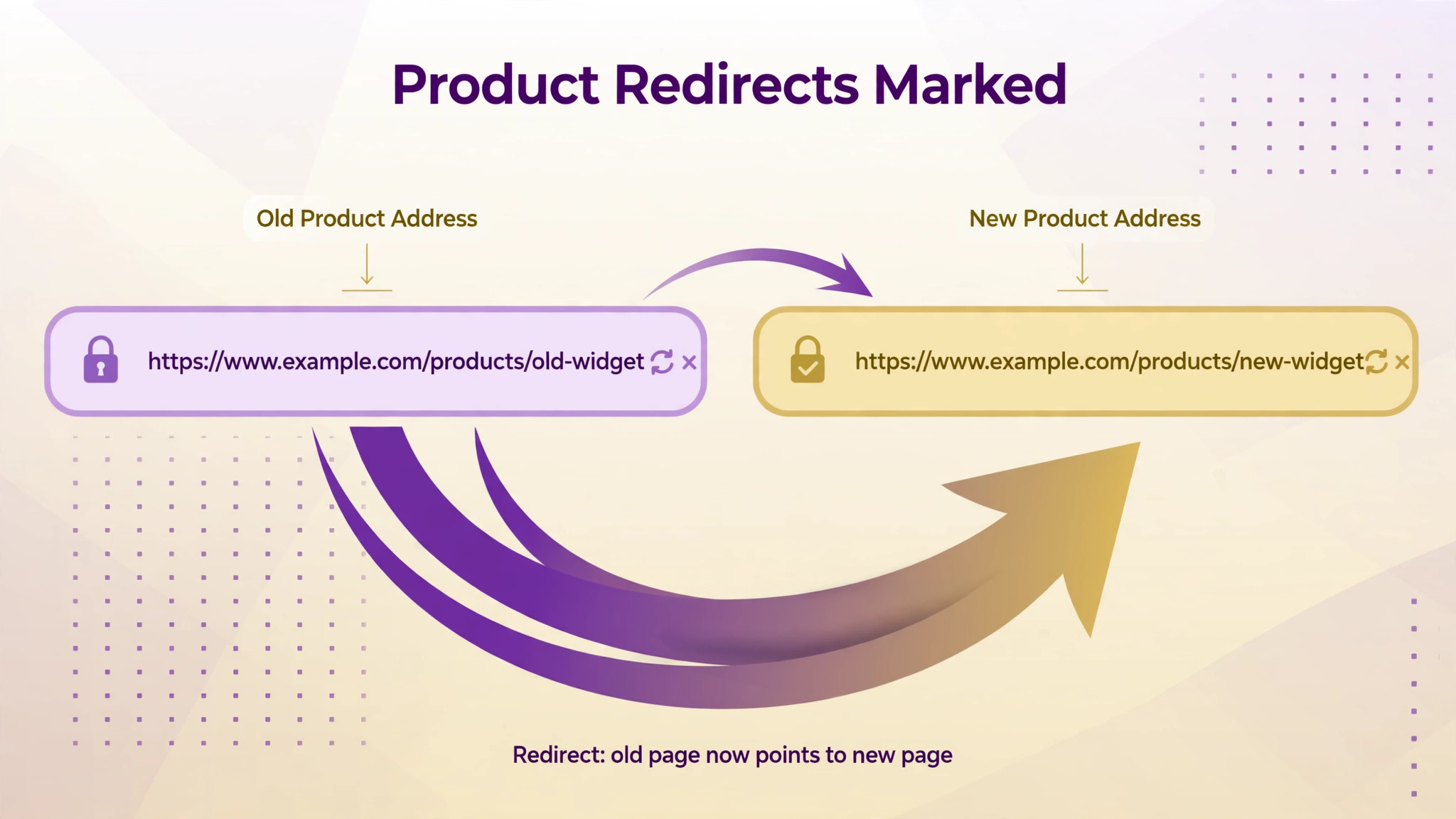
Shopify product addresses follow a different pattern from Squarespace addresses, so nearly every product address changes. Build a redirect map from old product and page addresses to new ones, prioritising best sellers and pages with links. Enter the rules in the Squarespace redirect panel and test a sample of old addresses before moving the domain.
Step 7 Cut Over The Domain And Watch Orders
Move the domain only when products, checkout, discounts, redirects, and email are tested. On launch day, place a real order yourself, confirm the confirmation email, and watch the first customer orders closely. Keep the Shopify store accessible to you, though not to customers, until the first week passes cleanly.
Migration Checklist For Products Orders Customers Redirects And Domain
Work through this checklist in order and tick items only after testing. A store checklist is a customer protection document, not a progress decoration.
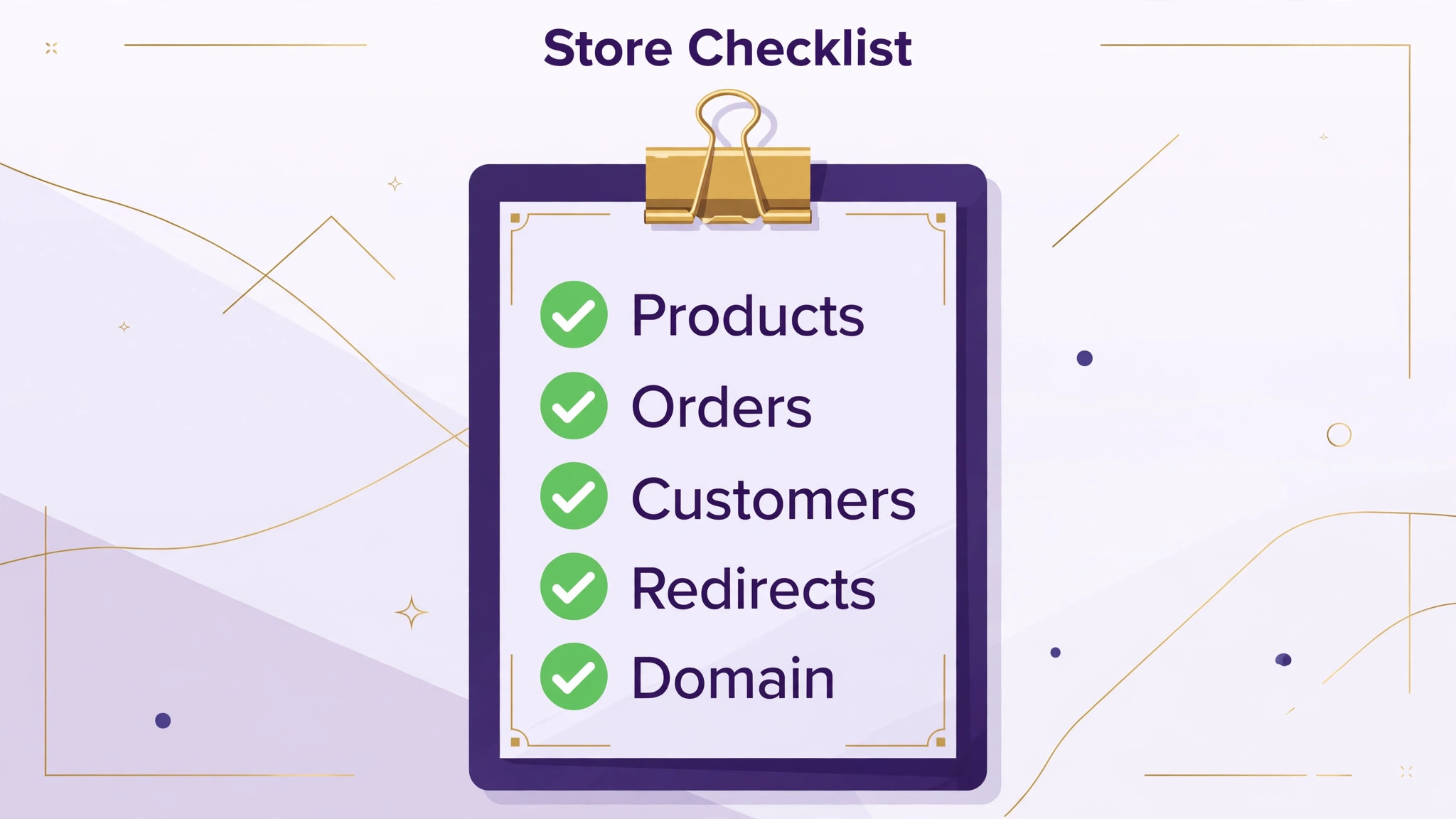
– Audit every product and mark keep, fix, or retire – List every app and decide its replacement or retirement – Record every live discount code and outstanding gift card balance – Export products, customers, and orders as separate files – Store untouched copies of every export as backups – Clean the product file for images, prices, stock, and variants – Test the hardest variant product on the new platform first – Set up the Squarespace store in private with a site password – Import products and contacts and check them in batches – Rebuild collections, navigation, homepage, and key pages – Recreate shipping zones, tax settings, and payment connections – Recreate discount codes and plan gift card honouring – Move or restart product reviews with a clear plan – Place test orders for simple, variant, and discounted products – Build the redirect map for products, pages, and blog posts – Enter and test redirect rules before domain cutover – Confirm domain registration and email hosting details – Cut over the domain and place a real order yourself – Email customers about new passwords before they need to log in – Keep the old store data for at least one month after launch
Customer passwords deserve a dedicated message, sent before launch if possible. Explain that passwords could not be carried across for security reasons, that accounts and order records are safe, and that setting a new password takes under a minute. Include the exact steps, not just a link, because customers who cannot log in at checkout will abandon the basket. When you switch Shopify to Squarespace small store owners who warn customers early get fewer support messages than owners who let customers discover the change at the till.
Redirects Search And The Domain Move
Product addresses change in this migration, and that is the main search risk. Shopify addresses include a product path that Squarespace does not reproduce, so even a product with the same title lands at a new address. Search engines and old bookmarks need redirects to find it, and best sellers need them most. Build the map from the exported product list plus a list of addresses that earned visits or links, and match each old address to its exact new product or closest category page.
Domain handling needs the same care as product handling. Confirm who registers the domain, when it renews, and where email is hosted before changing anything. If email lives with the domain provider, changing domain settings without checking mail records can break email on launch day. Test sending and receiving after cutover, and keep the old store’s domain settings documented so a rollback is possible.
After launch, watch search error reports daily for two weeks. Add redirects for every broken address that matters, and fix internal links in blog posts and pages that still point at old patterns. A redirect saves the visitor, but a corrected link is cleaner and faster. When you switch Shopify to Squarespace small store search performance usually settles within a few weeks if redirects are complete, and drifts for months if they are partial.
First Week Cutover Plan For A Live Store
A store cutover week is busier than a brochure site cutover week, because orders do not pause. Check orders, stock, and messages every morning, and keep a log of every issue with its fix. Small problems found on day one are easy. The same problems found by customers on day five are reputation problems.
| Day | Focus for the day |
|---|---|
| Launch day | Real order, confirmation email, stock check |
| Day 2 | Redirect errors, best seller addresses, phone test |
| Day 3 | Discount codes, gift cards, abandoned basket messages |
| Day 4 | Email sending, customer password resets, reviews |
| Day 5 | Compare orders and visits with the previous week |
| Day 6 | Fix slow product pages and oversized images |
| Day 7 | Close the issue log or schedule every open item |
Tell customers about the new store in a short honest message. Mention the fresh look, unchanged products, and the new password step, and invite them to report anything odd. Do not run a major sale in launch week, because a promotion multiplies the impact of any checkout problem. Let the store prove itself on normal orders first, then promote it.
Rollback Plan When Checkout Or Catalogue Breaks
Keep Shopify access, exports, and backups for at least a month after launch. That is the rollback kit. If checkout fails, if stock counts go wrong, or if a key product type cannot be sold correctly, you need a fast way back to a working store, not a debate about sunk effort.
Judge rollback by orders, not pride. A design complaint is a fix on the new store. A checkout failure affecting real customers is a rollback trigger, and the trigger should be decided before launch so nobody argues during an incident. To roll back, point the domain back to Shopify, confirm ordering works, and tell customers briefly that the store is back on its previous system while improvements are finished. Keep the Squarespace build private for fixes, so a second launch does not start from zero.
When you switch Shopify to Squarespace small store owners sometimes fear that rolling back looks unprofessional. Customers forgive a brief return to a working store far more readily than they forgive lost orders and unanswered messages. A calm rollback protects the reputation that a stubborn launch would damage.
Mistakes Small Stores Make In This Move
The first mistake is importing without cleaning. Duplicate products, wrong prices, and missing images all reach customers when nobody checks batches. The second mistake is forgetting the money pieces. Discount codes, gift cards, shipping rules, and tax settings are less visible than design, and they are exactly what customers test with real money. The third mistake is moving the domain before redirects and checkout are tested. That order turns small errors into public errors.
A fourth mistake is underestimating variant work. A product with many options may need splitting, renaming, or restructuring, and each change affects addresses and stock. Test the hardest products first, and budget time for the rest. A fifth mistake is silence toward customers. People who cannot log in, cannot use a code, or cannot find a favourite product need an explanation before they need a support reply. Proactive messages cost minutes and save orders.
Planning The Work Around Real Trading
A store migration must fit around trading days, not the other way round. Avoid launch week during a sale, a seasonal peak, or a wholesale ordering window. Choose a quiet period, and warn wholesale or repeat buyers personally if they order through accounts. When you switch Shopify to Squarespace small store trading calendars matter more than project enthusiasm, because a launch during peak week turns every small bug into lost revenue at the worst moment.
Staff need a simple routine for the new store. Show whoever packs orders how to find new orders, print labels, update stock, and handle a refund. Write the steps down in one page, and test them with a real order before launch. When you switch Shopify to Squarespace small store teams adapt fastest when training uses real orders, not screenshots, because real orders expose the gaps that screenshots hide.
Inventory timing also matters. Freeze catalogue changes during the final import week, or keep a list of every price and stock change made after the export. Reconcile that list before launch, product by product, so the new store does not reopen with last week’s prices. When you switch Shopify to Squarespace small store owners who reconcile late changes avoid the embarrassing refund that follows a stale price.
Keeping Customers Through The Change
A platform move is a customer communication project as much as a technical one. Repeat buyers notice new passwords, new addresses, and new checkout screens before they notice a new template. Plan messages for three groups, and send them before customers meet the change unprepared. Past buyers need the password message. Subscribers need a note that the store has moved but products and service are unchanged. Wholesale or repeat trade buyers need a personal message, because their ordering routine matters more than any announcement post.
Timing matters for each message. Send the password note a few days before launch, so customers can reset at leisure rather than at checkout. Send the general announcement on launch day, once you have placed a real order yourself and confirmed it works. Send a follow up only if something actually needs customers to act, such as a code that changed or a delivery detail that moved. Too many messages train customers to ignore you, which is the opposite of what launch week needs.
Support readiness is part of the same plan. Expect questions about passwords, missing order history, and favourite products that moved address. Prepare short honest answers in advance, and put the most common answer on the store itself, near login and help pages, so customers find it without waiting for a reply. Answer launch week messages faster than usual, even if the answer is that you are checking. Silence during a platform change feels like abandonment, while a quick honest reply builds trust.
Product pages deserve a second look during this period too. Customers compare the new page with the page they remember, and small losses stand out. Check that every best seller still shows the details buyers relied on, such as sizes, materials, care instructions, and delivery times. If a detail was lost in import, restore it before launch week ends, because a missing delivery note causes more support messages than a missing design flourish ever will.
Finally, protect the habits that earned repeat orders. If customers ordered through saved baskets, favourite lists, or account features that do not exist on the new platform, tell them plainly what replaces each habit. Offer a simple alternative, such as a reorder email or a saved link, rather than pretending nothing changed. Customers accept change when it is explained and when the replacement is easy. They resent change that is hidden and discovered at the worst moment, which is usually checkout.
Frequently Asked Questions About This Switch
Will my products import from Shopify to Squarespace?
Yes, products generally import from a Shopify export file, including titles, descriptions, prices, stock, and images when the file is clean. Theme, apps, and layout do not import. Check imported products in batches, because a clean import still needs human eyes before customers see it.
Do customers keep their accounts and passwords?
Accounts and contact details import, but passwords do not transfer for security reasons. Customers must set a new password on the new store. Warn them before launch, explain the step plainly, and test the reset flow yourself so support messages stay low.
What happens to my order history?
Order history is best treated as reference data. It may import in part, but it may not link to customer accounts as it did before. Keep full exports from Shopify for records, refunds, and customer service, and do not promise customers a complete order history on the new store until you have tested what actually appears.
Do discount codes and gift cards transfer?
No, discount codes must be recreated by hand, and gift card balances need a manual plan. Record every live code and outstanding balance before migration, recreate codes exactly, and decide how gift cards will be honoured. Test a code with a real test order before launch.
Will I lose search rankings for my products?
Rankings are at risk only if redirects are incomplete. Map every old product and page address to its new address, prioritising best sellers and linked pages, and test redirects before domain cutover. With complete redirects, rankings usually settle within a few weeks.
Can I keep my domain name?
Yes, you can transfer the domain or connect it while it stays registered elsewhere. Confirm renewal and email hosting details before changing settings, and test email after cutover. Keep old domain settings documented for a possible rollback.
How long does the move take for a small store?
A small catalogue with simple products often takes two to four weeks of part time work, with variant cleanup and testing taking most of it. Larger catalogues or complex discounts take longer. Keep the old store live throughout, and move the launch date rather than cutting testing short.
Should I close my Shopify store on launch day?
No. Keep Shopify access and data for at least a month after launch. That overlap is your rollback path and your record for refunds and customer questions. Close it only after orders, redirects, email, and stock have all run cleanly on the new store.
Final Word For A Small Store Owner
Move when the store is simple and the app bill is the pain. Stay when variants, integrations, or selling channels are the business. The platform matters less than the checklist, and the checklist matters less than testing with real orders before customers arrive. A careful move gives you a cleaner storefront, a simpler monthly bill, and fewer moving parts to maintain. A rushed move gives you a prettier store that loses orders in ways you discover too late.
Build in private, test like a customer, warn customers about passwords early, and give the first week your full attention. When you switch Shopify to Squarespace small store success looks uneventful, with orders flowing, stock matching, and customers finding favourite products at new addresses without noticing the machinery. That quiet result is the goal, and it is entirely achievable with the steps in this guide.