
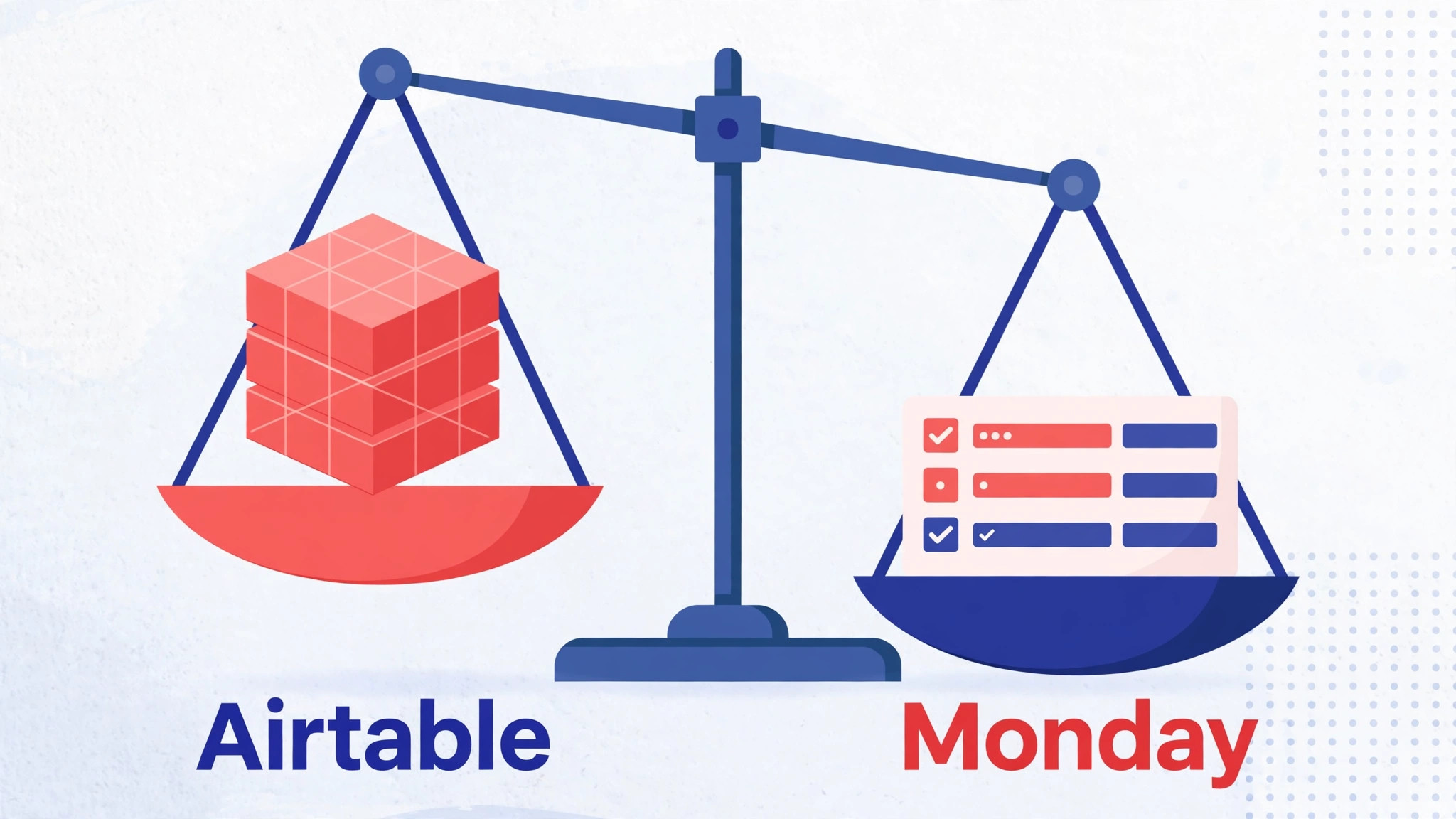
The verdict is simple, and it should come before the detail. A small team should switch Airtable to Monday small team workflows only when its work is task delivery with deadlines and owners, not when its work is a living database with linked records. Monday wins on visible progress, status tracking, and team adoption. Airtable wins on relational data, and no import can close that gap, because linked records flatten into text when they cross between the two tools. If the team reads this guide and recognises itself in the second sentence, it should stop here and fix its Airtable views instead of migrating.
That blunt verdict matters because this migration is the one small teams regret most often. The import itself looks easy. Airtable tables export as CSV files, Monday imports spreadsheets into boards, and the first board appears in minutes. The regret arrives a week later, when the team discovers that the linked record that used to pull a client, a project, and a budget together is now three text columns that no longer update each other. Work that used to maintain itself now needs manual updating, and the team blames the new tool for a loss that was predictable on day one.
This guide is written for a team of roughly three to twenty people that has decided the trade is worth it, or is still testing whether it is. It maps a base to boards, gives an import and automation rebuild checklist, and walks through a numbered sequence with the limits Monday publishes for its importer. Figures from Monday support pages are stated as published. Figures from comparison guides are flagged as reported, and the guide says plainly where to confirm them on the vendor page before acting.
What Airtable Does That Monday Cannot Copy Cheaply
Airtable is a database with views, while Monday is a work board with columns. That sentence sounds abstract until it meets a real base. Consider a small agency that tracks clients, projects, and invoices in one base. A client record links to its projects, each project links to its tasks, and a rollup counts open tasks per client. Change a task status, and the client view updates itself. Nothing in Monday reproduces that chain for free. Monday Connect Boards columns can link boards, but comparison guides warn that the links are limited to one or two levels, and they do not behave like Airtable relations.
Views are the second gap, and any switch Airtable to Monday small team assessment should test views early. Airtable lets a team build a grid, a kanban, a calendar, a gallery, and a form over the same table, each filtered differently, without duplicating data. Monday boards have views too, but the board is the unit of work, and splitting one table into several boards breaks the single source of truth. A team that runs its whole business from one base will feel this immediately, because the migration forces a choice. Either keep one giant board that nobody can read, or split into boards that no longer update each other.
The third gap is formulas. Airtable formulas can look up values across linked tables, roll up totals, and compute dates from other fields. Monday formulas work within a board, and cross board calculations need a different approach, usually a dashboard widget or a manual step. A base that leans on formulas for pricing, capacity, or deadlines will need rebuilding, not importing. Count the formulas before deciding. A base with a handful of simple formulas migrates well. A base with dozens of cross table formulas is a database project wearing a project tool costume, and it should stay in Airtable.
The Base to Board Map
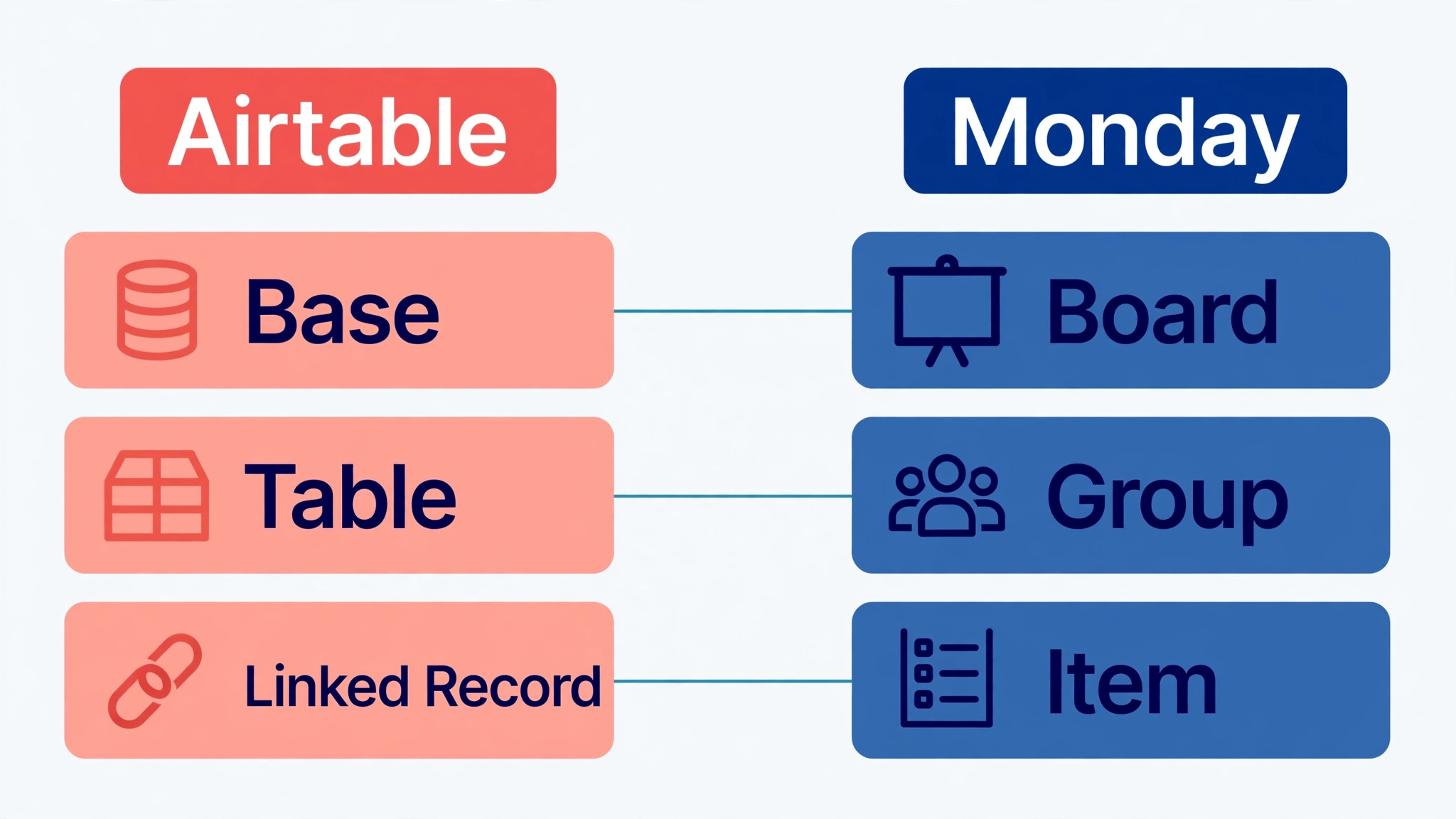
Map before exporting, and map on paper where the whole team can argue about it. The most common mapping error is importing one Airtable table per Monday board without asking what the board is for. A table that was a lookup list, such as a list of services or regions, should become a board column or a dropdown, not a board of its own. A table that was the work itself, such as a content calendar or a delivery tracker, becomes a board. The map below is the starting point, and the team should adjust it to its own base before touching a CSV file.
| Airtable element | Monday equivalent | What to decide before import |
|---|---|---|
| Base | Workspace or folder | One base becomes one workspace, not one board |
| Table with work items | Board | Only tables that hold trackable work become boards |
| Table that is a lookup list | Status or dropdown column | Lookup tables flatten into column options |
| Record | Item | Keep the primary field as the item name |
| View, grid or kanban grouping | Board group | Group rows by status or project before export |
| Single select field | Status column | Match labels exactly, since Monday caps status labels |
| Multi-select field | Dropdown column | Split values cleanly, since multi values import as text |
| Linked record field | Connect Boards column or text | Links flatten to text in CSV import, so rebuild links by hand |
| Lookup or rollup field | Formula or mirror column, or static value | Exported values are static, so recreate live logic after import |
| Attachment field | File column | Reattach files by hand or through links in an update |
| Collaborator field | Person column | Confirm each person has a Monday account before import |
| Date field | Date column | Use one consistent date format across every file |
| Checkbox field | Checkbox or status column | Map true and false values explicitly |
| Long text field | Long text column or update | Long notes read better as a board update than a wide column |
The linked record row is the one that decides the migration, and it deserves a test before a switch Airtable to Monday small team commitment. Airtable linked records do not survive a CSV round trip as links. They arrive as text names, and the team must rebuild the connection with Connect Boards columns, which comparison guides describe as limited in depth. For a base with one level of linking, such as tasks linked to projects, the rebuild is manageable. For a base with three levels, such as clients linked to projects linked to tasks linked to invoices, the rebuild becomes a project of its own, and the team should budget days for it, not hours.
Status labels need attention for a different reason. Monday support pages note that an import can fail silently when a status column holds more than 40 unique labels, and the recommended fix is to clean the data against the sample file before importing. Airtable bases accumulate labels over years, including near duplicates and one off values. Clean them in Airtable first. Merge the near duplicates, delete the one off values, and keep the status list short enough that a board reads at a glance. A clean label list is also a better board, not just a cleaner import.
Import and Automation Rebuild Checklist
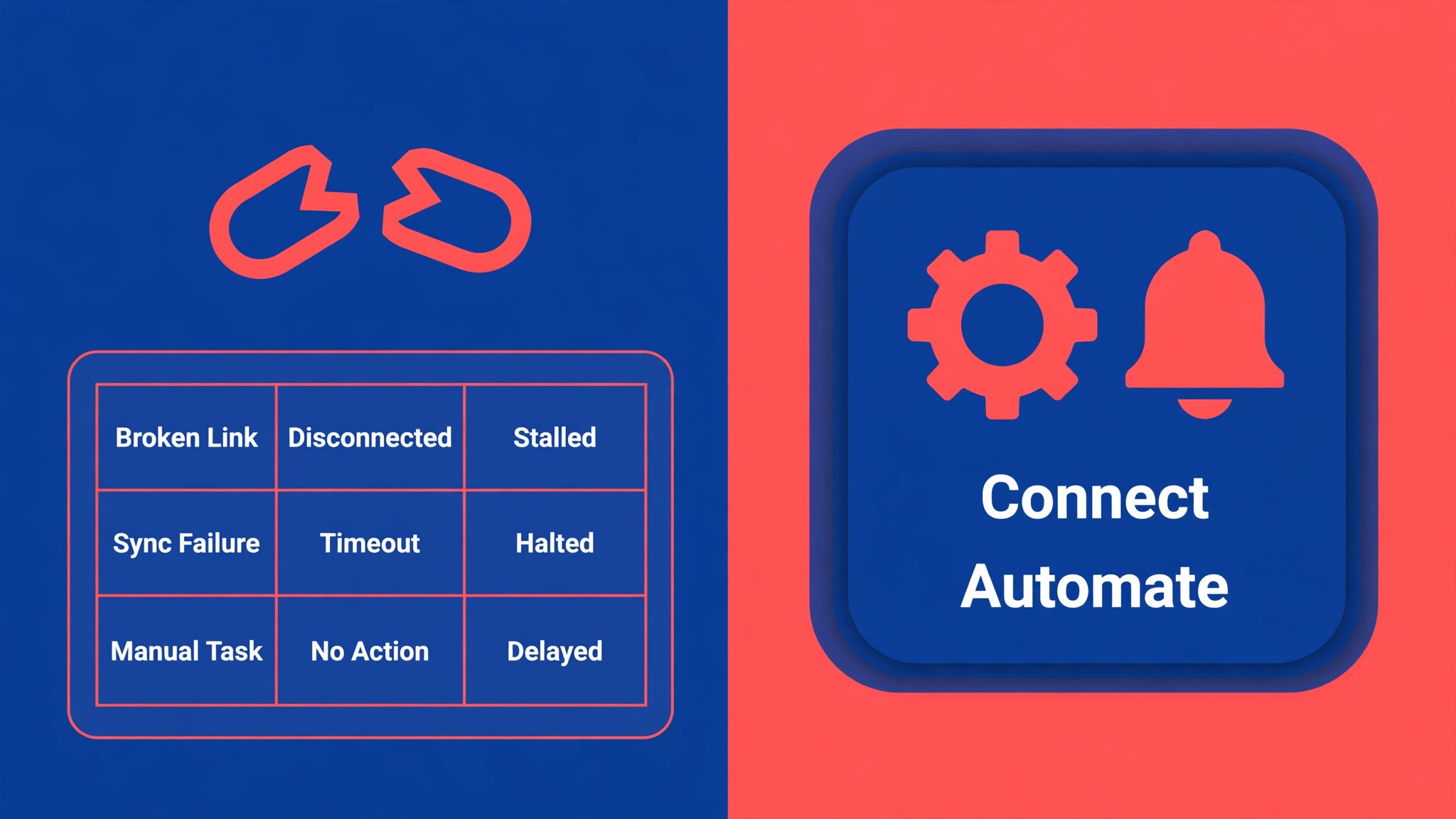
Work through this list in order. The import half prevents data loss, and the rebuild half prevents the quieter loss, which is a team that stops trusting its automations because nobody rebuilt them.
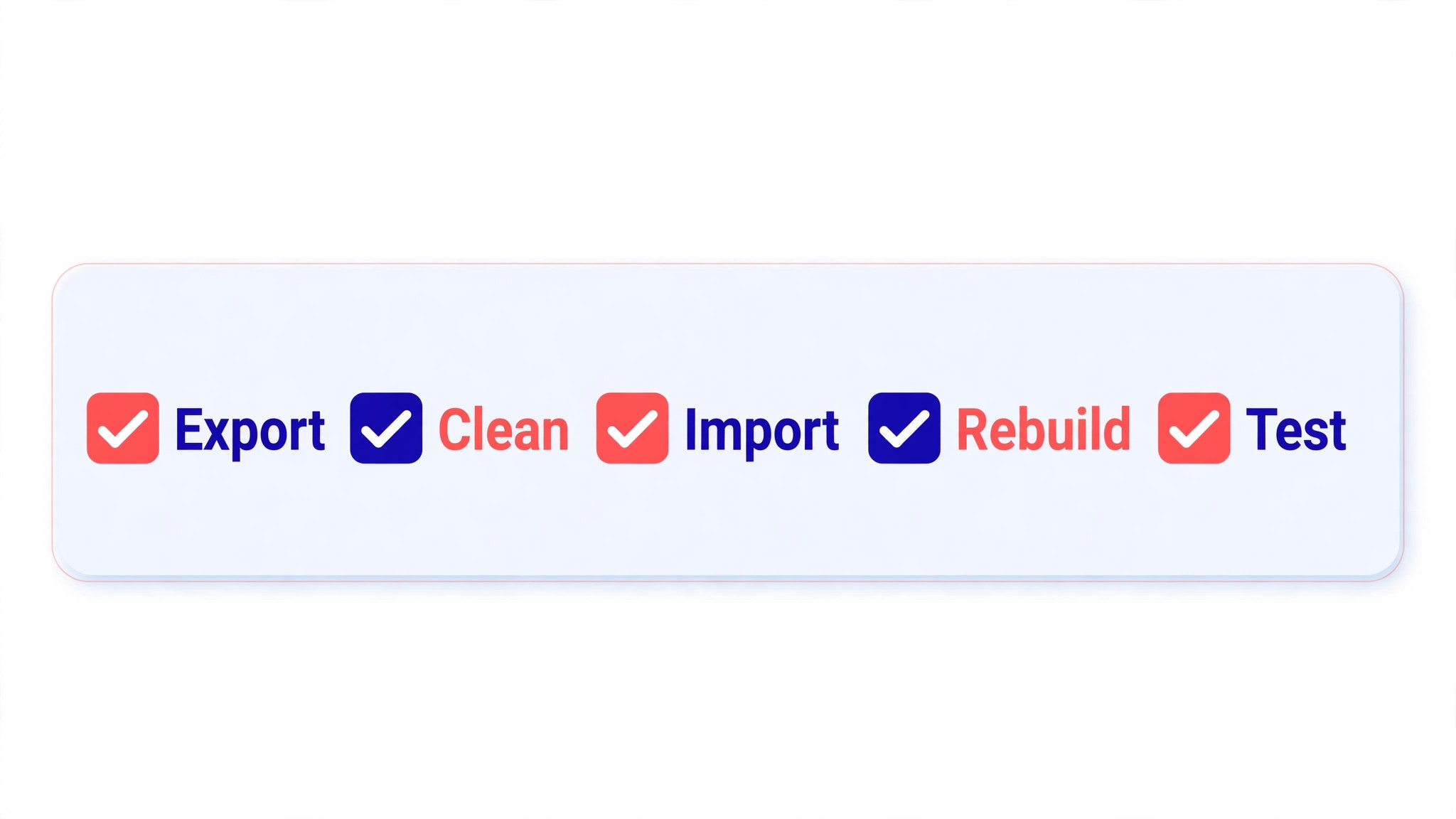
– Inventory every base, table, and view, and mark each table as board, column, or archive. – Count rows and columns per table, and split any file that exceeds Monday import limits before exporting. – Remove filters from exports, so hidden rows are not silently left behind. – Clean status and dropdown labels, merge duplicates, and keep each status list under 40 unique values. – Convert linked record fields to plain text name columns for export, and note which links must be rebuilt. – Export attachment lists separately, and decide which files move and which stay in Airtable as an archive. – Confirm every collaborator has a Monday account with a matching email, and invite missing people early. – Turn off board automations on any existing board before importing into it, so imported items are not restamped. – Create the Monday workspace and empty boards first, with columns matching the cleaned Airtable fields. – Map one sample file end to end before importing the full base, and check counts and dates on the sample. – List every Airtable automation, and mark each one as rebuild in Monday, replace with a manual step, or drop. – Rebuild automations one at a time, testing each with a real item before moving to the next. – Run both tools in parallel for one full week, comparing counts daily, before making Airtable read only. – Back up all Airtable exports and store them outside both tools, so a bad import can be redone from source.
The parallel week is not wasted time, and it is a required part of any switch Airtable to Monday small team plan. It is the period when the team discovers that a Monday automation fires differently from the Airtable automation it replaced, or that a status change no longer triggers the notification the team relied on. Fixing those differences while Airtable is still live is a small edit. Fixing them after cutover is a fire drill, because the team has no fallback when a notification fails on a client deadline.
Automation inventory deserves its own note. Airtable automations often grow invisibly, with one person adding a trigger that nobody else knows about. Ask every base owner to list their automations, including the ones they built and forgot. An automation nobody lists is an automation nobody rebuilds, and its absence surfaces at the worst moment, usually when a client asks why a status email never arrived.
The Switch Airtable to Monday Small Team Sequence
Run this sequence table by table, starting with the smallest work table, not the largest base. A small win teaches the team the import rhythm, and the lessons from a small table transfer to every later table.
- Set up the Monday workspace and the first board empty, with columns that match the cleaned Airtable fields. Choose column types deliberately, since a status column behaves differently from a dropdown column, and changing types after import means rework. Add the board groups that match the old Airtable groupings, and leave automations off until the data lands.
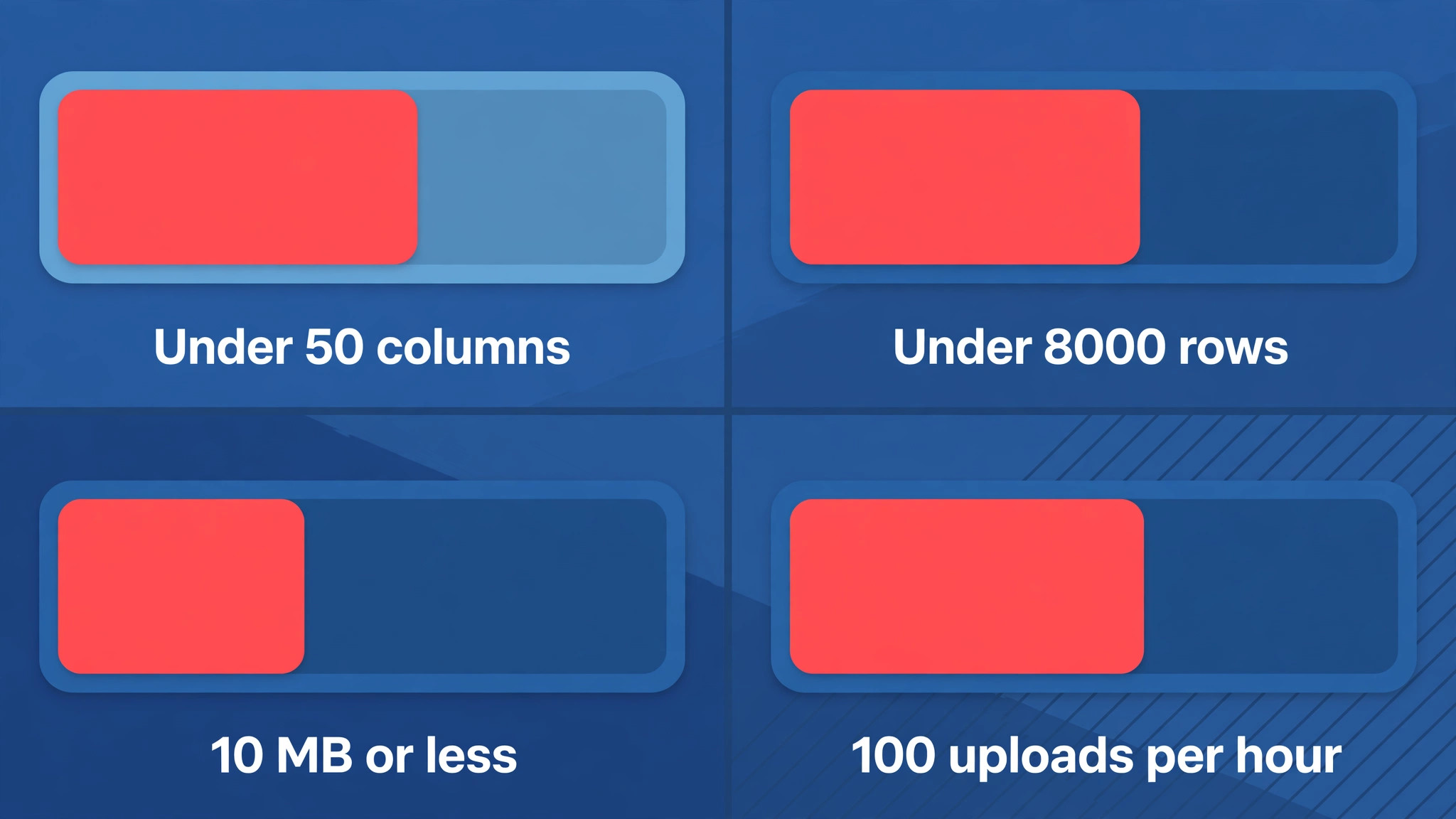
- Export the first Airtable table as a CSV file, with filters removed and linked fields exported as text names. Check the file in a spreadsheet. Remove blank columns, confirm date formats are consistent, and confirm the file sits within Monday published import limits, which are fewer than 50 columns, fewer than 8,000 rows, and 10 MB or less per file. Split the file if it exceeds any of those limits.
- Import into Monday by creating a board from the file or importing into the existing board, then map each column on the preview screen. Map the primary field to the item name, the person field to a Person column, and dates to Date columns. Monday support pages note that only one file can be uploaded at a time per board, and that an account is limited to 100 file uploads per hour, so pace a large migration instead of rushing it.
- Choose duplicate behaviour deliberately. Monday offers options to create new items, skip existing items, or update existing items matched by a chosen column. For a first import, create new items. For a re-import after a fix, update matched by a unique column such as an email or a record ID, so the board does not fill with duplicates. Record which option was used in the migration log.
- Check the import before rebuilding anything. Compare the Airtable row count with the Monday item count, open twenty items across groups, and verify names, dates, people, and status values. If a status column imported as text, fix the column type and re-import the sample before proceeding. Deleting a bad board and re-importing is faster than editing hundreds of items.
- Rebuild the links for this board. Add Connect Boards columns where a live link is genuinely needed, and leave the rest as text. Test the link with a real record, and check that changing a value on one board shows where the team expects it to show. If a link needs more depth than Monday supports, redesign the workflow around a single board instead of forcing a link that will confuse the team.
- Rebuild the automations for this board one at a time. Start with the automation the team misses most, such as notifying an owner when a status changes to review, and test it with a real item. Monday support pages warn that active board automations can restamp imported items, for example setting imported leads to a new lead status, so keep automations off during import and switch them on only after the data checks pass.
- Rebuild the views the team uses daily, including the kanban, calendar, and timeline views that replace the old Airtable views. Save the views with clear names, and delete the views nobody opens after a week. A board with twelve views is a board nobody trusts, because nobody knows which view is current.
- Repeat the sequence for each remaining table, in order of business importance. Client work goes first, internal trackers go last, and lookup tables become columns rather than boards. After each table, update the migration log with counts, issues, and fixes, so the next table benefits from the last one.
- Cut over after the parallel week. Make Airtable read only, send the team a note with board links and the automation list, and keep the exports for a month. Treat every mismatch report in the first two weeks as a data defect to be fixed the same day, not as user error, until the counts prove clean.
What Breaks When Airtable Bases Become Monday Boards
Linked records break first, and they break in a way that looks like success. The board fills with items, the names look right, and only later does someone notice that changing a client name on one board no longer updates the other board. The rebuild is a Connect Boards column, and it works for simple links. It does not reproduce a three level Airtable chain, and a team that tries to force it will build a fragile structure that breaks when a board is renamed or archived. Redesign deep chains into flatter boards, even if the redesign feels like a compromise, because a flat board the team understands beats a linked structure nobody trusts.
Formulas and rollups break second, and a switch Airtable to Monday small team team should audit formulas before export day. Airtable formulas that summed hours, counted open tasks, or calculated deadlines arrive as static numbers. Monday formulas can replace the simple ones within a board, and dashboard widgets can replace some cross board totals.
A rollup that depended on a linked table needs a new home. Often the new home is a dashboard number widget fed by a board, which is less precise than a rollup and more visible to the team. That trade is acceptable when the number is a guide, and unacceptable when the number drives billing. Billing calculations should move to a tool built for billing, not to a board formula.
Automations break third, and they break differently from data. Airtable automations trigger on record changes, send emails, and update linked records. Monday automations trigger on board changes, and the trigger vocabulary is different. An automation that said “when a record enters a view, email the client” becomes “when a status changes, notify the owner”, and the gap between those two sentences is a workflow redesign. List every automation, rebuild the ones that protect deadlines or clients, and deliberately drop the ones that only sent noise. Most teams drop a third of their automations in this step and never miss them.
Attachments and comments break last, and they break quietly. Airtable attachments export as file lists, not as files inside Monday, and comments do not travel in a CSV file at all. For the tasks where the file is the deliverable, reattach the file to the Monday item. For the rest, link to the Airtable archive from the item update. Do not attempt to move every attachment. A migration that tries to move a decade of files will stall, while a migration that moves the active files and archives the rest will finish.
The 8,000 Row and 50 Column Ceiling
Monday published import limits shape the whole plan, so treat them as design constraints rather than fine print. A file must have fewer than 50 columns and fewer than 8,000 rows, must be 10 MB or less, and only one file can be uploaded at a time per board. An account is limited to 100 file uploads per hour. A small team rarely hits the upload rate limit, but it hits the row and column limits more often than expected, because Airtable tables grow wide over years of added fields.
Wide tables need splitting before export, not after import. Split a wide table into a work board and a detail board, or drop the columns nobody reads. Long tables need splitting by date or by group, with each file imported as a separate board group. Keep a migration log that records which file fed which group, because a split import without a log becomes a puzzle when a row goes missing. Check the counts after each file, not after the whole table, so a bad file is caught while its source is still open.
File size is the quiet limit. A table with many attachments or long text fields can exceed 10 MB long before it reaches 8,000 rows. When a file is too large, export the text data and the attachment list separately, and reattach files after the text import. That two pass approach is slower, but it keeps the import inside the published limits instead of failing halfway through a large file and leaving a half filled board.
Budgeting the Migration. Time, Seats, and Support
A migration budget has three lines, and teams usually count only the first. The first line is staff time, and it is larger than the import suggests. A switch Airtable to Monday small team plan should budget a full day for inventory and cleanup, a day for the pilot table, and half a day per later table including checks and rebuilds. A base with six work tables therefore costs roughly five working days of one person’s time, spread over two weeks, plus review time from the team. That time is real work, and it should be scheduled like client work, not squeezed into gaps between deadlines.
The second line is seats. Monday pricing is per seat, and every person who owns tasks needs a seat, while viewers can often stay on a lighter access level depending on the plan. Count seats from the collaborator list, not from headcount, because Airtable bases often carry collaborators who never log in. Remove the dormant collaborators before the move, and the seat count falls to the people who actually work in the tool. Confirm the current seat rules on the vendor page before budgeting, since plan structures change, and treat any price quoted in a comparison guide as reported rather than published.
The third line is support. A small team rarely needs a paid migration partner for a base under a few thousand rows, but it does need one internal owner and one backup owner. The owner runs the imports and the checks, while the backup learns the same steps so the migration does not stall when the owner is away.
If the base is larger, or if the automations drive client communication, a partner or a Monday specialist for a short engagement can be cheaper than a failed cutover. Judge that call by the cost of a week of confused delivery work, not by the cost of the engagement alone. A switch Airtable to Monday small team budget that covers time, seats, and support is honest, and an honest budget is what keeps the migration from stalling halfway.
Training a Team That Thought in Tables
Airtable users think in records and fields, while Monday users think in items and status. Training should bridge that gap with real work, not with a feature tour. Show the team one board built from their own table, and walk through a real task from creation to completion, including the status change, the owner handoff, and the notification. Then let each person move one of their own tasks through the same path. A feature tour teaches where buttons are. A real task teaches when to change a status, when to add an update, and when to leave a board alone.
The hardest habit to change is field sprawl. Airtable users add fields freely, because a new field costs nothing in a base. Monday boards punish field sprawl, because every column widens the board and pushes the work off screen. Set a rule that new columns need a reason tied to a decision the board supports, and review the column list monthly for the first quarter. A board with fifteen columns is readable. A board with forty columns is a spreadsheet wearing a board costume, and the team will stop opening it.
Final Call
A switch Airtable to Monday small team move is right when the team wants visible delivery work, simple status tracking, and fast adoption by people who never loved databases. It is wrong when the base is a relational system with deep links, heavy formulas, or a single source of truth that several teams share. The import is the easy part, and the rebuild is the real project, so budget time for links, automations, and views, not just for CSV files.
Judge the move after thirty days by asking three questions. Can the team see what is late without asking in chat. Do status changes trigger the notifications clients expect. Has manual updating fallen, or has it risen because links flattened into text. If the answers are yes, yes, and fallen, Monday earned its place. If manual updating rose, the team traded a database for a board and lost more than it gained, and it should consider moving the relational core back to Airtable while keeping delivery boards in Monday. A hybrid that works beats a pure migration that frustrates.
More Reading on Stratilyze
For the seat costs behind this move, see cost of Airtable for small business monthly and cost of Monday for small business monthly. For a related board comparison, read Asana versus Monday.
Frequently Asked Questions
Can Airtable linked records move to Monday as live links
No. Linked records flatten into text during a CSV import, so the team must rebuild live connections with Monday Connect Boards columns after import. Simple one level links rebuild well, while deep multi level chains need redesigning into flatter boards, because Monday links do not reach as deep as Airtable relations.
What are Monday import limits for a spreadsheet file
Monday support pages state that a file must have fewer than 50 columns and fewer than 8,000 rows, must be 10 MB or less, and only one file can be uploaded at a time per board. An account is also limited to 100 file uploads per hour. Split wide or long tables before export, and check counts after each file rather than after the whole table.
Do Airtable automations transfer to Monday
No. Automations must be rebuilt in Monday, because the trigger and action vocabulary differs between the tools. List every Airtable automation before migrating, rebuild the ones that protect deadlines or clients first, and deliberately drop the ones that only sent noise. Keep automations off during import so they do not restamp imported items.
How long should a small team run both tools in parallel
One full week is a sensible minimum, with daily count comparisons between Airtable and Monday. The parallel week surfaces automation differences and missing rows while Airtable is still live and fixable. Cutting over without a parallel week turns every small defect into a live incident on client work.
What happens to Airtable attachments and comments
Attachments export as file lists rather than as files inside Monday, and comments do not travel in a CSV file. Reattach the files that are active deliverables, and link the rest to the Airtable archive from the Monday item update. Moving every historical file is rarely worth the time it costs.
Should a team with a deeply linked base still switch
Usually not, unless the team is willing to redesign the base into flatter boards and accept more manual updating. A base with three levels of links, heavy cross table formulas, and several teams sharing one source of truth is a database, and Monday is a work board. In that case, keep the relational core in Airtable and use Monday only for delivery boards.