
Clockify is free and Toggl Track is effortless, yet the cheaper tool is not always the better buy for a freelancer. That tension runs through this guide to the best time tracking software for freelancers, because the winner depends on whether the freelancer bills by the hour, sells fixed price projects, or tracks retainer hours against a monthly cap.
Freelancers lose money in two quiet ways. Hours never logged never reach an invoice, and hours logged badly get disputed by clients who cannot follow the report. A good tracker fixes both problems by making starting a timer easier than reconstructing a week from memory, and by producing reports a client accepts without a walkthrough.
The eight tools below were judged on timer friction, billing and invoicing, project estimates, reporting clarity, integrations, and the real cost for a solo freelancer. Prices change often, so check the vendor page before you buy and treat every figure here as a starting point rather than a quote.
Time Tracker Tools at a Glance
| Tool | Starting price | Best for |
|---|---|---|
| Toggl Track | free up to five users, with Starter from about $9 per user a month billed annually | simple timer and clean reports |
| Clockify | free plan, with paid plans from about $3.99 per user a month billed annually | lowest cost and generous free tier |
| Harvest | free for one user and two projects, with paid plans from about $9 per seat a month billed annually on published comparisons | billing hours into invoices |
| Everhour | free for small teams, with paid plans from about $8.50 per user a month billed annually on published comparisons | tracking inside project tools |
| Timely | from about $9 per user a month billed annually on published comparisons, so check the vendor page | automatic timesheets without timers |
| Hubstaff | from about $4.99 per user a month billed annually, with a free trial and no free plan on published comparisons | freelancers managing small teams or contractors |
| RescueTime | from about $7 a month on published comparisons, with a free tier on some reports, so check the vendor page | personal focus and productivity insight |
| TimeCamp | free plan for unlimited users on some reports, with paid plans from about $3.99 per user a month billed annually, so check the vendor page | free tracking with invoicing |
This shortlist for best time tracking software for freelancers is a starting point for a short demo list, not a final ranking, because the best tool for one firm can fail for another with a different mix of staff, locations, or clients.
Read the table as a shortlist, not as a ranking. The cheapest tool may suit a solo operator perfectly, while the most expensive tool may be the only one that handles a specific workflow. Use the table to pick three finalists, then read their full sections below before deciding.
Why the best time tracking software for freelancers Looks Different From General Tools
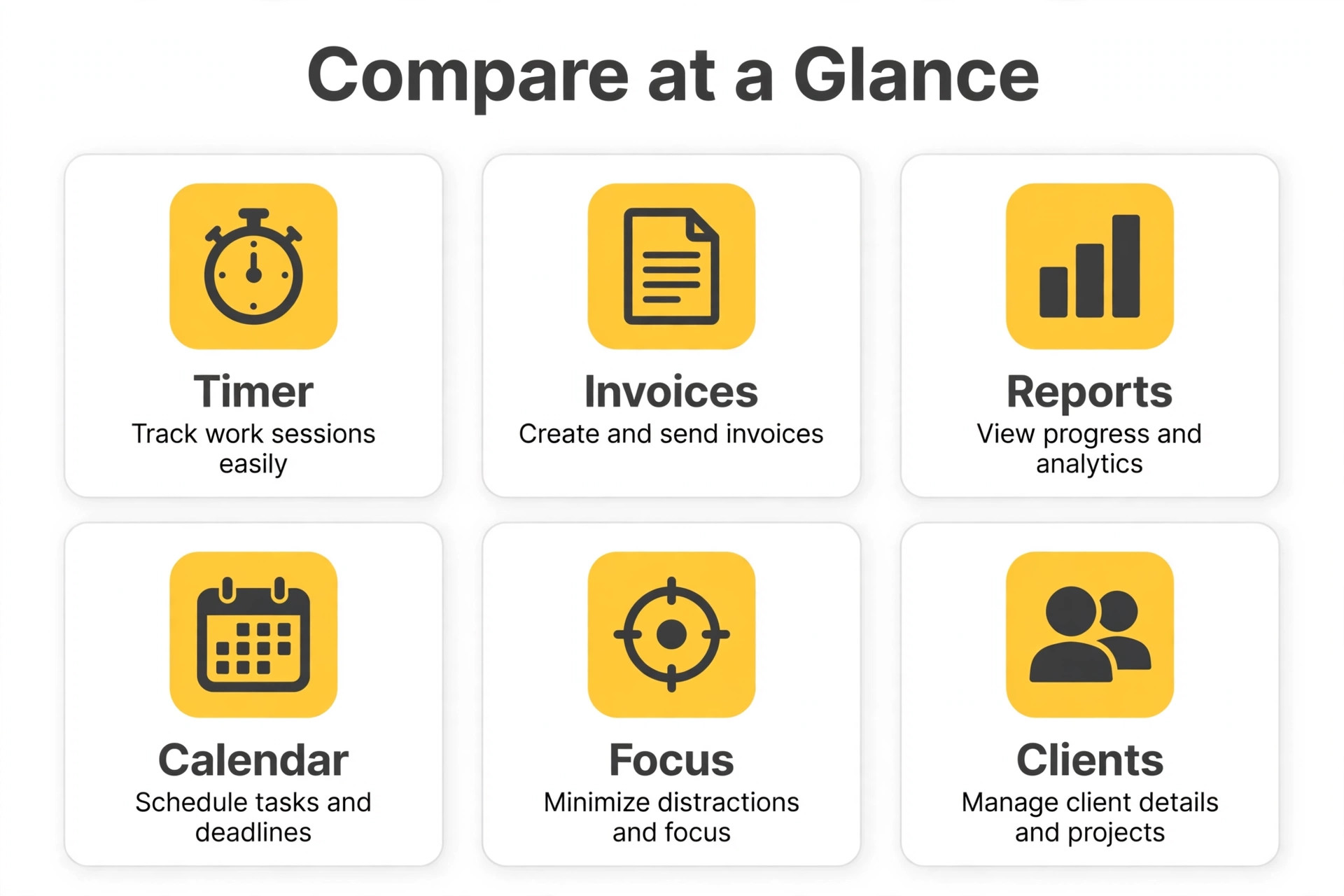
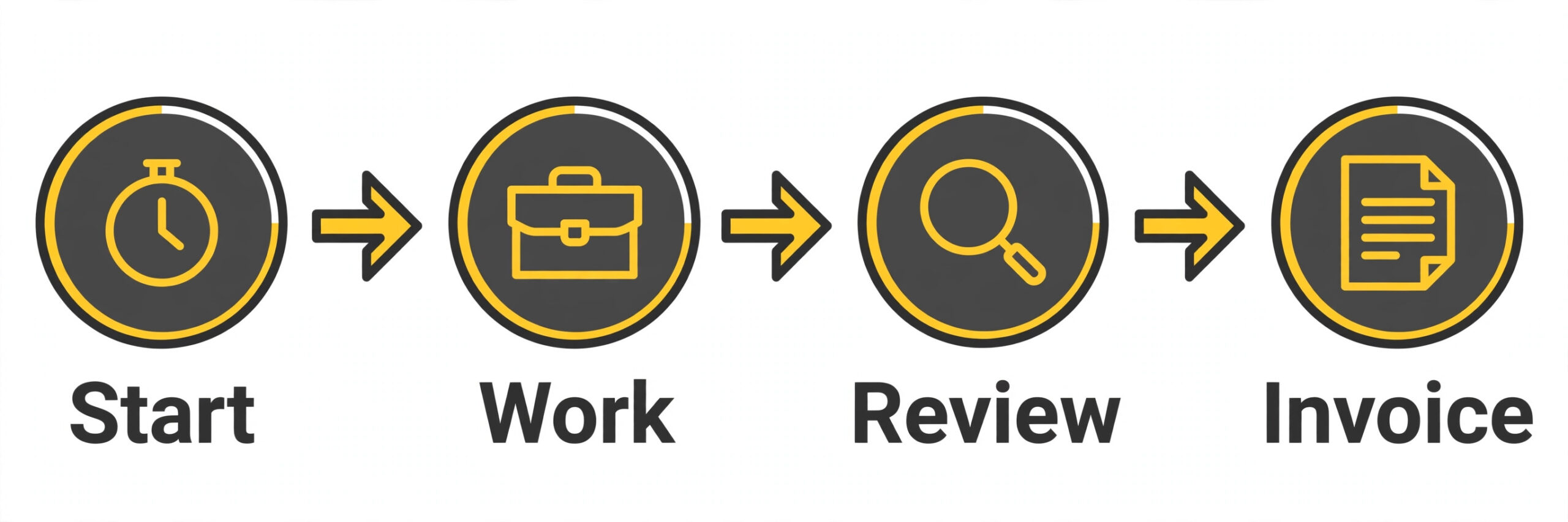
Hourly billing turns time data into revenue directly. Every untracked hour is an hour worked for free, and every disputed hour is an hour spent arguing instead of working. A tracker that ties time to a client, a project, and a billable rate, then flows that data into an invoice, pays for itself the first time it rescues a forgotten week.
Project estimates turn time data into protection. A freelancer who knows a logo project takes 14 hours and a landing page takes 22 can price fixed work honestly and spot scope creep early. Tools with estimates and alerts flag the overrun while it can still be discussed, rather than revealing it after delivery.
Retainer tracking turns time data into trust. A client on a 20 hour monthly retainer wants proof that hours were used well and warning before the cap is hit. A tracker with retainer balances, rollover rules, and clean monthly reports keeps that relationship calm, while a vague spreadsheet invites suspicion every month.
8 Tools, Reviewed One by One
Each tool below gets the same treatment. What it does well, where it falls short, what it costs at a realistic starting point, and who should choose it or skip it. Prices are starting points only, so check the vendor page before you buy.
Toggl Track
Toggl Track is the pick for simple timer and clean reports. One click timers on web, desktop, and mobile sync everywhere, reports filter by client, project, and tag, and a browser extension starts timers inside more than 100 tools. Pricing is free up to five users, with Starter from about $9 per user a month billed annually.
The strength is clear in daily use, and the limit is equally clear. Billable rates, project estimates, and timesheet approvals sit behind paid plans, and Premium near $18 per user a month is pricey for a solo freelancer who only needs basic billing. That trade off matters more than any single feature, because it decides whether the tool still fits after six months of real work.
Choose Toggl Track if the business matches a freelancer who needs the easiest timer to actually use daily. Skip it if the situation looks more like a freelancer who needs screenshots or monitoring features, because a cheaper or more specialised tool will serve that job better.
Clockify
Clockify is the pick for lowest cost and generous free tier. Unlimited projects and users on the free plan, timesheet templates, filtered analysis, and untracked gap detection give a solo freelancer a full tracker without paying. Pricing is free plan, with paid plans from about $3.99 per user a month billed annually.
The strength is clear in daily use, and the limit is equally clear. The interface is less polished than Toggl Track, and some advanced reporting and approval features need paid plans, so design led freelancers may prefer a cleaner tool. That trade off matters more than any single feature, because it decides whether the tool still fits after six months of real work.
Choose Clockify if the business matches a freelancer who wants a full tracker for free. Skip it if the situation looks more like a freelancer who values polish over price, because a cheaper or more specialised tool will serve that job better.
Harvest
Harvest is the pick for billing hours into invoices. Time tracking flows directly into invoices, with billable rates, project budgets, expense tracking, and automated reminders that chase forgotten timers. Pricing is free for one user and two projects, with paid plans from about $9 per seat a month billed annually on published comparisons.
The strength is clear in daily use, and the limit is equally clear. The free tier caps at one user and two projects, so a freelancer with several active clients outgrows it fast, and the paid price sits above Clockify for similar tracking. That trade off matters more than any single feature, because it decides whether the tool still fits after six months of real work.
Choose Harvest if the business matches a freelancer who bills clients by the hour and wants invoicing built in. Skip it if the situation looks more like a freelancer with many small projects on a free plan, because a cheaper or more specialised tool will serve that job better.
Everhour
Everhour is the pick for tracking inside project tools. Time lives inside Asana, ClickUp, Trello, and Jira tasks, so freelancers who manage work there never switch apps to log hours, and budgets and estimates sit on the same task. Pricing is free for small teams, with paid plans from about $8.50 per user a month billed annually on published comparisons.
The strength is clear in daily use, and the limit is equally clear. The tool makes less sense for freelancers who do not live inside those project tools, and minimum user counts on some plans change the maths for a solo user. That trade off matters more than any single feature, because it decides whether the tool still fits after six months of real work.
Choose Everhour if the business matches a freelancer already working in Asana, ClickUp, or Trello. Skip it if the situation looks more like a freelancer who works from email and documents alone, because a cheaper or more specialised tool will serve that job better.
Timely
Timely is the pick for automatic timesheets without timers. Automatic capture drafts timesheets from app and document activity, which suits freelancers who hate manual timers and reconstruct their week from memory every Friday. Pricing is from about $9 per user a month billed annually on published comparisons, so check the vendor page.
The strength is clear in daily use, and the limit is equally clear. Automatic capture raises privacy questions for client work, and the tool costs more than a simple timer for freelancers who already log hours reliably. That trade off matters more than any single feature, because it decides whether the tool still fits after six months of real work.
Choose Timely if the business matches a freelancer who hates manual timesheets. Skip it if the situation looks more like a freelancer who prefers explicit manual control over every entry, because a cheaper or more specialised tool will serve that job better.
Hubstaff
Hubstaff is the pick for freelancers managing small teams or contractors. Time tracking plus payroll, activity levels, and optional screenshots suit freelancers who subcontract work and need auditable hours for client billing. Pricing is from about $4.99 per user a month billed annually, with a free trial and no free plan on published comparisons.
The strength is clear in daily use, and the limit is equally clear. Monitoring features can feel intrusive for solo creative work, and the tool is heavier than a simple timer for a freelancer working alone. That trade off matters more than any single feature, because it decides whether the tool still fits after six months of real work.
Choose Hubstaff if the business matches a freelancer who manages contractors and needs auditable hours. Skip it if the situation looks more like a solo freelancer who wants a private, simple timer, because a cheaper or more specialised tool will serve that job better.
RescueTime
RescueTime is the pick for personal focus and productivity insight. Automatic activity tracking categorises websites and apps, sets productivity goals, blocks distracting sites, and sends alerts when focus drifts, which helps freelancers protect deep work. Pricing is from about $7 a month on published comparisons, with a free tier on some reports, so check the vendor page.
The strength is clear in daily use, and the limit is equally clear. It tracks personal productivity rather than client billing, so invoicing and project estimates need another tool, and the value depends on acting on the data it shows. That trade off matters more than any single feature, because it decides whether the tool still fits after six months of real work.
Choose RescueTime if the business matches a freelancer focused on focus habits and distraction control. Skip it if the situation looks more like a freelancer whose main need is client invoicing, because a cheaper or more specialised tool will serve that job better.
TimeCamp
TimeCamp is the pick for free tracking with invoicing. Automatic time capture, invoicing, and attendance features in a low cost package give freelancers billing tools without a premium price, and the free tier covers unlimited users. Pricing is free plan for unlimited users on some reports, with paid plans from about $3.99 per user a month billed annually, so check the vendor page.
The strength is clear in daily use, and the limit is equally clear. The interface and integrations feel less refined than Toggl Track or Harvest, so freelancers who prioritise polish or deep project tool integrations should test carefully. That trade off matters more than any single feature, because it decides whether the tool still fits after six months of real work.
Choose TimeCamp if the business matches a freelancer who wants free tracking plus invoicing. Skip it if the situation looks more like a freelancer who needs the most polished reporting, because a cheaper or more specialised tool will serve that job better.
Pricing and the Real Monthly Total for Freelancers
Pricing for best time tracking software for freelancers only makes sense as a total, because base fees, per person charges, add ons, and payment or processing costs combine into a bill far larger than the advertised starting price.
Solo freelancers should start free wherever possible. Clockify offers a generous free plan, Toggl Track covers up to five users free, and Harvest offers a free tier for one user and two projects. Pay only when a specific paid feature, such as billable rates, approvals, or profitability reporting, earns its price in recovered hours.
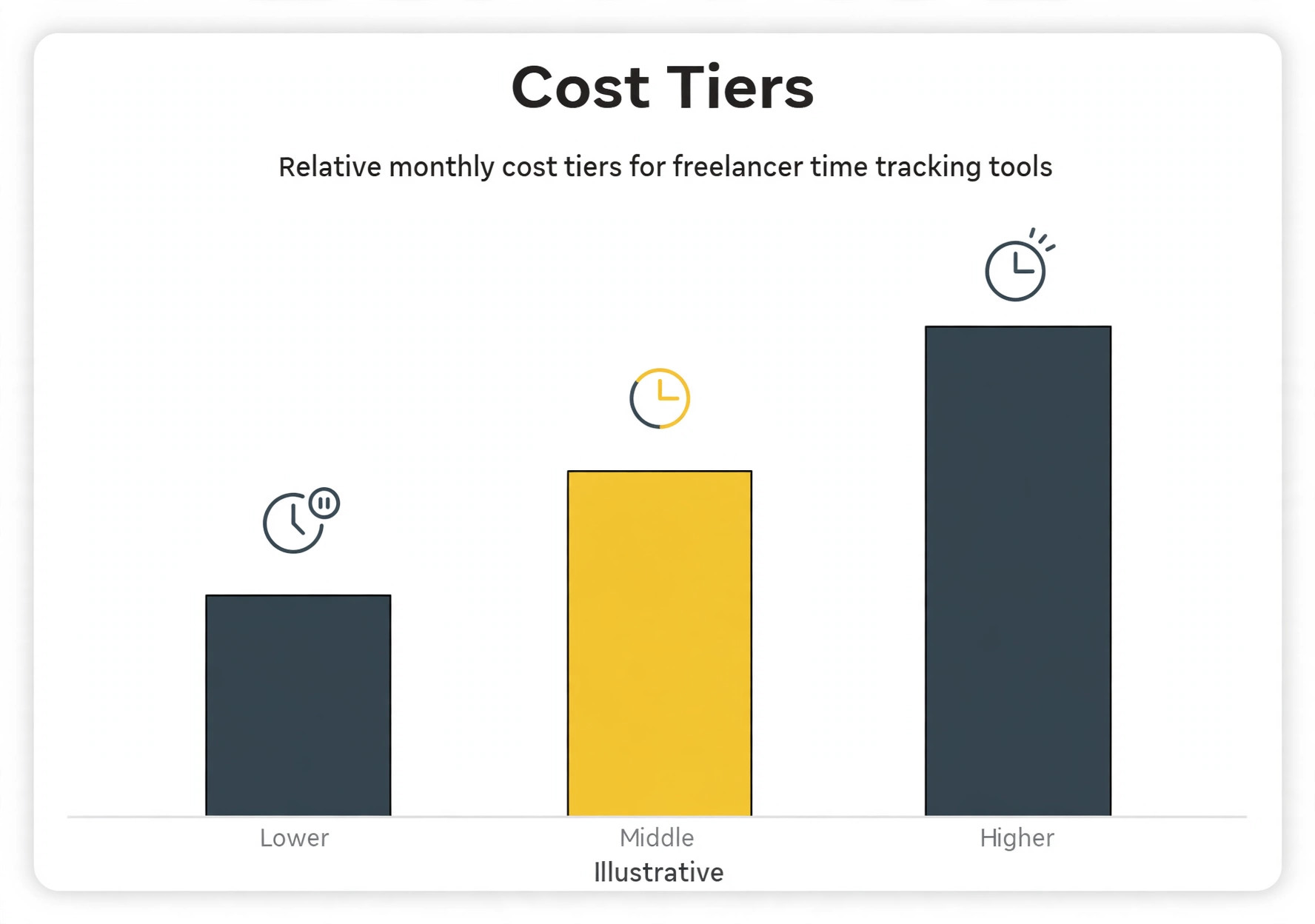
Paid plans in this guide run roughly from $3.99 to $10 per user a month on annual billing for the core freelancer plans, with higher tiers near $18 for profitability and approvals. A solo freelancer pays for one seat, so the difference between the cheapest and the dearest core plan is only a few dollars a month, which makes fit more important than price.
Watch for minimum user counts and billing quirks. Some tools price for teams of five or more, which changes the maths for a solo user, while others charge monthly billing at a higher rate than the advertised annual figure. Compare the monthly billed price if cash flow is tight, because annual savings only help if the tool survives the year.
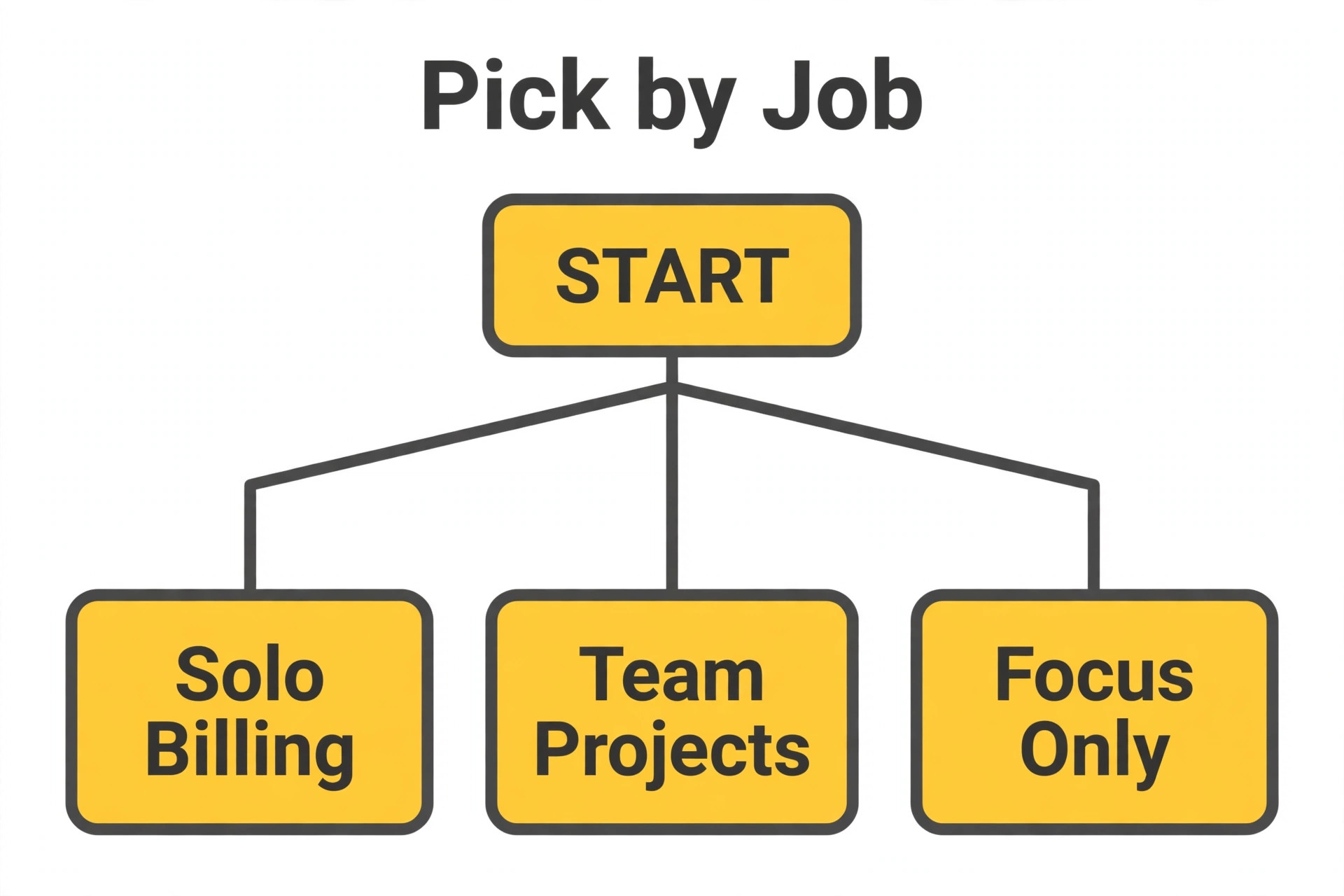
Best Pick by Freelancer Job
| Job | Pick | Why it fits |
|---|---|---|
| Hourly billing | Harvest | Time flows straight into invoices, so billed hours rarely go missing. |
| Project estimates | Toggl Track | Estimates and clean reports make fixed price scope creep visible early. |
| Retainer tracking | Clockify | Free tracking with project caps and reports suits a monthly retainer balance. |
Choosing best time tracking software for freelancers by job avoids the trap of buying the highest rated tool overall, because the tool that wins for one job can lose badly for a different job in the same business.
Use this table to narrow the shortlist to one winner for the actual job, rather than the highest rated tool overall. A tool that wins for one job can lose badly for another, and the table keeps that distinction visible.
Checklist Before Freelancers Buy
Work through this checklist for best time tracking software for freelancers before signing, because each item catches a problem that is cheap to find in a trial and expensive to fix after a rollout.
Pick the billing model first, because hourly, fixed price, and retainer work need different features.
Test the timer on a real client project for two weeks before paying anything.
Check that reports export in a format clients accept without a walkthrough.
Confirm billable rates, rounding, and invoice flow before the first paid invoice.
Verify the free plan limits at your real project count, not the advertised headline.
Ask how time exports work, so history leaves cleanly if you switch tools.
Mistakes That Cost Freelancers Time and Money
Most buyers of best time tracking software for freelancers make the same three mistakes, and each one is avoidable with a trial that uses real data rather than sample data.
The most common mistake is choosing on price alone and then abandoning the timer. A free tool that feels like work will be dropped by Friday, and the hours it was meant to capture go missing anyway. Adoption beats price for a solo freelancer, because one recovered hour pays for a month of any plan here.
The second mistake is tracking everything and billing nothing. Detailed tags, dozens of projects, and perfect categories mean little if the data never reaches an invoice. Set up the invoice flow in week one, even on a free plan, so tracked time becomes money without a monthly reconstruction effort.
The third mistake is ignoring client visibility. A report that only the freelancer understands invites disputes, while a report grouped by project, task, and date with clear totals settles questions fast. Test the client facing report before committing, because that document defends the invoice.
How to Test Time Trackers Before You Buy
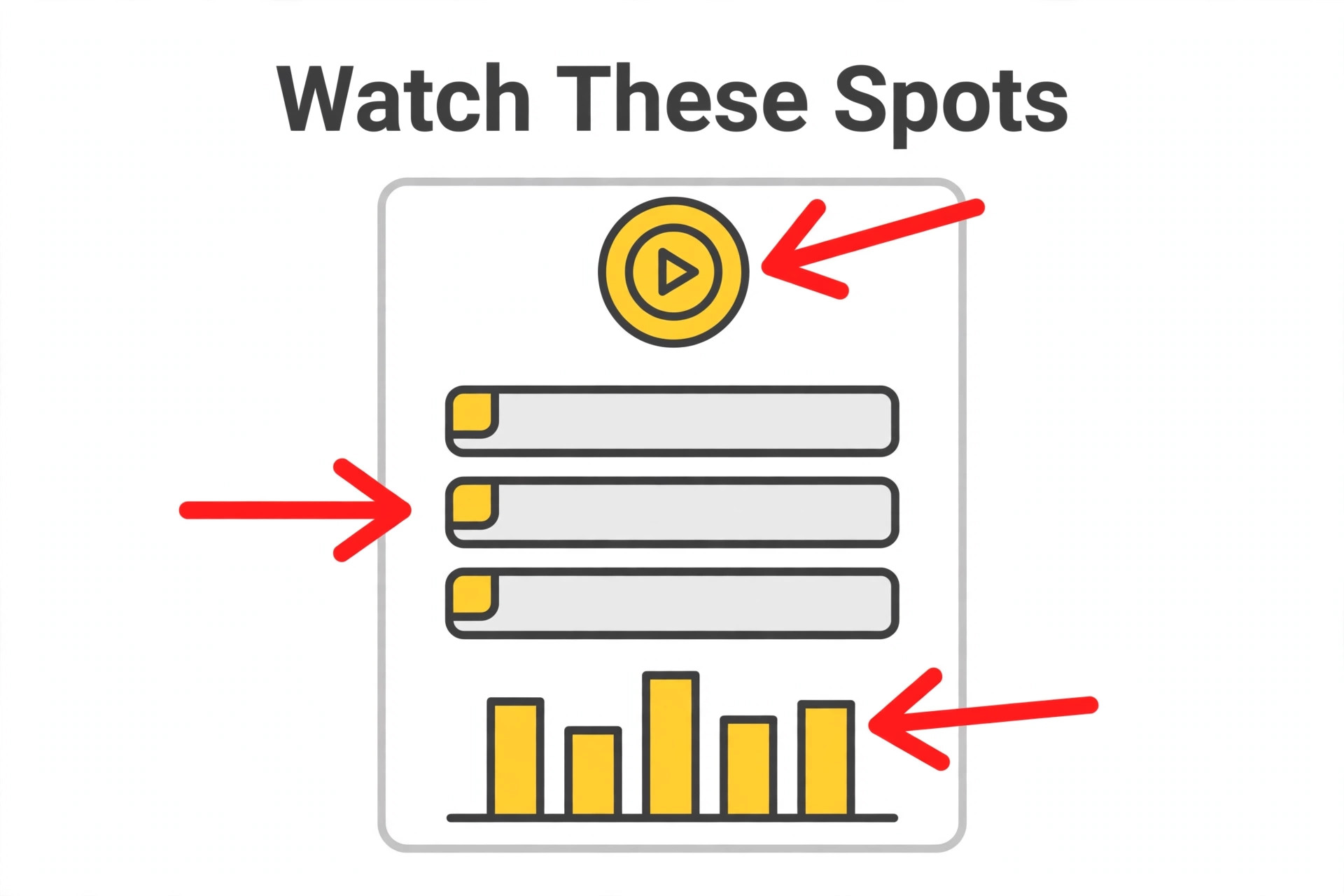
Rounding rules deserve attention before the first invoice, because they change billed totals quietly. Test whether the tool rounds to 5, 6, or 15 minute increments, and confirm the client accepts that rounding, so the invoice never surprises either side.
Tag discipline keeps reports useful without turning tracking into admin. Use a small set of tags for work type, such as revisions, meetings, and production, and retire tags that never appear in a client report, because unused tags only slow down timer starts.
What to Ask on a Time Tracker Demo
Ask the vendor to run your real workflow, not a polished sample, because demos hide the exact steps that cause trouble later. Bring one real project, one real employee file, or one real class timetable, and watch how many clicks each task takes from start to finish.
Ask who owns support after the sale, and how fast a useful answer arrives during working hours. A vendor that answers quickly during a trial often slows down after payment, so note response times now and ask for the support hours and channels in writing.
Ask about contract length, renewal behaviour, and price changes at renewal, because the first year price rarely survives untouched. A tool that looks affordable on a twelve month deal can become expensive in year two, and that renewal figure belongs in the first comparison.
Setup in the First 30 Days of Tracking
Start with one team, one location, or one project, rather than rolling the tool out everywhere on day one. A small pilot surfaces template problems, permission mistakes, and training gaps while they are still cheap to fix, and the pilot team becomes the internal help desk for the wider rollout.
Build templates before adding volume, because a tool without templates forces every user to reinvent the same structure. Create the standard job, employee record, project, or class timetable once, test it on a real case, and only then copy it for the next case.
Schedule a review at day 30 with real usage data, not opinions. Check how many records are complete, how many tasks or hours are missing, and which features nobody opened. Cut the unused features from training, fix the missing data process, and only then expand to the next team or location.
Getting More From Time Trackers After Launch
Review security and access controls before adding sensitive records, because a tool that everyone can edit will soon hold data nobody trusts. Set roles for admin, manager, and field or frontline users, test what each role can see and change, and remove access promptly when staff leave.
Check integration depth with the tools already in daily use, because a new system that sits apart from email, calendar, accounting, or point of sale creates double entry. Test the integration with real records during the trial, not with sample data that hides mapping problems.
Plan data migration as a project of its own, with a clear owner and a deadline, because importing years of messy history without cleaning it simply moves the mess. Migrate active records first, archive old records separately, and verify counts after import before going live.
Test reporting with the questions managers actually ask each week, rather than admiring a dashboard in a demo. If a report needs a spreadsheet to answer a basic question about cost, hours, or bookings, the reporting is decoration rather than control.
Confirm renewal terms, price change notice periods, and cancellation steps in writing before signing, because the cheapest first year can become the dearest second year. Note the renewal date in a calendar the business actually checks, so it never renews by surprise.
Train with real tasks, not feature tours, because users remember a workflow they completed themselves and forget a tour they watched. Give each team one real case to complete in the tool, then review the result together before the next team starts.
Ask about data ownership and export formats early, because a tool that holds records hostage at renewal time creates a long term cost. Test an export during the trial, keep a local archive, and confirm that history, balances, and documents leave in usable formats.
Watch total cost over two years, not one month, because implementation, training, add ons, and renewal increases change the ranking. A tool that costs more monthly but needs no add ons can be cheaper over two years than a cheap plan with paid extras.
Check mobile performance on the devices staff actually carry, including older phones and weak signal, because a tool that works in the office and fails on site will be abandoned by the people whose data matters most.
Set a single owner for the system after launch, because a tool with no owner drifts into inconsistent use, duplicate records, and stale templates. The owner need not be technical, but must review usage monthly and fix the small problems before they become habits.
Weekly review discipline turns tracking into income, because a tracker only pays when its data reaches an invoice on time. Set a fixed weekly slot to review hours, correct forgotten timers, and send invoices, so no week of work slips into the next month unbilled.
The Verdict for Freelancers
The verdict for best time tracking software for freelancers depends on the job, not on a single overall winner, so match the recommendation below to the actual work before buying.
For most solo freelancers, Toggl Track is the safest first pick, because its timer is the easiest to actually use every day and its reports are the easiest for clients to follow. For freelancers who need the lowest possible cost or unlimited users for collaborators, Clockify wins, because its free plan covers far more than rivals.
For freelancers whose main job is invoicing tracked hours, Harvest is the strongest choice, because time flows directly into invoices without a second tool. Choose the tool that matches the billing model first, then test it on a real client project for two weeks before committing to a paid plan.
Frequently Asked Questions
These questions cover the points buyers of best time tracking software for freelancers ask most often, with answers based on the pricing and feature trade offs in the sections above.
How much should a freelancer pay for time tracking
Most solo freelancers can start free on Clockify or Toggl Track, then pay roughly $4 to $10 a month when billable rates or invoicing features become necessary. Pay only when a paid feature recovers hours or prevents a dispute, not for features that merely look useful.
Is automatic time tracking better than a manual timer
Automatic capture suits freelancers who forget timers, while manual timers suit those who want explicit control over every entry. Test both on a real week, because the best system is the one whose data the freelancer actually trusts enough to invoice from.
Can I invoice directly from a time tracker
Yes, on Harvest, TimeCamp, and through integrations on several other tools in this guide. Check whether invoicing is native or needs a second tool, because a native flow saves reconciliation work every month.
Do clients see my tracked time
Only if the freelancer shares it. Most tools offer client facing reports and shared views, while keeping private notes and non billable time separate. Review sharing settings before sending the first report, so internal notes never reach a client.
What if I forget to start the timer
Use idle detection, reminders, and manual entry editing, which most tools in this guide provide. Reconstructing a day from calendar and messages is normal, and a tool that makes manual correction easy beats one that punishes forgotten timers.
Should freelancers use monitoring tools with screenshots
For solo work, usually not, because screenshots add friction and privacy risk without improving billing accuracy. Monitoring fits freelancers who manage contractors and need auditable hours, while solo creatives should prefer a private timer.
More Reading on Stratilyze
Read Best Time Tracking Software for the general comparison, Best Time Tracking Software for Remote Teams for team tracking, and Best Invoicing Software for Freelancers for turning tracked hours into invoices.