

A homeowner with a burst pipe does not browse websites. They search on a phone, tap the first result that looks like a real local firm, and call the number they can see without scrolling. If your site hides the phone number, loads slowly or looks like a generic template with stock photos, that caller goes to the next result. That lost call is the problem the best website builder for tradespeople must solve, and it is a lead problem, not a design problem.
Most trade websites fail in the same three places. The phone number and service area are buried below a large hero image. The quote form asks for too much information before the customer has any reason to trust the firm. And the site has one page for every service, which means it ranks for almost nothing local. A builder that makes those three things easy will bring more work than a builder with a prettier template library.
The second problem is time. A tradesperson who spends evenings wrestling with a website builder is not quoting, not invoicing and not resting for the next early start. The right builder lets a firm launch a credible site in a weekend, update a service page in ten minutes, and add a photo gallery from a finished job without learning design. Speed of publishing matters as much as speed of loading, because a site that never gets updated slowly stops ranking.
Why the Best Website Builder for Tradespeople Must Win the Phone Call
A trade website has one primary conversion, and it is not a newsletter signup. It is a phone call or a quote request from a customer in the service area who needs work done soon. Every design decision should be judged against that conversion. A large image gallery that pushes the call button below the fold hurts conversion, even when it looks impressive. A short service description with a visible call button and a short form helps conversion, even when it looks plain.
Mobile performance is the second conversion factor, because most trade searches happen on phones, often with a weak signal on a job site or in a kitchen. A page that loads in under three seconds, shows the phone number immediately and keeps the form short will convert far better than a heavy page with animations and large uncompressed photos. Test every builder on a real phone with a real connection, not on a fast office connection, because your customers will never visit from your office.
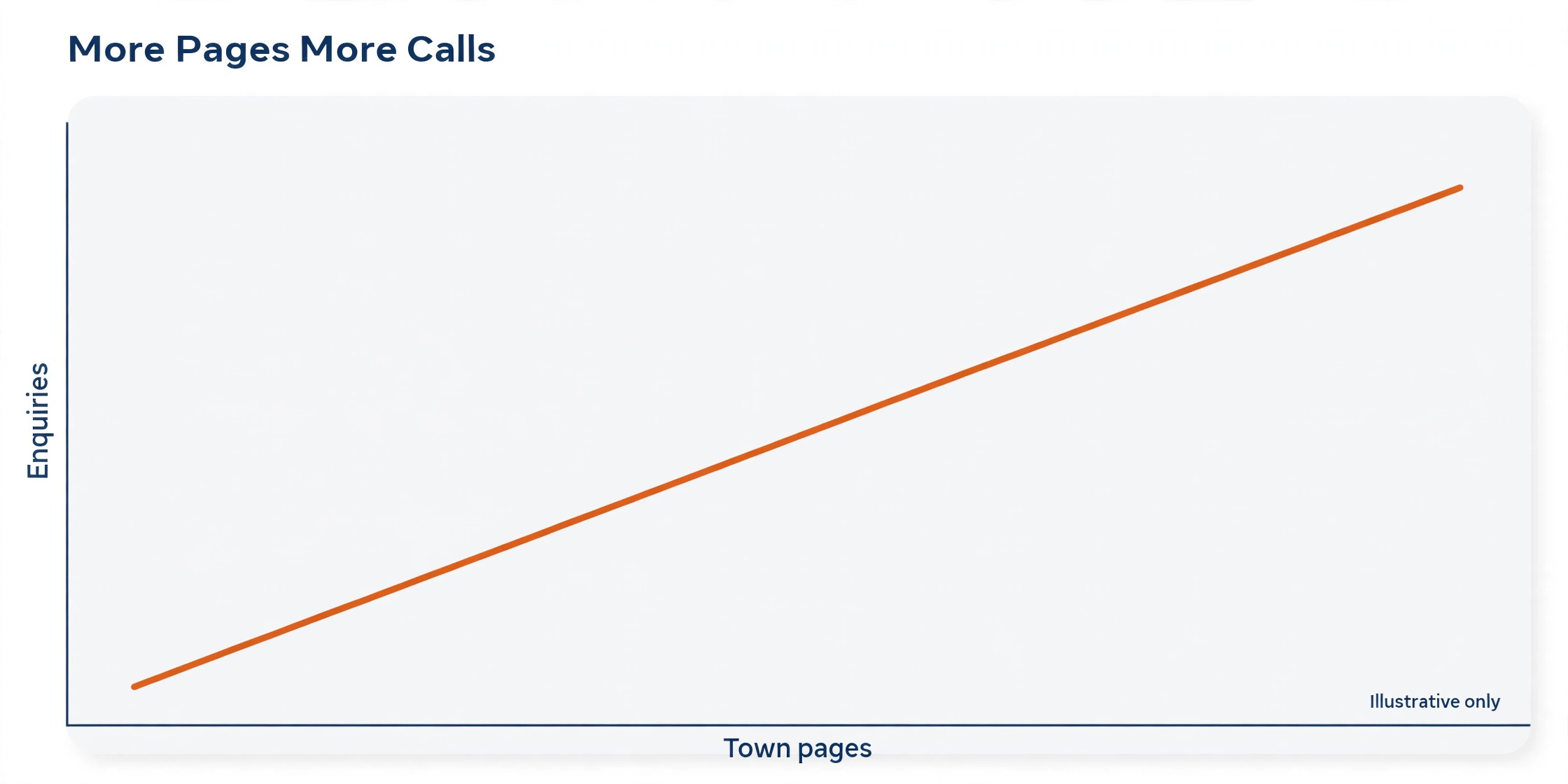
Service area pages are the third factor, and they are where most trade sites leave money behind. A plumber who serves ten towns but has one page mentioning all ten will rank weakly for each town. A plumber with a dedicated page per town, each with local details, service descriptions and a call to action, has ten chances to rank instead of one. A builder that makes duplicating and editing service area pages easy will pay for itself in local search alone.
Trust signals come fourth, and they must be specific to trade work. A licence number, insurance statement, review score with a link to real reviews, before and after photos from real jobs, and a clear statement of response times all reassure a stranger who is about to invite you into their home. Generic trust badges and stock photos do the opposite, because customers recognise them instantly. A builder that makes real photos and real reviews easy to display is worth more than one with a larger stock library.

Eight Questions to Ask a Builder Vendor
Build one real service page during the trial, not a demo homepage. Choose your most profitable service, write the page as you would for a customer, add your phone number, your service towns and three real job photos, then view it on a phone. If the page looks credible, loads fast and makes calling easy, the builder passes its most important test. If it only looks good as a blank template, it will not look good with your real content.
Test the quote form from the customer side before you publish. Fill it in as a customer would, on a phone, with only the information a stranger would willingly give at first contact. A form that asks for address, budget, preferred date, photos and a full description will lose most callers. A form that asks for name, phone, service needed and a short message will get far more enquiries, and your team can gather the rest on the call.
Check how service area pages are built and edited. Create two town pages, change the service details on one, and see whether the builder lets you edit quickly without breaking the layout. A builder that requires rebuilding each page from scratch will discourage the very pages that drive local rankings. A builder with reusable sections and easy duplication will encourage a firm to build the full set of town pages over time.
Check what happens when you need help at 8pm. A tradesperson builds websites in the evening, after work, and a builder with only weekday daytime support will leave you stuck until the next day. Test the help centre, the chat response time and the quality of the trade specific templates during the trial week. That evening support test matters for the best website builder for tradespeople, because your building time is after work, not during office hours. Support quality matters more for a busy tradesperson than for a full time marketer, because your building time is already scarce.
Seven Tools Compared on Price and Fit
| Tool | Starting price | Best for |
|---|---|---|
| Wix | about $17 a month | most trades, booking plus lead forms in one place |
| Squarespace | about $16 a month | firms that want a polished gallery led site |
| GoDaddy | about $13 a month | fastest launch for a simple trade site |
| Durable | about $15 a month | AI generated site in under an hour |
| Duda | about $19 a month | firms that need many location pages |
| Webflow | about $14 a month | firms that want full design control |
| Hostinger Website Builder | about $3 a month on offer | lowest cost start for a solo trade |
Read the table as a shortlist, not as a ranking, and check the vendor page before buying, because prices and plan limits change often. The cheapest headline plan may exclude a custom domain, remove builder branding only on higher plans, or limit the booking and form features a trade firm needs. Price the plan that includes your domain, your forms and your booking needs, then compare annual totals for the best website builder for tradespeople at your real firm size.
Seven Website Builders in Detail

Wix
Wix is the pick for most trades, because it combines booking, lead forms and SEO controls in one platform with a very large template library. It covers Wix Bookings for appointments, a form builder for quote requests, local SEO tools, an app market for reviews and chat, and mobile responsive sites out of the box. A trade firm that wants one platform to handle the whole lead journey, from search to booked job, will find very little missing here.
At about $17 a month for Light billed annually, with higher plans for booking depth and storage, it is priced in the middle of this guide. The limit is template swapping, because once a site is published you cannot swap its template without rebuilding, so choose the starting template carefully. If breadth and booking matter most, Wix is the strongest first trial.
Squarespace
Squarespace is the pick for firms that want a polished gallery led site, because its templates present photos beautifully and its layouts look professional with little effort. It covers scheduling through Acuity, forms, blogging, SEO controls and commerce on higher plans, with a clean editor that suits a firm that values presentation. A roofer, landscaper or remodeler whose work sells visually will benefit most from that presentation quality.
At about $16 a month for Personal billed annually, with Business and commerce plans above it, it is priced similarly to Wix. The limit is that advanced booking and trade specific features need add ons or higher plans, and its template range is smaller than Wix. If your gallery is your main sales tool, Squarespace earns its trial.
GoDaddy
GoDaddy is the pick for the fastest launch of a simple trade site, because its AI generator and simple editor can produce a credible site in an afternoon. It covers AI site generation, a simple editor, marketing tools, SMS alerts on some plans and easy domain management in the same account. A solo tradesperson who needs a site live this week, not a design project, will value that speed above all else.
At about $13 a month for entry plans billed annually, it is one of the cheaper mainstream options. The limit is depth, because firms that need many service area pages, advanced SEO controls or complex booking will outgrow it faster than Wix or Duda. If speed and simplicity matter most, GoDaddy is a sensible start.
Durable
Durable is the pick for an AI generated site in under an hour, because it builds a full business site from a short description in about thirty seconds. It covers AI site generation, basic CRM, invoicing and marketing tools on paid plans, with a simple editor for later changes. A tradesperson who has no time to build a site at all, and who wants a credible presence plus a few business tools in one bill, will find Durable hard to beat on speed.
At about $15 a month for Starter and about $25 a month for Business on monthly billing, with yearly discounts, it is priced for speed and simplicity. The limit is SEO depth and content scale, because a five page AI site is thin for a firm whose growth plan depends on ranking for many towns and services. If a fast credible site is the goal, Durable delivers it.
Duda
Duda is the pick for firms that need many location pages, because it is built for agencies and multi location businesses that manage many similar pages efficiently. It covers reusable sections, team collaboration, client management, SEO controls and widget building, with a workflow that suits a firm building town pages at scale. A trade firm with several branches or many service towns will save hours here compared with rebuilding each page by hand.
At about $19 a month for Basic billed annually, it is priced for that multi page workflow. The limit is that its design freedom and template range feel more businesslike than beautiful, and solo firms may find it more tool than they need. If location pages at scale are the strategy, Duda is the specialist pick.
Webflow
Webflow is the pick for firms that want full design control, because its visual editor produces clean code, fast pages and precise layouts without a developer for most changes. It covers a visual editor, a CMS for service and location pages, SEO controls and hosting, with a design quality that rivals custom builds. A trade firm with a clear brand and a plan to invest in content will get the most from that control.
At about $14 a month for Basic billed annually per site, it is affordable for one site but needs a higher plan for CMS scale. The limit is learning time, because Webflow rewards a user who will learn its editor, and a busy tradesperson may not have that time. If design control and page speed matter most, and you will invest the learning time, Webflow is a strong choice.
Hostinger Website Builder
Hostinger Website Builder is the pick for the lowest cost start for a solo trade, because its entry price undercuts every other builder in this guide. It covers AI generation, drag and drop editing, forms, SEO tools and hosting in one low bill, with a simple setup that suits a first website. A solo tradesperson testing whether a website brings work, without committing a large monthly bill, can start here with little risk.
At about $3 a month on introductory offer pricing billed for a longer term, with renewal at a higher rate, the headline needs checking carefully. The limit is depth and renewal price, because the introductory rate will not last and advanced features sit on higher plans. If lowest cost entry is the priority, start here and check the renewal price before the term ends.
Best Pick by Job for Tradespeople
| Job shape | Best pick | Why it wins |
|---|---|---|
| Lead form first | Wix or GoDaddy | fast forms, visible call buttons, easy launch |
| Gallery first | Squarespace or Webflow | photos presented beautifully, fast clean pages |
| Quote first | Wix or Duda | quote forms plus many service and town pages |
Use the table to narrow to two finalists, then build one real service page in each trial. A lead form first firm that buys a gallery first builder will get beautiful pages and fewer enquiries, while a gallery first firm that buys a speed first builder will get a fast site that undersells its work. Match the best website builder for tradespeople to the job shape that actually brings your work, not to the builder with the most templates.
Local SEO Checklist
Check your Google Business Profile before you build the site, because the site and the profile must agree on name, address, phone and service area. A mismatch between the two confuses both customers and search engines, and it undermines the local rankings the site is built to win. Fix the profile first, then build the site to match it exactly, including the phone number format.
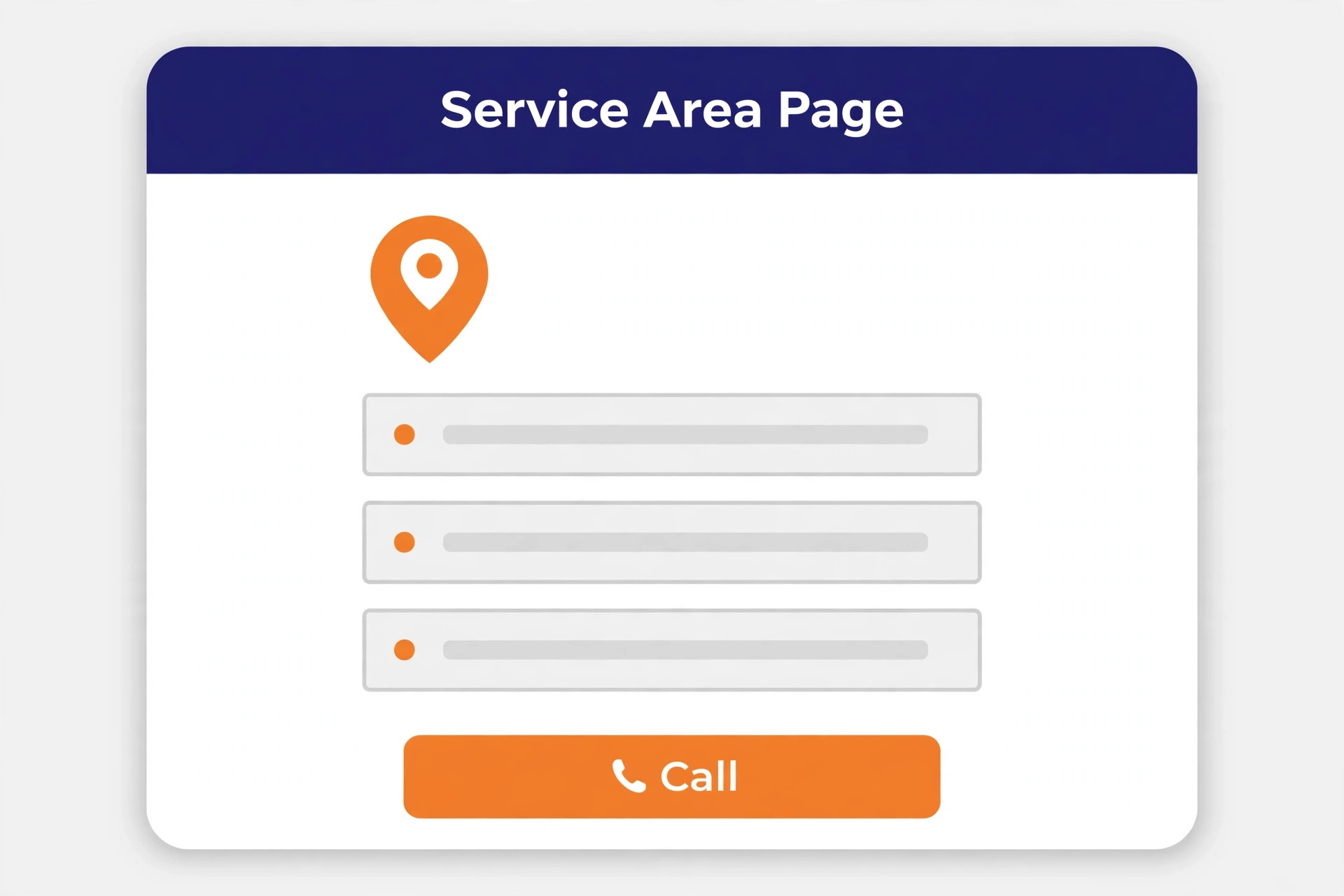
Check one page per service and one page per town, at least for your core services and core towns. Each page needs a unique description, local details, real photos from that area where possible, and a clear call to action. Duplicate pages with only the town name changed will not rank well and may be treated as thin content. Unique local detail on each page is what earns the ranking.
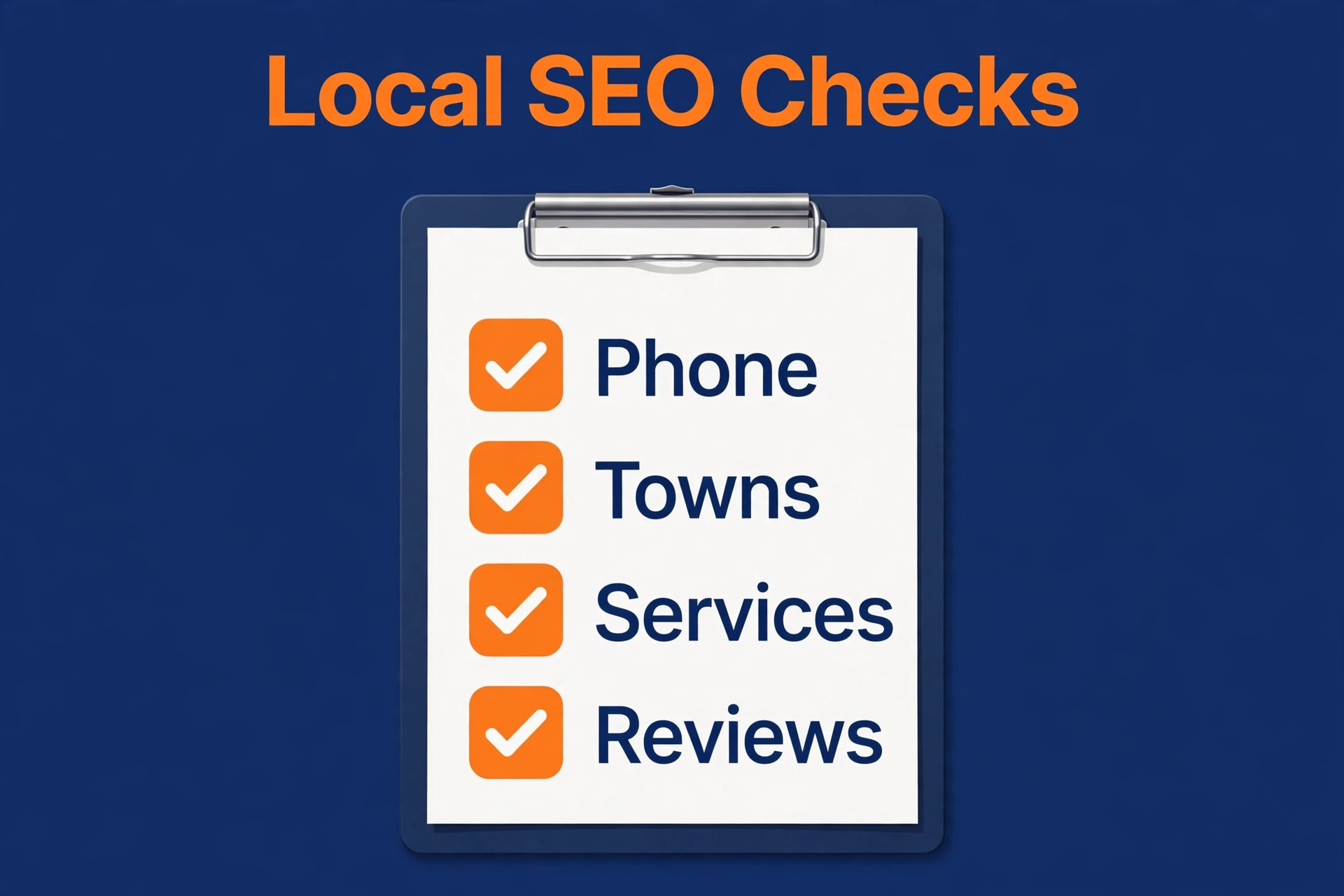
Check the technical basics on every page, including a fast load time, a mobile friendly layout, a clear title and meta description, and structured data for a local business where the builder supports it. A builder that handles titles, descriptions and sitemaps easily will save hours compared with one that hides those controls. Test the site with a free speed tool on a phone connection before you call the build finished.
Check reviews and photos as ongoing tasks, not as launch tasks. Add a new job photo every week, ask every satisfied customer for a review, and display those reviews on the site with a link to the original source. A site that grows with real photos and real reviews each month will outrank a site that launched beautifully and never changed again. Local SEO rewards the firm that keeps proving it is active.
Measure the site by calls and quote requests, not by visits alone, because a trade site can attract many visitors and still bring little work if the call action is hard to find. Set a simple monthly target for enquiries, record which pages produced them, and rewrite the weakest page first each month. That habit turns the search for the best website builder for tradespeople into an ongoing test of real results, rather than a one time choice made on template looks. A builder that makes tracking and editing easy will support that habit, while a builder that hides its reports will leave you guessing about what actually brings work.
Mistakes That Waste Website Money
The first mistake is choosing a builder for its template gallery instead of for its lead tools. A beautiful template that hides the phone number and buries the form will lose calls every week, while a plain template with a visible number and a short form will win them. Judge the template by the call button position and the form length, not by the hero image, because those two details decide whether the site pays.
The second mistake is launching with stock photos and generic text. Customers hiring a tradesperson want to see real work, real vans, real staff and real local jobs, because those details prove the firm is real and local. Replace every stock photo with a real job photo as soon as you can, and rewrite every generic service description with local details and real process steps. Real content converts, generic content does not.
The third mistake is building one page and stopping. A single homepage, however good, can only rank for a handful of searches. A firm that serves five services in ten towns has fifty ranking opportunities, and each one needs a page to win it. Build the core pages first, then add one new service or town page every week until the core set is covered. Steady page building beats a single launch burst.
The fourth mistake is ignoring speed and mobile testing after launch. A site that loaded fast with three photos can load slowly once it carries thirty uncompressed gallery images, and a form that worked on desktop can break on a small phone screen. Test speed and mobile layout monthly, compress new photos before uploading, and fix any form that asks for too much. A site that slows down quietly loses calls quietly.
Launch Workflow That Brings Calls in Week One
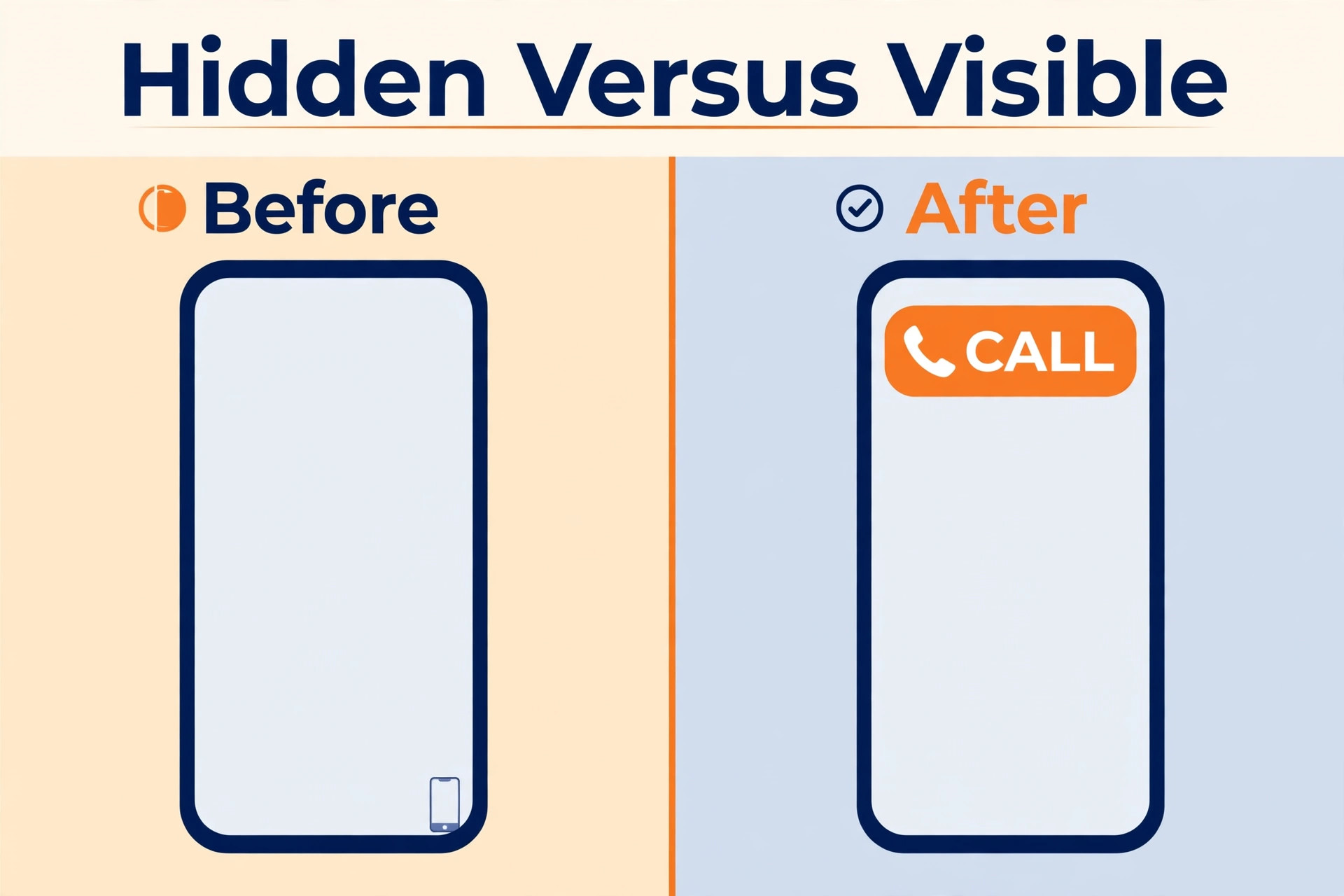
Start with the homepage, one core service page and one town page, all with the phone number visible at the top and a short quote form. Launch those three pages well rather than launching twenty pages badly, because three strong pages can already bring calls while the rest are built. A live site with three good pages beats a perfect site that is still in draft after a month.
Add the Google Business Profile link, the review widget and the service area list in the first week. Those three additions connect the site to the local search ecosystem that actually brings trade calls, rather than leaving the site as an isolated brochure. A site without a profile link and without reviews looks unproven, even when its design is strong. Connection to real reviews is what turns a new site into a trusted site.
Photograph every job for the first month, with customer permission, and add the best photo to the relevant service page the same week. A growing gallery of real work, added steadily, does more for conversion than any design tweak, because customers trust what they can see. Ask the customer for a review at the same visit, while the finished work is fresh, and add that review to the site once it is published.
Track enquiries by source from day one, even with a simple spreadsheet. Record whether each call or form came from search, from the profile, from a referral or from a repeat customer, and note which page they mentioned. After a month, that simple record will show which pages bring work and which pages need rewriting. A builder that makes tracking easy is useful, but even a spreadsheet beats guessing.
More Reading on Stratilyze
Readers comparing trade and service tools usually check the neighbouring guides next. The guide to AI website builders covers AI generation in more depth, the guide to website builders for restaurants shows a different local business pattern, and the guide to online booking software for service businesses covers booking once the site brings the enquiry.
Frequently Asked Questions
How much should a tradesperson pay for a website builder
Most solo trades and small firms should expect to pay from about $3 a month on an introductory plan to about $25 a month for a mainstream builder plan, plus a domain cost. The right price depends on whether you need booking, many location pages or just a simple credible site. Price the plan that includes your domain, forms and booking needs for a full year, including renewal, rather than judging on the first month offer alone.
Does a tradesperson need a separate page for each town served
Yes, for the core towns that bring real work, because a dedicated page per town ranks far better than one page mentioning many towns. Each page needs unique local detail, not just a changed town name, to rank well. Start with the three to five towns that already bring most calls, build those pages well, then add further towns steadily rather than launching fifty thin pages at once.
Is an AI generated website good enough for a trade firm
It is good enough as a starting point, and often better than no website at all, because it produces a credible site in under an hour. It is rarely good enough as a finished product, because AI text is generic and AI photos are not your real work. Use the AI site as a structure, then replace the text with local details and the photos with real job photos. That human layer is what turns a generated site into a converting site.
Should the phone number or the form come first on a trade site
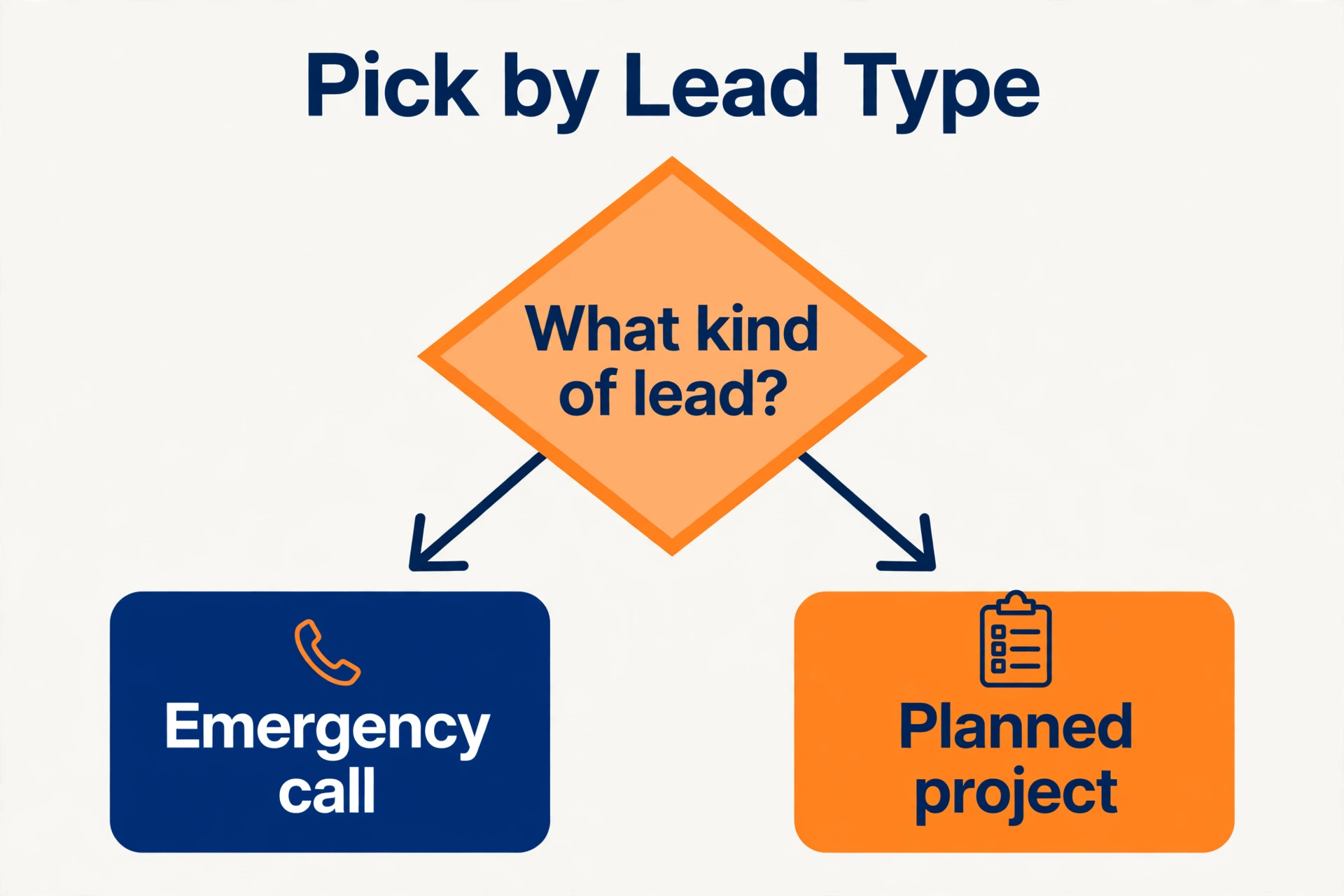
Both should be visible without scrolling on mobile, because different customers prefer different contact methods. Emergency customers usually call, while planning customers often prefer a form they can fill in quietly. A site that shows the number prominently and offers a short form beside it serves both groups. A site that forces one method will lose the customers who prefer the other.
Can a tradesperson build a good website without design skills
Yes, with a builder that offers trade templates, AI generation and a simple editor, because those tools handle layout while you supply the real content. The skills that matter are writing clear service descriptions, taking good job photos and keeping the phone number visible, not design theory. Choose a builder whose editor feels easy in the trial, because the builder you can actually use beats the builder with more features that you never open.
How long does it take to launch a trade website
A simple site can launch in an afternoon with an AI builder, while a site with core service and town pages usually takes a weekend of focused work. A site with many town pages, a full gallery and booking setup can take two to four weeks of steady evening work. Launch the core three pages first and add the rest over the following weeks, rather than delaying launch until every page is perfect.
What is the biggest mistake on a trade website homepage
Hiding the phone number and the service area below a large image is the biggest mistake, because it forces an urgent customer to search for the action they came to take. A homepage should state the trade, the towns served and the phone number immediately, then support that with reviews and a short form. Everything else on the homepage exists to support that first action, not to replace it.
Final Verdict for Tradespeople
Start with the job shape, not with the template gallery. A lead form first firm should trial Wix or GoDaddy first. A gallery first firm should trial Squarespace or Webflow first. A quote first firm with many towns should trial Wix or Duda first. A solo firm that needs a site this week should trial Durable or Hostinger first. That shortlist for the best website builder for tradespeople, built from your real lead pattern, will save weeks of comparing builders you were never going to use.
Build one real service page in each finalist trial, test it on a phone, and count how many taps it takes to call or to send a quote request. The builder that makes that action fastest, with your real content and your real photos, is the best website builder for tradespeople for your firm. Launch the core pages, add town pages steadily, and let real photos and real reviews do the selling that design alone never will.