
Two advertisers can run similar campaigns, spend similar amounts, and get opposite results on the same morning. One sees ads running normally, leads arriving, and a billing summary with no warnings. The other opens the account to a banner saying ads have stopped, because the primary payment method failed, and a day of leads is already lost. The difference is rarely the campaign. It is usually the card, the billing threshold, or an account hold that was already forming. To fix Google Ads billing declined small business problems, start with that comparison in mind, because it tells you the fault is specific, findable, and usually fixable in hours rather than days.
A declined payment does more than pause ads. It breaks the learning pattern of automated bidding, because a campaign that stops and restarts delivers uneven data. It loses the exact search moments when customers were ready to act, and those moments do not return later in the week. It also creates a bill that still needs paying, so the owner faces a paused account and an outstanding balance at the same time. Speed matters, but the wrong speed hurts. Repeatedly retrying the same declined card can trigger bank fraud filters, lock the card for a day or two, and turn a simple card update into a longer account problem.
This guide works through the decline in the order Google own help pages suggest. It starts with the billing summary, because that record names the date, amount, and reason where the bank provided one. It then moves through card status, funds and limits, billing profile details, threshold spikes, and account holds, and ends with a recovery checklist and a billing resilience setup. It does not promise that every card should work. Some cards should be declined, because they are expired, closed, or not authorised for this kind of transaction. The goal is to know which kind of decline you have, and to fix only the fixable ones quickly.
How to Fix Google Ads Billing Declined Small Business in Order
Work through the steps in this order, and test after each change. First, read the billing summary for the decline record. Second, contact the bank or card issuer if no reason is shown, because Google own help pages state plainly that the bank declines the payment, not Google. Third, fix the card details, funds, or limits the bank names. Fourth, check the billing profile for name, address, and permission mismatches. Fifth, check for threshold spikes and account holds that look like card faults but are not. That order prevents the most common waste, which is replacing a card that was never the problem.
Gather four facts before you act. The date and amount of the declined charge, the reason wording in the billing summary if any, the last four digits of the payment method that failed, and whether ads stopped, continued, or were suspended. Keep those facts in one note, because the bank, your bookkeeper, and any support conversation will each need them. Do not retry the same card repeatedly while you gather them. One or two retries are reasonable. A run of retries in one afternoon is how a temporary bank block becomes a longer one.

A useful mindset for this whole guide is to treat the bank as the decision maker and Google Ads as the messenger. Google Ads can show you the decline, it can let you update the payment method, and it can let you pay the outstanding balance by another method. It cannot override a bank decision, raise a card limit, or authorise a transaction the issuer has blocked. When the bank says the card is fine, the next check moves back to the billing profile and the account. When the bank names a block, the fix lives with the bank, and no account change will substitute for it.
Read the Billing Summary Before You Change Anything
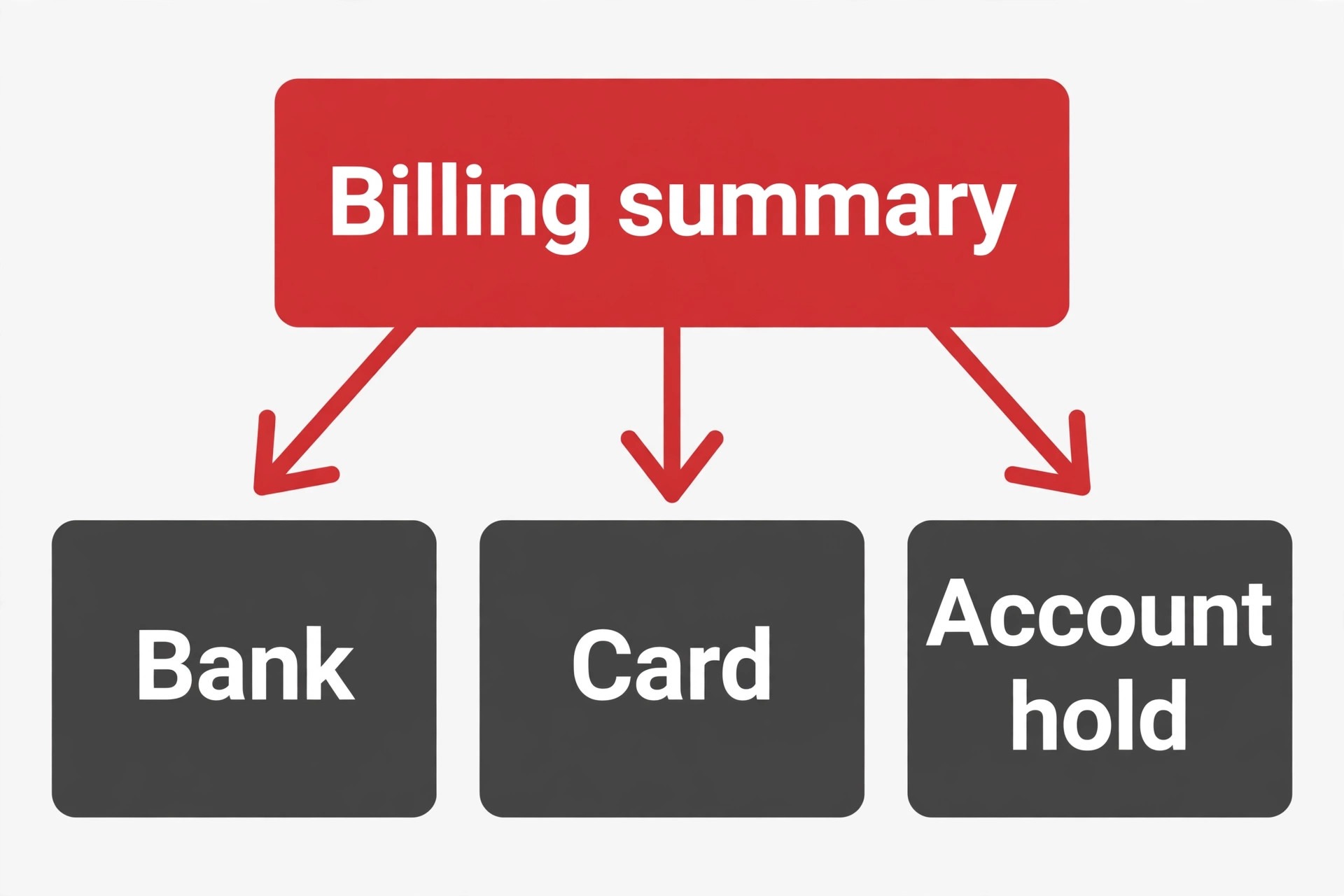
Open Billing, then Summary, and expand the current month card to find the payments section. The record there shows the date of the declined payment, the amount, and the reason for the decline if the bank provided one. That reason is the most valuable line in the whole diagnosis, because it separates a funds problem from a card detail problem, a bank restriction problem, and a verification problem. Copy the wording exactly into your note, including the date and amount, before you change anything, since later updates can make the original record harder to find.
If no reason is listed, Google does not have that information, and the next step is a call to the bank or card issuer, not a guess in the account. Ask the issuer for the decline reason for the specific date and amount, and ask whether the transaction was blocked by funds, by a limit, by a fraud filter, or by a restriction on online or international transactions. Issuers can also tell you whether the card is expired in their system, whether the billing address on file differs from the one in Google Ads, and whether a recent address or card replacement has left the old details active in one system but not the other.
Also check whether the decline is a single event or a pattern. A single decline followed by a successful charge may be a temporary bank filter that has already cleared, and the fix may be a manual payment rather than a card replacement. A run of declines across several days points at a persistent cause, such as an expired card, a closed account, or a limit that the growing billing threshold has outgrown. The pattern, read from the summary rather than from memory, tells you whether to pay and move on or to fix the underlying payment method first.

Card Status, Expiry, and Details That Silently Break
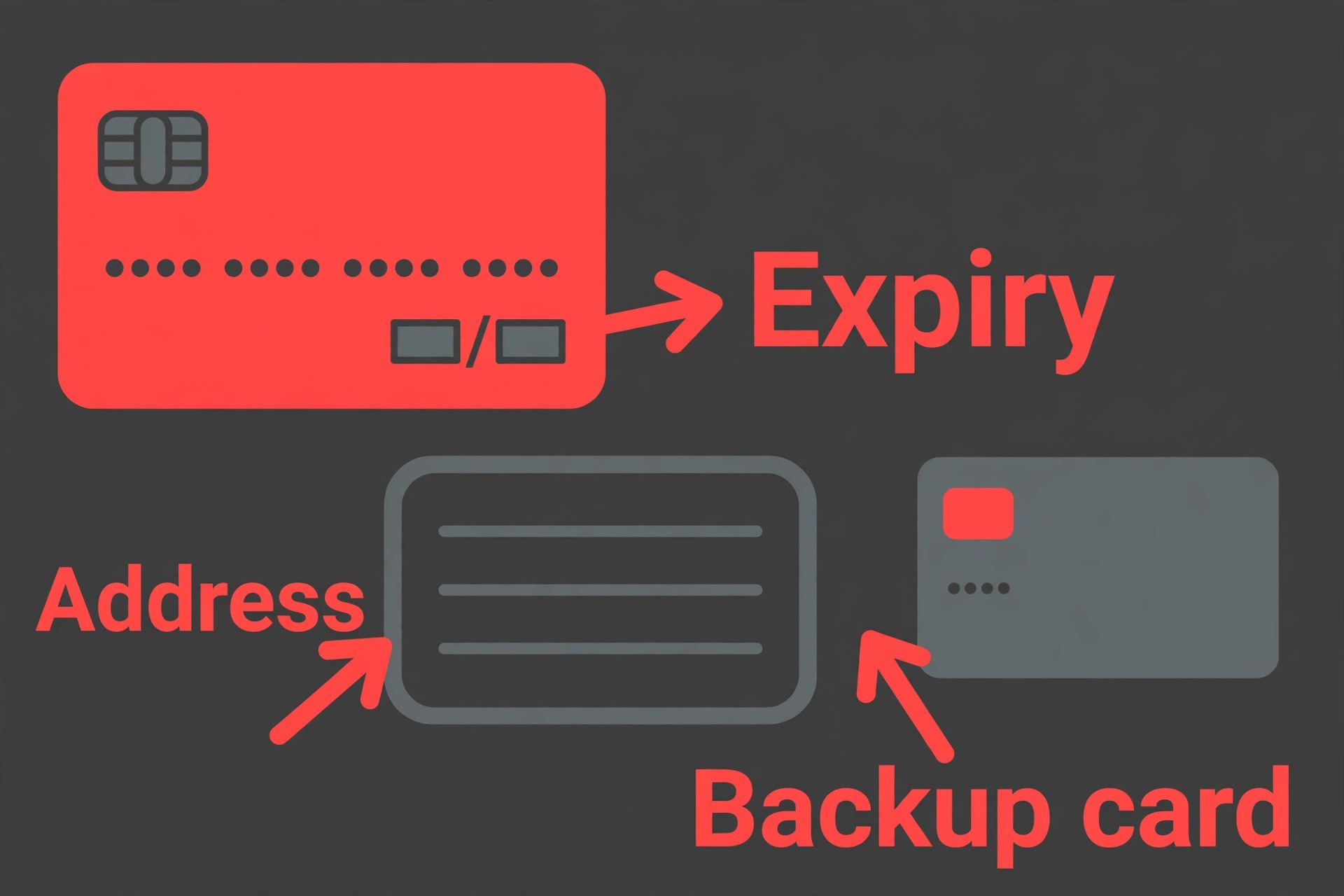
Expired cards are the simplest decline cause and the easiest to overlook, because the card in your wallet may have been replaced while the account still holds the old expiry date. Open the payment methods section in Billing settings, and compare the card number ending, expiry date, and billing address with the physical card and the bank record. A card replaced after fraud, loss, or routine renewal needs its new details entered, even when the card number itself looks familiar. Per Google help pages, re-enabling a declined payment method starts with confirming that all details, including number, expiry, security code, and billing address, are accurate and current.
Name mismatches cause a second class of silent declines. The billing profile name must match the account owner information the bank holds, and a business name, a personal name, and a trading name can easily diverge across systems. If the business changed its legal name, if the card is in a director personal name while the profile uses the company name, or if a recent change updated one system but not the other, the issuer may decline the charge even though funds are available. Update the billing information to match the bank record exactly, and confirm you hold the admin or payments profile access needed to make the change, since permission errors can block an otherwise correct update.
Security code and address verification failures deserve a separate check, because they can decline a charge that looks correct in every other respect. A security code mistyped during a hurried update, a billing address with an old postcode, or a card that requires an extra verification step can each produce a decline that the summary may describe only vaguely. Re-enter the details carefully in a private browser window, without autofill, and confirm the change saved before you retry. If the issuer requires an extra verification step, complete it through the issuer channel, not through repeated retries in Google Ads.
Funds, Limits, and the Threshold Spike
Insufficient funds are the most obvious decline cause, and they are more common with debit cards and prepaid cards than owners expect, because Google charges the full threshold amount in one transaction. Check the available balance on the payment method, not just the account balance, and confirm it covers the declined amount plus a buffer for the next threshold charge. A balance that covers the current bill but not the next charge will produce a second decline within days, so the fix is a larger buffer or a payment method with more headroom, not just a payment that clears today balance.
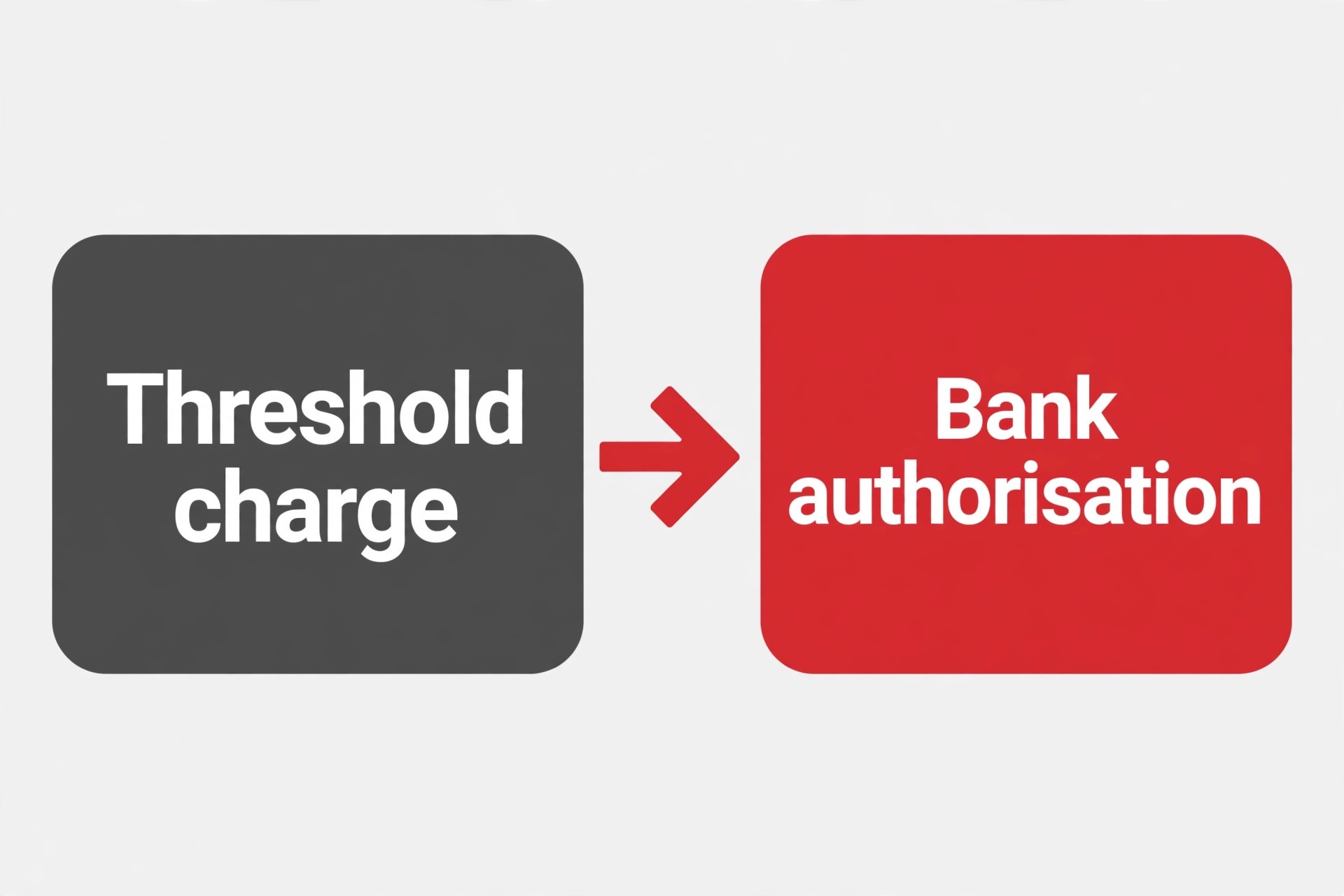
Transaction limits are the quieter version of the same problem. A card may carry a daily limit, a single transaction limit, or an online transaction limit that sits below the billing threshold. As an account builds payment history, Google raises its billing threshold, per payment guides, from a low starting level through higher steps. A threshold rise that crosses a card limit will decline a charge that succeeded at the lower threshold, and the owner will see a sudden failure after months of smooth billing. Ask the bank for the card limits, compare them with the current threshold, and either raise the limit or make manual payments before the threshold is reached, so the automatic charge stays below the limit.
Manual payments are a practical bridge while limits are fixed. In Billing, use the make a payment option to pay the outstanding balance with a working method, which can restart ads while the primary card issue is resolved. Manual payments also reset the billing cycle in useful ways, because paying down the balance before the threshold is reached reduces the size of the next automatic charge. Keep a record of each manual payment with its date and amount, so the bookkeeper can reconcile the account without confusing manual payments with automatic charges.
Billing Profile, Permissions, and Verification Holds
A billing profile fault can look exactly like a card decline, because the account will not run until the profile problem is fixed. Check the payments profile for the correct business name, billing country, tax information where required, and contact details. A billing country change, made to work around a payment problem, is a serious error, because payment guides warn that changing the billing country to bypass bank rules can trigger a suspension for suspicious payment activity. Never change the billing country as a workaround. Fix the payment method within the correct country profile instead.
Permissions cause a second profile fault that owners misread as a card problem. If the person updating the payment method lacks admin or payments profile access, the update may fail or appear to save without actually applying, and the next automatic charge will decline again on the old details. Confirm who holds the required access, make the update from that account, and verify the saved details after the change. Where an agency or bookkeeper manages billing, confirm the access arrangement in writing, so a staff change does not leave the account without anyone able to fix a decline.
Verification holds are the third profile fault. Google may require payment verification, especially after a declined payment, and that verification can involve confirming documents or completing steps shown in the account. Follow the account instructions exactly, submit documents in one complete reply, and allow processing time before retrying. Per Google help pages, account review and reactivation after clearing a balance can take a day or two, so a verified payment that still shows a paused account may simply be waiting out that review period. Note the submission date, and check the account status after that window rather than retrying hourly.
Account Holds That Wear a Card Decline Disguise
When you fix Google Ads billing declined small business cases, note that some declines are not card problems at all, because the account itself is suspended, restricted, or held for a policy or billing review. In that state, a new card will not restart ads, and repeated card changes only add confusion to the record. Check the account status area and the billing summary for any suspension, restriction, or outstanding balance notice before you replace a working card. If a suspension notice exists, the appeal or resolution path for that suspension comes first, and billing changes come after reinstatement. That order matters, because a payment made to a suspended account does not by itself lift the suspension.
An overdue balance can also pause ads without a fresh decline. If a previous charge failed and was never paid, the account carries that balance forward, and ads stop until it is cleared, even when the payment method itself is now valid. Pay the outstanding balance with a working method, confirm the payment posts, and allow a day or two for processing and ad serving to resume, per Google help guidance. If ads remain paused after that window, recheck the account status rather than assuming the payment failed, since a separate hold may still apply.
Campaign budgets add a third disguise. For monthly invoicing accounts, an account budget that has been reached will stop all ads, even though billing itself is healthy. Check whether an account budget, a campaign budget, or a shared budget has been exhausted, and distinguish that stop from a payment stop by reading the account status wording. A budget stop is fixed by raising or resetting the budget deliberately, while a payment stop is fixed by paying the balance and fixing the method. Confusing the two leads to card changes that cannot restart a budget limited account.
Add a Backup Payment Method Before the Next Decline
When you fix Google Ads billing declined small business accounts for good, a backup payment method is the single most effective prevention step in this whole guide, and Google help pages recommend it explicitly. Add a second valid card or bank account in Billing settings, confirm its details save correctly, and verify it with any issuer step required. A backup does not need to be used every month to be useful. Its value appears on the morning the primary card fails, when the account can charge the backup and keep ads running while the primary issue is fixed at leisure.
Test the backup deliberately, rather than assuming it works because it saved without an error. Make a small manual payment with the backup method, confirm it posts, and then restore the primary method as the main choice if that is your preference. A backup that fails on its first real use is worse than no backup, because it creates false confidence and a second decline in the same week. Record which method is primary and which is backup, with last four digits for each, so a colleague covering billing does not have to guess during a busy period.
Review the backup each quarter, because cards expire, accounts close, and limits change. A quarterly check that takes five minutes, confirming expiry dates, limits, and billing addresses for both methods, prevents the common situation where primary and backup fail together. That situation is more common than owners think, because both cards often belong to the same bank, share the same limit policy, or expire in the same renewal cycle. Where possible, hold the backup with a different issuer, so a bank side block on one card does not block both.
Billing Recovery Checklist
Use this checklist when a payment declines, and work through it in order rather than jumping to a card replacement. When you fix Google Ads billing declined small business cases under pressure, the checklist protects the account from the two most common harms, which are repeated retries that trigger bank blocks and card changes that hide a profile or account hold.
- Open Billing Summary, expand the current month card, and record the decline date, amount, and reason wording if any.
- Call the bank or card issuer with those details, and ask whether the decline was funds, a limit, a fraud filter, or a restriction on online or international transactions.
- Confirm the card expiry, security code, billing address, and profile name match the bank record exactly, and re-enter details without autofill where needed.
- Check the available balance and the card limits against the current billing threshold, and make a manual payment to clear the outstanding balance.
- Check the payments profile, permissions, and any verification request, and complete verification in one complete submission.
- Check the account status for suspension, restriction, overdue balance, or budget limits that could mimic a card decline.
- Add or verify a backup payment method, and test it with a small manual payment before relying on it.
- Re-enable the fixed payment method through Billing settings only after the bank confirms the underlying issue is resolved.
If ads do not resume after payment, allow a day or two for processing, then recheck account status rather than retrying payment repeatedly. Keep the decline note, the bank answer, and the payment receipts together, so the bookkeeper can reconcile the month without reconstructing the sequence. For email habits that keep bank and billing notices from being missed, see Fix Gmail Going to Spam Small Business, and for customer tracking that continues while ads are paused, see Fix HubSpot Email Not Tracking Small Business.
Mistakes That Turn One Decline Into a Suspension
The first mistake is retrying the same declined card many times in one afternoon. Bank fraud filters read repeated retries as suspicious activity, and a card that was merely over a limit can end up locked for a day or two, with the account flagged as well. Retry once after a fix, and if the retry fails, call the bank before any further attempt. The second mistake is adding a new card without removing the cause, such as an expired billing address or a profile name mismatch. The new card will decline for the same reason, and the account record will show a run of failed methods that looks worse than a single decline.
The third mistake is changing the billing country, the business name, or other profile details as a workaround for a bank rule. Those changes can trigger a suspension for suspicious payment activity, and a suspension takes far longer to resolve than a card decline. Fix the payment method inside the correct profile, and ask the bank to authorise the transaction type instead. The fourth mistake is ignoring the outstanding balance while fixing the card. Ads will not resume until the balance is paid, even with a perfect new card, so pay the balance as part of the fix, not as an afterthought.
The fifth mistake is silence inside the business. A paused account affects leads, sales, and staff workload, and colleagues who do not know ads are paused may keep spending time on campaigns that are not running, or promise leads that will not arrive. Tell the team the account is paused, the expected restart date, and the backup plan for leads in the meantime, such as email follow up or organic posts. When you fix Google Ads billing declined small business accounts as a team issue rather than a private billing task, the business adapts while the account recovers.
Build a Billing Resilience Setup
When you fix Google Ads billing declined small business billing for good, resilience starts with a monthly billing review that takes ten minutes. Each month, confirm the primary and backup payment methods, check expiry dates and limits, confirm the billing threshold, and reconcile manual payments with automatic charges. A monthly review catches an expiring card before it declines, a threshold rise before it crosses a limit, and a manual payment that was never recorded. It also gives the bookkeeper a clean monthly record, which matters when ad spend is questioned at year end or during a tax review.
Set spending alerts with the bank and inside the account, so a threshold charge, a large manual payment, or a decline triggers a message the same day. Alerts turn a decline discovered on Monday morning, after a weekend of lost leads, into a decline discovered within hours, while the fix is still quick. Pair alerts with a named billing owner in the business, so the alert reaches a person who can act, not a shared inbox that nobody checks. If the owner is away, name a deputy with the required payments profile access, so billing never waits for one person return.
Document the billing setup in one internal page, with last four digits, expiry months, limits, threshold history, and the backup method, kept securely and updated at each change. That page is for the business only, never shared externally, and it prevents the common situation where nobody knows which card is primary, which is backup, or why a previous decline happened. A documented setup also makes staff changes safe, because billing knowledge does not leave with one person. For wider tool and customer system context, see Best CRM Software for Small Business and Cost of MailerLite for Small Business Monthly.

Frequently Asked Questions
Why did Google Ads decline my card when I have money in the account
Funds are only one possible reason. The card may be expired, the billing address or profile name may not match the bank record, a transaction limit may sit below the billing threshold, or the bank may block online or international transactions. Check the billing summary for a reason, then call the issuer with the decline date and amount. The issuer answer separates a funds problem from a detail, limit, or restriction problem.
Should I keep retrying the payment until it works
When you fix Google Ads billing declined small business payments, do not keep retrying, because repeated retries can trigger bank fraud filters and lock the card for a day or two, turning a simple fix into a longer block. Retry once after you have fixed the named cause, and if that retry fails, call the bank before trying again. A manual payment with a different working method is safer than a run of retries on the same declined card.
How long after payment will my ads start running again
After the outstanding balance is paid, allow a day or two for processing and ad serving to resume, per Google help guidance. If ads remain paused after that window, recheck the account status for a separate suspension, restriction, or budget limit, rather than assuming the payment failed. A payment receipt plus a clear account status gives you the full picture.
What is a billing threshold and why does it rise
Google Ads charges your card when costs reach a billing threshold or at the end of the month, whichever comes first. New accounts start with a low threshold, and the threshold rises as payment history builds. A rising threshold can cross a card limit and cause a decline after months of smooth billing, which is why comparing the threshold with card limits matters during any decline investigation.
Can I use a backup payment method automatically
Yes, and Google help pages recommend adding a backup method to prevent interruptions. Add a second valid card or bank account, verify it, and test it with a small manual payment before relying on it. Review both methods quarterly, and where possible hold the backup with a different issuer, so a bank side block on one card does not block both at once.
What if my account is suspended for non payment
Clear the outstanding balance first, then follow the account status instructions for review and reactivation, allowing a day or two for processing. Do not add new cards as a substitute for paying the balance, and do not change the billing country as a workaround, since that can trigger a further suspension. Keep the payment receipt, the bank answer, and the account status note together for any appeal. For client follow up habits that keep leads warm while ads are paused, see How to Set Up a Client Feedback Loop Small Business.
A Billing Setup That Survives the Next Decline
A resilient billing setup does not depend on one card never failing, because cards fail for ordinary reasons, and thresholds rise, and banks change limits. It depends on a summary that is read first, a bank call that names the cause, a backup method that has been tested, and a monthly review that catches expiry before it bites.
When you fix Google Ads billing declined small business accounts with that setup in place, the next decline becomes a short interruption, a manual payment, a card update, and ads running again the same day, rather than a lost week of leads and a panicked run of retries. Build the backup today, while the account is healthy, and the next decline will be boring. Boring billing is the goal, because boring billing means ads keep running while you focus on the customers they bring in.