The money is in Square, the customers have paid, and the bank balance has not moved. That is the whole problem, and it is the problem you must fix Square payouts delayed small business owners face most often. Payroll is due, suppliers expect payment, and the dashboard shows a balance that cannot be spent. The delay may be normal timing, a bank link fault, or a risk review, and each of those causes needs a different response. Treating a normal timing delay as a crisis wastes a day. Treating a risk review as normal timing wastes a week.
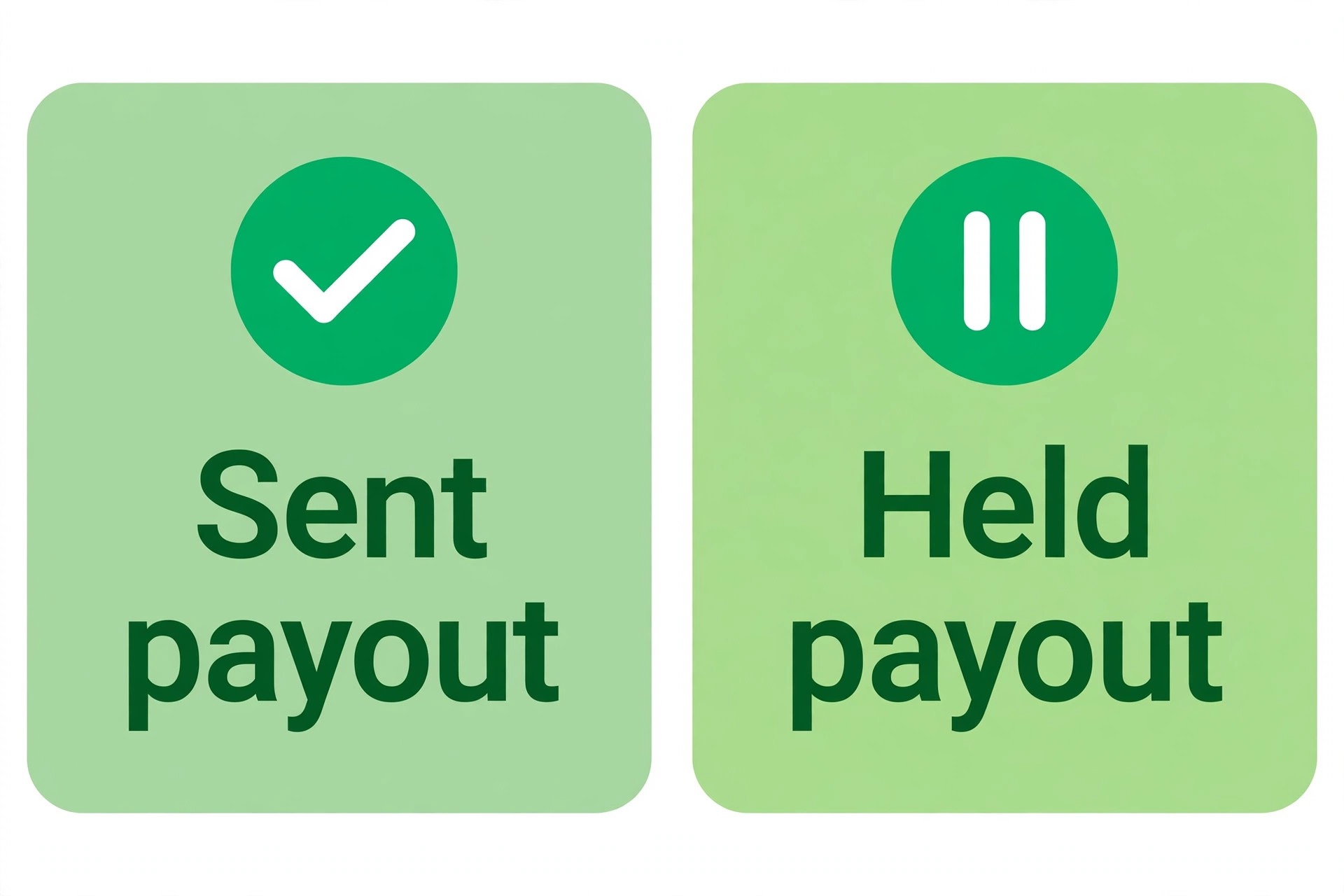
Start by separating three questions that owners often blend together. Has Square sent the payout at all. Has the bank received it but not yet posted it. Or has Square held the money for review. The dashboard answers the first question, the bank statement answers the second, and the account notices answer the third. Until you know which question applies, every action is a guess, and guesses in cash flow problems are expensive. This guide works through the diagnosis in order, from schedule to bank link to holds, and ends with a recovery checklist you can use while a payout is delayed.
A delayed payout is also a cash flow test. Businesses that keep all operating cash in one account controlled by one processor feel every delay fully. Businesses that keep a small buffer elsewhere feel the same delay as an annoyance. The long term fix in this guide is therefore not only about releasing one payout. It is about setting up a buffer, a second payment route, and a weekly payout check, so the next delay does not threaten payroll. First, though, release the payout that is stuck now.
How to Fix Square Payouts Delayed Small Business in Order
Work in this order, and check the result after each step. First, confirm the payout schedule and the status of the specific payout. Second, confirm the linked bank account is correct, active, and able to receive the transfer. Third, check for account notices, reviews, reserves, and disputes. Fourth, check the bank side, including weekends, holidays, and failed transfer notices. Fifth, contact support with a complete note if the earlier steps do not explain the delay. That order puts the cheapest checks first and the slowest channel last.
Gather five facts before you act. The payout date Square shows, the amount, the destination bank account, the status wording for that payout, and any notice in the dashboard or email that mentions a review, a hold, or a verification request. Keep those facts in one note, because support, your bookkeeper, and your bank will each ask for a different part of them. Do not change the bank account in the middle of a delayed payout without understanding the effect, since a change can reroute or further delay a transfer that is already in motion.
One rule protects you through the whole process. Do not assume a payout problem also means card payments have stopped. In many hold cases, customers can still pay, and new sales still land in the dashboard, even while transfers to the bank are paused. Check whether new payments still work before you tell customers anything or switch processors in a panic. A transfer hold and a payment acceptance stop are different faults, and confusing them leads to the wrong public message.

Confirm the Payout Schedule Before You Call It Late
Square payouts follow a schedule, and the schedule is the first thing to confirm, because a payout that is merely waiting for its scheduled day is not delayed at all. Check the payout schedule set for your account, including the day of the week transfers are sent, the cutoff time for sales included in a transfer, and whether you use a standard schedule or a faster option where available. A sale taken after the daily cutoff belongs to the next payout, not the current one, and that single rule explains many reports of a missing day of sales.
Weekends and bank holidays stretch the gap further. A payout sent on a Friday may not post until the next business day, and a holiday week can add days that feel like a fault but are really calendar. Check the payout date against a calendar, count business days rather than calendar days, and compare the delay with previous payouts in the same week pattern. If every payout in your history takes the same number of business days, and the current payout matches that pattern, the system is working as usual, and the fix is cash flow planning rather than a support case.
New accounts deserve a special schedule check. First payouts often carry a holding period while the account is verified, and that first delay surprises owners who expected the standard timing from day one. Per vendor and payment guides, first payouts for new payment accounts commonly face a longer initial hold, and later payouts return to the normal schedule once verification is complete. If your delayed payout is your first, check for a first payout notice and a verification request before you assume a fault. Completing verification early is the fastest way to shorten that first wait.
Check the Bank Link and the Transfer Destination
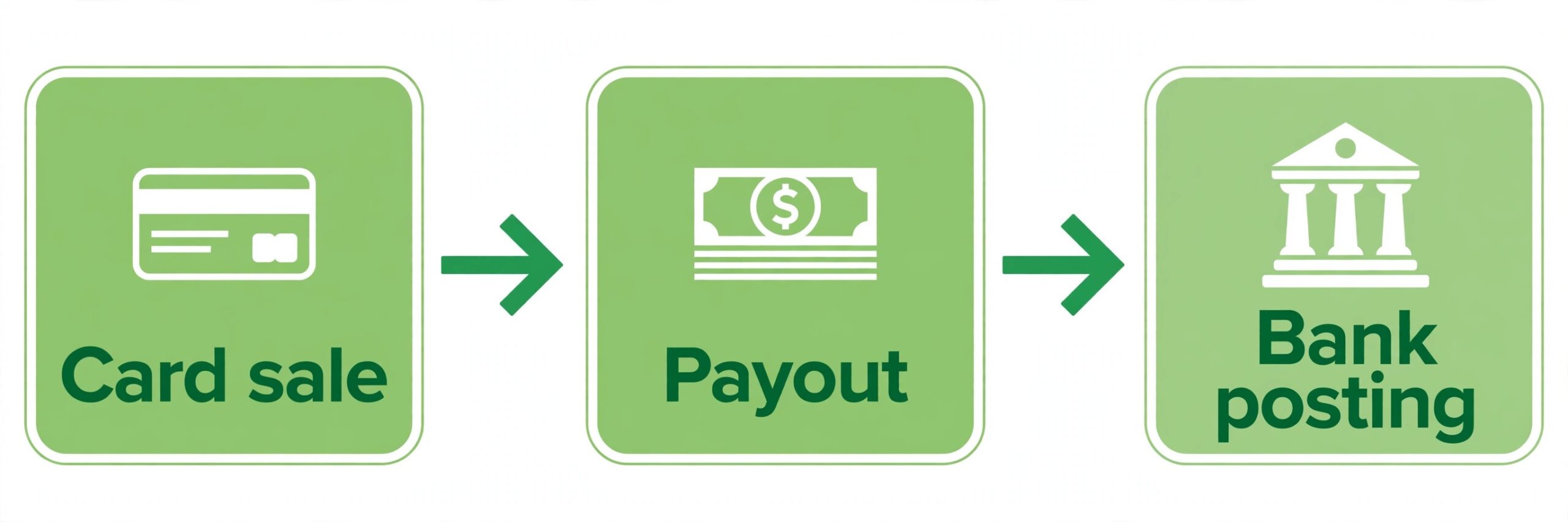
A payout sent to the wrong, closed, or restricted bank account is a common cause of a transfer that never arrives. Open the bank account settings in the dashboard, and confirm the account name, the account type, and the last digits shown match the account you expect. A business that changed banks, closed an old account, or updated signatories can easily leave an old account linked, and the payout will fail or bounce while the dashboard still shows a sent status. If the linked account is wrong, update it carefully, and confirm the change with a small test transfer where the system allows it.
Failed transfers leave a trail, so look for it. A payout that failed because the bank rejected it, because the account was closed, or because the details did not match should show a failed status or a notice asking you to reconnect or update the account. Per payment platform guides, repeated failed payouts can lead to the bank link being blocked until it is reconnected, so a payout that failed once and was ignored can become a payout that cannot be sent at all. Reconnect the account deliberately, using the current bank details, and confirm the new link is verified before you expect the next payout to arrive.
Also confirm that the destination is a business account able to receive electronic transfers of this type, and that no bank side restriction applies. Some accounts limit incoming transfer amounts, require additional verification for business credits, or place holds on large or unusual credits. Call the bank with the payout date, amount, and sender reference, and ask whether a transfer was received, rejected, or held. That call often resolves the mystery in minutes, because the bank can see a rejected transfer that the dashboard only shows as sent.
Risk Holds, Reviews, and Reserves
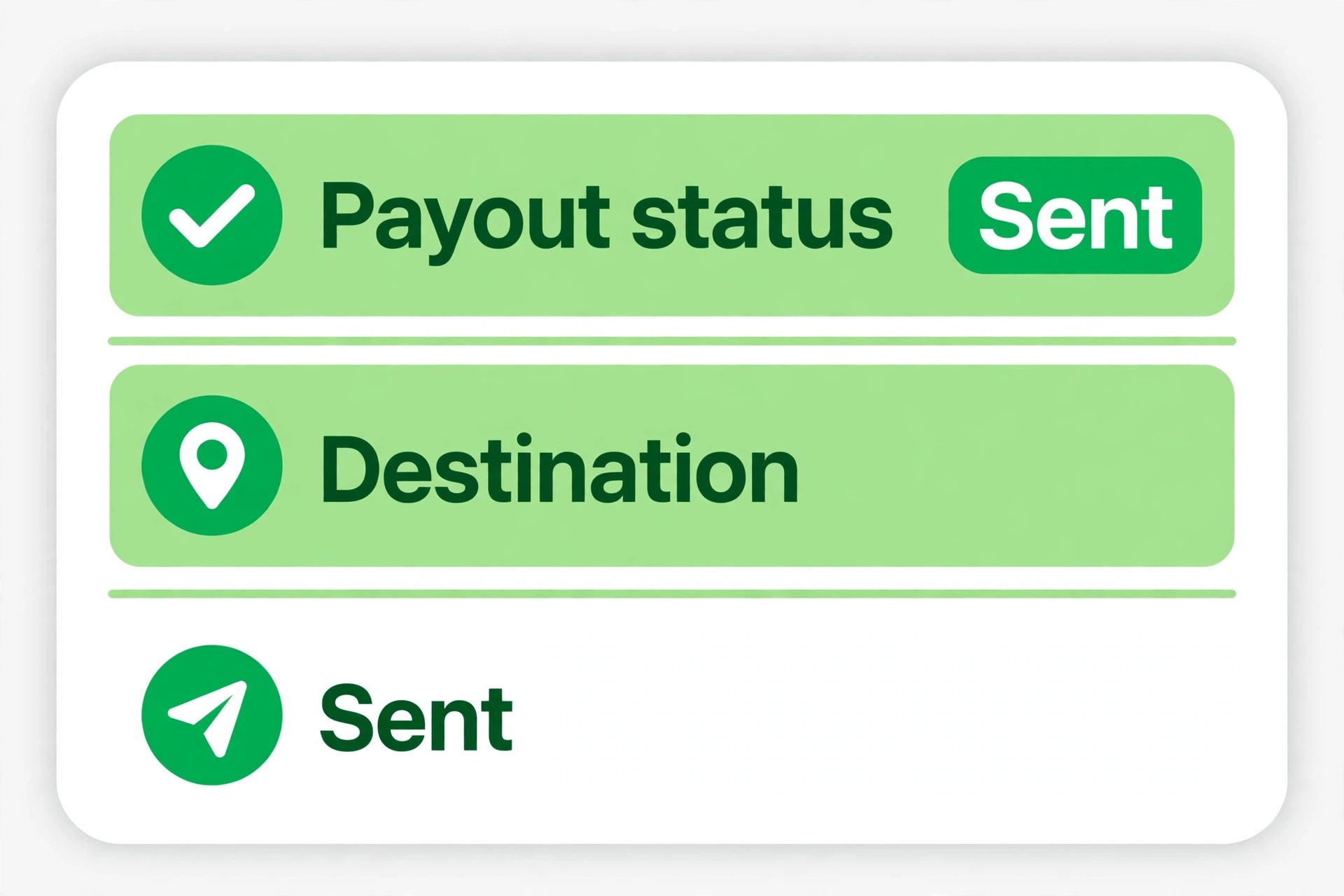
A risk hold is different from a timing delay, and it needs a different response. Square, like other processors, can pause payouts while it reviews a business, a change in sales patterns, a run of disputes, or missing verification information. The dashboard notice is the starting point, and it usually names the category of the review, even when it does not give a full explanation. Read the notice word for word, save a copy with the date, and look for any document request, deadline, or action it asks for. A review without a completed document request will not move on its own.
Sales spikes are a frequent review trigger, and they catch healthy businesses by surprise. A promotion, a seasonal rush, a large catering order, or a new product line can double weekly volume, and a system built to spot unusual patterns will flag the change for review. That does not mean the business did anything wrong. It means the processor needs to understand the change. Prepare a short explanation of the spike, with dates, the promotion or event behind it, and the expected return to normal volume. A clear, factual explanation with supporting records moves a review faster than a complaint about the delay.
Reserves are a related but distinct hold. A reserve sets aside a percentage of card sales against possible future chargebacks, and releases it on a schedule. A reserve does not mean the whole payout is frozen, but it does mean part of each payout is unavailable, and the available amount will look smaller than expected. Check whether a reserve applies, note its percentage and release timing, and plan cash flow around the available portion rather than the gross sales figure. If a reserve was applied without a clear notice, ask support for its terms in writing, including the percentage, the release schedule, and the review date.
Disputes, Chargebacks, and Verification Gaps
Disputes affect payouts in two ways. A single large dispute can tie up the disputed amount, while a run of disputes can trigger a wider review that pauses transfers. Open the disputes area, list every open dispute with its amount and deadline, and respond to each one before its deadline with the evidence it asks for. A dispute answered late or without evidence is far more likely to be decided against you, and the loss then comes out of future payouts. Treat dispute deadlines as payroll deadlines, because in cash flow terms they are just as urgent.
Verification gaps are quieter but just as powerful. An account with incomplete identity verification, an unverified bank account, or missing business information can face payout pauses that arrive without a dramatic warning. Check the verification status for the owner, the business, and the bank account separately, because one verified item does not prove the others are verified. Complete any outstanding step, even if it seems minor, and keep a copy of what you submitted and when. A verification step completed today may still need processing time, so submit it early rather than waiting for a payout to stall first.
Keep a simple dispute and verification log alongside your payout note. Record each dispute amount, deadline, and outcome, and each verification step with its completion date. That log reveals patterns, such as a product or delivery step that keeps generating disputes, and it gives support a clear history when you ask about a hold. A business that can show falling dispute rates and completed verification is in a stronger position to ask for a reserve reduction or a faster review than a business that can only describe the problem.
Check the Bank Side Before You Blame the Processor
When you fix Square payouts delayed small business cases where Square shows a payout as sent, the bank becomes the next place to look, and the bank check is often the fastest one in the whole diagnosis. Call or message the bank with the payout date, the exact amount, and any transfer reference the dashboard provides. Ask specifically whether a transfer was received, whether it is pending, whether it was rejected, and whether any hold applies to it. Banks can see credits that have arrived but not yet posted, and they can see rejections that a dashboard only hints at. That single call can turn a week of worry into a clear answer.
Weekend and holiday posting rules apply on the bank side as well as the processor side, and they vary by bank. A transfer sent late on a Friday, a transfer that lands on a public holiday, or a transfer above a bank threshold for manual review can all post later than usual without any fault on either side. Compare the current delay with the posting pattern of your previous payouts, and ask the bank what its normal posting time is for this transfer type. If the bank confirms a normal posting window that has not yet closed, the correct action is to wait and to tell suppliers and staff the realistic date, rather than to open a second case.
If the bank says no transfer arrived and Square says it was sent, ask both sides for the transfer reference and compare them. A mismatched or missing reference points at a failed or rerouted transfer, and it gives support a concrete item to trace. Keep the bank name, the person you spoke with, the time of the call, and the reference in your payout note. That record prevents the next support agent from asking you to repeat the bank check, and it proves you have already ruled out the bank side when you escalate.
Bridge the Cash Flow Gap While the Payout Is Delayed
A delayed payout still leaves bills due, so bridge the gap with a plan that does not depend on the payout arriving tomorrow. List the payments that cannot wait, such as payroll, rent, and supplier terms that carry penalties, and separate them from payments that can move by a few days with a phone call. Pay the urgent list first from any buffer, a business credit line, or a short term reserve, and contact the remaining suppliers early with a realistic date. Suppliers who hear early and hear a date are far more flexible than suppliers who discover a missed payment on their own.
Tell staff the truth in simple terms, without blaming the processor or promising a date you cannot guarantee. Staff who understand that a payout is delayed, that payroll is covered from a buffer, and that you will update them on a named day will stay calm. Staff who hear nothing will assume the business is in trouble. The same principle applies to suppliers and landlords. A short, factual message with a next update date protects relationships that a silent delay would damage, and it costs nothing but a few minutes of honesty.
Use the delay as the reason to build a buffer, even a small one, once the payout lands. Set aside a fixed amount from the recovered payout into an account the processor does not control, and repeat that transfer after each payout until the buffer covers one payroll cycle. A buffer does not need to be large to change the experience of a delay. Two weeks of payroll in a separate account turns a payout hold from a crisis into an inconvenience, and it gives you the time to work a review properly instead of accepting any terms in a panic.
Payout Recovery Checklist
Work through this checklist in order while a payout is delayed, and tick each item only when you have evidence, not when you hope it is true. When you fix Square payouts delayed small business cases under time pressure, the checklist keeps the diagnosis honest, because it forces you to check the bank, the schedule, and the notices before you conclude the money is held for review.
- Confirm the payout schedule, the cutoff time, and the number of business days since the payout was sent.
- Open the payout record and note its date, amount, destination account, and exact status wording.
- Confirm the linked bank account is correct, active, and verified, and look for any failed transfer notice.
- Call the bank with the payout date, amount, and transfer reference, and record whether the transfer arrived, is pending, or was rejected.
- Check the dashboard and email for any review, hold, reserve, or verification notice, and save a copy with its date.
- List open disputes with amounts and deadlines, and respond to each one before its deadline with evidence.
- Complete any outstanding verification step, and keep a copy of what you submitted and when.
- Contact support with the full note only after the earlier checks are done, and ask for the hold reason and terms in writing.
If support gives a review date or a document request, put both in your calendar and follow up on that date, even if the only update is that the review continues. A case without a follow up date drifts, and a payout without an owner is easy to forget inside a busy business. Keep every support reference number with the payout note, so a later agent can continue the case without a fresh explanation. For a related hold on another platform, see Fix Shopify Payments on Hold Small Store, and for payment tool choices that affect payout timing, see How to Choose a Payment Processor Small Business.

When to Contact Support and What to Ask
When you fix Square payouts delayed small business cases, contact support when the schedule check, the bank check, and the notice check do not explain the delay, or when a notice names a review but gives no document request, deadline, or terms. Before you contact them, assemble the note described in this guide, including payout dates, amounts, status wording, bank call results, and copies of notices. A complete first message gets a specific answer faster than a general complaint, because the agent can skip the basic checks and move straight to the hold or transfer trace.
Ask three questions in writing, and keep the answers with your note. What is the exact reason for the delay, and is it timing, a bank failure, a review, or a reserve. What action, if any, is required from you, and by what date. And what are the terms for release, including any reserve percentage, release schedule, or review date. If support cannot answer one of those questions, ask for the case to be escalated and for a written update by a named date. Written answers matter, because a verbal assurance that a payout will arrive soon cannot be checked, quoted to a supplier, or used to plan payroll.
While the case is open, keep taking payments normally unless support tells you otherwise, and keep the direct communication with customers and suppliers separate from the support case. Customers do not need to hear about a processor review, and suppliers do not need a technical explanation. They need a payment date you can keep, and a short update if that date moves. That separation protects the business reputation while the technical case runs its course.
Mistakes That Stretch a Delay Into a Crisis
The first mistake is changing the bank account in the middle of a delayed payout without checking the effect. A bank change can reroute a transfer, restart verification, or delay a payout that was already on its way. Change the bank account only when the current account is proven wrong or closed, and confirm the new link before you expect money through it. The second mistake is switching processors in a panic while a hold is open. A new processor does not release money held by the old one, and the switch adds a second setup, a second verification wait, and a second payout schedule to manage.
The third mistake is silence toward staff and suppliers. Silence turns a short delay into a rumour, and rumours cost more than the delay itself. A short factual update with a next date preserves trust. The fourth mistake is ignoring dispute deadlines while chasing the payout. Disputes decided against you reduce future payouts, so answering them is part of fixing the payout, not a distraction from it. The fifth mistake is spending the recovered payout in full the moment it lands, without building a buffer. When you fix Square payouts delayed small business problems properly, the buffer is part of the fix, because it stops the next delay from becoming the next crisis.
Prevention That Makes the Next Delay Boring
When you fix Square payouts delayed small business problems for good, prevention starts with a weekly payout check that takes five minutes. Each week, confirm the last payout posted to the bank, confirm the next payout date, and scan the dashboard for notices, disputes, and verification requests. A weekly check catches a failed transfer, a new dispute, or a verification expiry while it is still small. It also builds a history of normal timing, so a genuine delay stands out immediately against the pattern, rather than being discovered when payroll is due.
Diversify payment routes where the business can support it, without complicating checkout for customers. A second processor, a direct bank transfer option for large invoices, or a separate account for deposits can keep some cash flowing while one route is reviewed. The goal is not to abandon a processor that works well most of the time. It is to avoid a single point of failure for all cash flow. Even a small second route, used for a minority of sales, gives the business breathing room during a hold.
Review reserves and dispute rates quarterly, and ask whether either has changed. A falling dispute rate is evidence to request a reserve review, while a rising rate is a warning to fix the product, delivery, or description problem behind the disputes. Keep the payout note format from this guide as a permanent habit, with one note per payout problem, so patterns are visible across months rather than remembered vaguely. For cost context on scheduling tools that share the same cash flow diary, see Cost of Acuity for Small Business Monthly, and for email habits that keep customers informed during any disruption, see Cost of Brevo for Small Business Monthly.
Frequently Asked Questions
How long do Square payouts normally take
Payout timing depends on the schedule set for the account, the daily cutoff, and bank posting times, including weekends and holidays. Count business days from the payout send date, and compare the current wait with previous payouts in the same pattern. A first payout for a new account can take longer while verification completes, so check for a first payout notice before assuming a fault.
Why is my payout showing in Square but not in my bank
A payout marked sent by Square may still be in transit or pending at the bank, or it may have been rejected because the linked account details are wrong or the account is closed. Call the bank with the payout date, amount, and transfer reference, and ask whether the transfer arrived, is pending, or was rejected. That answer separates a bank posting delay from a failed transfer.
What triggers a payout hold
When you fix Square payouts delayed small business holds, note that holds can follow a sales spike, a change in business patterns, a run of disputes, missing verification, or a risk review. The dashboard notice usually names the category, even when it does not give full detail. Read the notice, complete any document request, and ask support for the hold terms in writing, including any reserve percentage and release schedule.
Can I change my bank account to speed up a delayed payout
Changing the bank account during a delay can reroute or further delay a transfer that is already in motion, and it can restart verification. Change the account only when the current account is proven wrong or closed. Otherwise, keep the existing link, work the diagnosis in order, and update the account between payouts once the delayed transfer is resolved.
Do disputes affect all of my payouts or just one payment
A single dispute usually ties up the disputed amount, while a run of disputes can trigger a wider review that pauses transfers. Answer every dispute before its deadline with evidence, and track dispute rates over time. A falling rate supports a request for a reserve review, while a rising rate points at a product or delivery problem to fix at the source.
What should I do if support gives no date for release
Ask for the hold reason, the required action, and the release terms in writing, and ask for escalation with a written update by a named date. Keep the case reference with your payout note, and follow up on that date even if the review continues. While waiting, bridge cash flow from a buffer, update staff and suppliers with realistic dates, and do not issue duplicate transfers or switch processors in a panic. For inbox habits that keep supplier messages from being missed during a disruption, see Fix Gmail Going to Spam Small Business.
A Seven Day Recovery Plan
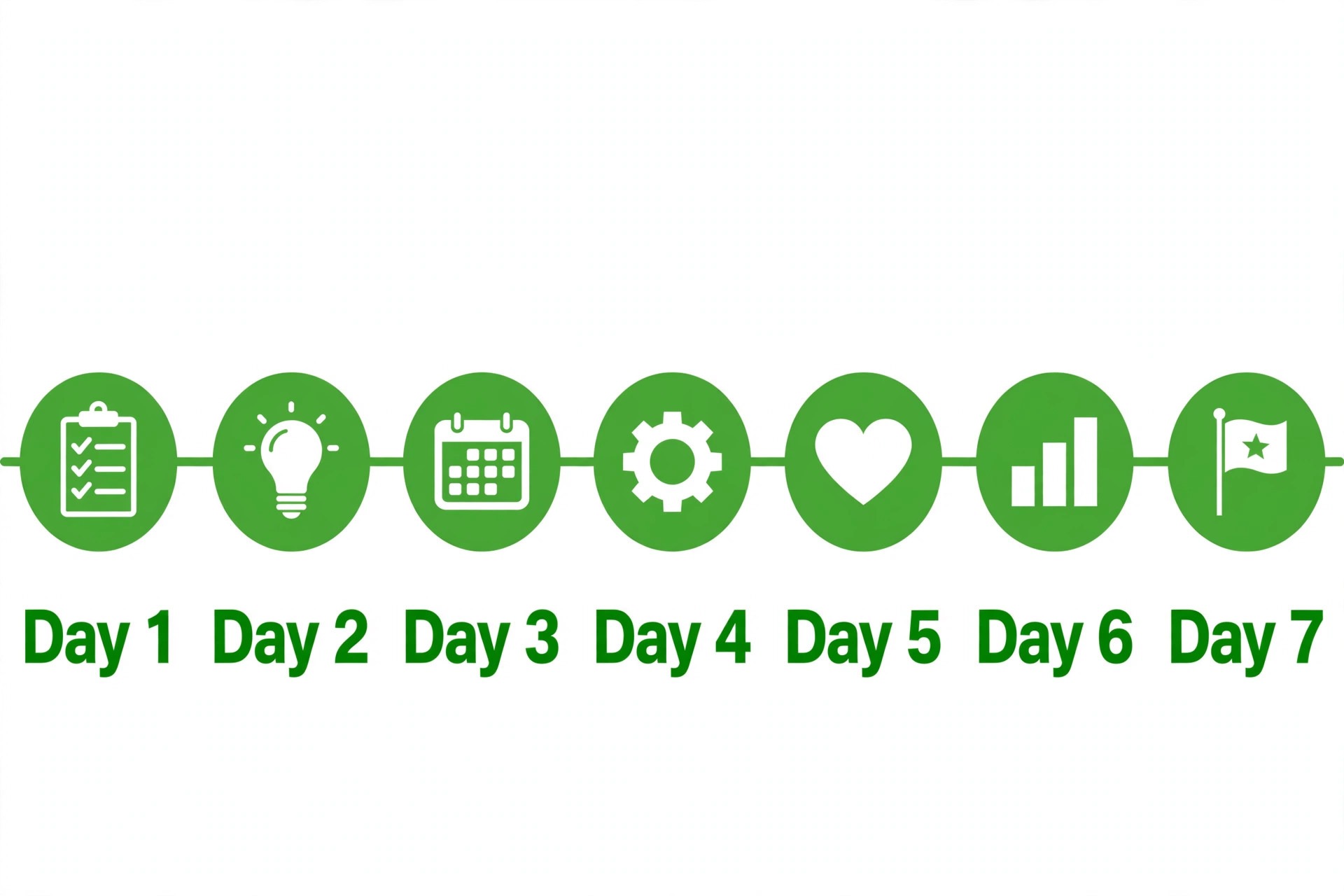
Day one is diagnosis, and it follows this guide in order, schedule, bank link, notices, disputes, and bank call, with every result written in one note. Day two is action, completing any verification or document request, answering disputes, and contacting support with the full note if the delay remains unexplained. Days three to five are bridging, paying urgent bills from the buffer, updating staff and suppliers with realistic dates, and checking the payout status each morning. Day six is follow up, chasing support on the promised date and updating everyone who is waiting. Day seven is prevention, setting aside a buffer from the recovered payout, fixing the dispute or verification cause, and starting the weekly payout check.
That plan works because it separates what you can control from what you cannot. You can control the diagnosis, the documents, the dispute replies, and the communication. You cannot control bank posting times or review queues, but you can plan around them once you know which one applies. When you fix Square payouts delayed small business problems with that separation in mind, a delayed payout becomes a managed week rather than a crisis, and the business comes out of it with a buffer, a better record, and a calmer next month.