

A tutoring center director starts Monday with three separate problems. A parent wants to reschedule a session, a tutor wants to know why last week pay looks wrong, and a test prep student needs a progress report before a parent meeting on Thursday. The timetable lives in one place, invoices live in another, and tutor pay lives in a spreadsheet that only one person fully understands. That scattered setup is the problem, and the best management software for tutoring centers exists to pull scheduling, billing, tutor pay, and parent communication into one system that everyone can trust.
The cost of scattered admin is not only hours. It is missed sessions that never get billed, makeup sessions that never get booked, and parents who leave because they cannot see progress. A center with fifty students can survive on spreadsheets for a while, but a center with two hundred students, several tutors, and test prep cohorts cannot. At that scale, admin errors become revenue losses and reputation damage, and the center needs a system built for tutoring work.
This guide compares eight tools on scheduling, student records, billing, tutor payroll, parent portals, test prep features, and multi branch control. Prices come from vendor pages and recent published comparisons, and they change often, so check the vendor pricing page before you sign. Test each shortlisted tool with a rescheduled session, a tutor pay run, and a parent invoice, because those three jobs reveal the gaps that matter most.
Why the Best Management Software for Tutoring Centers Is a Scheduling Problem First
Scheduling sits at the center because every other job depends on it. Billing follows completed sessions, tutor pay follows taught hours, and progress reports follow attendance and lesson notes. A tool that schedules well but bills badly still creates work, and a tool that bills well but schedules badly creates errors that billing cannot fix. Judge scheduling first, then billing, then reporting, in that order.
Tutoring scheduling has its own shape. Sessions are often one to one, sometimes small group, sometimes a test prep cohort, and they repeat weekly with breaks for school holidays. A tutor may teach at two branches, a student may have two tutors for different subjects, and a parent may pay for a package that covers both. Software built for general appointments often struggles with that mix, while tutoring built tools handle it as a normal week.
The other test is payroll honesty. Tutors notice pay errors fast, and a center that gets pay wrong loses good tutors. A strong tool calculates pay from completed sessions, applies the right rate per tutor and subject, handles cancellations and no shows by rule, and shows tutors their own sessions and pay in a portal. That transparency prevents most pay disputes before they start.
The 8 Tools at a Glance
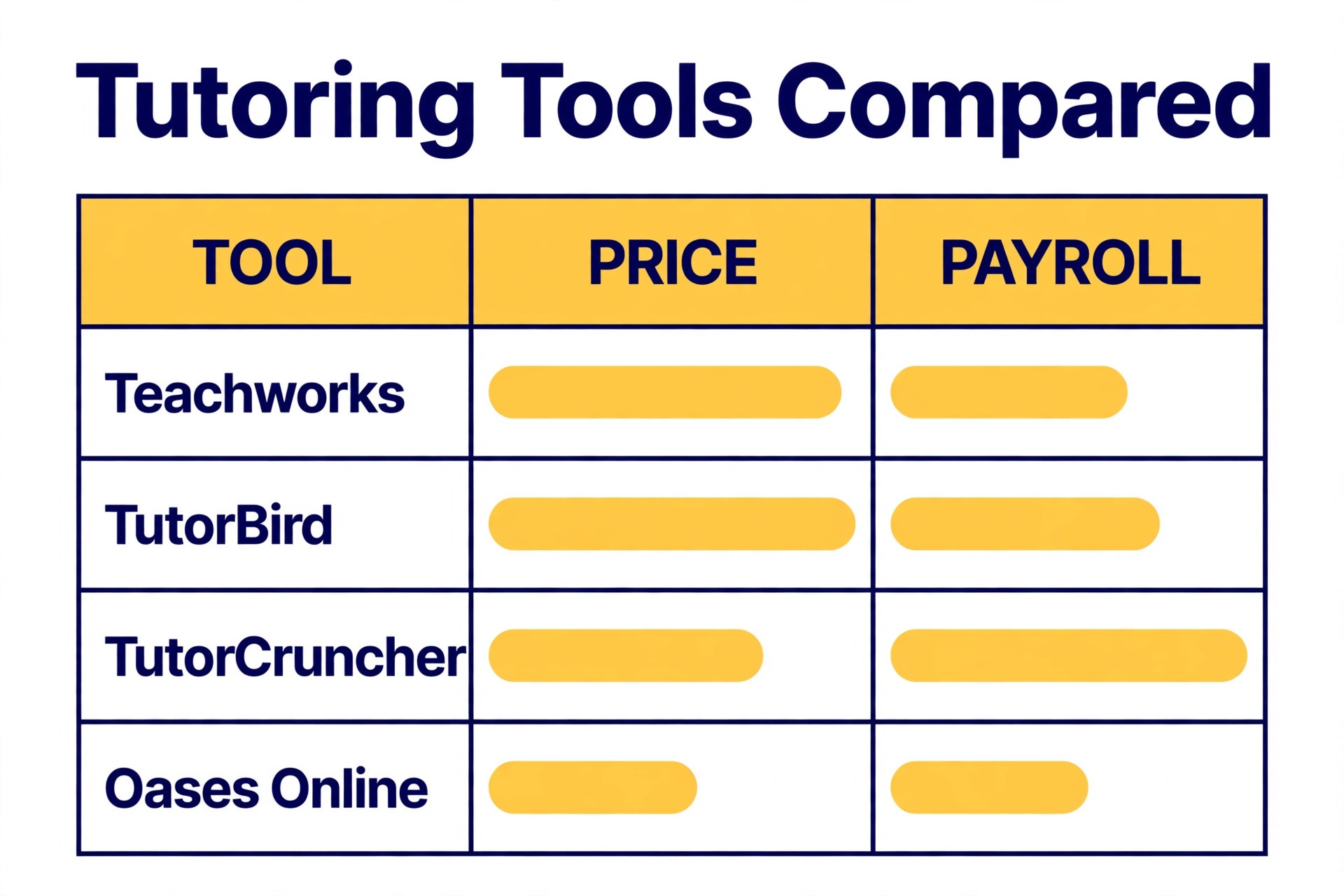
Use this table to shortlist three tools, then read only those full sections in detail. Price notes are starting points from published sources, and the vendor pricing page is the final word.
| Tool | Main job | Starting point | Watch out for |
|---|---|---|---|
| Teachworks | Scheduling, billing, and payroll core | From 16.49 dollars a month plus per lesson fees | Per lesson cost grows with volume |
| TutorBird | Simple all in one for small centers | From 14.95 dollars a month | Lighter multi branch tools |
| TutorCruncher | Growing companies with payroll depth | From 30 dollars a month plus revenue share | Revenue share rises with income |
| Oases Online | Complex billing and school contracts | From 99 dollars a month in published guides | Higher tiers reach 699 dollars a month |
| TutorTrac | Institutional and college programs | Check the vendor pricing page | Built for institutions, not small centers |
| Studdle | Modern scheduling for growing firms | Check the vendor pricing page | UK based, check regional fit |
| Ubindi | Minimal scheduling and payments | Check the vendor pricing page | Light reporting depth |
| Wise | Online tutoring with session billing | From 1 dollar per session | Session model suits online first centers |
Shortlisting the best management software for tutoring centers from price alone is risky, because a low monthly fee can hide per lesson charges, revenue shares, or paid add ons. Add the per lesson and transaction costs at your real session volume before you compare two tools, or the cheapest headline will mislead you.
Best Pick by Job
Use the best management software for tutoring centers table below to match your center type first, then test only the tools in your row.
| Center type | First pick | Second tool | Why this pair works |
|---|---|---|---|
| K-12 centers | Teachworks | TutorBird | Core scheduling plus simple parent billing |
| Test prep centers | Oases Online | TutorCruncher | Diagnostic depth plus strong payroll |
| Multi branch centers | TutorCruncher | Teachworks | Branch control plus modular add ons |
K-12 centers need reliable weekly scheduling, parent portals, and simple invoicing above all else. Teachworks covers scheduling, billing, payroll, and communication in a modular core, while TutorBird covers the same jobs in a simpler package at a low flat price. A K-12 center that runs mostly one to one and small group sessions will find either tool workable, and should choose on price model and add on needs.
Test prep centers need a different strength. Diagnostic testing, score tracking, and package billing with installments matter as much as scheduling, because parents buy outcomes, not only hours. Oases Online offers diagnostic depth and complex billing for established centers, while TutorCruncher offers strong tutor management, payroll, and reporting for agencies that also run test prep cohorts. A test prep center should test score reporting in a trial, not only scheduling.
Multi branch centers need branch accounts, tutor management across sites, and reporting that rolls up by branch. TutorCruncher handles branch accounts and tutor payroll at scale, while Teachworks offers branch account support on its premium tier with a large add on library. The right choice depends on whether payroll depth or add on flexibility matters more for your branches.

The 8 Tools in Detail
Each section below judges the tool on tutoring specific jobs, so you can see where the best management software for tutoring centers earns its price and where it does not.
1. Teachworks
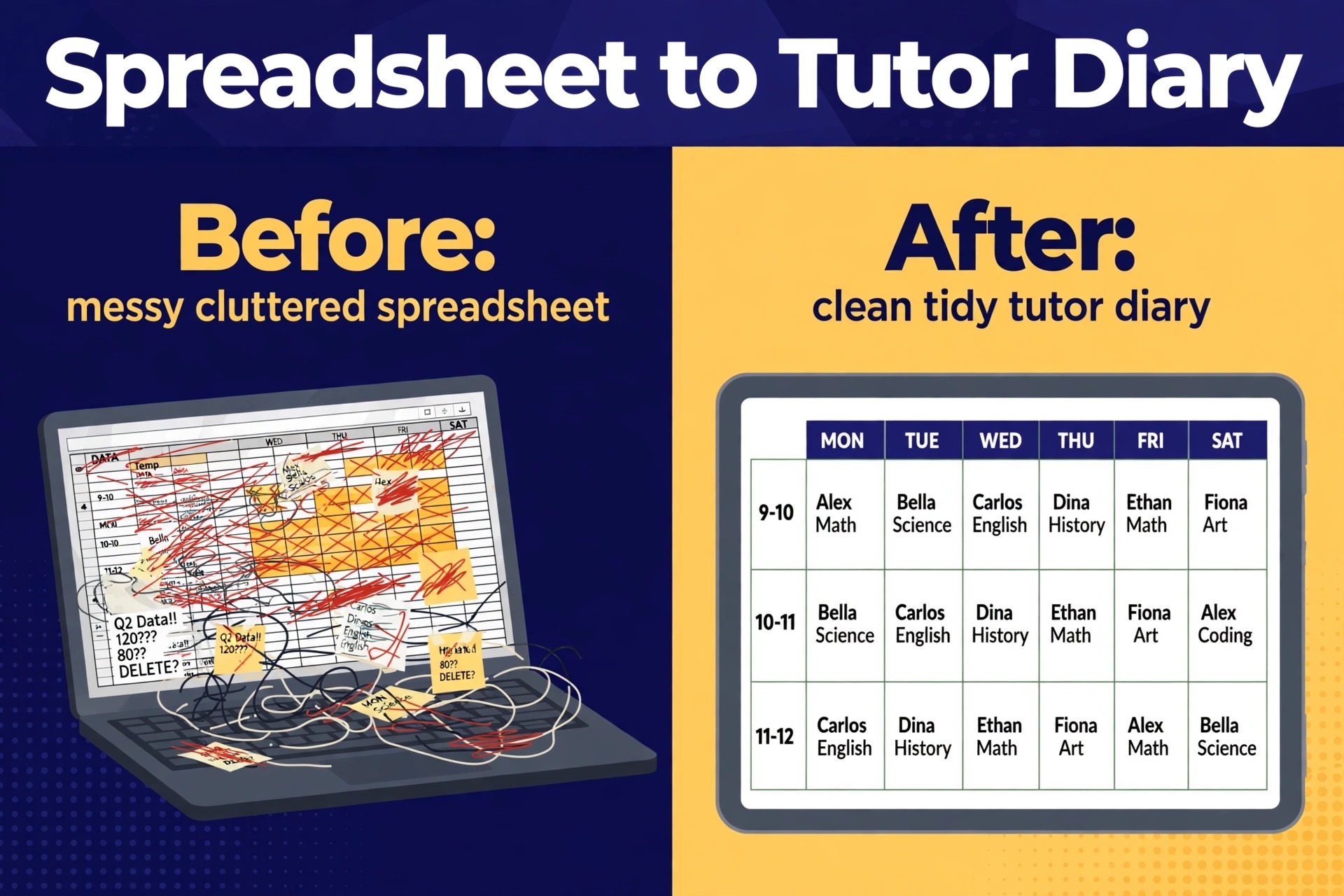
Teachworks is tutor management software for tutoring companies, music schools, and education providers, built around scheduling, billing, payroll, and communication in one platform. The modular approach is its defining feature. A core platform covers the daily jobs, and a large library of add ons extends it for QuickBooks sync, Mailchimp, online lesson integrations, and other needs. That structure lets a center start simple and add only the integrations it actually uses.
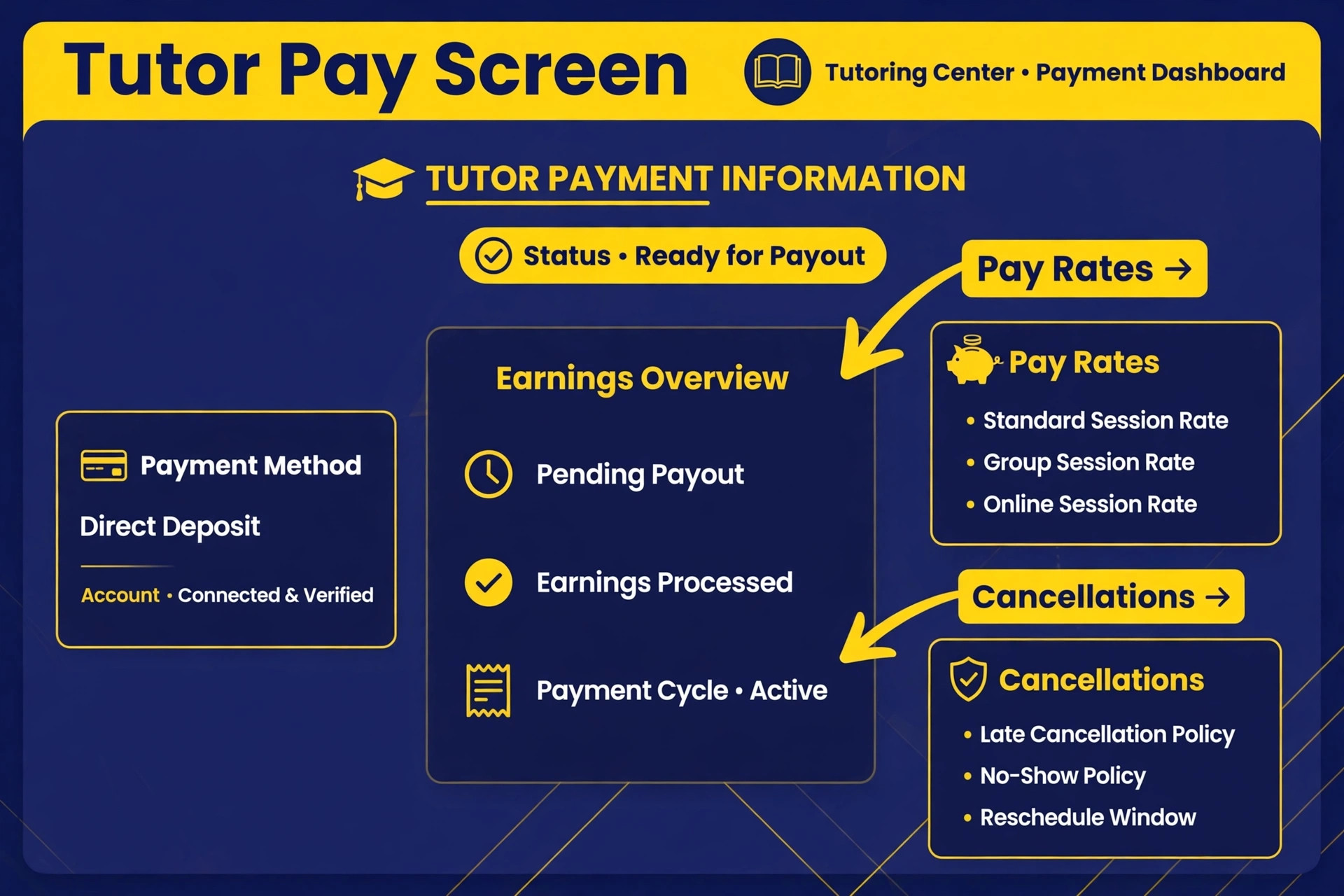
Pricing uses a base fee plus a per lesson charge. The starter plan costs 16.49 dollars a month plus 0.32 dollars per student lesson, the growth plan costs 47.99 dollars a month plus 0.189 dollars per student lesson with API access, and the premium plan costs 187.99 dollars a month plus 0.065 dollars per student lesson with branch account support for multi location businesses. All plans include a twenty one day free trial in published descriptions.
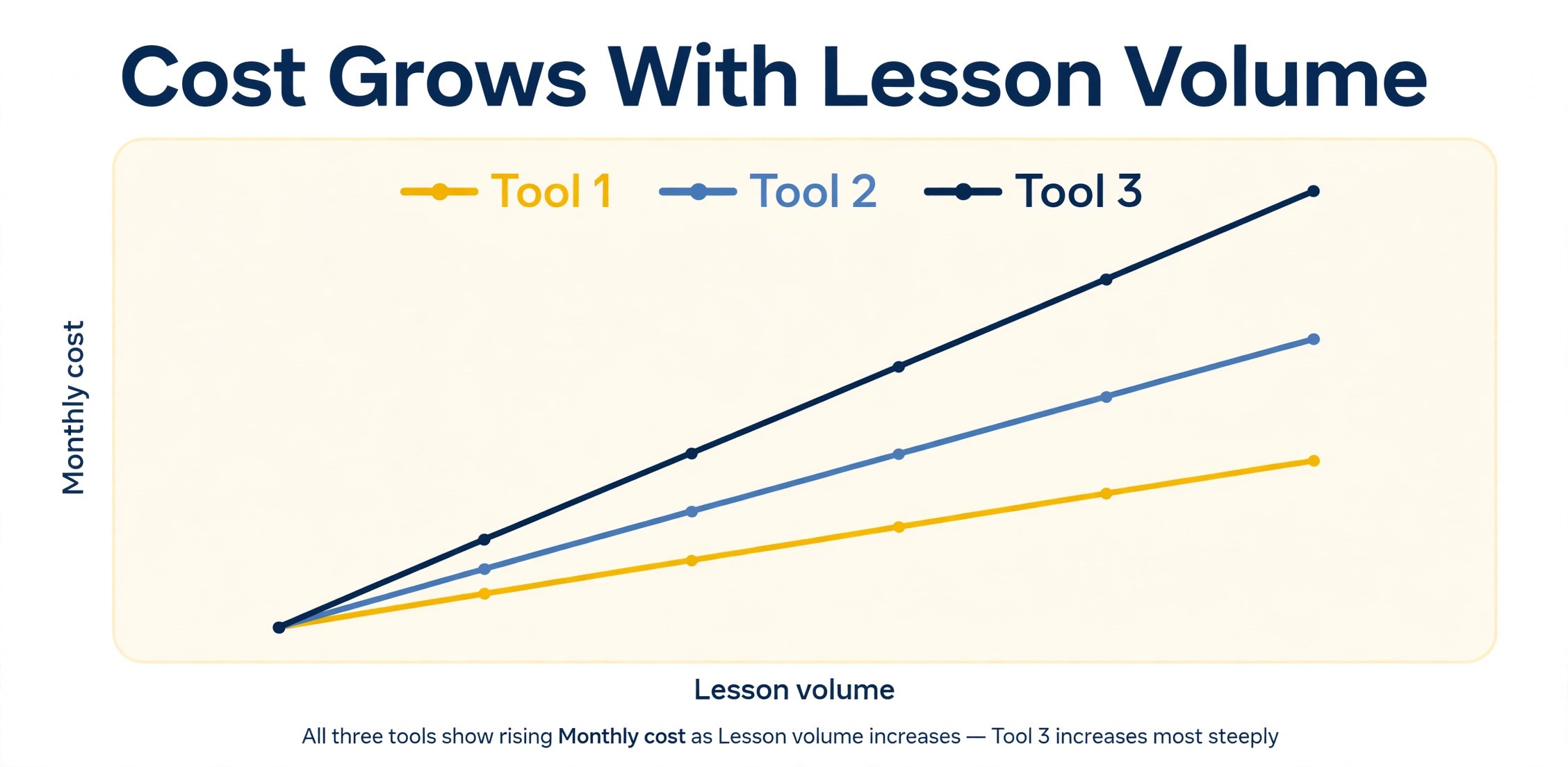
That usage model rewards careful volume math. A small center with few lessons pays little, while a large center with many lessons pays more per month but less per lesson on a higher tier. Model the total at your real monthly lesson count, and include add on costs, before comparing Teachworks against a flat price tool such as TutorBird. For most K-12 centers, Teachworks is the safest first shortlist pick, because its core is proven and its add ons cover the gaps that appear as a center grows.
2. TutorBird
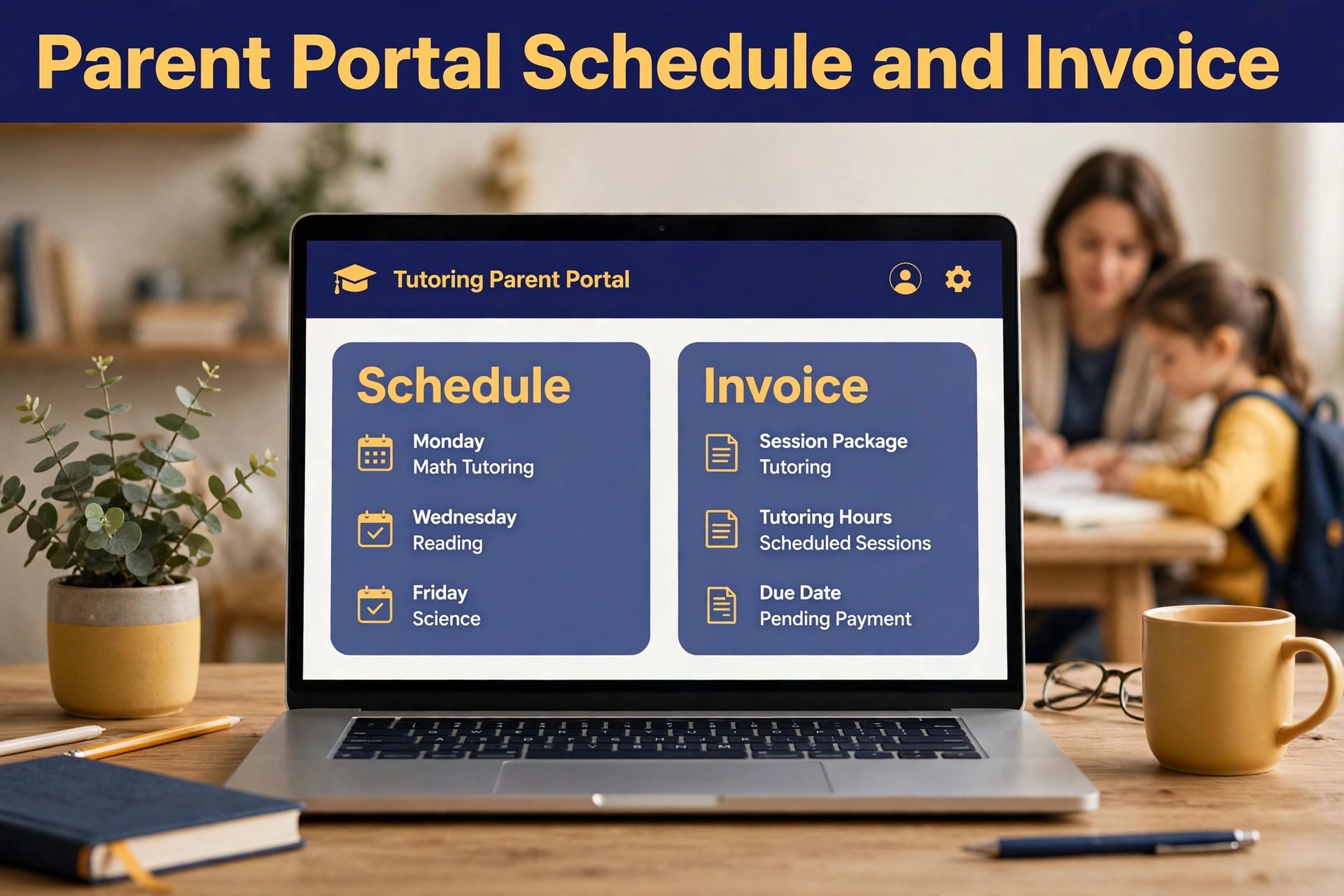
TutorBird is an all in one tutor management tool combining student management, scheduling, invoicing, and website building for private tutors and small centers. Student profiles, lesson scheduling, recurring sessions, invoicing, online payments, and automated reminders live in one dashboard, with portals where parents can view schedules and pay invoices. That simplicity is the selling point, because a small team can run the whole center without learning a complex system.
Pricing is simple and transparent at 14.95 dollars a month with all features included, and additional tutors or staff members cost 4.95 dollars each in published guides. A multi tutor plan at 19.90 dollars a month is also reported, scaling with tutor count. Check the vendor pricing page for the current plan structure, because published figures differ slightly across guides, but the core point holds. TutorBird is flat and cheap compared with usage based tools.
The trade off is depth at scale. Multi branch reporting, complex contract billing, and deep payroll rules are thinner than TutorCruncher or Oases Online. A small center that values simplicity, low cost, and a parent portal will find TutorBird hard to beat. A growing multi branch center should compare Teachworks or TutorCruncher before committing, because switching later costs more than choosing depth now.
3. TutorCruncher
TutorCruncher is designed for tutoring companies that employ or contract multiple tutors, with scheduling plus tutor management, payroll calculations, client invoicing, and reporting in one dashboard. Founded in 2013, it has depth that shows in tutor matching, commission splits, branch handling, and lesson reporting. A center that runs many tutors across subjects and locations will feel that depth in weekly payroll and reporting.
Pricing has two parts, a monthly base fee plus a share of revenue. Published United States figures put pay as you go at 30 dollars a month, startup at 80 dollars a month, and enterprise at 240 dollars a month, with card transaction fees of 3.85 percent on pay as you go and 3.5 percent on startup, plus offline payment fees of 1 percent and 0.65 percent. European pricing is published in euros, starting at 28 euros a month. Check the vendor pricing page for your region, because currency and fee structure differ.
That revenue share model matters. A center earning more pays more, even if tutor count stays flat, so model the total at your best month revenue, not at a quiet month. TutorCruncher suits growing and multi branch companies that need payroll depth and are willing to pay for it. A small center with tight margins should compare the flat price of TutorBird or the usage price of Teachworks first.
4. Oases Online
Oases Online is one of the oldest names in tutoring management, and its billing depth reflects that history. The platform handles contract and grant based invoicing, tutor payroll, learning plans, progress reports, and detailed reporting, which suits tutoring companies working with school districts or funded programs. That contract billing strength is rare, because most tutoring tools are built for parent paid packages, not for district contracts with complex terms.
Pricing scales with active student count, so quiet months cost less than busy months in published descriptions. Published test prep comparisons report a range from 99 dollars a month to 699 dollars a month based on student count, plus a 299 dollar onboarding fee in some reports. Check the vendor pricing page for a quote at your student count, because the range is wide and the right tier depends on enrollment and features.
Oases Online suits established centers, especially test prep centers and district funded programs, where diagnostic testing and complex billing are core to the method. A small parent paid center may find the setup heavier and the price higher than Teachworks or TutorBird. Shortlist Oases Online when contract billing, diagnostics, or detailed progress reporting are real needs, not future hopes.
5. TutorTrac
TutorTrac was built for colleges and institutional learning centers that track visits and usage, rather than for commercial tutoring centers selling packages. That institutional focus gives it strong visit tracking, usage reporting, and program management for campus tutoring programs, writing centers, and learning support services. A college that needs to show how many students used tutoring, for which subjects, and with what outcomes will find TutorTrac shaped for that reporting job.
Pricing is quote based, and a center should request a quote scoped to campus count, user count, and reporting needs. Institutional tools often price per campus rather than per student, which changes the comparison against commercial tools. A commercial center that copies an institutional quote into a parent paid model will misjudge the cost, so ask for the pricing basis in writing.
TutorTrac suits colleges and institutional programs first, and commercial centers only in special cases, such as a center running a school partnership with institutional reporting needs. A standard K-12 or test prep center will usually find Teachworks, TutorBird, or TutorCruncher a better fit, because those tools are built around parent billing and tutor payroll.
6. Studdle
Studdle is a United Kingdom based platform for tutoring businesses that want scheduling, billing, tutor management, and reporting in a modern package. It competes directly with TutorCruncher for growing tutoring companies, with a cleaner interface and pricing aimed at small to mid size operations. That modern interface matters for daily use, because front desk staff and tutors live in the scheduling and billing screens all day.
Pricing is not published in a simple public tier list, so check the vendor pricing page or request a quote for your tutor count, student count, and branch needs. A studio should ask whether pricing follows tutors, students, or sessions, because that basis decides how the bill moves as the business grows. Compare the quoted total against TutorCruncher at the same volume before deciding.
Studdle suits growing tutoring companies that want a modern interface and solid scheduling and billing without the oldest platform complexity. United Kingdom centers should check regional payment and tax handling, and United States centers should check the same, because a UK built tool may handle local payment methods differently. Test payment and payroll in a trial before committing.
7. Ubindi
Ubindi is the minimalist of this group, handling online booking, payments, automated reminders, and basic student management with almost no learning curve. That simplicity suits independent tutors and very small centers that need booking and payment without a full management system. A tutor can set up classes, take bookings, and get paid without training staff on a large platform.
Pricing is not published as a simple tier in the guides checked, so check the vendor pricing page for the current rate and any per booking fee. A minimalist tool often prices by booking or by student count, and the total depends on volume, so model the cost at your real booking count. A low headline price that charges per booking can become expensive for a busy tutor.
Ubindi suits a solo tutor or a tiny center that values speed and simplicity over depth. Reporting, tutor payroll, test prep diagnostics, and multi branch control are thinner than the larger tools here, so a center that plans to grow should treat Ubindi as a starting tool, not a long term platform. When tutor count or branch count grows, revisit Teachworks or TutorCruncher.
8. Wise
Wise is designed for tutoring businesses that teach live online classes, managing scheduling, group class enrollment with limits, attendance tracking, and billing from one dashboard. Student, parent, and tutor records link together with attendance, notes, subjects, availability, and pay rates, which reduces errors in online first operations. Automated attendance tracking and session summaries in recent descriptions help a center keep records clean without manual chasing.
Pricing uses a session based model at 1 dollar per session in published guides, where a center pays only for sessions with confirmed paying customers. Zoom integration is bundled in popular plans in published descriptions, which removes a separate video cost for online centers. That model suits a center whose session count varies by month, because quiet months cost less automatically.
Wise suits online first tutoring businesses and centers that run live group classes with enrollment limits. A center that runs mostly in person sessions with complex contract billing may find Oases Online or TutorCruncher stronger, because Wise strength is online session handling rather than contract depth. Test group enrollment limits and attendance in a trial, because those jobs define online class quality.
Testing a Tutoring Tool Before You Commit
Use the best management software for tutoring centers trial to run three jobs that define daily life. Reschedule a session, move it to another tutor, and confirm the parent portal, the tutor diary, and the invoice all update together. Run a tutor pay calculation for the week, and confirm that completed sessions, cancellations, and no shows are treated by the rules you set. Issue a parent invoice for a package with installments, and confirm the remaining balance is correct.
Next, test reporting for a parent meeting. Pull a student progress report with attendance, lesson notes, and next steps, and check that a parent can understand it without staff explanation. A report that only staff can decode will not reduce parent questions, and it will not help retention. The best report is one a parent reads once and trusts.
Finally, test the tutor experience. Tutors should see their diary, their students, their pay, and their lesson notes without asking the front desk. If tutors need staff help for basic diary checks, the tool will create front desk work rather than removing it. Score the tutor portal as heavily as the director dashboard, because tutor adoption decides whether the system stays clean.
How Price Models Change the Real Monthly Bill
Flat pricing is the easiest model to understand. A center pays one monthly fee, and the bill stays the same whether the month is busy or quiet. That stability helps budgeting, and it suits a center with steady diaries and predictable revenue. The risk is paying for capacity the center does not use in a quiet month, or hitting a tutor or student limit that forces an upgrade at the worst moment.
Usage pricing charges a base fee plus a small fee per lesson, per session, or per student. That model suits a center with seasonal swings, because quiet months cost less automatically. The risk is a busy month that costs far more than the headline price suggests, especially when a center runs test prep cohorts with many lessons in a short period. Always model usage pricing at peak month volume, not at an average month.
Revenue share pricing charges a base fee plus a percentage of money collected through the platform. That model aligns the vendor with center growth, but it also means the software bill rises with every price increase the center makes. A center that raises tuition to pay tutors better will also pay more software fees, which can feel unfair. Ask whether the share applies to all payments or only to card payments, and whether offline payments carry a separate fee.
The safest comparison is a twelve month total at three volumes. Run the numbers at your quiet month, your average month, and your peak month, including card fees, text costs, and paid add ons. A tool that wins at average volume but loses badly at peak volume is a risky choice for a growing center. Price the tool for the center you will be in a year, not only for the center you are today.
Setup Checklist for a Tutoring Center Switch
Follow this sequence when you move to the best management software for tutoring centers you chose, and do not skip the pay test.
- Export students, parents, tutors, active packages, and outstanding balances, and clean duplicate family records before import.
- Build subjects, tutor rates, session types, and cancellation rules first, because billing and payroll both depend on them.
- Set package and installment rules next, including expiry, makeup credits, and refund handling for cancelled sessions.
- Connect payments, run a test invoice and a test refund, and confirm the parent portal shows both correctly.
- Invite a small group of parents and tutors to book, reschedule, and check pay in the new system before a full launch.
- Train front desk staff on rescheduling, makeup credits, and tutor pay queries, because those three jobs cause most support questions.
- Keep the old system read only for one full billing cycle, so no package balance or pay record is lost in the move.
A careful switch protects trust on both sides. Parents forgive a new portal quickly if invoices are correct and sessions are easy to reschedule. Tutors forgive a new system quickly if pay is correct and diaries are clear. Test billing and pay twice, and launch only when both are clean.

Frequently Asked Questions
These answers cover the questions center owners ask most when they compare the best management software for tutoring centers.
How much should a small tutoring center pay for management software?
Most small centers pay between 14.95 dollars and 50 dollars a month for a solid tool, with usage based tools rising with lesson volume and larger platforms from 80 dollars a month once payroll depth or branch control is included. Model the total at your real lesson and revenue volume, including per lesson fees and transaction shares, before you compare two tools on headline price alone.
Does tutoring software handle tutor payroll automatically?
Strong tools calculate tutor pay from completed sessions, apply tutor specific rates, and handle cancellations and no shows by rule, with a tutor portal that shows sessions and pay. Weaker tools track sessions but leave pay to a spreadsheet, which recreates the error risk the software should remove. Test a full pay run in a trial, including a cancelled session and a rescheduled session, before you commit.
Can parents see progress and pay invoices in one portal?
Yes, on tools with a parent portal such as TutorBird, Teachworks, and TutorCruncher, where parents can view schedules, lesson notes, progress reports, and invoices, and pay online. The key is to test the full parent flow during a trial, including a package purchase and a reschedule, because a portal that looks simple in a demo can still confuse parents in real use.
What is the difference between per lesson pricing and flat pricing?
Per lesson pricing charges a base fee plus a small fee for each student lesson, which suits centers with variable volume. Flat pricing charges one monthly fee regardless of lesson count, which suits centers with steady high volume. A center with seasonal swings may prefer per lesson pricing, while a center with stable full diaries may prefer flat pricing. Model both at your peak and quiet months.
Should a test prep center buy management software and diagnostic software separately?
A test prep center can buy separately, but a combined tool such as Oases Online often works better, because diagnostics, score tracking, and package billing live in one record. Separate tools can still work when diagnostic content is specialist, but the center must then keep scores and billing in sync across systems. Start combined when possible, and split only when a clear diagnostic need justifies it.
How long does it take to switch tutoring software?
Most centers can switch in two to four weeks, including data import, rate setup, payment testing, and staff training. Exam season is the worst time to switch, because test prep cohorts and parent reporting add pressure to an already busy period. Plan the switch for a quiet gap between terms, and keep the old system read only until the first pay run and invoice run are clean.
The Decision for Tutoring Centers
The practical winner among the best management software for tutoring centers depends on your center model, not on a single ranking. A K-12 center should shortlist Teachworks and TutorBird, and choose on price model and add on needs. A test prep center should shortlist Oases Online and TutorCruncher, and choose on diagnostic depth and payroll strength. A multi branch center should shortlist TutorCruncher and Teachworks, and choose on branch control and reporting depth.
Whatever you choose, run the trial week in this guide, price the total at your real lesson and revenue volume, and pick the tool your tutors and parents can actually use without front desk help. A tutoring center lives on trust, accurate pay, and clear progress, and the right software protects all three without adding admin work to an already busy week.
Read the related guides on Best AI Tools for Tutors and Tutoring Business Pricing Packages Guide for pricing and workflow ideas that pair well with a new management system.