
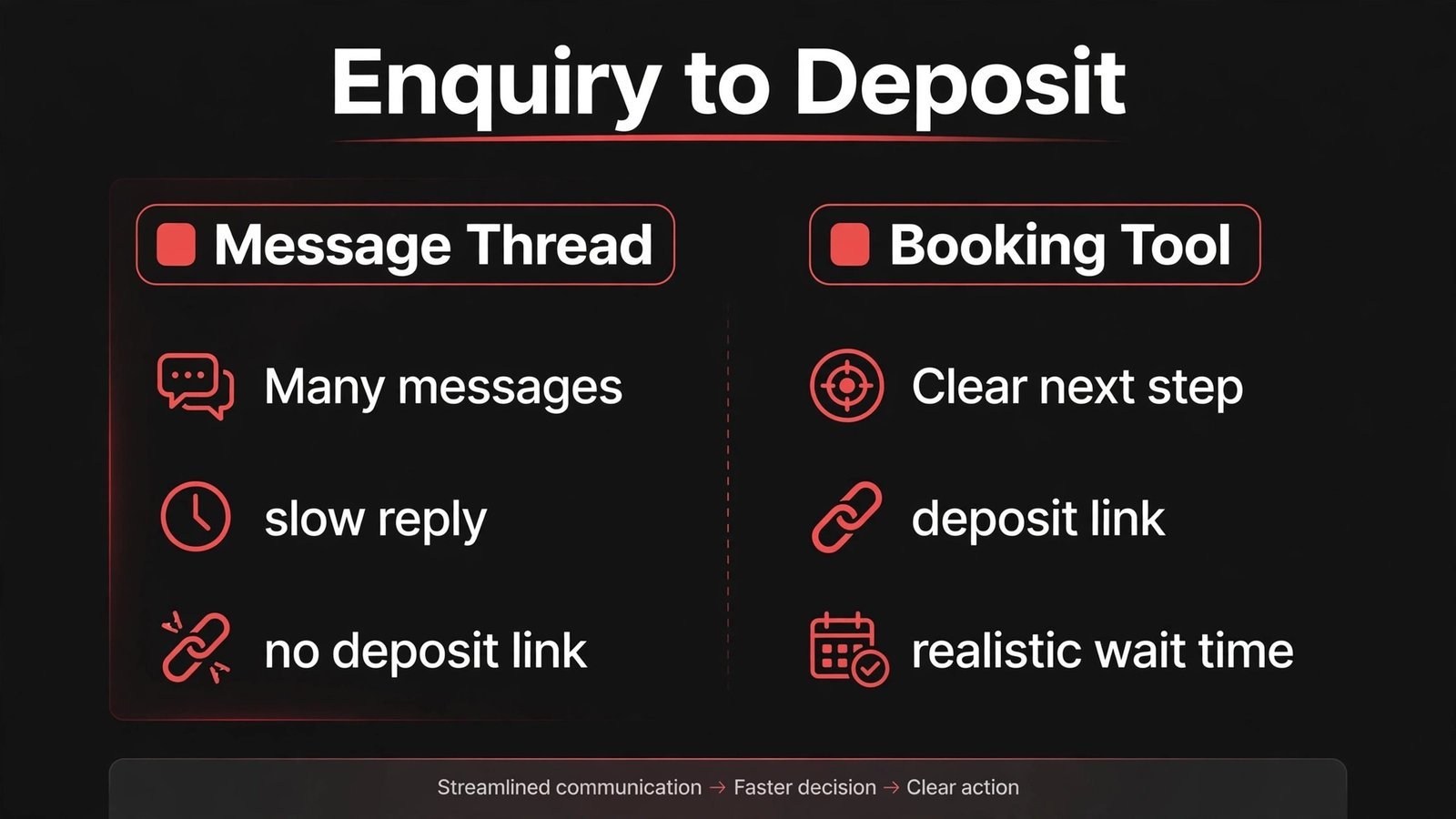
Verdict first: if you book tattoos through direct messages today, you are losing work to slow replies, and the best AI tools for tattoo artists fix that problem before they fix anything else. A client who sends a design idea at 1 am should get a clear next step by morning, a deposit link, and a realistic wait time, not silence for three days while another artist replies first. That single change, from messages to a proper booking flow, matters more than any design generator or social scheduler. The tools below are ranked by that logic. Booking and deposits come first, design help second, and marketing third, because a beautiful feed that leads nowhere does not pay rent.
Tattoo work has a booking problem that other beauty work does not. A client needs a consultation, a design discussion, a deposit, and often several sessions. Prices vary by size, placement, and detail. Designs need approval, and aftercare needs clear instructions. A generic calendar cannot handle that chain well. The tools in this guide can, either because they were built for tattoo studios or because they adapt well to consultation based work. Pricing changes often, so confirm current pricing at checkout before you commit to any paid plan.
How the best AI tools for tattoo artists were judged
This guide judged tools on five questions. Can a client move from idea to deposit without a long message thread? Can the artist control consultation time, so free advice does not eat the whole week? Can designs be shared, revised, and approved in one place? Can aftercare and follow up happen without manual chasing? And can the artist keep their own client list, so a platform change does not erase years of work? Tools that failed the first question were not included, no matter how pretty their design features looked. That rule keeps the list useful for working artists, not just for people who like new apps.
| Tool | Best for | Main job |
|---|---|---|
| Inkbook | Tattoo studios | Tattoo booking and deposits |
| Booksy | Artists who want discovery | Booking plus marketplace reach |
| Fresha | New artists watching costs | Free core booking |
| GlossGenius | Solo artists | Polished booking and payments |
| Square Appointments | Artists already using Square | Booking plus payment in one system |
| Canva | Social and flash sheets | Design and marketing assets |
| Midjourney | Design exploration | Reference and concept images |
| Procreate | Custom design work | Drawing and stencil preparation |
| ChatGPT | Writing and replies | Captions, policies, and aftercare drafts |
| Podium | Reviews and messages | Review requests and one inbox |
Best pick by job
| Job | Best pick | Runner up |
|---|---|---|
| Tattoo specific booking | Inkbook | Booksy |
| Solo artist setup | GlossGenius | Fresha |
| Design exploration | Midjourney | Procreate |
| Flash and social posts | Canva | Procreate |
| Reviews | Podium | Booksy |
| Writing help | ChatGPT | Canva |
Booking, consultations, and deposits
1. Inkbook
Inkbook is built for tattoo studios, and that specialisation is its main strength. It handles artist profiles, booking requests, deposits, and client communication in a flow that understands consultations. A client can request an artist, describe the idea, share reference images, and pay a deposit, while the artist controls which requests become bookings. That structure protects time, because a vague idea can be answered with a consultation offer instead of turning into a week of free design work in messages.
Watch out for: as a niche platform, check availability and payment options in your country, and keep your own backup of client contacts and design approvals in case you ever move systems.
2. Booksy
Booksy brings marketplace discovery to tattoo booking, which helps artists who are building a client base in a new city. Clients can find an artist, see services and reviews, book, and pay a deposit. The booking flow is familiar, which reduces the friction that loses clients who are nervous about their first tattoo. Booksy also supports reminders and client notes, so placement preferences, previous sessions, and touch up history stay with the client file.
Watch out for: marketplace fees can apply to bookings that come through the marketplace, so check the fee split and encourage repeat clients to book through your direct link where the terms allow it.

3. Fresha
Fresha offers free core booking software, which suits a new artist who needs a professional booking page without a fixed monthly bill. Clients can book online, receive reminders, and see your services clearly. The marketplace can also bring discovery traffic. The key for tattoo artists is to set consultation as a distinct service, with its own duration and price or deposit, so consultation time is protected instead of given away inside a general enquiry form.
Watch out for: check which marketing, reporting, and payment features require paid upgrades, and confirm marketplace commission terms before you rely on Fresha for most of your bookings.
4. GlossGenius
GlossGenius gives a solo tattoo artist a polished booking page, payments, and client notes in one place. The page works well on a phone, which matters because most tattoo enquiries start on a phone. Clients can book a consultation, pay a deposit, and rebook a second session from the same flow. Client notes help with multi session work, because the artist can record ink, placement, healing notes, and next steps after each session.
Watch out for: tattoo specific workflow features are thinner than Inkbook, so you will need a clear consultation service and a design approval step outside the booking tool, such as email or a shared folder.
5. Square Appointments
Square Appointments suits an artist who already takes payments with Square at conventions or in a studio. Booking and payment stay in one system, which simplifies the end of day reconciliation. The calendar is clear, reminders are reliable, and the hardware options suit a studio front desk. For an artist who values one system over marketplace reach, this is a calm, dependable choice.
Watch out for: it does not provide tattoo marketplace discovery, so you must bring your own audience through social media, a website, or a marketplace profile elsewhere.
Design, mockups, and studio presentation
Design tools raise a sensitive question in tattoo work: originality. Clients want work that belongs to them, not a copy of someone else’s tattoo. The tools below are best used for exploration, reference, and presentation, while the final design stays with the artist.
6. Midjourney
Midjourney generates striking concept images from text prompts, which can help an artist explore a style, a composition, or a colour palette with a client before drawing begins. It is useful when a client says they want something dark, floral, or geometric but cannot describe the exact look. Showing two or three directions early can save hours of redrawing later. The important boundary is that a generated image is a starting point for discussion, not a finished tattoo design to copy onto skin.
Watch out for: generated images can echo existing work, and they often contain small errors in anatomy, lettering, or fine detail. Never tattoo a generated image without redrawing it in your own style and checking it carefully. Also be honest with clients about what is AI generated and what is your original work.
7. Procreate
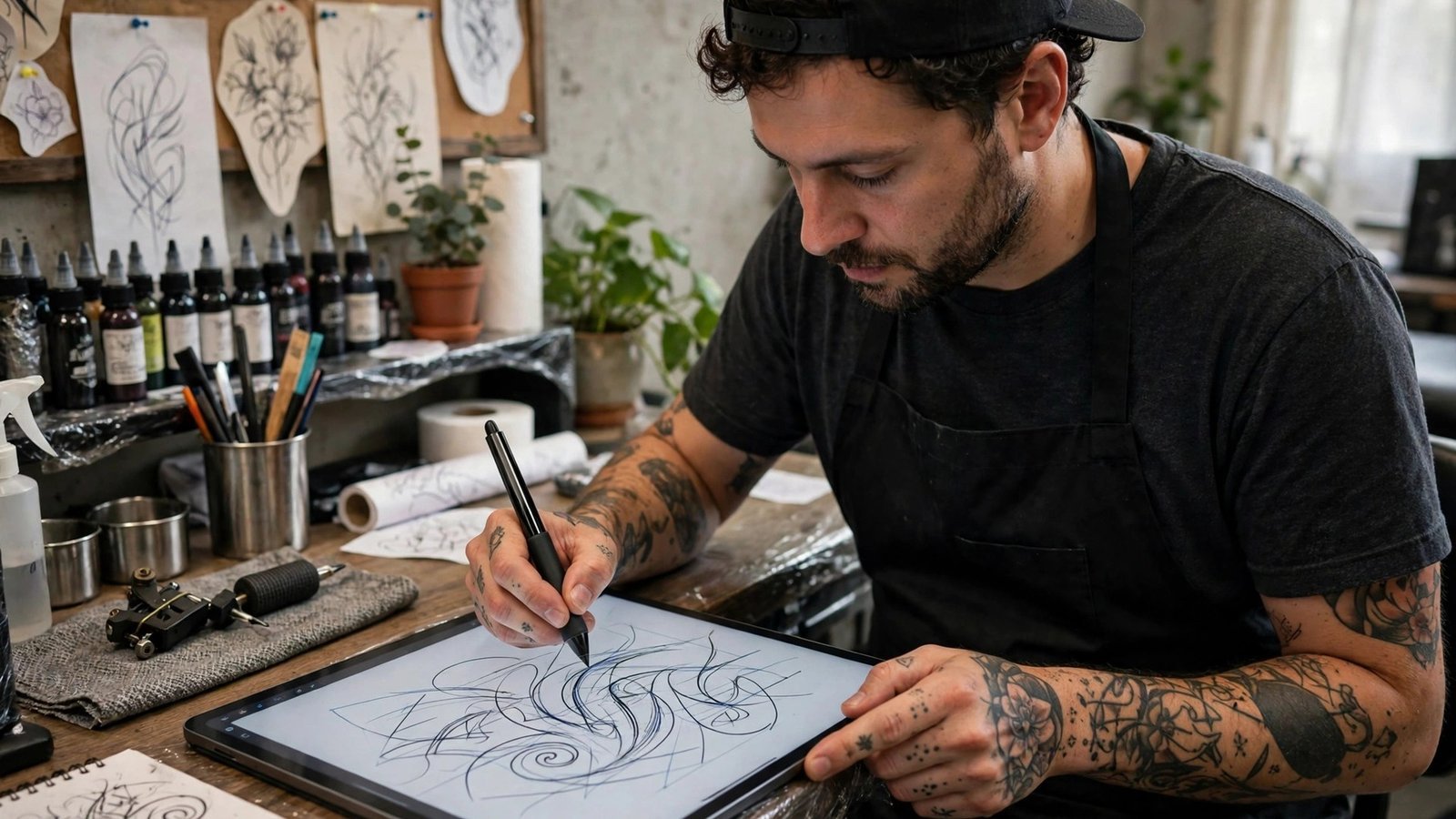
Procreate is the drawing app many tattoo artists already use on an iPad to sketch, refine, and prepare stencils. It supports layers, brushes that mimic real tattoo styles, and easy export for printing stencils. A client can see a design evolve from rough sketch to clean linework, which builds trust before needle touches skin. Procreate also helps with flash sheets, because an artist can draw a set, arrange it cleanly, and share it as a single image.
Watch out for: Procreate is a drawing tool, not a booking or business tool, so pair it with one of the booking tools above rather than trying to run a studio from it.
8. Canva
Canva helps tattoo artists create flash sheets, price guides, aftercare cards, and social posts without design software training. AI assisted layout tools speed up the arrangement, while templates give a clean starting point. The strongest use is presentation: a flash sheet with clear prices, a booking link, and consistent branding looks professional and reduces price questions. Canva is also useful for convention materials, such as a one page price and booking sheet for a booth.
Watch out for: do not fill a feed with generic template art. Clients choose tattoo artists for a distinct style, so your own drawings and healed work photos must dominate. For photo editing and social strategy, see our guide to best AI tools for photographers and our roundup of best AI tools for Instagram, both of which cover visual presentation for creative businesses.
Writing, messages, and reputation
9. ChatGPT
ChatGPT can draft the writing that eats a tattoo artist’s week: booking replies, consultation questions, aftercare instructions, price explanations, and social captions. A good use is a reply template that asks for size, placement, reference images, and budget in one message, so the client answers everything at once instead of in five separate messages. Another good use is turning rough aftercare notes into a clear, printed sheet that clients actually read. Always edit the draft for your studio rules, your prices, and your tone, because a generic policy can promise a free touch up you do not offer.
Watch out for: never paste private client details into a public AI tool, and never let AI give medical advice about healing, infection, or skin conditions. Aftercare drafts must be checked by the artist, and any worrying symptom should be directed to proper medical advice, not an AI answer.
10. Podium
Podium collects reviews and gathers client messages into one inbox, which helps a studio that gets enquiries from several places at once. After a healed tattoo, a well timed review request can capture a rating while the client is still pleased with the result. Reviews matter for tattoo artists because a first time client is choosing someone to mark their skin permanently, and they check ratings and photos before they trust an artist. Podium also drafts reply suggestions, which the artist edits before sending.
Watch out for: never offer a discount in exchange for a positive review in a way that breaks platform rules or local law. Ask every client, reply to criticism calmly, and let the work speak for itself. For messaging across channels, our guide to best AI tools for WhatsApp Business covers reply timing and templates that also suit studios.
How to choose a stack for your studio
Start by fixing the booking chain, not the design tools. Write down your current steps from first message to deposit, and count how many messages it takes. If it takes more than four messages to reach a deposit, your booking tool is the problem, not your marketing. Choose one booking tool, set consultation as a paid or deposit backed service, and write a single reply template that asks for size, placement, references, budget, and preferred dates. That template alone can cut enquiry time in half.
Next, decide how you handle design approval. Some artists approve designs in person at the consultation, some send a drawing before the session, and some draw on the day. Your tool choice should support your method, not force a different one. If you send designs before the session, use a shared folder or email with a clear approval deadline. If you draw on the day, make sure the booking tool blocks enough time for drawing, not just tattooing, so the day does not run late.
Budget with the full picture. Add the monthly fee, payment processing, marketplace commission, and any design app subscription, then compare it with one extra booked consultation per month. Most artists find that a single recovered booking pays for the stack, but only if deposits are actually collected. Track three numbers for 60 days: enquiry to deposit rate, no show rate, and average messages per booking. Keep tools that improve at least one number, and drop tools that only look impressive in a demo.
Mistakes to avoid
The biggest mistake is giving away design time for free. A client who receives three custom drawings before paying a deposit has little reason to commit, and the artist has spent hours unpaid. Protect design time with a consultation fee or a deposit that converts to the tattoo price, and state that rule before drawing begins. A second mistake is copying generated images or other artists’ work. Clients notice, other artists notice, and the reputation damage lasts longer than any time saved.
A third mistake is running bookings across messages, email, and a booking app at the same time. That creates double bookings, lost deposits, and confused clients. Pick one booking source of truth and direct every channel to it. A fourth mistake is posting only fresh tattoos. Fresh work looks bold, but healed work shows true quality. Post healed photos with client permission, and label them as healed, because experienced clients look for that honesty.
A fifth mistake is vague aftercare. A client who leaves without written aftercare will message you at midnight with questions, or worse, follow bad advice online. Give a printed aftercare sheet, send a digital copy, and schedule a check in message after a few days. That small system reduces anxiety, reduces messages, and improves healing results, which in turn improves reviews.
A practical workflow from enquiry to healed tattoo
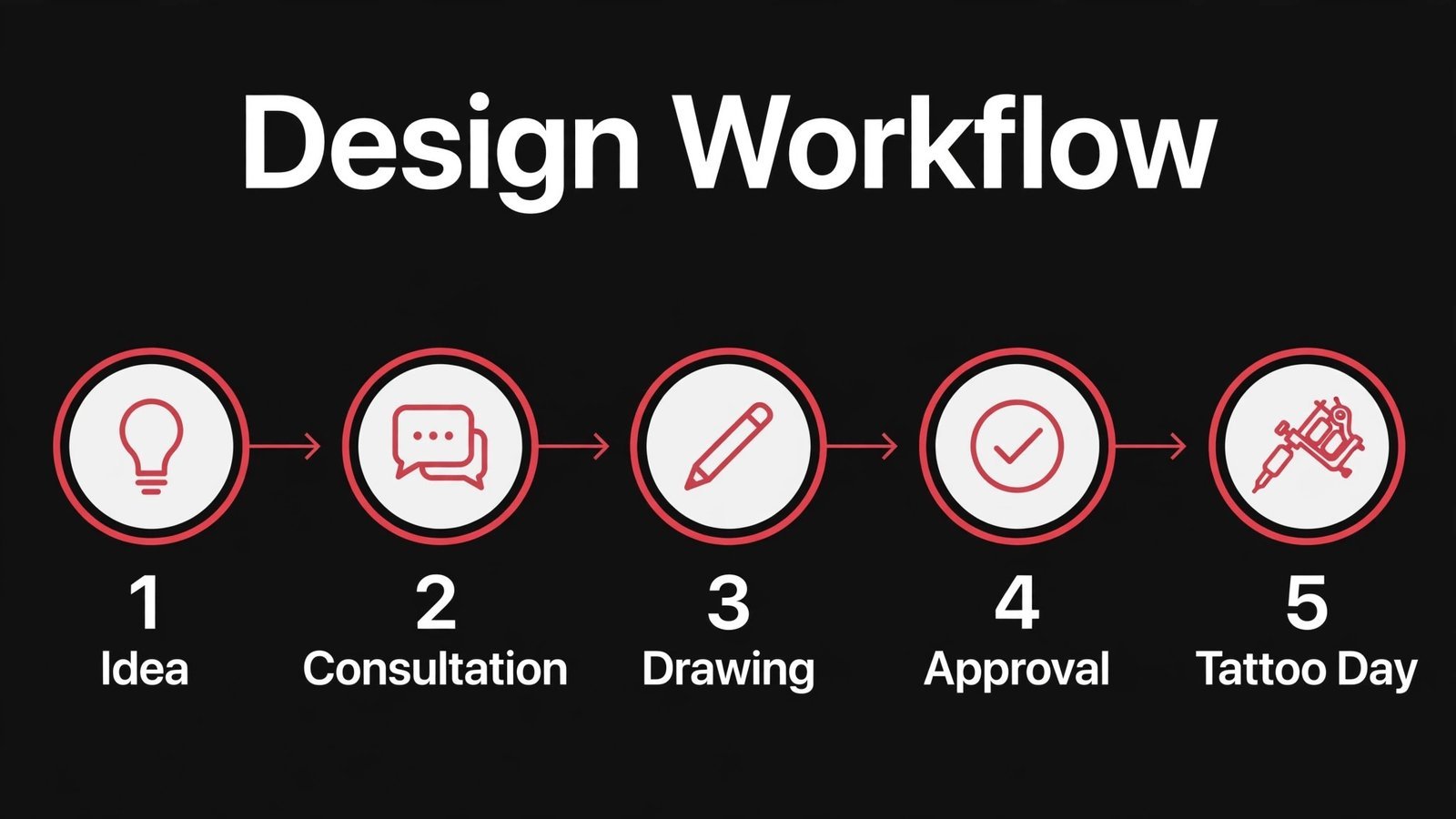
Day one starts with the enquiry template. The client sends size, placement, references, and budget. The artist replies with a consultation offer, a deposit link, and a realistic wait time. No design work starts before the deposit. At consultation, the artist discusses placement, size, and style, takes photos with permission, and agrees on a session plan. Design work follows, with one or two directions shown to the client, not ten.
On tattoo day, the booking tool should show session length, deposit paid, and remaining balance, so payment at the end is simple. After the session, the client receives aftercare in writing, a check in message is scheduled, and a review request is set for after healing. For multi session work, the next session is booked before the client leaves, because a client who leaves without a date is far less likely to return on time. That workflow turns a chaotic message thread into a calm, repeatable process, and it works whether you are a solo artist or part of a larger studio.
Pricing, time, and what a stack really costs
A tattoo stack has costs beyond the monthly fee. Payment processing applies to deposits and balances, marketplace commission may apply to discovery bookings, and design apps may carry their own subscription. Add those together for a typical month, then compare the total with the value of one consultation that converts to a tattoo. That comparison is more honest than comparing monthly fees alone, because a cheap tool that loses deposits is expensive, while a pricier tool that collects deposits reliably pays for itself quickly.
Time is the other cost, and it is often larger than money. Count the hours you spend answering the same five questions, chasing deposits, redrawing designs for clients who never book, and writing aftercare messages from scratch. A reply template that asks for size, placement, references, and budget can save an hour a week on its own. A booking page that collects deposits can save several hours of chasing. A printed aftercare sheet can save a stream of midnight messages. When you trial a tool, measure time saved, not just features gained, because time is what lets you tattoo more and message less.
Avoid annual contracts in the first month. Use a monthly plan, run real bookings through it, and check whether clients complete booking without help. If clients still message you to ask how to book, the tool is not working, no matter how good the dashboard looks. Also check export options before you commit. You should be able to download your client list, booking history, and design approvals. A tool that traps your data is a risk to a business built over years.
Marketing without copying and without burnout
Tattoo marketing works best when it shows real work, real healing, and a clear next step. Post a mix of fresh work, healed work, flash sheets, and studio process, with the artist’s name and style visible. Clients choose an artist, not just a tattoo, so personality matters. A short video of a stencil application, a time lapse of a drawing, or a photo of a healed piece after six months tells a client more than ten generic posts.
Consistency matters more than volume. Three strong posts a week beat ten rushed posts, because rushed posts dilute the portfolio. Use a simple content rhythm: one healed or fresh piece, one flash or availability post, and one process or studio post each week. Each post should end with a booking link or a consultation link, because a post without a next step is wasted attention. Canva can speed up the layout, and ChatGPT can draft the caption, but the photo and the style must be yours.
Conventions deserve special mention, because they compress marketing, booking, and sales into a few days. Before a convention, prepare a one page sheet with flash prices, booking links, and aftercare basics. During the convention, collect bookings through your booking tool, not through notes on paper that get lost. After the convention, send a follow up message to every new client, with aftercare and a review request timed after healing. That follow up turns a busy weekend into lasting clients.
Do not chase every trend. A tattoo artist who jumps on every viral style risks a portfolio that looks scattered. It is better to deepen the style you do best, and to use AI tools to present that style well, than to use AI to imitate a style you do not own. Clients who want your style will pay for it and wait for it. Clients who want a copy will leave anyway, so building a business on copies is a weak foundation.
Choosing between a tattoo specific tool and a general tool
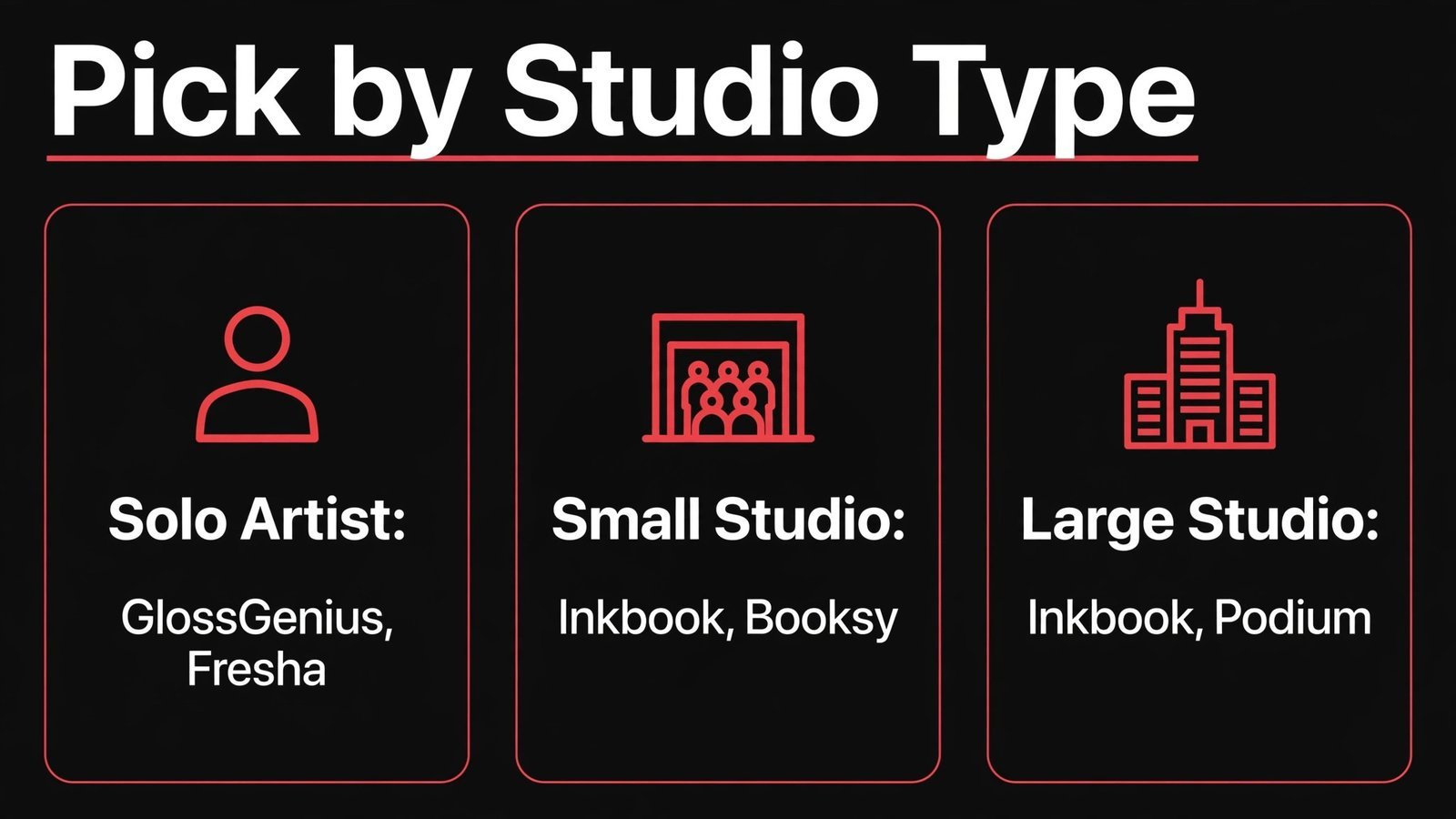
Tattoo specific tools understand consultations, deposits, and multi session work, which saves setup time. General tools offer larger marketplaces, simpler payments, or lower costs, but they need more custom setup to fit tattoo work. The right choice depends on where your clients come from. If most clients find you through a marketplace, a general booking tool with discovery reach may bring more work. If most clients find you through your own social profile, a tattoo specific tool that handles the consultation chain well may be better, because discovery is already solved.
Test both kinds with the same scenario: a new client with a vague idea, a medium size piece, and a budget question. Run that scenario through Inkbook and through Booksy or GlossGenius, and note where the client gets stuck. Does the tool ask for a deposit at the right moment? Does it protect consultation time? Does it make the next step obvious? The tool that handles that scenario with the fewest messages is the tool to choose, even if its feature list is shorter. A shorter list that works beats a longer list that confuses clients.
Frequently asked questions
Can AI design a tattoo for me?
AI can generate concept images and help explore directions, but it should not replace the artist’s drawing. A generated image is a reference for discussion. The final design should be drawn or refined by the artist, checked for anatomy and lettering errors, and approved by the client before tattooing.
Which booking tool is best for a tattoo studio?
Inkbook is the most tattoo specific option, while Booksy offers strong discovery. Solo artists often start with GlossGenius or Fresha for simplicity. Choose based on deposit handling, consultation setup, and whether you need marketplace reach or prefer direct bookings.
How should a tattoo artist handle deposits?
Take a deposit at booking, state clearly whether it is refundable, and set a rescheduling window. A deposit protects the artist’s design and consultation time and reduces no shows. Put the policy on the booking page and in the confirmation message, so clients see it before they pay.
Is it ethical to use AI images in tattoo work?
It is ethical to use AI images for exploration and client discussion, with honesty about what is generated. It is not ethical to copy another artist’s work, to present a generated image as your own drawing, or to tattoo a generated image without redrawing and checking it. Transparency protects your reputation.
How can a tattoo artist get more reviews?
Ask after healing, not on tattoo day, when the client can see the settled result. Send one simple request with a direct link, and reply to every review. Post healed work with permission, because healed photos build more trust than fresh photos alone.
What should aftercare instructions include?
Aftercare should cover cleaning, moisturising, sun protection, swimming and gym guidance, and signs that need medical advice. Keep the language simple, give it in writing and digitally, and schedule a check in message. Never use AI to diagnose a healing problem.
How much time should consultations take?
A consultation should be long enough to agree on size, placement, style, and price, but short enough to protect studio time. Many artists set 15 to 30 minutes for a standard consultation, with longer slots for large or complex work. Price the consultation or back it with a deposit so the time is respected.
Getting clients to trust a new booking system
Some clients prefer messages because messages feel personal, and a booking page can feel cold by comparison. The fix is to keep the personal tone inside the new system. Write the booking page in your own words, use your own photos, and keep the reply template warm and specific. When a client messages you, reply personally once, then send the booking link with a clear next step, such as a consultation date or a deposit amount. Most clients accept that quickly, because a clear link is easier than a long thread. For clients who still hesitate, offer a short call to answer questions, then book through the system during the call, so the record stays clean.
Trust also grows when the system respects the client’s time. Confirm bookings promptly, send a reminder with the studio address and what to bring, and tell clients what happens if they need to reschedule. A client who reschedules easily is a client who returns. A client who feels trapped by a rigid policy will cancel and book elsewhere. The booking tool should support that flexibility, with a fair rescheduling window and a clear deposit rule, so staff do not have to invent policy in every message thread.
Finally, protect your reputation by keeping design discussions honest. If a client brings a design from another artist, say so plainly and offer an original version in your style. If a generated image inspires a direction, tell the client that the final drawing will be your own work. That honesty is what separates a professional studio from a copy shop, and it is what clients remember when they recommend you to friends. Software can speed up booking and drafting, but trust still comes from the artist, the work, and the way clients are treated from first message to healed tattoo.
Conclusion
For most tattoo artists, the winning stack is simple: one booking tool with deposits, one design workflow you control, and one system for reviews and aftercare. Inkbook suits studios that want tattoo specific booking, Booksy suits artists who want discovery, GlossGenius or Fresha suit solo artists who want a clean start, and Midjourney plus Procreate cover exploration and original drawing when used honestly. Add ChatGPT for reply templates and aftercare drafts, with a human check on every word, and Podium when reviews become a priority. Fix booking first, protect design time with deposits, post healed work, and measure enquiry to deposit rate for 60 days. That order builds a studio that is busy, respected, and sustainable, which matters more than any single app.