
“AI agents vs automation” sounds like marketing wordplay — until you build the wrong one and pay for it. A business owner automates invoice reminders with a rigid Zap, it works flawlessly, and declares automation a win. Then they ask an “agent” to handle customer refunds, it hallucinates a policy, and declares AI a disaster. Both conclusions were wrong. The difference was never the technology’s quality — it was choosing the wrong kind of system for the job.
This guide is the explainer hub for the agentic era. It lays out, plainly, how AI agents differ from traditional automation — in triggers, reasoning, error handling, and cost — gives you a use-case matrix you can actually apply, and points you to the deep dives on each side.
Quick Answer
| Traditional Automation | AI Agents | |
|---|---|---|
| Core idea | If X happens, then do Y — fixed rules, fixed steps | Given a goal, figure out the steps — reasoning + tools |
| Trigger | Events: new email, new row, schedule, webhook | Goals: “handle this inbox,” “research this topic,” “book 5 meetings” |
| Decision-making | Deterministic; same input → same output | Probabilistic; same input can produce different paths |
| Error handling | Fails loudly at the broken step; easy to trace | Can self-correct, retry differently — or confidently do the wrong thing |
| App knowledge | Each step pre-configured by you | Agent discovers tools and decides which to call |
| Cost model | Per task/operation/run — predictable | Per task + AI compute — usage varies with complexity |
| Best for | Repetitive, well-defined processes | Ambiguous, judgment-heavy, multi-step work |
| Example | New Typeform response → add row to Sheets → send Slack alert | “Research 50 target accounts, enrich them, and draft personalized outreach” |
Bottom line: Automation executes your playbook perfectly. Agents write their own playbook — sometimes brilliantly, sometimes wrong. Use automation for work you’d happily hand to a checklist; use agents for work you’d hand to a smart junior who needs oversight.
What “Automation” Means in 2026
Traditional automation is the world of Zapier, Make, n8n, and Relay.app: visual or rule-based workflows where you define the trigger, the steps, and the conditions. When a new Shopify order arrives, create a fulfillment task in Asana, add the customer to the email list, and post to Slack. Every run follows the same path. If the API changes, the step breaks, you get an alert, you fix it.

The strength is predictability. The same input always produces the same output, the cost per run is knowable in advance, and when something fails, the failure is traceable to a specific step. This is why finance, fulfillment, and compliance-adjacent processes still run on deterministic automation: the audit trail is the feature.
What “AI Agents” Means in 2026
AI agents are systems that take a goal and work out the steps themselves. They combine a language model with tool access (web browsing, app actions, code execution, file handling) and a reasoning loop: plan, act, observe the result, adjust. ChatGPT‘s agent mode (now ChatGPT Work), Claude‘s agentic capabilities, Zapier Agents, Make AI Agents, and dedicated builders like Lindy, Gumloop, and Relevance AI all sit on this spectrum.
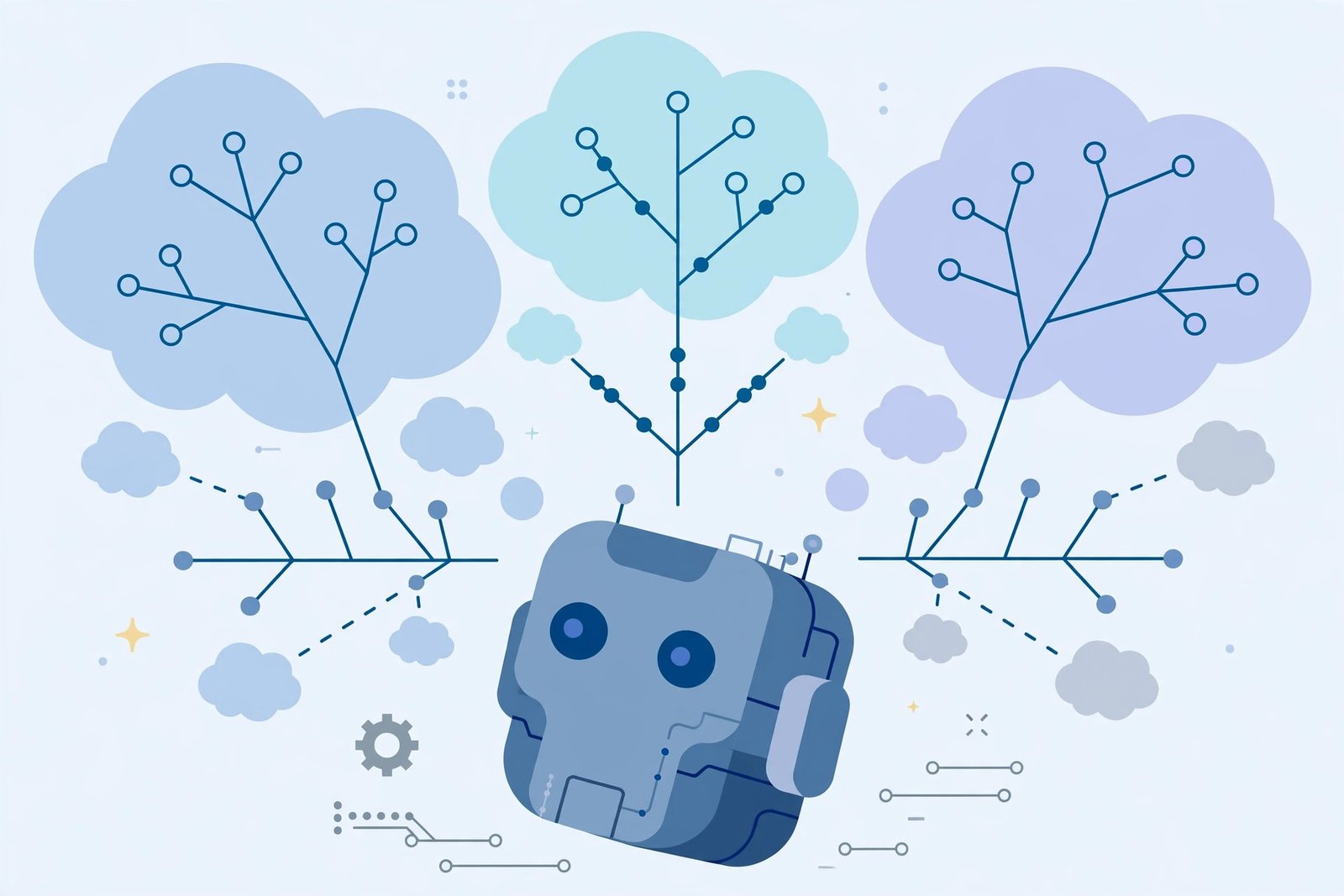
The strength is adaptability. An agent can handle a support ticket it’s never seen before, research a topic with no pre-written search queries, or draft a personalized email from a messy CRM record. The weakness is the mirror image: the same input can produce different outputs, costs vary run to run (more reasoning steps = more spend), and failures can be subtle — an agent that confidently enriches a lead with the wrong company is harder to catch than a broken API step.
The Full Comparison Table
| Dimension | Traditional Automation | AI Agents |
|---|---|---|
| Trigger | Events (new email, new row, schedule, webhook, form submit) | Goals + events (“every morning, brief me”; “handle anything that lands here”) |
| Reasoning | None — follows pre-defined logic, filters, and branches | Model-driven — plans, prioritizes, and adapts mid-run |
| Handling ambiguity | Can’t — routes to a human or fails | Core strength — interprets messy inputs, makes judgment calls |
| Error handling | Fails at the broken step; alert fires; fix is mechanical | Can retry differently or work around the problem; can also fail silently/confidently |
| Auditability | Excellent — every step logged, path known in advance | Harder — path is generated at runtime; needs good logging |
| Cost predictability | High — fixed steps × fixed price per step | Lower — variable reasoning steps per run; test before scaling |
| Setup effort | Design the flow once; it runs forever | Describe the goal; iterate on instructions and guardrails |
| Maintenance | Breaks when apps/APIs change; fixes are mechanical | Breaks when the model misjudges; fixes are prompt/guardrail work |
| Best cost structure | High-volume repetitive runs (Make from $9/mo; Zapier from $19.99/mo) | Judgment work where a human hour costs more than the agent’s variable run |
| Examples | Invoice reminders, data syncs, form-to-CRM pipelines, scheduled reports | Prospect research, inbox triage, personalized outreach, meeting prep briefs |
The Use-Case Matrix
The fastest way to choose: find your task in the matrix.
| Use case | Best fit | Why |
|---|---|---|
| New lead → add to CRM → notify sales | Automation | Fixed steps, high volume, zero judgment needed |
| Invoice reminders and payment nudges | Automation | Deterministic schedule; audit trail matters |
| Syncing data between apps (Shopify ↔ Sheets) | Automation | Pure plumbing; cheapest per run on Make/n8n |
| Scheduled reports and digests | Automation | Same format every time; set and forget |
| Prospect research and enrichment | AI agent | Every prospect is different; needs web research and judgment |
| Personalized cold outreach at scale | AI agent (with human review) | Personalization is the whole point; agent drafts, human approves |
| Inbox triage and prioritization | AI agent | Requires reading and judgment; rules alone miss nuance |
| Meeting prep briefs | AI agent | Pulls from CRM, web, and calendar; synthesizes |
| Customer support replies | Hybrid | Automation routes and drafts; agent personalizes; human approves |
| Refunds and policy exceptions | Automation gates + human | Agent judgment on money is where “confidently wrong” hurts most — keep a human in the loop |
| Content first drafts | AI agent | Creative generation; human edits |
| Data entry from documents | AI agent (or automation + AI step) | Unstructured input needs interpretation |
The hybrid pattern that wins in 2026
The most successful small-business setups we see aren’t pure anything. They’re automation scaffolding with agent steps inside: a Make scenario or Zap that triggers on an event, runs deterministic steps for the plumbing (fetch record, update CRM, log everything), and calls an agent for the one judgment step in the middle (draft the personalized email, classify the ticket, summarize the thread). You get the auditability and cost control of automation with the flexibility of an agent exactly where it earns its keep.
Cost Comparison: What Each Actually Costs
Automation is the cheapest per-run option for defined work. Make starts at $9/month (annual) for 10,000 credits; Zapier Professional starts at $19.99/month (annual) for 750 tasks; n8n self-hosted is free beyond server costs. A 5-step workflow at 1,000 runs/month costs roughly $9 on Make vs. ~$50 on Zapier — the per-run math is boring and predictable, which is the point.
Agents cost more per run but replace human hours, not just clicks. ChatGPT agent mode is bundled into plans from $20/month (Plus) to $100–$200/month (Pro/Max); Zapier Agents Pro is $33.33/month (billed annually) for 1,500 activities; dedicated agent builders like Lindy start around $49.99/month. The honest ROI question for an agent is never “cost per run” — it’s “cost per run vs. the human hour it replaces.” An agent that burns $2 of compute to save 30 minutes of a $40/hour employee is a 10x return even though it “costs more” than the $0.02 automation step.
The failure mode to avoid: using an agent for deterministic plumbing. Paying variable AI compute for work a fixed 3-step scenario does for pennies is the most common waste in 2026 automation budgets.
When Automation Is Clearly Better
- The task has fewer than ~10 steps and they’re the same every time
- You need an audit trail (finance, compliance, fulfillment)
- Volume is high and the work is repetitive — this is where per-run cost dominates
- The cost of an error is high and the correct behavior is fully specifiable (payments, legal notices, inventory)
- You want something that runs for months without babysitting
When AI Agents Are Clearly Better
- The input is messy or variable — every email, prospect, or document is different
- The task requires research, synthesis, or personalization
- The workflow has judgment calls a rules engine can’t encode (“is this lead actually a good fit?”)
- You’re exploring a new process and don’t yet know the right steps — an agent can discover them, and you can automate the stable version later
- The alternative is a human doing it by hand — agents compete with labor cost, not with automation cost
Real-World Examples: The Same Job, Two Ways
Example 1 — “Handle new customer inquiries.” As automation: a form routes inquiries by dropdown category to three inboxes with canned acknowledgments. Reliable, instant, and blind — anything that doesn’t fit the dropdown lands in the wrong place. As an agent: an agent reads each message, understands a billing complaint written like a feature request, drafts a contextual reply, and escalates the angry enterprise customer to a human with a summary. Slower, pricier per inquiry — and dramatically better on the 20% of messages that don’t fit the form.
Example 2 — “Weekly sales reporting.” As automation: a scheduled scenario pulls CRM numbers into the same template every Monday at 8am. Perfect fit — the report’s value is its consistency. As an agent: the agent writes a narrative (“enterprise pipeline grew 12%, driven by two deals; SMB slipped because…”), which is genuinely useful — but occasionally misreads a number, so a human still proofreads. The mature setup runs both: automation produces the numbers, an agent drafts the narrative, a human approves.
Example 3 — “Keep the CRM clean.” Pure automation wins the mechanical half (dedupe, format phone numbers, enforce required fields). Agents win the judgment half (reading a call summary and updating the deal’s real status, flagging that the “champion” has left the company). Teams that force agents to do the mechanical half overpay; teams that force automation to do the judgment half get silently bad data.
The Migration Path: From Automation to Agents (Safely)
If you’re running traditional automation today and wondering about agents, don’t rip anything out. Follow this sequence:
- Keep your automations. They’re the reliable plumbing. Don’t touch what works.
- Add one AI step to an existing workflow — a summary, a classification, a draft. This is the cheapest experiment in the category.
- Promote the AI step to an agent only where the judgment is the bottleneck (personalization, research, triage).
- Put guardrails on the agent first: restrict which apps it can touch, require human approval before external actions (sending, publishing, paying), and log every run.
- Measure the human-hour savings for a month before expanding. Agents that don’t save measurable time get demoted back to automations.
How to Choose (The 60-Second Version)
Ask three questions:
- Is the correct behavior fully specifiable in advance? Yes → automation. No → agent.
- What’s the cost of a confident mistake? High (money, legal, reputation) → automation + human, or agent with mandatory human approval. Low → agent can run freely.
- Is the alternative a human doing it by hand? Yes → the agent’s variable cost is almost certainly cheaper than the human hour. No (the alternative is an existing automation) → keep the automation.
Frequently Asked Questions
Are AI agents replacing workflow automation?
No — they’re layering on top of it. The 2026 pattern is automation for the plumbing and agents for the judgment steps inside it. Vendors are converging too: Zapier put agents next to Zaps, Make put agent nodes inside scenarios. Expect “automation with agent steps” to be the default architecture, not a competition.
What’s the difference between an AI agent and a chatbot?
A chatbot responds to messages in a conversation. An agent takes a goal and acts across tools — browsing, reading files, calling apps, running code — often without further input. Many 2026 products blur the line (Lindy, for example, is both), but the test is simple: if it can complete a multi-step task without you, it’s acting as an agent.
Do AI agents cost more than traditional automation?
Yes per run — an agent “run” involves model reasoning, which costs real compute, plus the tool actions it takes. But they compete on a different axis: agents replace human hours on judgment work, automation replaces manual clicks on defined work. Comparing them on cost-per-run alone is the category error this whole guide exists to prevent.
Can I build AI agents without coding?
Yes — that’s the entire no-code agent builder category in 2026: Lindy, Gumloop, Relevance AI, Relay.app, Zapier Agents, and Make’s AI Agents all offer no-code or low-code building. Expect your first working agent in under an hour on the friendlier platforms, and budget real time for guardrails and testing before it touches anything external.
What’s the biggest risk of using AI agents?
Confident mistakes at machine speed — an agent that sends the wrong email to 500 prospects, or enriches your CRM with hallucinated data, creates cleanup work that dwarfs the time saved. The fix is boring and non-negotiable: restrict app permissions, require human approval before external actions, and start every agent in read-only or draft mode.
Should a small business start with automation or agents?
Start with automation for anything repetitive and well-defined — it’s cheaper, more reliable, and teaches you the discipline of mapping processes. Add agents where you hit judgment bottlenecks. Businesses that start with agents usually end up rebuilding the deterministic parts as automations anyway; businesses that start with automation add agents exactly where they hurt.
Conclusion
AI agents vs automation isn’t a fight — it’s a division of labor. Automation is your reliable employee who follows the checklist perfectly, forever, for pennies per run. Agents are your smart generalist who handles the messy stuff, needs oversight, and bills like a contractor instead of a machine.
The winners in 2026 aren’t the businesses with the most agents or the most automations. They’re the ones who put each where it belongs: deterministic plumbing on automation, judgment work on agents, and a human approving anything the business can’t afford to get wrong.
Next step: pick one repetitive workflow and one judgment-heavy task from your week. Automate the first with a traditional builder (Make’s free tier handles most starter workflows). Build the second as a draft-mode agent with human approval. Run both for two weeks — the numbers will tell you where to invest next.