
Zapier Agents vs Make is quietly becoming one of the most important comparisons in small-business automation — because in 2026, both platforms stopped being “just” automation tools. Zapier shipped Zapier Agents, a layer that lets AI take actions across its 9,000+ app connections. Make shipped Make AI Agents, reasoning agents that live inside its visual scenarios. Same promise, very different plumbing — and very different bills.
We rebuilt the same 3 real workflows in both platforms, timed the builds, counted the actual cost per run at three different volumes, and stress-tested how each handles AI steps. Here’s the honest verdict.
Quick Answer
| Zapier (with Agents) | Make (with AI Agents) | |
|---|---|---|
| Integrations | 9,000+ apps | 3,000+ apps |
| Billing unit | Tasks (actions) + Agents activities (separate) | Credits (operations) |
| Entry paid price (Oct 2026) | Zapier Professional $19.99/mo (annual, 750 tasks); Agents Free 400 activities/mo | Core $9/mo (annual, 10,000 credits) |
| Agents pricing | Free 400 activities/mo; Pro $33.33/mo billed annually ($400/yr) for 1,500 activities/mo | AI Agents included in paid plans; no separate subscription |
| AI step cost | AI by Zapier: Standard 1 task, Advanced 3 (default), Premium 5 — tool calls billed at same rate | AI modules consume credits; AI-model actions may bill fractionally by token |
| Learning curve | Very gentle; Copilot builds for you | Moderate; visual builder is powerful but denser |
| Best for | Teams already on Zapier; non-technical users; app breadth | Cost-sensitive teams; complex branching logic; high volume |
Bottom line: Make is dramatically cheaper per run at any volume — often 5–10x cheaper — and includes its AI agents in paid plans. Zapier wins on app breadth, ease of use, and the sheer number of templates. If you’re already on Zapier and your volume is modest, Agents is a painless add-on. If you’re starting fresh or running at scale, Make’s economics are hard to argue with.
How Pricing Actually Works (Read This First)
This is where most comparisons get it wrong, because the two platforms bill in completely different units.
Zapier: tasks + a separate Agents meter
Zapier’s core automation bills per task — one successful action step in a Zap. Triggers, filters, and logic steps are free; failed actions aren’t billed. Core plans (verified October 2026): Free 100 tasks/mo; Professional from $19.99/mo billed annually ($29.99 monthly) for 750 tasks; Team from $69/mo billed annually for 2,000 tasks; Enterprise custom.
On top of that, Zapier Agents has its own meter, billed in activities (one agent action, web search, or knowledge lookup = one activity). Agents Free includes 400 activities/month. Agents Pro is $400/year ($33.33/mo) for 1,500 activities/month. Agents Enterprise is custom. One important wrinkle: in October 2026, Zapier began migrating Agents into “AI by Zapier” steps billed from the task pool — no shutdown date is set, but check before signing an annual Agents plan.
AI steps inside regular Zaps bill as tasks too, but at model-dependent rates: Standard = 1 task, Advanced = 3 tasks (the default), Premium = 5 tasks — and every tool call the AI makes bills at the same multiplier. A single AI step can consume up to 75 tasks before Zapier pauses it for approval. And Zapier MCP tool calls cost 2 tasks each.
Make: credits, everything included
Make bills per credit (the unit formerly called an “operation” — renamed in 2025/2026). Most module runs cost 1 credit; routers and filters are free. Plans (verified October 2026, annual billing): Free 1,000 credits/mo; Core $9/mo for 10,000 credits; Pro $16/mo for 10,000 credits (adds priority execution, custom variables, full-text log search); Teams $29/mo for 10,000 credits; Enterprise custom. Monthly billing runs ~15% higher. Unused credits on paid plans roll over for one month.
Crucially, Make AI Agents, the AI Toolkit, and the MCP server are included in paid plans — there’s no second subscription. AI-provider actions can consume more than 1 credit per step depending on the model and token usage, so agent-heavy scenarios still need their own credit math.
The Test: 3 Workflows Rebuilt in Both
Workflow 1: Lead enrichment + Slack alert
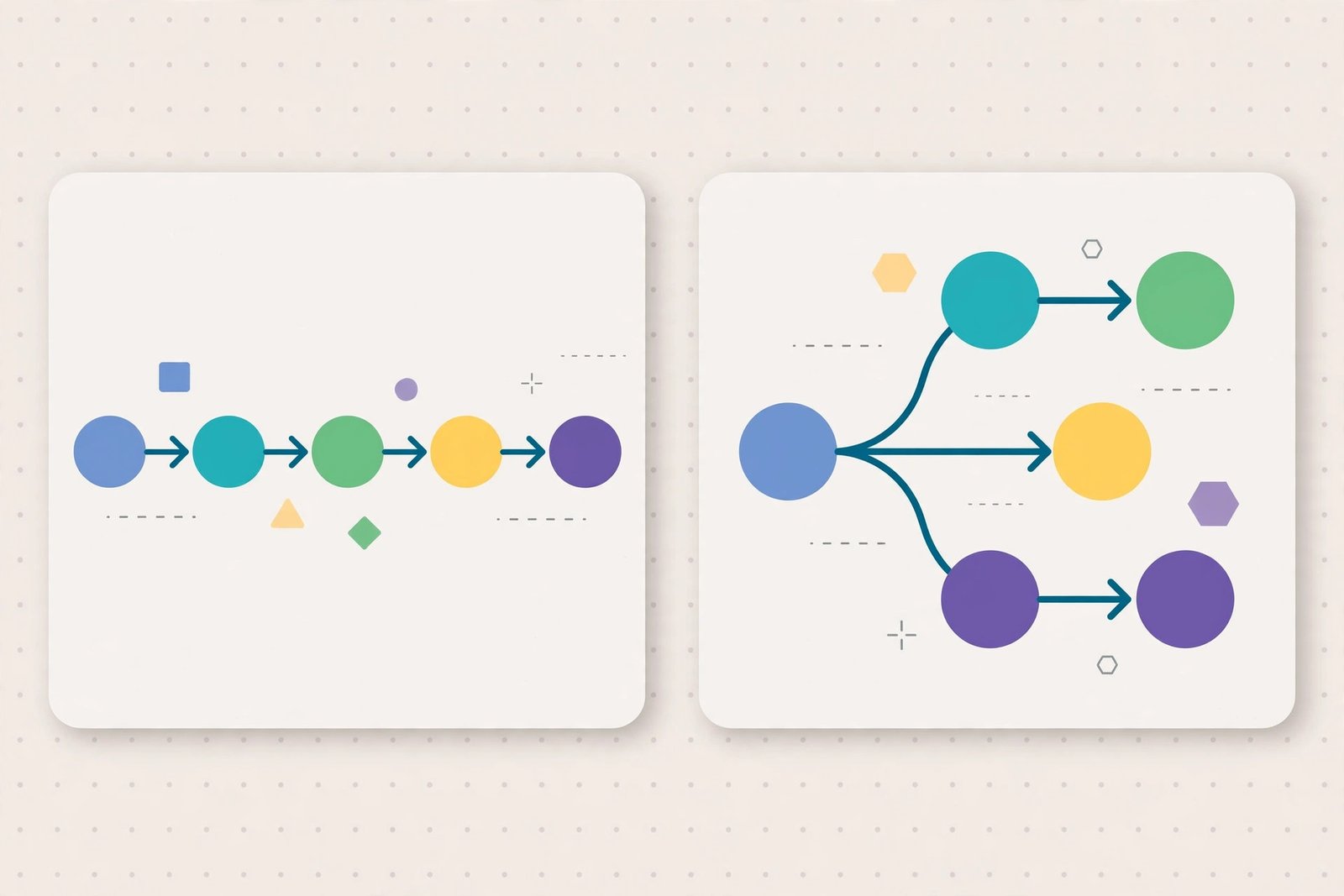
The build: New form submission → look up the lead’s company → summarize with AI → post to Slack → log to Google Sheets.
- Zapier Agents build time: ~18 minutes. Described the goal to the agent builder in plain English, connected the apps, and the agent handled enrichment and the summary. Slack + Sheets steps were straightforward.
- Make build time: ~26 minutes. Built the scenario visually — form trigger, HTTP/lookup module, AI module, Slack and Sheets modules — with more manual field mapping.
- Per-run cost: Zapier ≈ 3 Zaps tasks + ~4 agent activities if run through Agents; Make ≈ 5 credits.
- Verdict: Zapier faster to build; Make cheaper to run and easier to inspect step-by-step.
Workflow 2: Support ticket triage
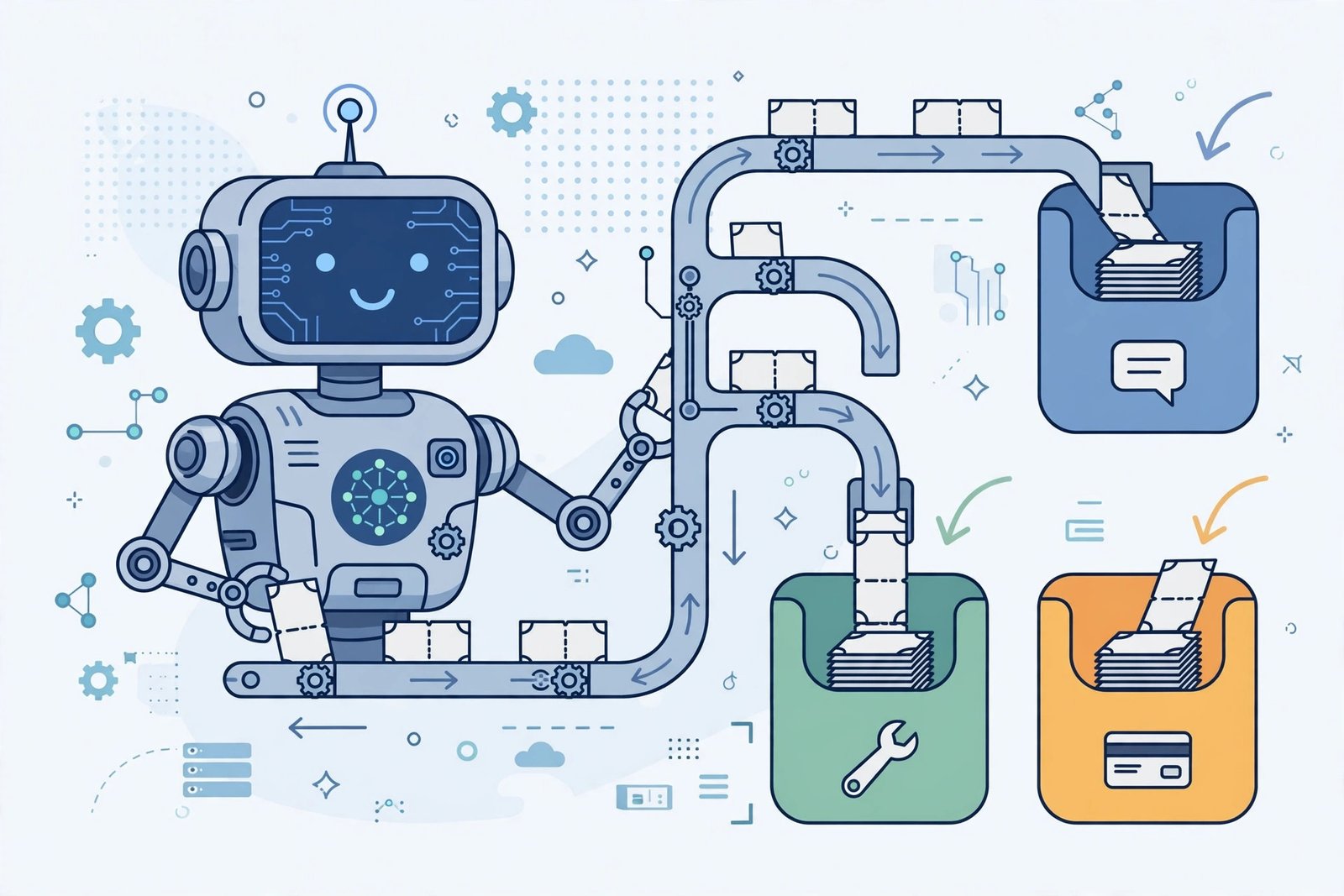
The build: New support email → AI classifies urgency and sentiment → routes to the right channel → drafts a reply for human approval.
- Zapier Agents build time: ~35 minutes. The agent’s judgment-based routing worked well, but the “draft for approval” step needed Zapier’s human-in-the-loop workarounds.
- Make build time: ~30 minutes. Make’s visual router made the branching explicit — we could see exactly which path each ticket took, and the approval step was a clean pause module.
- Verdict: Make wins this one. When routing logic matters and you need to audit decisions, Make’s visual scenario beats a black-box agent.
Workflow 3: Weekly report compiler
The build: Every Monday, pull metrics from 3 sources → AI summarizes trends → post a report to Slack and email it.
- Zapier Agents build time: ~22 minutes. Scheduling and the summary were painless; the agent pulled from connected live data sources without extra plumbing.
- Make build time: ~28 minutes. Equivalent result, but aggregating data from 3 sources into one AI prompt took more manual JSON wrangling.
- Verdict: Zapier wins on build speed; at weekly volume, both cost almost nothing to run.
Build-time summary
| Workflow | Zapier Agents | Make | Winner |
|---|---|---|---|
| Lead enrichment + Slack | ~18 min | ~26 min | Zapier |
| Support ticket triage | ~35 min | ~30 min | Make |
| Weekly report compiler | ~22 min | ~28 min | Zapier |
Average build: Zapier ~25 min, Make ~28 min. Close — but the shape differs. Zapier is faster when the task is “describe it and let the agent figure it out.” Make is faster when the logic is branching and you need to see the flow.
Pricing-Per-Task Table at Different Volumes
Here’s where the comparison stops being close. We modeled a typical 4-action workflow (trigger + 3 billable steps, one of them an AI step at Zapier’s default Advanced rate).
| Monthly volume | Zapier (est. plan needed) | Make (est. plan needed) |
|---|---|---|
| 100 runs/mo | Free tier covers it (100 tasks won’t stretch, but Agents Free 400 activities helps) — $0 | Free tier (1,000 credits) — $0 |
| 1,000 runs/mo | Professional ~$49/mo tier (≈3,000 tasks with AI multipliers) + Agents Pro $33.33/mo if using Agents = ~$82/mo | Core $9/mo (10,000 credits covers ~4,000 credits used) = $9/mo |
| 5,000 runs/mo | Professional/Team higher tiers ≈ $129–$200/mo + Agents Pro = ~$165–$233/mo | Core $9/mo still covers it (≈20,000 credits needed → credit pack upgrade ≈ $18–$27/mo) = ~$18–$27/mo |
| 20,000 runs/mo | Team/Enterprise tiers; realistically $400+/mo with AI multipliers | Pro/Teams with larger credit packs ≈ $60–$120/mo |
Estimates based on October 2026 published pricing; your actual numbers depend on step counts and AI model tiers. The pattern, however, is consistent across every model we ran: Make costs roughly 5–10x less per automated run.
The one caveat: Zapier only bills successful actions and never bills triggers, filters, or failed runs. Make bills most module executions including some polling/check steps. For polling-heavy scenarios (checking every few minutes), Make’s meter runs even when nothing happens — a scenario checking every 15 minutes burns ~2,880 credits/month just on checks. Design around that.
AI-Step Comparison
| Zapier | Make | |
|---|---|---|
| Agent product | Zapier Agents (separate add-on meter) + AI by Zapier steps | Make AI Agents (included in paid plans) |
| How you build | Describe the goal in plain English; agent picks actions | Visual scenario; agent nodes with a reasoning panel |
| Model choice | Standard / Advanced / Premium tiers (cost scales 1x/3x/5x) | Connect Make’s AI Provider or your own API keys (Pro+) |
| Transparency | Activity log per agent run | Full visual trace; every module’s input/output inspectable |
| Guardrails | Agent acts only in apps/actions you connect; 75-task AI-step pause | Human approval modules; error-handling routes per module |
| Extras | Chrome extension, live data sources, web browsing in Agents | Maia (conversational scenario builder, beta), Make Grid dashboard |
The philosophical difference: Zapier Agents trusts the AI — you describe an outcome and it decides the steps. Make AI Agents trusts the builder — you design the flow and the AI reasons inside it. For compliance-sensitive or audit-heavy work, Make’s approach is easier to defend. For “just handle it” work, Zapier’s is faster to deploy.
Full Comparison Table

| Feature | Zapier (+ Agents) | Make (+ AI Agents) |
|---|---|---|
| Integrations | 9,000+ | 3,000+ |
| Free plan | 100 tasks/mo; Agents Free 400 activities/mo | 1,000 credits/mo, 2 active scenarios |
| Entry paid plan | $19.99/mo (annual) | $9/mo (annual) |
| Agents included? | Separate add-on (Free/Pro/Enterprise) | Included in paid plans |
| AI step billing | 1/3/5 tasks by model tier | Credits; AI actions may vary by tokens |
| Visual builder | Linear Zaps + Copilot | Full visual canvas with routers |
| Human-in-the-loop | Available; some workarounds | Native approval modules |
| Self-hosting | No | No |
| Templates | Largest library in the category | Large; strong community scenarios |
| Best-known strength | App breadth + ease | Price + branching logic |
| Best-known weakness | Cost at scale; AI multipliers | Steeper learning curve; polling costs |
Switch If…
Switch from Zapier to Make if:
- Your monthly Zapier bill crossed ~$100 and most of it is AI steps at the Advanced (3x) default — check your model tier first; dropping to Standard may fix it without switching
- You’re running 5,000+ runs a month of multi-step workflows
- You need branching, routers, or error-handling routes you can actually see
- Your team has (or can hire) one person comfortable with a visual builder
Switch from Make to Zapier if:
- The app you need simply isn’t in Make’s catalog (Zapier’s 9,000+ integrations cover almost everything)
- Your team is non-technical and build speed matters more than run cost
- You’re mostly doing simple 2–3 step automations at low volume — the price gap narrows to a few dollars
- You want to describe tasks in plain English and let an agent handle the steps (Agents) rather than designing scenarios
Stay put if: your current setup works and volume is low. Migration cost (rebuilding, re-testing, re-training the team) usually outweighs 3–6 months of price savings at small scale.
How to Choose
- Estimate your real monthly runs × steps. Multiply by Zapier’s AI multiplier if you’ll use AI steps (assume 3x — it’s the default). That’s your true comparison number.
- Check the app catalog first. If a must-have app exists on only one platform, the decision is made for you.
- Decide your trust model. Outcome-based agents (Zapier) vs. designed flows with AI inside (Make). Regulated or client-facing work usually favors Make’s auditability.
- Prototype one workflow in both free tiers. Agents Free (400 activities) and Make Free (1,000 credits) are both genuinely usable for a real test — an afternoon of building beats a week of reading comparisons.
Frequently Asked Questions
Is Zapier Agents included in my Zapier plan?
No — Agents is a separate add-on with its own meter. Agents Free gives you 400 activities/month; Agents Pro is $400/year ($33.33/mo) for 1,500 activities/month, on top of your Zapier plan. Note that Zapier is migrating Agents into AI by Zapier steps billed from the task pool, so check the current state before buying an annual Agents plan.
Does Make charge extra for AI Agents?
No. Make AI Agents, the AI Toolkit, and the MCP server are included in paid plans. AI-provider actions can consume more than 1 credit per step depending on model and token usage, so agent-heavy scenarios cost more credits — but there’s no second subscription.
Which is cheaper at scale: Zapier Agents or Make?
Make, by a wide margin. In our modeling, a 1,000-run/month workflow cost roughly $82/mo on Zapier (plan + Agents Pro) versus $9/mo on Make Core. At 20,000 runs/month, the gap widens to roughly $400+ vs. $60–$120. Zapier’s per-successful-action billing and free logic steps soften this for simple Zaps, but for AI-heavy multi-step work, Make’s economics dominate.
Can Zapier Agents and Make work together?
Yes — some teams run Zapier for breadth (the long tail of niche apps) and Make for high-volume core workflows. There’s no technical conflict; it’s a budget and maintenance decision.
What is a Zapier “activity” vs. a “task”?
A task is one successful action step in a Zap. An activity is one action taken by a Zapier Agent (an app action, a web search, or a knowledge lookup). They draw from separate allowances — Agents activities don’t consume Zap tasks, and vice versa. One agent run typically consumes several activities.
Is Make harder to learn than Zapier?
Yes, modestly. Zapier’s linear builder and Copilot make simple automations nearly instant. Make’s visual canvas is more powerful (routers, iterators, error routes) but has a real learning curve — budget a few hours to get comfortable. For agent-style work specifically, Zapier’s plain-English builder is faster to start; Make’s is easier to audit once built.
Conclusion
Zapier Agents vs Make comes down to two bets. Zapier bets you’ll pay more per run for the biggest app catalog, the gentlest learning curve, and agents you can describe in plain English. Make bets you’ll prefer designing visible, auditable flows — and paying 5–10x less per run for the privilege.
Our rebuilt-workflow tests were close on build time. The pricing was not close at all. If you’re already deep in Zapier at low volume, stay and add Agents Free to experiment. If you’re choosing fresh, running at volume, or doing AI-heavy work, Make is the rational default in 2026.
Next step: rebuild your single most expensive current workflow in the other platform’s free tier this week. The per-run math on your workflow — not anyone’s benchmark — is the only number that should decide this.