

Most “AI tools for sales teams” lists hand you 20 logos and no plan. This one is different: it’s organized around 10 workflow playbooks — the actual, repeatable processes sales teams are automating in 2026 — each with the specific tool to use, how the workflow runs, and a realistic time-savings estimate. Because the honest truth is that no single AI tool fixes your sales motion. The wins come workflow by workflow: prospect research that takes 2 minutes instead of 20, calls that write their own CRM notes, follow-ups drafted before you’ve left the meeting.
Add up the estimates below conservatively and a mid-sized sales team reclaims roughly 8–15 hours per rep per week — time that goes back into actual selling. Here’s how.
Quick Answer
| Workflow | Recommended tool | Typical pricing (Oct 2026) | Time saved |
|---|---|---|---|
| 1. Prospect research | Clay | Free; paid from ~$149/mo | ~15 min per prospect |
| 2. List building & enrichment | Apollo.io | Free; from $49/user/mo | ~3–5 hrs/week per rep |
| 3. Call summaries & notes | Fireflies.ai | Free; from ~$10/seat/mo | ~30 min per call |
| 4. CRM auto-fill | HubSpot (Breeze) + automation | Free CRM; Sales Hub from $20/mo | ~45 min/day per rep |
| 5. Follow-up drafting | ChatGPT / Claude + CRM context | From $20/mo (Plus/Pro) | ~10 min per follow-up |
| 6. Personalized cold outreach | Clay + sending tool | See workflows 1 & 10 | 2–3x reply rates, ~5 hrs/week |
| 7. Meeting prep briefs | Lindy / Relay.app agent | Lindy ~$49.99/mo; Relay $19/mo | ~20 min per meeting |
| 8. Lead scoring & routing | Zapier / Make + AI step | From $9–$19.99/mo | ~2 hrs/week + faster response |
| 9. Pipeline hygiene alerts | Relay.app / Make | From $9/mo | ~1 hr/week + cleaner forecast |
| 10. Sequence follow-up automation | Apollo / Reply.io | From ~$49/user/mo | ~4 hrs/week per rep |
Playbook 1: Prospect Research in 2 Minutes
The old way: Open LinkedIn, the company website, a news tab, Crunchbase — 15–25 minutes per prospect, and most reps skip it under quota pressure.
The AI workflow (Clay):
- Lead list lands in Clay (CSV, CRM export, or Apollo pull).
- Clay’s waterfall enrichment runs across 75+ data providers to find verified company and contact data.
- An AI column scans the company’s site, recent news, and job postings, then writes a 3-bullet research brief: what they do, a recent trigger event, and a likely pain point.
- Output drops into your CRM or sending tool, ready for the rep.
Time saved: ~15 minutes per prospect. At 20 prospects a week, that’s 5 hours returned per rep.
Pricing (Oct 2026): Clay has a free tier with limited rows; paid plans start around $149/month (usage-based, not per-seat — good for teams).
Best for: Teams doing account-based or personalized outbound where research quality decides reply rates.
Playbook 2: List Building and Enrichment at Scale
The old way: Manually building target lists, verifying emails one by one, and accepting 15–20% bounce rates.
The AI workflow (Apollo.io):
- Define your ICP with Apollo’s filters (industry, headcount, tech stack, hiring signals) across its 275M+ contact database.
- Apollo enriches and verifies contacts automatically.
- Push verified lists straight into a sequence — prospecting, enrichment, and outreach in one tool.
Time saved: ~3–5 hours per week per rep, mostly in eliminated list-building and bounce cleanup.
Pricing (Oct 2026): Free plan with limited contacts; paid from $49/user/month billed annually.
Best for: Budget-conscious teams that want one login for data + sequencing instead of stitching tools together. (Power users pair Apollo for sequencing with Clay for enrichment depth.)
Playbook 3: Call Summaries That Write Themselves
The old way: 20–30 minutes of post-call typing — notes, next steps, CRM fields — multiplied by every call, every day. Or worse, it never happens and the CRM rots.
The AI workflow (Fireflies.ai):
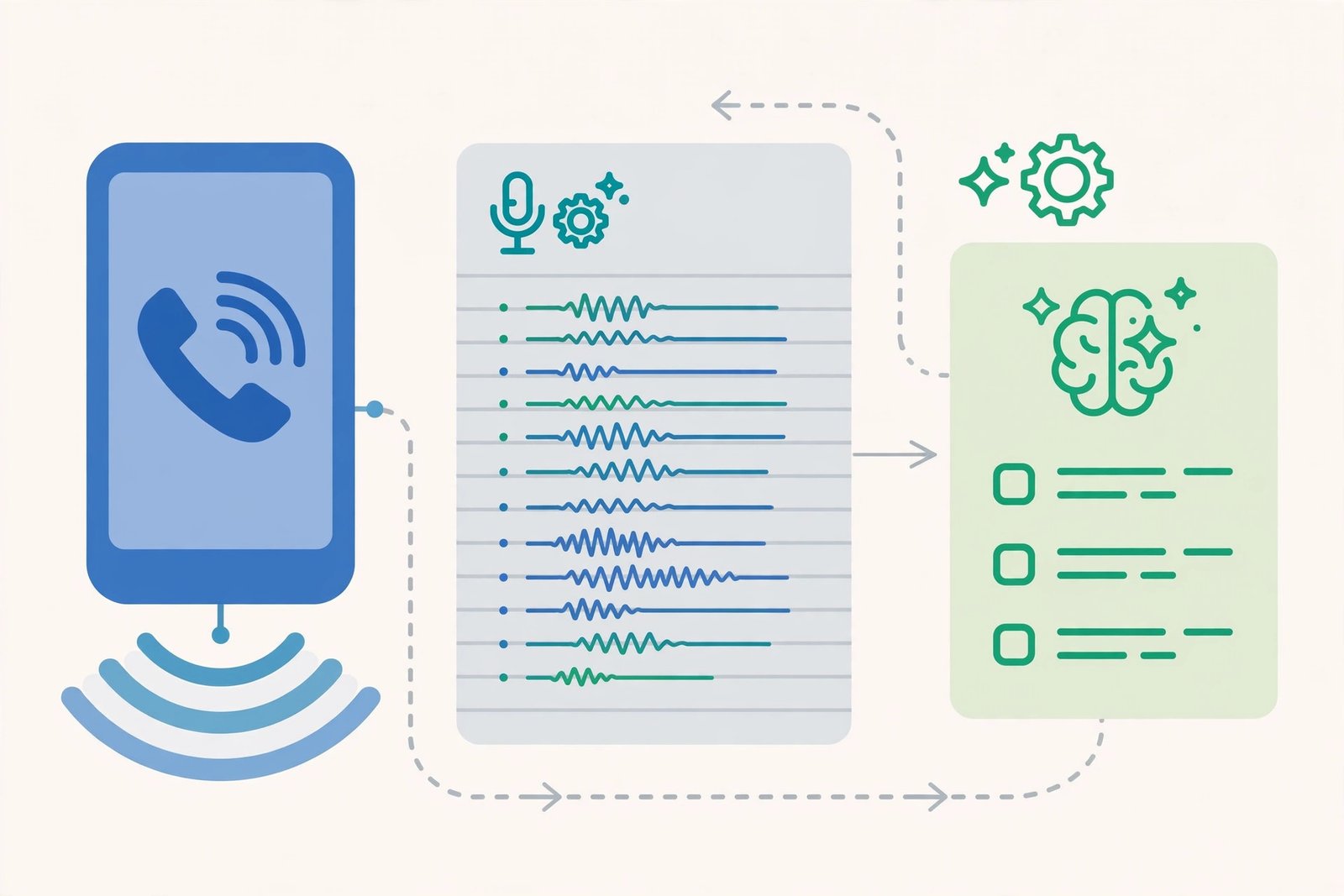
- Fireflies joins Zoom/Meet/Teams calls automatically and records/transcribes.
- AI generates a structured summary: key points, objections, action items with owners.
- The summary and action items sync to your CRM and Slack automatically.
Time saved: ~30 minutes per call (notes + CRM entry), plus the hidden win: managers get searchable call intelligence instead of rep folklore.
Pricing (Oct 2026): Free tier available; paid from ~$10/seat/month on annual billing (Pro). Business tiers add deeper CRM integrations and analytics.
Best for: Any team whose CRM data quality depends on reps remembering to type notes. (For call coaching at enterprise scale, Gong — from ~$100/user/month — is the heavier-duty alternative.)
Playbook 4: CRM Auto-Fill (Kill the Admin Tax)
The old way: Reps spend 30–60 minutes a day manually logging activities, updating deal stages, and filling fields nobody reads — until forecasting season, when everybody reads them and they’re wrong.
The AI workflow (HubSpot Breeze + automation):
- Connect email and calendar to HubSpot; activities log automatically.
- Breeze AI extracts deal-relevant details from emails and calls (budget mentions, timelines, decision-makers) and proposes field updates.
- An automation rule updates stage and next-step fields when the AI detects a signal (e.g., “pricing sent” in an email thread).
Time saved: ~45 minutes per rep per day of pure admin — roughly 4 hours a week.
Pricing (Oct 2026): HubSpot CRM is free; Sales Hub starts from $20/month (Starter) with Breeze features bundled into HubSpot plans. Salesforce shops get equivalent capability via Salesforce’s AI agents from $25/user/month.
Best for: SMB and mid-market teams on HubSpot who want the CRM to maintain itself. The principle transfers to any CRM with AI field extraction — the workflow matters more than the logo.
Playbook 5: Follow-Up Drafting in the Rep’s Voice
The old way: Every follow-up email written from scratch (or from a tired template), 10–15 minutes each, and the “I’ll send it later” pile grows.
The AI workflow (ChatGPT or Claude, fed with CRM context):
- After a call, the rep pastes the AI summary (Playbook 3) into ChatGPT/Claude — or uses an agent that pulls it automatically.
- Prompt with the account context and the rep’s tone samples: “Draft a follow-up: recap the 3 points, propose the pilot, attach next steps. Sound like my last 5 emails.”
- Rep reviews, tweaks one line, sends. Total human time: ~2 minutes.
Time saved: ~10 minutes per follow-up. At 8 follow-ups a day, that’s over an hour daily.
Pricing: ChatGPT Plus or Claude Pro at $20/month each; teams already paying for either get this playbook free.
Best for: High-velocity reps whose bottleneck is writing, not talking. This pairs naturally with Playbook 7 (agent-built prep) for a full pre/post-call loop.
Playbook 6: Personalized Cold Outreach at Scale
The old way: Generic sequences, 1–2% reply rates, burned domains, and a pipeline that depends on volume alone.
The AI workflow (Clay enrichment → sending tool):
- Clay enriches each prospect and generates a genuinely personal first line from a real trigger (funding, hiring, tech change, content they published).
- The sending tool (Apollo sequences, Instantly, or Lemlist) delivers with warm-up and deliverability controls.
- AI classifies replies (interested / objection / not now) and routes them; interested replies go straight to a human.
Time saved: ~5 hours per week of manual personalization, with the real win being 2–3x reply rates versus generic blasts.
Pricing: Clay from ~$149/month + your existing sending tool. Guardrail that matters more than price: protect your domain — a burned sender domain costs more than any subscription.
Best for: Outbound teams who’ve hit the ceiling on volume-based sending.
Playbook 7: Meeting Prep Briefs, Automatically
The old way: 15–25 minutes of pre-call scrambling — or walking in cold.
The AI workflow (Lindy or Relay.app agent):
- An agent watches the rep’s calendar for upcoming external meetings.
- 30 minutes before, it pulls the attendee’s LinkedIn, company news, CRM history, and past call summaries, and compiles a one-page brief.
- Brief lands in Slack/email; on Relay, the rep can approve/edit before it’s shared with the team.
Time saved: ~20 minutes per meeting — and reps actually read a one-pager, unlike the CRM record nobody opens.
Pricing: Lindy from ~$49.99/month; Relay.app Professional $19/month (annual) with a free tier to pilot on.
Best for: AEs and founders juggling back-to-back external calls.
Playbook 8: Lead Scoring and Instant Routing
The old way: Inbound leads sit in a queue; a human eyeballs them hours later; hot leads cool off. (Response time is the single biggest predictor of inbound conversion — minutes matter.)
The AI workflow (Zapier or Make + AI step):
- New lead arrives (form, ad, chat).
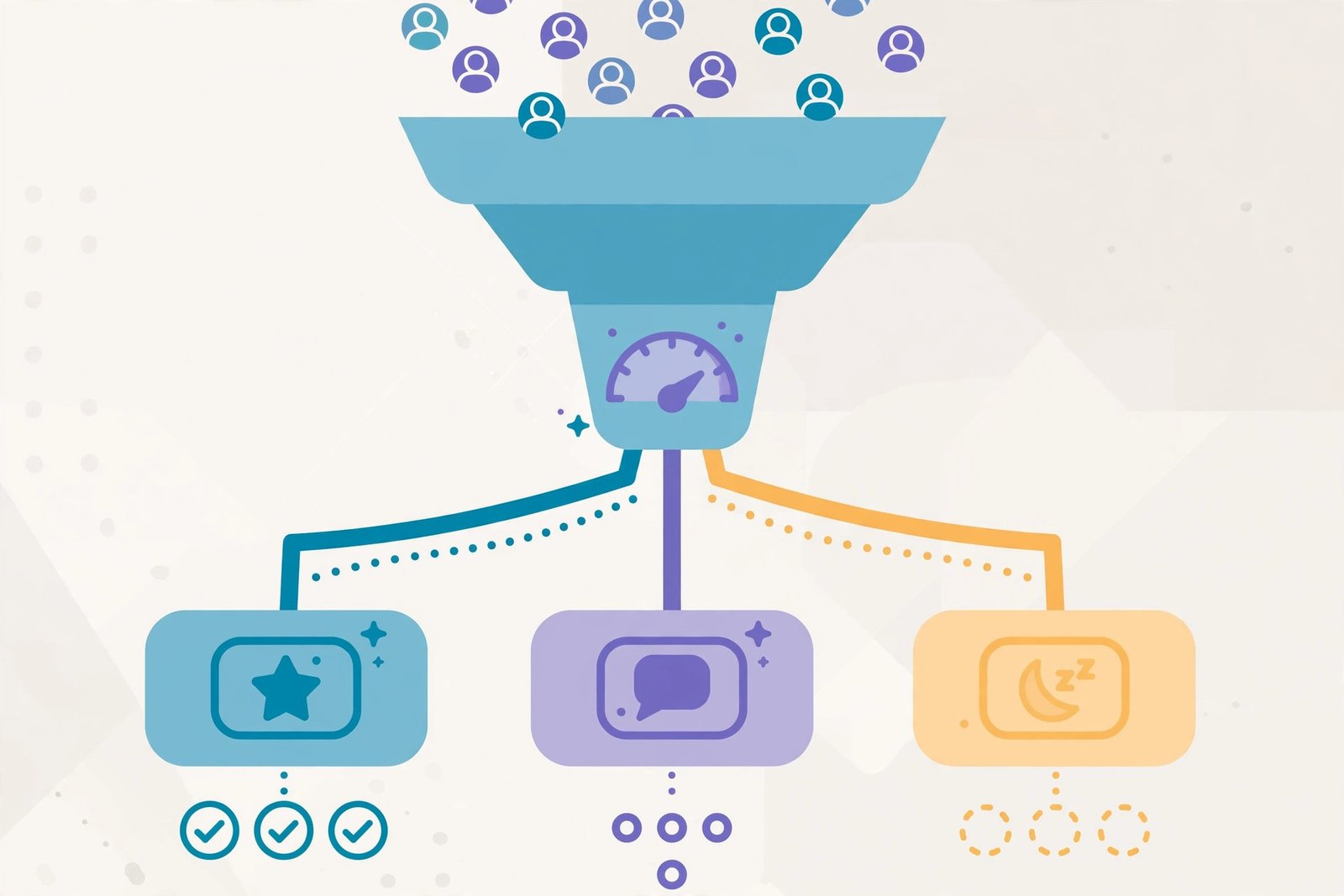
- Automation enriches it (Clearbit/Apollo lookup), then an AI step scores fit and intent against your ICP in plain language — not just firmographic checkboxes.
- Score 8+: instant Slack alert to the right rep + CRM task created. Below threshold: nurture sequence.
Time saved: ~2 hours per week of manual triage, plus the revenue effect of responding in minutes instead of hours.
Pricing: Make Core $9/month or Zapier Professional from $19.99/month; AI steps add modest task/credit costs (budget for Zapier’s 3x Advanced default).
Best for: Any team with meaningful inbound volume and more than one rep to route to.
Playbook 9: Pipeline Hygiene Alerts
The old way: A weekly pipeline review where half the deals are stale, stageless, or missing next steps — discovered live, in front of the VP.
The AI workflow (Relay.app or Make scenario):
- A scheduled scenario scans the CRM weekly for hygiene failures: no activity in 10+ days, close date in the past, no next step, amount changed without a note.
- AI summarizes each flagged deal’s last activity into one line (“Went dark after pricing call; champion left company per LinkedIn”).
- Each rep gets a personal Slack digest of their flagged deals with suggested next actions.
Time saved: ~1 hour per week of manager/rep pipeline archaeology, plus a forecast you can defend.
Pricing: Relay.app from $19/month (annual) or Make from $9/month — both fine at this volume.
Best for: Sales managers and RevOps who want a clean pipeline without nagging humans.
Playbook 10: Sequence Follow-Up Automation (The Persistence Engine)
The old way: Reps manually chase bump emails, forget touch 4, and let warm threads die — even though most replies arrive on follow-ups, not first touches.
The AI workflow (Apollo sequences or Reply.io):
- Prospects enter a multi-touch sequence (email + LinkedIn + call tasks).
- AI generates follow-up variants referencing the original thread and any new trigger events, instead of identical “just bumping this” messages.
- Replies auto-pause the sequence; AI classifies intent and books or routes accordingly. AI-SDR features (e.g., Reply.io’s assistant) can handle the first response round with human oversight.
Time saved: ~4 hours per week per rep of manual chasing and re-writing.
Pricing: Apollo from $49/user/month; Reply.io from ~$49/month. Full AI-SDR seats (Artisan, 11x) run $1,000–$3,000+/month — a different budget conversation, justified only when they replace a hire.
Best for: SDR teams running high-volume outbound where follow-up discipline is the difference between pipeline and noise.
Full Tool Comparison Table
| Tool | Playbooks | Entry price (Oct 2026) | Free plan | Best for |
|---|---|---|---|---|
| Clay | 1, 6 | ~$149/mo | Yes (limited) | Enrichment + personalization quality |
| Apollo.io | 2, 10 | $49/user/mo | Yes | All-in-one prospecting on a budget |
| Fireflies.ai | 3 | ~$10/seat/mo | Yes | Call notes + CRM sync |
| HubSpot + Breeze | 4 | $20/mo (Sales Hub) | Free CRM | CRM auto-fill for SMB/mid-market |
| ChatGPT / Claude | 5 | $20/mo | Limited | Follow-up drafting in rep’s voice |
| Lindy | 7 | ~$49.99/mo | Trial | Agent-style prep & admin |
| Relay.app | 7, 9 | $19/mo (annual) | Yes | Approval-gated agent workflows |
| Make | 8, 9 | $9/mo (annual) | Yes | Cheapest routing/hygiene automation |
| Zapier | 8 | $19.99/mo (annual) | Yes | Widest app coverage for routing |
| Reply.io | 10 | ~$49/mo | No | Multichannel sequences + AI replies |
How to Choose (Implementation Order Matters)
Don’t buy ten tools. Roll out in this order — each playbook funds the next with saved time:
- Weeks 1–2: Playbooks 3 + 4 (call summaries + CRM auto-fill). Highest certainty, zero behavior change — the AI does work reps hate. This is where trust gets built.
- Weeks 3–4: Playbooks 5 + 7 (follow-up drafting + prep briefs). Now reps feel the AI helping them sell, not just admin-ing.
- Month 2: Playbooks 1 + 2 + 6 (research + lists + personalized outreach). The outbound upgrade — needs domain/deliverability care, so do it once the team trusts the stack.
- Month 3: Playbooks 8 + 9 + 10 (routing, hygiene, follow-up automation). The systems layer. By now you have the data flowing to make these accurate.
Selection rules: prefer tools your CRM already integrates with natively; count total cost (per-seat tools multiply fast — a $49/user tool for 10 reps is $490/month before anything else); and insist on human approval for anything customer-facing until the workflow has a month of clean runs.
Frequently Asked Questions
What is the best AI tool for sales teams in 2026?
There isn’t one — and posts that pretend otherwise are selling you something. If we had to name the highest-leverage starting point, it’s call summaries + CRM auto-fill (Fireflies + your CRM’s AI): the time savings are the most certain and the behavior change is zero. After that, the answer depends on your motion: outbound-heavy teams get the most from Clay + a sending tool; inbound-heavy teams from routing automation (Make/Zapier + AI step).
How much time can AI actually save a sales rep?
Conservatively, 8–15 hours per rep per week across the ten playbooks — most of it from work reps hate (CRM admin ~4 hrs, call notes ~2.5 hrs, follow-up drafting ~1 hr daily). Treat vendor claims of “20+ hours” with suspicion, and measure your own baseline for a week before believing any number, including ours.
Will AI replace SDRs?
For high-volume, low-complexity outbound, AI SDRs ($1,000–$3,000+/month) already replace parts of the role — research, first drafts, follow-up persistence. For complex, long-cycle sales, AI augments rather than replaces: it does the research and drafting, humans run calls and relationships. The math works when AI replaces a planned hire, not when it’s layered on top of a full team doing the same work manually.
Is it safe to let AI write to prospects automatically?
Draft-and-approve is the safe default — and the pattern every playbook above uses for customer-facing output. Fully autonomous sending works only with tight ICP filters, verified data, and deliverability controls (warm-up, volume caps, separate domains). A burned domain costs more than any tool saves.
What’s the cheapest way to start with AI sales workflows?
Free tiers cover a real pilot: Apollo (free plan), Fireflies (free tier), HubSpot CRM (free), Make (1,000 free credits/month), plus a $20/month ChatGPT Plus or Claude Pro seat for drafting. A functional starter stack costs $0–$20/month; the paid upgrades come when volume, not features, demands them.
How do I measure ROI on AI sales tools?
Track three numbers monthly: (1) rep hours saved (time the playbooks replaced × loaded rep cost), (2) pipeline effects (reply rates on personalized vs. generic outreach; inbound response time before/after routing), and (3) data quality (CRM field completeness, stale-deal rate). If hours saved alone don’t exceed the tool bill within 90 days, the workflow — not the category — is the problem.
Conclusion
The teams winning with AI in 2026 aren’t the ones with the most tools — they’re the ones that automated the boring, certain workflows first (call notes, CRM admin), then the judgment workflows with a human still approving (drafts, prep, personalization), and only then the systems layer (routing, hygiene, follow-up engines).
Start with Playbooks 3 and 4 this month. They’re cheap, they’re safe, and they’ll buy your team the hours — and the trust — to build everything else on this list.
Next step: pick the single playbook that matches your team’s biggest time sink, run it on the tool’s free tier for two weeks, and measure the hours. One proven workflow beats ten bookmarked demos.