
Linktree gives you a clean list of links for free. Beacons gives you a store, email list, and media kit in the same page. Stan Store gives you a full storefront but starts at 29 dollars a month with no free plan. All three call themselves link in bio tools, yet they solve different problems, charge in different ways, and suit creators at different stages, which is why a simple popularity ranking misleads more buyers than it helps. The best link in bio tools are not the most famous ones. They are the ones whose fees, features, and limits match how you actually earn, whether that is affiliate clicks, digital product sales, bookings, or brand deals.
This guide compares fifteen tools on the factors that cost real money or time, including monthly price, seller fees, custom domain support, analytics, email capture, and store depth. A tool that looks cheap at 10 dollars a month can become expensive if it takes 9 percent of every sale, while a tool that looks pricey at 29 dollars a month can be cheap if it takes nothing. Read the fee section before the reviews, shortlist by your revenue model, and test with your real links before you point your bio at a new page.
The Best Pick by Job
| Job | Pick | Why it wins |
|---|---|---|
| Simple link hub | Linktree | Largest install base, easy setup, solid free plan |
| Creator business hub | Beacons | Store, email, and media kit in one free starting page |
| Selling courses and products | Stan Store | Storefront first, with 0 percent platform fees |
| Lowest cost paid plan | Lnk.Bio | Paid tiers from about 1 dollar a month, lifetime options |
| Full page control | Carrd | Cheap yearly sites with complete design freedom |
| Lead capture | Taplink | Built-in forms, payments, and messenger links |
The Fee Trap Most Comparisons Skip
Monthly price is the least important number for a selling creator, and the best link in bio tools are ranked honestly only when fees are included. Seller fees decide the real cost, and they hide in plan details. Beacons charges 9 percent on its free and Creator plans, dropping to 0 percent only on Creator Plus at around 30 dollars a month. Linktree charges a percentage on shop sales that varies by plan, falling to 0 percent on its Premium plan at around 35 dollars a month.
Stan Store charges 0 percent on both its plans, which is why a 29 dollar Stan plan can cost less overall than a free Beacons page once sales pass a few hundred dollars a month. Lnk.Bio charges 5 percent on shop sales, which is lower than Beacons free but still worth calculating against your volume.
Do the maths with your own numbers before choosing. Multiply your expected monthly sales by the seller fee, add the monthly subscription, and add payment processing, which every tool charges on top through Stripe or PayPal. A creator selling 500 dollars a month pays 45 dollars in fees on a 9 percent plan, before any subscription, while the same creator on a 0 percent plan pays only the subscription plus processing. That single calculation often reverses a ranking. Also check what a free plan withholds, such as custom domains, analytics history, email integrations, or removal of platform branding, since those limits push many creators to paid plans within weeks.
For creators building an audience business, our guide to AI tools for content creators covers the wider monetisation stack around a bio page.

The 15 Tools Reviewed
1. Linktree
Linktree is the most recognised link in bio tool, and that recognition helps. Followers trust a familiar page, brands recognise the format, and setup takes minutes with unlimited links on the free plan. Paid plans changed in late 2025, with Starter at around 8 dollars a month, Pro at around 15 dollars, and Premium at around 35 dollars on monthly billing, with lower rates on annual billing. Pro removes Linktree branding and adds custom designs and SEO settings, while Premium adds link rules, all-time analytics, and 0 percent fees on digital products and courses. The limits are shop depth and fee complexity, since Linktree is a link hub with selling added on, not a storefront built from the ground up.
For creators who mainly route traffic to YouTube, a podcast, a shop elsewhere, and a booking page, Linktree remains the simplest and safest choice.
2. Beacons
Beacons is a creator business hub disguised as a bio page, combining links with a store, media kit, email marketing, and AI tools. The free plan includes unlimited digital products and a limited number of email sends, while Creator costs around 10 dollars a month, Creator Plus around 30 dollars, and Creator Max around 100 dollars. The media kit feature deserves special attention, since it auto-updates audience stats for brand pitches, saving creators a separate media kit document. The catch is the 9 percent seller fee on free and Creator plans, which only falls to 0 percent on Creator Plus, so sellers should calculate total cost, not just the subscription.
Design flexibility is good but not unlimited, and the platform suits creators who want one hub for selling, email, and pitching. For a creator building a business rather than just a link list, Beacons is a strong all-in-one pick.
3. Stan Store
Stan Store is a storefront first and a bio page second, built for coaches, course sellers, and digital product creators. There is no free plan. Creator costs 29 dollars a month, or 300 dollars a year, and Creator Pro costs 99 dollars a month, adding discount codes, payment plans, upsells, funnels, affiliate management, and email marketing. Stan charges 0 percent transaction fees on both plans, with only card processing on top, which makes the maths simple and often favourable at real sales volumes. It also includes a booking calendar, course hosting, memberships, and Instagram auto-DMs for lead capture. The limits are price and scope.
A creator who only needs links will overpay, and the page design is store-led rather than fully custom. For a seller whose bio link must convert visitors into buyers, Stan is the most focused tool in this list.
4. Lnk.Bio
Lnk.Bio is the budget champion, with a free plan offering unlimited links and paid tiers from around 0.99 dollars a month, plus lifetime plans at around 9.99 dollars for Mini and 24.99 dollars for Unique. A custom domain costs extra at around 29.99 dollars a year, and the shop add-on carries a 5 percent seller fee. Analytics are native and exportable, and iOS and Android apps make editing on the move easy. The strength is value without trickery. Prices have stayed stable for years, and the paid tiers are cheap enough that most creators can afford full features.
The limits are store depth and design flair, since Lnk.Bio is a clean link page with a shop add-on, not a full storefront or a design playground. For a creator who wants unlimited links, honest analytics, and the lowest long-term cost, it is hard to beat.
5. Carrd
Carrd is not a link in bio tool in the narrow sense, and that is exactly why many creators prefer it. It builds simple one-page websites, with Pro plans from 19 dollars a year, which is cheaper than most monthly bio subscriptions. You get full design control, a custom domain on Pro plans, forms, embeds, and Stripe widgets for selling, all on a page that looks like a real website rather than a link list. The trade-off is effort. Carrd requires more setup than Linktree, analytics depend on embeds rather than native dashboards, and there is no built-in store, email system, or media kit.
For a creator who wants a bio page that looks distinctive, loads fast, and costs almost nothing per year, Carrd is outstanding value. For a creator who wants selling and email built in, a dedicated bio tool will be faster.
6. Taplink
Taplink builds deeper landing pages than a simple link list, with built-in forms, payment buttons, messenger links, and CRM-style lead capture. A free plan covers basic pages, while Pro starts at around 3 to 4 dollars a month depending on billing, and Business adds fuller selling and domain features at around 8 dollars a month on annual billing. That form capability is the differentiator. A coach can capture consultation requests, a seller can take pre-orders, and a local business can collect bookings directly from the bio page without a separate form tool. Analytics cover clicks, though they are less deep than Beacons or Linktree Premium. Design is flexible but requires more choices than a one-click template.
For lead capture and service businesses, Taplink punches well above its low price.
7. Campsite
Campsite suits small teams and creators who want a generous free tier with team seats that do not require an enterprise price. A free plan covers core linking, while paid plans run from around 7 dollars to 29 dollars a month depending on features and seats. Team management, scheduling, and integrations make it a good fit for a podcast team, a small agency, or a creator with assistants managing the page. Seller fees apply on the free plan at around 8 percent, so sellers should check the paid tier that fits their volume. Design options are solid but less distinctive than Carrd, and the store features are lighter than Stan or Beacons.
For a team-managed bio page with sensible pricing, Campsite is a practical, underrated choice.
8. Bio.link
Bio.link offers unlimited links on a free plan with a Premium plan at around 5 dollars a month adding a custom domain and fuller features. Its appeal is simplicity and price. Setup is fast, the page is clean, analytics cover the basics, and the cost of going paid is low enough to be a non-decision for most creators. The limits are commerce and depth. Selling features are limited, email capture is basic, and there is no media kit or course hosting, so a growing creator will eventually outgrow it. That is not a flaw for its target user. Bio.link suits a creator who wants a tidy, reliable link page and nothing else, at a price that barely registers.
If your bio page needs to sell, look at Beacons, Stan, or Taplink instead.
9. Milkshake
Milkshake takes a mobile-first, visual approach, presenting links as swipeable story cards rather than a vertical button list. A free plan covers the core experience, while paid features start at around 3 dollars a month. That card layout suits Instagram creators whose audience already thinks in stories, and it makes a bio page feel more like content and less like a directory. The limits are selling and analytics depth, since Milkshake is a presentation layer rather than a commerce platform, and custom domain options are limited compared with Lnk.Bio or Carrd. For a visual creator who wants a bio page that feels native to Instagram and costs almost nothing, Milkshake is a charming choice.
For a seller, it works best as a front door that links onward to a real store.
10. Shorby
Shorby adds smart link features that power users appreciate, including link retargeting, messenger deep links, and detailed click tracking. Pricing is subscription based with a free trial, and paid plans vary by features and link volume, so check the current pricing page against your traffic. The retargeting pixel support matters for creators running paid ads, because visitors from a bio page can be retargeted later, which a basic link list cannot do. The interface is more technical than Linktree, and the free tier is limited, so Shorby suits marketers and creators who already think in funnels. For a simple link hub, it is overkill.
For a creator driving paid traffic through a bio link and wanting to measure and retarget that traffic, it is one of the few bio tools built for that job.
11. AllMyLinks
AllMyLinks promises a free forever bio page with no transaction fees on its core linking, and for many creators that promise is enough. Setup is fast, links are unlimited, and the page covers social profiles, content links, and basic customisation without a subscription. The trade-off is feature depth. There is no built-in store with the depth of Stan or Beacons, no media kit, and analytics are basic compared with paid specialists. That makes AllMyLinks ideal for a creator who wants a permanent, free, no-surprises link page and is happy to sell elsewhere. It also works well as a backup page, since a free page that never expires is useful insurance if a paid tool changes pricing or policy.
For a no-cost, no-fuss bio page, it is the simplest recommendation in this list.
12. Linkpop
Linkpop is Shopify’s free link in bio tool, and it is the obvious choice for a Shopify store owner. It is free for Shopify users, links directly to products and collections, and keeps the shopping experience inside the store ecosystem, which reduces friction for buyers. Setup is quick for anyone already on Shopify, and the page is clean and commerce focused. The limits are scope and independence. Linkpop is tied to Shopify, so a creator who leaves Shopify loses the page, and its features outside shopping are basic, with no media kit, email system, or course hosting. For a Shopify seller whose bio link exists to sell products, Linkpop is free and well integrated.
For a creator who is not on Shopify, it is not an option at all.
13. Hoo.be
Hoo.be combines a bio page with creator monetisation tools, including tips, subscriptions, and content gating, aimed at creators who earn directly from fans. A free plan covers core linking, while paid features add fuller monetisation and customisation. Its strength is fan revenue in one place, without stitching together a tip tool, a subscription tool, and a link page. The limits are scale and recognition, since Hoo.be is smaller than Linktree or Beacons, and some brands may be less familiar with the format. Analytics and store features are solid for fan creators but lighter than a full storefront for course sellers. For a creator whose income comes from fans tipping, subscribing, or unlocking content, Hoo.be deserves a trial alongside Beacons.
14. Snipfeed
Snipfeed focuses on monetisation for social creators, with a store, tipping, and content links in a single bio page. Pricing includes a free starting tier with paid upgrades for fuller selling and lower fees, so check the current plan details against your sales volume. Its design is modern and social-first, and it suits TikTok and Instagram creators who sell digital products, presets, templates, or exclusive content. The limits are maturity and breadth. Snipfeed is smaller than the leaders, its analytics are less deep than Linktree Premium, and it lacks the course and membership depth of Stan.
For a social-first seller who wants a modern storefront without the price of Stan, Snipfeed is a credible alternative worth testing with real products before committing.
15. ContactInBio
ContactInBio rounds out the list with a practical mix of links, forms, and mini landing pages, aimed at creators and small businesses that need contact capture from a bio link. A free plan covers basic pages, while paid plans add custom domains, analytics, and fuller form and commerce features at a modest monthly cost. Its form builder is the highlight, letting a business collect enquiries, bookings, or newsletter signups directly from Instagram or TikTok traffic without a separate tool. Design flexibility is good, though not as open as Carrd, and selling features are lighter than Stan or Beacons.
For a service business or a creator who values enquiries over impulse sales, ContactInBio is a sensible final option, and its low price makes it easy to trial.
Analytics That Actually Change Decisions
Most bio analytics report views and clicks, but only a few numbers should change what you do. The first is click-through rate by link, which tells you which offer your audience actually wants, not which one you wish they wanted. Move the top performing link to the top of the page, and retire or rework links that consistently earn under 5 percent of clicks. The second is traffic source, where available, which tells you whether TikTok, Instagram, YouTube, or email drives your buyers, so you can spend content effort where it pays. The third is conversion, meaning sales, bookings, or signups per bio visit, which only matters if your bio tool tracks it or connects to your store analytics.
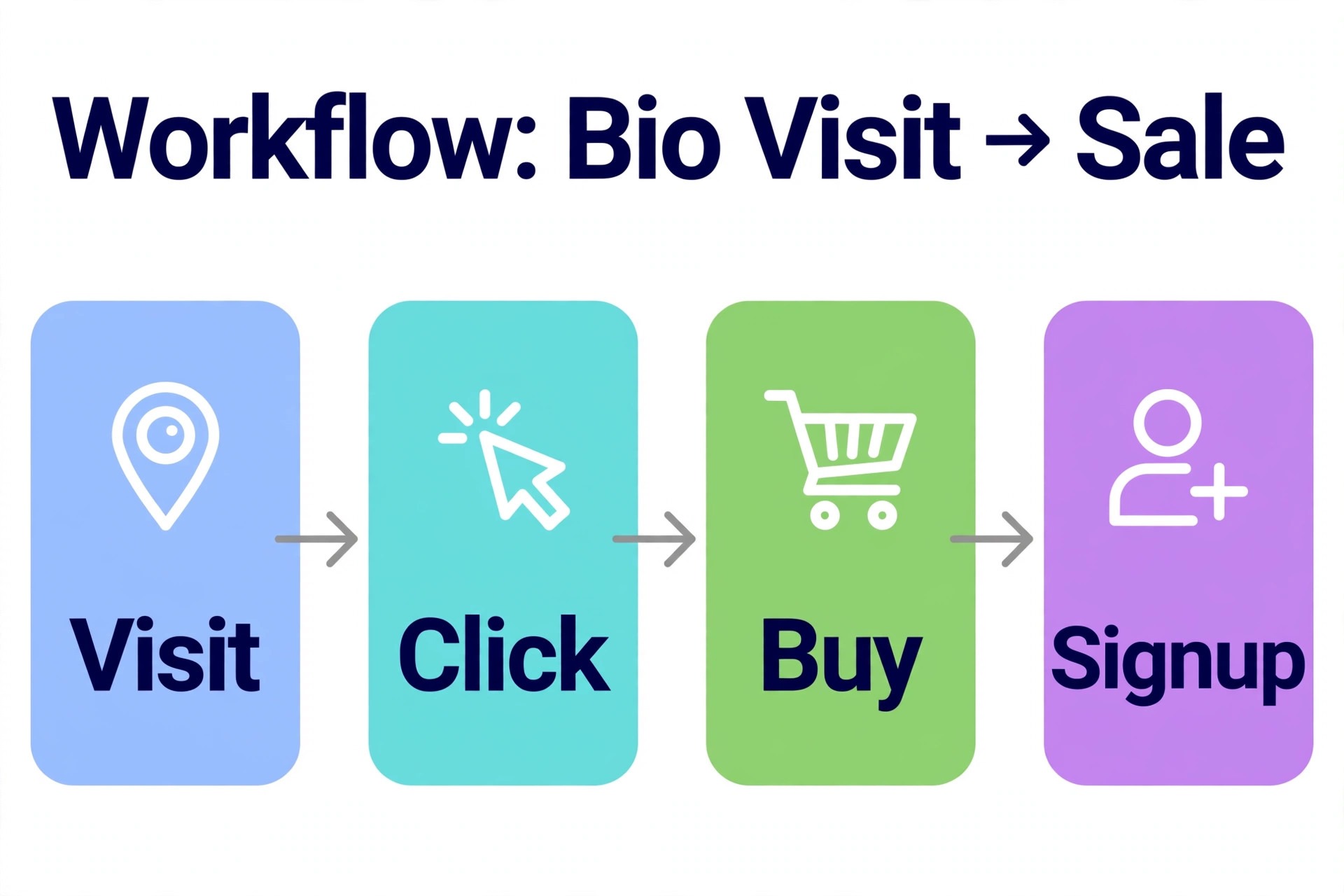
A page with 10,000 visits and no sales has a targeting or offer problem, not a traffic problem, and no new theme will fix it.

Review these numbers every two to four weeks, not daily, since daily noise leads to constant reshuffling that confuses returning visitors. The best link in bio tools make that review easy with exportable analytics, so do not settle for a dashboard you cannot take your data from. Test one change at a time, such as a new headline, a reordered link, or a different featured product, and give it two weeks before judging it. Archive seasonal links rather than deleting them, so a holiday offer or a course launch can return without rebuilding. And keep the page fast.
A bio page loaded with heavy images, videos, and embeds will lose mobile visitors before they click anything, which no analytics dashboard will explain clearly.
Bio Page Copy That Converts Visitors Into Action
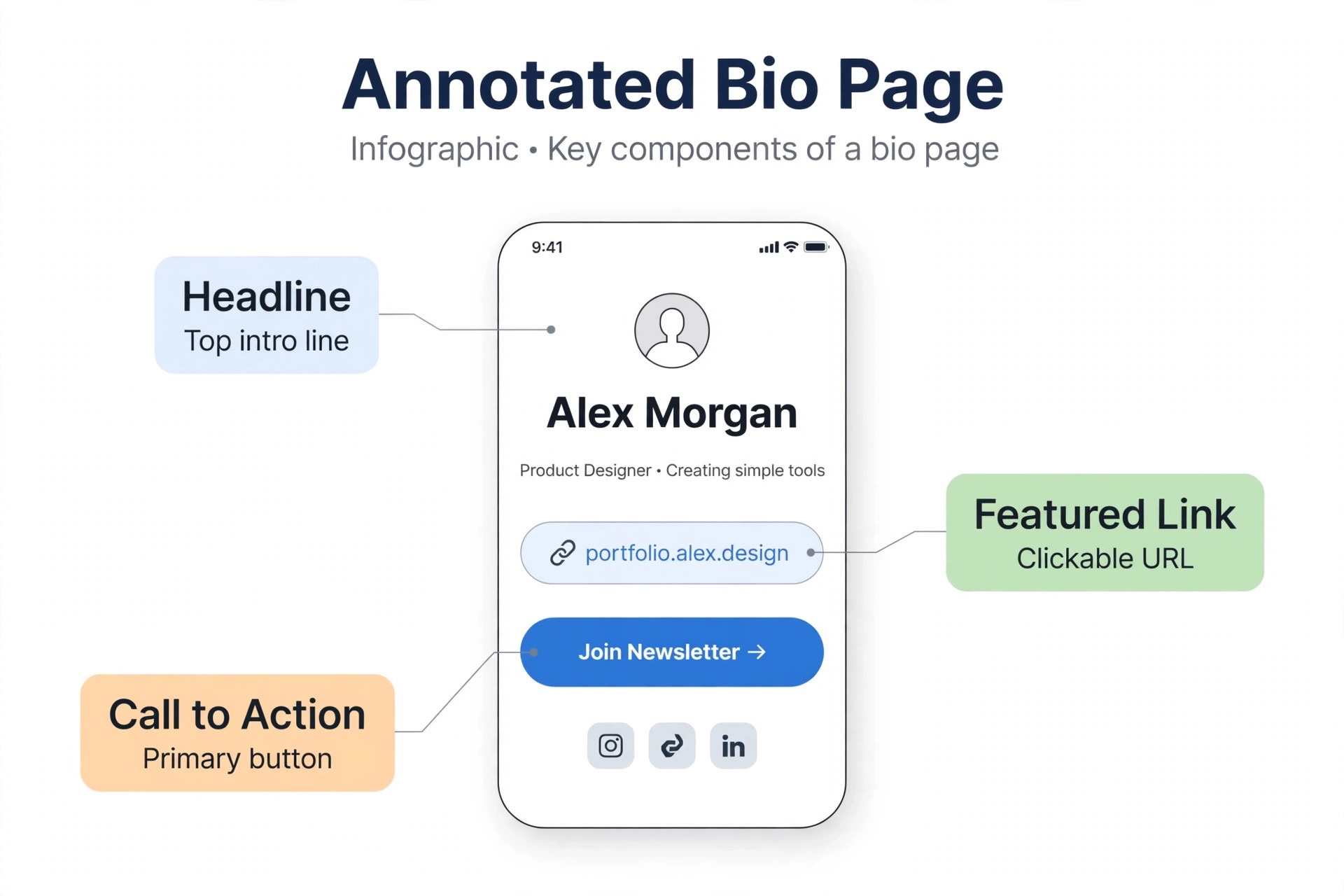
A bio page has about three seconds to answer three questions, which are who you are, what you offer, and what to do next. Write the headline as a plain statement of value, not a slogan, such as a fitness coach for busy parents, a preset shop for wedding photographers, or a course on freelance writing for beginners. Avoid vague phrases that could describe anyone, because a visitor who cannot place you in three seconds will leave without clicking. Follow the headline with one featured link, not five equal links, since the featured offer should be the action that matters most this month, whether that is a new course, a booking calendar, or a product launch.
The rest of the links support that featured action rather than competing with it.
Link labels matter more than most creators realise. A label that says my course tells the visitor nothing, while a label that says freelance writing course, enrolment open tells them what it is and why now matters. Keep labels short, specific, and honest, and avoid clickbait that disappoints on arrival, since a disappointed click teaches the visitor not to trust your next link. Order links by audience intent, not by your own priorities. A new visitor needs an introduction and a free resource first, while a returning follower wants the new product or the booking link at the top.
Reorder the page when your offer changes, and retire links that no longer lead anywhere useful, because a dead link on a bio page damages trust faster than a missing link. The best link in bio tools make reordering and retiring links a one-minute job, so there is no excuse for a stale page.
How to Choose Among the Best Link in Bio Tools
Choose by revenue model first, design second. If you mainly route traffic, pick Linktree, Lnk.Bio, or Carrd, and judge them on price, domain control, and analytics. If you sell digital products, pick Beacons, Stan, or Snipfeed, and judge them on total cost including seller fees at your actual volume. If you capture leads, pick Taplink or ContactInBio, and judge them on forms and integrations. If you are a Shopify seller, start with Linkpop and only move if it lacks a feature you truly need.
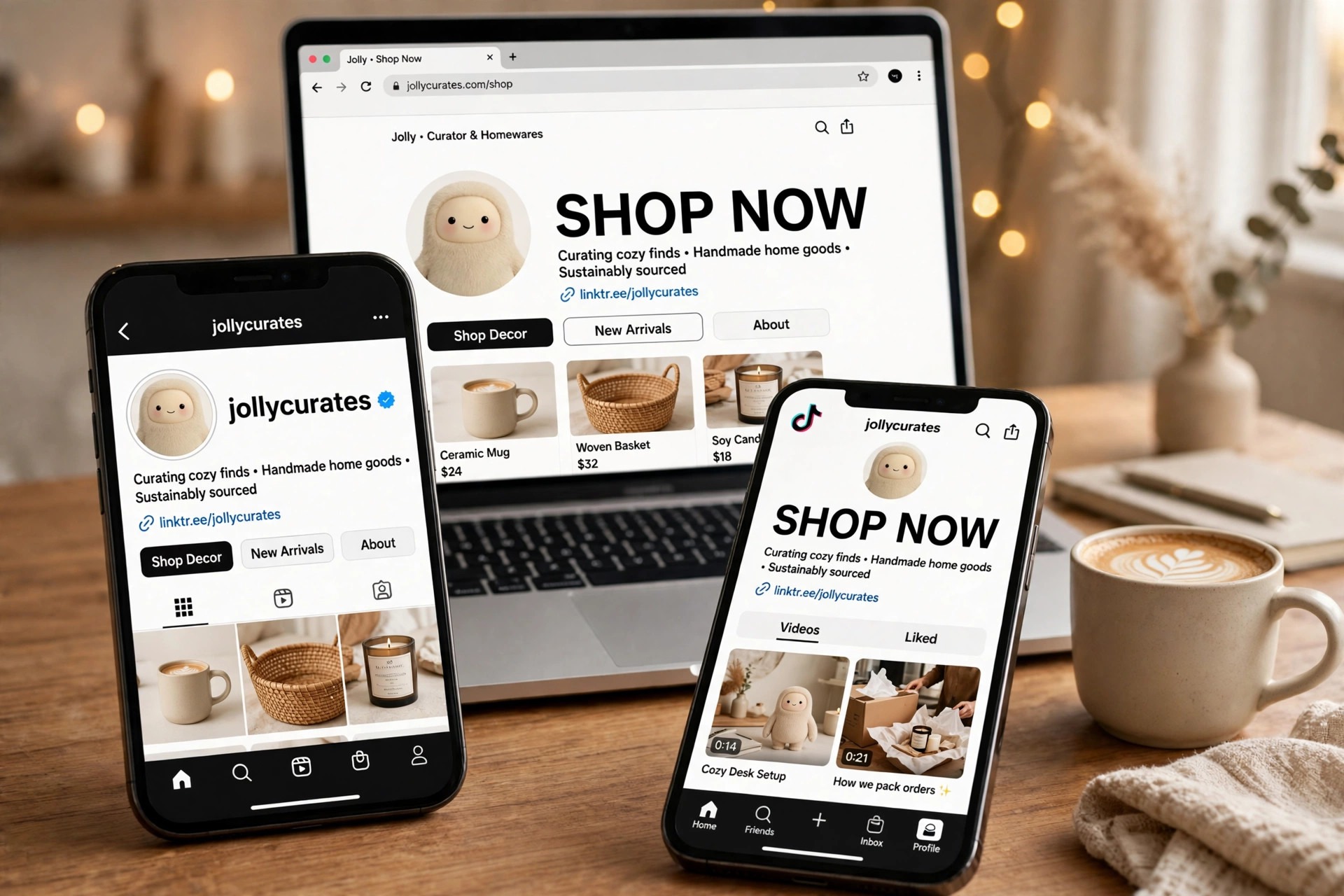
The best link in bio tools for a course seller will waste money for a hobby creator, and the cheapest tool for a hobby creator will cost a seller far more in fees than a pricier storefront would.

Then test before you switch your bio. Build the page with real links, real products, and real prices, share it with a friend, and watch them use it on a phone. Can they find your main offer in under five seconds, buy or book without confusion, and understand what you do from the headline alone? If not, simplify before you publish. Check the custom domain setup, the email integration, and the analytics export, since those three features cause the most migration pain later. For platform-specific tactics, see our guides to AI tools for Instagram and AI tools for TikTok, which cover the audiences most bio pages serve.
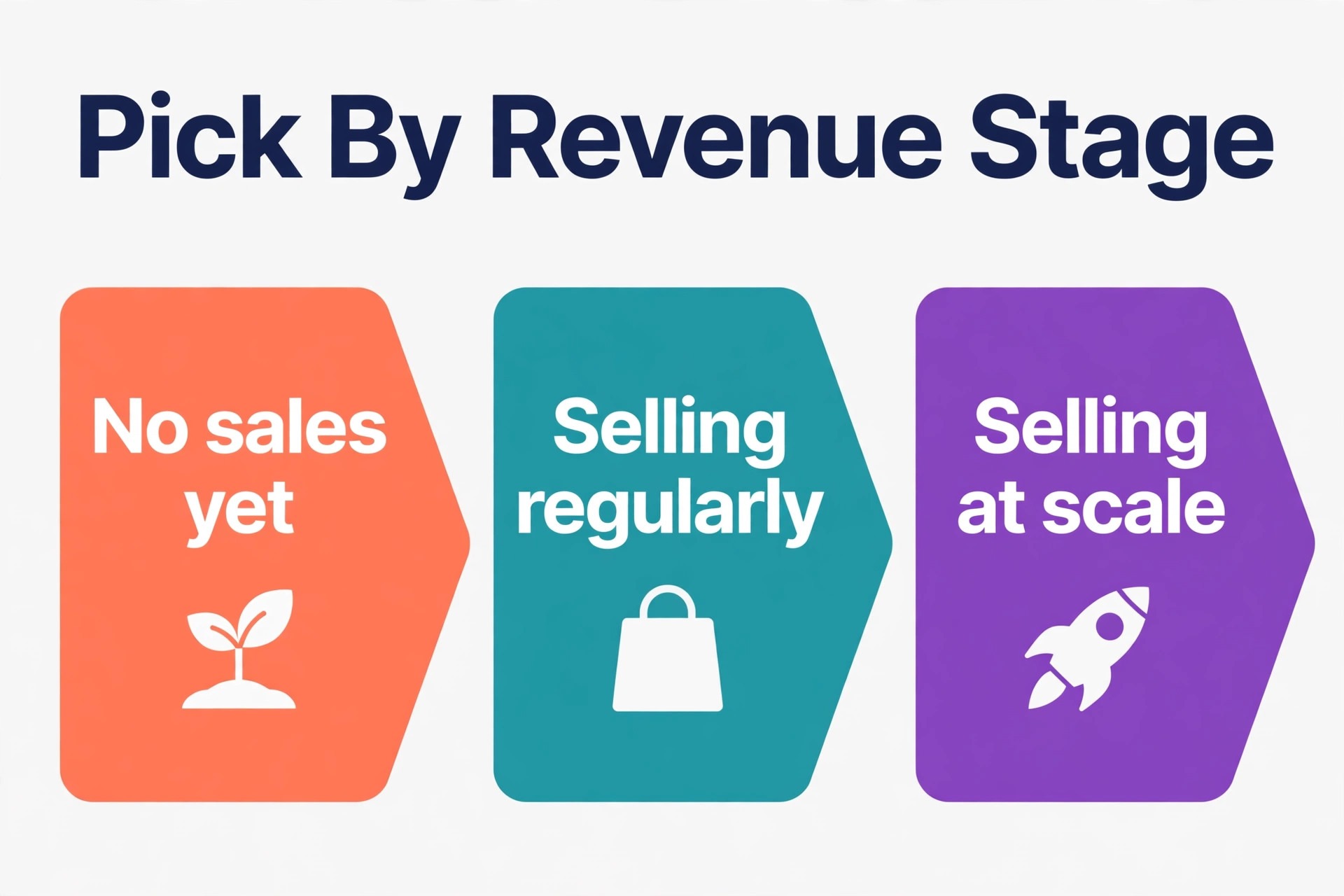
Pick by Revenue Stage, Not by Hype
A creator with no sales yet should start free, with Linktree, Beacons free, Lnk.Bio, or AllMyLinks, and upgrade only when a limit actually bites. A creator selling a few hundred dollars a month should calculate total cost, since a 0 percent fee plan may already beat a free plan with a 9 percent fee. A creator selling thousands a month should prioritise conversion, analytics, and email capture over monthly price, because a small conversion improvement pays for any subscription in this list. A team should prioritise seats, permissions, and a stable page that an assistant can manage without breaking links.
Follow that stage logic, and the right tool usually picks itself, without needing to chase every new bio app that launches. That stage-first thinking is what separates a smart pick among the best link in bio tools from a choice made on hype alone.
More Reading on Stratilyze. For the audience and monetisation side of a bio page, read our guides to AI tools for YouTubers, AI social media management tools, and AI tools for micro-influencers, which cover video, scheduling, and small-audience growth.
Frequently Asked Questions
Do I need a paid link in bio tool as a beginner?
No. A free plan from Linktree, Beacons, Lnk.Bio, or AllMyLinks covers unlimited or generous linking for a beginner, and you should upgrade only when you hit a real limit, such as branding removal, custom domain need, or seller fees that exceed a paid plan cost. Starting free also lets you learn which links your audience clicks before you invest.
How much do seller fees really add up to?
At 9 percent, a creator selling 500 dollars a month pays 45 dollars in platform fees, plus payment processing, before any subscription, which is why fee tables matter more than feature lists when comparing the best link in bio tools. At 5 percent, the same sales cost 25 dollars in fees. At 0 percent, only the subscription and processing apply. Run this calculation with your own sales before choosing, since it often reverses the apparent ranking by monthly price alone.
Can I use my own domain for a bio page?
Yes, on most paid plans, including Linktree Pro, Beacons Creator Plus, Lnk.Bio with a domain add-on, and Carrd Pro. A custom domain looks more professional and protects you if a platform changes policy, since your audience follows your domain rather than a platform URL. Check the domain cost and setup steps before committing, since they vary by tool.
Will switching bio tools break my existing links?
Switching the bio URL itself requires updating the link in each social profile, but your content links inside the page can be rebuilt or, on some tools, imported. Keep the old page live until the new page is tested, update profiles one platform at a time, and check that QR codes or printed materials pointing to the old page still work or are updated.
Is one bio link enough for TikTok, Instagram, and YouTube?
One link can work across platforms, and it keeps your audience in one place, but platform audiences differ. TikTok visitors may want a video or a product, YouTube visitors may want a course, and Instagram visitors may want a shop. Some tools support link rules or audience-specific pages, so test whether one page serves all audiences or whether platform-specific featured links perform better.
Should I build my bio page with Carrd instead of a bio tool?
Carrd is a strong choice if you want full design control, a custom domain, and a yearly cost under 20 dollars, and you do not need built-in selling, email, or media kit features. A dedicated bio tool is better if you sell products, capture emails, or pitch brands from the page, since those features are built in rather than stitched together with embeds.