
A patient waits at the counter while the pharmacist retypes an address that already exists in the system, calls the insurer a second time about a rejected claim, and searches for a drug that the shelf says is in stock and the computer says is not. The prescription is ready in theory and late in practice, and the patient leaves with the impression that the pharmacy is disorganized. That impression is the problem the best pharmacy management software for independent pharmacies is built to remove, because a pharmacy that cannot fill accurately and quickly loses patients to a chain that can.
A pharmacy system is not a single feature. It is the record every other job reads from, so when intake, dispensing, claims, inventory, patient messaging, and point of sale share one patient record, the staff stops retyping and starts caring for patients. When they do not, every shift begins with the same rework, the same rejected claims, and the same phone calls to insurers. The size of the pharmacy makes this worse, not better, because an independent team has no spare hands to cover for disconnected tools.
This guide compares 10 platforms across dispensing workflow, claims processing, inventory management, patient communication, point of sale, delivery, and total cost. Prices come from vendor pages and recent published comparisons, and they change often, so check the vendor pricing page before you budget. Shortlist two or three tools, then test each one with your real workflow, including a new patient intake, a rejected claim, a controlled substance fill, and a full inventory count, because those four cases expose more than any sales demo.
How the best pharmacy management software for independent pharmacies earns its fee
A pharmacy platform earns its fee in three places. First, it fills faster, through a workflow that moves a prescription from intake to verification to fill without retyping, with queues that show exactly what needs attention. Second, it collects money reliably, through clean claims, fast rejection handling, and patient payment tools that match the pharmacy record without extra work. Third, it protects margin, through inventory tracking, generic substitution prompts, and reports that show which drugs lose money and which ones earn it. Judge every platform on those three returns, not on its feature list alone.
The table below gives a fast first sort. Use it to remove tools that clearly do not fit your pharmacy, then read the full sections for the survivors. Price notes reflect listings that disagree across sources, so check the vendor pricing page before budgeting, and ask for the total cost including setup, training, claims fees, and any per module charges.
| Tool | Best for | Standout strength | Price note |
|---|---|---|---|
| PioneerRx | Market leading independent | Workflow automation and support | Quote only, check vendor page |
| PrimeRx | Multi specialty pharmacies | Retail plus specialty plus LTC | Reported from about 150 dollars a month |
| BestRx | Budget conscious independents | Simple workflow at a low price | Reported from about 150 dollars a month |
| Liberty | Workflow focused pharmacies | Strong dispensing workflow | Quote only, check vendor page |
| Rx30 | PMS plus POS in one | Unified dispensing and retail | Quote only, check vendor page |
| Computer-Rx | Long running independents | Mature workflow and integrations | Quote only, check vendor page |
| Datascan | Growth focused independents | Tools built for independent growth | Quote only, check vendor page |
| WinRx | Small independents | Straightforward dispensing | Quote only, check vendor page |
| FrameworkLTC | Long term care pharmacies | Built for LTC cycle fills | Quote only, check vendor page |
| PharmaPOS | One time license buyers | No monthly subscription fee | One time 299 to 899 dollars reported |

Best pick by job
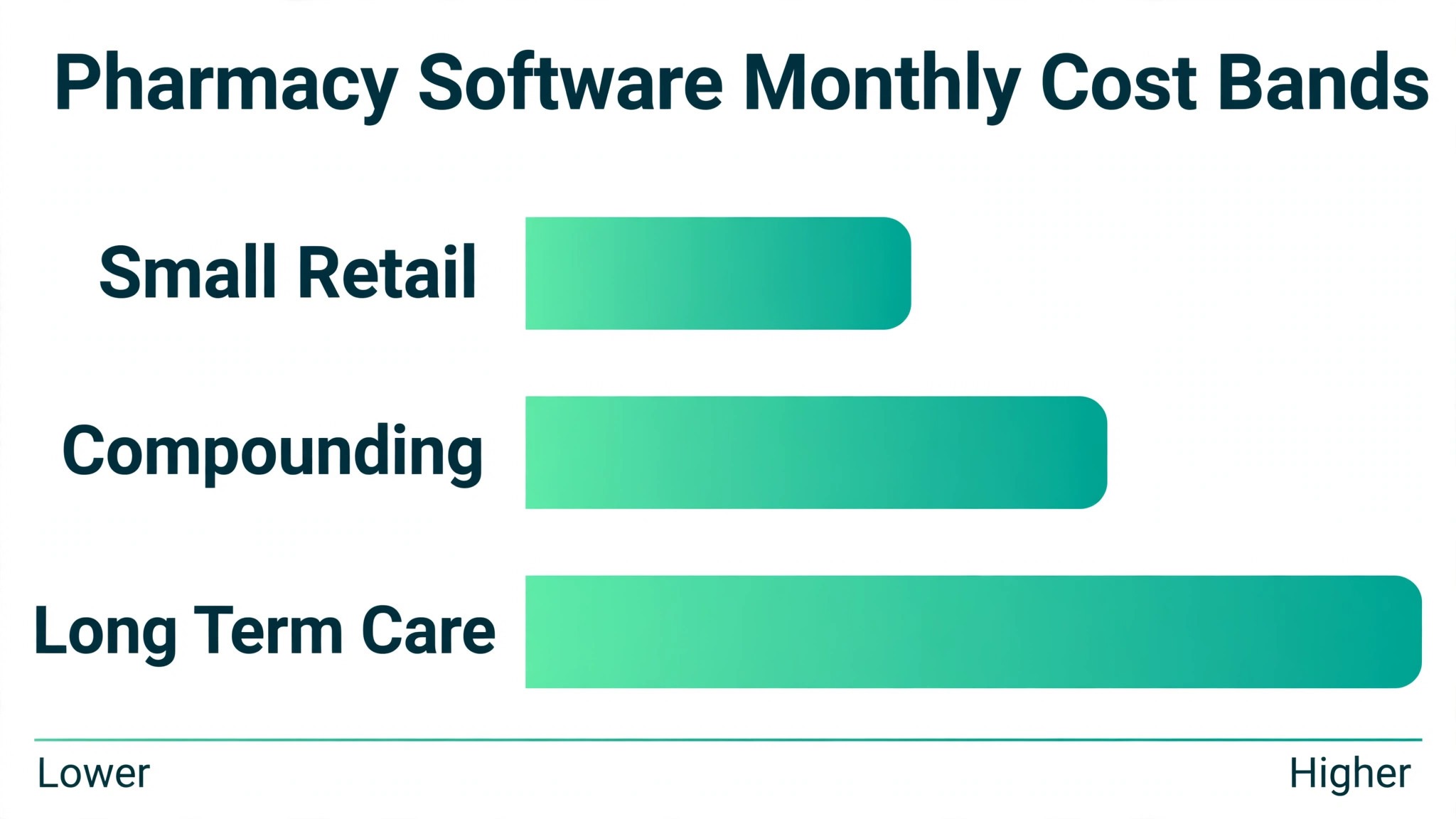
The table below names a lead pick for each segment in this guide for the best pharmacy management software for independent pharmacies, with a second option worth testing. Test the lead pick on your hardest real workflow, whether that is a cycle fill for a care facility, a compounded preparation, or a busy retail afternoon, before signing.
| Segment | Lead pick | Also test | Why it fits |
|---|---|---|---|
| Retail pharmacies | PioneerRx | BestRx | Market leading workflow suits daily retail volume |
| Compounding pharmacies | PrimeRx | Liberty | Compounding modules suit custom preparations |
| Long-term-care pharmacies | FrameworkLTC | PrimeRx | Cycle fill tools suit facility dispensing |
The 10 tools in detail
1. PioneerRx
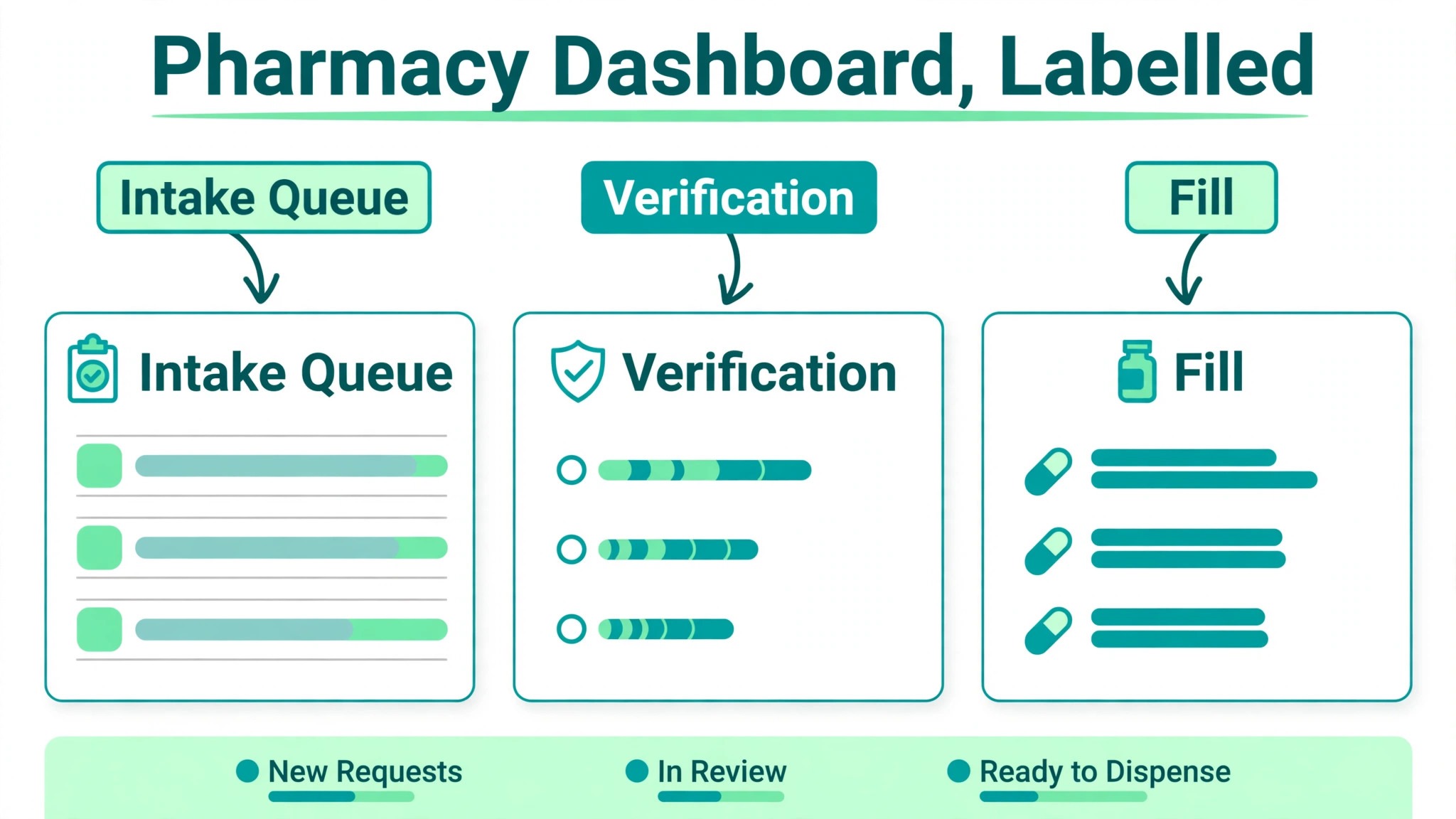
PioneerRx describes itself as the most installed pharmacy software for independents, and the user community backs the claim. It is a Windows based on premises system from RedSail Technologies, with a workflow that moves prescriptions from intake to verification to fill in clear queues, plus inventory management, patient messaging, delivery tools, and reporting. Its support and user community are frequently cited as strengths, which matters for an independent pharmacy that cannot afford a system problem to sit unresolved during a busy afternoon.
Pricing is quote based, with no published rate, so check the vendor pricing page and request a written quote for your prescription volume and modules. Published comparisons put its five year cost above BestRx, which suggests a premium price, but the exact figure depends on your configuration. PioneerRx suits retail independents that want the market leader, strong workflow automation, and a large user community to learn from. A small pharmacy on a tight budget should compare BestRx first, since PioneerRx pricing can surprise on the high side.
2. PrimeRx
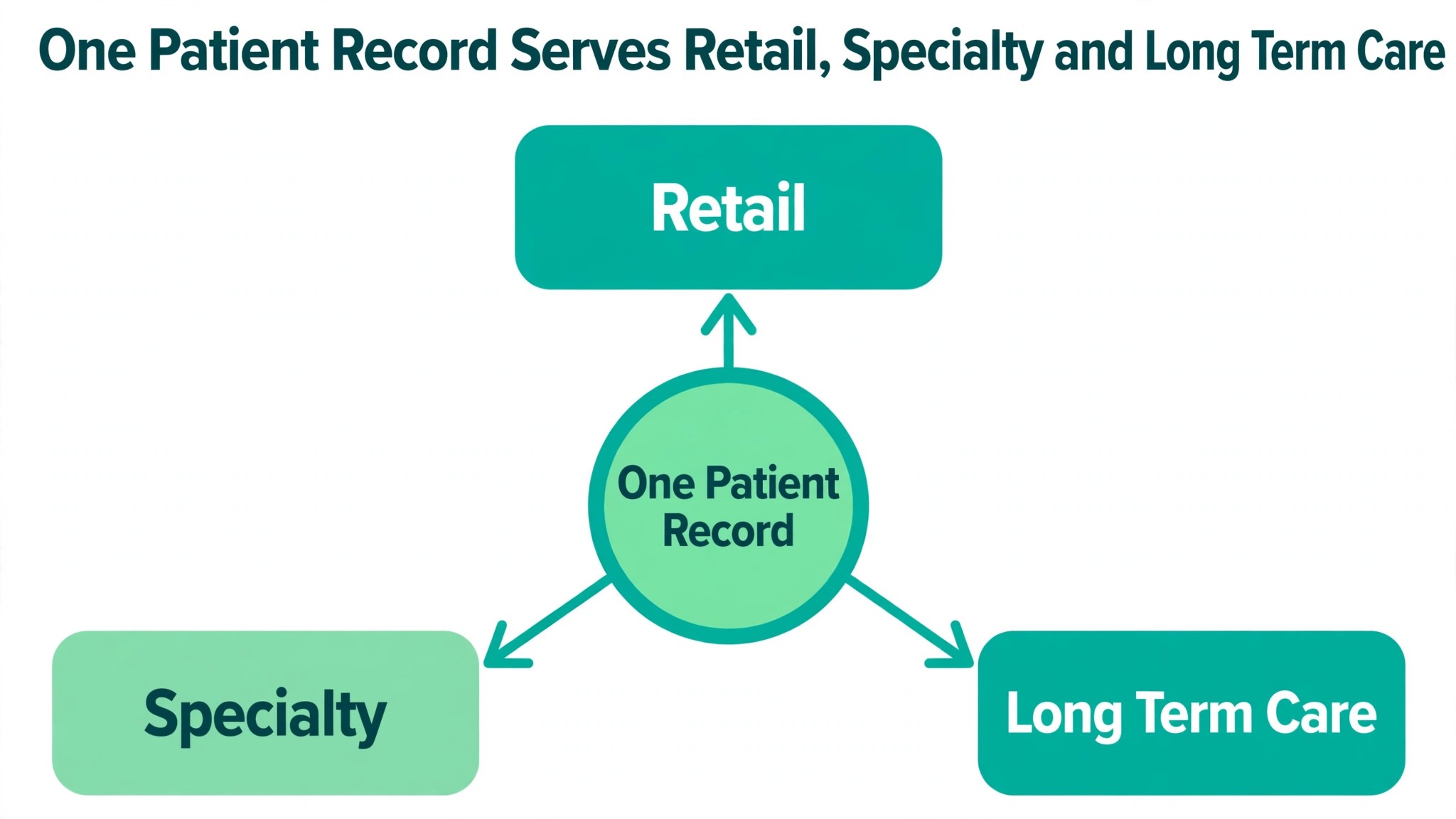
PrimeRx, from Micro Merchant Systems, is the breadth play in this list. One platform covers retail, specialty, long term care, compounding, mail order, 340B, and physician office workflows, with deployment available on premises or in the cloud, which is increasingly rare in this category. A pharmacy that spans several specialties can run them on one system instead of buying a separate tool for each one, and that single record is the reason multi specialty pharmacies shortlist it first.
Pricing is reported from about 150 dollars a month in recent published comparisons, though other guides report typical figures near 400 to 600 dollars a month, so the range is wide and you should check the vendor pricing page for a written quote. RedSail acquired PrimeRx as an affiliate in February 2026, continuing the consolidation in this market, which means PioneerRx, PrimeRx, and BestRx now sit under one owner. PrimeRx suits pharmacies spanning several specialties, including compounding and long term care. A single specialty retail pharmacy should test PioneerRx or BestRx first.
3. BestRx
BestRx positions itself on two things independents care about, software their staff can learn quickly and pricing that does not strain the budget. It has served independent pharmacies for nearly four decades, with a full service system covering dispensing, inventory, claims, patient synchronization, and reporting, in both on premises and cloud deployments. The workflow is deliberately straightforward, which is why small teams adopt it fast and keep using it without constant vendor help.
Pricing is reported from about 150 dollars a month in recent published comparisons, though other guides report starting figures near 200 dollars a month, so check the vendor pricing page for the current rate. That range still places BestRx at the low end of this list, which is the point. BestRx suits small to mid size independents that prioritize simplicity and cost, and it is the natural first test for a new independent pharmacy. A pharmacy that needs deep specialty modules or a large user community should compare PrimeRx or PioneerRx alongside it.
4. Liberty Software
Liberty Software has served independent pharmacies for years with a system built around dispensing workflow. It covers prescription processing, inventory management, claims, patient communication, and reporting, with workflow automation that moves a prescription through each stage without extra clicks. The focus on workflow is the selling point. A high volume pharmacy needs the system to keep pace with the fill queue, not to add steps to it, and Liberty is designed around that daily reality.
Pricing is quote based, with published comparisons reporting typical figures near 300 to 500 dollars a month, though that range is unverified, so check the vendor pricing page and request a written quote for your volume. Liberty suits high volume independents that need advanced workflow automation and are willing to pay above the budget tier for it. A small pharmacy on a tight budget should test BestRx first, since Liberty pricing sits in the middle to upper band of this list.
5. Rx30
Rx30, from Transaction Data Systems, now part of Outcomes, is a long running platform that unifies pharmacy management and point of sale in one system. It covers dispensing, claims, inventory, clinical services, and retail point of sale, with a central pharmacy option that connects the dispensing and retail sides of the business. A pharmacy with a real front end, selling over the counter products alongside prescriptions, benefits from one system for both sides, instead of reconciling two systems at the end of the day.
Pricing is quote based and varies by configuration, with published comparisons reporting a wide range near 500 to 1,500 dollars a month depending on features, though that range is unverified, so check the vendor pricing page for a written quote. Rx30 suits high volume retail pharmacies that want dispensing plus point of sale in one system. A pharmacy with a small front end should test PioneerRx or BestRx first, since the unified retail depth may exceed what it needs.
6. Computer-Rx
Computer-Rx, also from Transaction Data Systems and now part of Outcomes, is a mature pharmacy management system for long running independents. It covers dispensing, claims, inventory, patient communication, and reporting, with extensive integrations and mobile capabilities that help a pharmacy serve patients beyond the counter. Its age is a strength and a weakness. The workflow is proven across decades of independent use, but a pharmacy evaluating it should test the interface with real staff, since older systems can feel dated next to newer cloud tools.
Pricing is quote based and varies by configuration, so check the vendor pricing page and request a written quote for your prescription volume. Computer-Rx suits established independents that want a proven system with broad integrations and are comfortable with a traditional platform. A new pharmacy that wants a modern cloud interface should test BestRx or PrimeRx first, and any buyer should confirm the vendor roadmap in writing before signing.
7. Datascan
Datascan provides pharmacy software with a strong focus on independent pharmacies that want growth tools alongside dispensing. It covers prescription processing, inventory, claims, patient communication, and reporting, with features aimed at helping an independent pharmacy grow its patient base and add clinical services. The growth angle is the differentiator. Many systems in this list focus on filling faster, while Datascan also builds in tools for patient engagement and service expansion.
Pricing is quote based, with no published rate, so check the vendor pricing page and request a written quote. Datascan suits independent pharmacies that want growth focused tools and plan to add vaccinations, medication reviews, or other clinical services. A pharmacy that only needs straightforward dispensing at the lowest price should test BestRx first, since Datascan pricing will depend on which growth modules are included.
8. WinRx
WinRx is a straightforward pharmacy management system for small independents that want dispensing without enterprise complexity. It covers prescription processing, claims, inventory, and patient records in a system that a small team can learn quickly. A small pharmacy does not need specialty modules, multi location tools, or a deep front end system, and WinRx does not charge for them, which keeps the bill proportionate to the pharmacy.
Pricing is quote based, with no published rate, so check the vendor pricing page and request a written quote for your volume. WinRx suits small independents that want simple dispensing at a defensible cost. A pharmacy that needs specialty, compounding, or long term care modules should test PrimeRx first, since WinRx is stronger on simplicity than on breadth.
9. FrameworkLTC
FrameworkLTC is built for long term care pharmacies, and that specialization shows in its cycle fill tools. It covers dispensing for care facilities, cycle fills, packaging, billing, and reporting, with workflows designed around facility orders, med passes, and the billing rules that govern long term care. A retail system can fill one prescription at a time, but a long term care pharmacy fills hundreds of prescriptions on a cycle, and a system that does not understand that rhythm will slow every cycle down.
Pricing is quote based, with no published rate, so check the vendor pricing page and request a written quote for your facility count and volume. FrameworkLTC suits long term care pharmacies and retail pharmacies adding a real long term care line. A pure retail pharmacy should test PioneerRx or BestRx first, since FrameworkLTC pricing and setup assume a long term care operation.
10. PharmaPOS
PharmaPOS is the outlier in this list, a newer option that sells a one time license instead of a monthly subscription. It covers dispensing, inventory, claims, and patient records, with pricing reported from 299 to 899 dollars as a one time payment depending on edition, and no monthly fees after that. For a small pharmacy watching every dollar, a one time payment is attractive, and the five year math looks far lower than any subscription tool in this list.
Treat that math with care. PharmaPOS is a smaller and newer vendor than RedSail or Outcomes, and the price claims come from its own marketing material rather than independent verification. A pharmacy considering it should verify support hours, compliance coverage, claims switching, and the migration path in writing before relying on it, and should confirm that the system handles its state reporting and controlled substance rules. PharmaPOS suits a very small pharmacy with a tight budget that is willing to verify a newer vendor thoroughly. Any pharmacy that needs a proven support team should test BestRx or PioneerRx first.
Claims, audits, and DIR fees
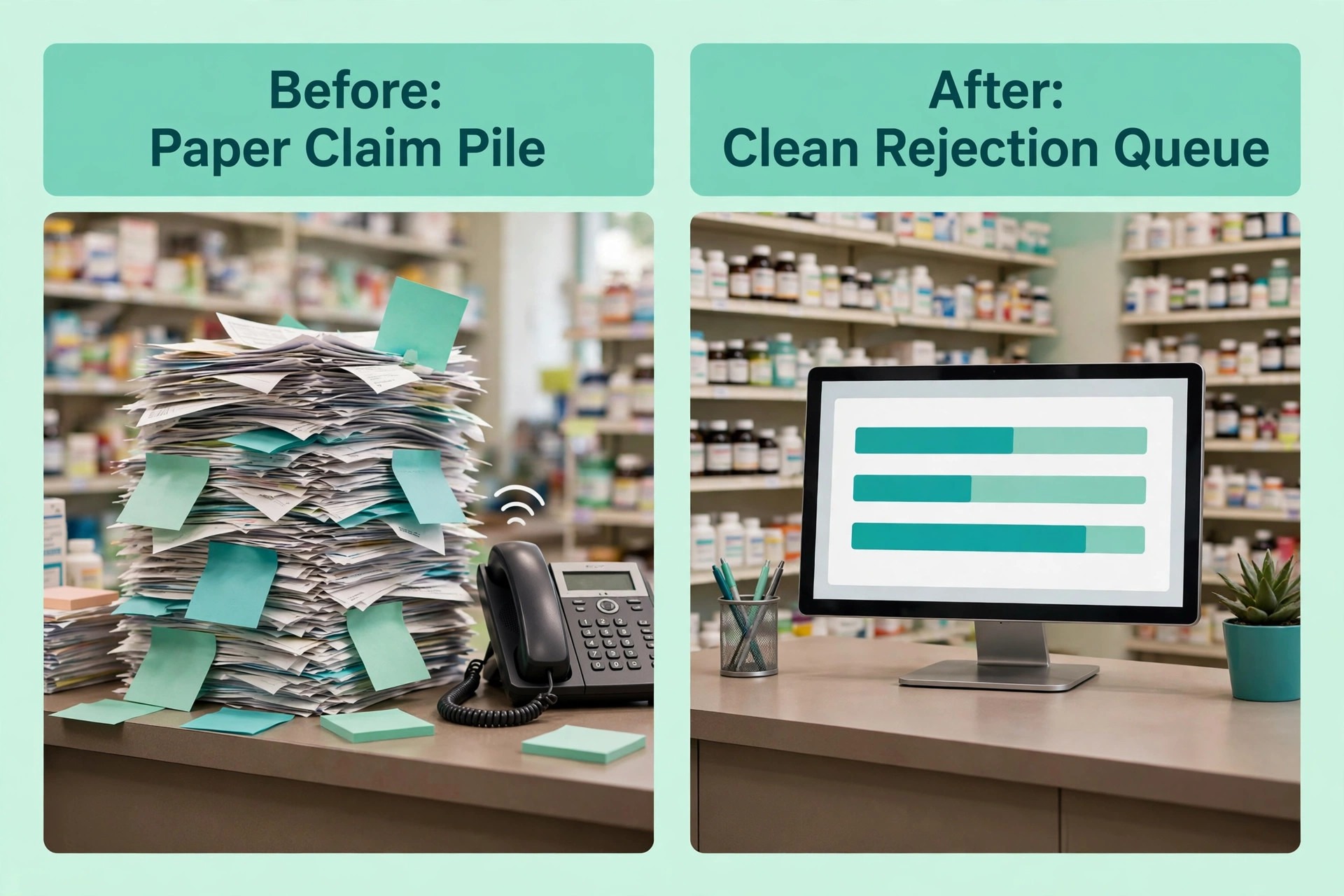
Claims are where a pharmacy system earns its keep or fails in public. A clean claim goes through the first time, a rejected claim shows the reason clearly, and a resubmission takes seconds rather than a phone call. Test the full rejection flow during any trial, including a prior authorization, a refill too soon rejection, and a patient pay amount that does not match the quote. A system that handles those cases cleanly saves hours every week, while a system that hides rejection reasons creates a pile of unpaid claims.
Audits and DIR fees are the second half of the same job. A pharmacy needs records that survive an audit, including fill history, counseling notes, and delivery signatures, and it needs reports that show which payers and which drugs lose money after fees. A platform that reports net margin by drug and by payer helps an owner decide which contracts to keep and which ones to renegotiate, while a platform that reports only gross sales hides the losses until the year end statement arrives. That reporting is part of what makes the best pharmacy management software for independent pharmacies worth its monthly fee.
Vaccinations, clinical services, and MTM
Clinical services are the growth path for independent pharmacies, and the system must support them rather than fight them. Vaccination scheduling, documentation, and billing should sit in the same workflow as dispensing, so a patient who comes in for a flu shot leaves with the record, the claim, and the reminder for next year already handled. Medication therapy management, adherence packaging, and medication synchronization need the same treatment, with patient lists that show who is due, who is overdue, and who needs a call.
Test the clinical workflow during any trial by scheduling a vaccination, documenting it, billing it, and checking that the patient record and the claim both agree. A system that treats clinical services as an add on will make each one a manual job, while a system that treats them as core work will turn them into a reliable revenue line. That difference decides whether a pharmacy grows its services or merely talks about growing them.
How to choose without a costly switch
Start from your pharmacy model, because that choice filters the best pharmacy management software for independent pharmacies faster than any feature table. A retail pharmacy needs fast dispensing, clean claims, and a strong front end. A compounding pharmacy needs custom preparation workflows and ingredient tracking. A long term care pharmacy needs cycle fills and facility billing. Write that model down before any demo, and score each tool against it.
Next, run a realistic trial week. Fill a new patient prescription, handle a rejected claim, fill a controlled substance, run a full inventory count, and process a delivery. Then check that the fill, the claim, the inventory, and the patient record all agree. A tool that passes that week will handle most real weeks, and a tool that fails it will fail again on your busiest afternoon.
Finally, price the second year, not the first month. Add setup fees, training, claims switching fees, and any per module charges, and model the price at your expected prescription volume. Ask about contract length, renewal terms, and data export, because switching pharmacy systems later means rebuilding your patient records. A short contract with clean data export is worth more than a small first month discount.

Rollout checklist for a live pharmacy
When you switch pharmacy software, remember that a pharmacy cannot close for a software switch, so the rollout must run alongside live fills, live claims, and live patients. Clean the data first, test claims and fills on real records, and keep the old system visible until the new one proves itself. The steps below give a safe sequence.
- Export patients, prescriptions, inventory, and outstanding balances, then check a sample by hand for duplicate patients and incorrect quantities.
- Build your drug file first, including pricing, generic substitution rules, and controlled substance settings, before importing any patient data.
- Set claims rules next, including payer connections, prior authorization steps, and patient pay collection.
- Connect claims switching and run a test claim with a real patient, then reverse it, to confirm the full claims flow before any live fill.
- Invite a small group of regular patients to use the new refill and messaging tools before a full launch to every patient.
- Train the whole team on fills, claims, deliveries, and controlled substances, because those four jobs cause most support questions in the first month.
- Keep the old system read only for one full month, so no fill, claim, or patient record is lost in the move.

Mistakes that cost independent pharmacies money
The first mistake is buying modules the pharmacy never opens. A broad platform looks attractive at entry level, then the bill grows as specialty, compounding, and long term care each add a module. Price the full set of modules you actually need, and compare that total against a simpler platform before signing anything.
The second mistake is letting claims pile up. A rejected claim that sits for a week becomes a lost claim, and a pharmacy that does not work its rejection queue daily loses money it already earned. Choose a system that shows rejections clearly, and assign one person to clear the queue every day without exception.
The third mistake is skipping the inventory count. A pharmacy that never counts stock against fills cannot tell whether a missing drug is theft, a data error, or a delivery that never arrived. Run a full inventory count before launch and a cycle count every week after it, starting with controlled substances and high cost drugs.
The fourth mistake is ignoring the exit terms. A long contract with a painful data export can trap a pharmacy in a system it has outgrown. Read the contract before signing, confirm the notice period, and test data export during the trial, not after the relationship has soured.
What pharmacy software really costs
Pharmacy software pricing looks simple in a listing and becomes complex in a quote, because the total includes more than the monthly subscription. Setup fees, training, data migration, claims switching fees, and per module charges can each add a meaningful amount. A platform that looks cheap on subscription alone may cost more in total than a platform with a higher subscription and fewer add ons.
Most vendors in this list are quote based, including PioneerRx, Liberty, Rx30, Computer-Rx, Datascan, WinRx, and FrameworkLTC, which means a sales conversation is needed before a real number appears. Published starting prices exist only for PrimeRx and BestRx, both reported near 150 dollars a month, with wide conflicting ranges in other guides. PharmaPOS is the exception, with a one time license reported from 299 to 899 dollars, though that figure comes from its own marketing and needs verification.
One product deserves a clear warning. QS/1 NRx, long a familiar name in independent pharmacy, is owned by RedSail and will sunset on December 31, 2027, moving to legacy status. A pharmacy buying software today should not choose NRx as a new system, and any pharmacy still running it should confirm the migration path to a current RedSail product in writing. That sunset is also a reminder to confirm every vendor roadmap before signing, since consolidation in this market is real and ongoing.
Before signing, ask for a written total that covers the subscription, setup and migration, training, claims fees, and any per module charges. The best pharmacy management software for independent pharmacies is the one whose written first year total stays defensible as volume grows, not the one with the lowest headline subscription. Ask how the price changes when prescription volume grows by half or when you add a specialty module. A clear answer to those questions is a good sign. A vague answer is a warning that the first year bill will surprise you.
Related Guides
Keep exploring with these guides on Stratilyze:
- How to Use AI for Inventory Management
- Best Gym Management Software for Small Gyms (15 Tools)
- Best School Management Software for Small Private Schools (10 Tools)
Frequently Asked Questions
How much should an independent pharmacy pay for pharmacy software?
Most independent pharmacies pay between about 150 dollars and 500 dollars a month for a solid system at entry level, with larger configurations reaching well past that once modules are added. Quote based vendors dominate this market, so model the written first year total, including setup, training, and claims fees, rather than comparing headline subscription rates.
Does pharmacy software handle claims and rejections?
Yes, when claims switching is turned on and configured with your real payers. The best pharmacy management software for independent pharmacies should submit clean claims, show rejection reasons clearly, and resubmit quickly without a phone call. Test a prior authorization and a refill too soon rejection during a trial, because a system that hides rejection reasons will cost hours every week.
Can patients refill and message the pharmacy from a phone?
Yes, when the patient app, refill tools, and messaging are all turned on. Patients can request refills, check status, and message the pharmacy from a phone. The key is to test the full patient flow during a trial, including a refill request and a delivery confirmation, because a portal that looks simple in a demo can still confuse patients in real use.
How long does it take to switch pharmacy software?
Most small pharmacies can switch in four to eight weeks, including data import, drug file setup, claims testing, and staff training. A pharmacy with a large patient history, specialty modules, or a long term care line should allow eight to twelve weeks. Avoid switching just before a flu season, because a fill error then affects every patient at once.
Should a small pharmacy buy the market leader or the budget option?
Buy the market leader when workflow speed and support matter most and the budget allows it, which is the PioneerRx case for many retail independents. Buy the budget option when the pharmacy is small, the workflow is simple, and the saving funds something else, which is the BestRx case. Many pharmacies start on the budget option and move up only when volume justifies it.
What should I check about data export before signing?
Check whether you can export patients, prescriptions, fill history, and billing records in a usable format, how long the vendor keeps your data after cancellation, and what the notice period is. Test an export during the trial if possible. A vendor that makes export easy is a vendor confident in its product, and a vendor that hides export terms is a risk.
The pharmacy shortlist, by workflow
Retail pharmacies should test PioneerRx first, with BestRx as the budget alternative. Compounding pharmacies should test PrimeRx first, with Liberty as the workflow alternative. Long-term-care pharmacies should test FrameworkLTC first, with PrimeRx as the multi specialty alternative. In every case, the deciding test is a real week of fills from intake to claim to patient pickup, plus one full inventory count. The best pharmacy management software for independent pharmacies is the platform that handles that week cleanly, at a written total cost you can defend.