

ElevenLabs produces more realistic voices. Murf gives you more control over how those voices deliver your script. That single sentence decides most purchases in this comparison, and everything else is detail. ElevenLabs is a voice platform that happens to have a Studio interface, built around expressive speech, cloning and dubbing in more than 90 languages. Murf is a voiceover editor that happens to generate speech, built around a word-level script editor, a timeline and subtitle exports for training and marketing video. The elevenlabs vs murf for voiceovers question is therefore not which tool sounds better in a demo, but which job you are buying it for.
The pricing gap is just as sharp as the product gap. ElevenLabs starts at 6 dollars a month for Starter, with a commercial licence and instant voice cloning included. Murf starts at 19 dollars a month billed yearly for Creator, or 29 dollars month to month, with 24 hours of generation a year and no self-serve cloning at all. At entry level ElevenLabs costs roughly a fifth of Murf and includes the feature Murf locks behind an enterprise contract. That does not make ElevenLabs the automatic winner, because Murf gives far more generation time per dollar and a better editing workflow for video voiceover.
This guide compares the two on voice quality, pricing per minute, cloning, the editing workflow, languages and dubbing, commercial rights and the API, using prices checked on both pricing pages in late 2026. Check the vendor pricing page before committing, because both vendors run first-month promotions and change plan limits often. By the end you will know which tool fits narration and audiobooks, which fits training video, and which one wastes your money.
The Verdict First
Choose ElevenLabs if you need the most realistic narration, your own cloned voice, dubbing into many languages, or a voice agent and API in the same platform. Its Eleven v4 model, launched in late September 2026, speaks more than 90 languages, and its cloning starts at the 6 dollar Starter plan. For audiobooks, YouTube narration, podcast voiceovers and multilingual content, it is the stronger tool and the cheaper one to start.
Choose Murf if your job is turning scripts into narrated training, explainer or marketing videos inside one editor. Its block-based script controls, emphasis and pacing tools, timeline, PowerPoint integration and subtitle exports save real time when the voiceover must match video. For a learning and development team producing hours of training content, that workflow is worth more than the extra realism.
Choose neither free plan for commercial work, because neither free plan allows commercial use. ElevenLabs free gives 10,000 credits a month, about ten minutes of speech, with no commercial licence. Murf free gives 10 minutes of generation with no downloads and no commercial rights. Both free plans are for testing only, and any client or published work needs a paid plan on either side.
ElevenLabs vs Murf for Voiceovers at a Glance
| Tool | What it is | Best for | Watch out for |
|---|---|---|---|
| ElevenLabs | Voice platform, Studio plus API | Narration, dubbing, cloning | Editor is thinner than Murf |
| Murf | Voiceover editor, Studio plus API | Training and marketing video | No self-serve cloning |
The table hides the most important difference, which is how each tool charges. ElevenLabs meters a shared credit pool across every product, and credits roll over for up to two months on paid plans. Murf Studio meters hours of generated voice, shown as a yearly pool on annual plans, and bills its API separately per character. A creator who needs two hours of speech a month pays about 0.15 dollars a minute on ElevenLabs Creator billed yearly and about 0.16 dollars a minute on Murf Creator billed yearly, which is nearly identical. The difference is what else you get for that money.
How to Judge ElevenLabs vs Murf for Voiceovers
Start with the finished product, not the demo voices. Generate the same 500-word script on both tools, in the voice style you will actually use, and listen on the speakers or headphones your audience uses. ElevenLabs usually wins on raw realism, especially on long narration where emotion and pacing vary. Murf usually wins on control, because you can adjust emphasis, pauses and pronunciation word by word without regenerating the whole take.
Next, test the workflow you will repeat weekly. Paste a script, generate, fix three mispronunciations, export the audio and drop it into your video editor. Murf timeline and block editing makes that loop fast, and its subtitle export saves a separate step. ElevenLabs Studio is improving, but the loop is built for voice generation first and editing second. The tool that makes your weekly loop faster is the tool that saves money, whatever the demo sounds like.
Then check the meter against your real volume. ElevenLabs Creator at 22 dollars a month gives about 121 minutes, and Pro at 99 dollars gives about 600 minutes. Murf Creator at 19 dollars a month billed yearly gives 24 hours a year, about 120 minutes a month, and Business at 66 dollars billed yearly gives 96 hours a year. If you need far more than two hours a month, Murf gives more minutes per dollar. If you need cloning or dubbing, ElevenLabs is the only self-serve option. The elevenlabs vs murf for voiceovers decision follows your volume and your feature needs, not the headline price.
Pricing Side by Side
| Plan | ElevenLabs | Murf |
|---|---|---|
| Free | 0 dollars, 10,000 credits a month, no commercial licence | 0 dollars, 10 minutes of generation, no downloads |
| Entry paid | Starter 6 dollars a month, 30,000 credits, commercial licence | Creator 19 dollars a month billed yearly, 24 hours a year |
| Mid tier | Creator 22 dollars a month, 121,000 credits | Business 66 dollars a month billed yearly, 96 hours a year |
| Upper tier | Pro 99 dollars a month, 600,000 credits | Enterprise, custom, voice cloning included |
| Team plans | Scale 299 dollars a month, 3 seats | Collaboration on Enterprise only |
Annual billing changes the maths on both sides. ElevenLabs yearly billing costs ten months price for twelve, so Starter falls to 5 dollars a month and Creator to 18.33 dollars. Murf yearly billing cuts Creator from 29 dollars month to month to 19 dollars, and Business from 99 dollars to 66 dollars. Always compare the yearly price, because the monthly sticker hides a 20 to 34 percent difference.
The cost per minute tells the real story. Billed yearly, about two hours of speech a month costs 0.15 dollars a minute on ElevenLabs Creator and 0.16 dollars on Murf Creator, which is effectively the same. The difference is that Murf re-voicing a finished script uses no extra hours in some workflows, while ElevenLabs charges credits for every regeneration. If you revise scripts often, test how much each tool charges for a re-voice before you commit.

Voice Quality: Where ElevenLabs Wins
Voice quality is ElevenLabs strongest card, and it is not close on long-form narration. The Eleven v4 model produces speech with natural pauses, varied emphasis and emotional range that survives a full chapter of an audiobook without sounding flat. Listeners routinely describe it as the most human synthetic voice available, and it holds up on headphones where small artefacts become obvious. For audiobooks, podcast narration and YouTube voiceover, that realism is the product.
Murf voices are good, and for short training clips most listeners will not notice a difference. Its 200 plus voices cover a wide range of tones and accents, and the studio controls let you shape delivery precisely. The gap appears on longer passages, where Murf delivery can sound more even and less varied than ElevenLabs, and on emotional content where ElevenLabs shifts tone more naturally.
The honest test is your own script, not a vendor demo. Vendor demos use the best voice on the best script. Your script will have brand names, numbers, acronyms and unusual words, and that is where quality differences show. Generate the same passage on both, listen for mispronounced names and flat passages, and count how many fixes each tool needs. The tool that needs fewer fixes wins the quality round for your content, whatever the reviews say.
The Editor: Where Murf Wins
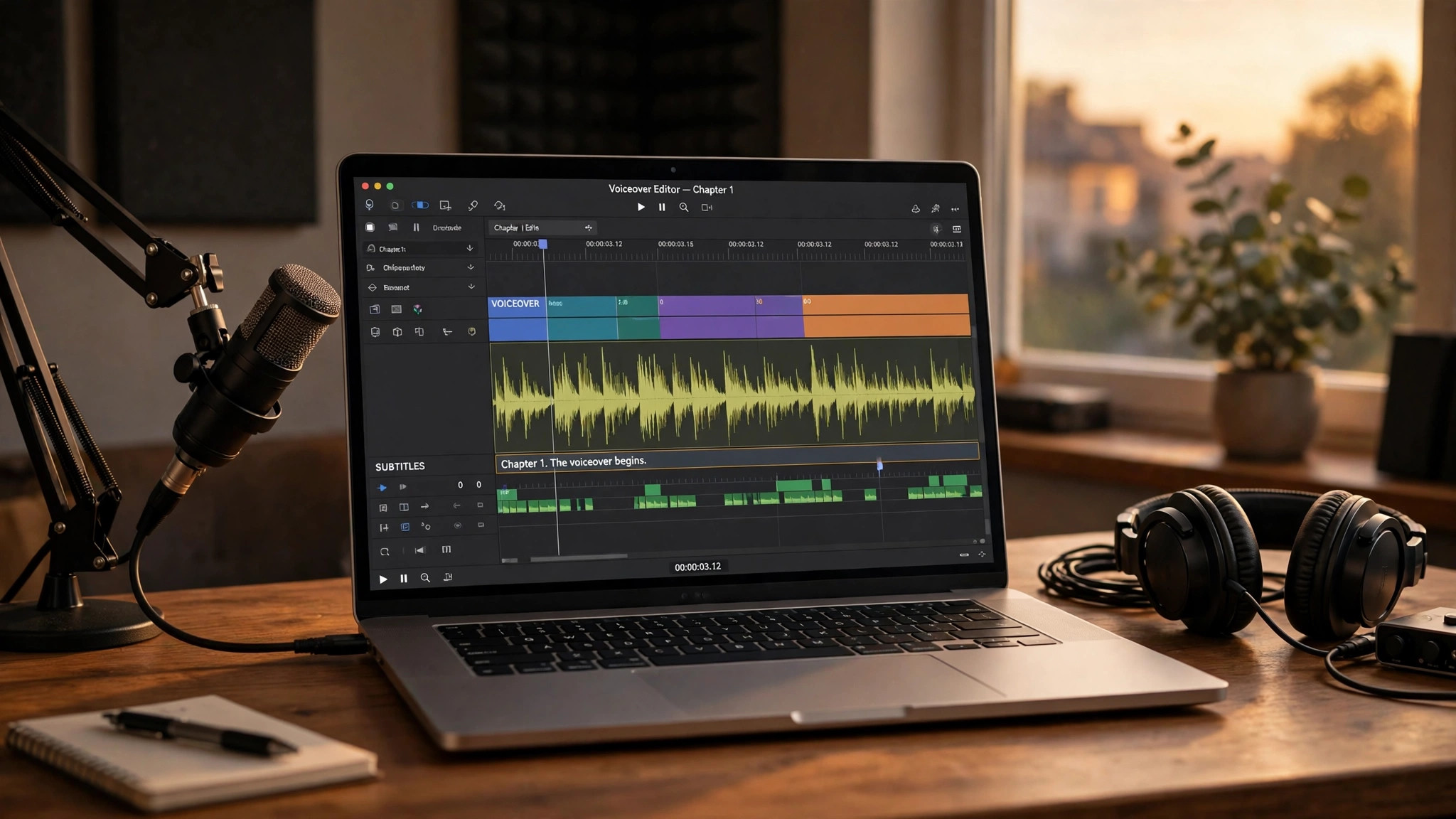
Murf Studio is a browser editor built for voiceover work, and it shows in every part of the workflow. You paste a script, pick from more than 200 voices, and work the read block by block, adjusting pronunciation, pacing and emphasis. On Business plans you get Emphasis, Variability and Say It My Way controls that let you direct a line the way you would direct a voice actor. That control is the reason learning teams choose Murf.
The workflow around the voice matters just as much. Murf integrates with PowerPoint, exports subtitles, and offers Audio to Text on Business plans, so a training video can go from script to finished narration without leaving the tool. Its timeline view shows the voiceover against the video, which makes matching narration to visuals far easier than in a text-only studio.
ElevenLabs Studio is capable, with three projects on the free plan and a clean interface for generating and arranging speech, but it is built for voice generation first. Editing is lighter, and the workflow assumes you will finish the video elsewhere. If your job is narration alone, that is fine. If your job is narrated video, Murf editor saves hours every week, and that time is worth more than the price difference.
Voice Cloning and Languages
Cloning is the sharpest divide in this comparison. ElevenLabs includes Instant Voice Cloning from the 6 dollar Starter plan, needing only 30 to 60 seconds of audio, and Professional Voice Cloning from the 22 dollar Creator plan. A creator can sound like themselves in every video without recording again. Murf lists custom voice clones as an Enterprise add-on only, with no self-serve cloning on Creator or Business plans. If your own voice is part of your brand, ElevenLabs is the only practical choice.
Languages follow the same pattern. ElevenLabs Eleven v4 model speaks more than 90 languages, with dubbing that carries tone and timing across languages. Murf Studio offers more than 200 voices across 30 plus languages, which is plenty for most training teams, but its dubbing is a separate pay-as-you-go product, Murf Dub, at about 0.50 dollars per dubbed minute. A team localising training into five languages will find Murf Dub cheap per minute but will still need the Studio workflow on top.
Consent and safety matter on both sides. ElevenLabs requires consent verification for cloning, and Murf requires consent and enterprise access. Never clone a voice without clear written permission, and check each vendor terms before using a cloned voice in client work. The elevenlabs vs murf for voiceovers choice on cloning is not close, but the compliance step is the same on both.
ElevenLabs vs Murf: Round by Round Scorecard
A scorecard makes the trade visible, because each tool wins different rounds and the winner depends on which rounds matter to you. Voice realism goes to ElevenLabs, clearly, on long narration and emotional content. Editing control goes to Murf, clearly, on script blocks, emphasis and timeline work. Cloning goes to ElevenLabs, since Murf has no self-serve cloning at all. Languages and dubbing go to ElevenLabs, with more than 90 languages against Murf 30 plus. Generation time per dollar goes to Murf, which gives far more hours on Creator and Business plans. The API goes to ElevenLabs for breadth and to Murf for per-character price, so that round is a draw that depends on your use case.
The scorecard matters because buyers overweight the round they tested last. A creator who tests narration first buys ElevenLabs and then discovers the editor is thin for video. A trainer who tests the editor first buys Murf and then discovers cloning needs an enterprise contract. Test both rounds that matter to your job, not just the one the demo shows first. The elevenlabs vs murf for voiceovers winner is the tool that wins your rounds, not the tool that wins the most rounds overall.
Count the rounds honestly for your own work. If you make narration, cloning and dubbing matter most, ElevenLabs wins three rounds to one. If you make training video, Murf wins editing, generation time and subtitle workflow, three rounds to one. If you make both, you may need both tools, and that is a legitimate answer. Many creators keep ElevenLabs for narration and Murf for training video, paying two small subscriptions instead of forcing one tool to do both jobs badly.
Commercial Rights and the API
Commercial rights are simple on both tools once you pay, and absent on both free plans. ElevenLabs Starter at 6 dollars a month includes a commercial licence, and every paid plan carries it. Murf Creator at 19 dollars a month billed yearly includes commercial rights, and Business adds a Business Licence. Neither free plan allows commercial use, so any published or client work needs a paid plan. Budget for that from day one.
The API story splits the two tools again. ElevenLabs bills every product from one shared credit pool, including text to speech, dubbing, transcription and voice agents, which makes budgeting simple for a developer building a voice feature. Murf API is cheaper per character, at 0.01 dollars per 1,000 characters for Falcon 2.1 and 0.03 dollars for Gen 2 on pay as you go, with a 2 dollar minimum purchase, and its terms state customer data is not used to train models.
For a developer, the choice follows the product. A team building a voice agent, a dubbing pipeline or a multilingual app will find ElevenLabs broader platform and shared pool easier to build on. A team that needs cheap, high-volume text to speech for one job will find Murf API cheaper per character. Test both APIs with your real volume before committing, because the per-character price and the credit pool behave very differently at scale.
The Real Monthly Cost, Worked Honestly
The honest cost depends on how much you generate and how often you revise. A creator making two hours of narration a month pays 18.33 dollars on ElevenLabs Creator billed yearly, or 19 dollars on Murf Creator billed yearly. The same money buys similar minutes, but ElevenLabs adds cloning and dubbing while Murf adds more generation time and a better editor. At this volume the choice is about features, not price.
At higher volume the maths shifts. A training team making eight hours a month pays 82.50 dollars on ElevenLabs Pro billed yearly, or 66 dollars on Murf Business billed yearly, and Murf gives 96 hours a year against ElevenLabs 600 minutes a month. A team making twenty hours a month will find Murf cheaper per minute, while a team that needs cloning will still pay for ElevenLabs regardless of the per-minute price. Work the maths with your own monthly minutes, because the crossover point depends on your volume.
The rule that holds is to count revisions as well as minutes. ElevenLabs charges credits for regenerations, while Murf re-voicing uses no hours in some workflows. A team that revises scripts three times before publishing can spend far more on ElevenLabs than the plan price suggests. Trial both with a real project, including revisions, and compare the actual monthly bill before you commit.
ElevenLabs vs Murf for Audiobooks and Podcasts
Audiobooks and podcasts deserve their own section, because long-form listening exposes weaknesses that short clips hide. ElevenLabs is the stronger choice here by a clear margin. Its voices hold emotional range and varied pacing across a full chapter, and listeners stay engaged through long passages without the flat delivery that makes synthetic narration tiring. Professional Voice Cloning from the Creator plan lets an author narrate their own audiobook without studio time, which has made ElevenLabs the default for independent authors.
Murf can produce an audiobook, and its voices are good for short episodes, but the delivery is more even across long passages, and the lack of self-serve cloning means an author cannot use their own voice without an enterprise contract. For a podcast with short intros and ads, that gap hardly matters. For a ten-hour audiobook, it matters a great deal, because the listener spends hours with one voice.
The cost maths also favours ElevenLabs for audiobooks. A ten-hour audiobook needs about 600 minutes of generation, which is exactly what ElevenLabs Pro at 99 dollars a month provides. Murf Business at 66 dollars a month billed yearly gives 96 hours a year, which covers the same book for less money, but the voice quality gap means most authors pay the difference. Test a full chapter on both tools and listen to the last five minutes, not the first, because fatigue shows at the end.
Who Should Not Buy Either Tool
Some buyers should buy neither tool, and it is worth saying so plainly. If you only need a voiceover once a month for a short video, the free tiers will not cover commercial use, but a single month of ElevenLabs Starter at 6 dollars is cheaper than either annual plan, and cancelling after the project costs nothing more. Do not buy an annual plan for a one-off project.
If you need a real human voice for a premium brand film, neither synthetic voice will satisfy you, however realistic the demo sounds. Synthetic voices are excellent for narration, training and explainers, and they still fall short for emotional brand storytelling where a human actor earns the fee. Hire the actor for that one project and use AI voices for the everyday work.
If your scripts are mostly numbers, code, medical terms or legal language, test both tools hard before buying, because mispronunciation rates rise sharply on technical text. Some teams find that the editing time to fix technical narration erases the saving over hiring a voice actor. The honest test is a full technical script, not a marketing paragraph, and the result should decide the purchase.
Mistakes Buyers Make in This Comparison
The first mistake is choosing on the demo voices alone. Vendor demos use the best voice on the best script, and your script will have brand names, numbers and acronyms that expose weaknesses. Generate your own script on both tools before buying, and listen on the speakers your audience uses.
The second mistake is ignoring the free plan limits. Neither free plan allows commercial use, and Murf free does not allow downloads at all. A creator who publishes free-plan audio in client work is breaking the licence, and the fix is a paid plan, not a different tool. Budget for a paid plan from the first published minute.
The third mistake is buying Murf for cloning, or ElevenLabs for video editing. Murf has no self-serve cloning, and ElevenLabs editor is thinner than Murf. Buy each tool for the job it actually does best, and the elevenlabs vs murf for voiceovers choice becomes obvious. A tool bought for the wrong job will disappoint however good it is.
A Week With Both Tools: A Practical Test Plan
The best way to choose is to spend one week with both tools on real work, not on demo scripts. Day one, sign up for both free plans and generate the same 500-word script on each. Listen on the speakers your audience uses, count mispronunciations, and note how long each generation takes. That first test settles the voice quality question for your content, which no review can settle for you.
Day two and three, run a real project end to end on each tool. Take a script you actually need to publish, generate the voiceover, fix the errors, export the audio and drop it into your video editor. Time every step. The tool with the faster loop is the tool that saves money, and the time difference over a month is usually larger than the price difference between plans.
Day four, test the features that only one tool offers. Clone your voice on ElevenLabs and check whether the result sounds like you on a full paragraph, not just a sentence. Test Murf timeline and subtitle export on a training video and check whether the subtitles need manual fixing. Day five, check the bill. Count the credits or hours you actually used, including revisions, and compare that with the plan you would buy. A tool that looks cheap on the pricing page can cost more after revisions, and only a real week reveals it.
Rollout Checklist
Use this checklist when you pick a voiceover tool, and keep a copy where the whole team can see it.
1. Generate the same 500-word script on both tools and listen on audience speakers. 2. Test three mispronunciations and count how many fixes each tool needs. 3. Run a full project, including revisions, and compare the actual monthly bill. 4. Confirm commercial rights on the plan you will actually buy, not the free tier. 5. Check cloning consent rules before cloning any voice, including your own. 6. Test the export and subtitle path into your video editor end to end. 7. Measure minutes per month for three months before choosing a tier. 8. Review the plan against real volume quarterly, before the next renewal.

Related Guides
Keep exploring with these guides on Stratilyze:
Frequently Asked Questions
Is ElevenLabs better than Murf?
ElevenLabs is better for narration, audiobooks, cloning and dubbing, with more realistic voices in more than 90 languages and cloning from the 6 dollar Starter plan. Murf is better for training and marketing video, with a stronger script editor, timeline and subtitle exports. The better tool depends on whether you need realism or editing control, so test your own script on both before you decide, because your content will expose differences no review can predict.
How much does ElevenLabs cost compared with Murf?
ElevenLabs starts at 6 dollars a month for Starter, or 5 dollars billed yearly, with a commercial licence and instant cloning. Murf starts at 19 dollars a month billed yearly for Creator, or 29 dollars month to month, with 24 hours of generation a year. Per minute, both cost about 0.15 to 0.16 dollars on Creator plans billed yearly, which is nearly identical.
Can Murf clone my voice?
No, not on self-serve plans. Murf lists custom voice clones as an Enterprise add-on only, with no cloning on Creator or Business plans. ElevenLabs includes Instant Voice Cloning from the 6 dollar Starter plan and Professional Voice Cloning from Creator. If cloning matters, ElevenLabs is the practical choice.
Which is better for YouTube voiceovers?
ElevenLabs is usually better for YouTube narration, because its voices sound more natural over long passages and it offers cloning and dubbing for multilingual channels. Murf is better when the YouTube video needs tight script-to-visual matching, since its editor and timeline make that workflow faster. Most solo YouTubers pick ElevenLabs.
Can I use the free plan for commercial work?
No. Neither free plan allows commercial use. ElevenLabs free gives 10,000 credits a month with no commercial licence, and Murf free gives 10 minutes with no downloads and no commercial rights. Any published or client work needs a paid plan on either tool.
Which tool is better for training videos?
Murf is better for training videos. Its block-based script editor, emphasis and pacing controls, PowerPoint integration and subtitle exports are built for narrated training, and Business at 66 dollars a month billed yearly gives 96 hours of generation a year. ElevenLabs wins on voice realism but its editor is thinner for video work, so a training team that values workflow speed over raw realism will finish projects faster on Murf.
A Final Word Before You Choose
There is no universal winner here, because narration and video voiceover are different jobs. A narrator, audiobook creator or multilingual creator should start with ElevenLabs, since 6 dollars a month buys the most realistic voices, instant cloning and dubbing in more than 90 languages. A learning team or marketer producing narrated video should start with Murf, since its editor, timeline and subtitle exports save hours every week. Whichever you choose, test your own script on both, count the real monthly cost including revisions, and confirm commercial rights before you publish. The elevenlabs vs murf for voiceovers decision is easy once you know which job you are buying for.