
PayPal says a payment on hold can remain unavailable for up to 21 days, and a payment sent to an unregistered address can stay unclaimed for 30 days before it returns automatically. Use this guide to fix PayPal payment not received small business sellers face. Those two timeframes explain why a missing payment feels so alarming for a small business. Money that a customer has already paid sits out of reach, orders cannot be shipped with confidence, and cash flow planning turns into guesswork.
If you need to fix PayPal payment not received small business sellers keep reporting, this guide separates the three very different situations behind that complaint, which are a payment that is pending, a payment that went to the wrong address, and a payment that is held, and it gives each one its own fix.
A missing PayPal payment is not always a missing payment. In many cases the money has arrived in the PayPal account but is marked unavailable, or it was sent to an email address that is not yet linked to the account, or it is waiting for the recipient to accept it. Each situation looks identical from the seller side, which is a customer saying they paid and a balance that does not show the money as available.
Treating all three the same way wastes time and can create new problems, such as shipping an order before a hold clears or asking a customer to pay twice for a payment that is simply unclaimed. Diagnosis first, action second, is the rule for the whole guide.
Start by defining the failure precisely, before contacting the customer or PayPal. Ask three questions. First, does the payment appear in PayPal Activity at all, and if so, what status does it show. Second, was the payment sent to the exact email address linked to your PayPal account, or to a different address, a typo, or an old address. Third, is this a first sale, a sale after a long break, a high value sale, or a sale in a category PayPal treats as higher risk, because those patterns trigger holds.
Write down the answers, the transaction date, the amount, and the customer email as shown in Activity, because that note prevents repeating checks and gives support a complete brief if you need them.
How to Fix PayPal Payment Not Received Small Business Sellers Face in Order
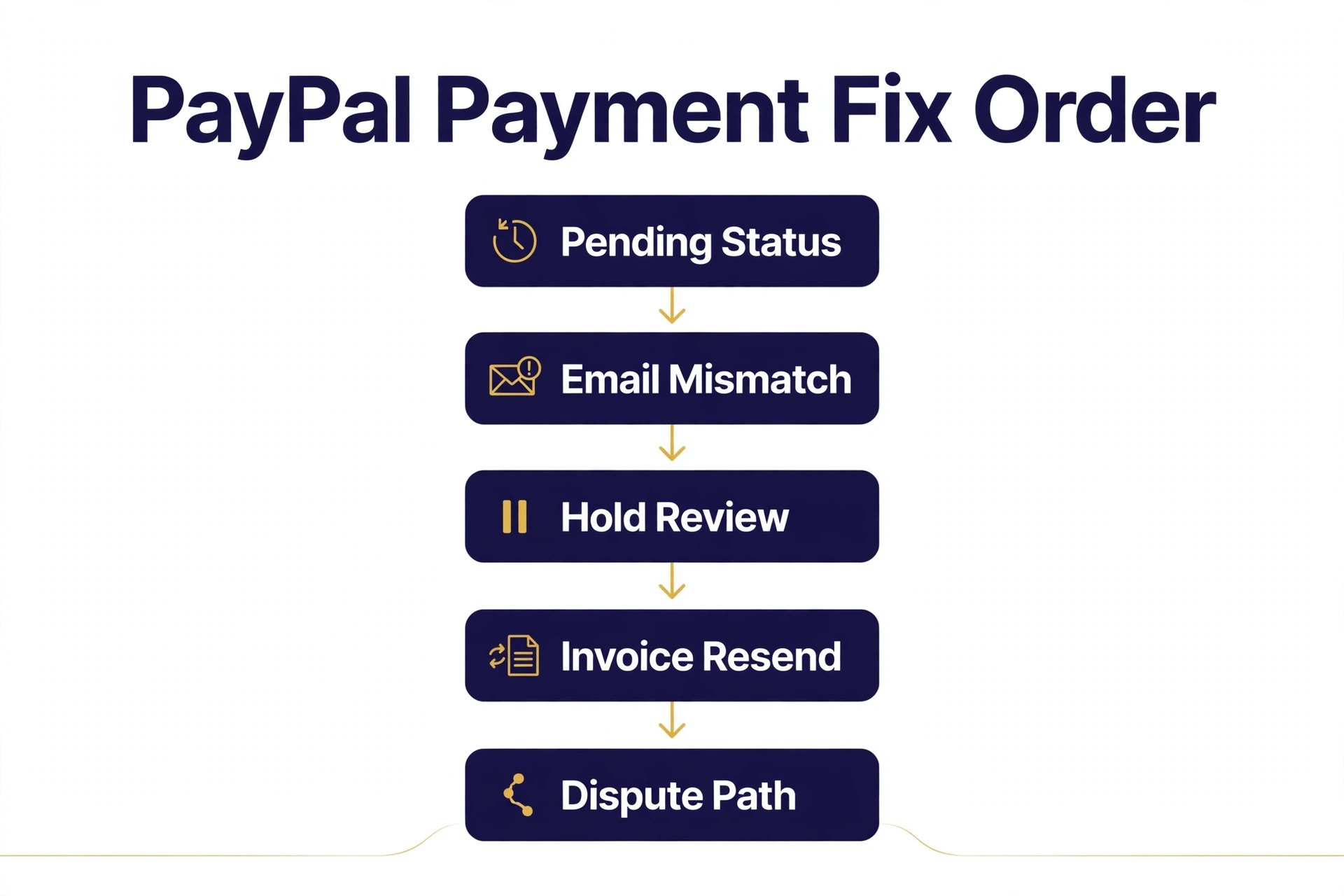
The diagnostic order in this guide runs from the checks that solve the most cases with the least risk to the checks that need evidence or a formal process. Pending status check first, because the status line in Activity usually names the reason directly. Email mismatch check second, because a wrong address is common and fixable by adding the address or asking the sender to cancel and resend.
Hold review third, because holds have specific release actions that depend on whether the sale was a product or a service. Invoice resend fourth, because a clean invoice removes ambiguity about where payment should go. Dispute path last, because a formal dispute or claim is the route when the other steps fail or when a customer will not cooperate.
Change one thing at a time and test after each change, where testing is possible. If you add an email address, update an order status, and contact the customer together and money becomes available, you will never know which action mattered, and you will never know whether one of the other actions created a duplicate payment risk. One change, one check in Activity, one note in a simple log of what you changed and when.
Do not ship solely on a customer claim of payment. Ship when PayPal Activity shows a payment you can use, or when a hold release path is clearly documented and the customer communication is in writing. Shipping on a screenshot alone, without a matching Activity entry, risks sending goods for money that never reaches you. The same discipline applies to services. Do not deliver the full service before confirming payment status, unless your normal terms already allow it, because recovering delivered work is far harder than delaying delivery by a day while payment is confirmed.
| Symptom you see | Most likely cause | First check |
|---|---|---|
| Payment shows Pending | Verification or review | Activity status detail |
| No payment in Activity | Wrong email address | Customer confirmation address |
| Payment visible, unavailable | PayPal hold | Get your money options |
| Customer paid wrong address | Unclaimed payment | Sender cancel and resend |
| Payment disputed by customer | Claim or chargeback | Resolution Centre case |
Pending Status Check That Names the Reason Directly
Open PayPal Activity, find the transaction, and click into its detail page before doing anything else. Status detail is the first step when you fix PayPal payment not received small business sellers report. The status line and any message beside it usually name the reason in plain language, whether PayPal needs more information, the payment is under review, the recipient has not yet accepted it, or a currency or address condition is blocking acceptance. Read that detail fully, including any action button offered, because PayPal often provides the exact next step on the same page, such as providing information, confirming shipment, or updating order status. Skipping that detail to general fixes wastes the best clue available.
Check the Resolution Centre and your PayPal messages as well, because PayPal may have asked for documents or information there without an obvious alert in Activity. Look for requests for identity verification, business information, proof of fulfilment, or customer communication, and respond promptly with clear documents. A payment can stay pending simply because a requested document was never uploaded, and uploading it can move the case forward faster than any other action. Keep copies of everything you send, with dates, so a follow up message can reference exactly what was provided and when.
Also distinguish a pending payment from a payment that has not been sent at all. If Activity shows no transaction for the customer, date, and amount in question, the payment may not have completed on the customer side, even if the customer believes it did. Ask the customer to check their own Activity for a completed payment to your address, and to confirm the recipient email shown there.
If the customer Activity shows a completed payment to a different address, move to the email mismatch section next, because the money is not lost, it is simply addressed elsewhere. If neither side shows a transaction, the checkout likely failed before payment, and the fix is a fresh payment through a clean invoice, covered later in this guide.
Note the timeframe PayPal states for your specific case, rather than assuming a generic delay. Some pending payments resolve when information is provided, some resolve when delivery is confirmed, and some resolve after a stated period even without further action. Check the vendor help pages for current pending and hold timeframes before promising a customer a date, since timeframes can change and a guide figure can go out of date. Record the stated timeframe in your log, set a diary reminder for it, and contact the customer proactively before that date, so they are not left wondering whether you have forgotten their order.

Email Mismatch Check That Recovers Payments Sent Elsewhere
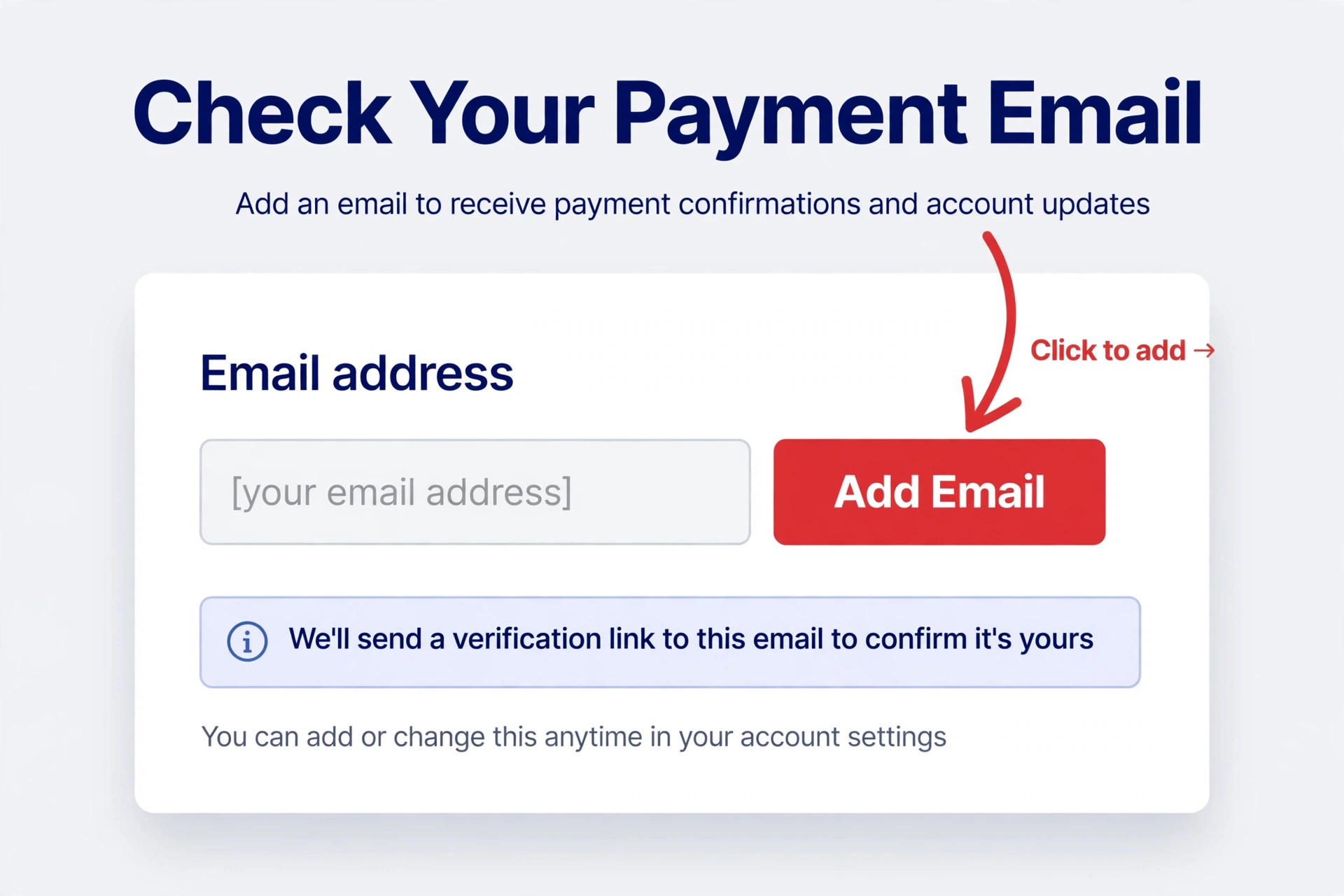
Compare the recipient address on the customer confirmation with the email addresses linked to your PayPal account, character by character. Address comparison is a key step when you fix PayPal payment not received small business payments lose. A single typo, an old domain, a personal address instead of a business address, or a misspelled name can send a payment to an address that is not linked to any PayPal account, or to an address belonging to someone else.
If the payment went to an address you control but have not yet added to PayPal, the fix is simple. Add that address in PayPal Settings, confirm it through the verification email PayPal sends, and the unclaimed payment should become available to claim. Do not remove your primary address to make room, because PayPal requires a different primary address to be set first if you need to remove the current one.
If the payment went to an address you cannot access, ask the sender to cancel it and resend it to the correct address. A sender can cancel an unclaimed payment from their own Activity page, where a cancel option appears for payments that have not been claimed. If the sender cannot see a cancel option, the payment may have been claimed or accepted under conditions that need the recipient to act, in which case the recipient needs to accept or deny it within the stated period.
Explain this clearly to the customer, with the exact steps, because customers often assume only the seller can fix a payment they sent. A polite, precise message with the correct address spelled out prevents a second mistaken payment.
If the payment went to a stranger address and cannot be cancelled, do not ask the customer to pay again immediately without a plan. Agree in writing who will bear the risk, whether the first payment will be pursued through PayPal, and what happens if both payments eventually arrive. Where the amount is significant, a formal dispute path may be needed, covered in the final workflow section.
For future sales, reduce mismatch risk at the source. Print the correct PayPal address on invoices, in checkout instructions, and in order confirmation mail, and use PayPal invoicing or a payment link that prefills the recipient, so customers never type the address by hand. A payment link removes the most common typo cause entirely.
Also check your own account for duplicate or outdated addresses that invite mistakes. Remove addresses you no longer control, after setting a different primary address if needed, and keep only the addresses customers should actually use. Review any marketplace, website, or social profile that lists a PayPal address, because an old listing can keep sending payments to an abandoned mailbox long after you changed your main address. After any address fix, send a small test payment through the corrected route, or ask a trusted customer to do so, and confirm it appears in Activity under the correct address before resuming normal sales.
Hold Review Check That Releases Money With Proof
A hold means the payment has reached your PayPal account but PayPal has marked it unavailable for a period, usually because you are a new seller, have not sold for a while, have changed selling patterns, or are selling higher risk items. Hold review is central when you fix PayPal payment not received small business balances show. Open Activity, find the held payment, and click the Get your money option, which shows the release actions available for that specific payment. The action depends on what you sold.
For a physical product, adding tracking through an approved carrier is the key step, with PayPal stating release approximately 24 hours after the courier confirms delivery to the buyer address. For a service or intangible item, updating the order status to Completed is the key step, with release stated as 7 days after that confirmation. In rare cases, PayPal may still hold money for up to 21 days even after these steps, for example when selling patterns have changed unusually.
Follow the release path exactly, rather than improvising around it. For products, ship to the buyer PayPal address shown on the transaction, not to a different address supplied later by message, because shipping elsewhere can complicate both hold release and buyer protection. Add the tracking number to the PayPal transaction itself, or print the shipping label through PayPal where that option is available, so PayPal can track delivery automatically. For services, update the order status only when the service is genuinely complete, and keep written evidence of completion, such as a delivery email, a signed acceptance, or a file delivery record, because PayPal may ask for it if the buyer disputes completion.
Also complete any identity or business verification PayPal requests, because incomplete verification can hold payments independently of tracking or order status. Open Settings and any verification prompts, and provide the requested documents promptly and clearly. If PayPal reports multiple customers requesting refunds, unusual selling patterns, or higher risk items, address those patterns directly, by improving product descriptions, delivery times, and customer communication, because holds are a risk response, and better patterns reduce future holds over time.
Do not use hold money in cash flow planning until it is actually available. A held payment is not spendable, transferable, or withdrawable, even though it appears in your balance. Plan orders, stock purchases, and supplier payments around available funds only, and tell customers honestly that delivery tracking has been provided and release follows PayPal stated timeframes, without promising a release date PayPal has not guaranteed. Check the vendor help pages for current hold release timeframes before quoting them to a customer, since timeframes can change and a guide figure can go out of date.

Invoice Resend Check That Removes Payment Ambiguity
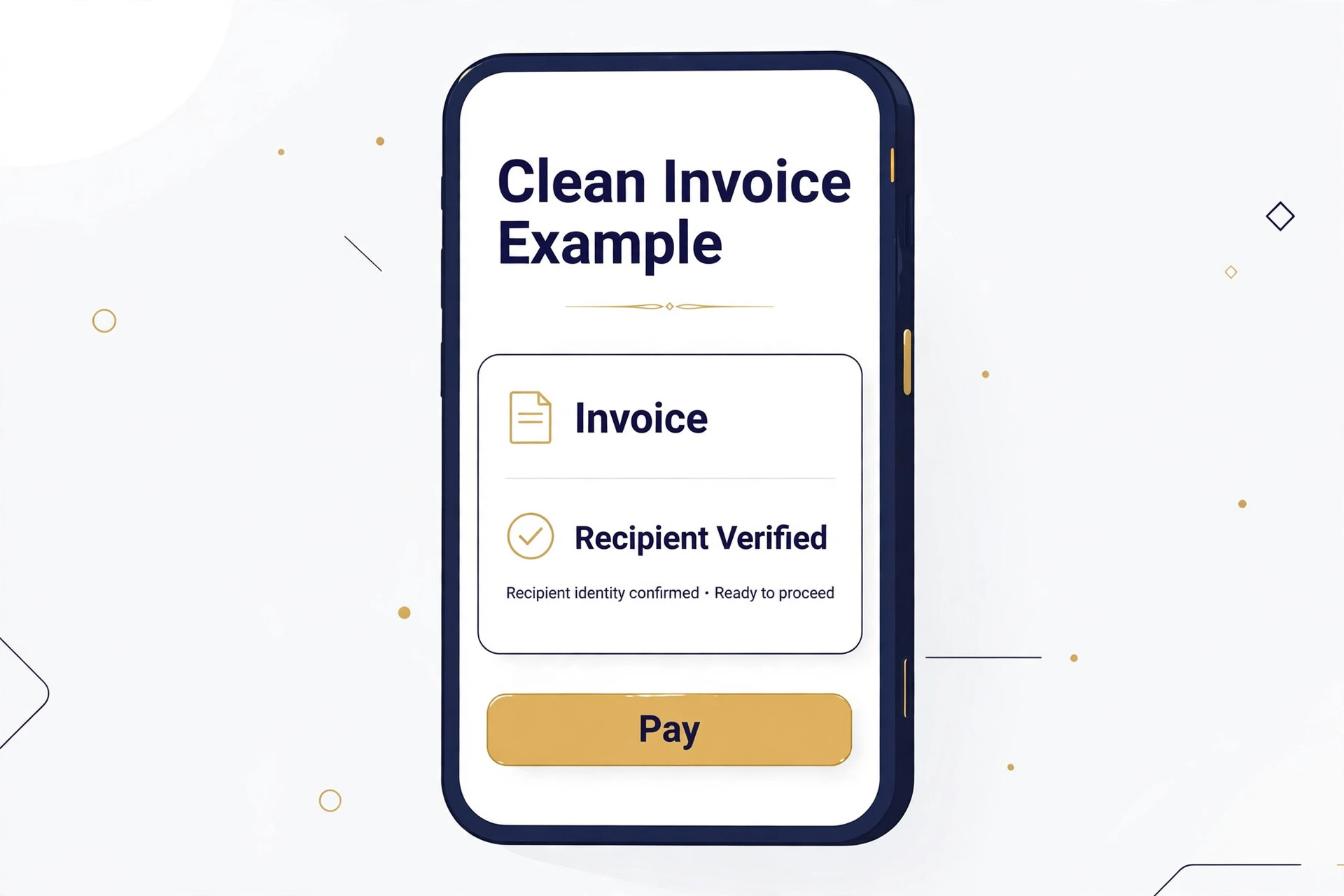
When a payment is missing, disputed, or sent to the wrong address, a clean PayPal invoice resets the transaction on a clear footing. A clean invoice helps when you fix PayPal payment not received small business orders face. Create a new invoice in PayPal, or through your invoicing system where it links to PayPal, with the correct recipient email, the correct amount, a clear description of goods or services, and any agreed delivery or completion terms.
Send it to the customer email you have verified with them directly, not to the address from the failed payment, unless that address has now been confirmed as correct. Ask the customer to confirm receipt of the invoice before paying, so a second payment to a wrong address does not repeat the first mistake.
Cancel the failed payment path first, where cancellation is available, before asking for a fresh payment. If the original payment is unclaimed, the sender should cancel it from their Activity page, so the customer is not charged twice. If the original payment is held, do not ask for a duplicate payment to work around the hold, because a duplicate creates a refund obligation when the hold releases. Instead, explain the hold, provide tracking or order status as above, and wait for release, or agree a revised delivery plan in writing. A duplicate payment taken to solve a hold problem often becomes a dispute problem when both payments clear.
Use invoicing as a prevention tool for future sales, not only as a repair tool. Invoices create a clear record of what was sold, to whom, for how much, and under what terms, which helps both hold release and dispute defence. Include order numbers, delivery addresses, and service completion criteria on every invoice, and keep invoice, tracking, and customer communication together for each order. For repeat customers, save the verified PayPal email in your customer record, and confirm it at each order, because customers change email addresses and a saved old address is a common source of mismatch.
Dispute Path Check That Protects You When Other Steps Fail
When a customer will not cancel an unclaimed payment, will not resend to the correct address, or claims they paid while no payment appears, a formal PayPal process may be the only route left. The dispute path is the last step when you fix PayPal payment not received small business cases stall. Understand the two different processes before choosing one. A dispute is a negotiation stage in the Resolution Centre, where buyer and seller exchange messages and try to agree.
A claim is the escalated stage, where PayPal reviews evidence and decides. A chargeback is different again, because it is initiated through the customer card issuer rather than through PayPal, and it follows the card network process. Choosing the wrong route wastes time, so read the PayPal Resolution Centre guidance for your case type before filing.
Gather evidence before opening a case, because evidence quality decides outcomes. Collect the invoice, the order confirmation, customer communication showing the agreed address and amount, tracking or service completion proof, and screenshots of Activity showing the payment status, with sensitive details hidden where appropriate. Write a short, factual summary of what happened, what you have already tried, and what outcome you seek, whether that is cancellation and resend, release of a hold, or a refund decision. Avoid emotional language or accusations in case messages, because PayPal reviewers and customers both respond better to a clear timeline than to a complaint.
Respond promptly to every PayPal message and deadline in a case, because missed deadlines can decide a case regardless of merit. Check the Resolution Centre and email daily while a case is open, upload requested documents as soon as they are ready, and keep the customer informed in parallel where appropriate. If the customer agrees to cancel and resend during a dispute, confirm that agreement in the case messages, so PayPal has a record of it.
If PayPal decides against you, read the decision reasons carefully before appealing or accepting, because the reasons often point at a specific evidence gap, such as missing tracking or an unverified address, that can be fixed for future sales even if this case cannot be reopened.
Also protect future sales from dispute risk while a case runs. Pause new orders for a customer in an active dispute until the case resolves, unless your terms and the evidence clearly support continuing. Review product descriptions, delivery promises, and refund terms for the disputed item type, because unclear promises generate disputes more often than fraud does. Treat every dispute as a process lesson, and update invoices, tracking habits, and customer communication from what it taught you, so the same dispute type does not recur with the next customer.
Mistakes That Turn a Small PayPal Problem Into a Big One
The most common mistake is asking a customer to pay twice without cancelling the first payment. Duplicate payment risk matters when you fix PayPal payment not received small business sellers chase. A duplicate payment creates a refund obligation, a dispute risk, and a trust problem, even when the first payment was genuinely unclaimed. Cancel first, confirm cancellation in Activity, then resend or re invoice. If cancellation is not available, agree the duplicate risk in writing before taking a second payment, and refund promptly if both payments clear.
The second mistake is shipping before a hold clears, on the strength of a customer screenshot alone. A screenshot proves the customer attempted payment, but it does not prove the money is available to you, and it does not protect you if the payment is later reversed. Ship when Activity shows a usable payment, or when tracking and hold release steps are documented and the customer accepts the stated timeframe in writing. Slow fulfilment beats lost goods, because lost goods cost both stock and money.
The third mistake is ignoring PayPal messages and deadlines. Payments stay pending, holds stay in place, and disputes are decided against sellers who never respond, not because the seller was wrong, but because no evidence was provided. Check Activity, messages, and the Resolution Centre regularly, respond promptly, and keep copies of everything sent. A missed deadline is a preventable loss, and it is the easiest loss to avoid in this whole guide.
The fourth mistake is using an unverified or outdated email address on listings, invoices, and profiles. Every place that shows an old PayPal address is a future mismatch waiting to happen. Audit listings, website pages, social profiles, and invoice templates after any address change, and replace the old address everywhere. A single outdated listing can generate mismatched payments for months, long after the main account was corrected.
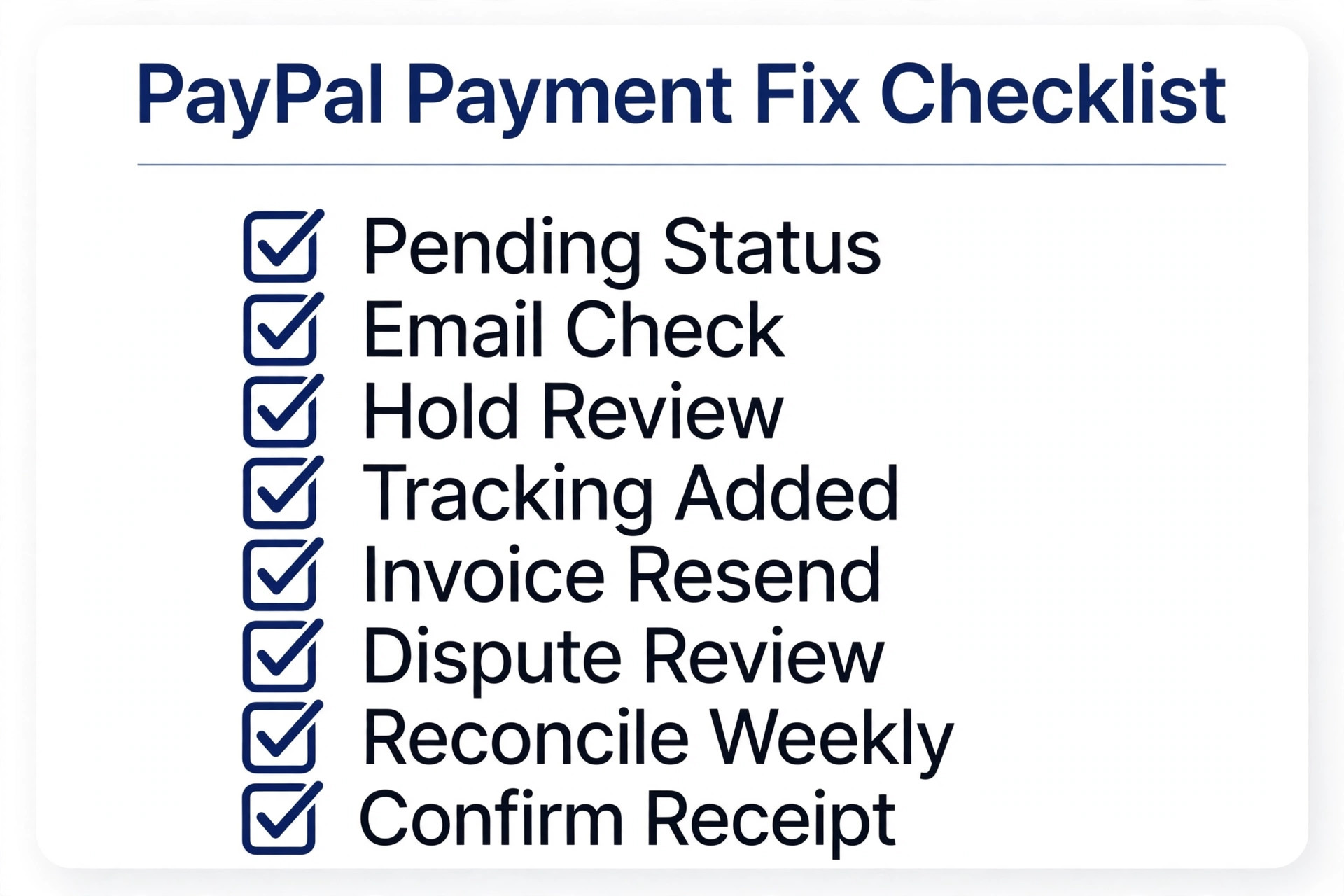
PayPal Payment Fix Checklist
Use this checklist in order, and stop at the step where payment becomes available, then run the proof test below to confirm it stays fixed.
- Open PayPal Activity, read the full status detail for the transaction, and check messages and the Resolution Centre for information requests.
- Compare the customer confirmation address with addresses linked to your PayPal account, character by character, and add and confirm any address you control.
- If the payment is unclaimed to an address you cannot access, ask the sender to cancel it from their Activity and resend to the verified correct address.
- For a held product payment, ship to the buyer PayPal address and add tracking to the transaction, or print the label through PayPal.
- For a held service payment, update order status to Completed only when the service is genuinely complete, and keep completion evidence.
- Complete any identity or business verification PayPal requests, and record the stated hold or pending timeframe in your log.
- Cancel any failed payment path before issuing a clean invoice with the verified recipient, amount, and terms, and confirm invoice receipt before payment.
- If other steps fail, open a Resolution Centre dispute with a factual summary and full evidence, respond to every deadline, and record the outcome and lesson.
That checklist is deliberately short. A longer repair plan looks impressive and gets ignored under cash flow pressure. Eight steps, done in order, fix most small business PayPal missing payment cases without outside help, and the log they produce makes the remaining cases far easier for support to solve.
How to Prove PayPal Payments Stay Fixed
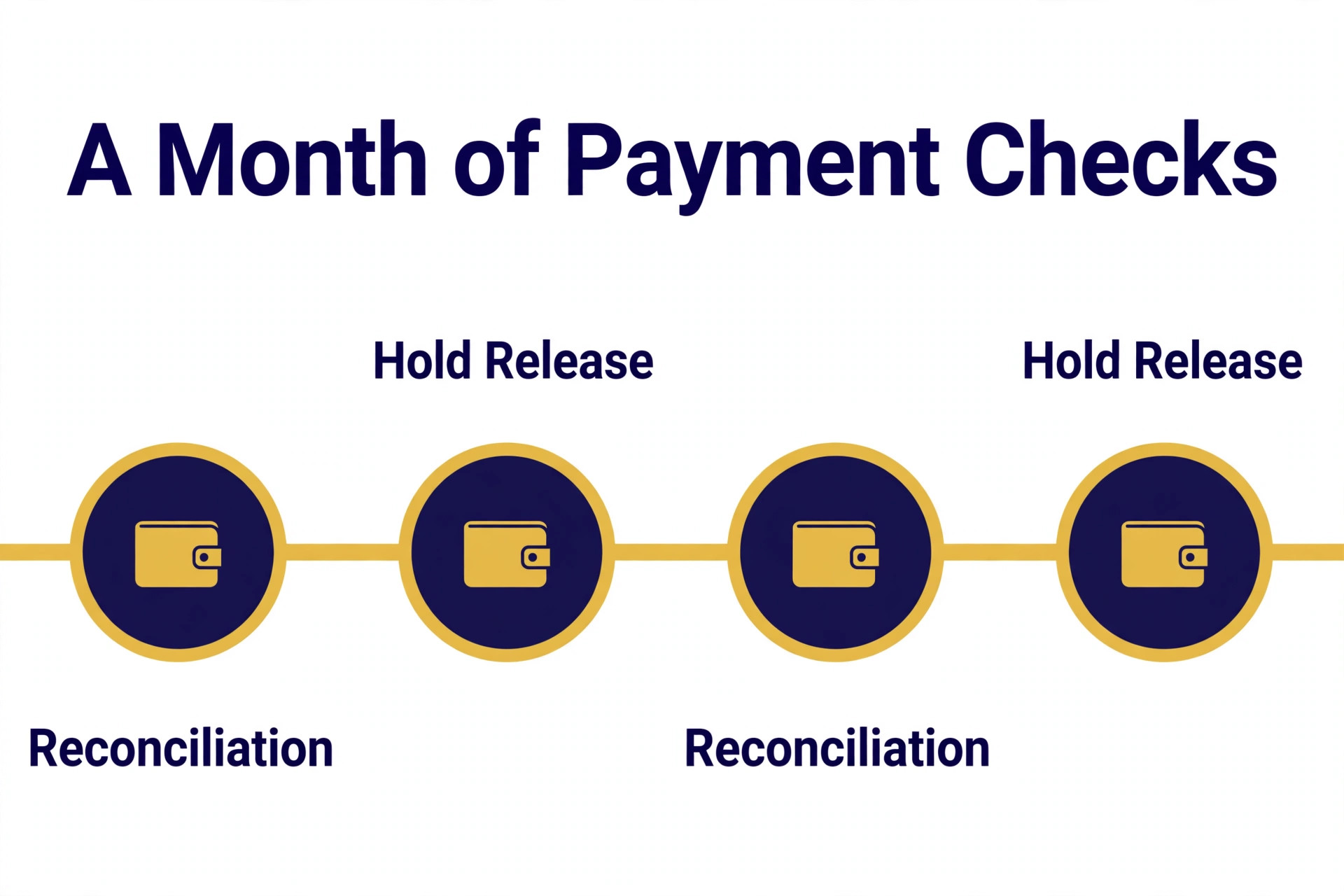
Monitor the next month with three simple measures. First, a weekly reconciliation of invoices against Activity, covering received, held, unclaimed, and unpaid items, so gaps are caught in days. Second, a record of hold frequency and release times, compared with previous months, which shows whether selling history and verification are reducing holds. Third, a count of payments sent to a wrong address, which should fall to zero once payment links and verified customer records are in use.
Set a monthly PayPal audit as a standing habit, not a one off repair. Once a month, review linked email addresses, verification status, invoice templates, payment links, and listings that show a PayPal address, and confirm nothing outdated remains. Review the audit after every email change, marketplace listing, or website update, because those are the moments mismatch risk returns. A business that audits monthly finds payment gaps in days, while a business that audits only after complaints finds them after cash flow damage.
Watch for the quiet failures that never produce an error message. A payment that is available but allocated to the wrong order, an invoice paid late because the customer never received it, a hold that releases after a supplier payment was already missed, and a customer who quietly stops ordering after a payment confusion all lose money without a single warning. Reconcile weekly, communicate proactively about holds and timeframes, and treat a sudden fall in repeat orders as a payment experience problem until proven otherwise, even when nobody has complained yet.
The PayPal Verdict for Small Businesses That Cannot Wait for Money
The fastest way to fix PayPal payment not received small business sellers face is also the least dramatic. Read the pending status, check the email address, follow the hold release path with tracking or order status, re invoice cleanly where needed, and use the dispute path only when other steps fail. That order finds the common causes first, avoids the trap of duplicate payments, and leaves a log that makes any remaining problem easy for support to solve.
Start with the symptom table, work the checklist in order, and do not ship on a screenshot alone. Reconcile weekly after the repair, and audit monthly after every address, listing, or template change, because payment accuracy is the one part of a business where a small unnoticed error costs real money every week. Done that way, a missing payment becomes a short interruption with a known cause, not a long crisis with a guessed fix.
Frequently Asked Questions
Why does PayPal show my payment but I cannot spend it?
Because the payment is on hold, which means it has reached your account but PayPal has marked it unavailable for a period. Holds commonly affect new sellers, sellers returning after a break, or higher risk sales. Follow the Get your money option for that payment, add tracking for products or update order status for services, and check the stated release timeframe for your case.
What should I do if a customer paid the wrong email address?
First confirm the address from the customer confirmation, then check whether you control that address. If you do, add and confirm it in PayPal Settings to claim the payment. If you cannot access it, ask the sender to cancel the unclaimed payment from their Activity and resend it to your verified correct address, and confirm invoice receipt before the new payment.
How long can a PayPal hold last?
PayPal states that holds can last up to 21 days in rare cases, even after tracking or order status steps are completed. For products, release is stated as approximately 24 hours after delivery is confirmed through an approved carrier. For services, release is stated as 7 days after order status is confirmed as Completed. Check the vendor help pages for your specific case, since timeframes can change.
Can I cancel an unclaimed payment myself as the seller?
As the seller, you cannot always cancel a payment sent to you, because cancellation depends on whether the payment is unclaimed and on the sender side options. If the payment is unclaimed, the sender can usually cancel it from their Activity page. If no cancel option appears, the recipient may need to accept or deny the payment within the stated period, after which unclaimed payments return automatically.
Should I ship an order while the payment is on hold?
Ship only when you understand the hold release path and the customer accepts the position in writing, or when your normal terms already cover held payments. Shipping on a screenshot alone, without a matching Activity entry, risks sending goods for money that never becomes available. For most small sellers, confirming tracking through PayPal and following the stated release path is safer than shipping blind.
When should I contact PayPal support instead of keep fixing?
Contact support when a hold passes its stated timeframe after tracking or order status steps are complete, when a payment status message is unclear, when verification documents have been provided but the case has not moved, or when a dispute deadline is approaching and you need clarification. Send the transaction detail, the log of steps already taken, tracking or completion evidence, and customer communication, so support can move faster than a general report that payment was not received.
More Reading on Stratilyze
– Cost of PayPal for a Small Business Monthly – Best Payment Software for Service Businesses – Fix Shopify Checkout Not Working for a Small Store – Fix a Slow WordPress Site for a Small Business