
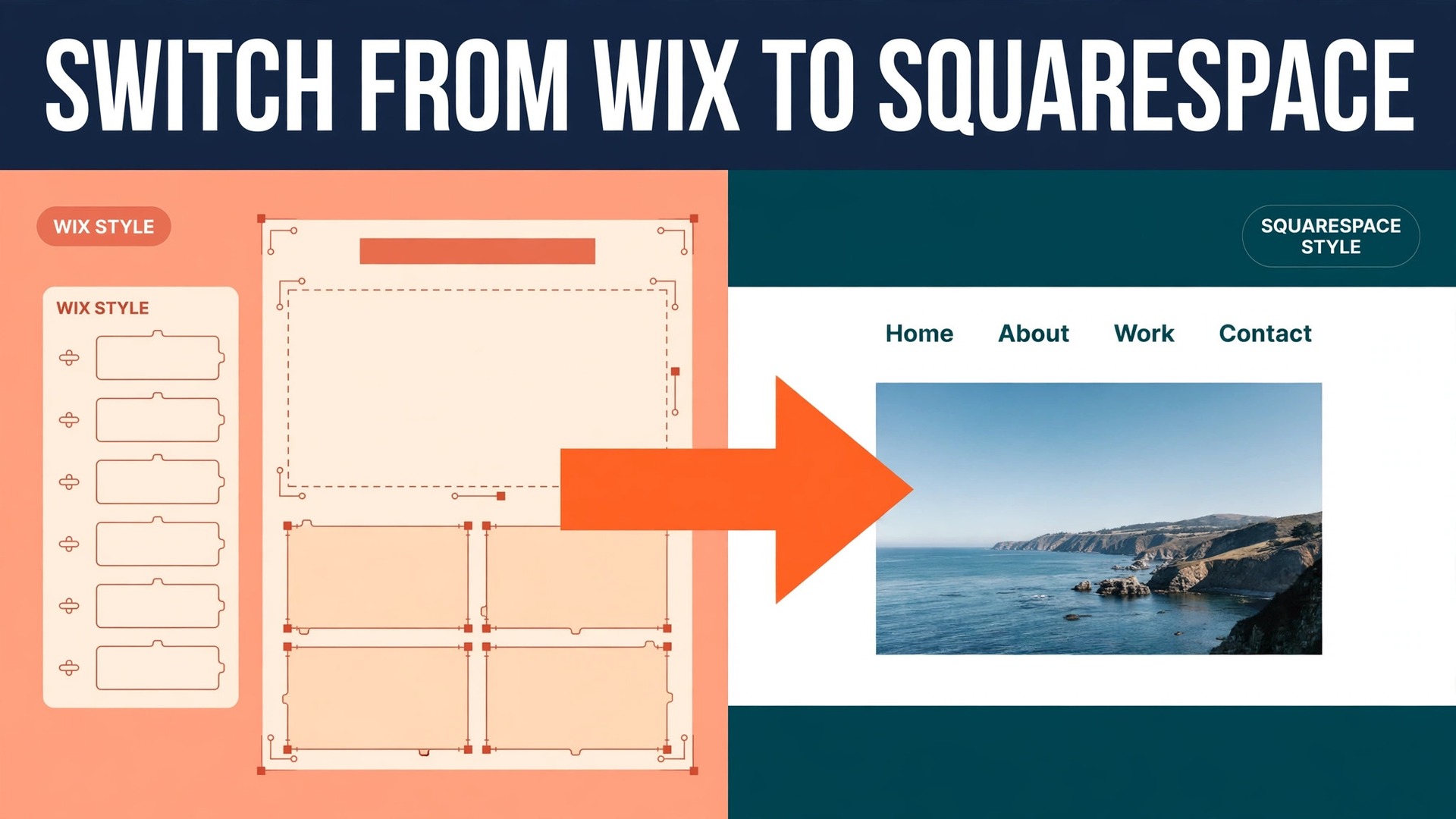
Wix gives a small business owner a blank page and a hundred ways to fill it, while Squarespace gives the same owner a finished room with the furniture already arranged. Neither approach is wrong, but they suit different owners, and that difference is exactly why a move between them needs more thought than a weekend rebuild. A switch Wix to Squarespace small business owners plan well starts from that trade, meaning less freedom to place every element by hand in exchange for templates, spacing and mobile behaviour that hold together without constant fixing. This guide walks through that exchange honestly, then gives the step by step move, from content export to launch day checks.
That contrast is the whole argument for treating this move as a rebuild rather than a transfer. Wix does not hand over a finished site that Squarespace can simply open. Products can travel by spreadsheet, blog posts can travel by feed or by hand, and everything else, meaning page layouts, design settings, forms, automations and store rules, has to be rebuilt in the new system. Once a team accepts that fact, the project becomes manageable, and the schedule below fits a typical service site into three to four weeks.
Prices quoted here are starting points drawn from published pricing guides at writing time, so confirm on the vendor page before you buy. Squarespace has renamed plans in recent years, so an older account may still show Personal, Business and Commerce names while a new account shows Basic, Core, Plus and Advanced. The features matter more than the label, so compare transaction fees, checkout tools and contributor limits on the current page rather than trusting a remembered plan name.
How to Switch Wix to Squarespace Small Business Sites Without Losing Traffic
Start with an audit before touching any template. List every page, blog post, product and landing page on the live Wix site, together with its address, its title and the job it does for the business. A free crawl tool or a manual sitemap export gives the raw list, and Google Search Console shows which of those addresses actually earn clicks. The pages that earn traffic or carry backlinks get first attention, while dead pages with no visits and no links can be retired rather than rebuilt.
The audit also settles what the new site must contain. A service business usually needs a home page, a services overview, one page per core service, an about page, a contact page, a booking or quote form, and a small blog archive. A shop needs product pages, category pages, shipping and returns pages, and a checkout that has been tested with a real payment. Anything outside that core list is a candidate for a later phase, not a launch blocker, and cutting scope early is what keeps a three week plan honest.
Set the success test in writing before the build starts. A good test names four numbers, which are organic visits in the four weeks after launch compared with the four weeks before, contact form submissions, completed checkouts or bookings, and the count of old addresses that return an error. If those four numbers hold steady, the move worked, and if one of them falls, the team knows exactly where to look first instead of debating the design.
What Actually Moves, What Must Be Rebuilt, and What Gets Left Behind
Honesty about portability saves more time than any shortcut. Products move best, because Wix can export a product list as a spreadsheet and Squarespace can import a reformatted version of that file. Customers, orders and blog content move partly, with effort and cleanup. Design, apps, automations and custom code do not move at all, and pretending otherwise is how a project slips by a month.
| Item | What happens in the move | Effort for a small team |
|---|---|---|
| Products and prices | Spreadsheet export, header cleanup, import | Half a day for under 100 products |
| Blog posts | Feed import for recent posts, manual copy for older posts | One to three days depending on archive size |
| Pages and text | Manual copy, images downloaded and reuploaded | The bulk of the build, several days |
| Design and template | Rebuilt from scratch in a Squarespace template | Two to five days |
| Forms and bookings | Rebuilt with Squarespace forms or a connected tool | Half a day to two days |
| Automations and apps | Rebuilt or replaced with Squarespace equivalents | One to three days |
| Domain and email | Transfer or repointing, plus mail records checked | One day, plus transfer waiting time |
The blog deserves special care, because Wix feeds commonly expose only the most recent posts, often somewhere between ten and twenty five. A small blog with twenty posts can be copied by hand in an afternoon and keep its dates, authors and images intact. A larger archive needs a different approach, meaning a full spreadsheet export from Wix, cleanup in a spreadsheet, and import through a staging step, or help from a migration service. Either way, decide the blog method in week one, because discovering a missing archive in week three is painful.
Images need the same discipline. Download original files from Wix rather than dragging pictures out of a browser window, because browser copies can arrive compressed or at the wrong size. Reupload them to Squarespace with clear file names, and check each key page on a phone before launch, since a picture that looked fine on a desktop layout can crowd out the headline on a small screen. That one check catches a surprising share of launch day complaints.

Choosing the Right Squarespace Plan Before You Build
Plan choice should follow what the site sells, not what looks generous on a pricing page. A service site that takes enquiries but no online payments fits the entry website plan. A site that sells anything should sit on a commerce plan with no Squarespace transaction fee, because paying a percentage on every sale to save a few dollars on the monthly rate is false economy once orders grow.
Published guides put Squarespace website plans in roughly the 16 to 23 dollar a month range on annual billing for the entry tiers, with commerce tiers roughly from the high twenties to around 50 dollars a month, and a top tier higher still for larger stores. Sources disagree on exact figures because plan names and prices have changed, so treat every figure here as a range and confirm on the vendor page before you buy. The decision that matters is the fee structure, and a store doing even modest volume should avoid a plan that adds a percentage fee on top of payment processing.
Wix pricing runs on a comparable ladder, so the switch rarely saves a large sum on the subscription alone. The saving, if any, usually comes from dropping paid Wix apps that Squarespace includes, or from a simpler store setup that needs less outside help. Compare the full stack, meaning the platform fee, the payment processing rate, the form tool, the booking tool and any email tool, before claiming the move is cheaper. A switch Wix to Squarespace small business budget that only compares two headline prices will miss the real total.

The Step Workflow for a Switch Wix to Squarespace Small Business Rebuild
Work in this order, and do not skip ahead to the domain step. Each step has a visible check, so the team can tell whether the move is on track without asking the person doing the build.
- Freeze the old site and take a full inventory. Export products, customers and orders, save a copy of every page text, and record the address list with traffic data. Nothing changes on the live site during the build, so customers keep using a working site while the new one takes shape.
- Open a Squarespace trial and lock it with a site password. Choose a template for its structure and page types, not for its demo photos, because photos and colours change in an afternoon while a poor page structure haunts the site for a year. Set the site language, time zone and basic business details at this stage.
- Rebuild the page structure first, before writing a single paragraph of new copy. Create the home, services, about, contact and shop sections, set the navigation, and confirm the address pattern for each page. A clean structure makes the later redirect work far simpler, because every old address will have an obvious new home.
- Move products by spreadsheet. Export from Wix, match the columns to the Squarespace import template, clean variant names and prices, and import a test batch of five products first. Check images, variants, stock levels and prices on the test batch before importing the rest, since a header error repeated across five hundred products is a long cleanup.
- Move the blog by the method chosen in week one. For a small archive, copy posts by hand and keep original publish dates where the editor allows it. For a larger archive, run the spreadsheet or staging route, then spot check ten posts across the archive for missing images, broken links and lost formatting.
- Rebuild forms, booking flows and store rules. Every form gets a test submission from a real email address, every booking flow gets a test booking, and every payment method gets a test purchase that is refunded. A form that looks finished but never delivers a message is worse than a form that is visibly unfinished.
- Build the redirect map and load it into Squarespace. Every old address that earned traffic, carried a link or appeared in print gets a matching new address, and the map is tested before launch by clicking through the top fifty old addresses. Pages with no equivalent get a redirect to the closest relevant page, never to the home page by default.
- Run the launch checklist in the final section, move the domain, and keep the Wix account open for at least a month. The old site stays available as a reference and a safety net while search engines learn the new addresses, and cancelling it on launch day removes the only backup the team has.

Building the Redirect Map That Protects Search Rankings
The redirect map is a simple spreadsheet with three columns, meaning the old address, the new address and a note on why the pairing is right. Start from the crawl and Search Console list, not from memory, because memory forgets the landing page from a two year old campaign that still earns visits. Sort by traffic, work from the top down, and do not stop at the home and services pages.
Wix and Squarespace build addresses differently, so expect most addresses to change. A Wix blog post address and a Squarespace blog address rarely match, and product addresses change with the shop page name. Squarespace handles redirects through its URL mapping settings, where each old path points to its new path with a permanent redirect. Test the mappings on the password protected site where possible, and retest them within an hour of the domain move, because a mapping that looks right in a spreadsheet can still fail on a trailing slash or a capital letter.
After launch, watch Search Console for four weeks. Old addresses should show as redirected, new addresses should appear as indexed, and any address returning an error needs a fix the same day it appears. Ranking dips in the first two weeks are common even on a careful move, and most careful moves recover within two to three months. A dip that keeps falling after week four usually points to a missing redirect or a lost page, not to normal fluctuation, so treat it as a repair job rather than waiting it out.

A Four Week Timeline a Small Team Can Actually Keep
A realistic plan spreads the work so no single week carries both the build and the launch. Week one is audit, exports and template choice. Week two is page rebuild and product import. Week three is blog, forms, payments and redirects. Week four is testing, domain move and the first post launch checks. A shop with hundreds of products or a blog with hundreds of posts needs a fifth or sixth week, and saying so early beats promising four weeks and missing.
| Week | Main work | Done looks like |
|---|---|---|
| Week one | Audit, exports, template, plan choice | Inventory sheet complete, trial site locked |
| Week two | Pages, navigation, product import | All core pages built, test products correct |
| Week three | Blog, forms, payments, redirect map | Test booking and purchase succeed, map tested |
| Week four | Final checks, domain move, monitoring | New site live, old addresses redirect, forms work |
Staff time matters as much as calendar time. A single owner doing the build alongside normal work should budget eight to fifteen hours a week for the project, while a team with a dedicated builder can compress the same work into fewer days. If nobody on the team can give that time, hire help for the build and keep the content decisions in house, because a half built site launched on a deadline costs more in lost enquiries than a short delay.
Forms, Payments and Email After the Domain Moves
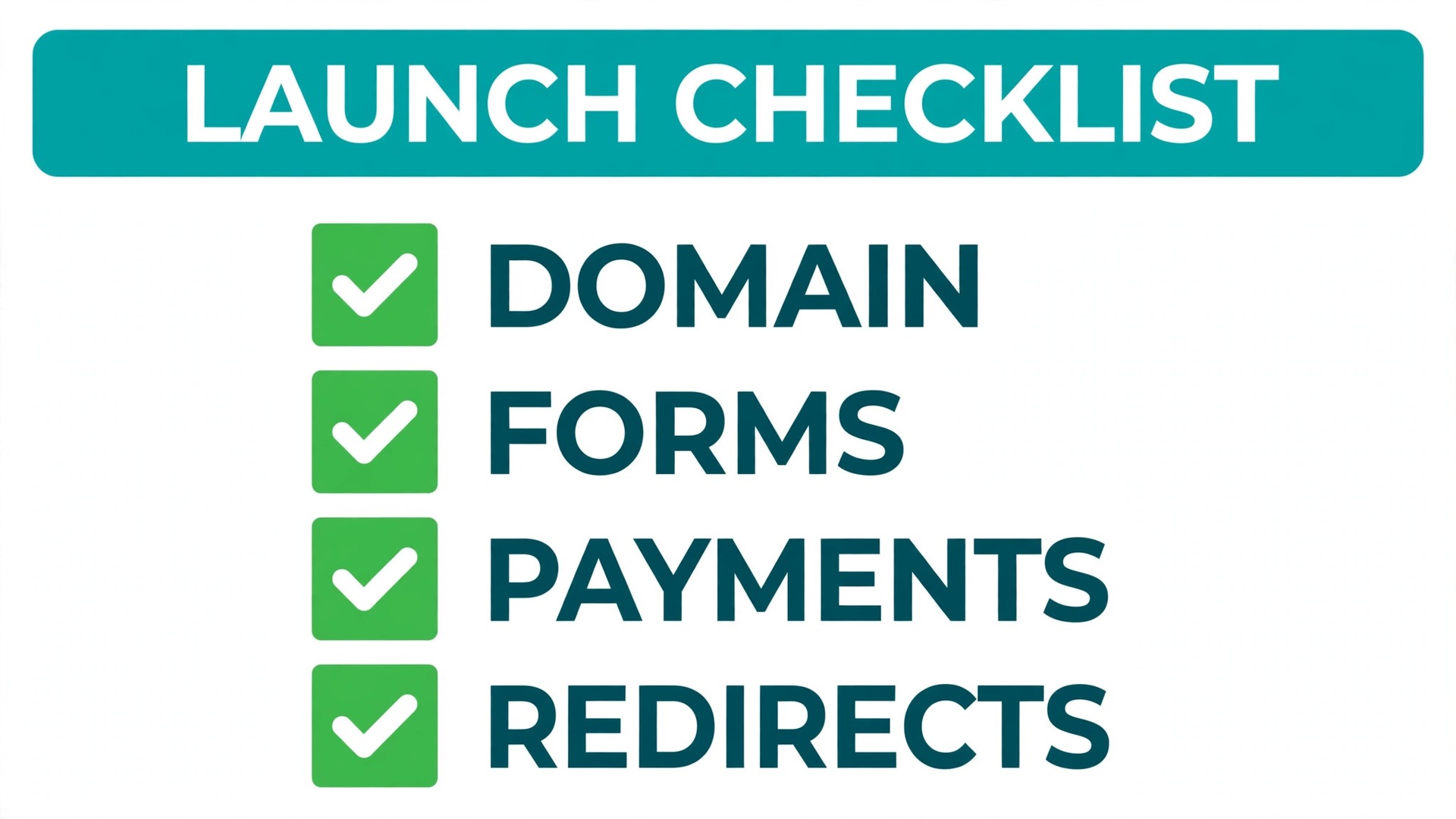
The domain move itself is straightforward, and the mistakes around it are not. Unlock the domain at the current registrar if it is transferring, or repoint its DNS records if it is staying put, and allow up to a day for changes to spread, even though most visitors see the new site far sooner. Keep email working by copying every mail record exactly, then send a test message to each business address and reply to it, because a site can look live while its mail is quietly failing.
Payment settings need the same proof. Connect the payment provider on the new store, run a real purchase for the cheapest product, refund it, and check that the order email, the stock change and the refund all behave as expected. Repeat the test for each payment method the store offers, since a store that accepts cards but fails on a wallet payment will hear about it from customers rather than from its own checks. A switch Wix to Squarespace small business launch that skips payment testing is gambling with the first week of sales.
Forms and notifications close the loop. Confirm where each form sends its messages, who receives them, and what the customer sees after submitting. Add an automatic reply that names the business and gives a response time, because a silent form leaves customers unsure whether their message arrived. Check spam folders during the first week, since a new sending setup sometimes lands genuine enquiries in spam until the receiving mailbox learns to trust it.

Mistakes That Turn a Simple Rebuild Into a Lost Month
The first mistake is cancelling Wix before the new site is proved. The old account holds the exports, the original images and the reference copy of every page, and closing it early removes the fallback. Keep it paid for one extra month and treat that month as insurance, not waste, then cancel once traffic and orders have held steady.
The second mistake is rebuilding pages from memory instead of from the inventory. Memory drops the quiet pages that earn steady traffic, such as a pricing page linked from a directory or a service page shared in an old email. The inventory exists precisely to catch those pages, so every launch page should trace back to a line on it or to a deliberate decision to retire that page.
The third mistake is launching on a Friday afternoon or just before a holiday. A domain change, a redirect error or a payment fault found on a Saturday is harder to fix and reaches customers before the team sees it. Launch on a Tuesday or Wednesday morning, keep the builder available for the rest of that day, and hold off on announcements until the first round of checks passes.
The fourth mistake is treating design as the project and content as an afterthought. A beautiful template with thin service pages, missing prices and no clear next step will not convert better than a plain site that answers the customer question. Write the service pages for the customer first, meaning the problem, the offer, the price signal and the next step, then let the design present that content well.
When Switching Is the Wrong Call, and What to Do Instead
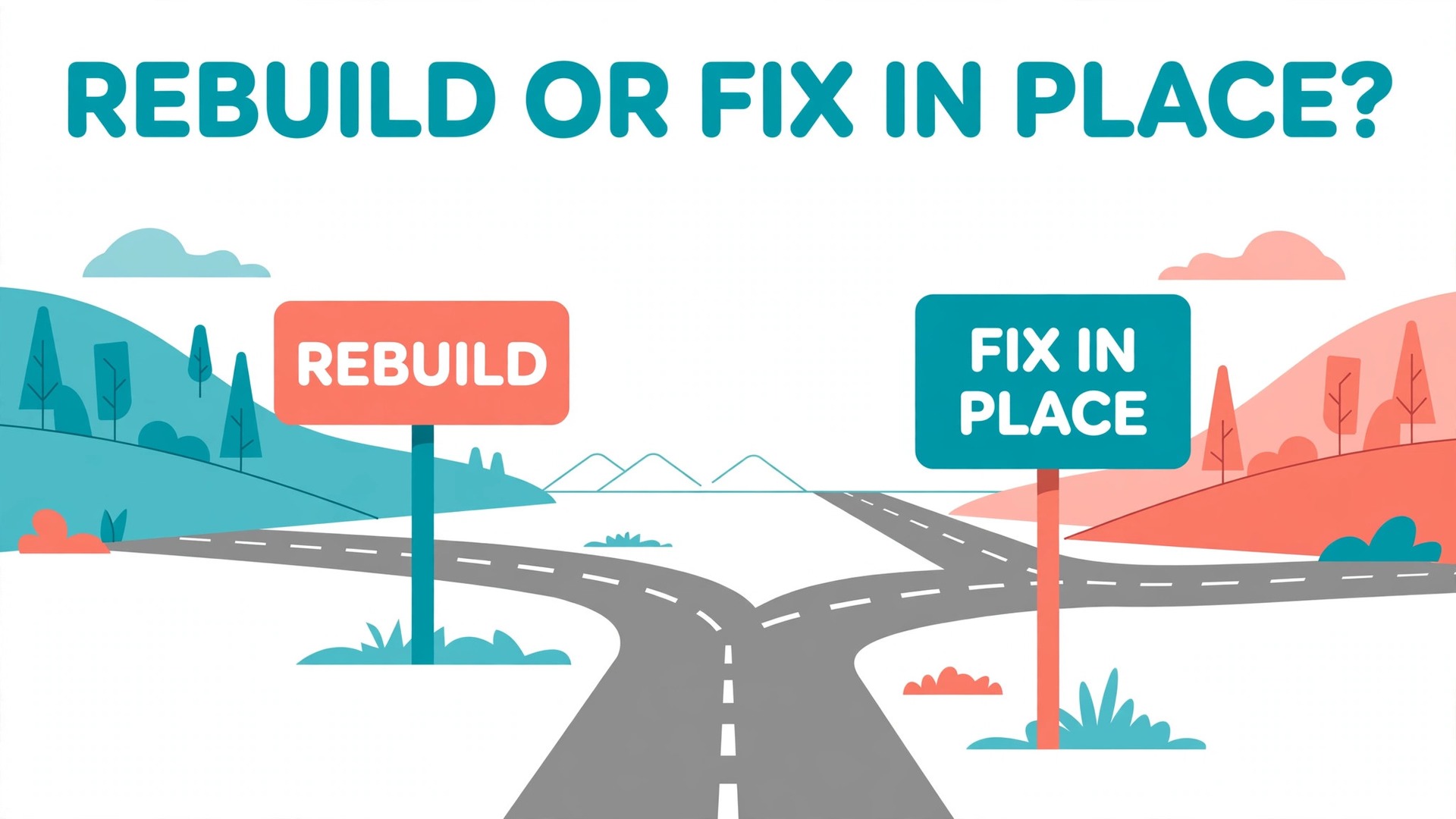
Not every frustration with Wix justifies a rebuild. If the complaint is slow pages, the fix may be smaller images, fewer apps and a cleaner home page, all of which cost an afternoon rather than a month. If the complaint is a missing feature, check whether a connected tool or a plan change on the current platform covers it, because a rebuild to gain one feature often trades it for three new gaps.
A switch earns its effort when the business has outgrown the current setup in a structural way. Examples include a store that needs checkout and merchandising tools the current plan handles poorly, a service business that wants one coherent system for site, shop and scheduling, or a team that finds the current editor slows every update. In those cases the rebuild pays back in daily ease, not just in looks, and the team will feel the difference within weeks.
If the decision is close, run a two week trial build of the home and one service page on Squarespace before committing. That small test reveals whether the editor suits the team, whether the template fits the content, and whether the real build time matches the estimate. A trial that feels awkward is useful news, because it arrives before the domain moves rather than after.
Testing the New Site Like a Customer Before Launch Day
Testing should copy a real customer journey, not a checklist ticked from inside the editor. Open the password protected site on a phone, on a laptop and in a second browser where no one is signed in, because a signed in editor sees a different site from a visitor. Click every main navigation link, submit every form, and try to buy the cheapest product, and write down anything that feels slow, confusing or broken before it reaches a customer.
Start with the home page test, which takes ten minutes and catches the most visible faults. The headline should state what the business does within seconds, the main action should be obvious without scrolling on a phone, and the contact details should match the live site exactly. A switch Wix to Squarespace small business team that skips this test often launches with a beautiful page that hides the phone number or the booking button below a large image.
Next, test the money path end to end. Add a product to the basket, change the quantity, apply a discount code if the store uses one, enter a real address, pay with a test card or a small real payment, and confirm the order email arrives. Then refund the test order and check that stock returns to its previous level. Repeat the same path for a booking business, meaning pick a service, choose a time, pay any deposit, and confirm that both the customer and the business receive the right messages.
Then test the enquiry path, which matters more than the money path for most service businesses. Submit the contact form with a normal question, submit the quote form with realistic details, and reply to the automatic messages to check they reach a monitored inbox. Time how long each step takes, because a form that needs ten fields will lose enquiries that a five field form would have kept. Cut any field the business does not use in its first reply, and move nice to have questions to the follow up call.
Search behaviour deserves its own pass. Type the business name, a core service and a product name into the site search if the template offers one, and check the results lead somewhere useful. Then check the site on a slow connection by turning off wifi on a phone and loading the home page over mobile data. Pages that load in two seconds on office wifi can take eight seconds on a weak signal, and large hero images are usually the cause. Compress the largest images and retest before launch rather than after customers complain.
Finally, hand the site to someone outside the project for thirty minutes and watch without guiding them. Ask that person to find a price, book a service or buy a product, and note every point where they hesitate. The hesitation points are the real launch fixes, because the build team knows where everything lives and therefore cannot judge the site fairly. A switch Wix to Squarespace small business launch that passes this outside test has cleared a higher bar than any internal review, and it usually needs only small wording or button changes to pass fully.
Record every test result in the same sheet as the inventory, with the tester name, the device, the date and the fix applied. That record turns launch week from guesswork into a short list of closed items, and it gives the team proof that the domain move was earned rather than rushed. When the list is empty, the site is ready, and when it is not, the remaining items tell the team exactly how much longer the launch needs. A switch Wix to Squarespace small business project that respects that list rarely needs an emergency fix in its first week live, and that calm first week is worth more than launching two days early.
Frequently Asked Questions About Moving From Wix to Squarespace
Can a Wix site be transferred to Squarespace automatically?
No, there is no one click transfer that carries design, pages and settings across. Products can move by spreadsheet, recent blog posts can move by feed, and the rest is rebuilt by hand. A migration service can move catalogues and some content for a fee, but the design and the forms still need rebuilding on the new platform.
How long does a switch Wix to Squarespace small business move usually take?
A small service site typically takes three to four weeks alongside normal work, while a shop with a large catalogue or a blog with hundreds of posts can take five to six weeks. The redirect map and testing take longer than most teams expect, so budget a full week for testing and launch rather than squeezing it into a day.
Will search rankings drop after the move?
A short dip is common, and a careful move with a complete redirect map usually recovers within two to three months. Rankings fall further and stay down when redirects are missing, pages are dropped without a replacement, or titles and content change heavily at the same time. Keep titles and core content close to the originals during the move and save bigger rewrites for after recovery.
Can the domain and email stay working during the switch?
Yes, if the records are copied exactly and tested before the old setup is closed. Transferring a domain typically takes several days, while repointing records at the existing registrar can take effect within hours. Test every business email address after the change, and keep the old account open until mail and the site have both proved stable.
What happens to Wix apps and automations?
They do not carry over, so each one needs a Squarespace equivalent or a connected tool. List every app and automation during the audit, note what each one does for the business, and rebuild only the ones that still earn their keep. Many teams find half their apps were unused, which makes the new setup simpler than the old one.
Is Squarespace cheaper than Wix for a small business?
Sometimes, but rarely by a large margin on the platform fee alone. The real comparison covers payment processing, transaction fees, form and booking tools, and any apps on either side. A store should compare the total monthly cost at its actual order volume, and confirm on the vendor page before you buy, since published prices change.
More Reading on Stratilyze
– Cost of Wix for a Small Business Monthly – Cost of Squarespace for a Small Business Monthly – Migrate Wix to WordPress for Bloggers – Website Builders for Small Service Businesses Compared, plain text title, link not verified at writing time