
A paper notebook sent home in a backpack tells a parent what happened hours ago, and only if it survives the trip. A group chat tells them everything at once, including other children’s business, and buries the one update about their own child. A dedicated parent app with AI drafting sits between those two failures, and that middle ground is why so many centers now choose to use AI for daycare parent communication. The teacher still observes, still decides what matters, and still signs off. The software handles the repetitive shaping of those notes into clear, warm, individual updates, and it delivers each one to the right family only.
This guide shows how that workflow runs in a real center, which tools carry it, what a daily report template looks like when parents actually read it, and where the limits sit.
Why You Should Use AI for Daycare Parent Communication in 2026
Parent expectations have moved. Most families now expect the same speed from a daycare that they get from every other service in their life. They want to know that their toddler ate lunch, napped, and played outside, and they want to know before pickup, not at pickup when the teacher is managing twelve farewells at once. Centers that still rely on end of day verbal handoffs lose information every day. A teacher remembers the big moments and forgets the small ones, and the small ones are exactly what a worried parent asks about at home.
AI drafting changes the economics of that attention. Writing twelve individual updates by hand takes a teacher away from the room for close to an hour. Dictating short observations and letting a drafting tool shape them into complete sentences cuts that time to minutes, and the saved time goes back to the children. The quality gain matters as much as the time gain. A tired teacher at 4 pm writes “Good day today” for the fifth child in a row. A drafted update built from real observations names what the child ate, how long the nap lasted, and which activity held their attention. Parents can tell the difference, and their replies show it.
Centers report fewer “how was her day” messages when the daily report answers the question first.
None of this removes the teacher. AI tools in this setting are drafting assistants, not observers. They cannot see that a child was quieter than usual or that a new food caused a rash. The workflow only works when observation stays human and writing gets assistance. Centers that get this backwards, letting software invent cheerful filler for children nobody observed closely, end up with reports parents stop trusting. The rule for everything that follows is simple. A human sees it, a human approves it, and the software only helps say it well.
The Daily Communication Workflow That Holds Up in a Real Center
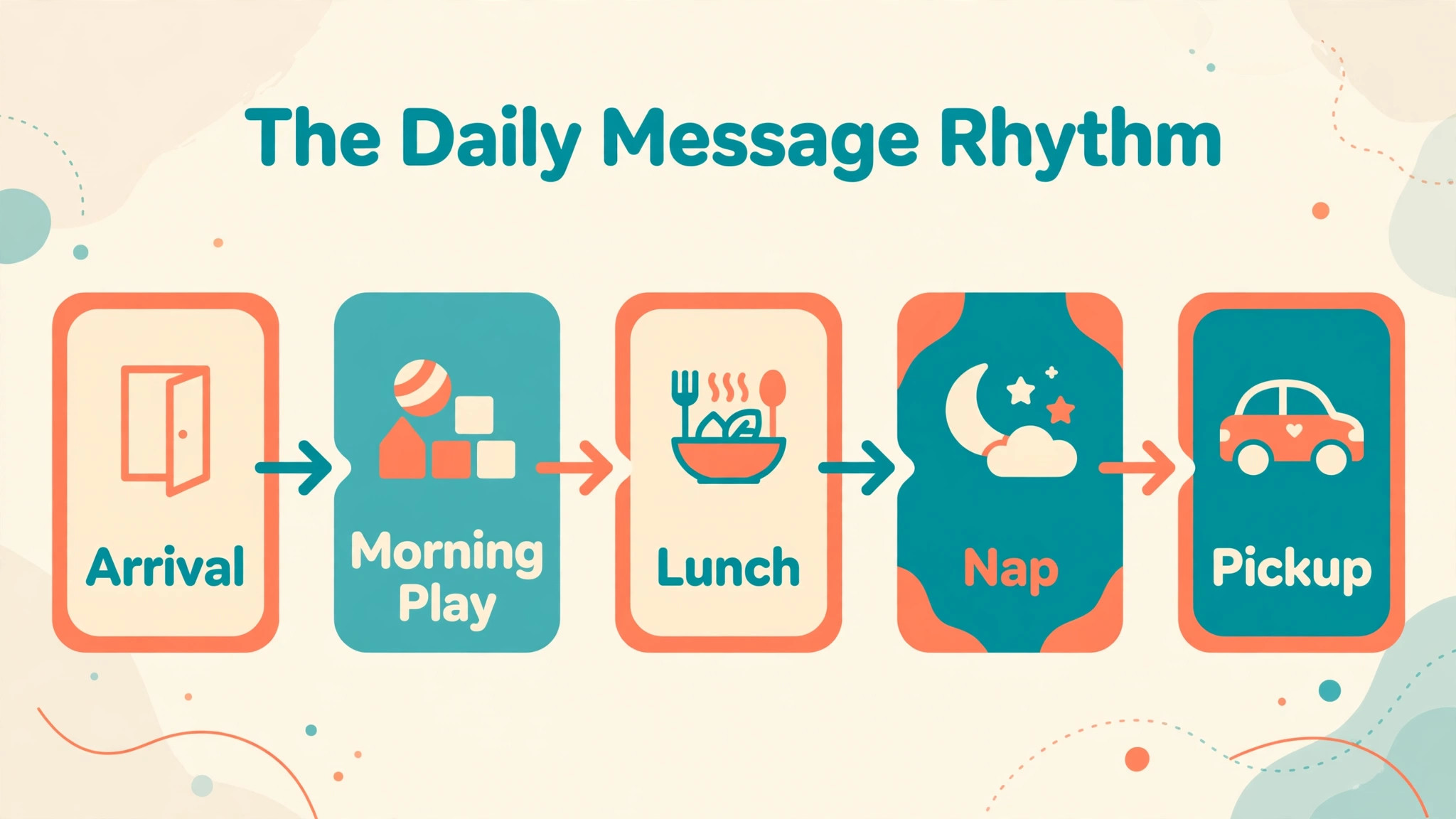
A workable day in a center runs on a rhythm, not on heroic effort at 5 pm. The pattern below fits a room of ten to fourteen toddlers with two teachers, and it scales down for a home program and up for a multi room center. The point of the rhythm is that no single moment carries the whole communication load.
The morning starts with a thirty second check in message, sent as children arrive. It confirms safe arrival, names the day’s theme in one line, and tells parents when the next update will come. That single habit prevents most of the mid morning “did she settle” texts, because parents already know the center will report on its own schedule. Teachers log observations in short bursts through the day, not in one long session. A two word note after lunch, a photo with a one line caption after outdoor play, and a nap start time entered when the child lies down are enough. Each note takes under a minute and happens while the memory is fresh.
At midday the drafting tool turns the morning notes into a short midday summary for each child. The teacher reviews each draft, corrects anything the tool smoothed over, and sends it in one batch. This is the step where centers choose to use AI for daycare parent communication most visibly, because the batch review replaces the old practice of writing each update from scratch. The afternoon repeats the pattern on a smaller scale, with one update covering snack, play, and pickup readiness. Pickup itself then becomes a short personal exchange rather than a data dump, because the parent already has the facts and only needs the feeling of the day.
| Workflow step | When it happens | Who does it | Time it takes |
|---|---|---|---|
| Arrival confirmation | Drop off | Lead teacher | Under 1 minute per child |
| Observation notes | Through the day | Room staff | Under 1 minute each |
| Midday draft review | After lunch | Lead teacher | About 10 minutes per room |
| Afternoon update | Before pickup | Lead teacher | About 10 minutes per room |
| Pickup conversation | Pickup | Any room staff | 1 to 2 minutes per family |
Evening work stays small by design. The director or lead reviews flagged messages once, answers anything that needs a personal reply, and schedules anything sensitive for a phone call the next morning. Nothing urgent waits for an app notification. Illness, injury, and behavior concerns always go by direct call, and the written update that follows only documents what was already discussed. That separation protects families and staff alike, because a serious conversation should never happen for the first time inside a templated message. A weekly review closes the loop.
The lead teacher scans the past week of reports for one room, notes which fields parents asked about anyway, and adjusts the template so next week answers those questions before they are asked. Over a term, the report quietly becomes a better fit for the actual families in the room, not the families imagined when the template was first written.
Five Tools Worth a Trial Before You Commit
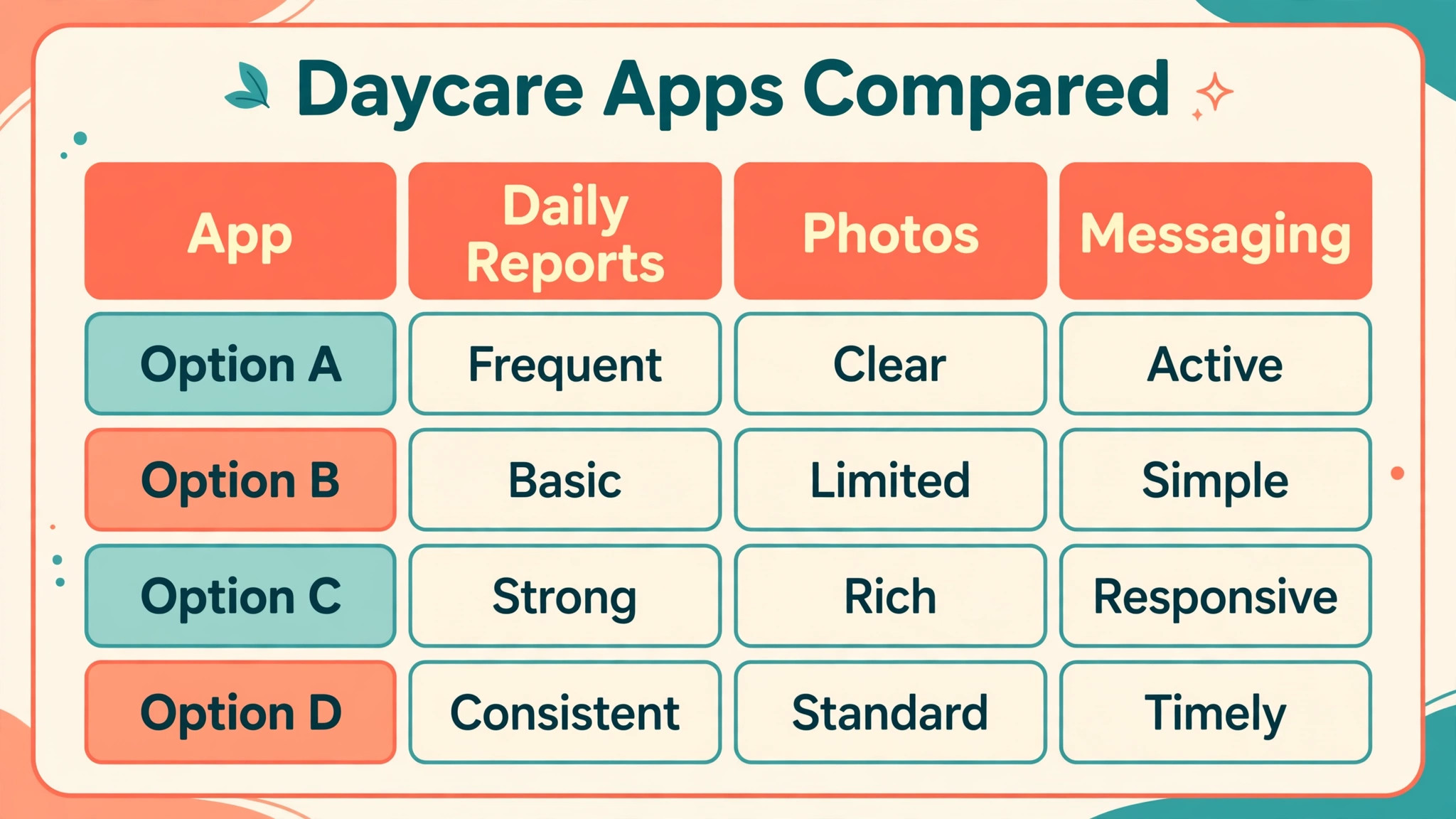
Tool choice matters less than workflow fit, but the wrong tool can still sink a good rhythm. The five below cover the realistic options for most centers, from all in one childcare platforms to a general drafting assistant used alongside them. Prices change often, so treat every figure here as a reported starting range to confirm on the vendor pricing page before you sign.
Brightwheel for All in One Daily Reports and Billing
Brightwheel is the most widely used all in one option for small to mid sized centers in the United States. It combines check in and check out, daily reports with photos, parent messaging, and tuition billing in one app, which means staff learn one system instead of three. Reported pricing for centers runs roughly 150 to 400 dollars a month, with a free plan for very small programs that covers one staff member and under twenty students but leaves out family messaging. The trade off is customization. Centers that want deep control over report fields or curriculum planning often find Brightwheel simpler than they would like, and larger centers sometimes outgrow its reporting.
Lillio for Curriculum Led Programs
Lillio, formerly HiMama, suits centers that build their day around a curriculum and want parent updates to reflect learning, not just care routines. Its daily reports, photo sharing, and parent communication sit alongside curriculum planning and billing, and comparison sites report starting prices around 99 dollars a month for a single user with higher tiers for larger teams. The strength here is depth of the learning story. A parent sees not only that their child painted, but which skill the activity practiced. The weakness is price and setup time for small centers that do not need the curriculum layer.
Procare for Larger Centers and Multi Site Operators
Procare is the heavyweight option, built for larger centers and multi site operators that need attendance, classroom management, billing and accounting, and reporting in one system. Its breadth is the selling point and the drawback at once. A center with fifty children and three rooms gets reporting power that smaller tools cannot match, including the kind of enrollment and billing detail a director needs at month end. A ten child home program gets complexity it will never use, plus a longer setup. Reported starting figures sit around 50 dollars a month for a single user on comparison sites, with real costs rising with size and modules.
ChatGPT for Drafting Help Alongside Your Main App
ChatGPT is not a daycare platform, and it should never hold child records. Its role is narrow and valuable. A teacher pastes rough observation notes, with no child names and no sensitive detail, and asks for a warm, clear paragraph in the center’s tone. Used that way, it turns fragmented notes into readable updates in seconds, and it helps non native English speaking staff write confident messages. The free tier handles this drafting work, and paid tiers add speed and longer context. The rule is absolute. No names, no photos, no health details go into a general drafting tool. The draft comes back to the center app, where the teacher checks it and sends it under the center’s own system.
ClassDojo for School Age and Community Feel
ClassDojo fits programs with school age children better than infant rooms, because its strength is classroom community, behavior encouragement, and light parent messaging rather than detailed care logs like naps and bottles. Its free core plan makes it an easy add on for after school programs and summer camps that want a friendly channel without another subscription. Centers that need feeding, diaper, and nap tracking should not try to force ClassDojo into that job. Pair it with a care logging tool instead, or skip it for infant and toddler rooms entirely.
The Daily Report Template Parents Read to the End
The template below is the overview proof of this guide, and it is deliberately short. Long reports do not get read. Parents skim on a phone while cooking dinner, so the report must answer their real questions in the first screen. Every field earns its place by answering something a parent would otherwise text about.

| Template field | What goes in it | Why parents value it |
|---|---|---|
| Today in one line | Theme and mood in a single sentence | Sets the tone before details |
| Meals and snacks | What was offered and how much was eaten | The most asked about item |
| Nap | Start time, length, and how the child settled | Drives the evening routine at home |
| Play and learning | One activity with one observed detail | Proves the day was more than care |
| Photo moment | One captioned photo, not a gallery | A face beats a paragraph |
| Tomorrow preview | One line about what comes next | Gives parents a question to ask |
| Needs attention | Supplies running low or a form due | Prevents morning surprises |
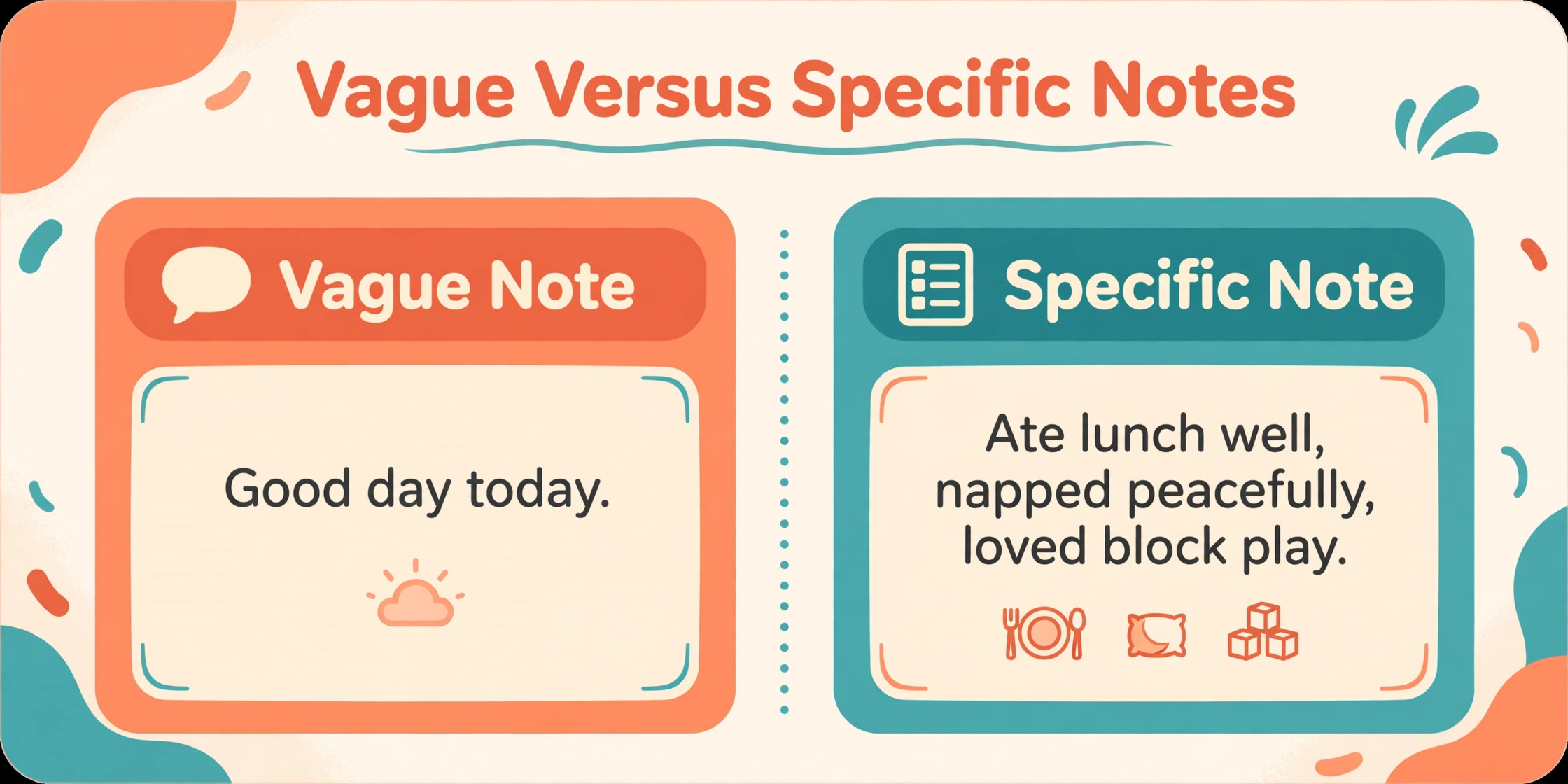
Write the meals line with specifics, not praise. “Ate most of the pasta and all of the banana” helps a parent plan dinner. “Ate well” does not. Write the play line with an observed detail, not a generic activity label. “Stacked four blocks, then knocked them down laughing” tells a parent something true about their child. “Played with blocks” could describe any child. Keep the whole report under about 120 words. If a day needs more, that day probably needs a phone call, not a longer report.

A second template handles the harder messages, and centers should write it before they need it. The illness note states the symptom, the time it appeared, what staff did, and what the center needs from the parent, in that order, with no diagnosis and no guess about cause. The incident note states what happened in plain words, what staff did immediately, how the child is now, and when a teacher will call. The behavior note states one observed behavior, when it happened, and invites a conversation, without labels or judgments about the child. Drafting these three notes in advance, with AI help for tone and clarity, means a stressed teacher never has to compose a sensitive message from scratch.
Teams that use AI for daycare parent communication for routine reports only, and keep sensitive notes fully human written, draw a line parents understand and inspectors respect.
Setting Up the First Month Without Disrupting the Rooms
Rollout fails when it asks too much of teachers at once, so treat the first month as training, not launch. Week one belongs to the director and one lead teacher. They load the room rosters, set report fields, write the three sensitive message templates, and test the parent invitation flow with two volunteer families. Nothing reaches all parents until those two families have received a full week of reports and said the messages read clearly. That small test catches the problems that matter, like a photo setting that shares too widely or a report field that confuses staff, while the audience is still tiny and forgiving.
Week two adds the pilot room. Teachers log observations on paper as usual and enter the same notes in the app, so the old system stays as backup while the new one proves itself. The director reviews a sample of drafted updates each day, not to police tone but to catch the habits that need coaching, like vague meal lines or invented enthusiasm. A fifteen minute huddle at the end of week two, built around real examples from the pilot room, teaches more than any vendor training video. Teachers see what a good observation note looks like, what a weak one looks like, and how the drafting step turns the first into a report parents praise.
Week three opens the pilot to parent feedback. A three question survey asks whether reports arrive at a useful time, whether they answer the questions parents actually have, and whether anything feels missing or intrusive. Centers that choose to use AI for daycare parent communication often discover at this stage that parents want fewer photos and more specifics about eating and sleep, which is a cheap fix that transforms satisfaction. Week four rolls out room by room, with the pilot teacher coaching the next room for two days. By the end of the month every room runs the same template, every teacher has reviewed drafts under supervision, and the director has a short list of adjustments for month two.
The slow start looks inefficient from the outside, and it is the reason the system still runs well in month six.
One more decision belongs in month one, and it is easy to postpone until it hurts. Decide who answers parent messages after hours, and write it down. Parents will message at 9 pm about tomorrow’s lunch, and a teacher who feels obliged to reply burns out quietly. A posted reply window, for example 7 am to 6 pm on weekdays, with an emergency phone number for anything urgent, protects staff while keeping parents informed. The app can hold the message overnight. It does not need a human at midnight.
Centers that set this boundary early, and that use AI for daycare parent communication inside those hours only, keep both staff morale and parent satisfaction higher than centers that promise instant replies they cannot sustain.
Costs, Privacy and the Lines You Should Not Cross
Budget honestly before you promise parents a new channel. A small center pays the platform subscription, staff time for setup and training, and the hidden cost of answering messages faster once parents expect fast replies. Reported platform costs run from free for very small programs to several hundred dollars a month for larger centers, and the subscription is usually the smallest line. Two weeks of messy rollout, with teachers learning the app while caring for children, costs more in goodwill than a year of subscription. Run a two room pilot for a month, collect parent feedback in a short survey, and only then roll out center wide.
The centers that use AI for daycare parent communication most successfully budget for training time first and software second, because a confident teacher sends better updates than a bigger feature list ever will.
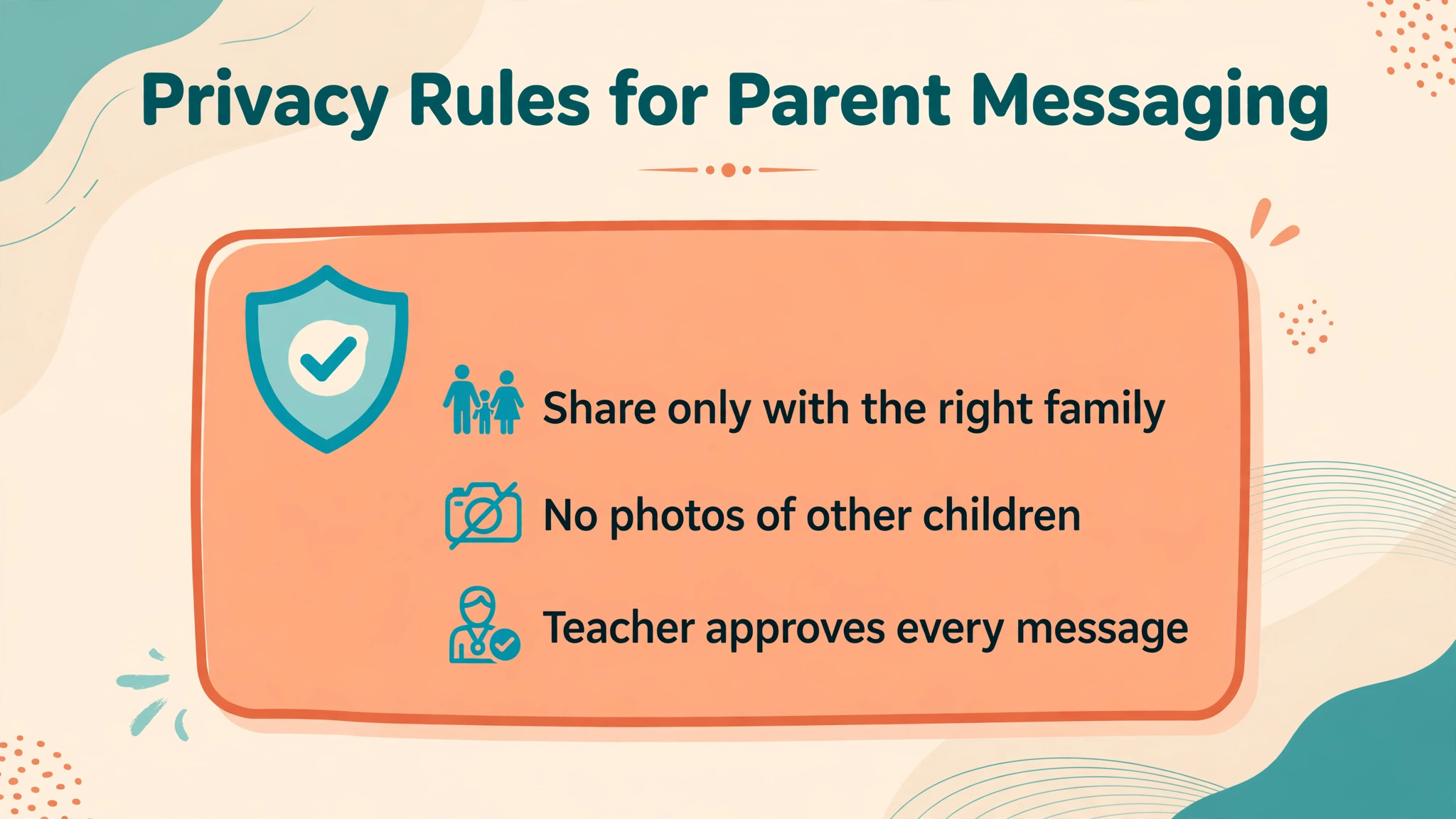
Privacy rules shape every other decision. In the United States, childcare apps must handle children’s data under COPPA, and many states add their own requirements on top. In practice this means a short list of non negotiables. Get written photo consent before any photo leaves the building, and honor opt outs without argument. Never post a child’s photo or full name in a group channel. Keep health notes inside the care app, not in general chat tools. Use role based access so a teacher sees only their own room. And keep a written record of which tools hold child data, because a parent has every right to ask, and a director should be able to answer in one minute.
Language access deserves the same seriousness. Centers serving multilingual families should pick a tool with real translation support or pair their app with a translation step the teacher reviews. Machine translation of a sensitive note without review is a risk, not a convenience. A mistranslated illness note creates confusion at exactly the wrong moment. The safe pattern is translation for routine updates, reviewed by a bilingual staff member when one is available, and a phone call with an interpreter for anything sensitive.

Mistakes That Make Parents Trust the App Less
The fastest way to lose parent trust is to send updates that read as invented. A report that claims a child loved an activity the child never joined will be caught, because children talk at home. The fix is boring and effective. Every drafted sentence must trace back to a logged observation, and teachers should delete any sentence they cannot verify. A second mistake is over messaging. Five updates a day feels attentive on week one and intrusive by week three. Two well timed updates beat five noisy ones, and parents should be able to choose a quieter setting without feeling punished for it.
A third mistake is letting the app replace conversation at pickup. The app carries facts, and pickup carries relationship. A teacher who waves a parent toward the phone instead of greeting the child has misunderstood the tool. A fourth mistake is sending photos without captions. A photo of a child painting means little on its own, and parents scroll past uncaptioned galleries. One sentence about what the child was trying to do turns the same photo into a story the parent retells at home. A fifth mistake is forgetting fathers, grandparents, and other authorized contacts. When only one parent receives updates, the other parent asks questions the center has already answered, and the family feels the gap.
Invite every authorized contact at enrollment, and confirm the list each term. A sixth mistake is inconsistent tone across rooms. When one room writes warm detailed reports and another sends one line summaries, parents compare, and the quieter room looks careless even when its care is excellent. A shared template and a weekly peer review of sample reports fix this faster than any software upgrade. Centers that review their own output monthly, and that choose to use AI for daycare parent communication with a human approval step every time, keep trust high as they grow.
More Reading on Stratilyze
Readers who run a small service business may also enjoy AI tools for fitness coaching client progress tracking and AI tools for freelance writing client management, since both cover the same discipline of turning daily observations into client updates that build retention. AI tools for consulting business proposal writing is useful too, because its scope and fee template pairs well with the enrollment and pricing conversations a daycare director handles each term.
Frequently Asked Questions
How much staff time does an AI assisted daily report really save?
A room that logs short observations through the day and batch reviews drafted updates typically spends ten to fifteen minutes per room on the midday and afternoon sends combined, compared with forty five minutes or more writing each update from scratch. The saving is largest in rooms with ten or more children, and smallest in a three child home program where handwriting a few notes is already fast. Directors who track the change usually find the decision to use AI for daycare parent communication pays for itself in the first month on time alone, before counting the fewer evening messages from parents. The real gain is consistency.
Drafted updates go out every day, while handwritten ones slip on busy days, and parents notice the gaps more than they notice the prose.
Should parents be told that AI helps draft their child’s updates?
Yes, and the disclosure should be short and plain. A line in the enrollment pack saying staff write observations and use drafting software to shape them into clear updates, with every update reviewed by a teacher before sending, covers it. Parents rarely object to drafting help. They object to feeling deceived, and they object to invented detail. Transparency plus human review answers both concerns, and it positions the center as thoughtful rather than secretive.
What should never go into an AI drafting tool?
Never paste a child’s full name, photo, health record, or detailed behavior notes into a general purpose drafting tool. Draft from anonymized notes, for example “toddler, age two, ate most of lunch, napped ninety minutes,” and add names and specifics back inside the center’s own app after the draft returns. Health incidents, injuries, and safeguarding concerns should never be drafted by AI at all. Those are written by the staff member involved, reviewed by the director, and delivered by phone first.
How do you handle parents who do not use apps?
Keep a paper or phone alternative for every family, without making it feel second class. A printed weekly summary at pickup and a phone call option for urgent news cover most cases. Centers should track which families use the app and which do not, and check that non app families receive the same information on the same day. Equity here is not a courtesy. It is part of the service, and inspectors and parents both notice when it is missing.
Can one app serve infants, toddlers, and after school children?
One app can, but one template cannot. Infant rooms need feeding, diaper, and sleep detail. Toddler rooms need meals, naps, and play detail. After school programs need activity and pickup detail. Choose a platform that lets each room run its own report fields, and resist the urge to force one form on every age group. The extra setup pays off in reports that feel written for the child in front of the teacher, not for a generic center.
What is the best first step for a center still on paper?
Start with one room, one template, and one month. Pick the room with the most confident teacher, load the daily report template from this guide, and run paper and app side by side for two weeks so staff can compare effort and parent response. Survey parents at the end of the month with three questions about clarity, timing, and trust. If the pilot room saves time and parents prefer the app version, roll out room by room. If it does not, change the template before blaming the tool.
A Calmer Pickup Line Starts with a Better Report
The centers that do this well do not sound more technical. They sound more attentive, because their reports carry specific observations instead of generic praise, and their pickup conversations carry warmth instead of a rushed summary. Start with the template in this guide, run it in one room, and let parent replies tell you what to adjust. When you use AI for daycare parent communication as a drafting assistant under human review, the technology fades into the background and the relationship moves forward. The software is the easy part. The habit of observing closely, logging honestly, and reviewing every draft before it reaches a family is the work that earns trust, and it is work worth doing every single day.