
Verdict first. Most professional emails do not need rewriting, they need one disciplined editing pass before sending, and that pass is exactly what Grammarly is good at when it is used with judgement rather than obeyed blindly. The tool catches the small errors that change how a reader judges you, from a misspelled client name to a sentence that sounds harsher than intended, but it cannot decide what you should say or how direct you should be. This guide shows how professionals use Grammarly for email writing professionals can rely on, with an editing pass that checks tone, clarity, and action in that order, and a send ready checklist that stops the common mistakes before they reach the inbox.
Why Email Mistakes Cost More Than They Seem
Email is a permanent record, which is why professionals who use Grammarly for email writing professionals check tone before sending. in a way conversation is not. A spoken comment can be softened by tone, clarified immediately, or forgotten. An email can be forwarded, searched, quoted, and reread months later, out of context, by people who were not in the original conversation. That permanence raises the stakes for clarity and tone. A vague request in email creates a chain of clarifying messages. A harsh sentence in email creates a relationship problem that a quick apology may not fully repair. A factual error in email, such as a wrong date or amount, can create a commitment that is hard to undo.
Time cost is another hidden price. Unclear emails generate replies, meetings, and follow ups that could have been avoided with a clearer first message. A professional who writes ten unclear emails a week may create hours of extra work for colleagues, clients, and themselves, simply because each email required interpretation. Clear emails, by contrast, reduce back and forth, because the reader understands the point, the action, and the deadline on first reading. That efficiency is why email quality is a professional skill, not just a writing preference, and why a checking routine is worth building even for experienced writers.
Tone is the most misunderstood part of email. Writers judge their own tone by intent, while readers judge tone by wording, punctuation, and structure. A short, direct email that the writer intended as efficient may read as cold or dismissive to a reader who expected a greeting or context. A long, polite email that the writer intended as thorough may read as evasive to a reader who wanted a decision. A tool that analyses tone and suggests adjustments helps bridge that gap, by showing how wording is likely to be received, before sending, when it can still be changed.

Setting Up Grammarly for Professional Email
Setup, when you use Grammarly for email writing professionals daily, should start with the places where you actually write email, which for most professionals means a webmail interface, a desktop email app, or both, plus a browser extension that works across those surfaces. Install the extension or app according to the tool instructions for your setup, and test it in a draft email before relying on it for a real message. Check that suggestions appear, that you can accept or dismiss them, and that the tool does not interfere with formatting, signatures, or attachments. A tool that is not tested in your real email environment will surprise you at the worst moment, such as when sending to a senior client.
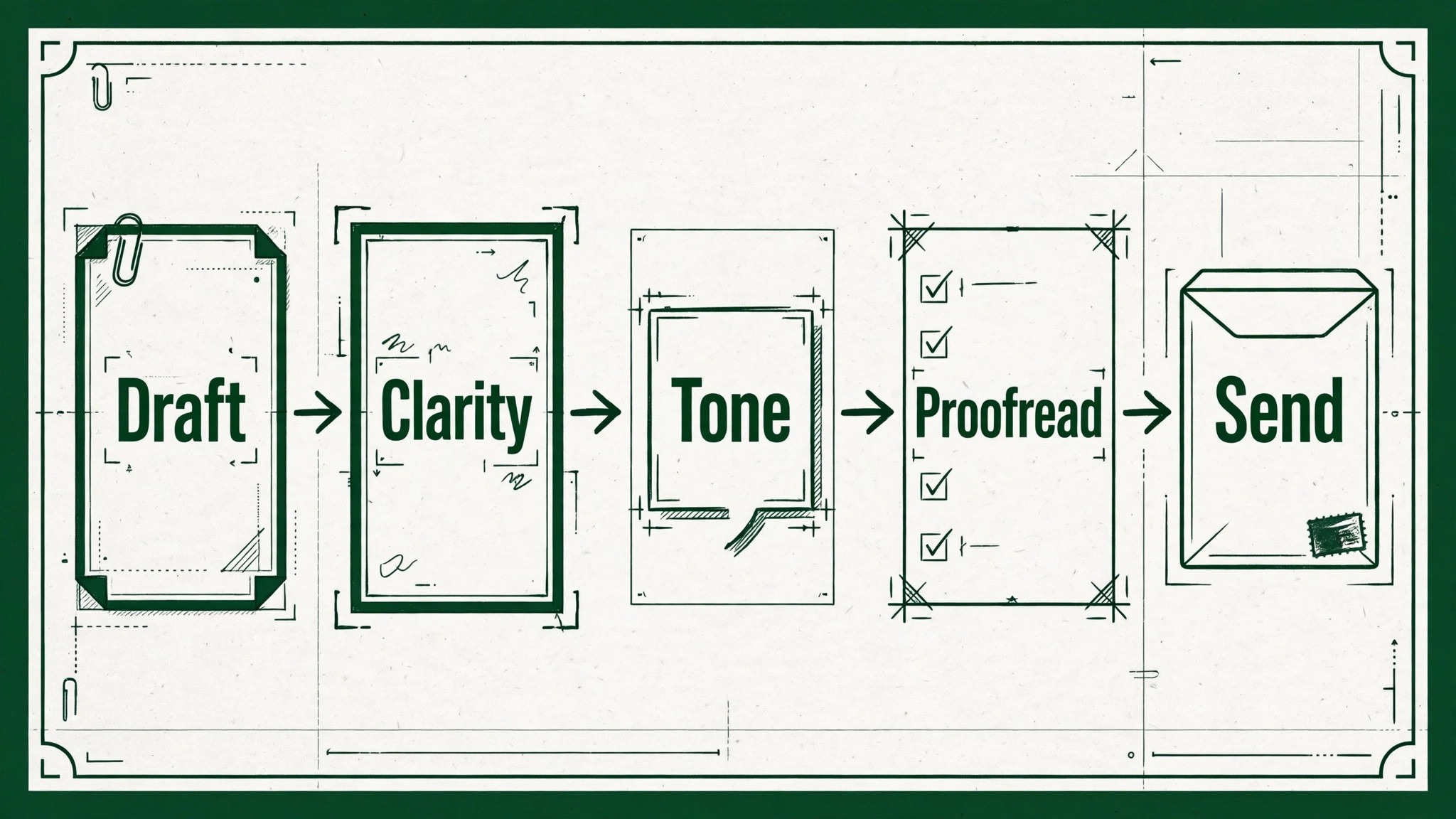
Next, set your writing goals and preferences. Many versions of the tool allow you to set audience, formality, domain, and intent, such as formal for a client proposal, or neutral for an internal update. Setting those preferences helps suggestions match the context, rather than applying one style to every email. For professional email, a formal or neutral setting is usually a safer default than a casual setting, but the right choice depends on your workplace culture and the specific recipient. Review the settings quarterly, or when your role changes, because a setting that suited a previous job may not suit a new one.
Personal dictionary and style preferences also matter. Add correct spellings of client names, product names, and company terms to your personal dictionary, so the tool does not repeatedly flag them as errors. If your company has a style guide, note its key rules, such as how to write dates, job titles, or product names, and apply them consistently, even when the tool suggests a different variant. A tool suggestion is a suggestion, not a rule, and company style should win when they conflict. That judgment is part of professional writing, and it cannot be outsourced entirely to software.
How to Use Grammarly for Email Writing Professionals With an Editing Pass
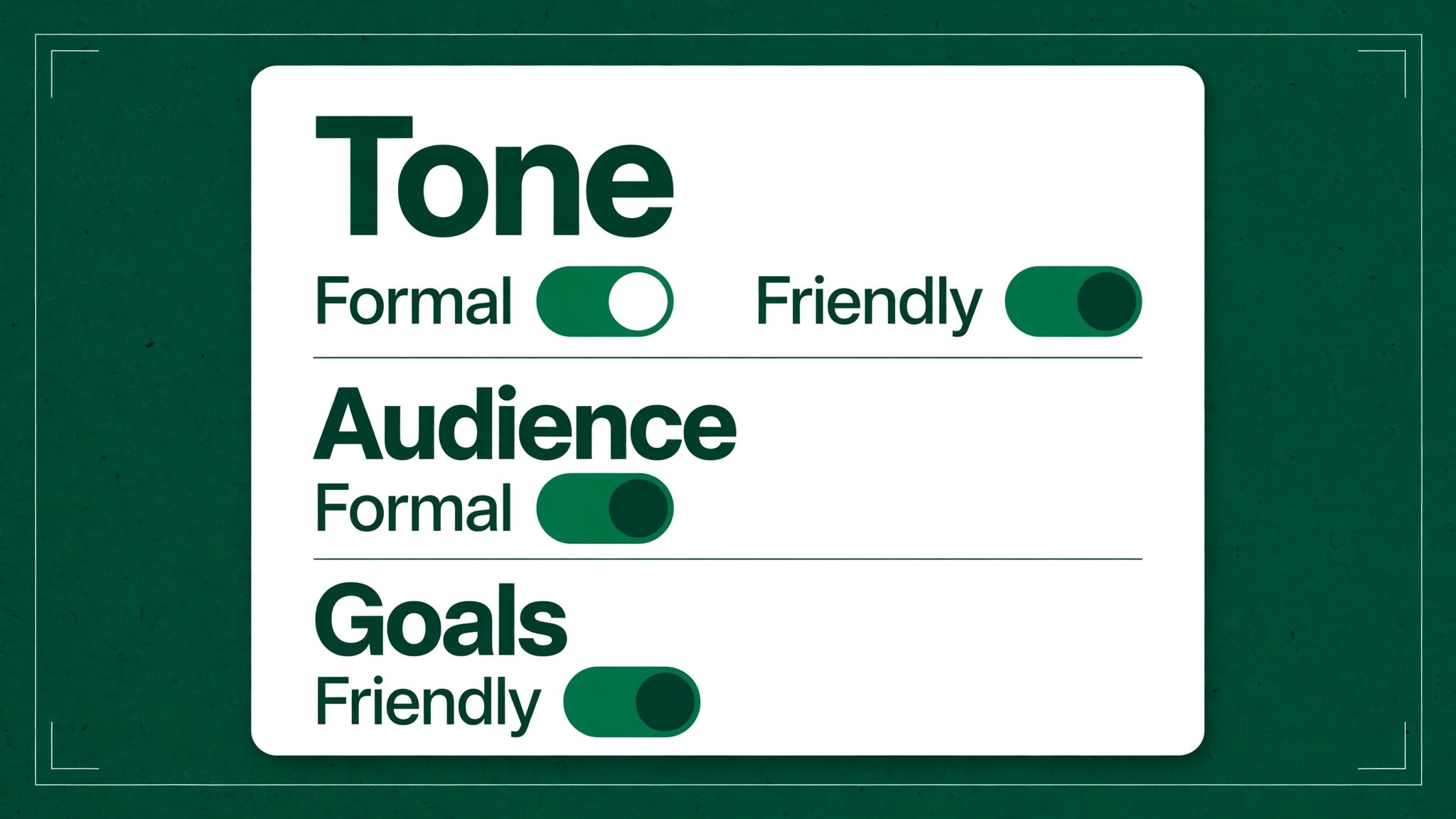
A good editing pass has a fixed order, because checking everything at once leads to missing things. The pass below has five stages, which are correctness, clarity, tone, structure, and final details, and it should take only a few minutes for a typical professional email, longer for a sensitive or complex message. Work through the stages in order, accepting or dismissing suggestions as you go, and do not send until the final stage is complete. That discipline is what turns a tool from a spellchecker into a quality routine.
Stage one is correctness. Fix spelling, grammar, and punctuation errors, paying special attention to names, dates, and numbers, which are the errors most likely to cause real problems. Read names character by character, because a tool may not know a client name is misspelled if the misspelling is also a real word. Check dates against your calendar, and amounts against source documents, because a tool cannot verify facts, only language. A grammatically perfect email with a wrong date is still a bad email.
Stage two is clarity. Look for long sentences, passive constructions, and vague words, and rewrite them in shorter, direct form. Replace phrases such as due to the fact that with because, and replace vague requests such as let me know your thoughts with a specific request, such as please confirm by Thursday whether you approve the revised budget. Clarity suggestions from the tool are helpful here, but they should be judged by whether the rewrite preserves meaning, not just by whether it is shorter. A shorter sentence that loses a condition or a deadline is worse than a longer sentence that is accurate.
Stage three is tone. Read the email as the recipient would, considering their role, relationship, and likely workload. Check the tone analysis if available, and adjust wording that sounds harsh, overly formal, or too casual for the context. Add a greeting and a closing where appropriate, especially for external emails or for recipients you do not know well, because those small courtesies signal respect and reduce the chance of misreading. For sensitive emails, such as feedback, disagreement, or bad news, read the draft aloud before sending, because hearing it reveals harshness that silent reading can miss.
Stage four is structure. Check that the email has a clear subject, a clear opening that states the purpose, a body that is easy to scan, and a clear closing with one action and a deadline. If the email is long, consider whether headings, short paragraphs, or a numbered list would help the reader find the key points. If the email contains multiple topics, consider whether it should be split into separate messages, because a single email with three unrelated requests often results in only the first request being actioned.
Stage five is final details. Check recipients, attachments, links, and signature. Confirm that reply all is intended if used, that attachments are actually attached and are the correct versions, that links open correctly, and that the signature contains current contact details. Those details are not language issues, and a writing tool will not check them reliably, so they need a separate human check. Many embarrassing email errors are not writing errors at all. They are wrong recipient, missing attachment, or outdated signature errors, and they are prevented only by a final details check.
| Pass stage | What to check | Common fix |
|---|---|---|
| Correctness | Spelling, grammar, names, dates | Fix errors character by character |
| Clarity | Long sentences, vague requests | Shorten and specify action |
| Tone | Harsh, cold, or too casual wording | Adjust greeting and wording |
| Structure | Subject, opening, action, deadline | Reorder or split email |
| Final details | Recipients, attachments, links | Confirm before sending |
Tone, Formality, and Audience
Tone choices, when you use Grammarly for email writing professionals across teams, should follow audience and purpose, not habit. An email to a long standing colleague can be shorter and warmer than an email to a new client, a senior executive, or a regulator, where formality and completeness matter more. A tool that offers tone detection can help you notice when an email sounds more formal than intended, or more direct than intended, but it cannot know your relationship history, so its suggestion should be weighed against that history. If you normally write warmly to a colleague, a suddenly formal email may signal distance or displeasure, even if the words are polite.
Formality also affects sentence structure and vocabulary. Formal emails tend to use full sentences, complete greetings and closings, and precise terms, while informal internal emails may use shorter sentences and familiar terms. Neither style is better in absolute terms. The right style is the one that matches the recipient expectation and the message importance. A formal style for a quick internal update can feel slow and bureaucratic. An informal style for a contract discussion can feel careless. Match style to stakes, and when in doubt, choose slightly more formal for external messages and for first contact, because formality is easier to relax later than informality is to correct after it has caused offence.
Cultural differences also affect tone perception. Directness that is valued in one workplace may be perceived as blunt in another, and politeness formulas that are expected in one culture may feel excessive in another. If you work across cultures, learn the norms for key recipients, and use tone suggestions as a starting point, not as a universal rule. When sending to a new international contact, a clear, polite, and slightly more formal style is usually a safe starting point, with adjustments as the relationship develops and you learn their preferences.
Writing Different Professional Emails Well
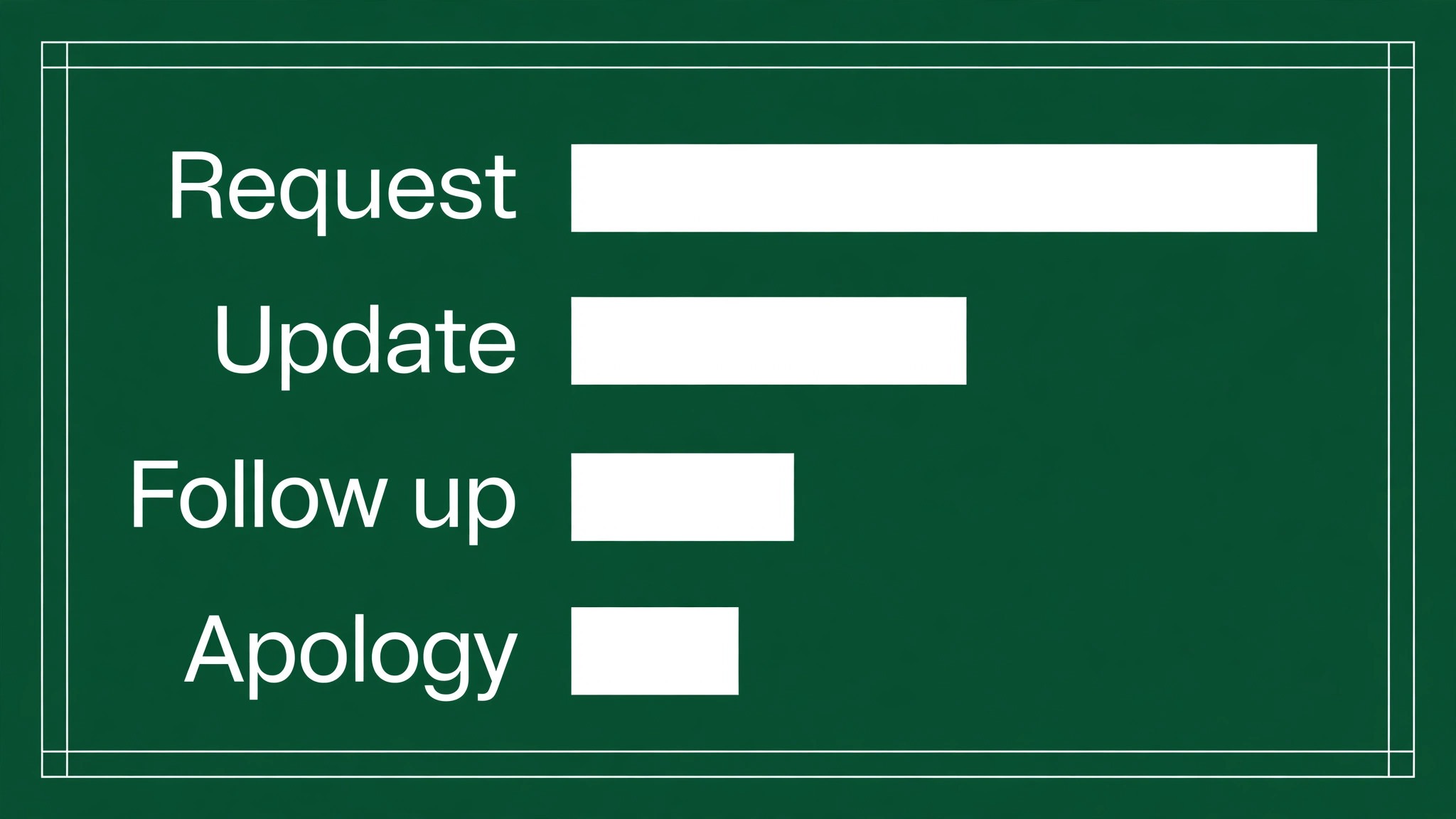
Different email types need different structures, and a single template for all emails will fail. A request email should state the request in the opening, give just enough background to justify it, state the deadline, and close with thanks and a clear next step. A status update email should state progress, blockers, and next steps, in that order, with dates for each, so the reader does not have to search for the current state. A feedback email should start with the specific observation, give evidence, state the impact, and suggest a next step, rather than starting with general praise or criticism that leaves the recipient unsure what to change.
An apology email needs particular care. It should acknowledge the issue specifically, take responsibility without excuses, state what will be done to fix it, and give a timeline, in that order. Vague apologies that do not name the issue, or apologies that immediately shift blame, damage trust more than silence, because they signal that the sender does not understand the problem. A tool can help with clarity and tone in an apology, but it cannot supply sincerity, which must come from the writer understanding and stating the issue honestly.
A cold outreach or introduction email should be short, specific, and respectful of the recipient time. State who you are, why you are writing to this person specifically, what you are asking for, and what is in it for them, in a few short paragraphs. Avoid long company histories, generic flattery, or multiple asks, because those signal a mass email rather than a thoughtful message. Personalisation, even one specific sentence about the recipient work or a recent project, dramatically improves response, because it shows the email was written for them, not pasted to a list.
Common Grammarly Mistakes to Avoid
The first mistake, when you use Grammarly for email writing professionals edit drafts, is accepting every suggestion without reading it. Suggestions are based on patterns, not on your specific meaning, and occasionally a suggestion will change meaning, remove a necessary nuance, or introduce an error, especially with technical terms, names, or industry language. Read each suggestion, check whether it preserves your meaning, and dismiss those that do not. Accepting blindly may produce a grammatically clean email that says something different from what you intended, which is worse than an email with a minor error that still says the right thing.
The second mistake is ignoring context that the tool cannot see. A tool does not know that a sentence is a quote, a legal term, a product name, or a deliberate stylistic choice, and it may flag those as errors. Add such terms to your dictionary or dismiss the suggestion with a note, rather than rewriting a correct term to satisfy the tool. Similarly, a tool may suggest a more concise version that removes a condition, a qualifier, or a polite phrase that is important for the relationship. Conciseness is valuable, but not at the cost of accuracy or courtesy.
The third mistake is using the tool as a substitute for thinking about the message. A tool can improve a draft, but it cannot decide what the email should say, who should receive it, or whether email is the right medium. A sensitive conversation, a complex negotiation, or a performance discussion may be better handled by phone or in person, even if the email draft is polished. Before polishing, ask whether email is the right channel, whether the recipient list is right, and whether the message is complete. Those decisions matter more than any grammar suggestion, and they require human judgment.

The Send Ready Checklist
Use the checklist below before sending any important professional email, and use a shorter version for routine emails. The checklist is short enough to use daily, and strict enough to catch the errors that cause the most embarrassment or rework. Work through it in order, and do not send an email that fails the recipient or attachment items, because those failures cannot be fixed by good writing.
First, check recipients. Is everyone who needs the email included, and is anyone included who should not be, such as a client on an internal discussion, or a large distribution list on a sensitive message. Second, check the subject. Does it state the topic and, where relevant, the action or deadline, so the reader can prioritise it without opening it. Third, check the opening. Does the first sentence state the purpose, so the reader knows why they received the email. Fourth, check the action. Is there one clear action, with a deadline and an owner, or is the reader left unsure what to do next. Fifth, check attachments and links. Are they attached, correct, and working.
Sixth, check tone by reading aloud or by reviewing tone feedback, especially for sensitive messages.
| Checklist item | Pass test | Fix if failed |
|---|---|---|
| Recipients | Right people only | Adjust list before sending |
| Subject | Topic and action clear | Rewrite subject line |
| Opening | Purpose in first sentence | Move purpose to top |
| Action | One action with deadline | Specify action and date |
| Attachments | Correct files attached | Attach correct versions |
| Tone | Appropriate for recipient | Adjust wording and greeting |
If an email fails the tone check, do not send it immediately. Save it as a draft, take a short break, and reread it later with fresh eyes, or ask a trusted colleague to read it if the stakes are high. A delayed email that is well judged is better than a fast email that damages a relationship. That pause is especially important for emails written when frustrated, tired, or under pressure, because those emotions leak into wording in ways the writer often does not notice until later.

Privacy, Confidentiality, and Tool Use at Work
Using a writing tool for professional email involves sending text to a service for analysis, and that has privacy implications that should be understood before use, especially for confidential, legal, or regulated work. Check your company policy on writing tools, and do not use a tool for highly sensitive material if policy prohibits it, or if the material includes personal data, trade secrets, or legal advice that should not leave company systems. When in doubt, ask IT or compliance, rather than assuming a tool is approved because it is widely used.
Practical habits reduce risk. Do not paste passwords, account numbers, or highly sensitive personal data into a writing tool, even in draft form. For sensitive emails, draft in your company system, use the tool only if approved, and delete drafts that contain sensitive information after sending, according to company retention policy. Be careful with autocomplete or suggestion features that may store text, and review the tool privacy settings for your account, turning off data sharing features where possible and where policy requires it. Those habits do not make a tool risk free, but they reduce unnecessary exposure.
Confidentiality also applies to recipients and forwarding. Do not forward a confidential email to a writing tool or to an external address for editing, because that may breach confidentiality even if the intention is to improve the email. Edit confidential emails within approved systems, and seek help from a colleague with appropriate access if you need a second read, rather than sending the text outside the company. Professional writing quality and confidentiality must be balanced, and confidentiality should win when they conflict, because a leaked confidential email causes far more harm than a minor grammar error.
Building an Email Habit Over Thirty Days
A workflow learned in one reading will fade unless it is practised deliberately, and email is a good place for deliberate practice because you write many messages every day. A thirty day habit plan can turn the editing pass from a checklist you consult into a routine you follow automatically, without adding much time to each message. The plan should be gradual, starting with one stage per week, rather than trying to master all five stages on day one and abandoning them by day three.
In week one, focus only on correctness and final details, which are the stages that prevent the most embarrassing errors. Check spelling, names, dates, recipients, and attachments for every important email, and note how many errors you catch. That early evidence motivates continued practice, because it shows the routine working in concrete terms. In week two, add clarity, by rewriting one long or vague sentence per email into a shorter, more specific version. In week three, add tone, by reading sensitive emails aloud before sending and adjusting one sentence that sounds harsher or colder than intended. In week four, add structure, by ensuring every email has a clear subject, opening purpose, and single action.
At the end of thirty days, review your sent emails from the first week and the last week side by side. The difference is usually visible in length, clarity, and action specificity, even if individual emails still need occasional correction. That review also reveals which stage still needs attention, such as tone for difficult messages, or structure for long updates, and that stage becomes the focus for the next month. Email improvement, like any professional skill, compounds through small, repeated practice, not through a single perfect draft.
When you use Grammarly for email writing professionals routines over a full month, the tool becomes less of a corrector and more of a coach, because its suggestions start to match patterns you recognise and correct yourself before sending. That shift is the goal. A tool that you still depend on for every correction after a year has not taught you much. A tool that helped you internalise clearer, more respectful writing, so you need fewer corrections over time, has done its real job, which is to improve the writer, not just the draft.
More Reading on Stratilyze
Readers building professional communication skills often continue with tracking client projects in Trello for freelancers, planning a content calendar in Google Sheets for bloggers, and writing social media captions with ChatGPT for a small business, because those pieces cover delivery, planning, and public wording alongside email.
Frequently Asked Questions
Can Grammarly write a professional email from scratch for me
It can draft from bullet points or a prompt, and that draft can be a useful starting point, but it should not be sent without editing. A generated draft may miss context, tone nuances, or specific facts that only you know, and it may sound generic. Use generated drafts to overcome a blank page, then edit for accuracy, tone, and specific details, and run the send ready checklist before sending, especially for external or sensitive messages.
How do I use Grammarly for email writing professionals who work in different tones
Set writing goals per context where the tool allows it, such as formal for client emails and neutral for internal updates, and review tone feedback before sending. More importantly, judge tone against your relationship with the recipient and the message stakes, not just against a tool label. A tool can flag wording that sounds harsh or overly casual, but only you know whether a warm style with a long standing colleague or a formal style with a new client is appropriate for that specific email.
Will Grammarly fix all grammar errors in my emails
It will catch many common errors, including spelling, punctuation, and common grammar patterns, but it will not catch every error, especially with names, technical terms, facts, or context dependent meaning. It may also suggest changes that are grammatically acceptable but wrong for your meaning. Treat it as a strong first check, then do a human read for names, dates, numbers, and meaning, because those are the errors that cause real professional problems.
Should I accept every Grammarly suggestion in a professional email
No. Read each suggestion and accept only those that preserve your meaning and match your company style. Dismiss suggestions that change technical terms, remove necessary qualifiers, or alter tone inappropriately. Blind acceptance can produce a clean email that says something different from what you intended, which is worse than a minor error in an otherwise accurate message.
How can I improve email tone without sounding overly formal
Focus on specific wording choices, such as adding a brief greeting, using please and thanks where natural, and stating requests as clear questions rather than demands. Avoid excessive hedging, such as multiple apologies or qualifiers, which can sound uncertain, and avoid blunt imperatives without context, which can sound harsh. Read the email aloud as the recipient, and adjust only the sentences that sound colder or warmer than intended, rather than rewriting the whole email in a formal style.
Is it safe to use Grammarly for confidential work emails
That depends on company policy and the sensitivity of the material. Check policy before using any external writing tool for confidential, legal, or regulated content, and do not paste highly sensitive data, such as passwords or personal identifiers, into a tool. For sensitive emails, draft within approved systems, follow company retention rules, and ask IT or compliance if you are unsure, because confidentiality should take priority over writing polish when they conflict.
Emails That Respect the Reader Time
Good professional email is not about perfect grammar. It is about respect, expressed as clarity, accuracy, appropriate tone, and a clear action, delivered in a message the reader can understand and act on without extra work. A tool can help with each of those elements, by catching errors, suggesting clearer phrasing, and flagging tone, but the judgment about purpose, audience, and sensitivity remains human. The editing pass in this guide puts that judgment in a routine, so it happens even on busy days, when it is most needed and most likely to be skipped.
Start with your next important email. Run the five stage pass, use the send ready checklist, and notice how many small errors and unclear requests you catch before sending. Over weeks, those catches will become habits, and your emails will become shorter, clearer, and easier to act on. Colleagues and clients may not comment on your emails directly, but they will respond faster, ask fewer clarifying questions, and trust your messages more, because working with you will feel easier. That ease is the real return on better email writing.