
A business with 12 employees can run people admin on spreadsheets. A business with 40 employees cannot, and the gap between those two stages is where payroll errors, missed compliance deadlines, and lost time off records start to cost real money. This guide to the best hr software for small business under 50 employees sorts that gap by headcount, worker type, and whether payroll sits inside the same system.
The core problem is not a lack of tools. It is a lack of fit. A payroll first tool saves hours every pay run but may lack performance reviews. A deep HR system tracks careers beautifully but charges extra for the payroll run itself. A free tool looks generous until the team passes five users or needs benefits administration.
The eleven tools below were judged on total cost at 10 and 50 employees, payroll depth, onboarding, time off, benefits, compliance help, and how cleanly data leaves the system. Prices change often, so check the vendor page before you buy and run your own headcount against every quote.
HR Tools at a Glance
| Tool | Starting price | Best for |
|---|---|---|
| Gusto | Simple $49 a month plus $6 per person, Plus $80 plus $12, Premium $180 plus $22 | payroll first small teams |
| BambooHR | quote based, with third party estimates near $250 a month flat for up to 25 employees or about $10 per employee a month for Core, so check the vendor page | HR depth and ease of use |
| Rippling | quote based, with a low per employee starting point reported on some comparisons plus a base fee, so check the vendor page | fast growing teams that need HR plus IT |
| OnPay | $49 a month plus $6 per person on published comparisons | budget multi state payroll |
| Justworks | payroll from $50 a month plus $8 per employee and PEO Basic near $79 per employee a month on published comparisons, so check the vendor page | teams that want compliance offloaded |
| Homebase | free up to 10 employees at one location, with paid plans from about $24 a location a month on published comparisons, so check the vendor page | hourly and shift based teams |
| Zoho People | free up to 5 users, with United States paid plans reported from about $4 per user a month on lower tiers, so check the vendor page | cost sensitive very small teams |
| Deel | free core HR up to 200 employees on some reports, with contractor plans from about $49 a month and employer of record pricing far higher, so check the vendor page | international hiring from day one |
| Paychex Flex | from about $39 a month plus $5 per employee on published comparisons, so check the vendor page | payroll first micro teams |
| HiBob | priced by quote, with third party estimates near $8 to $12 per employee a month, so check the vendor page | culture led teams approaching 50 |
| Factorial | from about $8 per user a month on published comparisons, so check the vendor page | lean teams that want modular pricing |
This shortlist for best hr software for small business under 50 employees is a starting point for a short demo list, not a final ranking, because the best tool for one firm can fail for another with a different mix of staff, locations, or clients.
Read the table as a shortlist, not as a ranking. The cheapest tool may suit a solo operator perfectly, while the most expensive tool may be the only one that handles a specific workflow. Use the table to pick three finalists, then read their full sections below before deciding.
Why the best hr software for small business under 50 employees Looks Different From General Tools
Headcount changes the maths completely. A flat $250 a month plan looks poor value at 8 employees and good value at 24, while a $49 base fee plus $6 per person looks cheap at 10 and far less cheap at 50. Never compare headline prices. Compare the total at your current headcount and at the headcount you expect in twelve months.
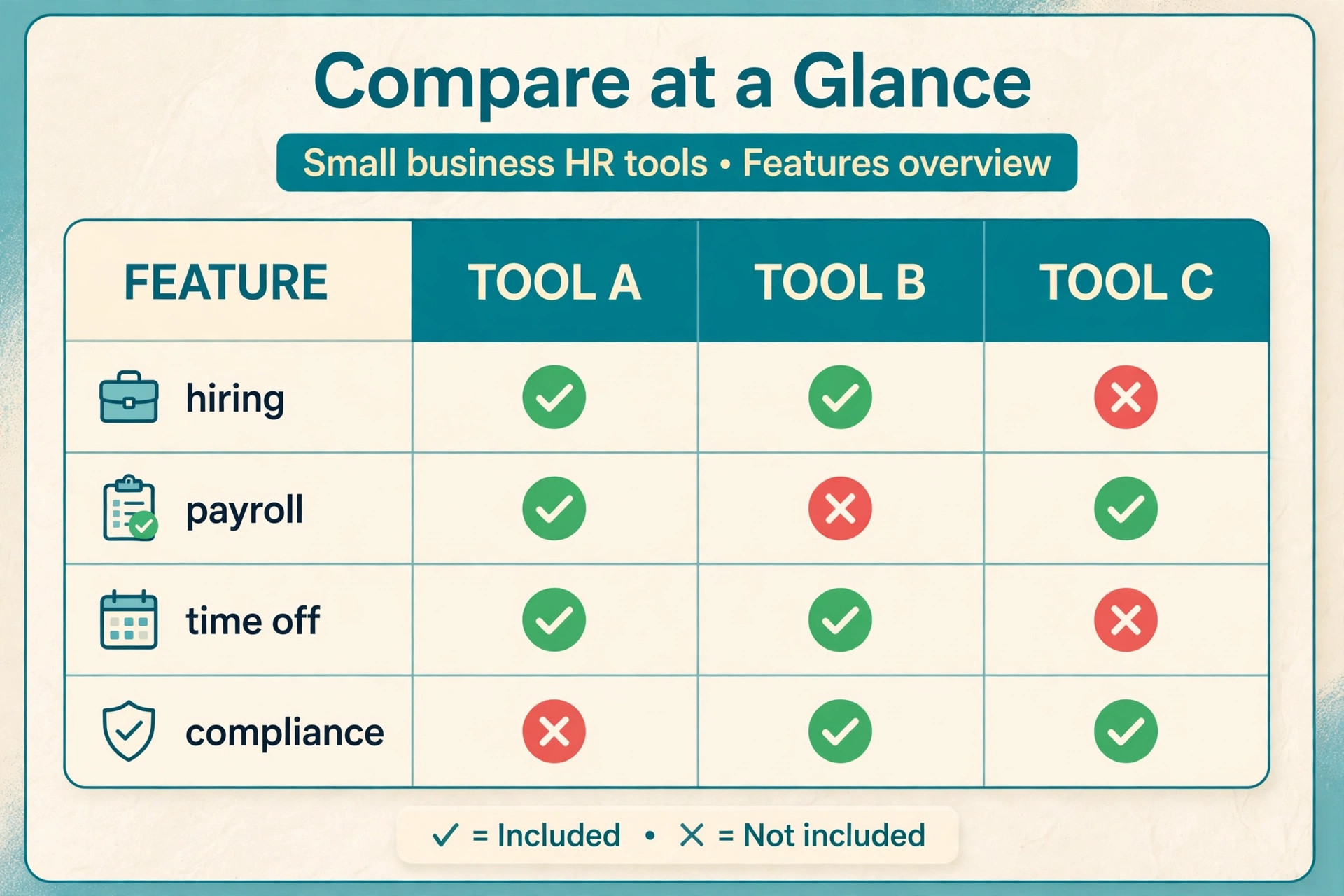
Payroll inclusion is the second split that matters. Gusto, OnPay, and Rippling include payroll in the suite or as a priced module, while BambooHR treats payroll as a separate add on and HiBob and Zoho People need a payroll partner. A low HR price plus a separate payroll bill is not a low total, and the two bills should be added before any ranking.
Compliance help is easy to overpromise and hard to verify. New hire reporting, tax filing across states, benefits administration, and time off tracking all sound standard in demos. The test is whether the vendor files, tracks, and reminds automatically, or merely provides a form for the owner to complete and file alone.
11 Tools, Reviewed One by One
Each tool below gets the same treatment. What it does well, where it falls short, what it costs at a realistic starting point, and who should choose it or skip it. Prices are starting points only, so check the vendor page before you buy.
Gusto
Gusto is the pick for payroll first small teams. Full service payroll with tax filing across all states, onboarding with offer letters and tax forms, time tracking on higher plans, and benefits administration when Gusto acts as broker. Pricing is Simple $49 a month plus $6 per person, Plus $80 plus $12, Premium $180 plus $22.
The strength is clear in daily use, and the limit is equally clear. The system is United States only, HR depth is lighter than BambooHR, and the cheapest plan lacks time tracking, which pushes most teams up to Plus. That trade off matters more than any single feature, because it decides whether the tool still fits after six months of real work.
BambooHR
BambooHR is the pick for HR depth and ease of use. Employee records, hiring and onboarding, time off tracking, benefits tracking, HR insights, and basic compliance training sit in one clean system that small HR teams learn quickly. Pricing is quote based, with third party estimates near $250 a month flat for up to 25 employees or about $10 per employee a month for Core, so check the vendor page.
The strength is clear in daily use, and the limit is equally clear. Payroll costs extra as an add on, pricing is not public, and the flat plan is poor value at very small headcounts before it becomes good value near 25 staff. That trade off matters more than any single feature, because it decides whether the tool still fits after six months of real work.
Rippling
Rippling is the pick for fast growing teams that need HR plus IT. HR, payroll, benefits, and IT administration run in one system, including device and software provisioning, which suits tech teams that onboard people and laptops together. Pricing is quote based, with a low per employee starting point reported on some comparisons plus a base fee, so check the vendor page.
The strength is clear in daily use, and the limit is equally clear. Cost rises fast as modules stack, implementation takes longer than simpler tools, and a full bundle can cost several thousand a month at 50 employees. That trade off matters more than any single feature, because it decides whether the tool still fits after six months of real work.
OnPay
OnPay is the pick for budget multi state payroll. Full service payroll with multi state filing included at no extra cost, plus onboarding, time off, and benefits tools in a straightforward system that small firms set up quickly. Pricing is $49 a month plus $6 per person on published comparisons.
The strength is clear in daily use, and the limit is equally clear. HR depth is thinner than BambooHR, performance and engagement tools are limited, and larger firms may outgrow its reporting as headcount passes 50. That trade off matters more than any single feature, because it decides whether the tool still fits after six months of real work.
Justworks
Justworks is the pick for teams that want compliance offloaded. A professional employer organisation model that takes on compliance, benefits buying power, and payroll administration, which removes a large share of employer risk and paperwork. Pricing is payroll from $50 a month plus $8 per employee and PEO Basic near $79 per employee a month on published comparisons, so check the vendor page.
The strength is clear in daily use, and the limit is equally clear. Per employee PEO pricing is far higher than software only tools, and co employment changes the employer relationship, so the premium must buy real risk transfer to justify it. That trade off matters more than any single feature, because it decides whether the tool still fits after six months of real work.
Homebase
Homebase is the pick for hourly and shift based teams. Scheduling, time tracking, team messaging, hiring, and payroll tools built for hourly workforces, with a free tier that lets a small restaurant or shop start without a subscription. Pricing is free up to 10 employees at one location, with paid plans from about $24 a location a month on published comparisons, so check the vendor page.
The strength is clear in daily use, and the limit is equally clear. Salaried office workflows and deep HR reporting are thinner than office focused systems, and multi location costs rise per location rather than per employee. That trade off matters more than any single feature, because it decides whether the tool still fits after six months of real work.
Zoho People
Zoho People is the pick for cost sensitive very small teams. A complete HR record with employee files, leave management, and self service on the free plan for up to five users, plus a low cost paid ladder as the team grows. Pricing is free up to 5 users, with United States paid plans reported from about $4 per user a month on lower tiers, so check the vendor page.
The strength is clear in daily use, and the limit is equally clear. United States pricing is roughly double the global lineup, performance tools sit on higher tiers, and payroll needs a partner rather than sitting inside the system. That trade off matters more than any single feature, because it decides whether the tool still fits after six months of real work.
Deel
Deel is the pick for international hiring from day one. Compliant hiring, contracts, and payments across more than 130 countries, plus contractor management and United States payroll as separate modules. Pricing is free core HR up to 200 employees on some reports, with contractor plans from about $49 a month and employer of record pricing far higher, so check the vendor page.
The strength is clear in daily use, and the limit is equally clear. Domestic only teams pay for global depth they never use, pricing splits across HR, contractor, payroll, and employer of record modules, and the total needs careful addition. That trade off matters more than any single feature, because it decides whether the tool still fits after six months of real work.
Paychex Flex
Paychex Flex is the pick for payroll first micro teams. Payroll with tax filing, a large support network, onboarding, and time tools in a system that suits very small firms that want a known payroll brand behind the run. Pricing is from about $39 a month plus $5 per employee on published comparisons, so check the vendor page.
The strength is clear in daily use, and the limit is equally clear. HR depth and modern self service feel thinner than newer rivals, and add ons can lift the bill past the headline price as needs grow. That trade off matters more than any single feature, because it decides whether the tool still fits after six months of real work.
HiBob
HiBob is the pick for culture led teams approaching 50. Core HR, org charts, performance, compensation, surveys, and culture features in a modern interface that suits distributed teams with employees in several countries. Pricing is priced by quote, with third party estimates near $8 to $12 per employee a month, so check the vendor page.
The strength is clear in daily use, and the limit is equally clear. Payroll needs a partner, pricing is not public, and the system fits mid sized teams better than a five person firm that only needs payroll and time off. That trade off matters more than any single feature, because it decides whether the tool still fits after six months of real work.
Factorial
Factorial is the pick for lean teams that want modular pricing. A modular system where teams pay for the features they use, covering time off, expenses, documents, and basic HR without buying a full enterprise suite. Pricing is from about $8 per user a month on published comparisons, so check the vendor page.
The strength is clear in daily use, and the limit is equally clear. Payroll depth varies by country, some advanced features sit behind higher modules, and United States teams should verify payroll and compliance coverage before committing. That trade off matters more than any single feature, because it decides whether the tool still fits after six months of real work.
Pricing and the Real Monthly Total for Small Businesses
Pricing for best hr software for small business under 50 employees only makes sense as a total, because base fees, per person charges, add ons, and payment or processing costs combine into a bill far larger than the advertised starting price.
At 10 employees, published comparisons put Gusto Simple and OnPay near $109 a month, BambooHR near $250 a month on its flat plan for smaller teams, and a PEO option like Justworks far higher per employee. At 50 employees, Gusto Simple rises to about $349 a month, BambooHR Core to about $500, and PEO pricing to several thousand. Check the vendor page for current figures.
Per employee pricing sounds proportional, but it is not, because most platforms charge a fixed monthly fee first. Below about 20 people, the base fee dominates the bill. Above that point, the per person rate dominates. Run both ends of that curve before choosing, because the ranking at 10 people often reverses at 40.
Watch for the add ons that change the total. Payroll, benefits administration, time tracking, performance tools, and multi state filing each sit on different tiers or carry separate fees on some platforms. Ask for an itemised quote at your headcount, with every add on you actually need included, before comparing vendors.

Best Pick by HR Job
| Job | Pick | Why it fits |
|---|---|---|
| First hire | Zoho People | Free up to five users, so the first hires get a proper record at no cost. |
| 10 staff | Gusto | Payroll plus HR in one system, with a total near $109 a month on Simple at that headcount. |
| 50 staff | BambooHR or Rippling | HR depth at scale, with BambooHR for people data and Rippling for HR plus IT growth. |
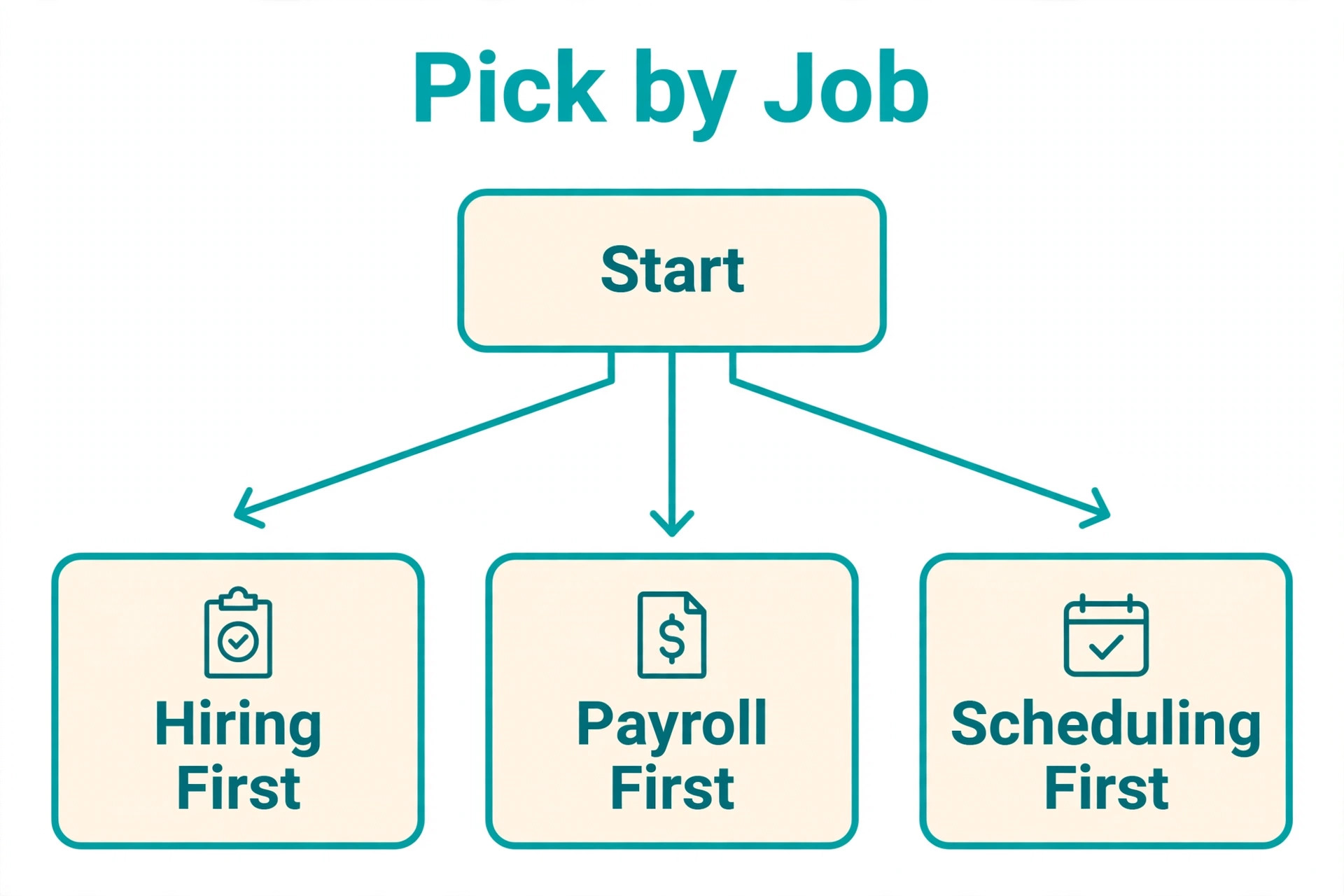
Choosing best hr software for small business under 50 employees by job avoids the trap of buying the highest rated tool overall, because the tool that wins for one job can lose badly for a different job in the same business.
Use this table to narrow the shortlist to one winner for the actual job, rather than the highest rated tool overall. A tool that wins for one job can lose badly for another, and the table keeps that distinction visible.
Checklist Before Small Businesses Buy HR Software
Work through this checklist for best hr software for small business under 50 employees before signing, because each item catches a problem that is cheap to find in a trial and expensive to fix after a rollout.
Run the total price at your current headcount and at your twelve month headcount before signing.
Confirm whether payroll is included, an add on, or a separate partner product.
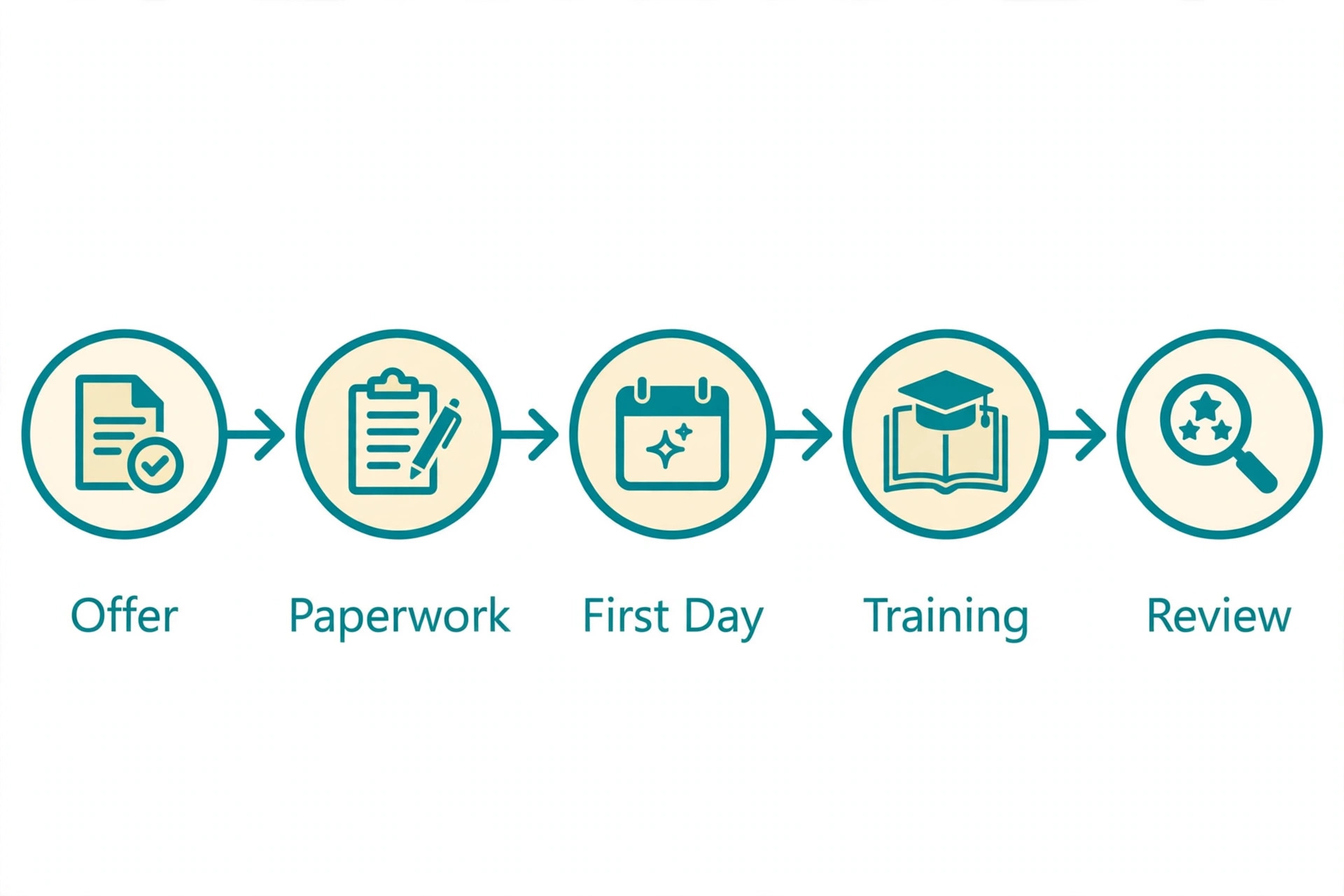
Test onboarding with a real new hire file, including tax forms and direct deposit setup.
Check time off balances, payroll history, and employee records export cleanly before you commit.
Verify multi state tax filing and new hire reporting for every state where staff actually work.
Ask who files what, so compliance help is a service rather than a form the owner completes alone.
Mistakes That Cost Small Businesses Time and Money
Most buyers of best hr software for small business under 50 employees make the same three mistakes, and each one is avoidable with a trial that uses real data rather than sample data.
The most common mistake is comparing headline prices instead of totals. A $49 base fee, a $250 flat plan, and a $79 per employee PEO price cannot be ranked side by side. Only the total at your headcount, with payroll and every needed add on included, gives a fair comparison.
The second mistake is buying HR depth before payroll reliability. Payroll errors damage trust faster than any missing performance feature. If the payroll run is not clean, on time, and correctly filed, no engagement survey will repair the damage with staff.
The third mistake is ignoring the exit. People data is sensitive and long lived, so export terms matter more here than in most software categories. Test the export during the trial, keep a local archive, and confirm time off balances and payroll history leave in usable formats.
How to Test HR Software Before You Buy
Benefits administration deserves a separate check, because it is often sold as included when only enrolment forms are included. Ask whether the vendor acts as broker, handles carrier enrolment, and manages qualifying life events, or whether the owner still chases paperwork with each carrier.
Manager self service is easy to overlook until the first leave request lands. Test approvals, team calendars, and org visibility from a manager account, not only from the admin account used in the demo, because daily use happens in the manager view.
What to Ask on an HR Demo
Ask the vendor to run your real workflow, not a polished sample, because demos hide the exact steps that cause trouble later. Bring one real project, one real employee file, or one real class timetable, and watch how many clicks each task takes from start to finish.
Ask who owns support after the sale, and how fast a useful answer arrives during working hours. A vendor that answers quickly during a trial often slows down after payment, so note response times now and ask for the support hours and channels in writing.
Ask about contract length, renewal behaviour, and price changes at renewal, because the first year price rarely survives untouched. A tool that looks affordable on a twelve month deal can become expensive in year two, and that renewal figure belongs in the first comparison.
Setup in the First 30 Days With New Hires
Start with one team, one location, or one project, rather than rolling the tool out everywhere on day one. A small pilot surfaces template problems, permission mistakes, and training gaps while they are still cheap to fix, and the pilot team becomes the internal help desk for the wider rollout.
Build templates before adding volume, because a tool without templates forces every user to reinvent the same structure. Create the standard job, employee record, project, or class timetable once, test it on a real case, and only then copy it for the next case.
Schedule a review at day 30 with real usage data, not opinions. Check how many records are complete, how many tasks or hours are missing, and which features nobody opened. Cut the unused features from training, fix the missing data process, and only then expand to the next team or location.
Getting More From HR Software After Launch
Review security and access controls before adding sensitive records, because a tool that everyone can edit will soon hold data nobody trusts. Set roles for admin, manager, and field or frontline users, test what each role can see and change, and remove access promptly when staff leave.
Check integration depth with the tools already in daily use, because a new system that sits apart from email, calendar, accounting, or point of sale creates double entry. Test the integration with real records during the trial, not with sample data that hides mapping problems.
Plan data migration as a project of its own, with a clear owner and a deadline, because importing years of messy history without cleaning it simply moves the mess. Migrate active records first, archive old records separately, and verify counts after import before going live.
Test reporting with the questions managers actually ask each week, rather than admiring a dashboard in a demo. If a report needs a spreadsheet to answer a basic question about cost, hours, or bookings, the reporting is decoration rather than control.
Confirm renewal terms, price change notice periods, and cancellation steps in writing before signing, because the cheapest first year can become the dearest second year. Note the renewal date in a calendar the business actually checks, so it never renews by surprise.
Train with real tasks, not feature tours, because users remember a workflow they completed themselves and forget a tour they watched. Give each team one real case to complete in the tool, then review the result together before the next team starts.
Ask about data ownership and export formats early, because a tool that holds records hostage at renewal time creates a long term cost. Test an export during the trial, keep a local archive, and confirm that history, balances, and documents leave in usable formats.
Watch total cost over two years, not one month, because implementation, training, add ons, and renewal increases change the ranking. A tool that costs more monthly but needs no add ons can be cheaper over two years than a cheap plan with paid extras.
The Verdict for Small Businesses Under 50
The verdict for best hr software for small business under 50 employees depends on the job, not on a single overall winner, so match the recommendation below to the actual work before buying.
For most United States teams under 50 that want payroll and HR in one simple system, Gusto is the default starting point, because its pricing is public, payroll is best in class, and onboarding takes days rather than weeks. For teams that value HR depth over payroll, BambooHR is the stronger HR system, provided the separate payroll cost is budgeted honestly.
Hourly and shift based teams should look hard at Homebase first, because its free tier and scheduling roots fit that workforce better than office focused tools. International or fast growing teams should shortlist Rippling or Deel instead, because domestic only tools create a second system the moment the first hire lands abroad.
Frequently Asked Questions
These questions cover the points buyers of best hr software for small business under 50 employees ask most often, with answers based on the pricing and feature trade offs in the sections above.
How much does HR software cost for a team under 50
Totals vary widely by model. Published comparisons put software only tools near $109 a month at 10 employees and $349 to $500 at 50, while PEO pricing runs several thousand a month at 50. Run your own headcount against each quote rather than trusting a starting price.
Do I need payroll inside the HR tool
For most small teams, yes, because split systems create double entry and reconciliation work every pay run. If the HR tool needs a payroll partner, add that second bill and the integration effort to the comparison before deciding.
Is free HR software enough for a first hire
Up to five users, Zoho People and Homebase free tiers cover a real HR record and scheduling respectively. The wall arrives with payroll, benefits, or headcount growth, so plan the upgrade path before the team hits it.
What is the difference between HR software and a PEO
HR software is a tool the business runs itself, while a PEO co employs staff and takes on compliance and benefits administration for a per employee fee. The PEO premium buys risk transfer and buying power, not just software, so compare it on that basis.
How long does implementation take
Gusto, OnPay, and Zoho People can go live in days for a small team. BambooHR and HiBob take weeks, while Rippling and PEO setups can take longer as benefits, data migration, and IT provisioning are added.
Can data leave the system if we cancel
Most tools allow exports, but format and completeness vary. Ask for employee records, time off balances, and payroll history in exportable formats before signing, and test the export during the trial rather than on cancellation day.
More Reading on Stratilyze
Read Best HR Software for Small Teams for a smaller team comparison, Best Invoicing Software for Freelancers for solo billing, and Best Time Tracking Software for hour tracking alongside HR.