
For most small retailers, Square for Retail is the safest starting point, Zoho Inventory is the best budget route into multichannel selling, and Cin7 is the step up once a single stock list can no longer keep up with several sales channels. That verdict is the short answer to the best inventory software for small retailers, and the rest of this guide shows the working behind it, because the right tool depends on how you sell, not just on how much stock you hold.
A small retailer lives or dies on stock accuracy. Overselling an item you do not have creates refunds and angry customers. Overstocking a slow line ties up cash that could fund the next season. Running out of a bestseller during a busy weekend loses sales that never come back. Inventory software exists to keep the stock number true across every place you sell, and that truth is worth more than any single feature.
The second pressure is time. A shop owner who counts stock by hand every Sunday, retypes online orders into a spreadsheet, and guesses reorder points from memory is doing inventory work that software does in the background. The hours saved go back into buying, merchandising, and serving customers, which is the work that actually grows a shop.
Why the Best Inventory Software for Small Retailers Must Keep One True Stock Number
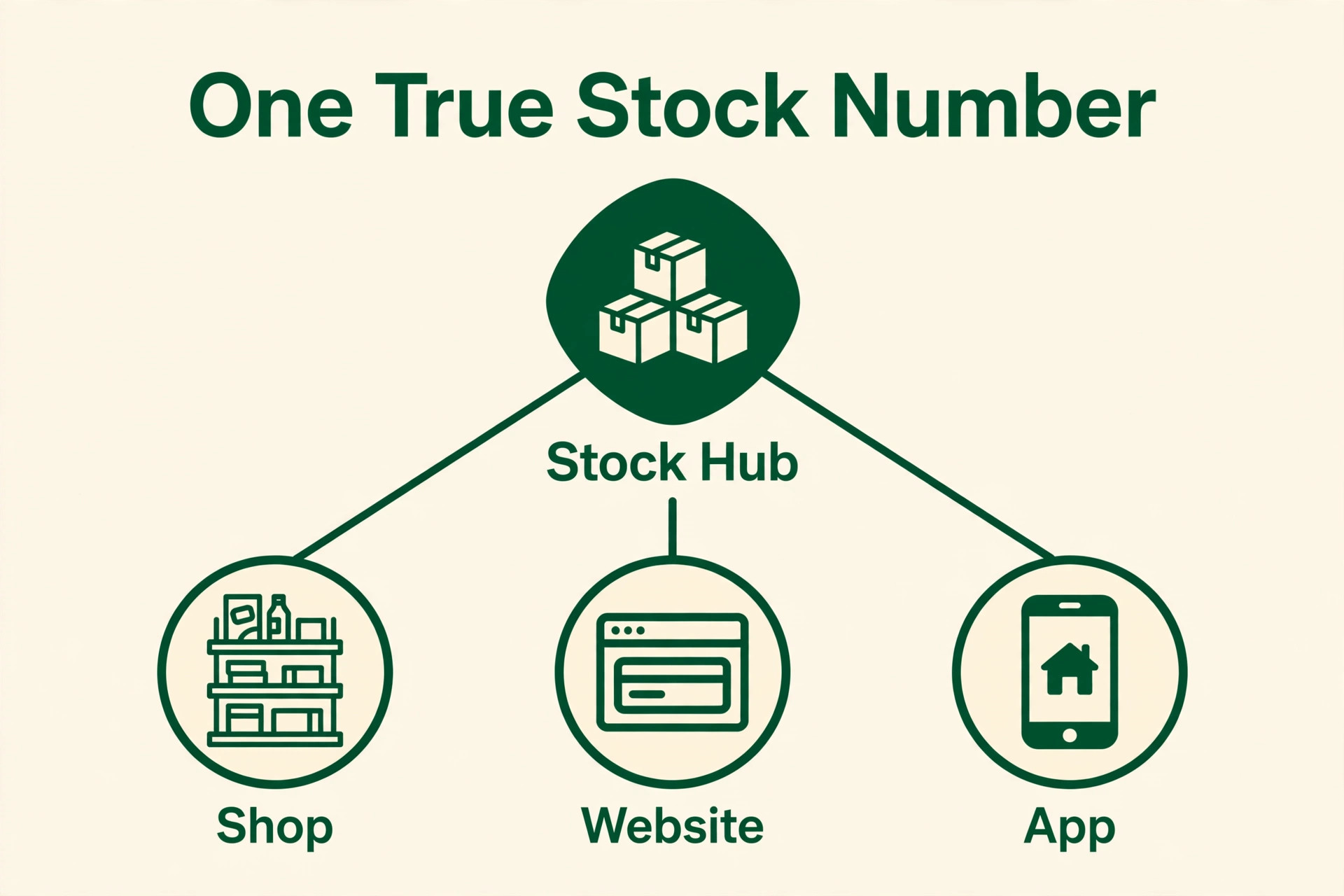
The first quality to test is channel sync. A good tool deducts a sale from one shared stock count whether the sale happens at the till, on the website, or on a marketplace, so the number on screen matches the shelf. A weak tool keeps a separate count per channel, which means the website can sell an item that the shop sold an hour ago. That oversell is the most expensive inventory error a small retailer makes.
The second quality is variant handling. Clothing sizes, colours, and bundles multiply one product into dozens of stock lines, and a tool that handles variants cleanly keeps that complexity manageable. A tool that treats each variant as a separate product with no shared view turns a simple range into a data-entry chore, and chores get skipped. Skipped updates are how stock numbers drift from reality.
The third quality is reorder clarity. A good tool shows low-stock alerts, lead times, and a suggested reorder quantity based on recent sales, so buying becomes a decision rather than a guess. A tool that only shows a current count leaves the owner to remember every supplier lead time, and memory fails during a busy season. Reorder alerts are the feature that prevents both stockouts and dead stock.
The fourth quality is barcode and counting speed. A phone or scanner that updates stock with one scan, plus a stock-count mode that reconciles shelf counts quickly, turns a dreaded Sunday count into a short task. A tool that needs manual typing for every adjustment will be updated late or not at all, and late updates are how a stock system quietly stops being trusted.
Seven Questions to Ask in an Inventory Trial
Run the trial on your real catalogue, not on demo data. Import your actual products, including variants and bundles, and watch how the tool handles them. If importing a hundred products with sizes and colours takes an afternoon of fixes, it will take the same afternoon in real life, and that friction predicts whether the system stays accurate after launch.
Test a sale on every channel you use, then check the stock number. Sell one unit at the till, one online, and one on a marketplace if you use one, and confirm that a single shared count drops by three. If any channel updates a separate count, the tool is not giving you one true number, and the oversell risk remains no matter how pretty the dashboard looks.
Check the purchase order flow before you fall in love with the sales screen. A good tool turns a low-stock alert into a purchase order, receives the delivery against it, and updates costs automatically. A tool that leaves purchasing to email and spreadsheets creates a gap where deliveries arrive unrecorded, and unrecorded deliveries are how stock counts drift within a month.
Check the accounting link and the exit route together. A tool that syncs stock value and cost of goods to your accounting software saves hours at month end, while a tool that exports only a spreadsheet creates a reconciliation chore. Ask for a sample export during the trial, and confirm in writing what leaves with you if the contract ends.
Eleven Tools Compared on Price and Fit
| Tool | Starting price | Best for |
|---|---|---|
| Square for Retail | free, paid from about $49 a month per location | single shops already on Square |
| Lightspeed Retail | from about $109 a month | specialty shops with complex variants |
| Zoho Inventory | free, paid from about $29 a month | budget multichannel sellers |
| Shopify POS | from about $29 a month billed annually | retailers selling online and in person |
| inFlow Inventory | from about $129 a month | wholesalers and product businesses |
| Cin7 | from about $349 a month | high-volume multichannel sellers |
| Sortly | from about $49 a month | visual phone-based stock tracking |
| Katana | free tier, paid from about $299 a month | retailers who also make products |
| Odoo Inventory | free single app, suite from about $38.90 a user a month | shops that want deep customisation |
| Fishbowl | from about $229 a month billed annually | QuickBooks-centred warehouses |
| Veeqo | free, inventory from about $19 a month | Amazon and multichannel shippers |
Read the table as a shortlist, not as a ranking. Prices change often, so check the vendor page before buying, and price the plan that actually includes the features you need rather than the cheapest headline plan. The cheapest tool may suit a single shop perfectly, while a dearer tool may be the only one that handles multichannel stock cleanly. Use the table to pick three finalists for the best inventory software for small retailers, then read their full sections below before deciding.
Eleven Inventory Tools in Detail
Square for Retail
Square for Retail is the pick for a single shop already running Square payments. It bundles point of sale, payments, and inventory in one system, with real-time counts, low-stock alerts, and multi-location management on paid plans. A shop that already takes Square payments can switch on inventory without a new till, a new card reader, or a new learning curve for staff.
It starts free, with Plus at about $49 a month per location and Premium at about $149 a month per location. The limit is depth, because advanced warehouse workflows and complex multichannel logic sit beyond it, and the shop stays inside Square payment processing. For a single shop, that trade is usually worth it, and the free start removes the risk of paying before the system proves itself.
Lightspeed Retail
Lightspeed Retail is the pick for specialty shops with complex variants and vendor catalogues. It pairs a retail point of sale with deep inventory, including variant matrices, vendor ordering, and analytics that suit apparel, footwear, and specialty goods. A shop whose range runs to hundreds of variants will feel the difference here, because the variant view stays readable where simpler tools turn messy.
It starts from about $109 a month, with higher tiers adding ecommerce and advanced reporting. The limit is price for a tiny shop, which may pay for depth it never uses. If variants and vendor catalogues are the daily reality, Lightspeed earns its price, while a simple single-product shop should look at Square or Zoho first.
Zoho Inventory
Zoho Inventory is the pick for a budget multichannel seller who wants the most for the least. It syncs stock across Shopify, Amazon, eBay, and other channels, with batch and serial tracking, order management, and a genuinely free plan for low order volumes. A seller moving from a spreadsheet to real multichannel stock control gets the core system without a large monthly commitment.
It starts free, with paid plans from about $29 a month billed annually, though lower tiers cap monthly orders. The limit is those order caps, which can force an upgrade during a busy season. If order volume is modest and budget matters most, Zoho is the value benchmark in this guide, and a shop already using Zoho apps gains extra integration value.
Shopify POS
Shopify POS is the pick for a retailer already selling on Shopify who wants one stock list for online and in-person sales. It shares inventory between the online store and the till, supports variants, and adds hardware and staff permissions on higher tiers. A shop that does most of its trade online and opens a till for weekends or markets gets a unified system without a second stock database.
It starts from about $29 a month billed annually for the underlying Shopify plan, with POS Pro as a paid addition. The limit is that deeper inventory features, such as advanced reporting and low-stock workflows, sit behind that Pro addition or apps. If Shopify is already the shop system, Shopify POS is the natural extension, while a shop with no Shopify store should not adopt it for inventory alone.
inFlow Inventory
inFlow Inventory is the pick for wholesalers and product businesses that need order structure plus stock control. It covers inventory, orders, purchasing, and a B2B showroom portal, with multi-location support and barcode scanning. A business selling to other businesses as well as to consumers will use the showroom and order workflow that pure retail tools lack.
It starts from about $129 a month, with higher tiers adding manufacturing and more locations. The limit is entry cost for a tiny shop, which may find the wholesale depth unnecessary. If B2B orders and showroom selling are part of the mix, inFlow is the strongest mid-market answer here, while a pure retail shop should compare Lightspeed first.
Cin7
Cin7 is the pick for high-volume multichannel sellers who have outgrown point-of-sale inventory. It syncs stock across Shopify, Amazon, eBay, physical stores, and wholesale, with warehouse management, automation, and deep reporting. A brand selling across three or more channels with serious order volume needs one inventory ledger, and Cin7 is built to be that ledger.
It starts from about $349 a month on an annual contract, with order caps that rise by tier. The limit is price and setup effort, which only make sense above serious volume. A small retailer buying Cin7 early pays for automation nobody configures, so it should only enter the shortlist once channel complexity genuinely demands it.
Sortly
Sortly is the pick for a team that tracks stock visually from a phone. It builds a photo-based catalogue, scans barcodes and QR codes, and logs check-ins and check-outs, which suits supplies, equipment, and small stockrooms better than high-volume retail. A shop that loses track of back-room supplies will value the visual catalogue most, because staff can find an item by photo rather than by code.
It starts from about $49 a month, with a free tier for limited items. The limit is retail depth, because it lacks a full point of sale and advanced order management. If the need is visual tracking rather than selling, Sortly is excellent, while a selling shop should treat it as a companion tool, not as the main inventory system.
Katana
Katana is the pick for a retailer who also makes what it sells. It tracks raw materials through production to finished goods, with bills of materials, production planning, and multichannel sales orders. A maker selling handmade goods, food products, or small-batch items will use the manufacturing view that pure reseller tools cannot offer.
It starts with a free tier for limited stock, with paid plans from about $299 a month. The limit is price and focus, because a pure reseller pays for manufacturing depth it never touches. If production is part of the business, Katana is the natural choice, while a shop that only resells should compare Zoho or inFlow first.
Odoo Inventory
Odoo Inventory is the pick for a shop that wants deep customisation and a modular system it can grow. The inventory app is free as a single app, with the full suite from about $38.90 a user a month, covering sales, purchasing, manufacturing, and accounting in one platform. A retailer with unusual workflows can shape Odoo around them rather than bending the business to fit a fixed tool.
The limit is setup effort, because flexibility means configuration, and a shop without someone to own that setup can stall. The learning curve is steeper than Square or Zoho, so Odoo suits a retailer who values control and has the time to configure it. If simplicity matters most, a fixed tool will serve better.
Fishbowl
Fishbowl is the pick for a QuickBooks-centred warehouse or manufacturer. It adds deep inventory, warehousing, and manufacturing to QuickBooks, with barcode scanning and order management that sync tightly to the books. A business whose accounting already lives in QuickBooks gains a stock system that speaks the same language, so stock value and cost of goods stay consistent.
It starts from about $229 a month billed annually, with Advanced manufacturing from about $595 a month. The limit is that it is built around QuickBooks, so a shop on different accounting software gains less. If QuickBooks is the system of record and warehouse depth matters, Fishbowl is the strongest fit here.
Veeqo
Veeqo is the pick for an Amazon and multichannel seller who ships orders themselves. It syncs inventory across marketplaces and stores, manages shipping with multiple carriers, and offers a free tier with inventory from about $19 a month. A seller juggling Amazon, eBay, and a website will value the shipping workflow most, because stock and dispatch live in one place.
The limit is retail till depth, because Veeqo is built for ecommerce shipping rather than shop-floor selling. A pure brick-and-mortar shop should look elsewhere, while an online seller who ships daily will find Veeqo the most practical low-cost route into multichannel control.
Stock Counts That Staff Actually Do
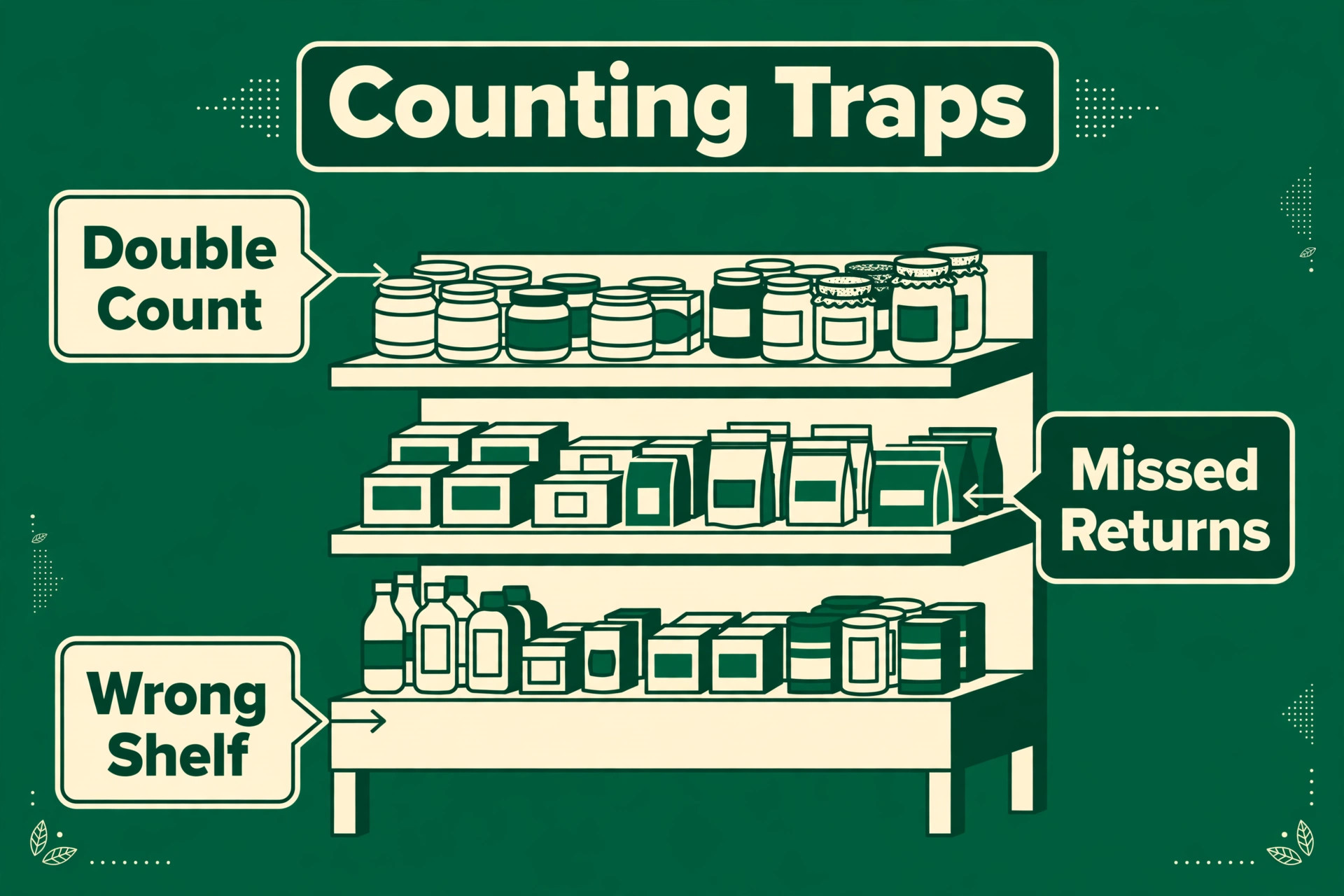
A stock system only stays true if counting fits into a normal shift, because a count that needs a closed shop and a full Sunday will be postponed until it is useless. The practical pattern is a short cycle count each week on the fastest movers and the highest-value lines, with a full count once a quarter. Barcode scanning makes the weekly count a twenty-minute task for one person, while a manual count of the same lines takes an hour and invites typing errors.
Counting discipline also needs a rule for variances. A small gap on a fast mover may mean a missed scan, while a repeated gap on one line may mean theft, damage, or a supplier short delivery. Record the reason for each variance at count time, while the shelf is in front of the counter, rather than guessing a week later. A variance log turns counting from a chore into a diagnostic, and the diagnosis often pays for the software on its own.
The third habit is receiving discipline. Every delivery should be checked against its purchase order and scanned into stock before it reaches the shelf, because unrecorded deliveries are the most common cause of a count that does not match the system. A shop that skips receiving during a busy delivery week will spend the next month chasing phantom gaps. Make receiving part of the delivery routine, not a task for later, and the stock number will stay close enough to trust for buying decisions.
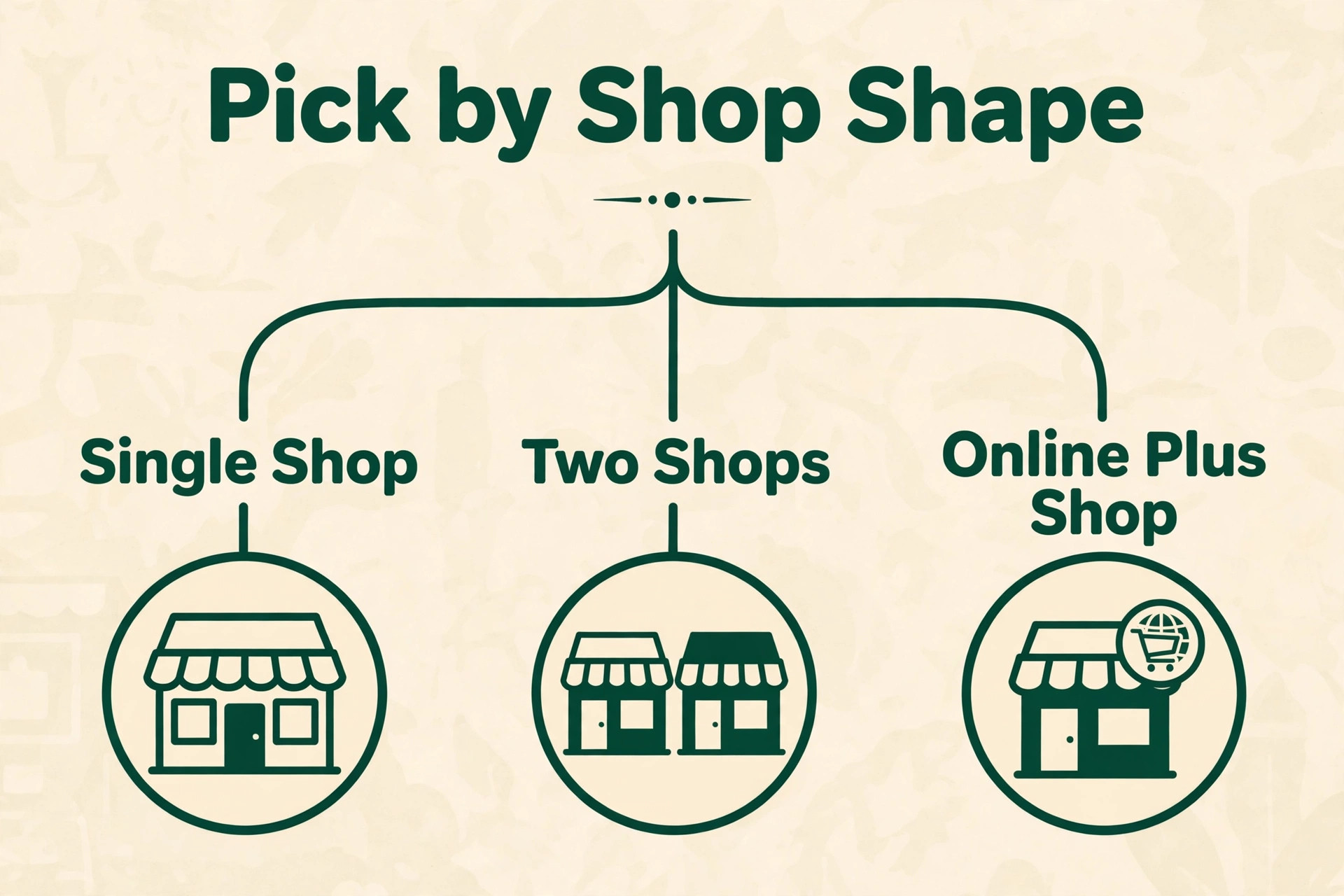
Best Pick by Job for Small Retailers
| Shop shape | Best pick | Why it wins |
|---|---|---|
| Single shop | Square for Retail | till, payments, and stock in one free start |
| Multi-channel seller | Zoho Inventory or Veeqo | shared stock across channels at low cost |
| Pop-up and market seller | Shopify POS or Sortly | portable selling, or visual tracking on a phone |
Use the table as a starting point, then test the pick against your own selling mix. A single shop that also sells heavily online may prefer Shopify POS for its unified list, while a multichannel seller with warehouse volume may prefer Cin7 despite its price. The table answers the common case, while the trial answers your case, and the trial answer is the one that counts.
The best inventory software for small retailers is therefore not one product but the product that matches the shop shape. A single shop pays for simplicity and a free start. A multichannel seller pays for channel sync. A pop-up seller pays for portability. Buying the wrong shape wastes money twice, once on the subscription and once on the workarounds.
The Shortlist Checklist for Small Retailers
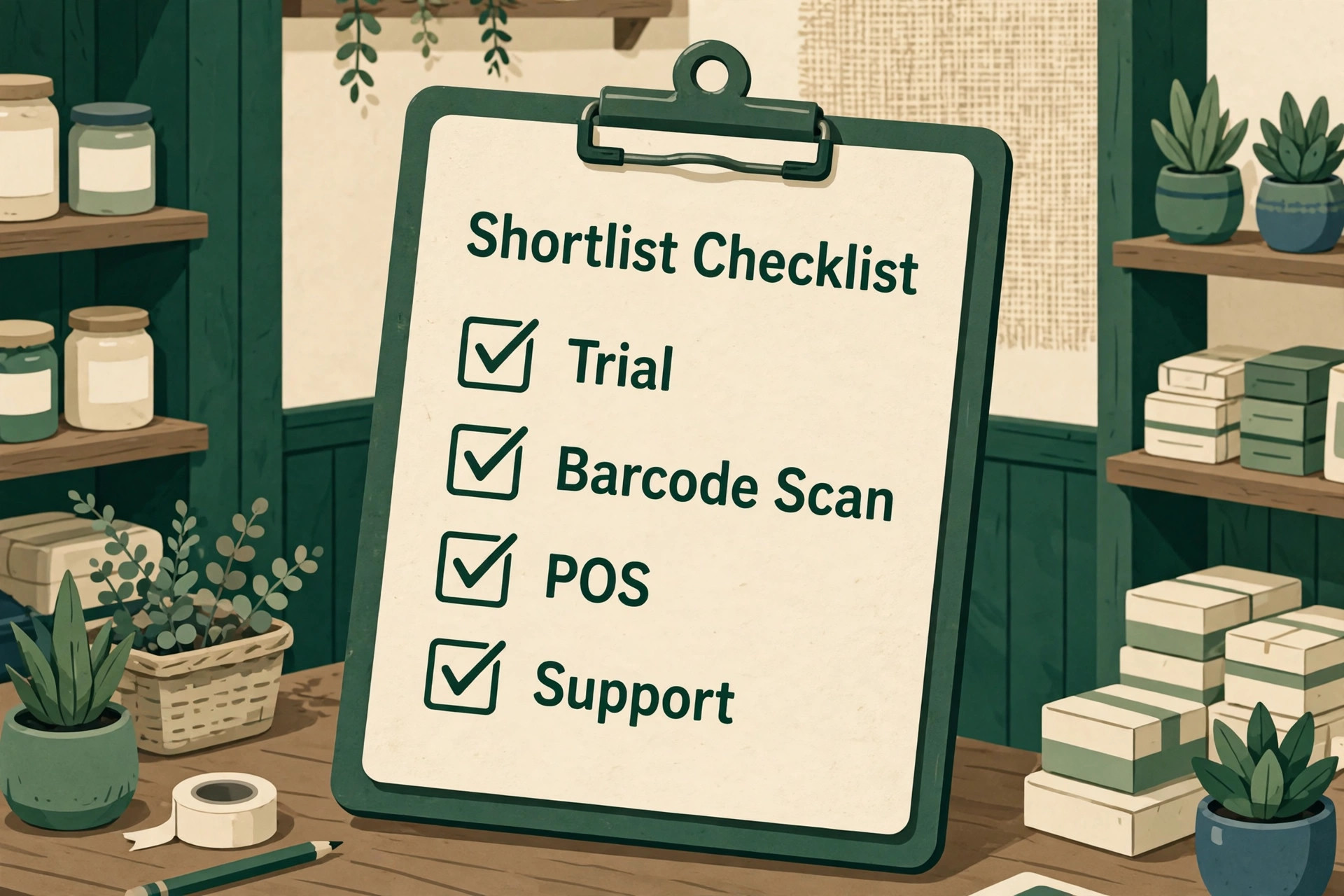
Before signing for the best inventory software for small retailers, confirm channel sync, variant handling, reorder alerts, barcode counting, purchase orders, and export options. Each item protects a different part of the stock truth. Channel sync prevents overselling, variants keep ranges readable, and reorder alerts prevent stockouts. Barcode counting keeps counts fast, purchase orders keep deliveries recorded, and export options protect the firm’s future freedom to leave.
Test the checklist on one real week of trading. Sell on every channel, receive a delivery, count a shelf, and raise a purchase order. If any step needs a workaround, that workaround becomes daily friction. A tool that passes all six checks on real trading is worth its price, while a cheaper tool that fails two of them will cost more in refunds, stockouts, and dead stock.
Monthly Costs at Three Different Shop Sizes
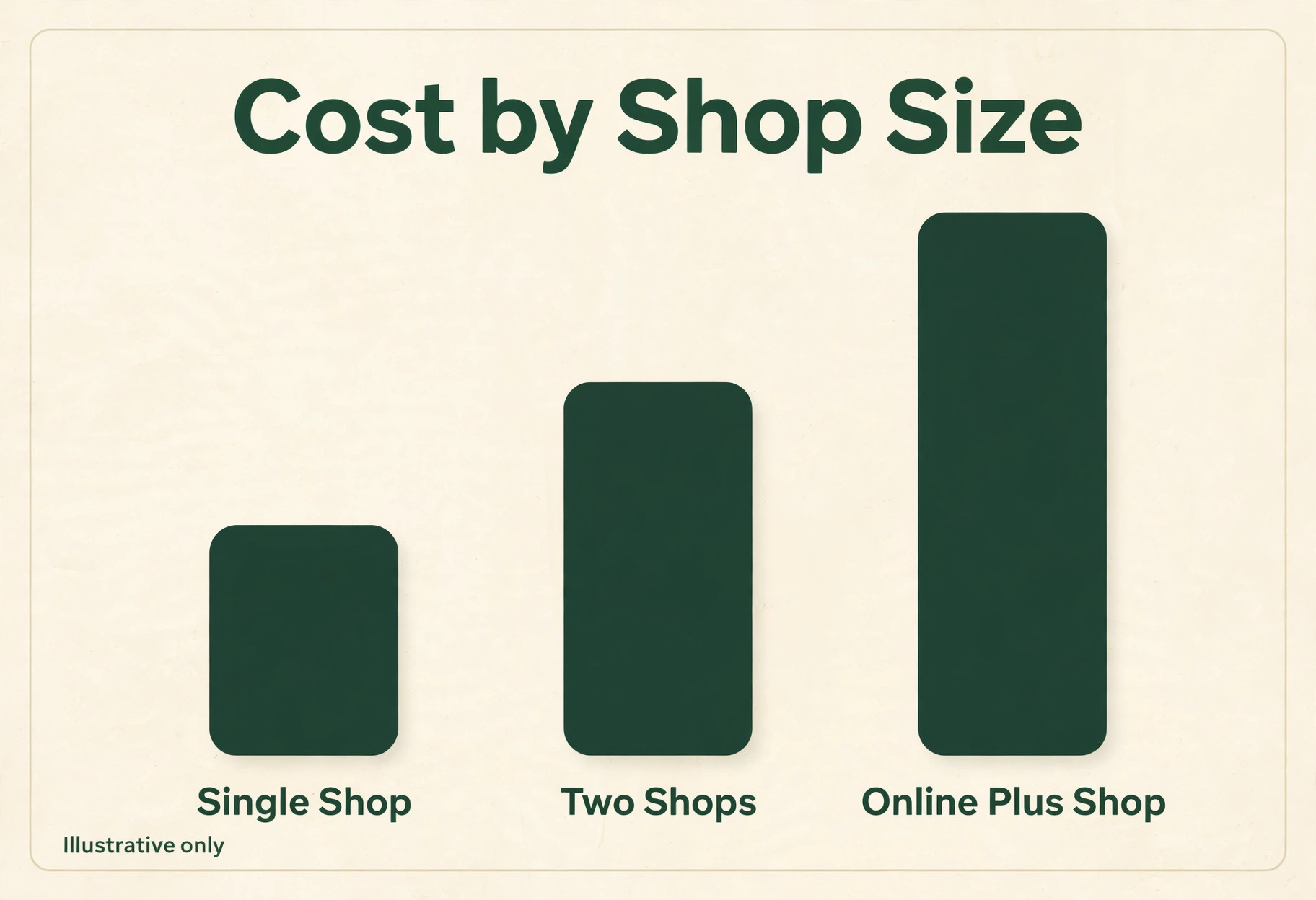
A single shop can start free on Square or Zoho, or pay about $49 a month for Square Plus, which is less than the margin on a few sales. The risk at this size is not the subscription but the missing feature, where the tool that looks free lacks the multichannel sync or variant depth the shop actually needs. Price the tier that includes the missing feature, not the tier that merely looks free.
A two-channel seller faces a wider spread. Zoho at about $29 a month, Shopify POS from about $29 a month plus Pro, and inFlow at about $129 a month all land in different bands, while Veeqo at about $19 a month suits a shipper. Model each option at your exact order volume, because order caps on cheaper tiers can force an upgrade during a busy season, and that upgrade changes the comparison.
A high-volume multichannel brand should expect a serious bill wherever it goes. Cin7 at about $349 a month and Fishbowl at about $229 a month both cost real money, while Lightspeed at higher tiers adds ecommerce depth. At this size the deciding factor shifts from price to automation, warehouse control, and reporting, because a small percentage gain in stock accuracy dwarfs the subscription difference.
Mistakes That Waste Money on Inventory Software
The first mistake is buying for the shop you hope to become rather than the shop you run today. A single shop that buys an enterprise multichannel platform pays for automation nobody configures and a setup nobody owns. Buy for today’s channels, and switch when channel count or order volume actually justifies the heavier tool, not before.
The second mistake is launching without a clean stock count. Software inherits whatever count it is given, so a launch built on guessed numbers produces confident-looking errors. Count the shelves properly before import, reconcile the first week daily, and treat any unexplained variance as a signal, because a system launched on bad counts teaches staff to distrust it within a month.
The third mistake is skipping the export test. A tool that locks catalogue and stock history behind a weak export owns the shop’s trading record, and that hold shows up at renewal time. Ask for a sample export during the trial, keep a monthly export outside the system, and confirm in writing what leaves with you if the contract ends.
The Verdict for Small Retailers
Start with Square for Retail if you run a single shop, with Zoho Inventory if you sell on several channels on a budget, and with Lightspeed if variants and vendor catalogues dominate the range. Move to inFlow when wholesale orders join the mix, and to Cin7 when channel volume genuinely demands a single inventory ledger. That ladder keeps the subscription matched to the shop shape at every stage.
Whichever tool you choose, run the real-catalogue trial, price the tier you actually need, and check the order caps and export terms before signing. The best inventory software for small retailers earns its keep in oversells prevented, stockouts avoided, and hours saved on counting. Pick the tool that proves those three wins in your trial week, and the subscription pays for itself.
Recheck the system after ninety days of live trading, because the first month flatters every tool. Compare oversells, stockouts, and count variances against the months before launch, and confirm that the stock number still matches the shelves. If the numbers improved and staff still update the system daily, the choice was right, and if they did not, the trial data will show whether the tool or the routine needs fixing.
More Reading on Stratilyze
Readers comparing shop tools usually check the neighbouring guides next. The guide to coffee shop point of sale systems covers till and stock for a cafe, the guide to small business CRM software helps with the customer records around sales, and the guide to small business accounting software covers the books that stock value feeds into.
Frequently Asked Questions
Do small retailers need inventory software or just a spreadsheet
A spreadsheet is enough when the shop sells one channel, holds few products, and one person owns the count. Inventory software becomes necessary when sales come from several channels, variants multiply, or more than one person updates stock, because a spreadsheet updated twice drifts. If oversells or stockouts are already a problem, a spreadsheet is no longer enough.
How often should a small shop count stock
A full count monthly plus a rolling cycle count weekly on fast movers works for most small shops. Software with barcode counting makes the rolling count short enough to sustain, while a full count catches the slow drift that cycle counts miss. The honest test is variance, because a shop whose counts match the system can count less often, while a shop with regular gaps should count more.
Is Square for Retail worth it for a single shop
It can be, when the single shop already takes Square payments and wants till, payments, and stock in one system with a free start. It is harder to justify on Premium for a tiny shop whose needs are simple, because the free or Plus tier may cover them. Price the tier the shop actually needs, not the tier with the longest feature list.
Should a retailer pay per location, per user, or a flat rate
Per-location pricing suits a shop with one site, because the bill follows sites rather than staff. Per-user pricing suits a shop with many staff but one site, because the bill follows headcount. A flat rate suits a multichannel seller with many users, because adding staff never raises the subscription. The right meter depends on which number grows fastest in the shop.
What happens to catalogue data if the retailer switches tools later
That depends on export options, so check them before you buy. A good tool exports products, variants, stock levels, and histories in a usable format, while a weak one exports only names and prices. Ask for a sample export during the trial, and keep a monthly export outside the system as insurance against any future move.
Does the best inventory software for small retailers need a point of sale built in
Not always, but it helps a shop-floor retailer more than any other feature. A built-in till keeps the stock count true at the moment of sale, without a sync delay or a second system. A pure online seller can manage without it, while a shop that sells in person should treat till integration as a core requirement, not an add-on.