
Start with Wix if the class schedule is the centre of the studio website, because its booking tools sit inside the same plan that builds the pages. That verdict opens this guide to the best website builder for fitness studios, where the right choice depends on whether the studio leads with classes, memberships, or trainer profiles.
A fitness studio website has one job above all else. It must turn a visitor into a booked class or a paying member without friction. A beautiful homepage that hides the timetable, forces an app download, or breaks on a phone loses the visitor in seconds, no matter how good the photography looks.
The five tools below were judged on class scheduling, membership and payment handling, mobile timetable readability, trainer and class pages, design quality, and the real monthly total once booking is included. Prices change often, so check the vendor page before you buy and treat every figure here as a starting point rather than a quote.
Fitness Website Builders at a Glance
| Tool | Starting price | Best for |
|---|---|---|
| Wix | Core reported near $29 a month on published comparisons, so check the vendor page | class schedule first studios |
| Squarespace | Core reported near $39 a month on published comparisons, with scheduling sold separately, so check the vendor page | design first studios with a full roster |
| Mindbody | Starter reported from $79 a month per location on published comparisons, with higher tiers quote based, so check the vendor page | established studios wanting discovery |
| OfferingTree | from about $26 a month on published comparisons, so check the vendor page | studios wanting studio software with a website included |
| GoDaddy | appointments plan reported near $14.99 a month for the first year on published comparisons, so check the vendor page | one on one trainers and small studios |
This shortlist for best website builder for fitness studios is a starting point for a short demo list, not a final ranking, because the best tool for one firm can fail for another with a different mix of staff, locations, or clients.
Read the table as a shortlist, not as a ranking. The cheapest tool may suit a solo operator perfectly, while the most expensive tool may be the only one that handles a specific workflow. Use the table to pick three finalists, then read their full sections below before deciding.
Why the best website builder for fitness studios Looks Different From General Tools
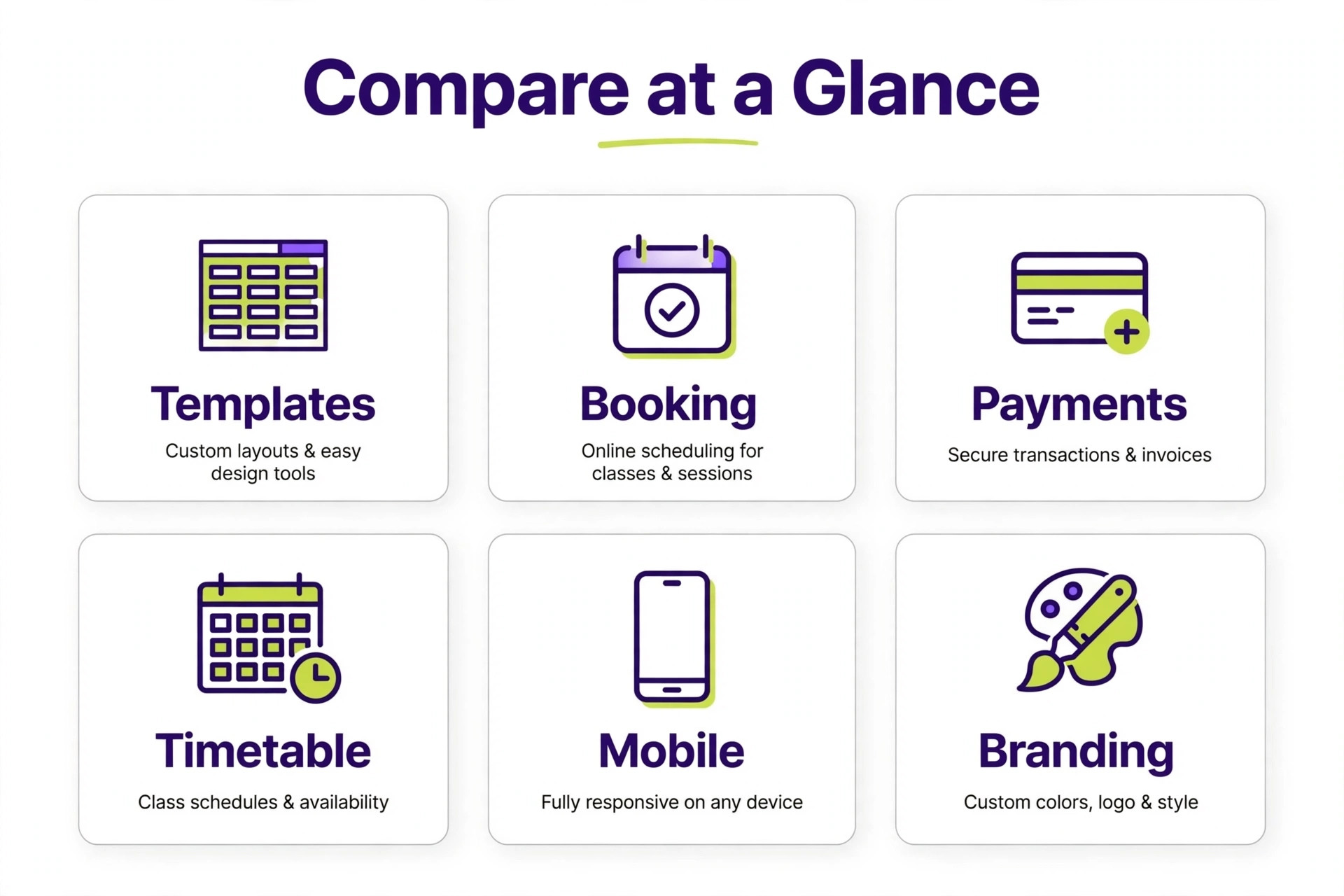
Class scheduling is the dividing line in this category. General builders such as Wix and Squarespace add booking as a feature, while studio platforms such as Mindbody and OfferingTree start from the schedule and add pages around it. A studio that sells classes daily should buy from the schedule outward, not from the homepage inward.
Membership handling is the second dividing line. Drop in passes, class packs, monthly memberships, and intro offers each need different payment rules, expiry handling, and renewal behaviour. A builder that only sells one off appointments will force a studio into workarounds the moment memberships become the main revenue line.
Mobile readability decides bookings in practice. Most visitors check class times on a phone, so a timetable must read as a simple list by day rather than a wide table that scrolls sideways. Test the timetable on a real phone before committing, because a desktop demo hides the exact problem that loses bookings.
5 Tools, Reviewed One by One
Each tool below gets the same treatment. What it does well, where it falls short, what it costs at a realistic starting point, and who should choose it or skip it. Prices are starting points only, so check the vendor page before you buy.
Wix
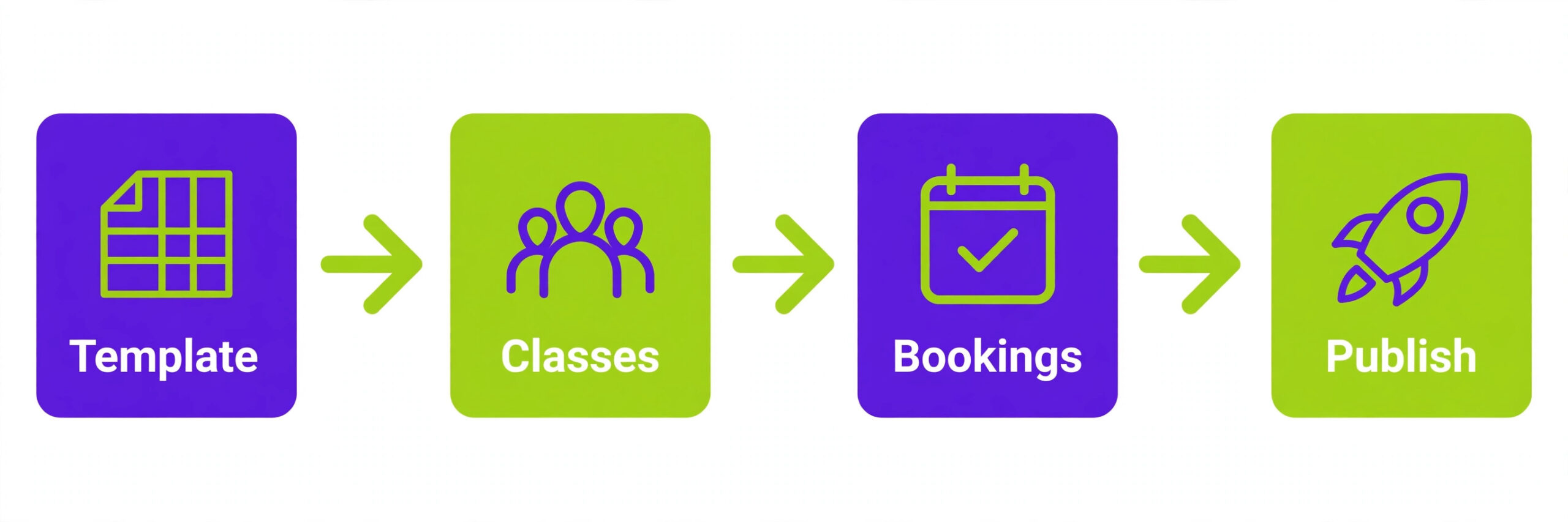
Wix is the pick for class schedule first studios. Fitness templates, built in booking, a customer relationship system, and membership and payment tools sit in one builder, so the schedule, the pages, and the payments share a single subscription. Pricing is Core reported near $29 a month on published comparisons, so check the vendor page.
The strength is clear in daily use, and the limit is equally clear. Design freedom is strong, but very large studio operations may outgrow its member management depth, and storage limits on lower plans deserve checking for video heavy studios. That trade off matters more than any single feature, because it decides whether the tool still fits after six months of real work.
Choose Wix if the business matches a studio that wants schedule, pages, and payments on one bill. Skip it if the situation looks more like a multi location chain needing deep studio operations, because a cheaper or more specialised tool will serve that job better.
Squarespace
Squarespace is the pick for design first studios with a full roster. Polished templates, strong photography presentation, blogging, and commerce tools produce the most refined studio site in this guide, with scheduling added through Acuity Scheduling. Pricing is Core reported near $39 a month on published comparisons, with scheduling sold separately, so check the vendor page.
The strength is clear in daily use, and the limit is equally clear. Booking is not native in the same way as studio platforms, so the total includes a second subscription, and membership handling needs careful setup rather than working out of the box. That trade off matters more than any single feature, because it decides whether the tool still fits after six months of real work.
Choose Squarespace if the business matches a design led studio that already fills classes. Skip it if the situation looks more like a studio that wants schedule native in the website plan, because a cheaper or more specialised tool will serve that job better.
Mindbody
Mindbody is the pick for established studios wanting discovery. Scheduling, memberships, point of sale, marketing, and a consumer marketplace app bring new clients no other tool in this guide delivers, with the deepest studio feature set overall. Pricing is Starter reported from $79 a month per location on published comparisons, with higher tiers quote based, so check the vendor page.
The strength is clear in daily use, and the limit is equally clear. Payment processing, add ons, branded app fees, and marketplace commissions push real spend well past the headline price, and contracts often run 12 to 24 months. That trade off matters more than any single feature, because it decides whether the tool still fits after six months of real work.
Choose Mindbody if the business matches an established studio that can convert marketplace discovery into memberships. Skip it if the situation looks more like a solo trainer with a full roster already, because a cheaper or more specialised tool will serve that job better.
OfferingTree
OfferingTree is the pick for studios wanting studio software with a website included. Class scheduling, a website builder with hosting, payments, email marketing, and on demand video sit in one wellness focused system, with hands on data migration for new studios. Pricing is from about $26 a month on published comparisons, so check the vendor page.
The strength is clear in daily use, and the limit is equally clear. There is no shared consumer marketplace for discovery, and higher plans are needed to avoid some platform transaction fees, so discovery led studios should weigh that gap. That trade off matters more than any single feature, because it decides whether the tool still fits after six months of real work.
Choose OfferingTree if the business matches a yoga or wellness studio that wants one all in one system. Skip it if the situation looks more like a studio that relies on marketplace discovery for new clients, because a cheaper or more specialised tool will serve that job better.
GoDaddy
GoDaddy is the pick for one on one trainers and small studios. A fast setup, simple booking pages, and a low first year price suit trainers who sell sessions rather than classes, with a website that goes live in days rather than weeks. Pricing is appointments plan reported near $14.99 a month for the first year on published comparisons, so check the vendor page.
The strength is clear in daily use, and the limit is equally clear. Class schedule depth, membership complexity, and design flexibility are thinner than Wix or Squarespace, so class led studios will hit limits as timetables grow. That trade off matters more than any single feature, because it decides whether the tool still fits after six months of real work.
Choose GoDaddy if the business matches a solo trainer selling one on one sessions. Skip it if the situation looks more like a class led studio with a complex weekly timetable, because a cheaper or more specialised tool will serve that job better.
Pricing and the Real Monthly Total for Fitness Studios
Pricing for best website builder for fitness studios only makes sense as a total, because base fees, per person charges, add ons, and payment or processing costs combine into a bill far larger than the advertised starting price.
General builders look cheap until booking is added. Wix Core is reported near $29 a month with booking included, while Squarespace Core plus a separate scheduling tool reaches about $56 a month on published comparisons. A $17 or $19 starter plan often cannot take a class booking without an upgrade or a second subscription, so price the booking capable plan.
Studio platforms price higher because they include operations. Mindbody Starter is reported from $79 a month per location, with higher tiers and payment processing pushing the real total well past that figure, while OfferingTree starts from about $26 a month on published comparisons. Compare the total with payments and add ons, not the headline plan.
Payment fees sit on top of every plan in this guide. Card processing percentages, platform transaction fees on some tiers, and marketplace commissions on studio platforms all change the effective cost per booking. A studio selling high volume class packs should model fees at real monthly volume before choosing on subscription price alone.
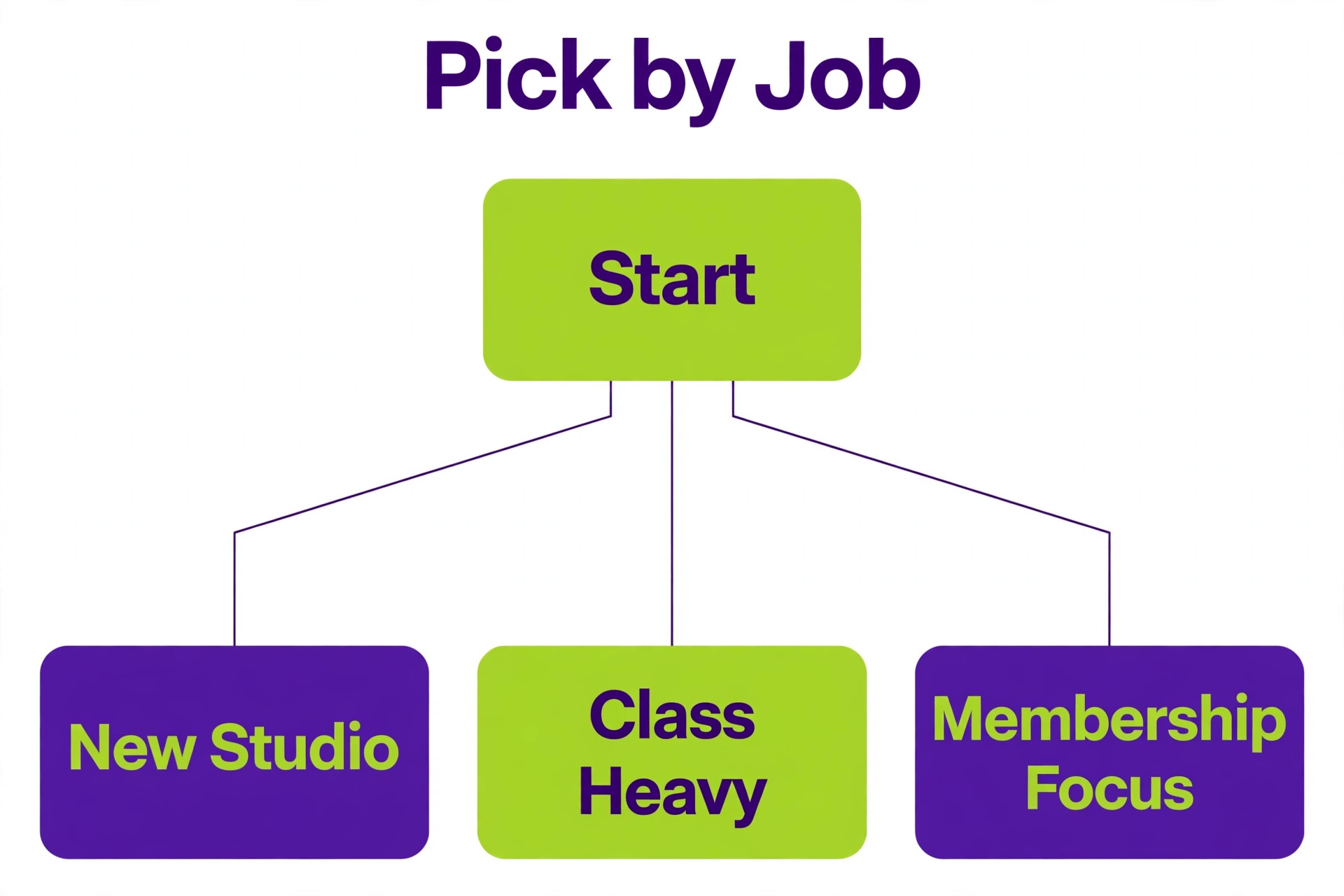
Best Pick by Studio Website Job
| Job | Pick | Why it fits |
|---|---|---|
| Class schedule first | Wix | Booking inside the website plan, so the timetable stays current without a second tool. |
| Membership first | Mindbody or OfferingTree | Memberships, packs, and renewals handled as core operations, not add ons. |
| Trainer bio first | Squarespace | The most polished trainer and class pages, with scheduling added alongside. |
Choosing best website builder for fitness studios by job avoids the trap of buying the highest rated tool overall, because the tool that wins for one job can lose badly for a different job in the same business.
Use this table to narrow the shortlist to one winner for the actual job, rather than the highest rated tool overall. A tool that wins for one job can lose badly for another, and the table keeps that distinction visible.
Checklist Before Fitness Studios Buy
Work through this checklist for best website builder for fitness studios before signing, because each item catches a problem that is cheap to find in a trial and expensive to fix after a rollout.
Test the class timetable on a real phone, as a simple list by day, before committing.
Confirm drop ins, class packs, and memberships each work with correct expiry and renewal rules.
Check the total monthly cost with booking, payments, and any second subscription included.
Verify payment processing fees at real monthly volume, not only the subscription price.
Ask how class, member, and payment data export if you switch platforms.
Confirm the site loads fast on mobile, because a slow timetable loses bookings before design matters.

Mistakes That Cost Fitness Studios Time and Money
Most buyers of best website builder for fitness studios make the same three mistakes, and each one is avoidable with a trial that uses real data rather than sample data.
The most common mistake is buying a beautiful builder and bolting on a broken schedule. Visitors forgive plain design far faster than they forgive a timetable they cannot read or a booking flow that fails on a phone. Schedule usability is the website for a fitness studio, and everything else supports it.
The second mistake is pricing the starter plan instead of the booking capable plan. A $17 plan that cannot take bookings, plus a $20 scheduling tool, plus payment fees, quickly costs more than a $29 plan with booking included. Price the working system, not the advertised entry point.
The third mistake is ignoring renewal and expiry rules until members complain. Class packs that never expire, memberships that renew silently, and intro offers that convert unexpectedly all create support work and refund requests. Test every membership rule in the trial with real dates before going live.
How to Test Website Builders Before You Buy
Search visibility deserves a check beyond templates, because a studio lives on local searches. Confirm the builder supports local business pages, class pages that search engines can read, and fast mobile loading, rather than relying on a single homepage to rank for every class type.
Email and retention tools matter once the first members join, because filling classes depends on keeping members as much as finding them. Test automated reminders, waitlist messages, and reactivation emails in the trial, so retention does not depend on manual messages every week.
What to Ask on a Builder Demo
Ask the vendor to run your real workflow, not a polished sample, because demos hide the exact steps that cause trouble later. Bring one real project, one real employee file, or one real class timetable, and watch how many clicks each task takes from start to finish.
Ask who owns support after the sale, and how fast a useful answer arrives during working hours. A vendor that answers quickly during a trial often slows down after payment, so note response times now and ask for the support hours and channels in writing.
Ask about contract length, renewal behaviour, and price changes at renewal, because the first year price rarely survives untouched. A tool that looks affordable on a twelve month deal can become expensive in year two, and that renewal figure belongs in the first comparison.
Setup in the First 30 Days After Launch
Start with one team, one location, or one project, rather than rolling the tool out everywhere on day one. A small pilot surfaces template problems, permission mistakes, and training gaps while they are still cheap to fix, and the pilot team becomes the internal help desk for the wider rollout.
Build templates before adding volume, because a tool without templates forces every user to reinvent the same structure. Create the standard job, employee record, project, or class timetable once, test it on a real case, and only then copy it for the next case.
Schedule a review at day 30 with real usage data, not opinions. Check how many records are complete, how many tasks or hours are missing, and which features nobody opened. Cut the unused features from training, fix the missing data process, and only then expand to the next team or location.
Getting More From a Studio Website After Launch
Review security and access controls before adding sensitive records, because a tool that everyone can edit will soon hold data nobody trusts. Set roles for admin, manager, and field or frontline users, test what each role can see and change, and remove access promptly when staff leave.
Check integration depth with the tools already in daily use, because a new system that sits apart from email, calendar, accounting, or point of sale creates double entry. Test the integration with real records during the trial, not with sample data that hides mapping problems.
Plan data migration as a project of its own, with a clear owner and a deadline, because importing years of messy history without cleaning it simply moves the mess. Migrate active records first, archive old records separately, and verify counts after import before going live.
Test reporting with the questions managers actually ask each week, rather than admiring a dashboard in a demo. If a report needs a spreadsheet to answer a basic question about cost, hours, or bookings, the reporting is decoration rather than control.
Confirm renewal terms, price change notice periods, and cancellation steps in writing before signing, because the cheapest first year can become the dearest second year. Note the renewal date in a calendar the business actually checks, so it never renews by surprise.
Train with real tasks, not feature tours, because users remember a workflow they completed themselves and forget a tour they watched. Give each team one real case to complete in the tool, then review the result together before the next team starts.
Ask about data ownership and export formats early, because a tool that holds records hostage at renewal time creates a long term cost. Test an export during the trial, keep a local archive, and confirm that history, balances, and documents leave in usable formats.
Watch total cost over two years, not one month, because implementation, training, add ons, and renewal increases change the ranking. A tool that costs more monthly but needs no add ons can be cheaper over two years than a cheap plan with paid extras.
Check mobile performance on the devices staff actually carry, including older phones and weak signal, because a tool that works in the office and fails on site will be abandoned by the people whose data matters most.
Set a single owner for the system after launch, because a tool with no owner drifts into inconsistent use, duplicate records, and stale templates. The owner need not be technical, but must review usage monthly and fix the small problems before they become habits.
Class page structure matters as much as the timetable itself, because visitors search for specific class types rather than for the studio name alone. Give each class type its own page with level, intensity, equipment, and instructor details, so search visitors land on the class they actually want.
Intro offers need careful handling on the site, because a badly explained offer creates support messages and refund requests. State the number of classes, the expiry window, and what happens after the intro ends, in plain language on the offer page itself.
Waitlist handling keeps full classes productive instead of turning visitors away. Test whether the waitlist notifies automatically when a spot opens, whether the spot holds for a set time, and whether no shows from the waitlist are tracked, because those details decide whether the feature helps or frustrates.
Instructor pages should sell trust, not just list qualifications, because visitors choose a class partly on the person teaching it. Include a short teaching style note, class types taught, and a real photo, rather than a generic biography that could belong to any trainer.
Pricing pages lose bookings when they hide the real cost behind vague labels. Show drop in, pack, and membership prices side by side, state any joining fee plainly, and explain pause and cancellation rules before checkout, so visitors buy with confidence rather than hesitation.
Local search setup deserves attention before launch, because most studio visitors search by neighbourhood and class type. Confirm the builder supports location pages, opening hours, and review display, and test that the studio appears correctly in local results on a phone.
Video content helps a studio site, but it must not slow the timetable page. Host class previews on a fast video service, keep the timetable page light, and test load time on a mobile connection, because a slow schedule page loses bookings before any video is watched.
Trial class handling should be tested end to end, because a free trial that requires a phone call or a manual email defeats its purpose. Confirm visitors can book a trial, receive confirmation automatically, and convert to a paid pack without staff intervention, so trials actually fill classes.
Seasonal timetable changes test how easy the site is to maintain, because a studio that cannot update its own schedule will soon show stale classes. Check that adding, cancelling, or substituting a class takes minutes from a phone, without help from a designer or developer.
Gift cards and merchandise can add revenue, but only if they sell through the same checkout as classes and memberships. Test gift card purchase, delivery, and redemption in the trial, so a gift buyer never needs a separate system or a manual workaround from staff.
Staff scheduling visibility helps members as well as managers, because a timetable that shows who teaches each class builds familiarity and loyalty. Confirm the builder displays instructor names and substitutions clearly, so a last minute cover teacher never surprises a regular class.
Cancellation and late policy wording should sit beside the booking button, not buried in terms pages, because clear policies reduce no shows and disputes. Test that the policy appears during booking and in confirmation messages, so members agree to it before they book.
Accessibility checks protect bookings as well, because a timetable with low contrast text or tiny tap targets loses visitors who struggle to read or tap it. Test colour contrast, tap size, and screen reader order on the schedule page before launch, so every visitor can book without help.
The Verdict for Studio Websites
The verdict for best website builder for fitness studios depends on the job, not on a single overall winner, so match the recommendation below to the actual work before buying.
For most independent studios, Wix is the best balance of design, booking, and price, because the class schedule, memberships, and pages live on one bill. For studios where discovery and full studio operations matter more than website design freedom, Mindbody is the stronger platform, provided the higher total and contract terms are accepted.
For design led studios with a full roster already, Squarespace plus a scheduling tool gives the most polished site, while OfferingTree suits studios that want studio software with a website included at a lower starting price. Choose by the booking model first, then by design, and test the mobile timetable before paying.
Frequently Asked Questions
These questions cover the points buyers of best website builder for fitness studios ask most often, with answers based on the pricing and feature trade offs in the sections above.
Do I need a website builder or studio software
A general builder suits a studio with simple scheduling and a design led site, while studio software suits a studio whose daily work is classes, memberships, and client records. If the schedule is the business, buy studio software with a website included rather than bolting booking onto pages.
Can I sell class packs and memberships on Wix or Squarespace
Yes, with different levels of native support. Wix handles bookings and memberships inside its plans more directly, while Squarespace often needs scheduling and membership setup through added tools. Test the exact pack and membership rules in a trial before committing.
Is Mindbody worth the higher price
For an established studio that converts marketplace discovery into memberships, the higher total can pay for itself. For a solo trainer with a full roster, the same price buys discovery and operations that are not needed, so a cheaper builder wins.
How important is the mobile timetable
It is the most important page on the site, because most visitors check class times on a phone. A timetable that reads as a simple list by day will book more classes than a beautiful homepage with a timetable that scrolls sideways.
Can I move my member data later
Most tools allow exports, but completeness varies for class history, memberships, and payment records. Ask for export formats before signing, test an export during the trial, and keep a local archive of member and payment history.
Should a new studio start free or paid
A new studio should start on a low cost paid plan with booking included, rather than a free plan that cannot take bookings. Free plans help test design, but a studio that cannot sell a class from its site is not yet open for business online.
More Reading on Stratilyze
Read Best Website Builder for Restaurants for another service business builder comparison, Best AI Tools for Fitness Coaches for coaching tools, and Best AI Website Builders for AI led building options.