
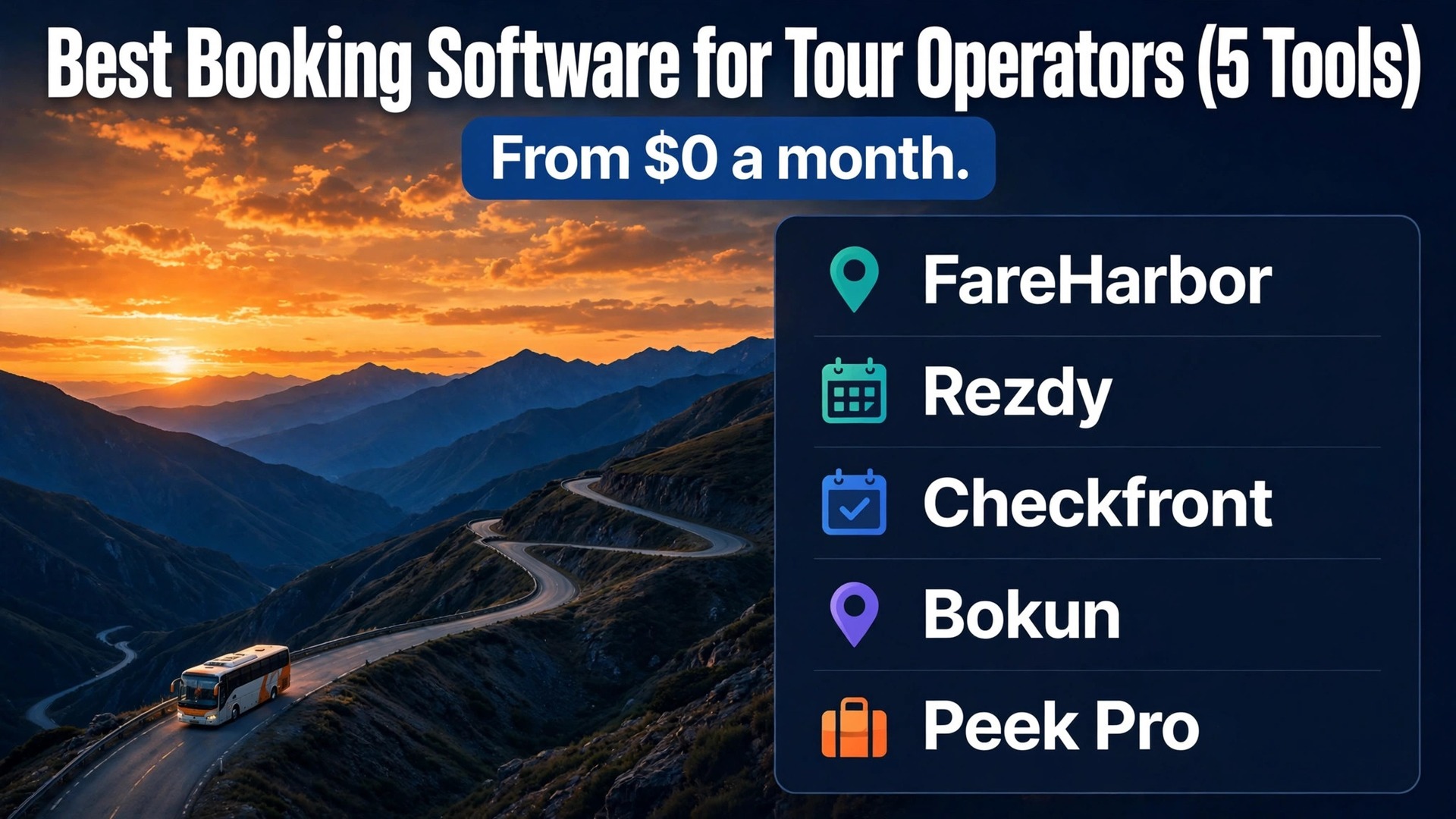
FareHarbor charges nothing per month and about 6 percent per booking, Rezdy charges from 49 dollars a month with no direct fee, and Bókun charges from 49 dollars a month with a 1 point 5 percent direct fee. That comparison is the hook for this guide to best booking software for tour operators, because the cheapest headline price is rarely the cheapest year, and the right choice depends on where bookings come from and how many guests actually book.
A tour operator does not just need a calendar. The system must sell seats online, sync availability across resellers, handle walk up sales at a desk, collect waivers, and keep guides, vehicles, and equipment from being double booked. When that system works, the operator spends the day running tours. When it does not, the operator spends the day answering booking messages and fixing double bookings by hand.
Five Booking Tools at a Glance
| Tool | Starting price | Best for |
|---|---|---|
| FareHarbor | 0 dollars per month, about 6 percent commission per online booking | new and seasonal day tour operators |
| Rezdy | 49 dollars per month for Foundation | operators living on resellers |
| Checkfront | confirm the current plan, older listings at 99 dollars per month | operators with mixed tours and rentals |
| Bókun | 49 dollars per month for the entry paid plan | Viator heavy operators |
| Peek Pro | priced by quote, about 6 percent customer paid fee reported | high traffic United States operators |
Read the table as a shortlist, not as a final ranking. The cheapest option may suit a small team perfectly, while the most expensive option may be the only one that handles a specific workflow. Pick three finalists from the table, then read their full sections before you decide.

How to Judge the Best Booking Software for Tour Operators
Start with the booking mix, not the monthly fee. An operator that sells mostly direct from its own website needs a fast checkout and a low direct fee. An operator that sells mostly through Viator and resellers needs channel sync and a low channel fee. An operator that sells mostly walk up needs a strong point of sale. The same tool cannot be cheapest for all three mixes at once.
Model the full year cost at a real booking volume. Take two hundred bookings a month at a realistic average price, then add the monthly fee, the per booking percentage, and card processing where it sits on top of the platform fee. FareHarbor style models include processing in the headline rate, while other models pass card costs through, so a like for like comparison must include that difference.
Check who pays the fee, because it changes the guest price and the operator margin. Some platforms add the fee to the guest checkout total, some take it from the operator margin, and some mix the two by channel. A fee that looks small on a pricing page can still hurt conversion if guests see it late in checkout and abandon the booking.
Test availability sync with a real double booking risk. List the same tour on the website and on one reseller, sell a seat on one channel, and watch the other channel update. If sync is slow or manual, the operator will double book during peak season, and no feature list will undo a ruined guest experience.

Every Tool, Examined in Turn
1. FareHarbor
FareHarbor is the default for United States day tour and activity operators who want no monthly software bill. It charges no monthly fee, and instead applies a commission of about 6 percent per online booking, typically added to the guest checkout price, with payment processing included in that rate in most listings. The product is owned by Booking Holdings and offers a strong mobile point of sale for walk up sales.
The strength is simplicity and support. No monthly fee means a seasonal operator pays nothing in the off season, and phone first support helps a small team during a busy weekend. Operators that are just starting will value a system that can be live quickly without a subscription commitment.
The limit is cost at volume. A 6 percent fee on every booking grows with revenue, and at high volume a flat subscription rival costs far less over a year. Choose FareHarbor if volume is low, seasonal, or walk up heavy. Skip it if direct bookings already run at high volume all year.
2. Rezdy
Rezdy is the distribution choice for operators who live on resellers and online travel agencies. Foundation costs 49 dollars per month, Accelerate costs 99 dollars, and Expansion costs 249 dollars, with no fee on direct bookings and about 3 percent on channel bookings. Offline and agent bookings cost 1 dollar, 85 cents, and 70 cents by plan, and the trial runs 21 days with no credit card required in most listings.
The strength is channel reach. A channel manager connects to thousands of resellers including Viator, Klook, and Google Things to Do, with live availability sync so the same seat is never sold twice. Operators that depend on reseller volume will value that sync more than any single website feature.
The limit is setup time and the channel fee. Configuring products, resources, and reseller rules takes longer than a simple direct booking tool, and channel fees add up at high reseller volume. Choose Rezdy if resellers drive the business. Skip it if almost all bookings come direct from the operator website.
3. Checkfront
Checkfront is the flexible value pick for small operators with mixed inventory. Listings differ since Checkfront joined the Rezdy group, so confirm the current plan before budgeting. Older widely listed pricing puts Checkfront at 99 dollars per month with a 3 percent online booking fee, while newer listings put it at 125 to 295 dollars per month with no commission on direct bookings.
The strength is inventory flexibility. Daily, multi day, timeslot, and flextime booking types, resource management for equipment, digital waivers, seasonal pricing, and online travel agency links come together in one system. Operators that sell tours beside rentals or lodging will value that mixed inventory handling.
The limit is pricing uncertainty after the Rezdy group change. An operator that budgets on an old listing may face a different plan on signup, so get the current price in writing. Choose Checkfront if mixed inventory is the core need. Skip it if the operator needs the deepest reseller channel count available.
4. Bókun
Bókun is the distribution play for operators tied to Viator and Tripadvisor, which own the platform. Paid booking plans are listed at 49 dollars, 149 dollars, and 499 dollars per month, with booking fees of 1 point 5 percent, 1 point 25 percent, and 1 percent on applicable bookings. No Bókun booking fee applies on Viator bookings or on offline bookings under those plans.
The strength is low fees on the largest marketplace. A 1 point 5 percent direct fee is far below a 6 percent commission model, and zero fee Viator bookings protect margin on the channel many operators depend on. Operators with strong Viator volume will see the saving immediately.
The limit is setup depth and marketplace dependence. Building products, availability rules, and reseller settings takes time, and an operator that depends heavily on one marketplace inherits that marketplace risk. Choose Bókun if Viator volume is high. Skip it if the operator wants the simplest possible start.
5. Peek Pro
Peek Pro positions itself as a revenue engine for United States operators, not just a booking calendar. Pricing is by quote, and third party guides put the typical customer paid booking fee near 6 percent, so confirm the full terms in the quote. The product offers a fast mobile first checkout, abandoned booking recovery claimed at about 18 percent recapture, AI dynamic pricing, waitlists, digital waivers, and a point of sale for walk ups.
The strength is conversion. A fast checkout, abandoned booking follow up, and dynamic pricing aim at turning more lookers into paid guests, which matters more than a low monthly fee when traffic is already strong. Operators with high website traffic will value that revenue focus.
The limit is price transparency. A quote only model with a commission style fee means the real cost is unclear until the quote arrives, and costs grow with success. Choose Peek Pro if website conversion is the bottleneck. Skip it if a published price and predictable cost matter most.
The Best Pick by Job
This guide matches the best booking software for tour operators to the operator type, because a day tour, a multi day tour, and an activity operator face different inventory problems. Use the table, then read the full section for the pick.
| Job | Best pick | Why it fits |
|---|---|---|
| Day tour operators | FareHarbor | No monthly fee and strong walk up sales for daily departures |
| Multi day tour operators | Rezdy | Channel and availability control across longer itineraries and resellers |
| Activity operators | Bókun | Low direct fees and strong Viator reach for activities |
For a related decision, the guide to online booking software for service businesses covers general booking options, and the guide to booking software for med spas shows how a different service industry handles deposits and calendars.

A Setup Checklist for a Smooth Season Start
Migrate in the quiet season if possible. Move products, availability, and pricing first, then open bookings only after a full test booking works end to end.
1. Build every product with real dates, prices, and capacity limits. 2. Connect one reseller channel first and prove sync before adding more. 3. Test a full guest booking, a waiver, and a refund before going live. 4. Train guides and desk staff on walk up sales and cancellations. 5. Keep the old booking method live for one week as a safety net.
Mistakes That Eat Margin After Launch
The most expensive mistake is choosing on monthly fee alone. A zero monthly fee with a 6 percent commission costs more than a 49 dollar subscription at high volume, and the gap grows every month the operator succeeds. Run the fee math at the real volume for a full year, not at the starting volume for the first month.
The second mistake is ignoring card processing. Some platform fees include processing, some add roughly 2 point 9 percent plus 30 cents on top, and that difference changes the ranking completely. Ask every vendor whether processing sits inside the headline fee or on top of it, and get the answer in writing.
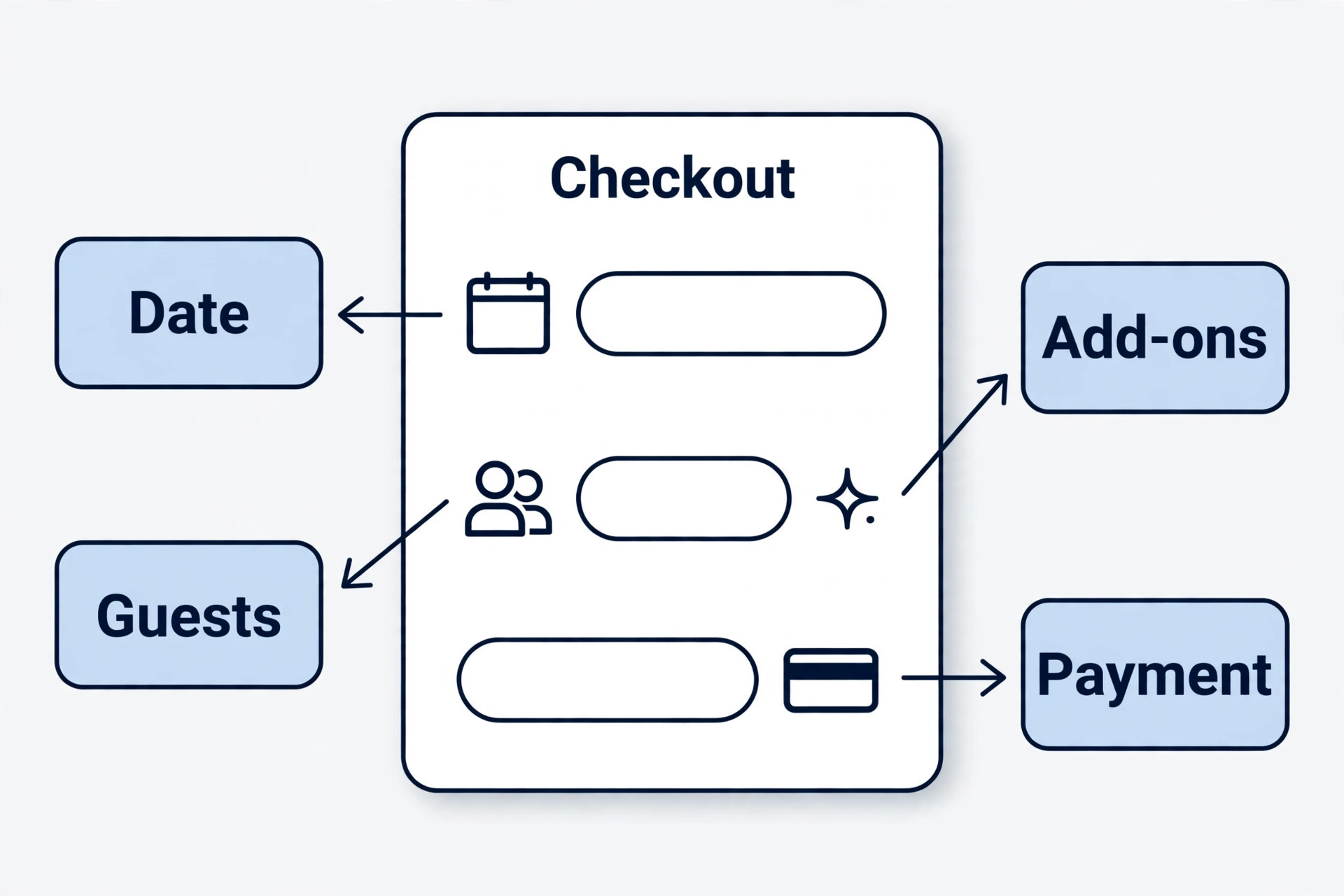
The third mistake is launching without a waiver and cancellation test. A tour that needs a signed waiver, a deposit, or a strict cancellation rule will fail at the desk if those steps are not built into checkout. Test the hardest booking type first, such as a group with add ons and a partial payment, because easy bookings hide problems that hard bookings expose.
What to Test Before Peak Season
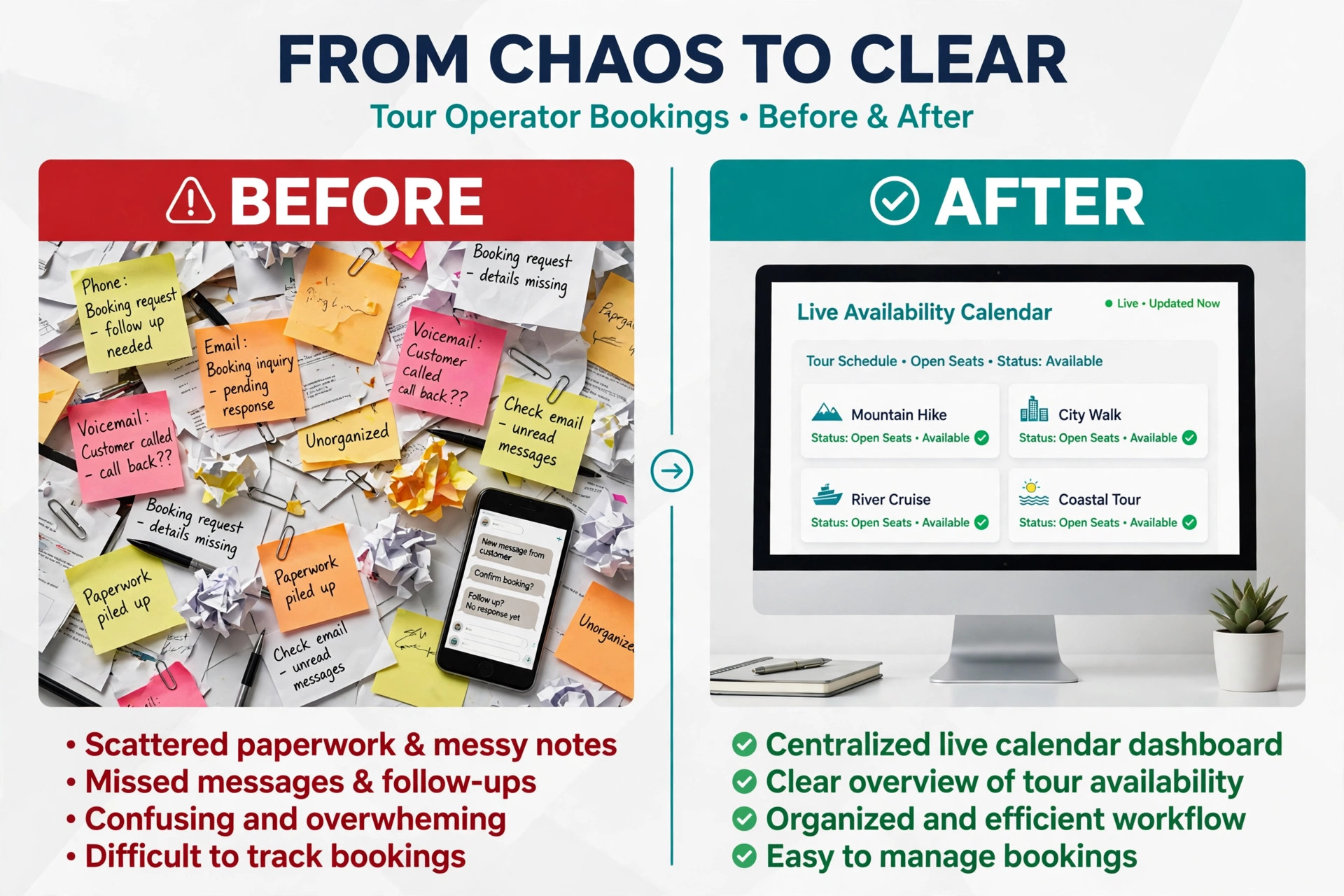
Test the guest checkout on a phone, not on a desk computer. Most tour guests book from a phone, often on the day of travel, so a slow or confusing mobile checkout loses sales that a desktop test would miss. Time the checkout, count the steps, and check that the price shown at the start matches the price at payment.
Test reseller sync under load. Sell seats on two channels at the same time during a trial, and watch availability update on both. A system that syncs once an hour will double book on a busy morning, while a system with live sync protects the operator and the guest alike.
Test the point of sale for walk ups. A desk sale should take under a minute, print or send a ticket, and update online availability instantly. If walk up sales live in a separate notebook, online guests will book seats that are already sold, and the operator will face angry guests at departure time.

Seasonality, Guides, and the Guest Experience
Seasonality changes every cost calculation for the best booking software for tour operators. A business that earns most of its revenue in four months and almost nothing in winter needs a fee model that matches that shape, not a flat subscription that charges the same in January as in July. Map monthly bookings for a full year before comparing any two platforms.
Guide and resource scheduling is where simple booking tools fail. A tour needs a guide, a vehicle, and equipment at the same time, and a system that only tracks seats will double book a guide while seats still look available. Test a tour with two guides, one vehicle, and shared equipment, and watch how the system handles a conflict.
Guest communication after booking matters as much as the checkout itself. Meeting point directions, what to bring, weather changes, and last minute delays all reach guests by email or text, and a system that automates those messages will cut no shows and confused arrivals. Test the full message sequence for a real tour, not just the confirmation email.
Group bookings create pricing and capacity problems that single guest bookings hide. A group of twenty needs a deposit structure, a rooming or seating plan, and a single invoice, while the system must still protect capacity for other guests. Test a group booking end to end, including a partial payment and a late addition, before assuming the system handles groups.
Refunds and cancellations are a trust test. A guest who cancels should get a clear refund policy, a fast refund, and a seat freed for resale without manual work. A system that makes refunds slow or manual will cost staff time and guest goodwill, especially during weather disruptions when many guests cancel at once.
Multi day tours need itinerary level thinking, not just daily seat sales. Accommodation, transport, meals, and activities must stay linked to one booking, and a change to one day should flow through the whole itinerary. Test a multi day booking with a date change, and check whether every linked element updates or whether staff must fix each day by hand.
Activity operators face a different problem, which is time slot density. A kayak rental, a climbing session, and a guided walk all compete for the same morning hours, and a system must show true availability across activities, not just per product. Test overlapping activities with shared staff, and watch for double bookings that a per product view would miss.
Payment options affect conversion more than most operators expect. Guests want to pay by card, by mobile wallet, and sometimes in installments for expensive multi day tours, and a checkout that only offers one method will lose sales. Test every payment method the operator plans to offer, including deposits and balance payments, before going live.
Review collection after a tour is a marketing engine that many operators leave idle. A guest who just finished a great tour is far more likely to leave a review than the same guest a week later, so automated review requests timed to the tour end will build ratings faster. Ask how review requests are timed and whether they can be sent by text as well as email.
Accessibility and language support matter for international guests. A booking page that only works in one language, or that fails on a small phone screen, will lose guests who would otherwise book. Test the checkout in the languages the operator serves, on a phone, with a guest who has never seen the site before.
Weather and disruption handling separates a good system from a fragile one. When a tour is cancelled for weather, the operator must contact every guest, offer rebooking or refunds, and free capacity for another day, all quickly. Test a mass cancellation in the trial, and time how long it takes to contact every guest on one departure.
Partner and agent bookings need a separate workflow from direct guests. Travel agents and hotel partners book on behalf of guests, need net rates or commissions, and should not see the same public pricing. Test an agent booking with a commission rate, and check that the agent portal shows only that agent bookings, not the full business.
Data for pricing decisions comes from the booking system, not from guesswork. Occupancy by day, lead time, channel mix, and cancellation rate should all be visible without a spreadsheet, because those numbers decide when to discount, when to add capacity, and when to raise prices. Ask for those reports in the trial with real booking data.
Staff permissions protect the business during a busy season. A seasonal guide should see only their own tours, a desk agent should not refund without approval, and a manager should see the full picture. Test role based access with a seasonal hire account, because a system that gives everyone full access will create errors and security gaps.
Integration with the operator website must be clean and fast. A booking widget that slows the site, breaks on mobile, or looks like a different brand will cost direct bookings, which are the most profitable channel. Test the widget on the real website, on a phone, with a slow connection, before committing to a platform.
Accounting reconciliation at month end should be simple. Payouts, refunds, platform fees, and card processing must all reconcile to the bank account without manual matching of hundreds of transactions. Ask how payouts are reported, whether fees are itemized, and how refunds appear in the reconciliation view.
The best booking software for tour operators must also handle the quiet months well. A system that charges a full subscription through a dead winter, or that makes it hard to pause products and update seasonal pricing, will frustrate an operator who needs flexibility. Ask how seasonal products are paused, how prices change by season, and whether the operator can hibernate without losing data.
Finally, the best booking software for tour operators is judged on a busy Saturday, not on a quiet demo day. Seats must not double book, guides must not clash, walk ups must check in fast, and guests must get clear messages. Test that Saturday in the trial, with real products and real volume, and the right system will show itself clearly.
Pricing, Partnerships, and the Quiet Season Plan
Partnerships with hotels and local businesses can fill seats that direct marketing misses, and the best booking software for tour operators should handle partner rates cleanly. A hotel that books guests for a commission needs a simple portal, a clear rate, and a report it can trust, without seeing the operator full business.
Pricing strategy should be tested in the system, not in a spreadsheet. Early bird rates, last minute discounts, and seasonal price changes all affect occupancy and margin, and a system that makes price changes slow will discourage the operator from adjusting prices when demand shifts.
The quiet season is the right time to rebuild products, update photos and descriptions, and test new tour ideas. A system that makes product editing easy will encourage that work, while a system that makes editing painful will leave stale products live for another season.
Staff training for seasonal hires must be fast. A guide or desk agent who starts in peak season should be able to check in guests, sell a walk up seat, and handle a cancellation after a short training session. Test that training time in the trial with a new hire account, because a complex system will slow every seasonal start.
Guest feedback after a tour should flow back into product decisions. A tour with frequent complaints about timing, meeting points, or pace needs a product change, not just an apology, and the booking system should make feedback easy to collect and easy to review by product.
The final test is a busy Saturday with real products, real guides, and real guests. The best booking software for tour operators will keep seats accurate, guides scheduled, walk ups checked in, and guests informed, all at once. A system that passes that test will also handle a quiet Tuesday without any trouble at all.
Language, Equipment, and Last Minute Sales
Language support for guest messages should be tested with a real translated message, not just a language toggle on the booking page. A guest who receives a meeting point message in the wrong language may arrive at the wrong place, and that failure costs far more than the translation effort.
Equipment maintenance and inspection dates should live beside the booking calendar for activity operators. A kayak, a bike, or a climbing harness that is due for inspection should not be booked until it is cleared, and a system that links equipment status to availability will prevent that risk.
A deposit structure for expensive tours protects both the operator and the guest. A clear deposit, a balance due date, and automatic reminders will reduce cancellations and improve cash flow, while a full payment upfront model may deter guests who are still comparing options.
Last minute availability for tomorrow tours is a sales channel of its own. Guests already in a destination often search the night before, so a system that updates availability instantly and sells a seat at midnight will capture sales that a manual system would miss until morning.
Frequently Asked Questions
How much does tour booking software really cost per year?
At two hundred bookings a month, platform fees alone range from under 2500 dollars a year on a low fee subscription model to over 12000 dollars a year on a 6 percent commission model, before card processing where it sits on top. Run the math at the real average booking price, because the percentage fee scales with price.
Is a zero monthly fee platform really free?
No. A zero monthly fee platform earns through a per booking commission, which grows with revenue. It suits low volume and seasonal operators well, but high volume operators usually pay less on a subscription model with a low per booking fee.
What is the difference between a direct fee and a channel fee?
A direct fee applies to bookings from the operator website, while a channel fee applies to bookings from resellers and online travel agencies. Some platforms charge zero on direct bookings and a percentage on channel bookings, so the booking mix decides which model is cheapest.
Should a small operator worry about Viator fees?
Yes, but separately from platform fees. Viator and other marketplaces charge their own commission on top of any platform fee, unless the platform waives its own fee on that channel. Bókun, for example, charges no Bókun fee on Viator bookings, but marketplace commission still applies.
How long does it take to switch booking software?
A simple direct booking switch takes one to three weeks, while a reseller heavy switch takes four to eight weeks, including product setup, channel sync testing, and staff training. Migrate in the quiet season where possible, and keep the old method live for a week as a safety net.
What should an operator test before signing?
Test mobile checkout, reseller sync, walk up point of sale, waivers, and refunds with real products and real prices. Ask whether card processing sits inside the headline fee or on top of it, and get the full fee schedule in writing before signing.
The Booking Math Decides the Winner
For most new and seasonal operators, FareHarbor is the easiest start, because there is no monthly bill in the off season. For operators with steady volume and reseller sales, Rezdy or Bókun will usually cost less over a full year, with Bókun winning where Viator volume is high. For operators with mixed tours and rentals, Checkfront deserves a close look once the current price is confirmed in writing.
Do not sign on a monthly price, and do not sign on a demo. Run the full year fee math at the real booking volume, test mobile checkout and channel sync with real products, and choose the system that protects margin without double booking a single seat. That math, run honestly, will name the winner for the operator type in front of you.