
One empty seat in a weekly art class, repeated across a full term, is revenue that cannot be recovered later. The seat was there, the teacher was paid, the materials were bought, and nobody sat in it. Multiply that seat across several classes and several weeks, and a studio can lose a meaningful share of term income without ever noticing a single dramatic failure. That quiet loss is the reason the best class management software for art studios matters, because enrollment, waitlists, and payments decide whether seats fill or stay empty.
An art studio is not a gym and not a school in the usual sense. Classes run in terms, students enroll for a block, materials matter, ages and skill levels must be grouped sensibly, and parents need clear communication about schedules, fees, and what to bring. A generic booking tool can take a single appointment. It cannot easily manage a term of weekly classes, a waitlist for a full pottery class, a sibling discount, and a makeup session for a child who missed a week. Those term based details are the daily work of a studio office.
This guide compares five tools built for class based businesses, with a focus on art studios. Prices are starting prices where published. Where a price is not confidently known, the note reads Check the vendor pricing page, because student counts, teacher counts, and payment processing change the real monthly figure.
Why Art Class Enrollment Breaks a Normal Booking Form
A normal booking form sells one slot at one time. An art studio sells a term. A parent enrolls a child for ten Tuesdays, pays in full or in instalments, and expects the studio to remember the child, the class, the teacher, and the payment plan for the whole term. If the system only records single bookings, the office must rebuild that term picture from many separate records, and mistakes follow. A child can be enrolled twice, a payment can be missed, or a class can be overfilled because nobody saw the total count.
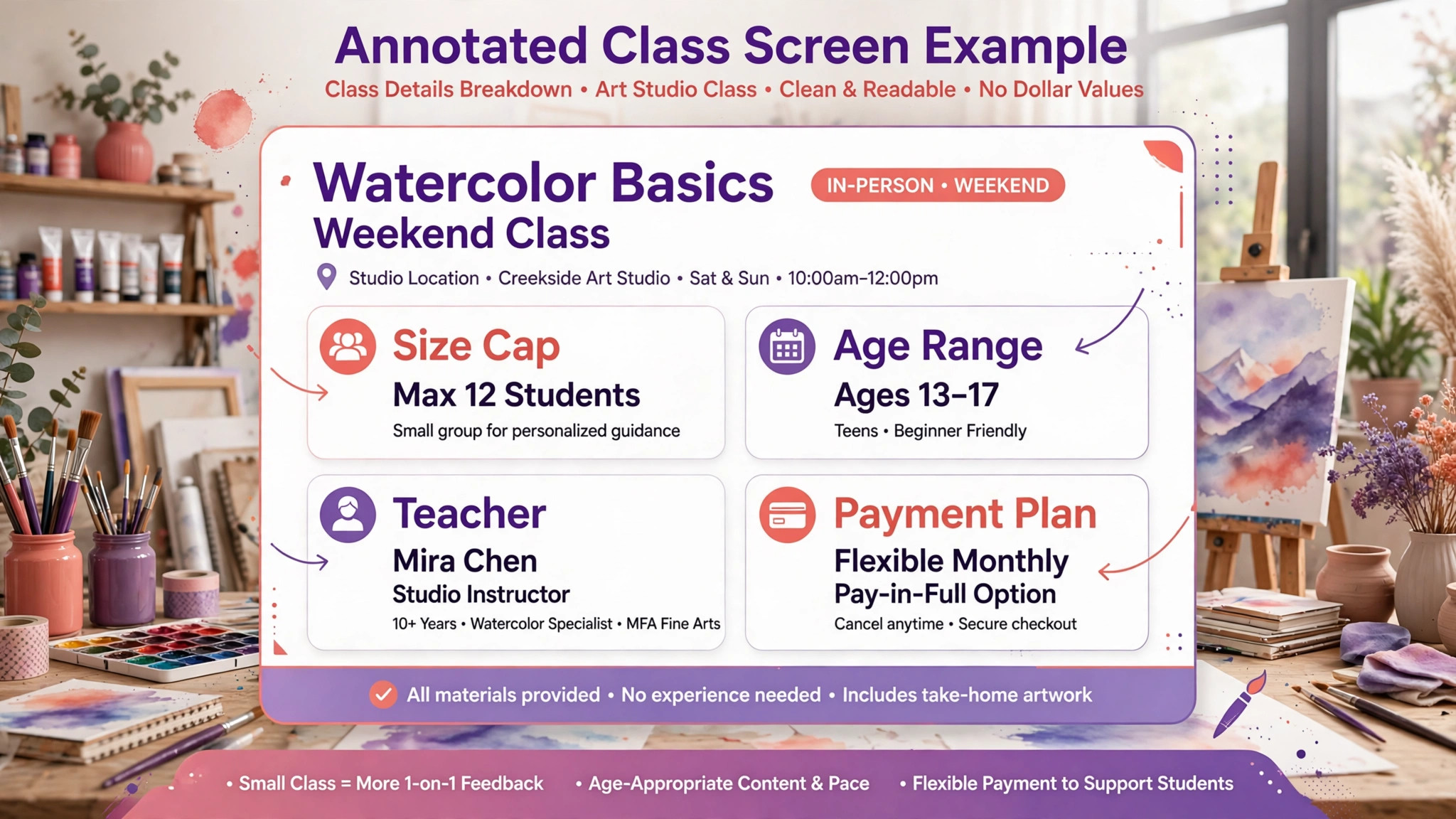
Age and skill grouping adds a second problem. A mixed age art class may work for open studio time, but a structured drawing class needs age bands and skill levels that make teaching possible. A system that lets any student book any class will fill classes with the wrong mix, and the teacher will spend the term managing a range that should never have been grouped together. A good class system enforces age ranges, skill prerequisites, and class size caps at enrollment, so the office does not have to police every booking by hand.
Materials, communication, and makeup sessions add a third layer. Some classes include materials in the fee, some charge separately, and some ask students to bring their own supplies. Parents need to know which applies before the first class, not after it. When a student misses a class, the studio needs a clear makeup policy and a way to book a makeup seat without overfilling another class. A system that handles enrollment, materials notes, parent messages, and makeup bookings in one place will save more office time than a system that only records names on a list.
The 5 Tools at a Glance
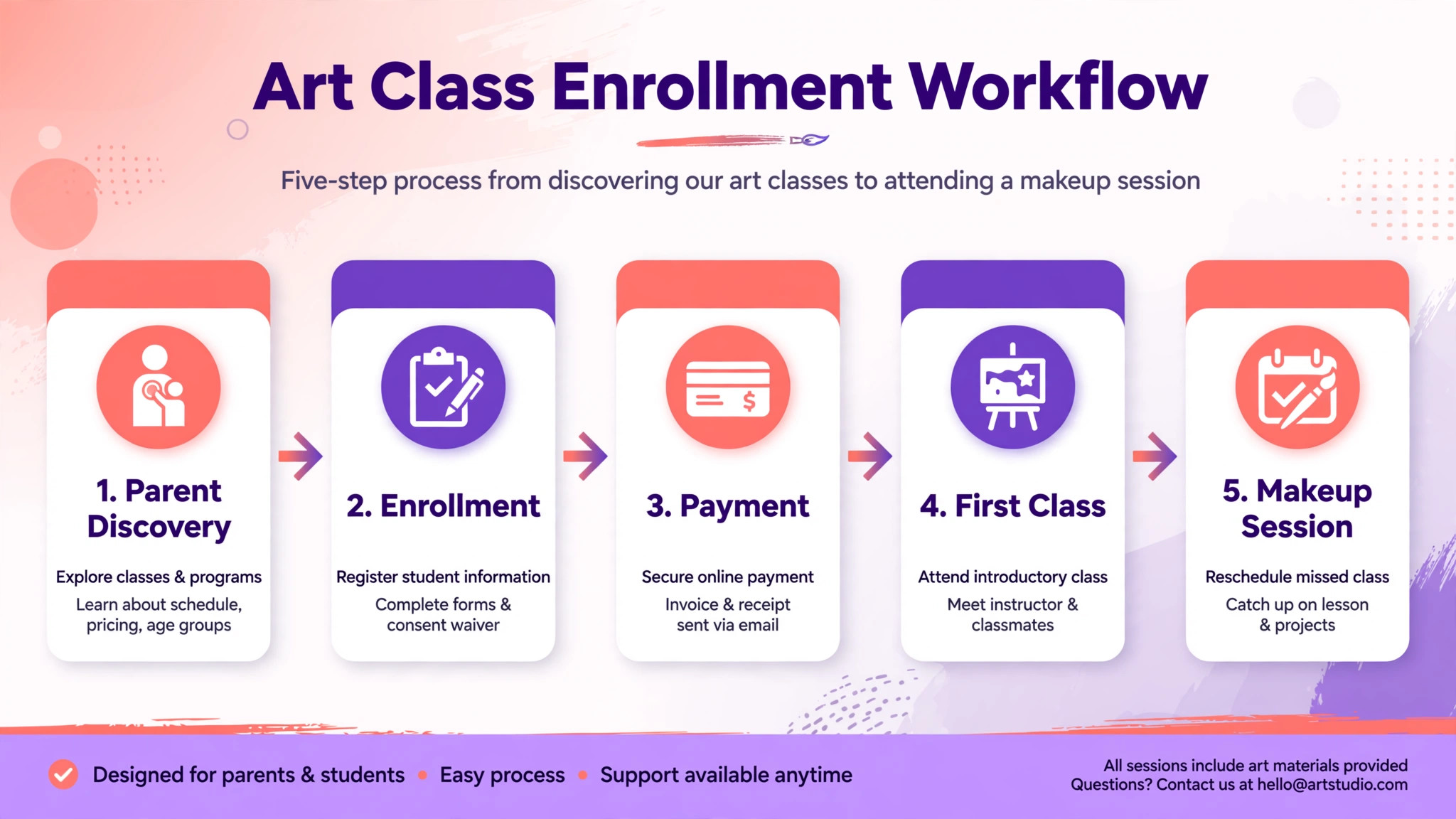
| Tool | Starting price | Best for | Art studio depth |
|---|---|---|---|
| Jackrabbit Class | Check the vendor pricing page | Studios with term enrollment | Strong |
| Sawyer | Check the vendor pricing page | Kids focused studios | Strong |
| Amilia | Check the vendor pricing page | Studios with online registration | Good |
| ClassManager | Check the vendor pricing page | Studios wanting simple class control | Good |
| The Studio Director | Check the vendor pricing page | Dance and art studios with recitals | Good |
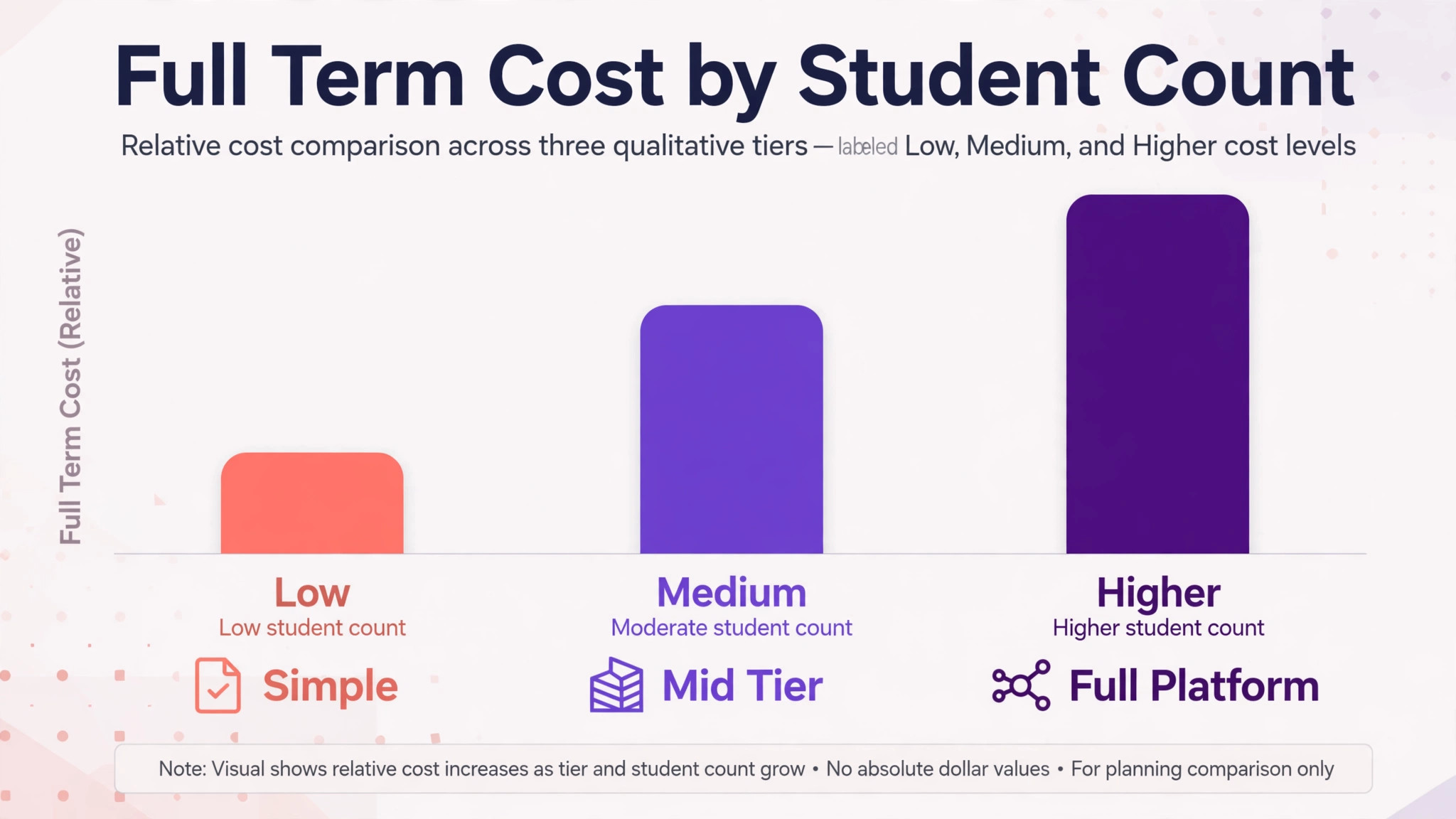
Class software pricing often depends on student count, which means a studio that grows from fifty students to two hundred students may move through several pricing tiers in a year. That is why a comparison of the best class management software for art studios should be priced on a full term at your real student count, including payment processing, rather than on a headline starting price alone. Ask each vendor for a written quote for your current student count and your expected count next term before comparing totals.
Best Pick by Job
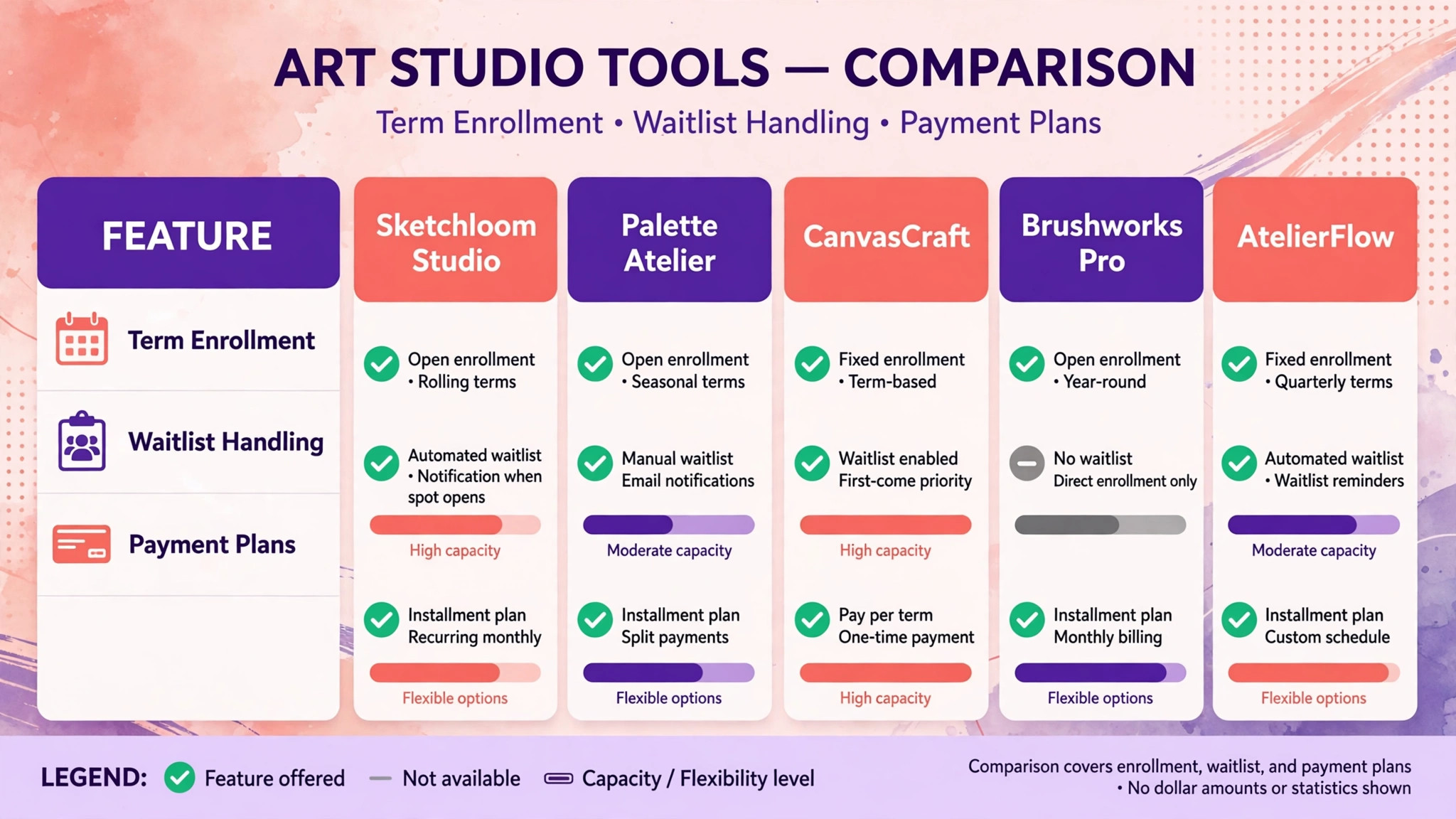
| Job type | First pick | Why it fits | Watch out for |
|---|---|---|---|
| Solo studio | ClassManager | Simple class control with low setup effort | Limited depth at scale |
| Multi teacher studio | Jackrabbit Class | Term enrollment with teacher scheduling | Setup effort for full use |
| Kids focused studio | Sawyer | Parent friendly booking and discovery | Confirm term and makeup handling |
| Online registration led studio | Amilia | Strong online registration and payments | Confirm art class grouping features |
| Studio with showcases | The Studio Director | Class plus event and recital handling | Confirm art specific workflows |
The job type that matches most of your classes should decide the shortlist for the best class management software for art studios. A solo studio that buys a full multi teacher platform will pay for scheduling and reporting it never opens. A multi teacher studio that buys a simple class tool will struggle with teacher availability, room conflicts, and term reporting. Match the system to the job first, then compare price within that shortlist.
Enrollment Checklist
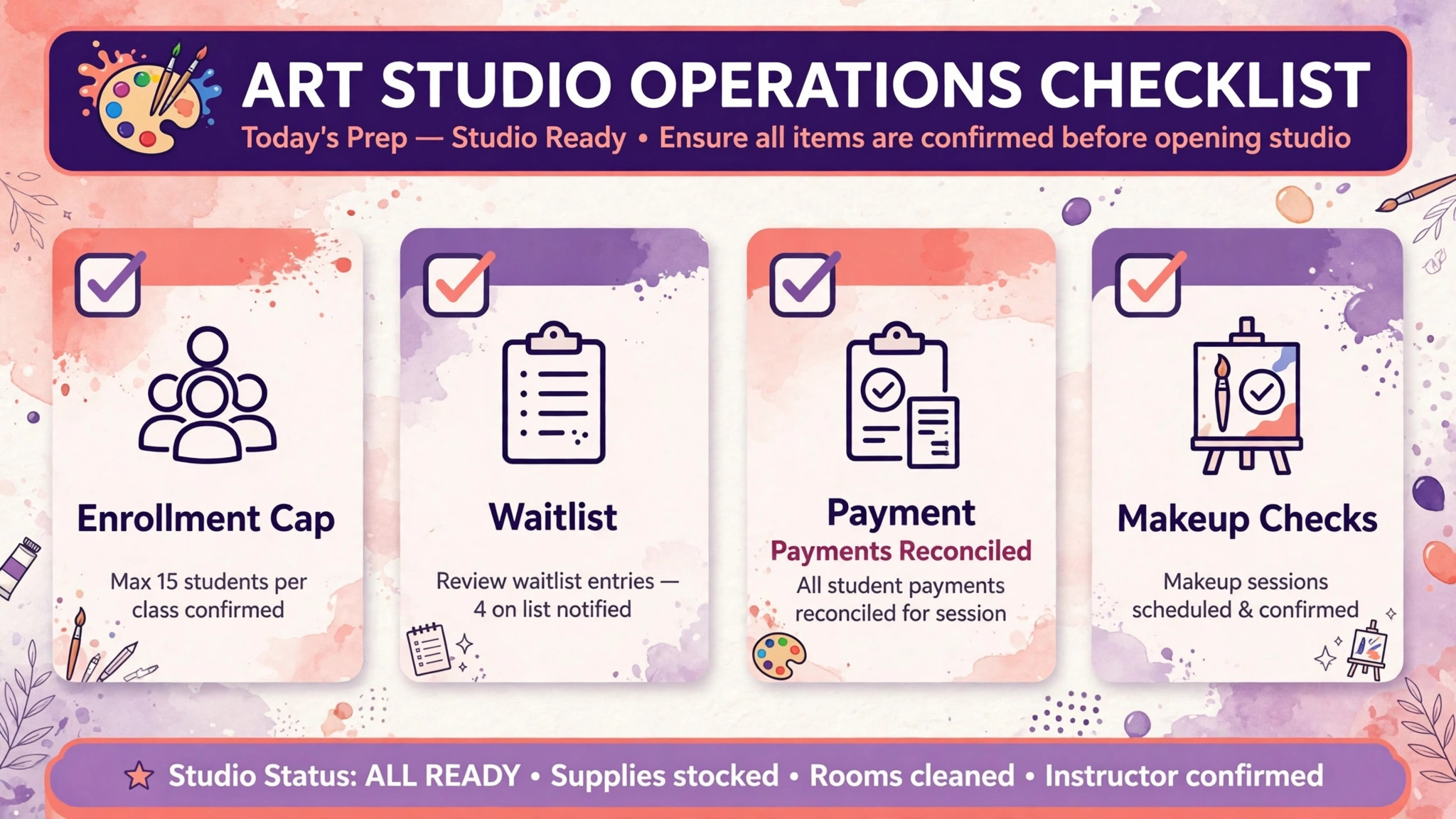
Use this checklist before each term opens for enrollment. It turns enrollment data into full classes, rather than leaving full classes to hope.
– Confirm every class has a size cap, an age range, a skill level, and a teacher assigned before enrollment opens. – Set enrollment open and close dates, and decide how waitlists work when a class fills. – Confirm fees, instalment plans, sibling discounts, and materials charges for each class. – Check that each class description states what students should bring, if anything. – Prepare parent messages for enrollment confirmation, payment reminders, and first class details. – Test online enrollment as a parent would, including a sibling enrollment and a waitlist join. – Confirm makeup policy for missed classes, and how makeup seats are booked without overfilling. – Check teacher schedules for room conflicts, back to back classes, and preparation time. – Reconcile payments with enrollments weekly, so unpaid seats are noticed early in the term. – Review class fill rates after enrollment closes, and decide which classes to promote, merge, or add.
Software helps this checklist only if classes, enrollments, payments, waitlists, and teacher schedules live in one system. If enrollments live in a form, payments live in a separate tool, and teacher schedules live on a whiteboard, the checklist becomes a manual reconciliation exercise at the busiest time of the term.
The 5 Tools in Detail
1. Jackrabbit Class
Jackrabbit Class is a class management system built for studios that run term based classes, including dance, gymnastics, swim, and art studios. It handles online registration, class scheduling, student records, billing, and reporting in one system, which is the combination a multi teacher art studio needs. A studio can set class caps, age ranges, and tuition plans, and parents can enroll online without an office visit.
The strength is term depth. Enrollment, tuition billing, attendance, and reporting are built around classes that run for a term, not around single appointments. That structure suits an art studio with weekly classes, term fees, and instalment plans. The limit is setup effort. Jackrabbit rewards a studio that invests time in class setup, tuition rules, and staff training, and a solo studio with a handful of classes may find that investment heavier than needed. Trial it with a real term, including a waitlist and an instalment plan, before committing.
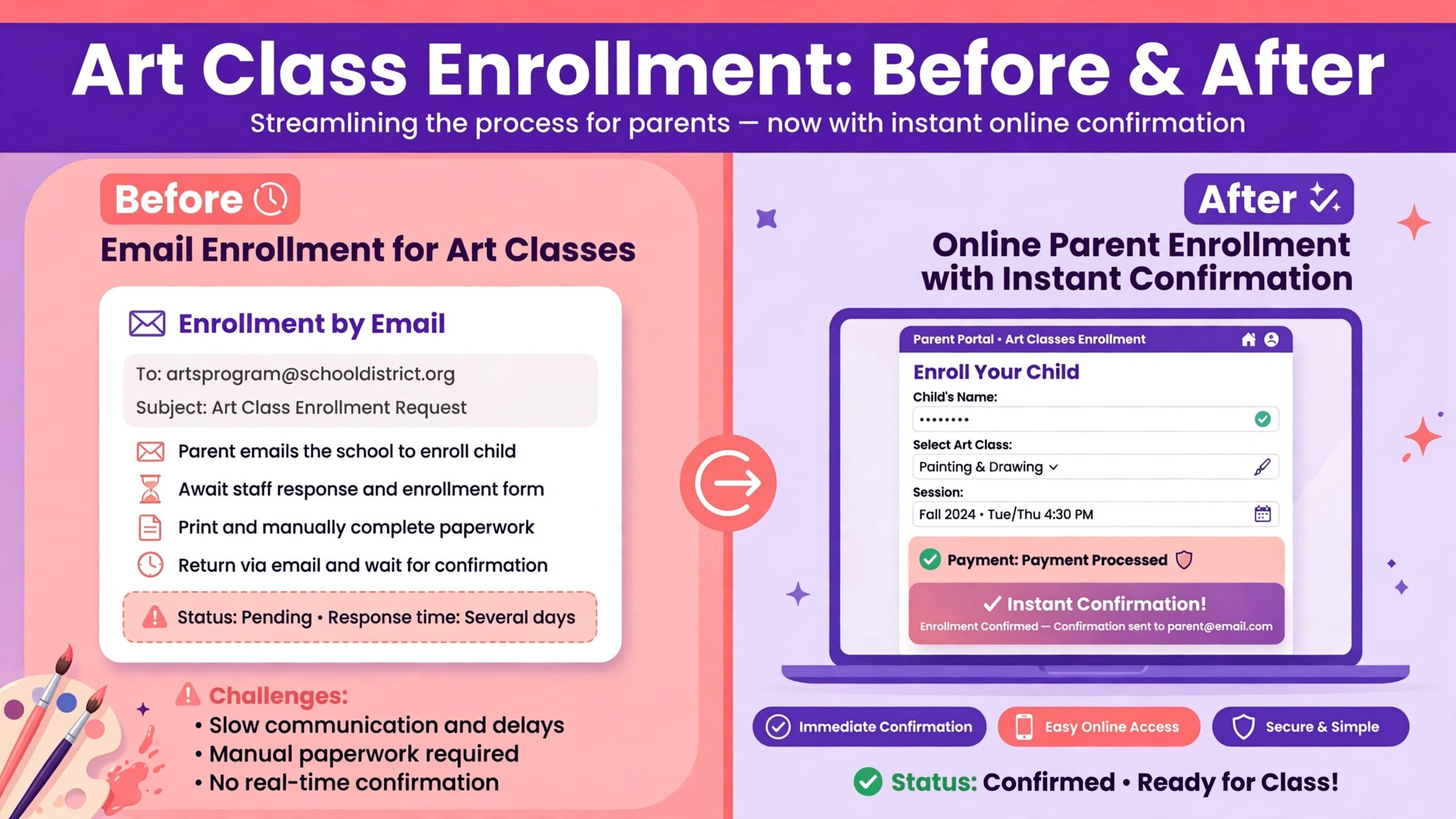
Best for a multi teacher studio with term enrollment and several classes per week. A studio moving from spreadsheets will notice the difference most in enrollment week, when online registration replaces a queue of emails. Check the vendor pricing page for a quote based on student count.
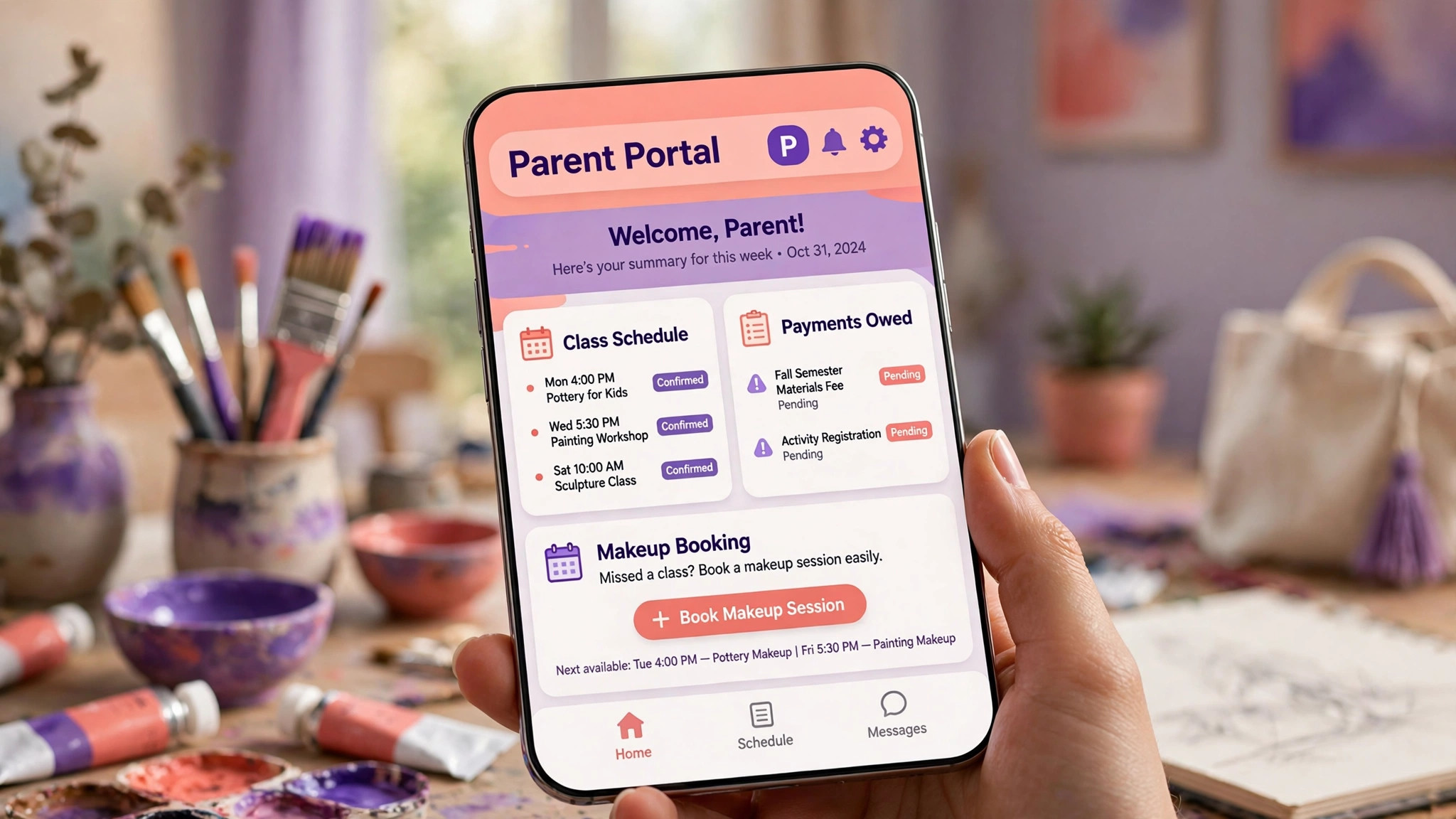
2. Sawyer
Sawyer is a booking and management platform built for kids activity providers, including art studios that teach children. It focuses on parent friendly discovery and booking, with class listings, online registration, and payment handling that parents can use without calling the studio. That parent experience matters for a kids focused studio, where the person booking is a parent comparing several activities at once.
The strength is the parent journey. A parent can find a class, see age suitability and schedule, book, and pay from a phone, which reduces the office calls that otherwise fill enrollment week. The limit is term and makeup depth, which must be confirmed in the trial. A studio should test a full term enrollment, a missed class makeup, and a sibling discount together, since those workflows decide whether Sawyer fits a term based studio or only a drop in model.
Best for a kids focused studio that wants easy parent booking and discovery. A studio that relies on word of mouth and local search will gain most from a parent journey that needs no office help. Check the vendor pricing page for booking and payment terms at your student volume.
3. Amilia
Amilia is a registration and management platform for recreation, education, and activity organisations, with online registration, payments, and customer records. An art studio can list classes, open registration online, collect payments, and manage enrollments from one dashboard. The platform also supports memberships and multi activity organisations, which suits a studio that runs classes, camps, and workshops together.
The strength is registration breadth. Classes, camps, workshops, and memberships can be sold from the same system, which helps a studio that earns from several formats across the year. The limit is art class grouping specificity. Age ranges, skill levels, and materials notes need careful class setup, and a studio should test those fields on a real class before relying on them for enrollment control.
Best for a studio that runs classes plus camps and workshops, with online registration at the centre. A studio with a busy summer camp season will value one registration system for the whole year. Check the vendor pricing page for registration and payment tiers.
4. ClassManager
ClassManager is a class management system aimed at studios that want straightforward class control without a large implementation. It covers class scheduling, student enrollment, billing, and attendance, with a focus on keeping the daily studio workflow simple. A solo studio or a small studio can set up classes, enroll students, and track payments without learning a full enterprise platform.
The strength is simplicity. A solo teacher who also runs the office can manage classes, enrollments, and payments from one system, with a short learning curve. The limit is depth at scale. A studio that grows to several teachers, many classes, and complex tuition rules may outgrow ClassManager, so the buyer should check reporting depth and export options before committing.
Best for a solo studio or a small studio that wants simple class control. A teacher who teaches, enrolls, and bills alone will value a system that stays out of the way between classes. Check the vendor pricing page for student count tiers.
5. The Studio Director
The Studio Director is a management system for dance and performing arts studios, with class scheduling, enrollment, billing, and event handling. Art studios that run showcases, exhibitions, or end of term events can use its event features alongside class management, which is useful when a term ends with a show rather than only a final class. The system also covers costumes in its dance roots, a feature art studios will simply not use, which is worth noting when comparing breadth.
The strength is class plus event handling. A studio that runs a showcase can manage classes and the event in one system, with enrollment, billing, and communication linked. The limit is art specificity. Workflows built for dance studios, including recital and costume handling, need to be checked against art studio needs, especially materials, studio room use, and exhibition display rather than stage performance.
Best for a studio that combines classes with showcases or exhibitions. A studio whose term ends with a public show will value event handling that shares the same student and payment records as classes. Check the vendor pricing page for a quote based on student count and event features.
What Parents Expect From Studio Software
Parents judge a studio partly on how enrollment feels, and that judgment forms before the first class. A parent who can find a class by age, see the schedule and fee clearly, enroll two children in one checkout, and receive a clear confirmation will trust the studio. That trust carries into the term, because a parent who found enrollment easy is more likely to re-enroll, recommend the studio, and forgive a small scheduling change later. A parent who must email for availability, wait for a reply, and then pay by a separate link will wonder whether the studio is organised enough to teach their child well. That trust effect is easy to underestimate and hard to recover once lost.
Communication after enrollment matters just as much for any buyer comparing the best class management software for art studios. Parents need reminders before the first class, clear notes on what to bring, and prompt messages when a class time changes or a teacher is away. A system that sends those messages from the class record, to the right parents only, will prevent the group chat confusion that follows a badly targeted message. A system that requires the office to copy parent emails by hand will eventually send a message to the wrong group, and the apology will cost more goodwill than the software ever saved.
Payment clarity is the third parent expectation. A parent should be able to see what is owed, what has been paid, and when the next instalment falls due, without asking the office. A system with a parent portal or a clear payment record gives that clarity. A system where payments live only in the office will generate payment questions every week, and each question is office time that could have been teaching time.
How to Run a Trial on a Real Term
A trial on demo classes will not reveal whether a system fits an art studio. A trial on a real term will. Start by entering two real classes, with different age ranges, size caps, and fees, and enroll ten real students, including a sibling pair and a waitlist join. Set an instalment plan for one family, record a missed class and a makeup booking, and run a payment report at the end of the trial week. Check that every number matches what actually happened.
Watch for three failure points during that trial. The first is the overfilled class, where a waitlist student is enrolled without a seat being free. The second is the lost payment, where an instalment is recorded but the payment report does not show it. The third is the teacher conflict, where a teacher is scheduled for two classes at the same time. A system that passes all three tests on real classes is worth its price. A system that fails one of them will fail it every term.
Teacher feedback matters as much as the office reports when judging the best class management software for art studios. Ask teachers whether attendance is easy to record, whether class lists show age and skill notes, and whether a makeup student can be added without office help. If teachers find workarounds in week one, those workarounds will become the real system, and the paid system will become a list printer. Choose the tool the teaching team will actually use.
How Art Studios Price Classes and Materials
Class pricing in an art studio is rarely a single fee. A studio may charge a term fee that includes basic materials, a term fee plus a materials levy, or a lower class fee with students bringing their own supplies. Each model changes what the software must record. A fee that includes materials needs only a total. A fee plus a levy needs two charges on one enrollment, with a clear breakdown for the parent. A bring your own model needs a materials list sent before the first class, so parents arrive prepared rather than surprised.
Sibling and multi class discounts add a second pricing layer. A family with two children, or one child in two classes, may receive a discount on the second enrollment, and that discount must appear correctly on the invoice and in the payment plan. A system that applies discounts by hand at the office will eventually apply one inconsistently, and an inconsistent discount is a complaint waiting to happen. A system that applies discount rules automatically, and shows the calculation to the parent, removes that risk and the office time spent explaining it.
Materials costs also change through a term, especially for pottery, printmaking, and sculpture, where clay, glazes, and firing carry real costs. A studio that prices a term in advance must estimate those costs carefully, and a studio that charges materials separately must track them per class. Either way, the class system should let the studio set materials charges by class, not only by student, so a pottery class and a drawing class can carry different materials logic without manual adjustments on every enrollment.
How to Choose the best class management software for art studios
Start with an enrollment test, not a feature list. Take a real class, with an age range, a size cap, a sibling discount, and an instalment plan, and enroll a family through the parent journey in the trial. If a parent cannot complete that enrollment without office help, the system will not reduce office work, however good its back office looks. Count the office touches required for a normal enrollment, and compare that count across finalists.
Next, test teacher scheduling with a real week. Enter several teachers, several rooms, and back to back classes, and check that the system prevents room conflicts and teacher double bookings. Then test a class change, such as a teacher swap or a time move, and see how parents are notified. A system that handles scheduling and communication together will save the office hours in a change week. A system that handles only one of them will leave the other to manual work.
Then test payments and attendance together. Take a student on an instalment plan, record attendance for four weeks, miss one week, book a makeup, and check the payment and attendance record. The system should show paid, owed, attended, missed, and makeup status in one student record. If those details live in separate screens with no clear link, the office will still reconcile by hand.
Finally, price a full term in full. Add payment processing, any per student charges, and parent portal or messaging costs to the subscription, and model the result at your real student count. A low subscription with high payment processing costs can exceed a higher subscription once term fees are collected. Get the term total in writing before comparing tools.
Common Mistakes When Buying Art Studio Class Software
The first mistake is buying a booking tool and calling it a class system. A booking tool sells single slots. A class system manages terms, waitlists, instalments, attendance, and makeup sessions. Test a full term enrollment, not only a single booking, before signing.
The second mistake is ignoring the parent journey. Studios often choose a system on back office features and discover the parent problem at enrollment week, when parents cannot enroll siblings together or cannot see what is owed. Test enrollment as a parent would, on a phone, before judging the system.
The third mistake is forgetting makeup sessions. Missed classes are normal in a kids studio, and a system without a clear makeup workflow will either overfill other classes or leave makeup requests in email. Makeup booking should be a required feature, not a later addition.
The fourth mistake is buying for the studio you hope to become, not the studio you run. A full multi teacher platform is valuable for a large studio, but it adds setup and training burden for a solo teacher. Start with the tool that fits current class volume, and check that it can grow when teacher count and student count rise.
The fifth mistake is neglecting data export. Student records, enrollment histories, and payment records are the studio business history. Before signing, confirm that those records can be exported in a usable format, and that the studio is not locked into a platform by its own data.
Frequently Asked Questions
What is the best class management software for a solo art studio?
For many solo studios, ClassManager is a strong starting point, because it offers simple class control, enrollment, and billing with a short learning curve. Jackrabbit Class is the alternative for a solo studio that expects to grow into several teachers and classes, since its term depth will scale. The right choice depends on whether simplicity now or growth later matters more.
Can art studio software handle sibling discounts and instalments?
Yes, on most class platforms in this guide, though depth varies. The reliable test is to enroll two siblings in one checkout, apply the sibling discount, set an instalment plan, and read the resulting payment record. If the record shows the discount, the instalments, and the amounts owed clearly, the system handles studio billing well enough to trust.
How does class software manage waitlists?
It caps a class at its size limit, and lets additional students join a waitlist in order. When a seat frees, the next waitlisted student can be enrolled, often with a notification to the parent. That only works if the cap is enforced at enrollment, so a studio should test a waitlist join on a full class in the trial, not only on an empty demo class.
Should parents be able to enroll and pay online?
Yes, in almost every case. Online enrollment captures parents who search and book outside office hours, and it reduces the office calls that otherwise fill enrollment week. The best class management software for art studios makes that parent journey clear on a phone, with age, schedule, fee, and materials information visible before checkout.
What is the difference between class management software and booking software?
Booking software sells a time slot for a single appointment. Class management software manages a term of classes, with enrollment, waitlists, tuition plans, attendance, makeup sessions, and teacher scheduling. An art studio that runs weekly term classes needs the second, while a studio that only sells drop in sessions may manage with the first.
How long does it take to switch class management software?
A solo studio can switch in one to two weeks if classes, students, and payment plans are prepared in advance. A multi teacher studio should allow three to four weeks, including teacher training and parallel running on live enrollments. A studio switching mid term should allow extra time, since term data must be moved without breaking current enrollments and payments.
A Shortlist You Can Act On
Start with ClassManager for a solo studio, Sawyer for a kids focused studio, and Jackrabbit Class for a multi teacher studio, and trial two of them on a real term. Run a sibling enrollment, a waitlist join, a missed class makeup, and a teacher schedule test, and let teachers and parents judge ease of use.
The system that fills classes, collects payments cleanly, and keeps teachers informed is the best class management software for art studios for your operation, even if it is not the cheapest option on the list. An art studio earns its term income one filled seat at a time, and the class system must protect every one of those seats through enrollment, payment, attendance, and makeup booking.
More Reading on Stratilyze
– Best Class Management Software for Gymnastics Studios – Best Membership Software for Bowling Alleys – Best Booking Software for Music Schools – Best Membership Software for Dance Studios – Use AI for Gymnastics Studio Enrollment Management