
A visitor lands on a small business website with a simple question about price, delivery, or availability, finds no fast way to ask it, and leaves to buy from a rival who answers in a minute. That lost sale is the problem the best live chat software for small business websites exists to solve, and it happens far more often than most owners realise, because silent visitors never complain, they simply disappear from the analytics as a bounce.
Email is too slow for that moment, and a phone call is too much effort for a small question. Live chat sits between the two, giving the visitor an answer while the buying intent is still warm. A chat widget that connects to a real person quickly, or to a capable automated answer after hours, turns hesitant browsers into buyers, and it does so without hiring a call centre.
The catch is that chat tools now bundle AI answers, ticket systems, and customer data platforms into one subscription, and the pricing for those layers is rarely simple. A tool that looks cheap per seat can become dear once AI resolutions are billed separately, while a tool that looks dear can prove cheap if its AI answers most routine questions. This guide separates the seat price from the AI price on every tool.
Why the Best Live Chat Software for Small Business Websites Must Answer Fast
The first quality to test is first response time. A good tool routes a new chat to an available agent in seconds, shows the visitor a realistic wait, and keeps the conversation in one place when the agent changes. A weak tool queues chats silently, so the visitor stares at a spinning indicator and leaves. Speed here is not a vanity metric, it is the conversion rate, because a visitor who waits five minutes has usually opened a rival tab.
The second quality is the after-hours answer. Most small businesses cannot staff chat around the clock, so the tool must handle nights and weekends honestly, either with an automated assistant that answers routine questions or with a clear message, a callback offer, and a captured email. A widget that promises live help and then leaves the visitor hanging damages trust more than no widget at all, because the broken promise is remembered.
The third quality is the agent inbox under load. A good inbox groups chats, email, and social messages together, shows visitor history and page context, and lets one agent hand a conversation to another without losing the thread. A messy inbox creates double answers and dropped chats as volume grows, and dropped chats are lost sales that never appear in any report. Test the inbox with ten simultaneous chats, not with one polite demo chat.
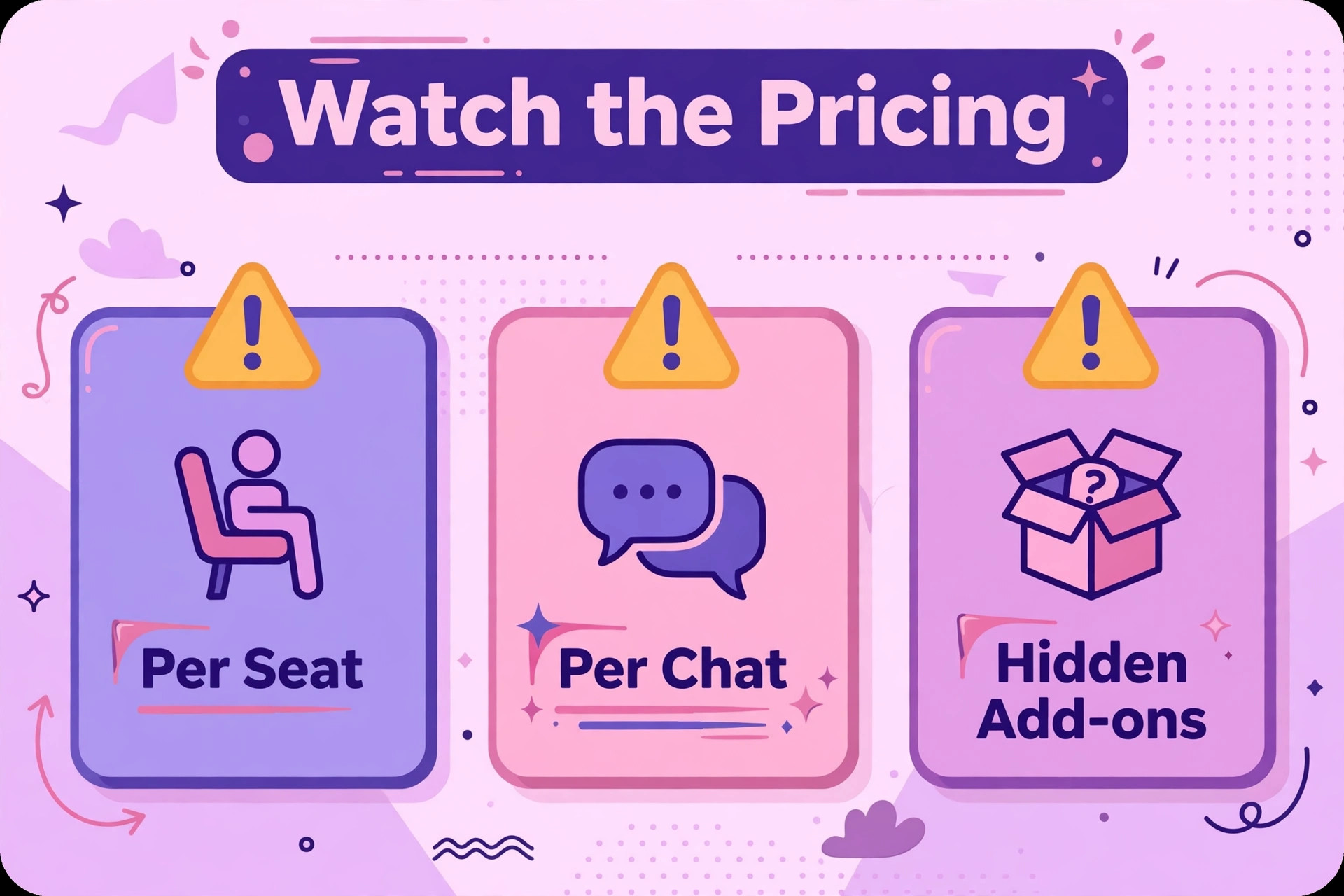
The fourth quality is honest AI pricing. AI assistants now answer routine questions on most tools, but almost no vendor bundles unlimited AI into the base seat price. Some charge per resolution, some per conversation, and some on token credits, and those meters behave very differently at scale. Price the AI layer at your real chat volume, not at the demo volume, before comparing headline seat prices.
Seven Questions to Ask in a Live Chat Trial
Run the trial on your real website, not on a demo page. Install the widget, open it on a phone and on a desktop, and watch how it looks next to your actual content. If the widget covers a buy button or clashes with the mobile layout, that friction costs sales, and a trial on a clean demo page would never have shown it.
Test the after-hours flow on a real evening. Send a question at 9pm, note what the visitor sees, and check what the team finds in the morning. If the automated answer resolves the question, note which questions it handled and which it passed on. If it only captures an email, judge whether that capture feels helpful or like a dead end, because the visitor judges it the same way.
Check the AI bill separately from the seat bill. Ask the vendor to estimate AI costs at your monthly chat volume, including the questions that the AI answers fully and the ones it hands to a human. A tool whose AI resolves most routine questions can justify a higher seat price, while a tool whose AI mostly hands over will cost seat plus AI plus agent time. Get that estimate in writing before signing.
Check the CRM and ticket link before you fall in love with the widget. A tool that pushes chat history into your CRM or helpdesk saves the team from retyping context on every follow-up. A tool that keeps chats isolated creates a second customer record that nobody trusts. Ask for a sample record during the trial and show it to whoever handles follow-ups, not just to whoever answers chats.
Eight Tools Compared on Price and Fit
| Tool | Starting price | Best for |
|---|---|---|
| Tidio | free, paid from about $29 a month | small stores that want chat plus AI quickly |
| LiveChat | from about $19 a user a month billed annually | teams that live on chat all day |
| Intercom | from about $29 a seat a month billed annually | scaling teams that want AI resolutions |
| Zendesk | from about $55 an agent a month billed annually for Suite Team | teams already invested in Zendesk |
| Crisp | free for two seats, paid from about $45 a month per workspace | small teams that want flat pricing |
| Freshchat | free for up to ten agents, Growth from about $19 an agent a month | small teams that want a free start |
| HubSpot | free live chat, paid hubs from about $20 a seat a month | teams already using HubSpot CRM |
| tawk.to | free core chat, about $29 a month to remove branding | businesses that want free chat first |
Read the table as a shortlist, not as a ranking. Prices change often, so check the vendor page before buying, and price the plan that actually includes the features you need rather than the cheapest headline plan. The cheapest tool may suit a small site perfectly, while a dearer tool may be the only one that handles AI resolutions cleanly. Use the table to pick three finalists for the best live chat software for small business websites, then read their full sections below before deciding.
Eight Live Chat Tools in Detail
Tidio
Tidio is the pick for a small store that wants live chat plus AI answers without a long setup. It offers a free plan with a limited number of billable conversations a month, paid plans from about $29 a month, and an AI assistant called Lyro that answers routine questions. A small ecommerce site can go live the same day, with automated answers covering delivery, returns, and stock questions while the owner handles the conversations that need a human.
The limit is conversation-based pricing, because the bill follows chat volume rather than seats, and a busy month can push the shop into a higher tier. Lyro is also billed on top of the plan in most configurations, so the firm should price plan plus AI at real volume. If speed of setup and ecommerce fit matter most, Tidio earns the first trial place.
LiveChat
LiveChat is the pick for a team that lives on chat all day and wants a fast, focused agent console. It starts from about $19 a user a month billed annually on Starter, with Team at about $49 a user a month adding unlimited history and multi-agent features. The console is built for agents handling several conversations at once, with canned responses, tags, and routing that keep a busy inbox orderly.
The limit is that Starter allows only one user and a limited chat history, so a real team needs Team or above, and AI features sit on higher tiers. A solo operator may find Starter enough, while a three-agent team should budget for Team from the start. If chat is the dominant channel and agent speed matters most, LiveChat is the most focused tool in this guide.
Intercom
Intercom is the pick for a scaling team that wants chat plus AI resolutions in one platform. It starts from about $29 a seat a month billed annually on Essential, with its Fin AI assistant billed at about $0.99 per resolution on top. A software or service business with a rising volume of routine questions can let Fin resolve most of them, leaving human agents for the conversations that need judgment.
The limit is total cost at scale, because seats plus per-resolution AI charges grow together with volume, and workflows and round-robin routing sit above Essential. A small site with low chat volume may find Intercom dear for what it uses, while a growing team with many repeat questions will see the AI saving clearly. Price Fin at your real resolution count, not at the demo count.
Zendesk
Zendesk is the pick for a team already invested in Zendesk support, where chat should live inside the wider helpdesk. Messaging and live chat arrive with Suite Team at about $55 an agent a month billed annually, while the cheaper Support Team plan at about $19 an agent a month does not include chat. That distinction matters, because a buyer comparing the cheaper plan against rivals is comparing a product without chat.
The limit is price and weight for a tiny site, which may pay for enterprise breadth it never uses, while AI resolutions are also billed beyond an included allowance. If the team already runs Zendesk tickets, email, and social in one place, adding Suite chat is the natural step. If chat is the only need, a dedicated tool will usually cost less.
Crisp
Crisp is the pick for a small team that wants flat workspace pricing instead of per-agent creep. It is free for two seats, with paid plans from about $45 a month per workspace for four seats, so adding a third or fourth agent inside the workspace does not raise the bill the way per-seat tools do. A startup with several founders answering chats will feel that difference immediately.
The limit is that automation and routing start on the Essentials tier, and the AI assistant runs on token credits with unlimited use only on the dearest plan. A team that needs deep automation should price Essentials or above, not the entry workspace. If flat pricing and a simple shared inbox matter most, Crisp is the best value shape in this guide.
Freshchat
Freshchat is the pick for a small team that wants a genuine free start with room to grow. The free plan covers up to ten agents, with Growth from about $19 an agent a month billed annually adding routing and more channels. A team testing whether chat earns its keep can start free, prove the volume, and upgrade only when routing and service-level rules become necessary.
The limit is that social channels and deeper automation sit on higher tiers, and the AI copilot is a separate per-agent cost. A team that grows past basic chat should price Pro, not Growth, if routing and multiple service levels matter. If a free start with a clear upgrade path matters most, Freshchat is the lowest-risk trial in this guide.
HubSpot
HubSpot is the pick for a team already using HubSpot CRM, where chat history should sit on the contact record automatically. Live chat and a chatbot builder are free, with paid Service Hub plans from about $20 a seat a month adding ticketing depth, automation, and reporting. A business that already lives in HubSpot gains chat without a second customer database, and every conversation enriches the record the sales team already uses.
The limit is that free chat carries HubSpot branding, and the paid features that make chat powerful sit inside paid hubs with onboarding costs on higher tiers. A team with no HubSpot presence gains less, and should compare a dedicated chat tool first. If HubSpot is already the system of record, its chat is the natural extension.
tawk.to
tawk.to is the pick for a business that wants free core chat before spending anything. The core live chat product is free, with about $29 a month removing branding and paid add-ons covering AI assistance and extra features. A tiny business, a new site, or a seasonal shop can add a working chat widget today, learn its real chat volume, and upgrade only when the volume justifies it.
The limit is depth, because free chat is a widget and inbox rather than a full helpdesk, and AI assistance is a paid add-on rather than a bundled answer engine. A growing team that needs ticketing, deep routing, and reporting will outgrow it, but that outgrowing is a good problem, because it means chat volume proved itself first. For a zero-cost start, nothing else in this guide matches it.
Chat Prompts That Help Instead of Annoy
A chat prompt should appear when the visitor shows a sign of hesitation, such as lingering on a pricing page or returning to the same product twice, rather than the second the page loads. A prompt that fires instantly on every page feels like a pop-up and gets dismissed, while a prompt timed to hesitation feels like help arriving at the right moment. Set one trigger per page type, test it for a week, and keep only the triggers that start real conversations.
The prompt wording should offer a specific answer, not a generic greeting. A message such as asking whether the visitor wants delivery times for an item in the cart will start more conversations than a bare hello, because it names the doubt the visitor is feeling. Write three prompts per key page, rotate them, and keep the winner, because prompt wording is a small change with a large effect on how many visitors actually chat.
The third rule is restraint on frequency. A visitor who dismisses a prompt should not see it again on the next page, and a visitor who already chatted should not be prompted to chat again in the same visit. Frequency caps protect the browsing experience, and a calm site converts better than a site that chases every visitor. Check the prompt settings during the trial, because several tools default to aggressive timing that needs toning down.
Measuring Whether Chat Earns Its Keep
Chat earns its keep when it changes outcomes, so measure answered rate, first response time, and the share of chats that end in a sale, a booking, or a resolved issue. An answered rate below ninety percent during advertised hours is a staffing problem, not a tool problem, while a fast first response with a low resolution rate points to training or to automated answers that hand over too early. Review all three numbers weekly for the first month.
The second measure is the unanswered pile. Every missed chat is a visitor who asked and left, so read the missed list each morning and note which hours and pages produce the most misses. A pattern of misses at lunchtime or on one product page is a staffing or content fix, not a reason to buy a dearer tool. Fix the pattern first, then judge whether the tool still limits the team, because most chat underperformance is a routine gap rather than a software gap.
Best Pick by Job for Small Business Websites
| Chat job | Best pick | Why it wins |
|---|---|---|
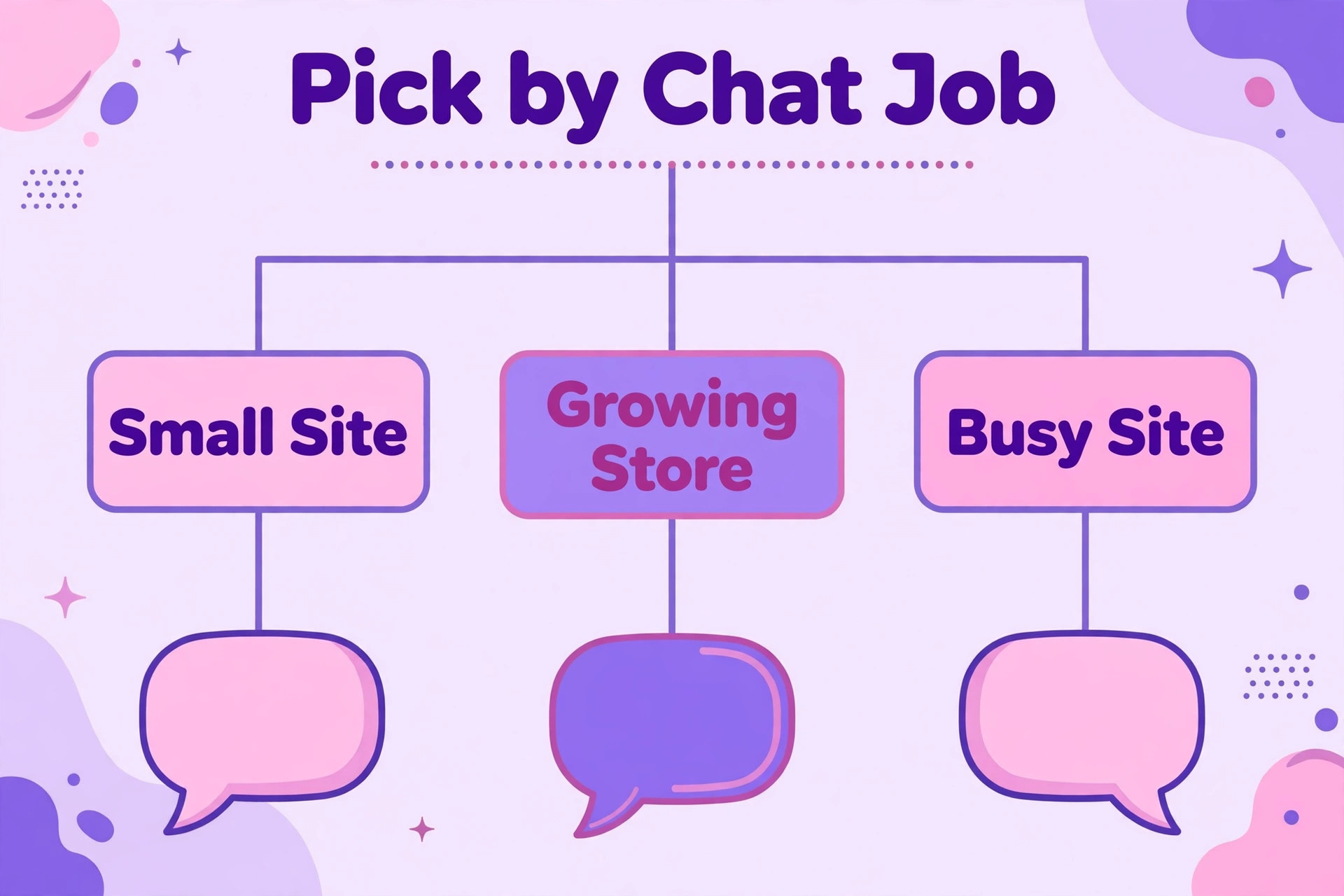
| Sales chat | Tidio or LiveChat | fast answers and ecommerce prompts that lift conversion |
| Support chat | Freshchat or Zendesk | shared inbox and ticket history that stop dropped issues |
| After-hours chat | Intercom or tawk.to | AI resolutions, or a free widget with captured follow-ups |
Use the table as a starting point, then test the pick against your own chat mix. A sales-heavy site may prefer LiveChat for agent speed, while a support-heavy site may prefer Freshchat for its free start and ticket flow. The table answers the common case, while the trial answers your case, and the trial answer is the one that counts.
The best live chat software for small business websites is therefore not one product but the product that matches the chat job. A sales site pays for speed and conversion prompts. A support site pays for inbox depth and history. An after-hours site pays for AI answers or honest capture. Buying the wrong shape wastes money twice, once on the subscription and once on the workarounds.
The Shortlist Checklist for Small Business Websites
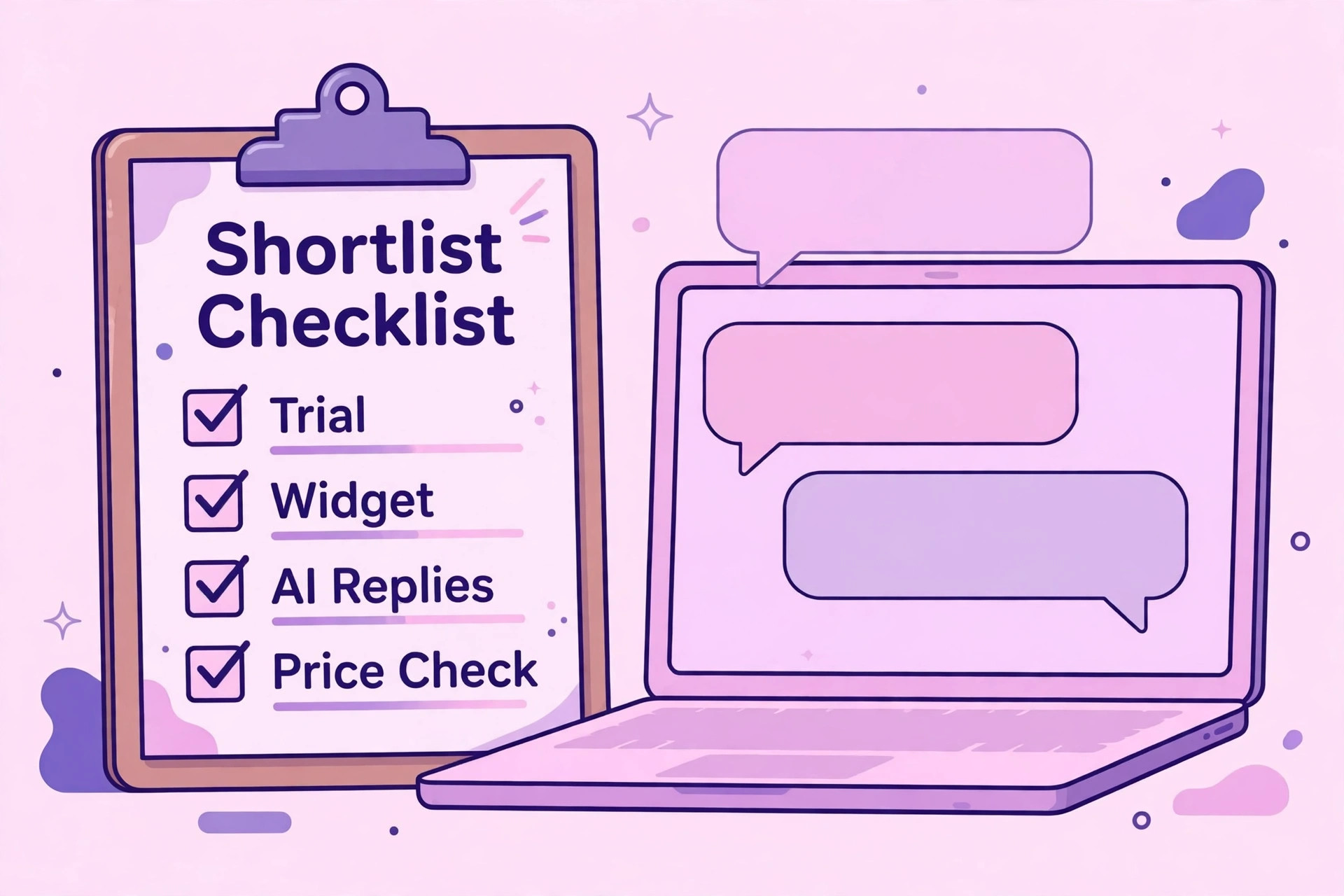
Before signing for the best live chat software for small business websites, confirm first response routing, after-hours handling, inbox depth, AI pricing, CRM linkage, and export options. Each item protects a different part of the visitor experience. Routing protects speed, after-hours handling protects nights, and inbox depth protects conversations under load. AI pricing protects the budget, CRM linkage protects follow-ups, and export options protect the firm’s future freedom to leave.
Test the checklist on one real week of chats. Answer at peak, miss one on purpose after hours, hand a conversation between agents, and push the history to the CRM. If any step needs a workaround, that workaround becomes daily friction. A tool that passes all six checks on real chats is worth its price, while a cheaper tool that fails two of them will cost more in lost sales and dropped issues.
Monthly Costs at Three Different Site Sizes
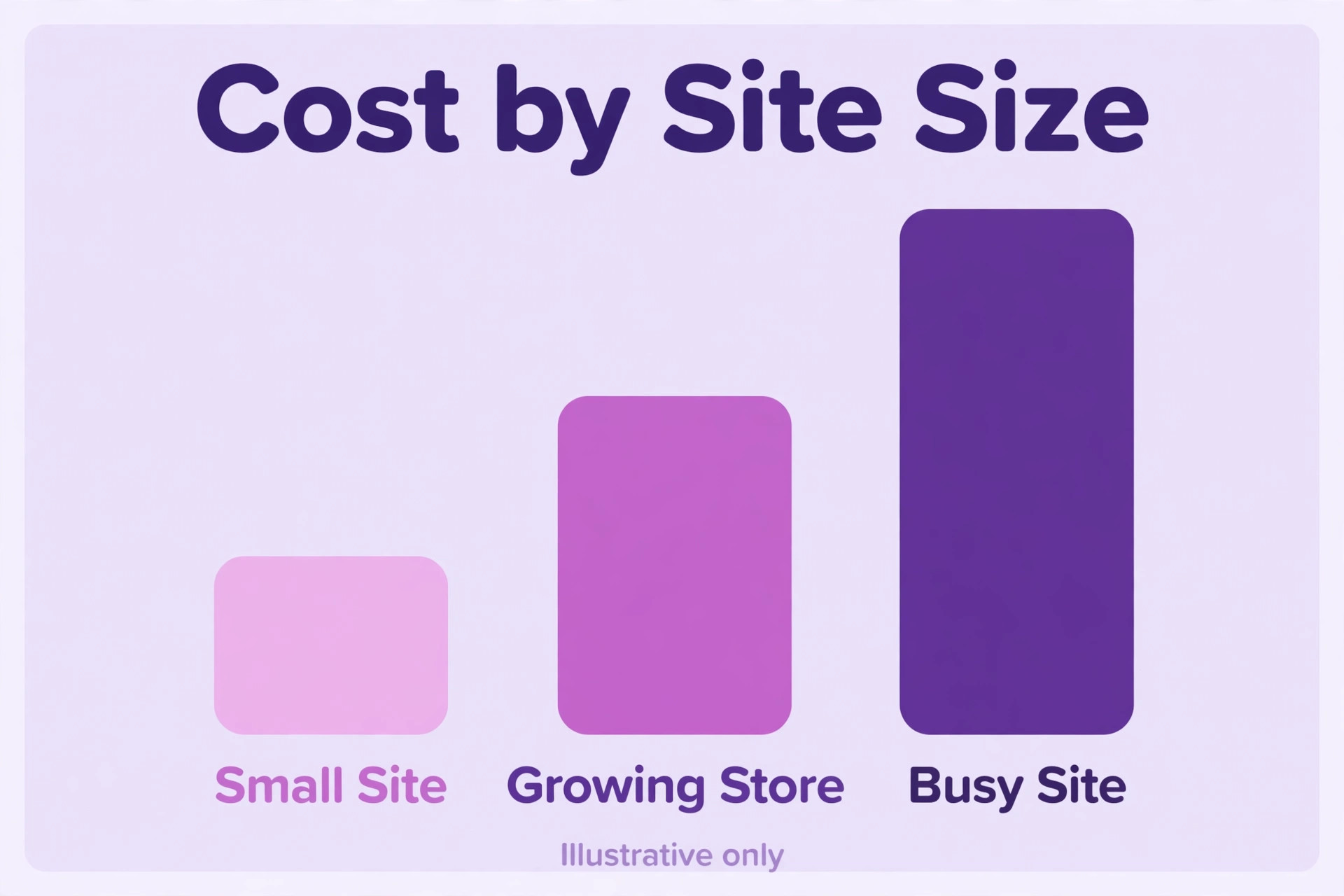
A tiny site can start free on tawk.to, Freshchat, or HubSpot, or pay about $29 a month for Tidio, which is less than the margin on one sale. The risk at this size is not the subscription but the AI bill, where a free seat plan plus per-resolution AI charges can exceed a dearer bundled plan. Price seat plus AI at real volume, not at the headline seat price alone.
A three-agent site faces a wider spread. LiveChat Team at about $49 a user a month, Crisp at about $45 a month per workspace, and Freshchat Growth at about $19 an agent a month land in very different bands, while Intercom at about $29 a seat plus Fin resolutions rises with volume. Model each option at your exact agent count and monthly chat volume, because the cheapest headline rarely stays cheapest once AI is added.
A ten-agent site should expect a serious bill wherever it goes. Zendesk Suite at about $55 an agent a month, Intercom with seats plus AI, and LiveChat Team all cost real money, while Crisp workspace pricing stays flatter as agents join. At this size the deciding factor shifts from price to routing, reporting, and AI resolution rates, because a small percentage gain in answered chats dwarfs the subscription difference.
Mistakes That Waste Money on Live Chat Software
The first mistake is installing chat and then leaving it unstaffed. A widget that promises help and delivers silence loses more trust than no widget, because the visitor waited and was ignored. Staff the hours you advertise, set honest after-hours messaging, and review unanswered chats weekly, because unanswered chats are the clearest signal that the setup, not the tool, needs fixing.
The second mistake is comparing seat prices while ignoring AI prices. A tool that looks cheap per seat can become the dearest option once AI resolutions are billed, while a tool with a higher seat price and strong AI can prove cheaper overall. Always model seat plus AI at real volume, and ask the vendor for that combined estimate in writing before signing.
The third mistake is skipping the export test. A tool that locks chat history behind a weak export owns the firm’s customer conversations, and that hold shows up at renewal time. Ask for a sample export during the trial, keep a monthly export outside the system, and confirm in writing what leaves with you if the contract ends.
The Verdict for Small Business Websites
Start with tawk.to or Freshchat if you want a free start, with Tidio if you run a small store that needs chat plus AI quickly, and with Crisp if flat workspace pricing suits a small team. Move to LiveChat when chat becomes the dominant channel, to Intercom when AI resolutions can carry routine volume, and to Zendesk when chat must live inside an existing Zendesk helpdesk. That ladder keeps the subscription matched to the site shape at every stage.
Whichever tool you choose, run the real-website trial, price seat plus AI at real volume, and check the after-hours and export terms before signing. The best live chat software for small business websites earns its keep in visitors who get answers while intent is warm, sales that would otherwise have bounced, and support issues resolved in one conversation. Pick the tool that proves those three wins in your trial week, and the subscription pays for itself.
Review prompt triggers and AI answers after the first month of live chats, because the settings that looked right in the trial rarely survive contact with real visitors. Keep the prompts that start real conversations, retire the ones that get dismissed, and retrain any automated answer that hands over too often. That monthly review is what turns a good chat setup into a great one.
More Reading on Stratilyze
Readers comparing website tools usually check the neighbouring guides next. The guide to small business live chat software covers the broader live chat choice, the guide to small business CRM software helps with the customer records behind chats, and the guide to client portal software for small business covers the self-service side of customer communication.
Frequently Asked Questions
Do small business websites need live chat or just a contact form
A contact form is enough when questions are rare and visitors are happy to wait a day for a reply. Live chat becomes necessary when visitors ask small questions at the moment of buying, because a form answer that arrives tomorrow misses the purchase decision. If bounce rates are high on pricing and product pages, a form is no longer enough.
How fast should a live chat be answered
As fast as possible, ideally within a minute during advertised hours, because a visitor who waits several minutes has usually opened a rival tab. A tool with smart routing, canned responses, and a realistic wait message protects that first response even at peak, which is exactly when most buying questions arrive.
Is Tidio worth it for a small store
It can be, when the small store wants chat plus AI answers with a fast setup and a free starting tier. It is harder to justify if chat volume is very high, because conversation-based pricing can push the shop into a higher tier. Price plan plus AI at real monthly volume, not at the free tier volume, before deciding.
Should a site pay per seat, per workspace, or per conversation
Per-seat pricing suits a site with few agents, because the bill follows headcount. Per-workspace pricing suits a site with many agents sharing one inbox, because adding agents never raises the subscription. Per-conversation pricing suits a site with seasonal volume, because the bill follows chats rather than staff. The right meter depends on which number grows fastest for the site.
What happens to chat history if the site switches tools later
That depends on export options, so check them before you buy. A good tool exports conversations, transcripts, and contact links in a usable format, while a weak one exports only summary counts. Ask for a sample export during the trial, and keep a monthly export outside the system as insurance against any future move.
Does the best live chat software for small business websites need AI built in
Not always, but it helps a site with high routine-question volume more than any other feature. Built-in AI answers delivery, returns, and availability questions at night and at peak, which protects sales when no agent is free. A low-volume site can manage with human chat and honest after-hours capture, while a busy site should treat AI as a core requirement, not an add-on.