
Canva will get you a wearable design in ten minutes, and Illustrator will get you a print file a professional shop trusts without a second look. Both claims are true, and the gap between them is the whole point of this comparison. The best T-shirt design tools are not ranked by how pretty their templates look, but by whether the file they export survives printing, washing, and a customer zooming in on a listing photo.
This guide compares nine tools across that gap, from free vector editors to merch-first platforms, with real pricing and honest limits. If you sell print-on-demand shirts, make merch for a community, or design for a print shop, you will find the right tier here without paying for power you will never use.
Why the Export Matters More Than the Editor
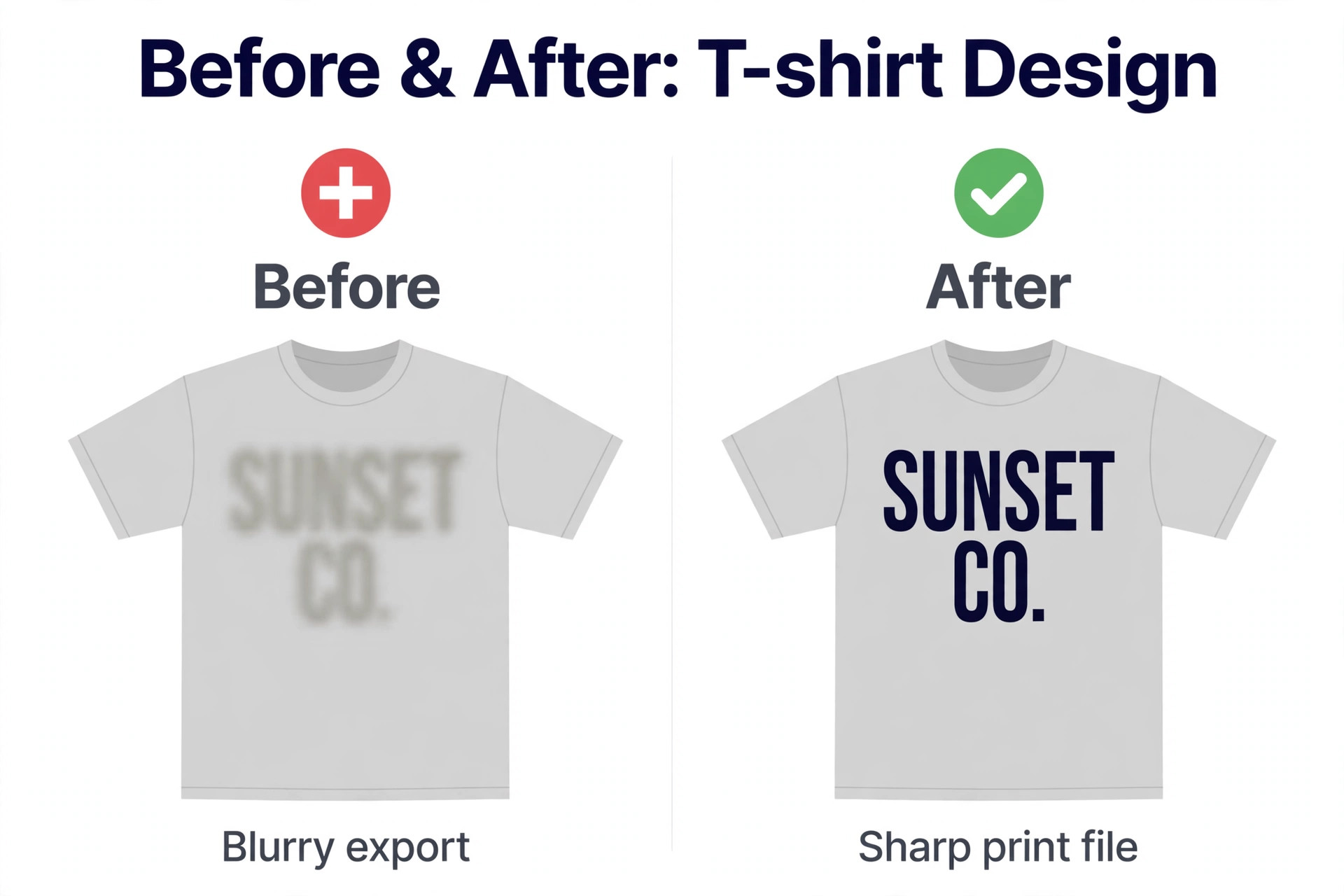
A shirt design lives or dies at export. Print-on-demand platforms and print shops ask for a transparent PNG at high resolution, usually around 4500 by 5400 pixels at 300 dots per inch for a full front print, or a vector file that scales without losing sharpness. A design that looks perfect in an editor but exports as a low resolution JPG with a white background will print with a visible box around the art, and no listing photo can hide that.
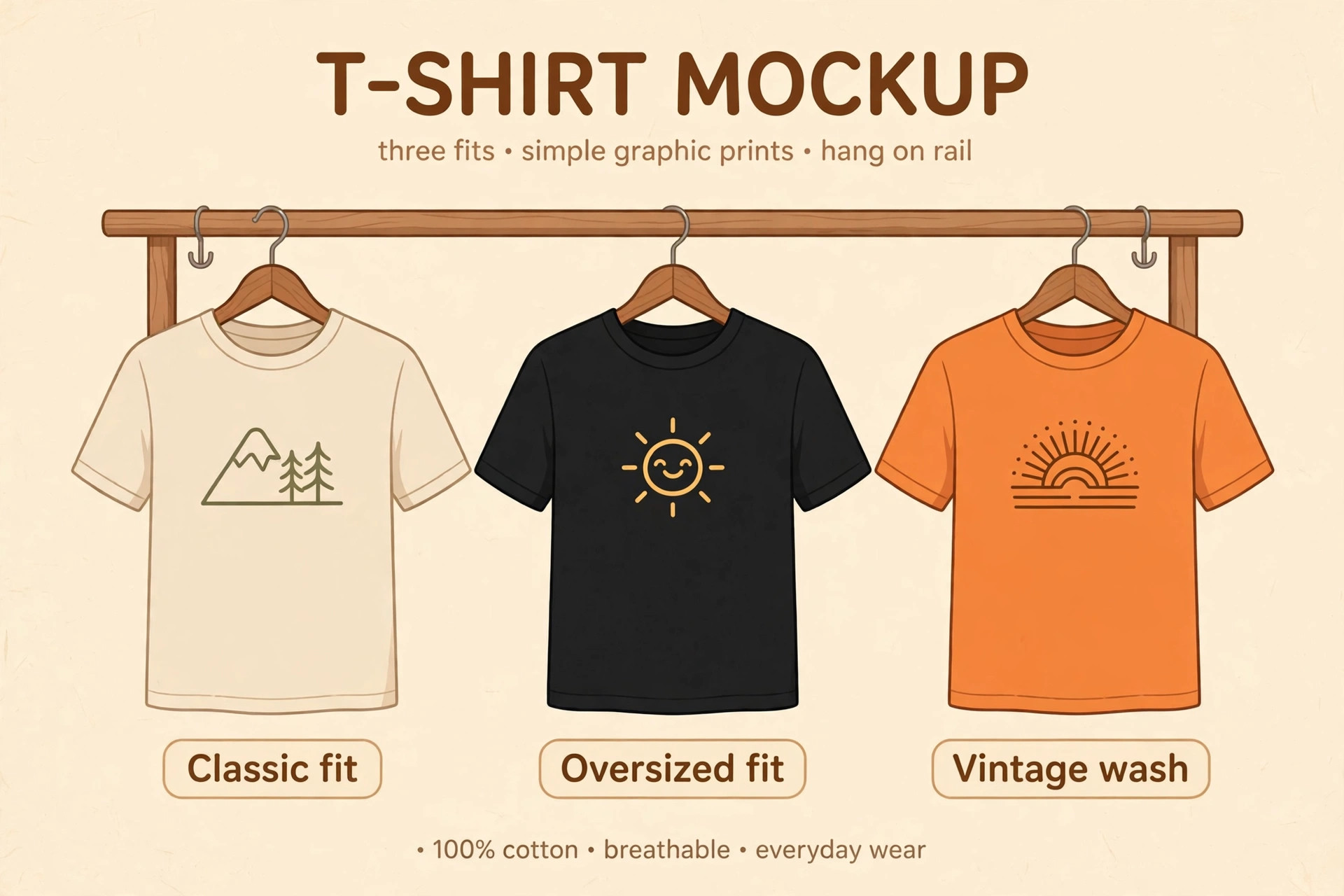
That is why best T-shirt design tools split into two families. Template and merch tools optimise for speed and mockups, and they export print-ready PNG files with one click. Vector tools optimise for original artwork and colour control, and they demand more skill in return. When best T-shirt design tools are compared on export alone, the winner depends on whether you value speed or control, and most sellers need one tool from each family rather than a single winner.
Best Pick by Job
The table below gives the short answer for each common job, then the reviews explain the trade-offs behind each pick. Use it to narrow the list to two or three options before you start a free trial.
| Tool | Best for | Free tier |
|---|---|---|
| Kittl | print-on-demand sellers | Yes |
| Canva | beginners making simple merch | Yes |
| Adobe Illustrator | professional designers and print shops | Paid only |
| Placeit | sellers who need templates and mockups together | Yes |
| Printful Design Maker | sellers who print through Printful | Yes |
| Inkscape | designers on a zero budget | Yes |
| Affinity | serious designers who want pro tools free | Yes |
| CorelDRAW Graphics Suite | print shops and Windows illustrators | Paid only |
| Snappa | marketers who need simple shirt graphics fast | Yes |
How to Choose Among the best T-shirt design tools
Begin with the print method. Direct-to-garment printing handles detailed colour and photographic art well, while screen printing rewards bold shapes and limited colours. A design made for one method can disappoint on the other, so ask your printer or platform which file type and colour mode it wants before you start. That single question prevents most rework.
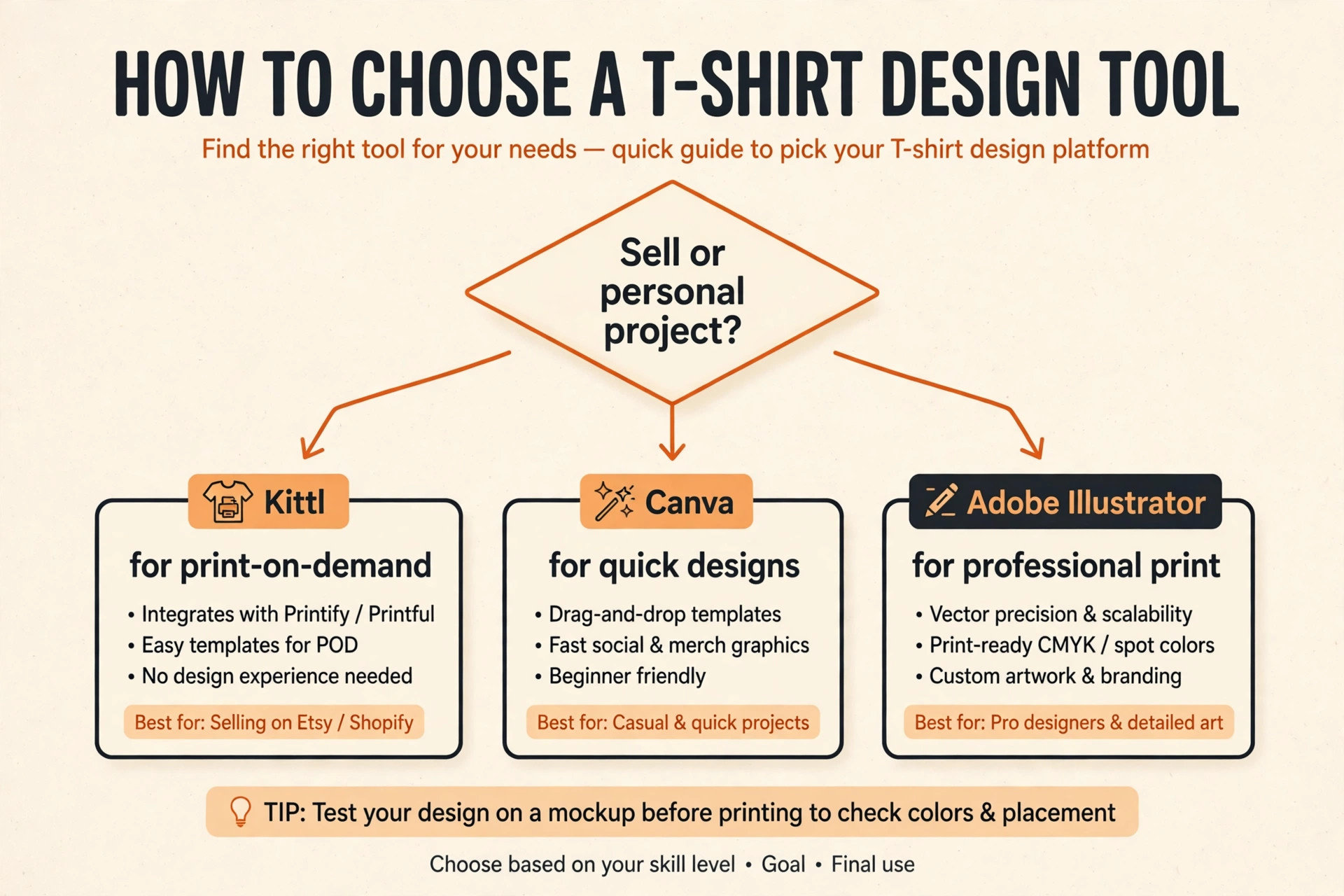
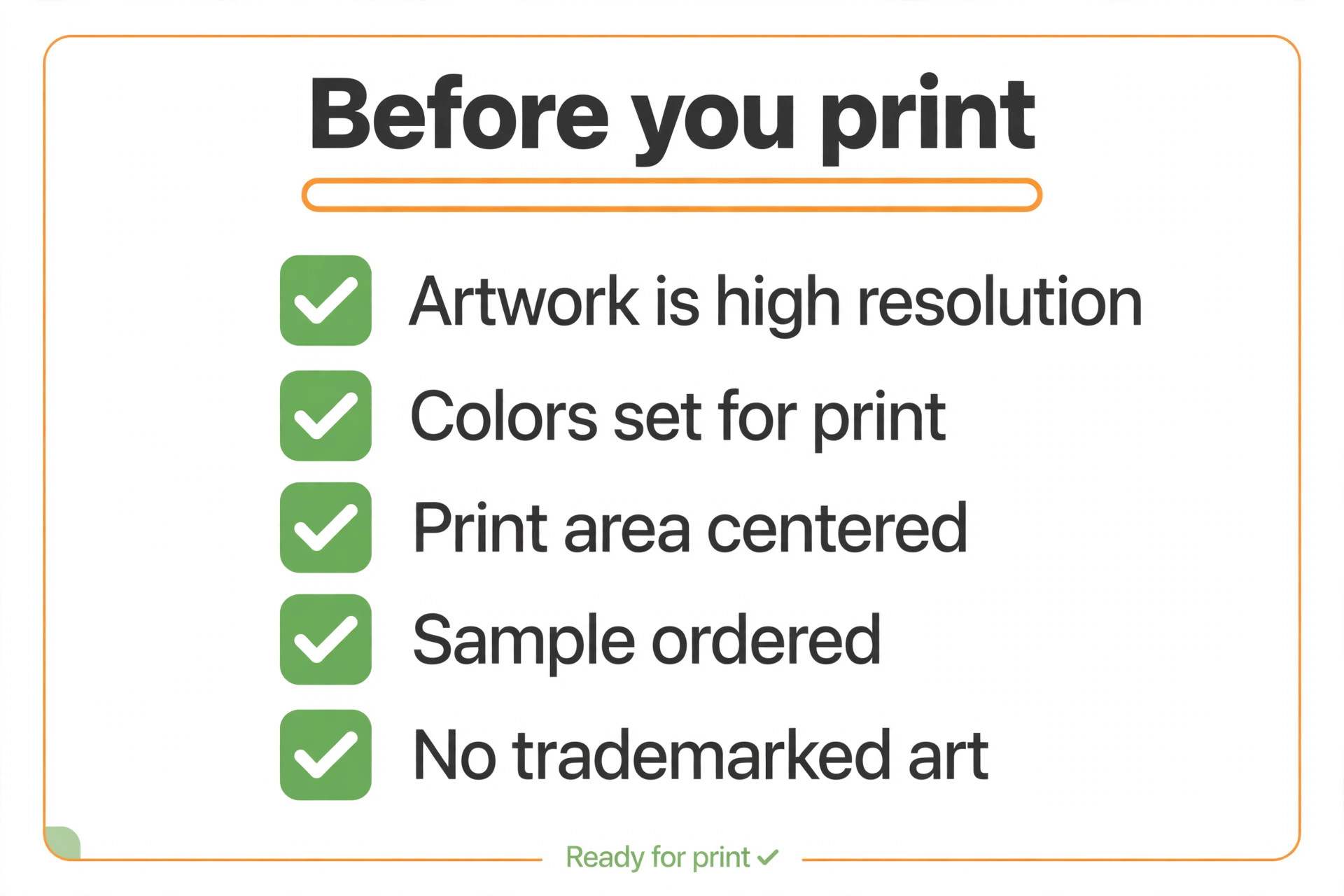
Then weigh licensing. A free plan that allows personal use only does not cover shirts you sell, and a template used by thousands of other sellers can make your listing look generic. Paid plans in this guide generally include a commercial licence, but the terms differ, especially on copy limits and template reuse. Read the licence for the plan you actually buy, not the marketing page. Finally, test the mockup, because best T-shirt design tools differ most in how honestly they preview print. A mockup that flatters the design on screen but hides print flaws will cost you returns, so order a sample shirt before a full launch whenever the budget allows.
The Tools in Detail
The reviews below follow the same order as the table. Each one covers what the tool does, who it suits, pricing, and the honest limits, so you can compare like with like.
1. Kittl
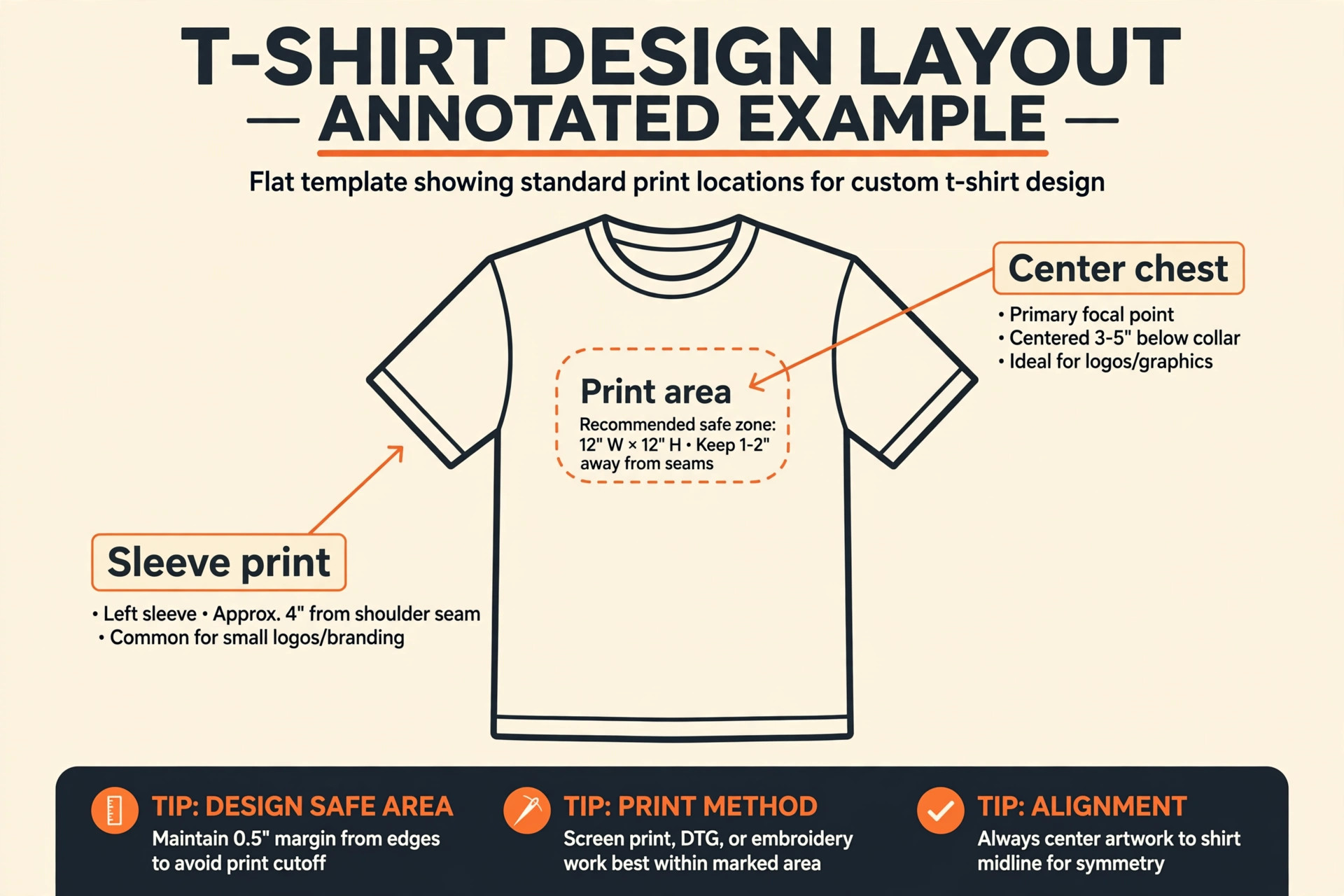
Kittl is built for print-on-demand sellers. It offers vintage text effects, distressed textures, and shirt templates built for merch. Kittl was built for products you wear. Text effects that take half an hour in a general editor are one-click presets here, and exports are set up for transparent PNG files at print size. Pricing is Free plan, Pro from 10 dollars per month billed annually.
In practice, the test that matters is whether a finished file still looks right where it will be used. Check it at real size, on a phone, and in print if print matters, before you commit to the tool for a whole series. A tool that looks good in a demo but fails that real-world check will cost you redesign time later, so run the check early and keep notes on what passed.
Strength to note. Merch-first templates, text effects, and mockups in one place. Limit to weigh. The free plan is for personal use, so selling needs a paid plan with a commercial licence.
2. Canva
Canva is built for beginners making simple merch. It offers a huge template library with an easy editor and mockup options. Canva is the fastest way to test a slogan tee. You can lay out text, add a graphic, preview it on a shirt mockup, and export without learning vector tools. Pricing is Free plan, Pro from about 12.99 dollars per month in some regions.
In practice, the test that matters is whether a finished file still looks right where it will be used. Check it at real size, on a phone, and in print if print matters, before you commit to the tool for a whole series. A tool that looks good in a demo but fails that real-world check will cost you redesign time later, so run the check early and keep notes on what passed.
Strength to note. Speed, templates, and mockups for testing ideas. Limit to weigh. It is not a true vector editor, so complex print artwork needs another tool.
3. Adobe Illustrator
Adobe Illustrator is built for professional designers and print shops. It offers the industry vector standard for original shirt artwork. Illustrator gives full control over paths, type on curves, colour separation, and print files. Print shops expect vector files, and this is the tool that produces them without compromise. Pricing is From 22.99 dollars per month on an annual plan, with a 7 day trial.
In practice, the test that matters is whether a finished file still looks right where it will be used. Check it at real size, on a phone, and in print if print matters, before you commit to the tool for a whole series. A tool that looks good in a demo but fails that real-world check will cost you redesign time later, so run the check early and keep notes on what passed.
Strength to note. Full vector control and print-ready output. Limit to weigh. The subscription cost and learning curve are the highest in this group.
4. Placeit
Placeit is built for sellers who need templates and mockups together. It offers ready-made shirt designs and a very large mockup library. Placeit shortens the listing step. You design from a template, then drop the art onto model and flat-lay mockups for a store page without a photo shoot. Pricing is Free templates, Unlimited from about 7.47 dollars per month billed annually.
In practice, the test that matters is whether a finished file still looks right where it will be used. Check it at real size, on a phone, and in print if print matters, before you commit to the tool for a whole series. A tool that looks good in a demo but fails that real-world check will cost you redesign time later, so run the check early and keep notes on what passed.
Strength to note. The widest mockup range for listings. Limit to weigh. Templates are widely used, so a design can look familiar unless you customise it well.
5. Printful Design Maker
Printful Design Maker is built for sellers who print through Printful. It offers an in-browser designer tied directly to Printful products and fulfilment. The advantage is the short path from design to product. You place art on a shirt, pick colours and sizes, and the same platform handles printing and shipping. Pricing is Free to use.
In practice, the test that matters is whether a finished file still looks right where it will be used. Check it at real size, on a phone, and in print if print matters, before you commit to the tool for a whole series. A tool that looks good in a demo but fails that real-world check will cost you redesign time later, so run the check early and keep notes on what passed.
Strength to note. No separate design cost and direct fulfilment. Limit to weigh. It only makes sense if you sell through Printful, and editing depth is lighter than a standalone editor.
6. Inkscape
Inkscape is built for designers on a zero budget. It offers professional vector editing on Windows, Mac, and Linux. Inkscape handles paths, nodes, text, and SVG export at a professional level for no cost. It is the honest answer for a seller who needs vector files but cannot justify a subscription yet. Pricing is Free and open source.
In practice, the test that matters is whether a finished file still looks right where it will be used. Check it at real size, on a phone, and in print if print matters, before you commit to the tool for a whole series. A tool that looks good in a demo but fails that real-world check will cost you redesign time later, so run the check early and keep notes on what passed.
Strength to note. Full vector power for free. Limit to weigh. The interface is less polished than paid rivals, and support comes from the community rather than a help desk.
7. Affinity
Affinity is built for serious designers who want pro tools free. It offers professional vector and raster design in one suite. Affinity now gives sellers pro-grade vector tools at no cost, which changes the value calculation for the whole category. You can build original art, manage colour, and export print files without a monthly bill. Pricing is Free after Canva made the suite free.
In practice, the test that matters is whether a finished file still looks right where it will be used. Check it at real size, on a phone, and in print if print matters, before you commit to the tool for a whole series. A tool that looks good in a demo but fails that real-world check will cost you redesign time later, so run the check early and keep notes on what passed.
Strength to note. Pro quality with no subscription. Limit to weigh. It is not merch-specific, so templates and mockups need to be sourced separately.
8. CorelDRAW Graphics Suite
CorelDRAW Graphics Suite is built for print shops and Windows illustrators. It offers a long-standing vector suite with strong print and layout tools. CorelDRAW suits shops that already work in its workflow and want to own the software outright. Layout, typography, and print preparation are mature and well documented. Pricing is 269 dollars per year subscription or 549 dollars one-time purchase, with a trial.
In practice, the test that matters is whether a finished file still looks right where it will be used. Check it at real size, on a phone, and in print if print matters, before you commit to the tool for a whole series. A tool that looks good in a demo but fails that real-world check will cost you redesign time later, so run the check early and keep notes on what passed.
Strength to note. One-time purchase option and strong print tools. Limit to weigh. The price is high for a single seller, and the Mac experience is not the focus.
9. Snappa
Snappa is built for marketers who need simple shirt graphics fast. It offers a simple template editor for text and graphic tees. Snappa is for the quick slogan or event tee, not for detailed illustration. You pick a layout, set the words, and export in minutes. Pricing is Free Starter plan with 3 downloads per month, Pro from 10 dollars per month billed annually.
In practice, the test that matters is whether a finished file still looks right where it will be used. Check it at real size, on a phone, and in print if print matters, before you commit to the tool for a whole series. A tool that looks good in a demo but fails that real-world check will cost you redesign time later, so run the check early and keep notes on what passed.
Strength to note. The fastest route to a simple graphic. Limit to weigh. It is not a vector editor, and the free download limit is tight for regular sellers.
Pricing in Practice, From Free to Professional
Free tools are genuinely usable here, which is unusual in design software. Inkscape and Affinity give professional vector editing at no cost, and that changes the budget conversation. The cost of a free tool is time, because you must learn vector paths, nodes, and export settings yourself, and you must source templates and mockups elsewhere. For a seller testing a first idea, that trade is often worth it.
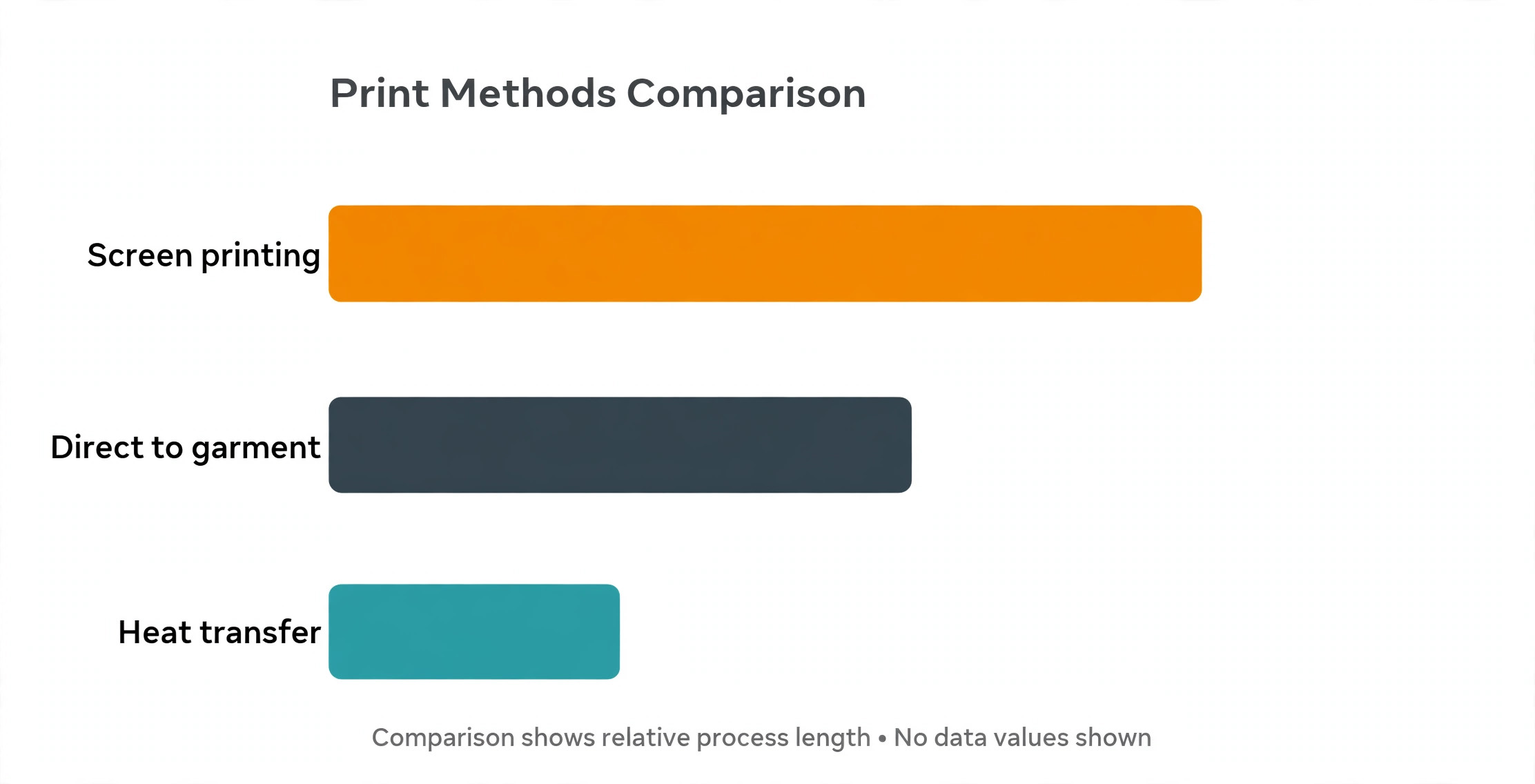
Paid merch tools charge roughly 10 dollars per month for a Pro tier in recent listings, and that price buys templates, text effects, mockups, and a commercial licence in one place. Professional vector software costs more, with Illustrator around 22.99 dollars per month and CorelDRAW at 269 dollars per year or 549 dollars as a one-time purchase. The right spend is the one that matches your volume. A seller making ten shirts a month should not pay professional prices, and a shop printing hundreds of designs should not fight a template editor.
The middle tier in this guide, where best T-shirt design tools offer paid plans around 10 dollars per month, is where most growing sellers land, and best T-shirt design tools at that tier are compared on licence terms and mockup quality rather than price alone.
Design Habits That Sell Better Shirts
Bold typography outsells busy illustration for most slogan and niche shirts, because a message that reads from two metres away also reads as a small listing thumbnail. Keep the design to one idea, one focal element, and colours that work on both dark and light shirts. Test the art on at least three shirt colours before launch, because a design that pops on black can vanish on navy.
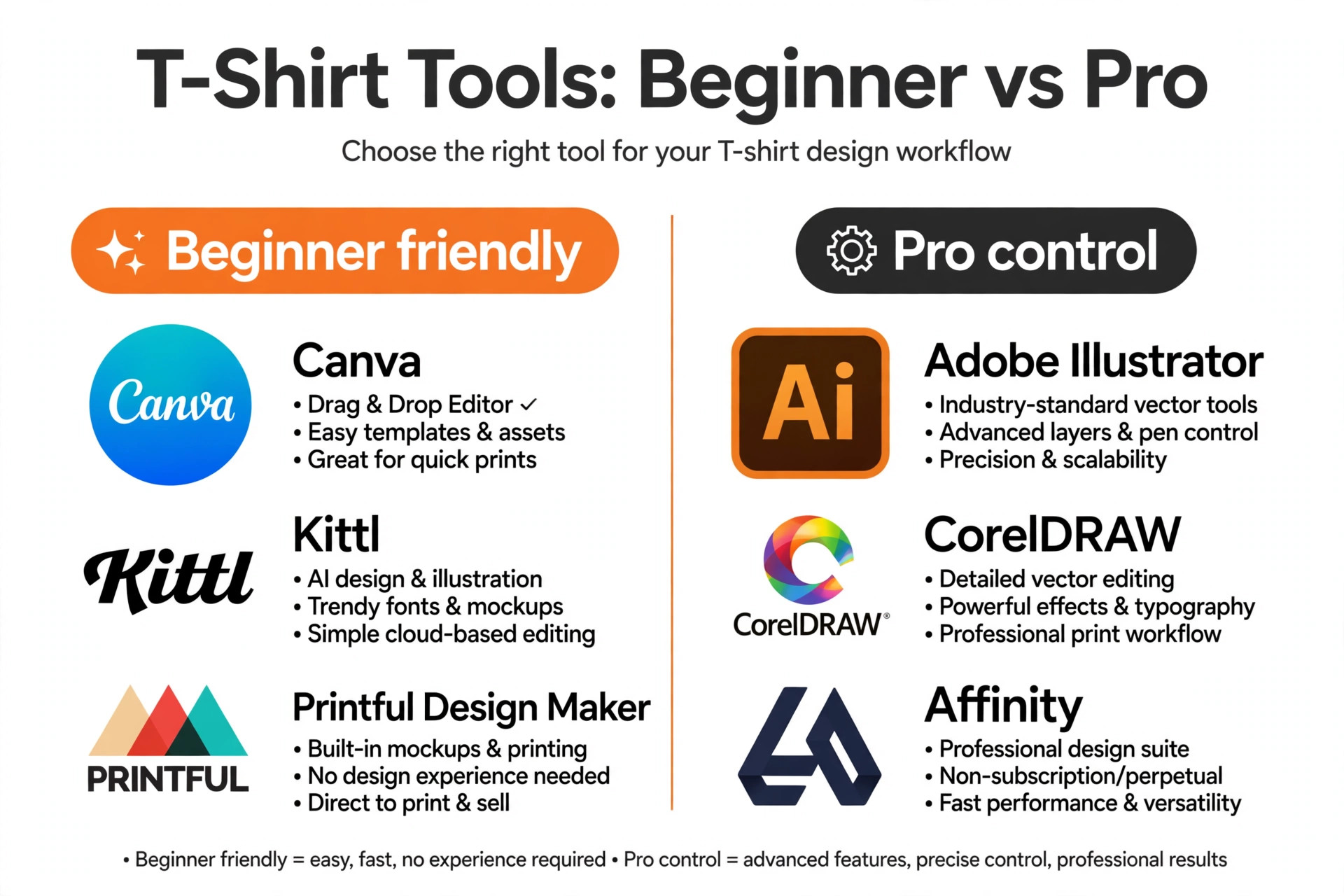
Avoid trademarked names, characters, and logos in your art, and remember that best T-shirt design tools do not protect you from a trademark complaint simply because a template included the art. even when a generator will happily produce them. Platforms remove listings and close accounts over trademark issues, and the risk grows with sales volume. Build original phrases and art, or license graphics properly from a library that grants print-on-demand rights. Finally, keep the print area in mind. Art that runs to the very edge of the canvas can get clipped by the printer, so leave a margin inside the safe area your platform shows.
From First Idea to a Shirt You Can Actually Sell
Start with the buyer, not the artwork. A shirt for nurses, for gardeners, or for new parents sells because the buyer recognises themselves in the message, not because the illustration is technically impressive. Write ten phrases that buyer might actually say, then keep the two that are original, specific, and funny or proud without being offensive. Check those phrases for trademark issues before you design anything, because a phrase tied to a brand, a show, or a famous slogan can get a listing removed even when the art is your own.
Next, sketch the layout at thumbnail size. If the design does not read as a small listing image, it will not read on a shirt from a distance either. Keep one focal element, leave breathing space around it, and test the art on dark, light, and mid-tone shirt colours. Many beginners design only on white, then discover the art vanishes on black or clashes with navy. A quick colour test on three backgrounds prevents that surprise and often reveals a better colour version you would not have chosen otherwise.
Then order a sample before you list. A sample shows how the print feels, whether colours shift on fabric, and whether placement sits where you expected on a real body rather than a flat mockup. Photograph the sample on a person if you can, because real photos build trust in a listing far better than flat mockups alone. Only after the sample passes should you scale to more colours, more products, and more designs. Sellers who skip the sample often learn the same lessons through returns, and returns cost more than one test shirt ever will.
Print Methods Explained in Plain Terms
Direct-to-garment printing works like an inkjet printer for fabric, spraying ink directly onto the shirt. It handles gradients, photographs, and many colours well, which makes it the default for print-on-demand platforms. The trade-off is that prints can fade faster than screen prints if washed hot or dried harshly, and dark shirts need a white underbase layer that can feel slightly heavier. For detailed art and small orders, direct-to-garment is usually the right choice, because there is no setup cost per colour.
Screen printing pushes ink through a mesh screen, one colour at a time, onto the shirt. It produces bold, durable prints that survive many washes, which is why it remains the choice for bulk orders such as team shirts, event merch, and band merchandise. The setup cost per colour means a ten-colour design is expensive in small quantities, so screen print designs usually work best with few colours and bold shapes. Heat transfer and vinyl methods sit between these options, suiting names, numbers, and simple graphics on demand, though they can feel heavier on the fabric than a direct print.
Choosing the method before you design saves rework, because a gradient-heavy design made for direct-to-garment printing will need simplifying for screen printing, and a bold two-colour design made for screen printing may look flat when printed directly. Ask the printer which method it will use, design for that method from the start, and test the result on a sample. That order, method first and design second, is the habit that separates sellers who ship once from sellers who ship reliably.
More Reading on Stratilyze
A shirt design is only one part of a merch business. Pricing, listing photos, and the platform you sell on decide whether a good design actually earns money, and a design that looks strong on a mockup still needs a listing that explains the fit, the fabric, and the print quality. Build the design, test it on a sample, then turn the same care to the listing before you move to the next idea.
Read our guide to how to start a clothing brand with ai for the next step after you finish this design.
Read our guide to best ai tools for print on demand sellers for the next step after you finish this design.
Read our guide to best ai fashion design tools for the next step after you finish this design.
Read our guide to how to start a print on demand business with ai for the next step after you finish this design.
Read our guide to best ai tools for graphic designers for the next step after you finish this design.
Read our guide to best ai logo makers for the next step after you finish this design.
Frequently Asked Questions
What file type should I export for T-shirt printing?
Export a transparent PNG at high resolution, usually 4500 by 5400 pixels at 300 dots per inch for a full front print, or a vector SVG or PDF when the platform accepts it. Check your printer or platform for its exact size and colour mode before you finalise the design.
Can I design T-shirts for free?
Yes. Inkscape and Affinity offer professional vector editing for free, and Canva, Kittl, and Placeit offer free tiers. Free tiers may limit commercial use, downloads, or premium templates, so check the licence if you plan to sell the shirts.
Do I need Illustrator to sell shirts?
No. Illustrator is the professional standard for original vector art, but many successful sellers use Kittl, Canva, or Affinity. Illustrator matters most when a print shop demands vector files or when your art needs precise colour and path control.
What is the best tool for print-on-demand beginners?
Kittl is the strongest beginner pick for print-on-demand, because its templates, text effects, and mockups are built for merch. Canva is a close alternative when you already use it for other design work and want the fastest start.
How do I avoid trademark problems on shirts?
Do not use brand names, characters, celebrities, or logos you do not own or license. Write original phrases, create original art, or use graphics from a library that clearly grants print-on-demand rights, and keep records of your licences.
Should I order a sample shirt before selling?
Yes, whenever the budget allows. A sample reveals colour shifts, print placement issues, and fabric feel that a screen mockup hides. One sample can prevent a batch of returns and a damaged listing rating.
The Final Call on Shirt Tools
For a beginner seller, start with Kittl for merch templates and Affinity for original vector work, because that pair costs little and covers both speed and control. Add Placeit when mockup variety starts to matter for listings. Move to Illustrator only when a print shop asks, and judge best T-shirt design tools by the file they export rather than by the editor you enjoyed using. for vector files or your art outgrows template tools. The comparison hook that opened this guide holds at the end. Canva gets you selling fast, Illustrator gets you printing perfectly, and the smart seller uses the right one for each job rather than forcing one tool to do both.
Niche research deserves as much time as design. Browse the marketplace where you plan to sell and note which phrases, styles, and colours appear repeatedly, then look for the gap rather than copying the leaders. A niche with a clear audience and few strong listings gives a new seller a better chance than a crowded niche where hundreds of similar shirts compete on price alone. Check search results, bestseller lists, and community groups for the language buyers actually use, because a phrase buyers search for will outperform a clever phrase nobody types.
Colour and placement testing is the next step that separates hobby sellers from steady sellers. Print the same design in two or three colour versions and compare them on the shirt colours you plan to offer, because ink on fabric behaves differently from pixels on a screen. A design that relies on subtle shading may lose detail on a dark shirt, while a bold two-colour version of the same idea may print cleanly and cost less to produce. Placement matters too, since a design centred too high looks different on a worn shirt than on a flat mockup, so the sample stage should include a photo of the shirt being worn.
Finally, treat the listing as part of the design. A clear title, honest fabric and fit details, and photos that show the shirt on a person and laid flat will convert better than a beautiful design hidden behind a vague listing. Mention the print method and care instructions, because buyers who know how to wash a printed shirt keep it longer and complain less. Sellers who combine a strong design, a tested sample, and a clear listing build repeat buyers, and repeat buyers are what turn a single good shirt into a sustainable small business rather than a one-time experiment.
Keep a simple record of which designs sold, which colours sold best, and which listings drew the most views, because that record tells you what to design next far better than guesswork does.