
A small firm with ten staff can easily hold more than a terabyte of shared files within its first year, once quotes, photos, videos, contracts, and project folders all live in one place. That volume is why the cost of Dropbox for small business monthly deserves a proper calculation rather than a glance at the cheapest plan. The cheapest plan buys storage for one person, while a business plan buys pooled storage, admin controls, and version history for a whole team, and the gap between those two purchases is where most budgeting mistakes happen.
Storage feels free until it is not. Staff keep files on laptops, email attachments pile up, and a shared drive fills quietly until someone cannot upload a client video on deadline day. Dropbox solves that problem, but it charges in two different ways that buyers often confuse. Personal plans charge per account, while business plans charge per user and pool the storage across the team. A firm that buys the wrong model either pays for seats it does not need or runs out of room at the worst moment.
The safest way to read this guide is to keep two numbers in mind throughout, namely the number of people who need access and the total storage the firm actually holds. Every tier decision in the sections below comes back to those two numbers, and a buyer who knows them will find the right tier quickly.
Prices in this guide come from vendor pricing pages and reputable comparison listings checked at writing time. Dropbox changes prices from time to time, so treat every figure as a starting point and confirm the current price on the vendor page before buying. Annual billing figures are used as the main comparison, with monthly billing shown alongside, because the gap between the two is large enough to change a small firm’s decision.
What the Cost of Dropbox for Small Business Monthly Looks Like on Each Tier
Dropbox sells personal plans and business plans side by side, and a small business owner will meet both on the pricing page. Plus is a personal plan for one user with 2TB of storage, priced at $9.99 a month on annual billing or $11.99 a month billed monthly. Essentials is the professional step up, with 3TB of storage, unlimited signature requests, PDF editing, and file engagement tracking, priced at $18 a month on annual billing or $22 a month billed monthly. Both are single user plans in spirit, even though Essentials carries business friendly tools.
| Plan | Annual billing | Monthly billing | Storage |
|---|---|---|---|
| Plus | $9.99 a month | $11.99 a month | 2TB, one user |
| Essentials | $18 a month | $22 a month | 3TB, one user |
| Business | $20 per user a month | $24 per user a month | 9TB pooled, minimum 3 users |
| Business Plus | $26 per user a month | $32 per user a month | 15TB pooled, minimum 3 users |
Business is the first true team plan. It starts at three users, pools 9TB of storage across the team, and adds admin controls, team folders, and visibility into what content is shared. Business Plus lifts pooled storage to 15TB, extends file recovery to a full year, and adds tiered admin roles, suspicious activity alerts, and compliance tracking. Enterprise sits above both with custom pricing and unlimited storage, but it belongs to larger firms with dedicated IT staff, not to a ten person business buying its first shared drive.
When owners ask what the cost of Dropbox for small business monthly really covers, the answer depends on which side of the personal and business line they stand. A personal plan covers one person’s files, while a business plan covers a team’s files plus the controls that keep those files safe when staff join, leave, or share externally. That control layer is invisible on a quiet week and invaluable on the week a laptop is lost or a contractor’s access needs removing in a hurry.
Pooled Storage Changes the Maths Completely
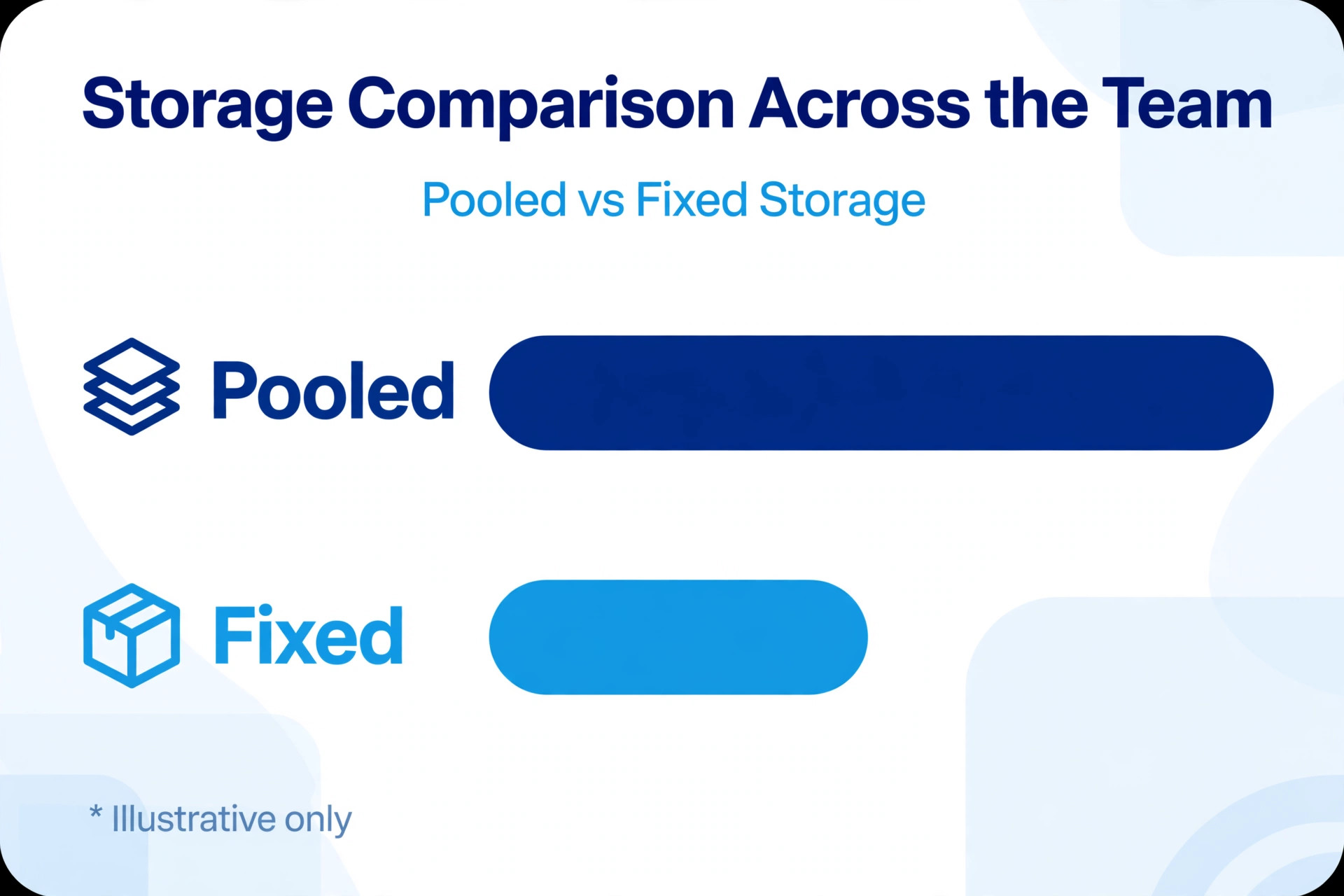
Pooled storage is the single most misunderstood part of Dropbox business pricing. On Business, the team shares 9TB, which means one heavy user can hold 4TB of video while nine light users hold a few gigabytes each, and the team still fits inside the pool. On a personal plan model, each user is capped separately, so the heavy user hits a wall while spare capacity sits unused in other accounts. For firms where work is uneven, and most small firms are uneven, pooling is worth money on its own.
Do the storage check before choosing a tier, because it decides whether Business or Business Plus is needed. Add up the current shared folders, then add a realistic growth figure for the next year. A design studio, a building firm, or a video producer can add hundreds of gigabytes a year without noticing, while a consultancy that mainly stores documents may grow slowly. If the total sits under 9TB with room to spare, Business fits. If it already pushes past 7TB, Business Plus is the safer buy, because upgrading mid year under time pressure always costs more attention than choosing correctly at the start.
Version history is the quiet second half of the storage question. Business plans restore deleted files for 180 days, while Business Plus extends that window to a full year. A firm that discovers a deleted folder three months after the event is safe on either plan, while a firm that discovers it nine months later is only safe on Business Plus. That difference rarely appears in a price comparison, yet it decides whether a mistake becomes a story told at lunch or a client problem that takes days to rebuild.
The pooling model also changes how a buyer should judge the cost of Dropbox for small business monthly, because the headline per user price is not the price per gigabyte. On Business, a ten person team shares 9TB for $200 a month on annual billing, which works out at roughly 900GB per user on average, while a solo Plus user gets 2TB for $9.99. The team pays more per person but gains management, sharing control, and recovery tools that a personal plan cannot offer. Judge the team plan on what it manages, not only on what it stores, and the comparison becomes fair.
Worked Monthly Totals for a Three Person and a Ten Person Team
A three person team is the smallest team that can buy Business, since the plan requires a minimum of three users. On annual billing, three Business seats at $20 each cost $60 a month, or $720 over a year. The same three seats billed monthly cost $72 a month, or $864 over a year, which is $144 more for the same storage and controls. That annual saving alone covers a month of the subscription, so a committed team should take annual billing once the tool is proven.
A ten person team on Business billed annually pays $200 a month, because ten seats at $20 each add up to that total, or $2,400 over a year. Billed monthly, the same team pays $240 a month, or $2,880 over a year, a gap of $480 that no small firm should ignore. On Business Plus, a ten person team pays $260 a month on annual billing, or $3,120 over a year, which is $60 a month more than Business for the larger pool, longer recovery window, and stronger admin tools. The Plus premium is modest beside the base bill, so it should be judged on whether the firm needs the extra storage and controls, not on sticker shock.
Compare those team totals with the personal route to see why it fails at scale. Ten separate Plus plans would cost $99.90 a month on annual billing, which looks cheaper than $200 a month for Business, until the firm counts what is missing. There are no team folders, no central admin, no visibility into sharing, and no pooled storage, so each user is capped at 2TB and the firm cannot remove access centrally when someone leaves. The saving of about $100 a month buys a set of problems that surface exactly when the firm can least afford them, such as during a staff departure or a lost device.
A mixed route can work for a firm with a small core team and several occasional collaborators. Put the core team on Business, and give occasional users a Plus or Essentials plan for their own files, sharing specific folders with them. A three person core on Business at $60 a month plus two Essentials plans at $18 each adds $36, for a total of $96 a month on annual billing. That is cheaper than five Business seats at $100 a month, but only slightly, and the firm loses central control over the two outside accounts. The mixed route saves real money only when the outside users are truly occasional and their files are not part of the core company record.
Any honest budget for the cost of Dropbox for small business monthly should also include the cost of seats that sit empty between hires. A firm that buys ten seats in January and hires the tenth person in September has paid for an empty seat for eight months, which is $160 on Business annual billing. Seat counts should therefore follow hiring reality, not hiring hope, with new seats added when a person actually starts. Dropbox makes adding seats easy, so there is no advantage in buying early, and every advantage in buying accurately.

Who Each Dropbox Tier Actually Fits
Plus fits a sole trader who needs reliable backup and access from anywhere, without team controls. A photographer, a bookkeeper, or a consultant with 2TB of personal files gets a simple, cheap home for their work, with version history and remote device wipe for a lost laptop. Plus also fits as a personal overflow account for an owner who already runs the business on a team plan, though paying twice for storage should be a deliberate choice rather than an accident.
Essentials fits a professional who works alone but deals with clients formally. Unlimited signature requests, PDF editing, and file engagement tracking matter to a freelancer who sends contracts, tracks whether a client opened a proposal, and edits documents without leaving the platform. The jump from $9.99 to $18 a month on annual billing is justified when those tools replace a separate e signature subscription, because the firm then pays once instead of twice. If the firm never sends contracts for signature, Essentials is an expensive way to buy an extra terabyte.
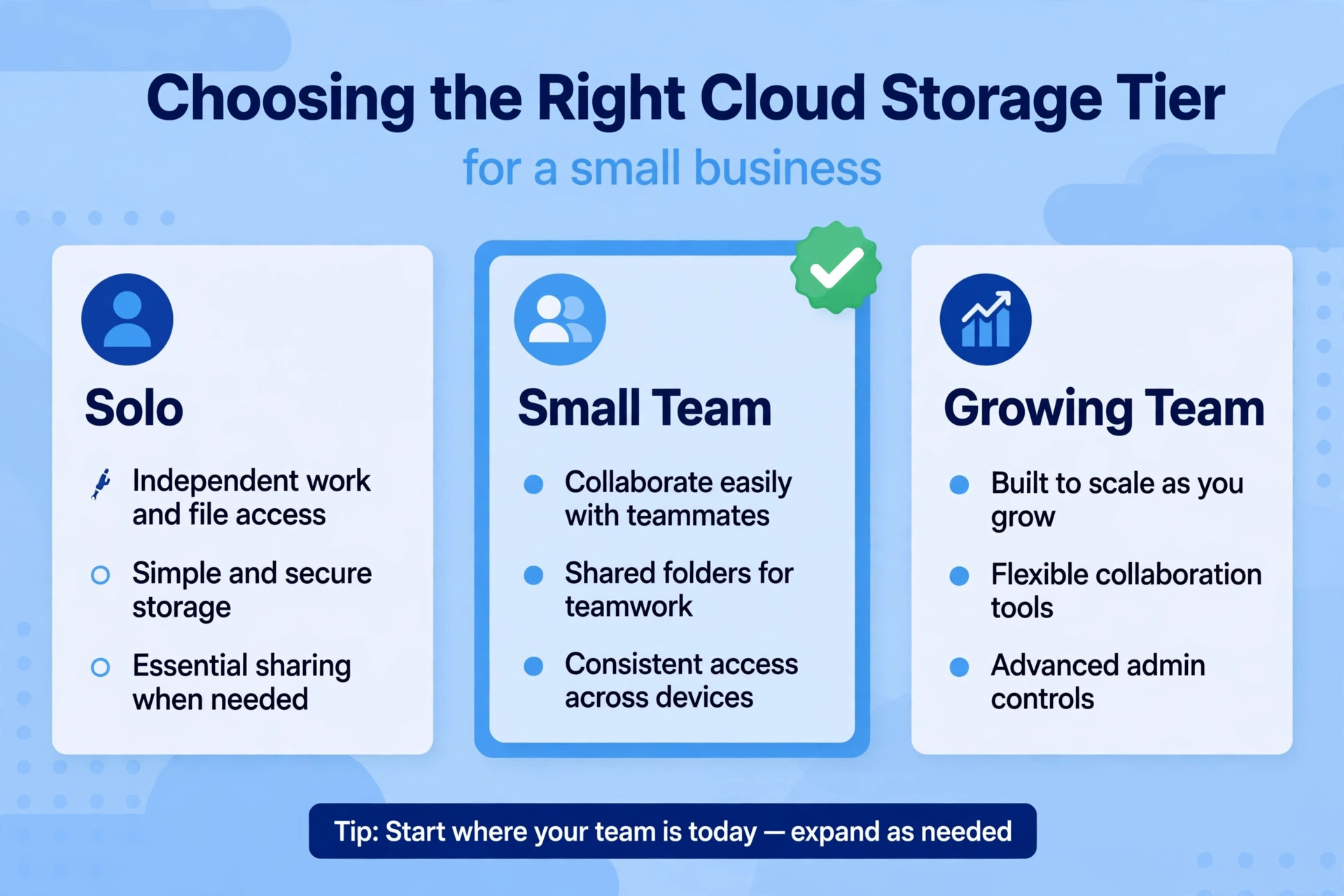
Business fits any firm from three people upward that shares files daily. Team folders, admin controls, and sharing visibility turn a collection of personal drives into a company file system, and the 9TB pool covers most small firms comfortably. Business also fits firms with contractors, because an administrator can grant and remove access without touching anyone’s personal account. The minimum of three users means a two person firm cannot buy it directly, which pushes genuine two person partnerships toward Essentials until they hire a third person.
Business Plus fits firms that handle sensitive material, keep files for a long time, or store large media libraries. Tiered admin roles let a firm separate everyday administrators from senior controls, suspicious activity alerts catch unusual sharing early, and a full year of file recovery protects against slow discoveries. A legal practice, a medical office, or a media studio should weigh those controls seriously, because the cost of a data incident dwarfs the $6 per user monthly gap between Business and Business Plus on annual billing.
The tier decision gets easier when it is tied to a concrete client or compliance need rather than a vague wish for better security. The cost of Dropbox for small business monthly rises by $6 per user when moving to Business Plus, so a ten person firm should be able to name what that $60 buys, such as a longer recovery window for a named project archive, or tiered roles for a named compliance requirement. If the firm cannot name the benefit, it should stay on Business and revisit the question when a real trigger appears, because paying for controls nobody uses is just as wasteful as missing controls the firm needs.
Dropbox Costs Outside the Subscription
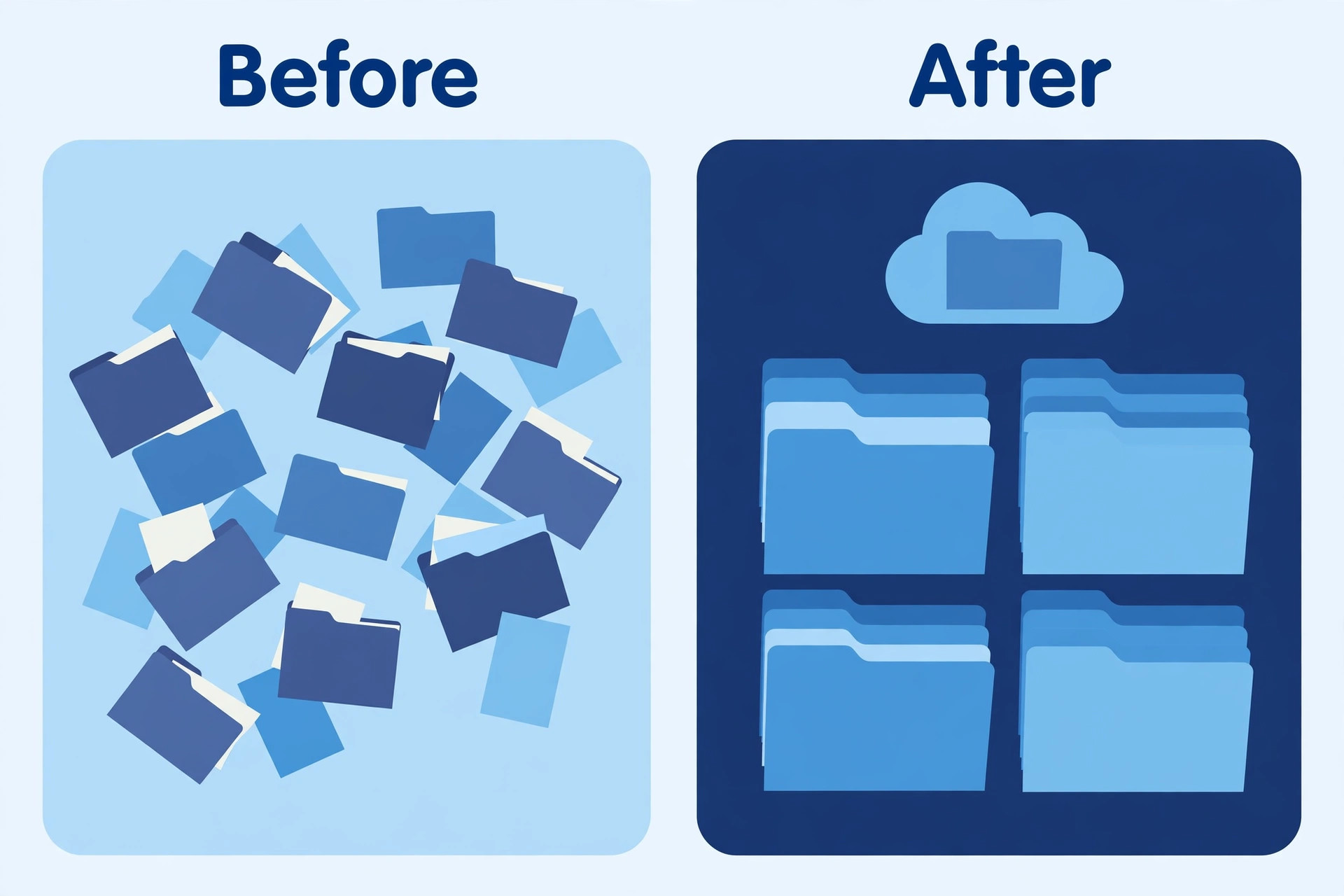
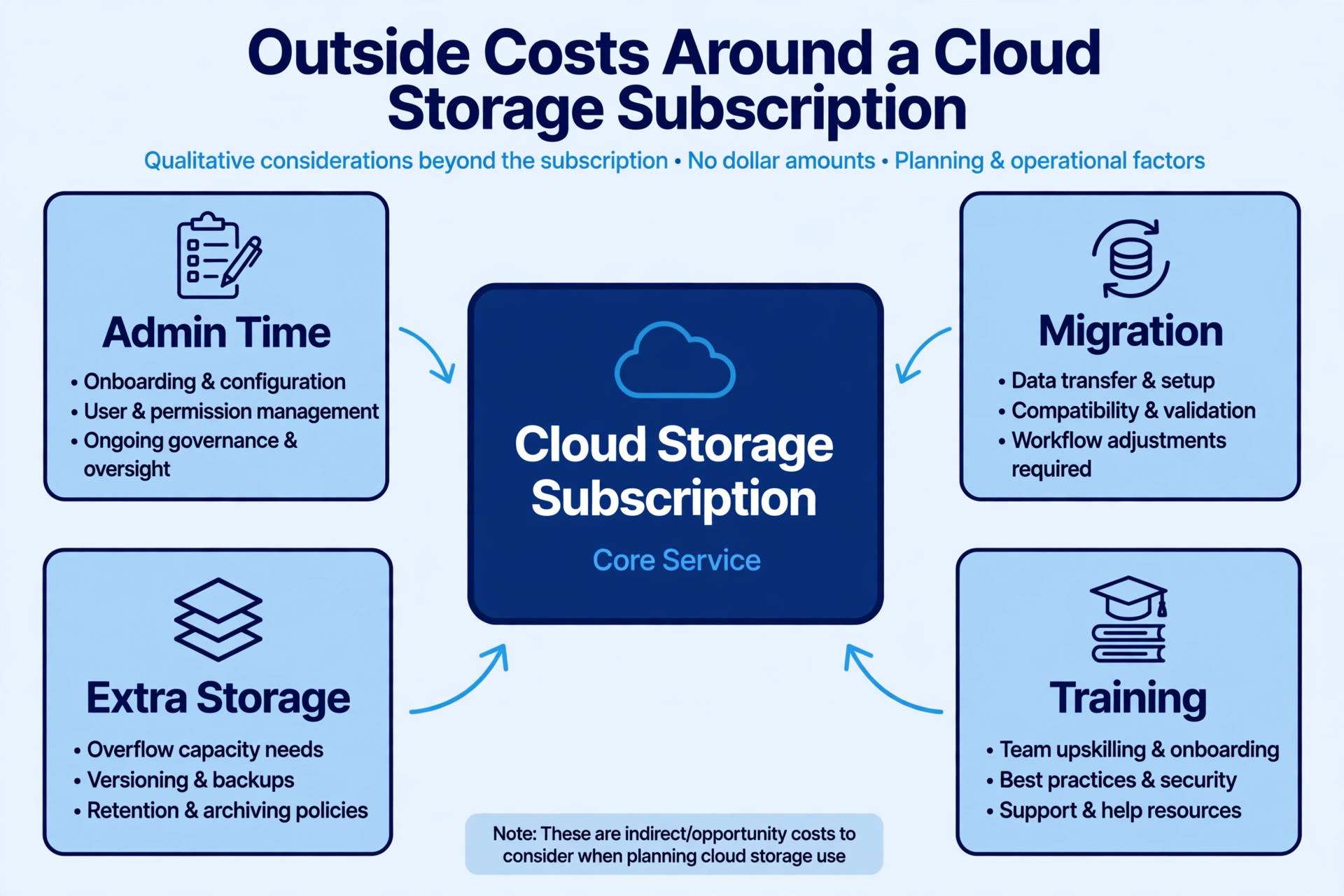
The subscription buys storage and controls, but the firm must still pay in staff time to organise it. A shared drive without a folder structure becomes a dumping ground within months, and staff waste time searching for files that are technically stored but practically lost. Someone must design the top level folders, write naming rules, move the current files in, and archive the outdated ones. Budget a day or two of focused work for a small team, and treat that time as part of the purchase, because a disorganised Business plan delivers little more than a disorganised personal drive.
A second outside cost is bandwidth and hardware. Large media libraries sync constantly, and a slow office connection will frustrate staff who wait for files to appear. Smart Sync helps by showing files without downloading them all, but heavy video work still needs decent internet and local disk space for active projects. A firm upgrading its storage should also check its connection, because a fast drive on a slow line feels like a slow drive. That check costs nothing, but skipping it leads to complaints that get blamed on the wrong product.
A third outside cost is the discipline of access reviews. Team folders grow, contractors come and go, and shared links accumulate, so someone should review who can see what each quarter. Dropbox gives administrators the tools to see sharing and remove access, but the tools only help if someone uses them. Assign that review to a named person, and pair it with the leaver process, so that removing a departing employee from Dropbox happens on their last day rather than whenever someone remembers. The review takes under an hour for a small team, and it is the cheapest insurance the subscription offers.
Firms often forget that the cost of Dropbox for small business monthly is paid whether the drive is organised or not, which is why the access review matters more than any feature comparison. A tidy drive with current permissions protects client material and saves search time every day, while a messy drive with stale shares creates risk without any saving. The subscription is fixed, so the variable that decides value is the discipline around it, and that discipline costs an hour a quarter rather than a higher tier.
When the Dropbox Upgrade Pays and When It Does Not
Upgrade from Plus to Essentials when client facing document tools are used weekly, not when they look useful in a feature list. A freelancer who sends five contracts a month and tracks proposal opens will recover the $8.01 monthly gap on annual billing quickly, especially if it replaces a separate signature tool. A freelancer who sends one contract a quarter will not, and should stay on Plus until volume grows. The test is usage in real weeks, not intention in a quiet planning meeting.
Upgrade from Essentials to Business when the firm reaches three people who share files daily, or when a single departure would expose a control gap. The trigger is often practical, such as needing to remove a contractor’s access quickly, or realising that nobody knows who shared a sensitive folder externally. At that point, the $60 a month starting price for three seats is the price of a managed file system, and comparing it with three personal plans misses the point. Personal plans were never designed to be managed, and managing them by hand costs staff time every month.
Upgrade from Business to Business Plus when storage passes 7TB, when file recovery beyond six months matters, or when compliance and alerts become a client requirement. Some clients, especially in professional services, ask how files are protected and who can access them, and Business Plus gives a stronger answer. Do not upgrade on storage fear alone, because Dropbox sells additional storage and the firm can measure actual growth for a quarter before committing. Measure first, then upgrade on a number, not on a worry.
That measurement habit also keeps the cost of Dropbox for small business monthly honest over time, because storage growth is rarely linear. A firm may add 500GB in a busy quarter and almost nothing in the next, so a single month of growth should not trigger a tier change. Track the pool total at each quarter end, project forward at the average rate, and upgrade when the projection crosses the limit within the next two quarters. That rule prevents both panic upgrades and the opposite mistake, which is discovering the pool is full on the day a large client delivery is due.

What Leaving Dropbox Would Cost Later
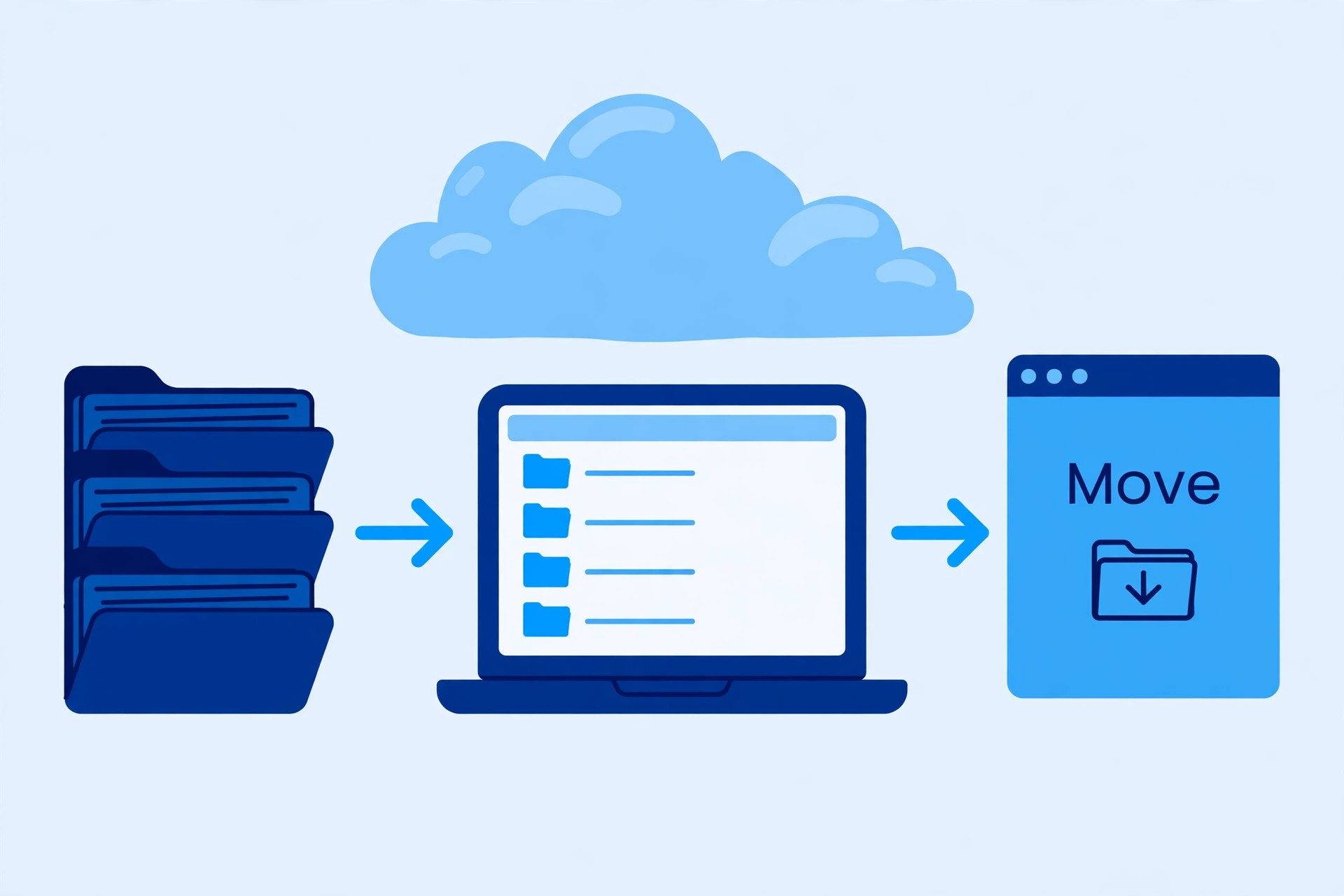
Moving a shared drive is heavier than moving personal files, because folder permissions, shared links, and version history rarely transfer cleanly. A solo user can move 2TB over a weekend with patience and a good connection. A ten person team with 9TB of pooled files, team folders, and external shares should budget days of transfer time, plus a period when both systems run together. During that overlap, staff must know which system holds the current version of each file, or the firm ends up with two conflicting copies of the same contract.
The deeper switching cost is broken links. Client portals, project documents, and email threads often point at Dropbox shared links, and those links die when files move. Someone must find every external link, replace it, and tell clients where the new file lives, which is tedious work that nobody budgets for. Before switching away for price, count the external shares and estimate the repair time honestly. A cheaper drive that breaks fifty client links is not cheaper once staff time and client confusion are counted.
There is also a habit cost that matters more than the transfer itself. Staff who have learned to save everything to the team drive will keep doing it, but only if the new tool feels as fast and reliable. A slower sync, a clumsier sharing dialogue, or a missing Smart Sync equivalent will push files back onto desktops and email attachments within weeks. Test the replacement with the heaviest users first, on real projects, before committing the whole team, because their verdict predicts whether the migration will stick.
A careful buyer weighs that habit risk before letting the cost of Dropbox for small business monthly drive a switch to a cheaper drive. The saving on paper can look attractive, yet a failed migration costs staff weeks of frustration and leaves files in three places at once. Run the replacement in parallel for a month, move one team folder at a time, and only cancel Dropbox when the new home has proven itself on the firm’s heaviest real work. Patience during migration is cheaper than repairing a rushed one.
The Dropbox Verdict for a Small Business
For a solo professional, Plus on annual billing at $9.99 a month is the sensible default, with Essentials at $18 a month worth it only when signature requests, PDF editing, and engagement tracking replace another paid tool. For a team, Business on annual billing is the honest starting price, at $60 a month for three people and $200 a month for ten, with Business Plus at $78 a month for three and $260 a month for ten when storage, recovery, and controls justify it. The cost of Dropbox for small business monthly is therefore a choice between cheap personal storage and a managed team file system, and the two should never be compared as if they were the same product.
Buy the tier that matches how files actually move through the firm today, measure storage growth for a quarter, and review seats and sharing at every renewal. A shared drive earns its fee when any team member can find the current version of a file in seconds, when access can be removed the day someone leaves, and when a deleted folder can be recovered months later. When those three things hold, the business price feels like good value. When they do not, the firm is paying for storage it could get anywhere, and the fix is organisation and access discipline rather than a different tier.
One final check before signing up is to count the firm’s real seats, real storage, and real sharing needs on one page, and to compare that page with the tier table rather than with a competitor’s headline price. A firm that does that check will rarely overbuy, because the numbers expose empty seats and unused storage before money is committed. A firm that skips it will usually buy the middle tier out of caution and discover a year later that it needed either less or more.
More Reading on Stratilyze
For migration help, read migrate Dropbox to Google Drive for small business and migrate Dropbox to OneDrive for a business team. For a switch comparison, see switch Dropbox to Box for a business team and best spreadsheet software for small business.
Frequently Asked Questions
How much does Dropbox Business cost for three users
Three Business seats on annual billing cost $60 a month, because three times $20 equals that total, or $720 over a year. The same three seats billed monthly cost $72 a month, or $864 over a year. Business requires a minimum of three users, so a two person firm cannot buy it directly and should use Essentials or Plus until a third person joins.
Is Dropbox Plus enough for a small business
Plus is enough for a solo professional who needs 2TB of personal storage, sync, and version history, but it is not a team tool. It has no team folders, no central admin, and no visibility into sharing, so a firm that grows past one person will quickly feel those gaps. A solo owner can start on Plus safely, provided the firm plans to move to Business when sharing becomes a daily need rather than an occasional favour.
What is pooled storage and why does it matter
Pooled storage means the whole team shares one storage allowance, such as 9TB on Business, instead of each user receiving a fixed slice. It matters because real teams use storage unevenly, with one video heavy user and several light document users. Pooling lets the heavy user draw on spare capacity from light users, so the team fits inside the allowance longer and upgrades later than it would on fixed per user caps.
Does annual billing save much on Dropbox Business
Annual billing saves $4 per user a month on Business against monthly billing, which is $12 a month for three users and $40 a month for ten users. Over a year, that is $144 for three users and $480 for ten users, which is a meaningful saving for a small firm. Monthly billing still makes sense for a trial quarter, but a committed team should switch to annual billing once the tool is proven.
When should a firm choose Business Plus over Business
Choose Business Plus when pooled storage approaches 9TB, when file recovery beyond 180 days matters, or when tiered admin roles, alerts, and compliance tracking are needed for clients or regulators. The gap is $6 per user a month on annual billing, which is $60 a month for ten users. If none of those triggers apply, Business delivers the same everyday file sharing for less, and the firm can upgrade later on evidence.
Can a firm mix personal and business Dropbox plans
Yes, a firm can run a Business core team and give occasional collaborators a Plus or Essentials plan, sharing specific folders with them. The saving is usually small, such as $4 a month for a five person mix, and the firm loses central control over the outside accounts. The mix only makes sense when the outside users are truly occasional and their files are not part of the core company record that needs managed access.