

A solo owner pays less each month for Evernote than for a single team lunch, while a five person team pays more than a hundred dollars a month for the same product. That gap is the whole story behind the cost of Evernote for small business monthly, because Evernote does not sell one price. It sells a cheap personal plan, a dearer power user plan, and a team plan priced per person, and the right choice depends on how many people need shared notebooks, admin controls, and a searchable company memory rather than a private place to keep notes.
The comparison that matters is not Evernote against a free notes app. It is Evernote against the messy alternative most small firms already live with, which is notes scattered across phones, email inboxes, paper notebooks, and chat threads that nobody can search six months later. A lost client brief, a forgotten supplier term, or a procedure that only one employee remembers can cost far more than a monthly subscription. The question is whether the paid tiers remove enough of that waste to justify their price, and at what team size the team plan stops being a luxury and starts being the cheaper way to run the business.
Prices in this guide come from vendor pricing pages and reputable comparison listings checked at writing time. Evernote changes prices from time to time, so treat every figure as a starting point and confirm the current price on the vendor page before buying. Where a figure depends on annual billing, the text says so plainly, because the gap between monthly and annual billing is one of the largest hidden costs in this purchase.
What the Cost of Evernote for Small Business Monthly Looks Like on Each Tier
Evernote sells four levels, but only three matter for a small business. The free plan is tightly limited, with a small monthly upload allowance and a cap on note size that makes it unsuitable as a company record. It works as a trial of the interface, not as a business tool. The paid tiers remove those limits step by step, and each step adds either capacity or control.
| Plan | Annual billing | Monthly billing | Best for |
|---|---|---|---|
| Personal | $10.83 a month | $14.99 a month | A solo owner |
| Professional | $14.17 a month | $17.99 a month | A heavy individual user |
| Teams | $20.83 per user a month | $24.99 per user a month | A shared company workspace |
Personal suits an owner who mainly captures their own notes, scans documents, and syncs across a phone and a laptop. It allows 10GB of monthly uploads and a 200MB note size on the older published specification, with later listings showing a 250MB note size, so check the current specification before relying on either figure for large files. It also adds calendar connection, tasks, and offline access, which together turn a notes app into a daily work surface. For one person, that is usually enough, and the annual price of $129.99 a year is easy to approve without a formal budget discussion.
When owners ask what the cost of Evernote for small business monthly really means in practice, the honest answer is that it means a small fixed fee plus a decision about sharing. A solo owner pays for capacity and search, while a team pays for capacity, search, and control over shared material. The per user team rate only looks high when it is compared with a personal plan that does not include admin tools, permissions, or shared Spaces. Compare like with like, and the team premium becomes the price of keeping company knowledge inside the company, rather than inside individual accounts that the business cannot manage.
Professional adds a larger 20GB monthly upload allowance, stronger search, more calendar connections, and tools for managing tasks and content at higher volume. It also bundles an Adobe Acrobat Standard benefit in some listings, which matters if the business regularly edits PDFs rather than just storing them. The annual price of $170.04 a year is only $40.05 a year more than Personal, so the upgrade is cheap for someone who actually hits the Personal limits. It is a poor buy for someone who does not, because the extra capacity sits unused while the bill keeps arriving.
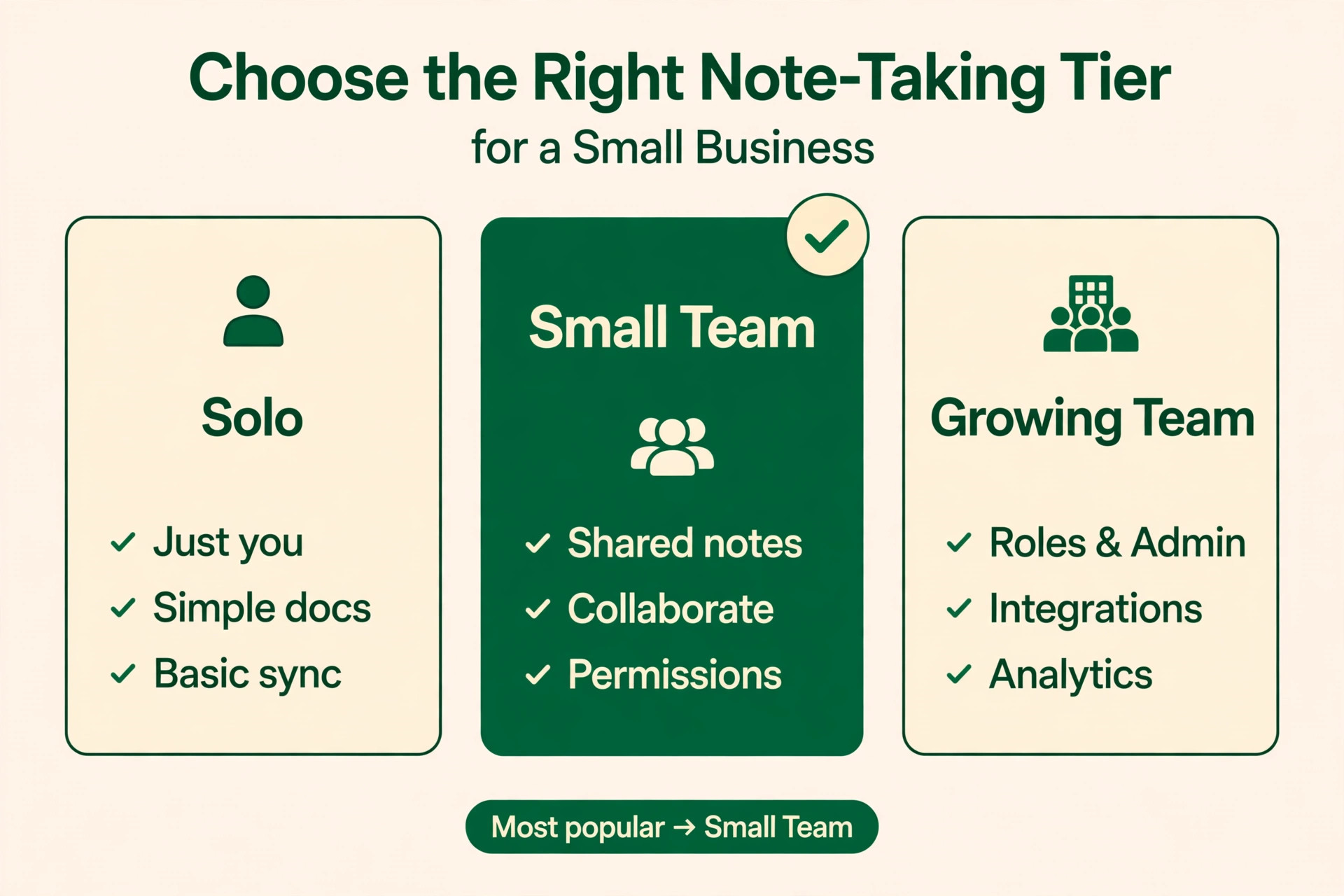
Teams is where the pricing logic changes, because the bill multiplies with headcount. At $20.83 per user a month on annual billing, one user costs about the same as Professional, but every additional seat adds the same amount again. Teams adds shared Spaces, an admin console, permissions, and team dashboards, which are the features that turn private notes into a company library. Without them, a growing firm ends up with five private notebooks that nobody else can search, which defeats the purpose of buying a shared tool in the first place.
Worked Monthly Totals for a Solo Owner and a Five Person Team
The arithmetic is simple, but it surprises owners who only look at the headline price. A solo owner on Personal billed annually pays $10.83 a month, or $129.99 over a year. The same owner paying month to month pays $14.99 a month, or $179.88 over a year, which is $49.89 more for the freedom to cancel. That freedom is worth buying during a trial quarter, but it is an expensive habit once the tool is embedded in daily work.
A solo owner on Professional billed annually pays $14.17 a month, or $170.04 a year. Month to month, the same plan costs $17.99 a month, or $215.88 a year. The gap between Personal and Professional on annual billing is only $3.34 a month, so a solo owner who scans heavily, stores large files, or leans on tasks and calendar links should test Professional for a month before deciding. The dearer plan is only a mistake when its extra capacity never gets used.
A five person team on Teams billed annually pays $104.15 a month, because five seats at $20.83 each add up to that total, or $1,249.95 over a year. The same team paying month to month pays $124.95 a month, or $1,499.40 over a year, which is $249.45 more. That annual saving is real money for a small firm, but it only makes sense once the firm is sure the team will stay at five seats. Hiring two more people lifts the annual bill to $145.81 a month, and cutting back to three seats drops it to $62.49 a month, so headcount planning and licence planning belong in the same conversation.
A mixed approach can cut the bill without losing the shared workspace. A firm could put three daily users on Teams at $62.49 a month on annual billing, while two occasional users keep Personal plans for their own notes, at $21.66 a month combined. That totals $84.15 a month, saving $20 a month against five Teams seats. The trade off is that occasional users sit outside the shared Spaces and admin controls, so their notes stay private unless they deliberately share them. That compromise works for a bookkeeper or a part time contractor, but not for a core team member whose notes the rest of the firm needs to find.
Anyone budgeting for the year should also remember that the cost of Evernote for small business monthly is only the subscription line, not the whole cost of running a shared notes system. Taxes, payment card charges, and any scanner or automation tool the firm adds sit outside the figures above, and annual billing means paying the full year upfront even though the monthly equivalent looks small. Cash flow matters for a small firm, so a team that is short of cash in January may still prefer monthly billing for a quarter, even knowing that annual billing is cheaper over twelve months.
Who Each Evernote Tier Actually Fits
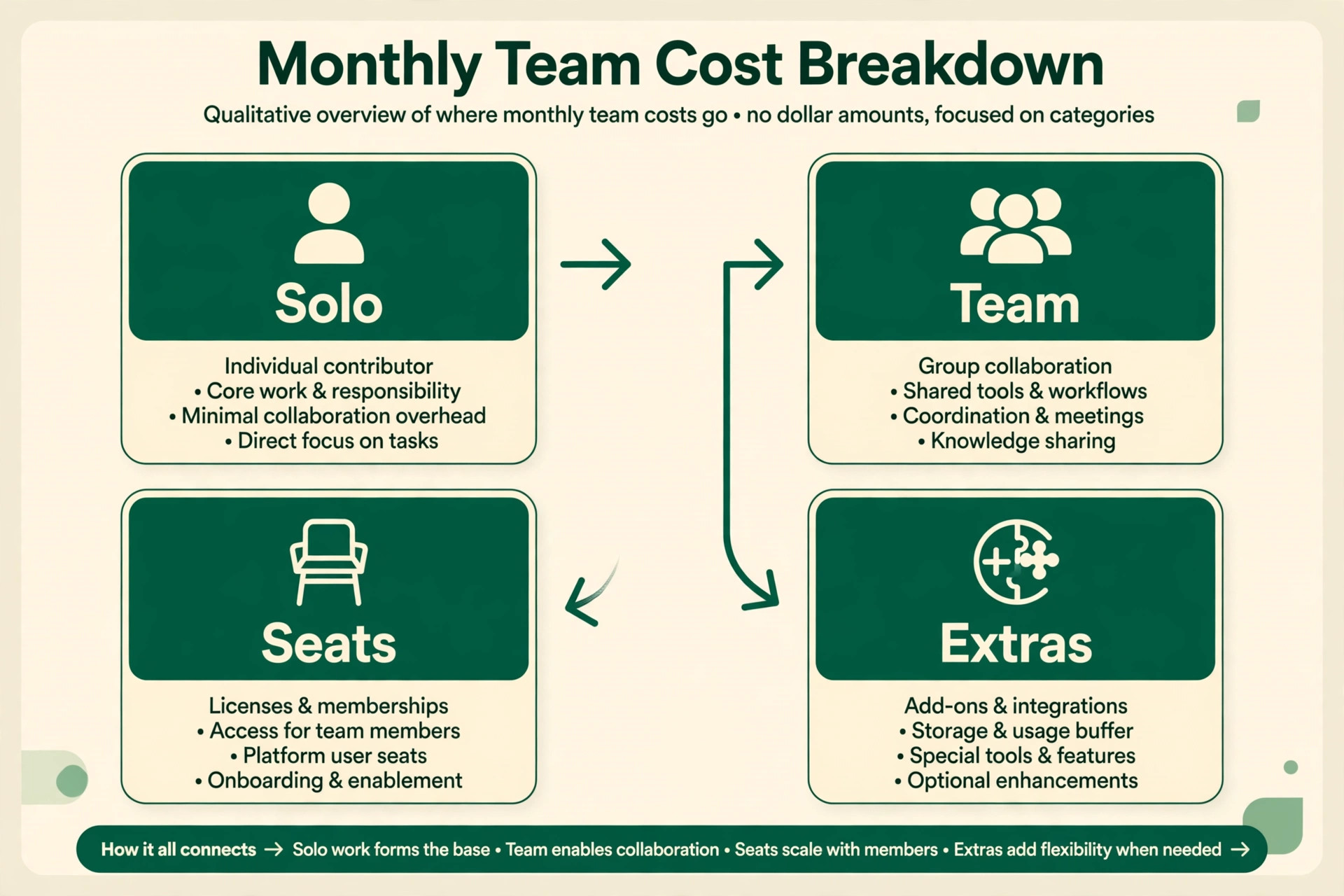
Personal fits a sole trader, a consultant, or a shop owner who is the only person writing procedures, meeting notes, and supplier records. The value comes from search and sync, not from collaboration. An owner who can pull up a client conversation from two years ago on a phone, in a supplier meeting, has already recovered the monthly fee. Personal also fits a founder who is testing whether structured notes change how they work, because the exit cost is low and the commitment is a single licence.
Professional fits the owner or employee whose notes are their main work product. Think of a surveyor who photographs sites, a trainer who builds session plans, or an office manager who runs tasks, documents, and calendars from one place. These users hit upload limits, juggle several calendars, and need search that finds a phrase inside a scanned document. For them, the extra $3.34 a month on annual billing is trivial against the time saved hunting for files. Professional also fits a two person partnership that shares notebooks informally, since both partners can work at full capacity without paying team rates yet.
Teams fits any firm where notes must outlive the person who wrote them. A five person firm with shared client files, standard procedures, and onboarding notes needs Spaces with permissions, so a new hire sees the current procedure rather than an outdated copy in someone’s inbox. Teams also fits firms with staff turnover, because the admin console keeps company notes inside the business when someone leaves. The per user price looks steep beside Personal, but it buys continuity, and continuity is what a small firm loses most often when knowledge walks out of the door.
That continuity argument is the real test when weighing the cost of Evernote for small business monthly against a free alternative. A free app saves the subscription, but it rarely gives the firm a managed library, a permission model, or a clean handover when someone leaves. For a firm whose client knowledge is its main asset, the subscription is insurance against losing that asset. For a firm whose notes are mostly personal reminders, the same subscription is an unnecessary expense, and the owner should say so plainly rather than buying team features out of optimism.

Evernote Costs Outside the Subscription
The subscription is only the first line of the real bill. The largest outside cost is staff time spent setting the workspace up well, because an empty Evernote account helps nobody. Someone must design the notebook structure, write the naming rules, move the useful documents out of email and drives, and train the team to capture notes the same way. A firm that skips this work pays the subscription for a tidy empty shell, while the real knowledge stays scattered. Budget a few focused hours per person in the first month, and treat that time as part of the purchase price.
A second outside cost is the tooling around Evernote. Scanning on a phone is included, but a firm that digitises paper daily may want a dedicated scanner. Integrations with tools like Slack, Salesforce, or Google Drive can add their own subscription costs, and some advanced connections need a third party automation tool. None of these are required, but a buyer who assumes everything connects for free will be surprised. List the integrations the firm actually needs before purchase, and price each one, rather than discovering the gap after the team is committed.
A third cost is the discipline of maintenance. Notes rot when nobody owns them. Procedures change, prices change, and suppliers change, and an unmaintained library slowly fills with confident sounding outdated advice. Assign one person to review shared notebooks each quarter, archive what is dead, and update what changed. That review takes an hour or two per quarter for a small firm, which is cheap, but only if someone is actually assigned. Without an owner, the library degrades, staff stop trusting it, and the subscription becomes a fee for a filing cabinet nobody opens.
Put together, these outside costs explain why two firms can pay the same subscription and get very different value from it. The cost of Evernote for small business monthly stays low on paper, yet the firm that skips setup, training, and quarterly review effectively pays for a tool it does not use. The firm that invests a few hours in structure and ownership gets a searchable company memory for the same monthly fee. Buyers should therefore budget staff time alongside the subscription, and judge the purchase after ninety days on whether notes are actually being found, not on whether the app looks tidy.

When the Evernote Upgrade Pays and When It Does Not
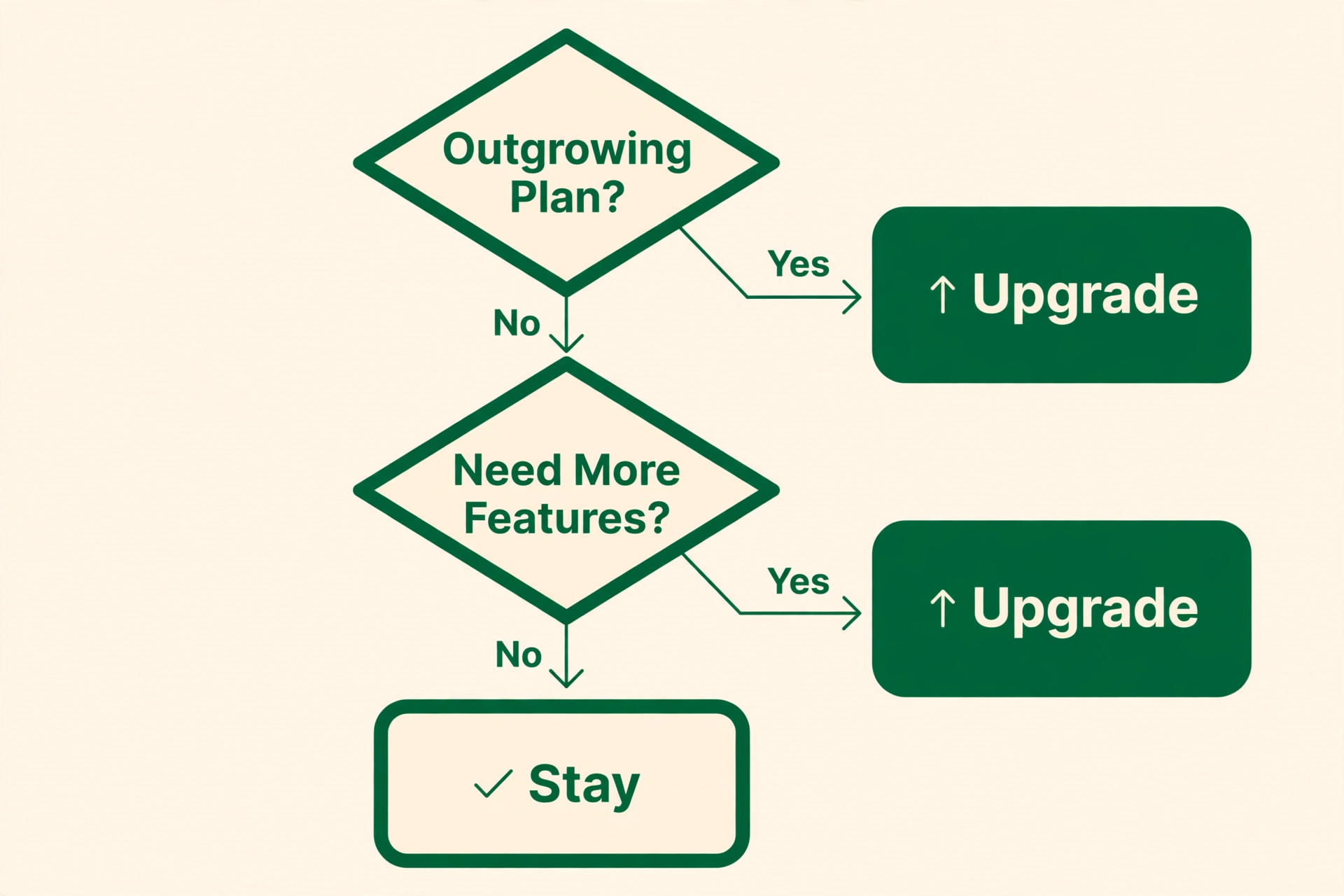
Upgrade from Personal to Professional when a limit is actually being hit, not when a feature list looks impressive. The signs are concrete. Uploads stall near the end of the month, large files refuse to save, calendar links feel cramped, or search keeps missing scanned text. Each of those is a measurable friction, and the $3.34 monthly gap on annual billing is smaller than the value of one recovered hour. Upgrade on evidence, and keep the receipt for the month when the limit first bit, so the decision stays rational rather than aspirational.
Upgrade from individual plans to Teams when sharing becomes a daily need rather than an occasional favour. The trigger is usually the second time someone asks a colleague to resend a note, or the first time a new hire works from an outdated procedure. At that point, the cost of confusion exceeds the per user premium. A three person firm pays $62.49 a month on annual billing for Teams against $32.49 a month for three Personal plans, a gap of $30 a month. One avoided mistake, one faster onboarding week, or one retained client record can cover that gap for a whole quarter.
Do not upgrade just because headcount grew. A firm that hires a part time driver, a weekend assistant, or a seasonal worker does not need a Teams seat for each of them on day one. Start occasional users on Personal or even the free plan, share specific notebooks with them, and convert their seats when their notes become part of the company record. Equally, do not stay on Personal out of habit once the firm depends on shared knowledge. The cheapest plan is only cheap while it still fits the work, and a firm that outgrows it without upgrading pays in confusion instead of subscription fees.
The timing rule is simple enough to write on a wall. The cost of Evernote for small business monthly should rise only when a limit, a sharing need, or a handover risk has already appeared in real work. If none of those has appeared, the current tier still fits, and the money is better spent on training or on cleaning up the notebooks the firm already has. If one of them appears every week, delaying the upgrade costs more in wasted time than the upgrade itself, and the firm should move without waiting for the next renewal date.
What Leaving Evernote Would Cost Later
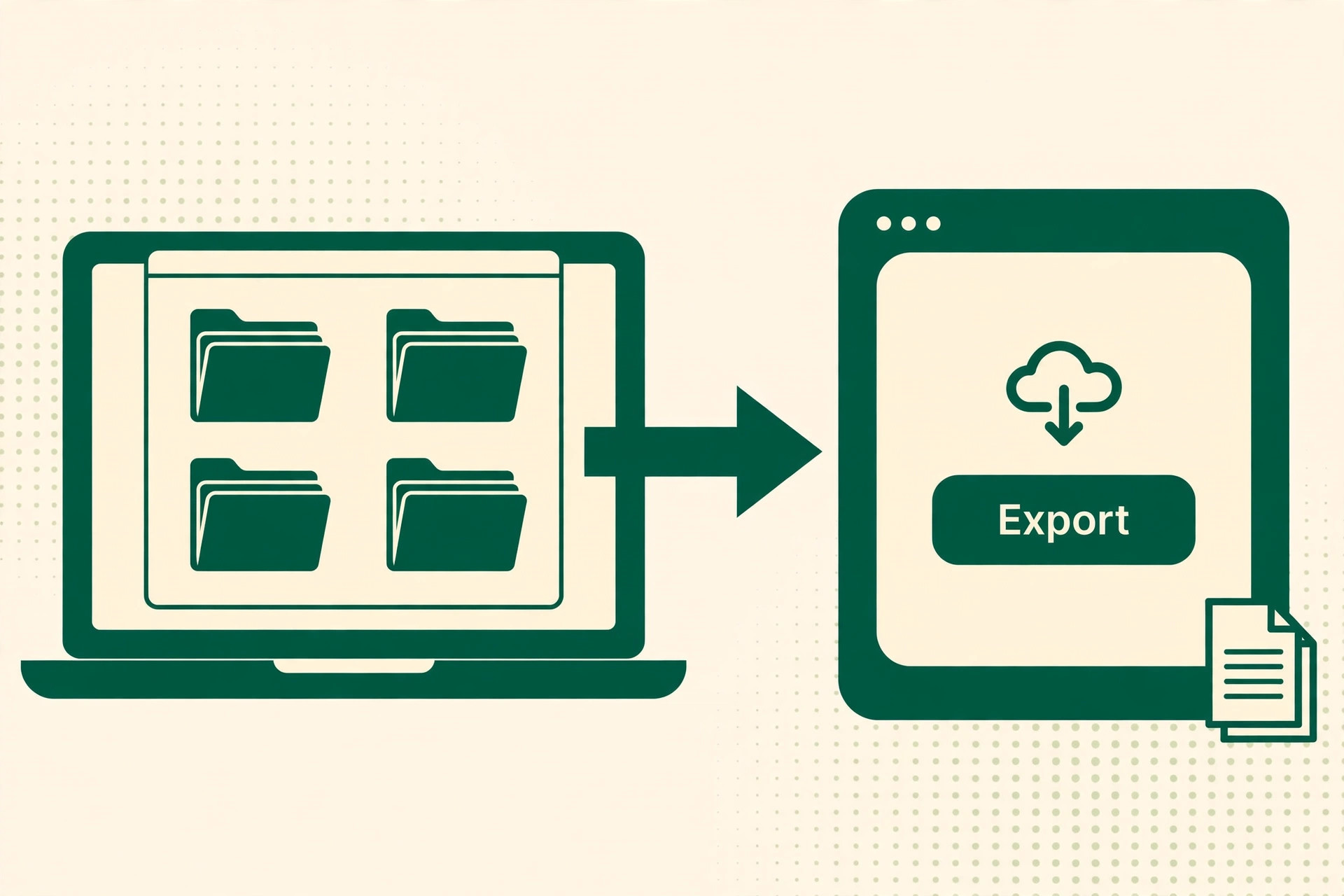
Evernote exports notes, but an export is not a migration. Notebooks, tags, internal links, and attachments can move, yet the structure rarely survives intact, and someone must rebuild the organisation in the new tool. A solo owner can migrate in a weekend. A five person team with years of shared notebooks should budget several days of staff time, plus a period when both tools run side by side. That dual running period means paying two subscriptions at once, which buyers forget when they compare headline prices.
The deeper switching cost is habit. Staff who have learned to capture everything in Evernote will keep doing it, and a forced move to a cheaper tool that they dislike will quietly push notes back into email and chat. The firm then owns a cheaper subscription and a worse record. Before switching away for price, test whether the alternative handles scanning, search inside documents, and offline access as well, because those are the features that keep daily capture alive. A tool that is cheaper but rarely opened is the most expensive option of all.
There is also a data risk to price in. Company notes hold client details, prices, and procedures, so the export and the new home both need proper access controls. A rushed migration that dumps everything into a shared drive with broad permissions can expose more than the old tool ever did. Plan the permissions before moving a single notebook, and treat the migration as a small project with an owner, not as an afternoon task squeezed between other jobs.
That project view is the right lens for the whole decision, because the cost of Evernote for small business monthly is small beside the cost of a badly handled move. A firm that exports without a plan, loses its tags and links, and then watches staff drift back to email has paid twice, once for the old tool and once for the disruption. A firm that plans permissions, rebuilds structure deliberately, and runs both tools in parallel for a month keeps its knowledge intact. The subscription is the cheap part, and the migration discipline is where the real money goes.
A Sensible Way to Roll It Out
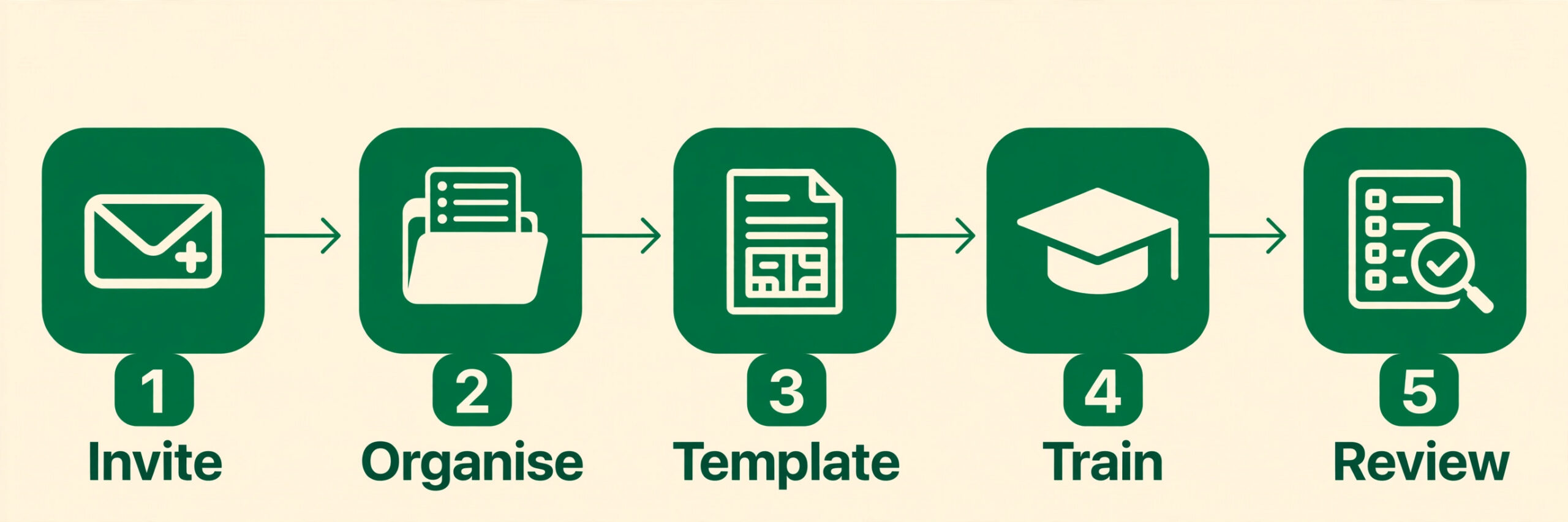
Start with one owner and one real workflow, not with a company wide launch. Pick the workflow that hurts most today, such as client meeting notes, supplier records, or job procedures, and run it in Evernote for a month. Measure something simple, like how long it takes to find a past decision, or how often a colleague asks for a document that is already filed. If the number improves, the rollout has evidence. If it does not, the problem is the workflow design, not the subscription tier, and a dearer plan will not fix it.
Then expand seat by seat, adding the people whose work feeds the shared library. Give each new user a short training session and a one page naming guide, and ask them to bring five existing documents into the workspace in their first week. That small task forces the habit while the trainer is still available to correct it. Resist the urge to import years of archives on day one, because a bulk import buries the useful current material under outdated files. Import the current year first, and archive the rest somewhere searchable but separate.
Review the rollout after ninety days against three questions. Are shared notebooks actually being used, or are people still emailing documents to each other. Can a new hire find the current procedure without asking anyone. Is the monthly bill still matched to the number of people who genuinely need a seat. If the answer to the first two is yes and the third is honest, the firm has the right tier. If seats sit idle, cut them before the annual renewal, because an annual plan rewards accurate headcount and punishes optimistic seat buying.
That ninety day review is also the moment to check whether the cost of Evernote for small business monthly still matches the value the firm gets from it. Count how many times a shared note answered a question that would otherwise have needed a phone call, a search through email, or a repeat visit to a client. If that count is high, the subscription is doing its job and the review should protect it. If the count is low, the problem is usually habit or structure, and fixing those two things matters more than changing tiers or switching vendors.
The Evernote Verdict for a Small Business
For a solo owner, Personal on annual billing at $10.83 a month is the sensible default, with Professional worth the extra $3.34 a month only when upload limits, search depth, or calendar load justify it. The free plan is a trial, not a business tool, and building a company record on it invites a painful move later. For a team of three to five, Teams on annual billing is the honest price of a shared company memory, at $62.49 a month for three seats and $104.15 a month for five, and the annual billing saving against monthly billing is large enough to matter.
The cost of Evernote for small business monthly is therefore not one number but a ladder, and the right rung is the one where the firm’s daily work actually lives. Buy the tier that matches how the firm already works, not the tier the firm hopes to grow into, and let evidence from real weeks of use decide each step up the ladder.
Buy the tier that matches how the firm already works, not the tier the firm hopes to grow into. Start small, prove the habit, add seats as sharing becomes real, and review the bill at every renewal against actual use. A notes tool earns its fee when a past decision can be found in seconds, a new hire can work from current procedures, and knowledge stays in the business when people move on. When those three things happen, even the team price feels modest. When they do not, even the personal price is wasted, and the fix is better habits, not a different plan.
More Reading on Stratilyze
For a head to head notes comparison, read Notion vs Evernote and best note taking apps. For a migration plan, see migrate Evernote to Notion checklist and migrate Evernote to Obsidian for notes users.
Frequently Asked Questions
Is Evernote worth paying for when free notes apps exist
Free notes apps handle personal capture well, but they rarely combine strong search inside scanned documents, generous upload allowances, offline access, and shared team workspaces in one place. A small business pays for the combination and for continuity, so that client records and procedures stay findable when staff change. If the firm only needs personal lists and reminders, the free plan or a free app is enough, and paying would be wasteful.
How much does Evernote Teams cost for three people
Three seats on Teams billed annually cost $62.49 a month, because three times $20.83 equals that total, or $749.88 over a year. The same three seats billed month to month cost $74.97 a month, or $899.64 over a year. Confirm the current per user price on the vendor page before budgeting, since prices change, and remember that adding or removing a seat changes the total immediately on the next billing cycle.
Can a small team mix Personal and Teams plans to save money
Yes, and it is often sensible. Core staff who contribute to shared Spaces sit on Teams, while occasional users keep Personal plans for their own notes and receive shared notebooks when needed. The saving for a five person firm with three Teams seats and two Personal seats is about $20 a month on annual billing. The trade off is that Personal users sit outside team admin controls, so their own notes are not part of the managed company library.
Does annual billing really save much on Evernote
Annual billing saves $4.16 a month on Personal, $3.82 a month on Professional, and $4.16 per user a month on Teams, against monthly billing. For a five person team, that is $20.80 a month, or $249.60 over a year. The saving is worth taking once the firm is committed, but monthly billing is the cheaper way to test the tool for a quarter, because it avoids paying a full year for a habit that never forms.
What happens to company notes when an employee leaves
On Teams, the admin console keeps shared Spaces and company notebooks inside the business, so an administrator can reassign access and remove the departing user. On individual plans, notes belong to the individual account, so the firm must ask the person to share or export their work before they go. That difference alone justifies Teams for firms where client knowledge is a business asset rather than a personal habit.
Is there a cheaper way to test Evernote before committing the team
Start one owner on Personal billed monthly for a quarter, and run a single real workflow through it, such as meeting notes or supplier records. Share a few notebooks with colleagues so they feel the benefit without buying seats. If the workflow improves and the habit sticks, convert to annual billing and add Teams seats for core staff. If it does not stick, the firm has spent under $45 and learned something useful about its own habits.