

A salon guide from Phorest reports that appointments booked online see 49 percent fewer no shows than appointments booked by phone or in person, and that a deposit at booking is linked to as much as 69 percent fewer no shows. Those figures come from a vendor guide rather than an independent study, so treat them as direction rather than a promise, and confirm the detail on the vendor page before quoting them to a client. That evidence is a useful starting point for how to reduce no shows service business owners can apply this month.
The point still stands. Learning how to reduce no shows service business owners deal with every week starts with the booking moment, not with chasing people after they have already disappeared. A clear policy, a deposit or card on file, and a reminder sequence that gives clients an easy way to reschedule will recover more revenue than any single apology message sent after the fact.
An empty appointment slot costs more than the fee for that one visit. Staff time is already paid for, the room or chair is already set up, and another client who wanted that time may have been turned away. When no shows happen a few times a week, the loss adds up to a full day of work over a month, and the schedule starts to feel unreliable for everyone. Clients who do show up wait longer when the team rushes to fill gaps, and staff morale drops when the day is full of holes that nobody planned for.
Most no shows are not rude clients who never intended to come, and that is why how to reduce no shows service business teams handle matters more than any single script. Research summaries from booking platforms point to a simpler story. People forget, plans change at the last minute, transport fails, childcare falls through, or a client feels awkward about cancelling and simply stays silent. That matters because each cause needs a different fix. Forgetting needs reminders. A changed plan needs easy rescheduling. Awkwardness needs a message that makes cancelling feel normal and penalty free when it happens early enough.
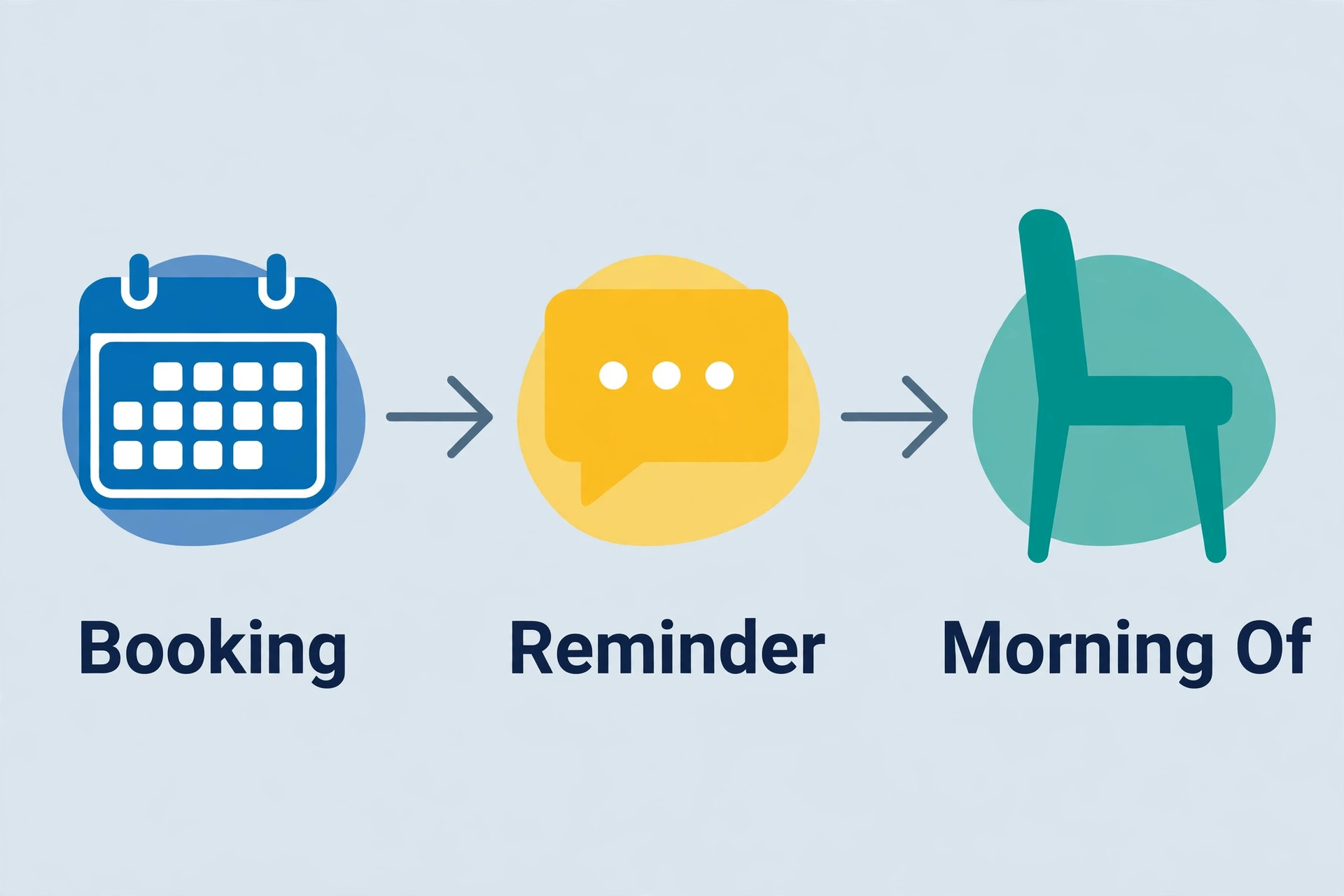
This guide gives you a system for how to reduce no shows service business owners can run every week without adding hours of admin work. You will measure your current no show rate, tighten the booking moment, run a reminder sequence at booking, 48 hours and on the morning of the appointment, build a waitlist that fills gaps fast, and handle repeat no shows firmly without driving good clients away. Each section ends with a decision you can make once and then automate.
How to Reduce No Shows Service Business Owners Can Measure
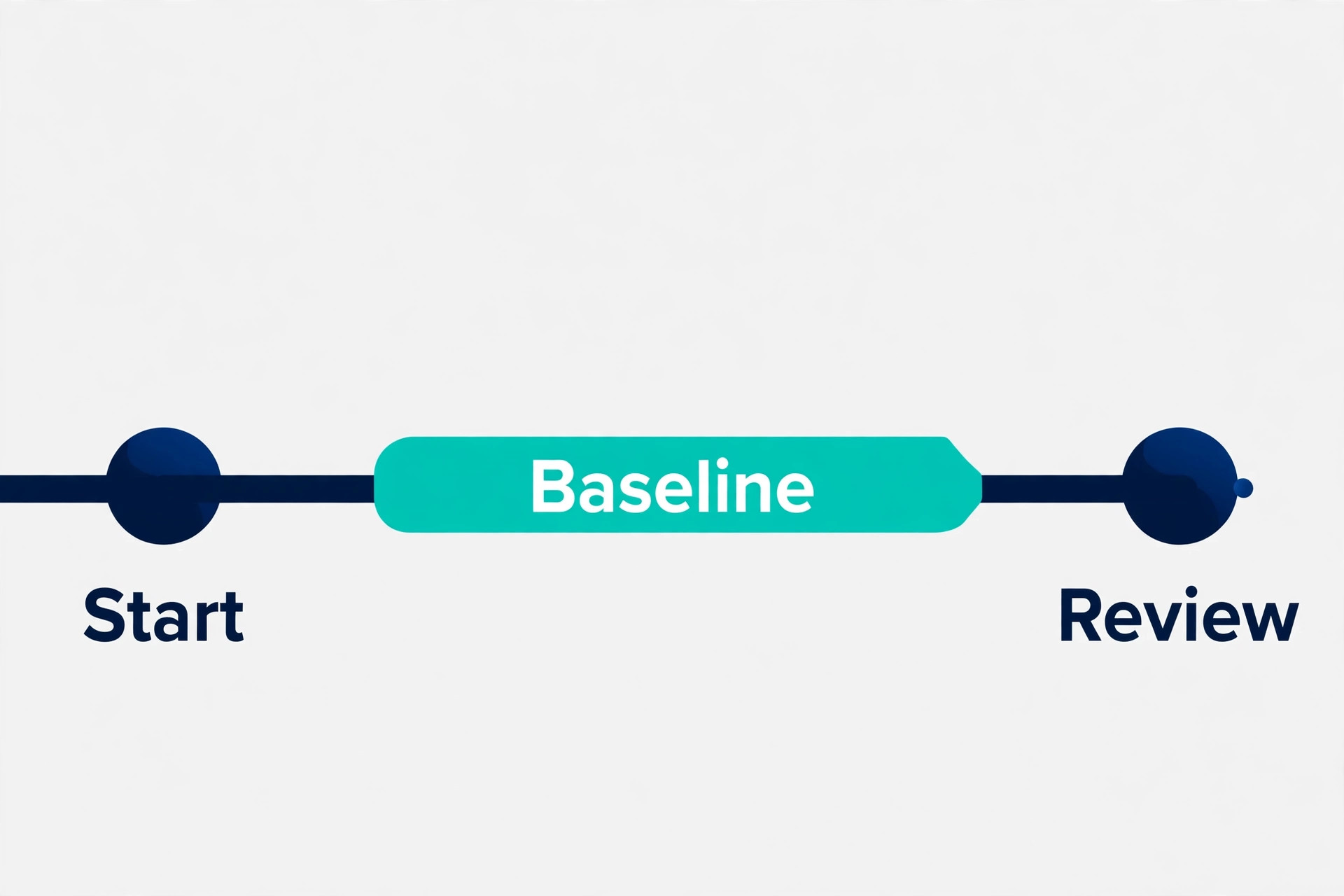
You cannot improve a number you do not track, and most small service businesses guess at their no show rate. A guess hides the real pattern. One therapist may lose Friday afternoon clients, while a salon may lose new clients who booked online and never confirmed. Those are different problems, and they need different fixes. Start with a simple count over the past eight weeks.
Count the rate the same way every week
Take the number of appointments where the client did not arrive and did not cancel in advance, divide it by the total number of appointments scheduled in the same period, and multiply by 100. That gives you a percentage you can compare week to week. A business with 17 no shows out of 150 appointments has a rate of about 11 percent. Booksy, in its guide to no show policies, puts the average for service industries at 10 to 15 percent, which gives you a rough benchmark while you build your own history. Your own trend matters more than any outside average.
Record the rate separately for new clients and returning clients, for online bookings and phone bookings, and for each service length. A long appointment that goes empty hurts more than a short one, so weight your attention accordingly. If new clients no show far more often, your confirmation step is weak. If one staff member has a far higher rate, the booking conversation or the reminder setup for that diary may need attention. Keep the spreadsheet simple so you actually update it.
Find the cause before you add a new rule
Ask your team to log a reason whenever a no show happens, using a short list rather than free text. The list can include forgot, could not reschedule, transport problem, money worry, changed mind, and emergency. After four weeks you will see which reasons dominate. Booksy reports that forgetting accounts for about 28 percent of cases in its survey data, with last minute issues close behind, so reminders and easy rescheduling usually deserve the first investment. Again, that figure comes from a vendor survey, so use it to set priorities, not as a fact about your own clients.
Look at timing as well. No shows that cluster on Mondays may reflect weekend plans changing. No shows for early morning slots may reflect transport or childcare problems. No shows for appointments booked more than two weeks ahead may reflect simple forgetting. Each pattern points to a fix. Monday slots may need a Sunday evening reminder. Early slots may need a clearer arrival note. Long lead bookings may need a confirmation step a few days out.
Fix the Booking Moment
The booking moment is where commitment is set. A client who books in thirty seconds with no deposit, no policy shown, and no confirmation step has made a weak promise. A client who sees the policy, pays a deposit, and gets a clear confirmation has made a stronger one. Your job is to raise commitment without making booking feel like a chore.
Show the policy before the client confirms
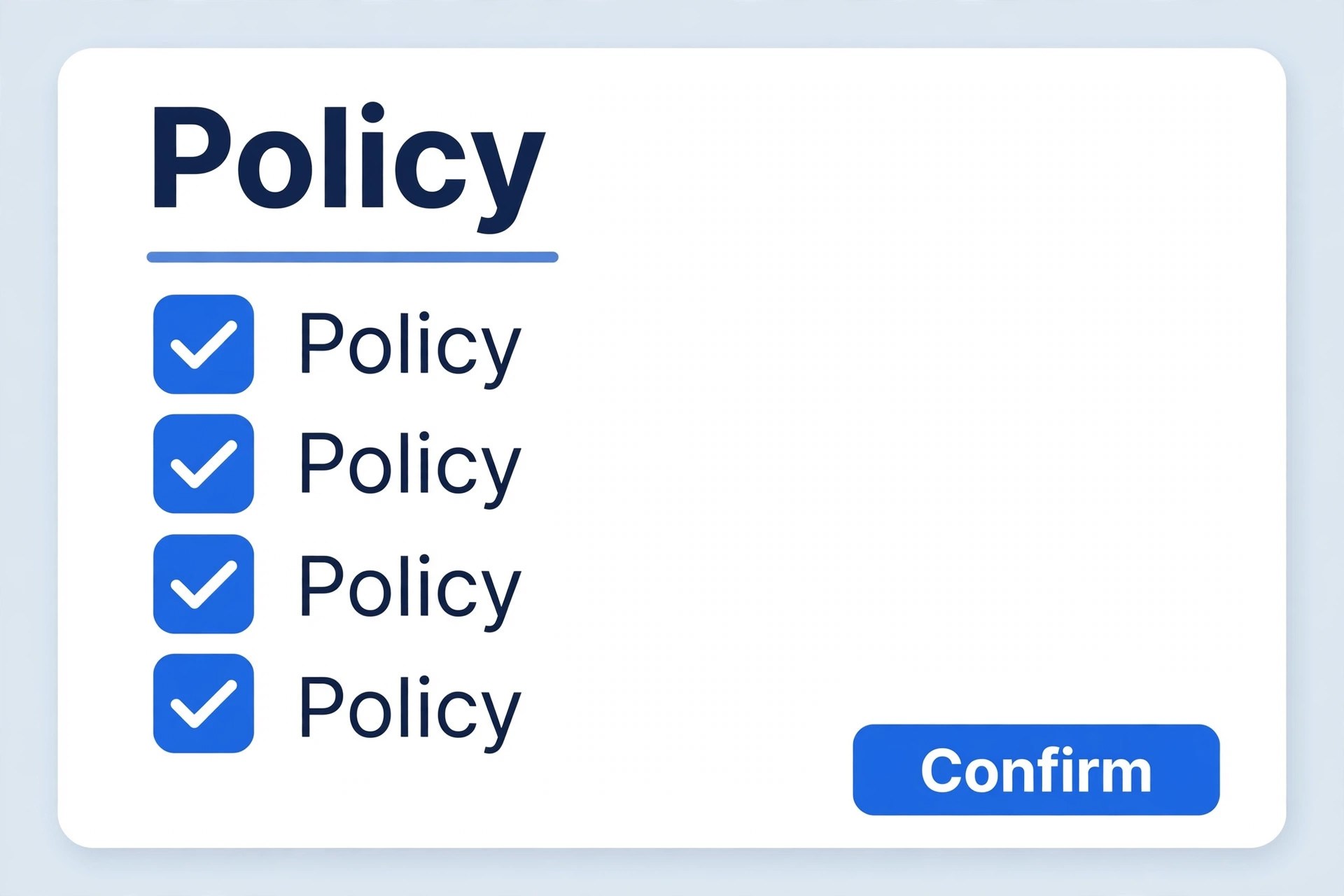
Put the cancellation window, the no show fee if you charge one, and the rescheduling link on the booking page itself, in plain language. Clients accept rules they agreed to at booking far more readily than rules they first meet in a charge message. State how much notice you need, what happens if notice is short, and what happens in a genuine emergency. Keep the tone friendly and direct. A policy that reads like a warning will put careful clients off, while a policy that reads like a fair agreement will reassure them.
Decide your notice window based on how fast you can refill a slot. A business that can fill a gap within a day can work with 24 hours notice. A business that needs preparation, materials, or a long setup may need 48 hours. Write the window into every confirmation, not only on a policy page that few clients read. When a client books by phone, read the short version aloud and send it in writing straight after the call.
Use deposits and card details with care
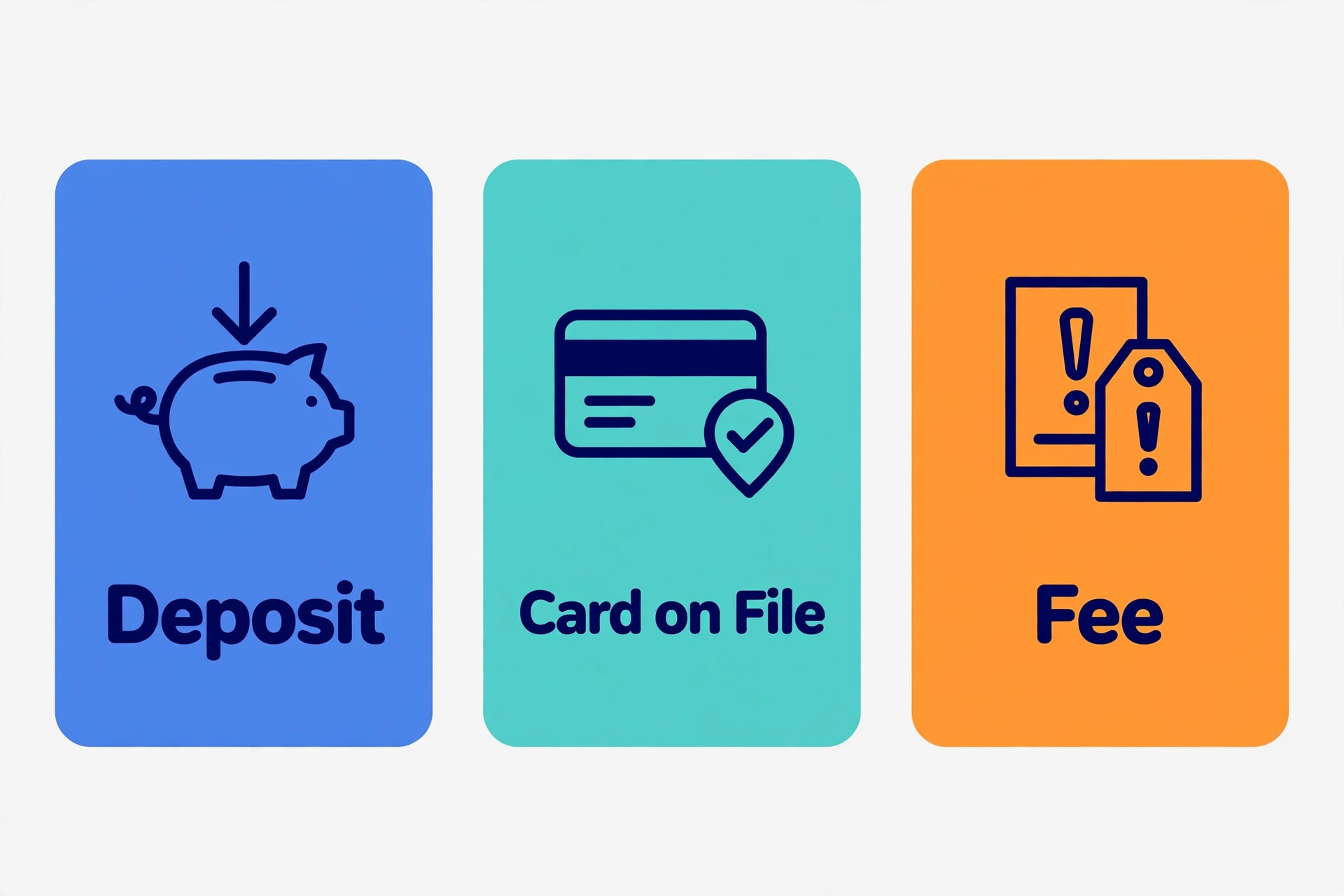
A deposit changes behaviour because the client now has money in the appointment, which is one reason how to reduce no shows service business plans usually start with deposits for scarce slots. Phorest data links deposits to far fewer no shows, and many salons start with a modest deposit that comes off the final bill. For high value or long appointments, a larger deposit makes sense because the cost of an empty slot is higher. For short, low cost services, card details on file may be enough, provided local rules and your payment provider allow it and you explain the charge clearly.
Never surprise a client with a charge. State the deposit amount, when it is taken, when it is refunded, and when it is kept. Offer an exception path for genuine emergencies, handled by a person rather than an automated rule. A rigid system that charges a loyal client after a hospital visit will cost you far more in reputation than the fee recovers. The aim is fewer empty slots, not a new source of arguments.
The Reminder Sequence That Fills More Chairs
This is the overview proof workflow at the heart of the guide, a sequence you can set up once and run for every appointment. It has five steps, from booking to the morning of the visit, plus a waitlist step that turns a cancellation into a filled slot instead of a gap.
Step 1. Confirm at booking with the date, time, service, price or deposit, arrival note, and a reschedule link in one message.
Step 2. Send a 48 hour reminder by email with preparation notes, the cancellation window, and the reschedule link again.
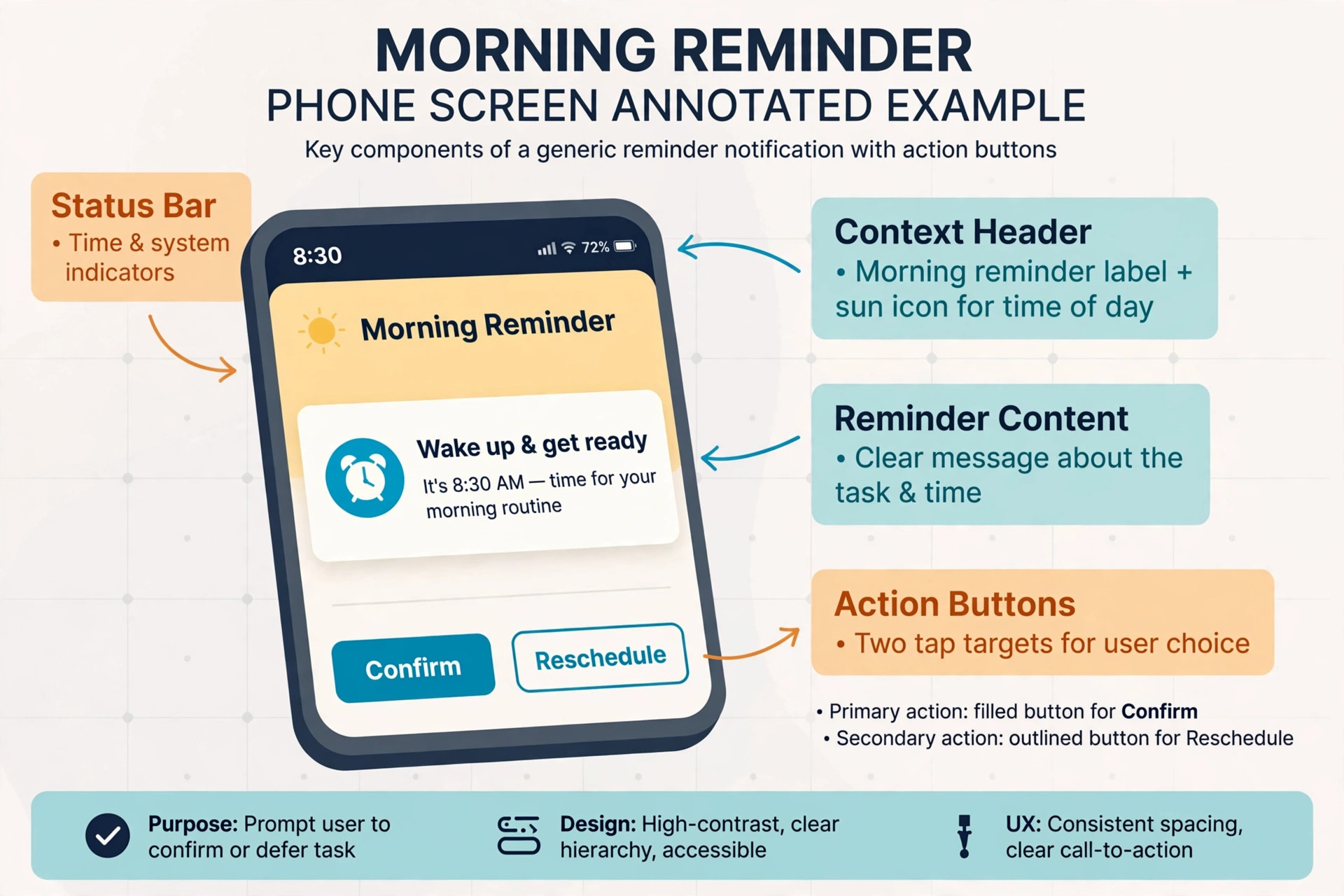
Step 3. Send a morning of reminder by text with the time, the address or link, and one tap to confirm or reschedule.
Step 4. Ask for confirmation only where it helps, and treat a non reply as a prompt for a personal message, not an automatic cancellation, unless your policy clearly states otherwise.
Step 5. When a client cancels or does not confirm, offer the slot to the waitlist at once, in order, with a short deadline to accept.
The booking confirmation should arrive within minutes and should read like a receipt, not a marketing message. Include the service name, the staff member if relevant, the total or deposit paid, and what the client should bring or prepare. A confirmation that answers the obvious questions stops the client from calling to check details, and it gives them something to search for later when they forget the time.
The 48 hour reminder is the planning message. Email suits it because you can include preparation notes, directions, intake forms, and the policy without cramming everything into a short text. This is also the moment to invite a reschedule rather than a silent no show. A line that says rescheduling is free until a stated time, with the link right there, turns a client who cannot come into a client who moves the booking instead of vanishing.
The morning of reminder is the memory message. Text suits it because it is read fast and it arrives when the client is planning the day. Keep it short, include the time and place, and give one clear action. A client who is running late can reply and warn you. A client who forgot can still make it. A client who cannot come can cancel in time for the waitlist to work. That single message often decides whether the slot is filled, moved, or wasted.
Confirmation requests deserve a careful choice. Asking every client to confirm adds a step that some will ignore, and ignoring a confirmation is not the same as cancelling. A better approach for most businesses is to send the reminders, watch replies, and personally message anyone who has not engaged by the morning of the appointment. Reserve a strict confirm or lose the slot rule for scarce, high value slots where you state the rule at booking and the waitlist is ready to fill the gap.
Make Rescheduling Easier Than Disappearing
Many no shows are clients who wanted to cancel but did not know how, or felt awkward calling to say so. If rescheduling takes a phone call during working hours, a client with a changed plan at 9 pm will simply not show up the next day. A self serve link that works at any hour removes that excuse and keeps the revenue in your diary.
Give a clear reschedule window
Allow free rescheduling up to your notice window, and make the link visible in every message. When a client moves a booking, thank them and confirm the new time at once. Do not punish a client for rescheduling early. The penalty, if you have one, should apply to late cancellations and no shows, not to clients who give you time to refill the slot. Track reschedules separately from no shows so you can see whether the link is working.
Watch for clients who reschedule again and again. A pattern of repeated moves may signal a pricing worry, a timing problem, or a service that does not fit the client. A short personal message that asks what time or service would work better will solve more cases than a stricter rule. If the pattern continues, a deposit for the next booking is a fair next step, explained as a way to hold a scarce slot.
Build a waitlist that actually fills gaps
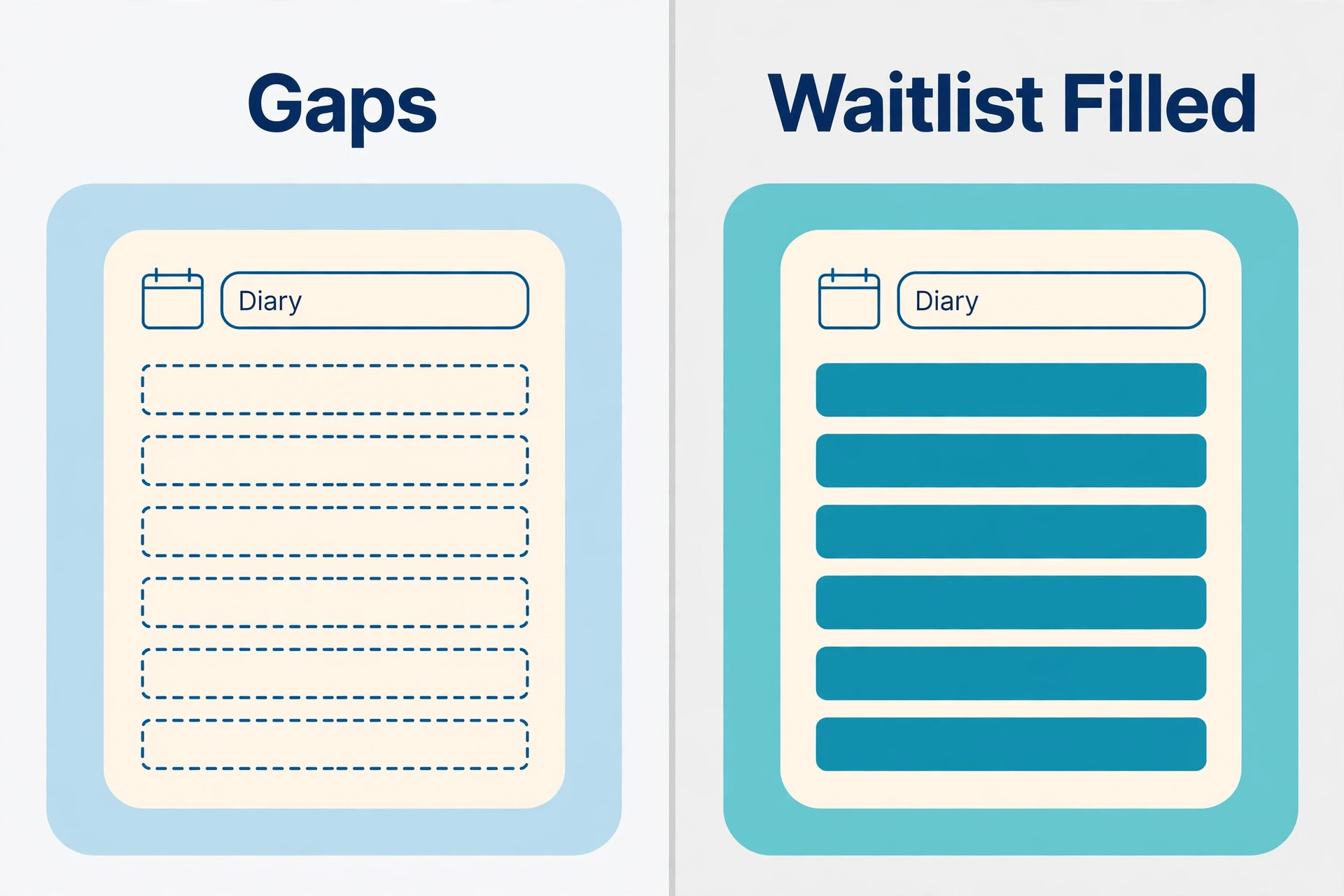
A waitlist only works if it is ordered, current, and fast, and it is a practical part of how to reduce no shows service business revenue loss, because it turns a gap into a filled chair. When a slot opens, message the first person on the list with the time, the service, and a deadline to accept, such as 30 minutes for a same day slot. If they do not reply, move to the next person at once. A waitlist that messages ten people at once will create double bookings and arguments, so keep it sequential and keep the team informed about who accepted.
Keep the waitlist fresh by checking it weekly. Remove clients who no longer want the slot, and ask the rest whether they still want to be listed. A short waitlist of clients who genuinely want an earlier time will fill gaps faster than a long list of stale names. Offer waitlist clients a small benefit for flexibility, such as first choice of a cancelled premium slot, rather than a discount that trains them to wait for a deal.
Handle Repeat No Shows Without Losing Good Clients
A first no show is usually a mistake or an emergency. A second no show is a pattern worth a conversation. A third no show is a policy decision. Treating all three the same way either punishes good clients or lets a costly habit continue unchecked. A tiered approach protects revenue and relationships at the same time.
Follow up within a day, without blame
Message a no show client within 24 hours with a short, warm note that asks whether they are well and offers a new time. Do not open with a fee. The reply often reveals the real cause, and many clients will rebook on the spot. If the client does not reply, send one more message a few days later, then leave the ball with them. Chasing a silent client with repeated messages will damage the relationship more than the lost fee is worth.
When you do charge a fee, explain it in the same message as the rebooking offer, with the policy the client agreed to at booking attached or quoted. Keep the fee proportionate to the service and consistent across clients. Exceptions should be real and recorded, such as illness or a family emergency, and they should be decided by the same person or the same rule each time so clients are treated fairly.
Set a clear rule for repeat cases
A workable rule is a deposit for the next booking after a second no show, and prepayment in full after a third, with a review after a set period of good attendance. State the rule in advance so it never feels personal. Some clients will accept it gladly because they know their own diary is chaotic. Some will leave, and that is often a net gain, because a slot held for a client who repeatedly does not arrive is a slot denied to a client who would.
Train the team on the exact words to use. A script that says the policy is applied to everyone, that the deposit comes off the bill, and that the client can reschedule free of charge up to the notice window will defuse most arguments. Log every fee, every exception, and every conversation, so a later dispute can be answered from the record rather than from memory.
Tools That Carry the System for You
Software does not fix a weak policy, but it does carry a good policy without daily effort, which is why how to reduce no shows service business owners should pick tools after the policy is written, not before. The tools named here are sponsor natural choices for service businesses, and you should confirm current features and terms on the vendor page before you buy, because plans and feature lists change. Choose the tool that fits how your clients already book, not the tool with the longest feature list.
Calendly is widely used for scheduling and automated reminders, and it suits businesses that take bookings from a link or a website. Acuity Scheduling, now part of Squarespace, is a strong fit for service businesses that need intake forms, deposits, and reminder automation in one booking flow. Square Appointments suits businesses that already take payments through Square and want booking, payments, and reminders tied together. Podium suits businesses that want messaging and review follow up alongside booking communication, so a client conversation stays in one thread.
Compare tools on four questions only. Does it send the booking, 48 hour, and morning of messages without manual work. Does it collect a deposit or card details at booking. Does it offer a self serve reschedule link and a waitlist or cancellation fill option. Does it show you a simple no show report by client and service. If a tool fails the first two questions, it will not solve this problem no matter how attractive it looks. Trial the winner with one service or one staff member before moving the whole diary.
A Four Week Rollout Plan
Week one is measurement. Pull the past eight weeks of appointments, calculate the rate, and split it by new and returning clients and by service. Write the policy in plain language and put it on the booking page and in the confirmation message. Do not change fees yet, because you need a clean baseline to judge later changes against.
Week two is reminders. Switch on the booking confirmation, the 48 hour email, and the morning of text, and add the reschedule link to all three. Train the team on the new messages and on the waitlist order. Check delivery for a few days to catch wrong numbers, spam folder problems, or a link that points to the wrong page. Small setup errors in week two will look like a failed system in week four if nobody checks.
Week three is commitment. Add a deposit or card on file for new clients and for long or high value appointments first, then extend it once the team is confident with the wording. Start the waitlist properly, with a named owner each day who sends the offer and records the acceptance. Begin the within a day follow up for every no show, using the warm script rather than a fee message.
Week four is review. Recalculate the rate for the rollout month and compare it with the baseline, service by service. Keep what worked, fix the message or step that clients ignored, and only then consider a fee change or a stricter confirmation rule. Share the result with the team, including the revenue recovered by waitlist fills, so the new habits survive past the launch month. A system that is reviewed monthly will keep working. A system launched and forgotten will drift back to the old rate within a quarter.
Keep the System Working Month After Month
A reminder sequence that works in month one can quietly fade in month three. Phone numbers change, a new staff member skips the waitlist step, or a booking link stops sending the 48 hour email after a software update. A short monthly review catches those faults before they show up as empty chairs. Set aside thirty minutes on the first working day of each month, with the same person owning the review each time, so the habit survives holidays and busy periods.
Start the review with the numbers. Compare the no show rate for the past month with the baseline and with the previous month, split by service and by new and returning clients. Look for a service that has drifted upward, a staff diary that needs attention, or a day of the week that keeps producing gaps. A small rise in one area is a prompt to check the setup for that area, not a reason to change the whole system. If the rate rose across the board, check message delivery first, because a broken reminder will affect everyone at once.
Next, check the messages themselves. Send a test booking through the live flow and read every message as a client would. Confirm that the time, service, and reschedule link are correct, that the deposit wording matches the policy, and that the morning of text arrives at the right hour. Ask one recent client whether the messages were helpful and whether anything confused them. Client feedback of this kind is more useful than a long internal debate about wording, because it shows you what actually landed.
Then review the waitlist and the follow up log. Count how many cancelled slots were filled from the waitlist, how many no show clients were contacted within a day, and how many rebooked. Those three numbers show whether how to reduce no shows service business work is recovering revenue or merely recording losses more neatly. If waitlist fills are low, the list may be stale or the acceptance deadline may be too long. If follow up is slow, the task may need a named owner rather than a shared inbox that everyone assumes someone else will handle.
Use the review to make one improvement at a time. Change a message, shorten a deadline, or add a deposit to one service, then watch the next month before changing anything else. Changing five things at once makes it impossible to know what helped. This discipline is also how to reduce no shows service business costs over time, because you stop paying for tools or steps that do not move the rate, and you invest more in the steps that clearly fill chairs. Keep a one page log of each change and the rate that followed, so a new manager can see what has already been tried.
Finally, celebrate the wins with the team. Share the number of slots recovered, the clients who thanked you for a flexible reschedule, and the week with the lowest rate so far. Staff who see the result of the extra care will keep sending the follow up messages and working the waitlist. A system that depends on one enthusiastic owner will fail when that person is away. A system that the whole team understands, reviews monthly, and improves in small steps will keep chairs filled long after the launch month ends.
Frequently Asked Questions
What is a good no show rate for a service business
A rate below 8 percent is a strong result for most service businesses after reminders and deposits are in place, while 10 to 15 percent is the rough average reported in vendor guides before those systems are tightened. Your own baseline matters more than the benchmark, because a free introductory session will always no show more often than a paid, long standing appointment. Aim to cut your own rate by a third in the first two months, then keep improving it in small steps rather than chasing zero, which is not realistic.
Should I charge a no show fee or take a deposit
A deposit usually works better first, because it is taken at booking, comes off the final bill, and signals commitment without feeling like a punishment. A fee charged after the event can recover some cost, but it can also create arguments and lost clients if the policy was not clear at booking. Many businesses use both, with a deposit for high value appointments and a fee for late cancellations and no shows, applied consistently and explained in advance.
Are text reminders better than email reminders
Text reminders are usually read faster, which makes them ideal for the morning of message, while email is better for the 48 hour message because it can carry preparation notes, forms, and the policy. Use both rather than choosing one channel. The 48 hour email helps the client plan, and the morning of text helps the client remember. If you can only afford one channel, choose text for short notice appointments and email for appointments booked well in advance.
How much notice should I require for cancellations
Require 24 hours notice if you can refill a slot within a day, and 48 hours if you need preparation time, materials, or a long setup. State the window at booking, repeat it in every reminder, and apply it consistently. Allow free rescheduling inside the window, because a moved booking keeps the revenue. Reserve fees for late cancellations and no shows, and keep a recorded exception path for genuine emergencies.
What should I do when a loyal client no shows for the first time
Send a warm message within a day, ask whether they are well, and offer a new time without mentioning a fee. Loyal clients usually have a real reason, and a gracious response strengthens the relationship. Record the event so a pattern is visible later, but do not change the terms for a first event. If a second no show follows, a conversation and a deposit for the next booking are fair next steps.
How do I fill a slot that opens on the same day
Work a sequential waitlist with a short acceptance deadline, and message clients in order rather than messaging everyone at once. Offer the slot by text, state the time and service clearly, and confirm the booking the moment a client accepts. If the waitlist is empty, post the slot to your regular clients or social channels as a limited opening, and consider a standby list for clients who live nearby. Speed matters more than the channel, because a same day slot loses value every hour it stays empty.
More Reading on Stratilyze
For a deeper look at booking software, read Best Booking Software for Med Spas and Best Scheduling Software for Home Care Agencies. If pricing is your next question, Cost of Calendly for Small Business Monthly breaks down the monthly cost picture. For a related booking problem, Fix Booking Calendar Showing Wrong Time Zone Small Business covers a common diary fault. Each of these posts complements the reminder and waitlist system in this guide.