
The problem is familiar to any team that has tried it. Work lives in Asana, the team wants the board view and dashboards of Monday, and nobody wants to retype six months of tasks to get there. The fear is not the new tool. It is the week in between, when tasks exist in two places, owners are unsure which list is true, and a deadline slips because it was updated in the old system after the move. When you switch Asana to Monday small team success depends less on the import button than on the order around it, meaning one pilot project, a status map agreed in advance, and a cutover day when editing stops in the old tool.
This guide follows that order. It starts with why teams move and what the native import actually carries, then walks through the move in eight steps, then covers the three rebuild jobs that the import cannot do for you, meaning status mapping, templates and permissions. Pricing notes use published plan ranges at writing time, so confirm on the vendor page before you buy, because both vendors change plan names and limits without much announcement. A small team of five to fifteen people is the audience throughout, and the advice assumes one person owns the migration while the rest of the team keeps delivering work.
Why a Small Team Moves From Task Lists to Boards
Asana is task first. Every task has one owner, a due date and, on paid plans, dependencies, and a task can sit in several projects at once. That structure suits teams whose work is a long list of defined tasks with clear owners, and many small teams run happily on it for years. The move to Monday usually starts when the work stops looking like a list. A marketing team tracking campaigns, content, events and client work in one place, or an operations team tracking jobs, stock and suppliers side by side, starts to want a board where columns can be designed for the job, not just for task status.
Monday is board first. Each board is a table of items with columns the team designs, which makes it flexible for uses that are not pure project work, such as trackers, inventories and lightweight customer records. Dashboards then roll those boards up into workload, progress and deadline views that a manager can read without opening every project. A team that currently exports Asana data to a spreadsheet every week to answer a workload question will feel that difference immediately. A team that never builds such a report will not, and should think twice before moving for dashboards alone.
There is also a visibility reason. Asana shows a team its tasks, while Monday shows a team its work in the shape the team chose, with statuses in colour, owners in one column and dates in another, all on a single screen. For a small team where one person often covers several roles, that single screen view reduces the daily question of what is stuck and who is overloaded. It is not a better tool in any absolute sense. It is a better fit for teams whose work is varied, visual and shared across functions, and a worse fit for teams whose work is a strict chain of dependent tasks.
What the Native Import Carries and What It Drops
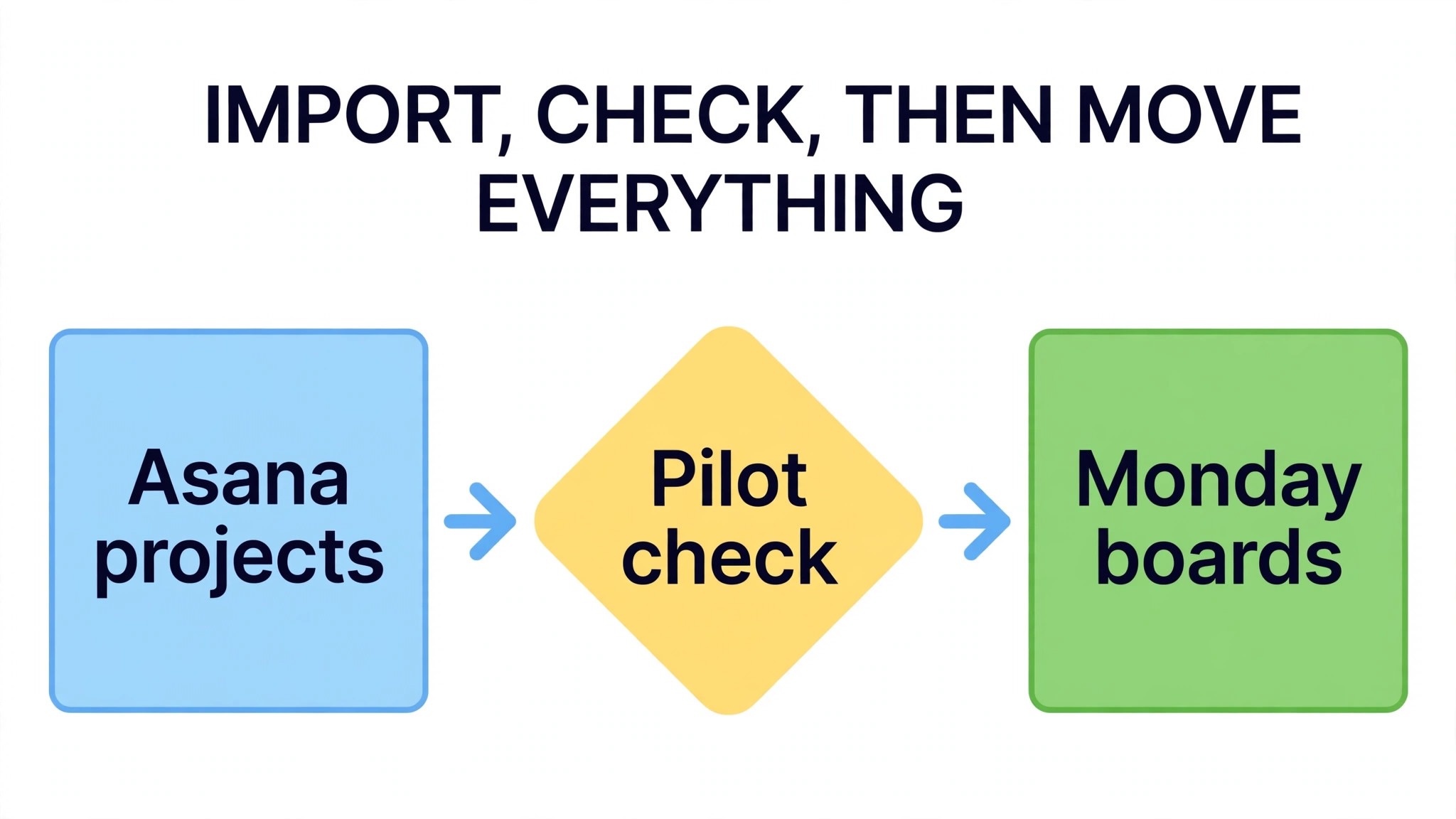
Monday offers a native Asana import, reached from the profile menu through Import data and the Asana banner, which connects the Asana account, lets the team choose a workspace and then choose which projects to import. That route is the right starting point for a small team, because it avoids CSV wrangling for the bulk of the work and it creates a sync automation that can keep new Asana tasks flowing to the new board while the team transitions. A small team should still run a pilot import of one project before importing everything, because the pilot reveals mapping gaps while they are cheap to fix.
The fields the native import supports, in published support notes, include name, assignee, completion state, notes, due date and parent name, which covers the core of most tasks. Custom fields, sections and subtasks need closer attention, because sections become groups on a Monday board and custom fields become columns only when they are set up to do so, and deeper subtask nesting does not have a direct equivalent in Monday, where only first level items carry subitems. Comments, attachments and activity history may carry in part or not at all depending on the route chosen, so a team that treats comment history as its project record should export or screenshot key threads before cutover.
Dependencies are the clearest gap. Third party migration notes state plainly that dependencies are not migrated between Asana and Monday, and a team whose projects rely on dependency chains must rebuild those chains by hand or rethink them as date and status rules on the new board. Automations also do not translate. Asana rules and Monday recipes are different systems, so every rule must be rebuilt as a Monday automation, and that rebuild is a job in its own right rather than a detail. When you switch Asana to Monday small team planning should budget a full day for automation rebuild alone, even for a team with only a handful of rules.
How to Switch Asana to Monday Small Team in Eight Steps
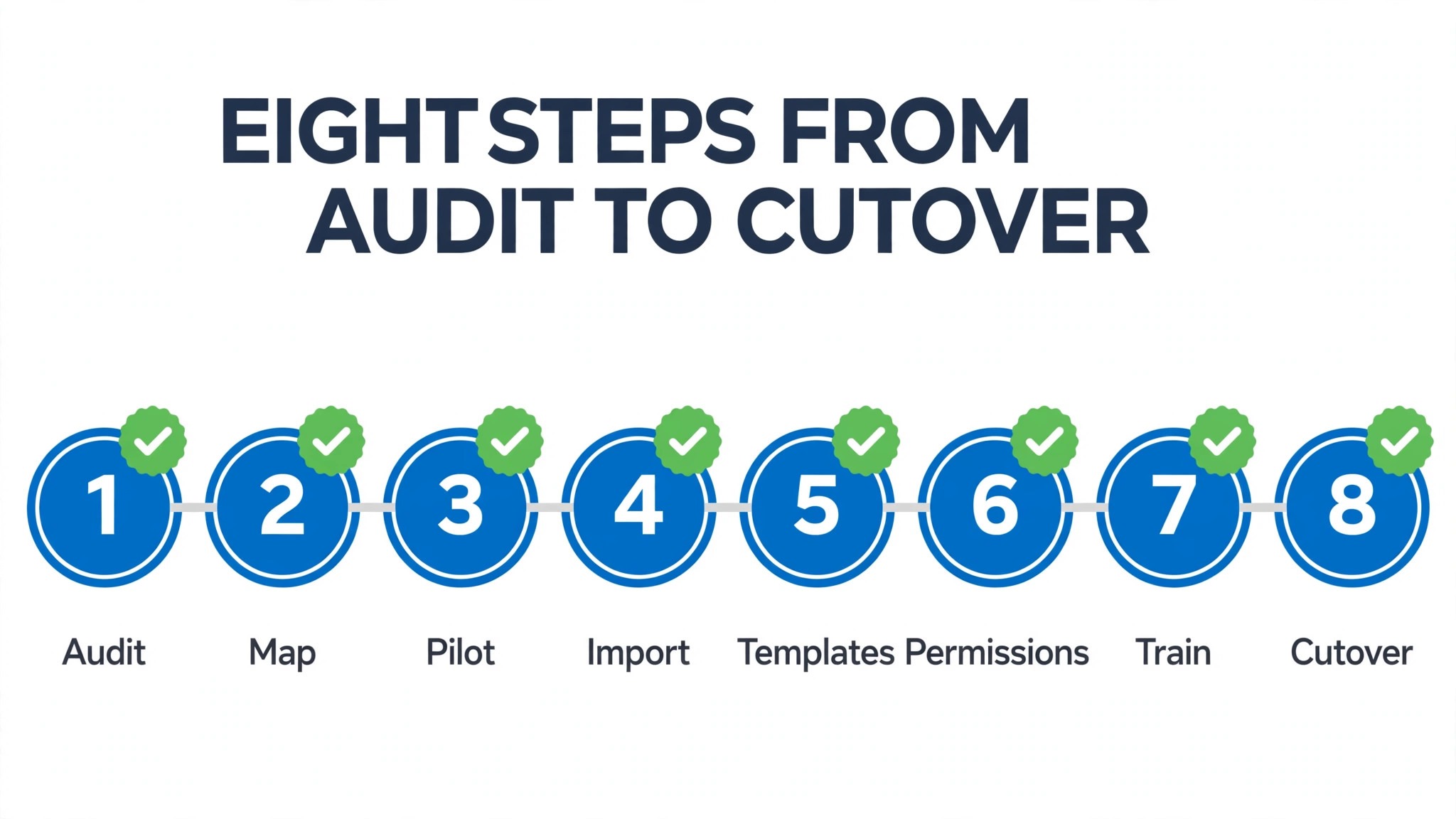
Step one is to audit the Asana workspace before importing anything. List every project, mark each one as move, archive or drop, and note its owner, its sections, its custom fields and its automations. Most workspaces carry dead projects and test projects that should never be imported, and dropping them now keeps the new workspace clean from day one. Record the audit in a single document, because that document becomes the specification for the Monday workspace, not just a tidy exercise.
Step two is to set up Monday structure first, meaning workspaces, folders and board templates in outline, before any data arrives. Create a workspace per team or function, folders per work area, and a naming rule every board will follow, such as team, project and year. A team that imports into an empty Monday account without structure will spend weeks reorganising boards that arrived in a flat pile, while a team that builds the shelves first can place each imported board where it belongs as it lands.
Step three is the pilot import. Choose one live but low risk project, run the native Asana import for that project alone, and check it line by line against the original, meaning task names, assignees, due dates, completion states, sections as groups and custom fields as columns. Fix the mapping issues the pilot reveals, and only then import the remaining projects in batches, checking each batch before moving to the next. A pilot that takes an afternoon can save a week of cleanup later.
Step four is to map task statuses, covered in full in the next section. Do not skip it or improvise it during import, because a status map decided on the fly will differ between batches and the team will end up with three meanings of done. Step five is to rebuild templates for repeatable work, meaning project templates, item templates and board views that the team uses weekly. Step six is to reset permissions, covered later, so every member sees the right boards and no ex member retains access.
Step seven is to rebuild automations as Monday recipes, one rule at a time, starting with the rules that protect deadlines, meaning due date reminders, status change notifications and owner assignment on creation. Test each recipe with a test item that follows its full path, and delete any Asana rule only after its Monday replacement has fired correctly. Step eight is cutover day, when editing freezes in Asana, the final sync or import runs, the team is told in one message that Monday is now the source of truth, and Asana remains readable but not editable for at least a month as a fallback.
Mapping Task Statuses Before Import Day
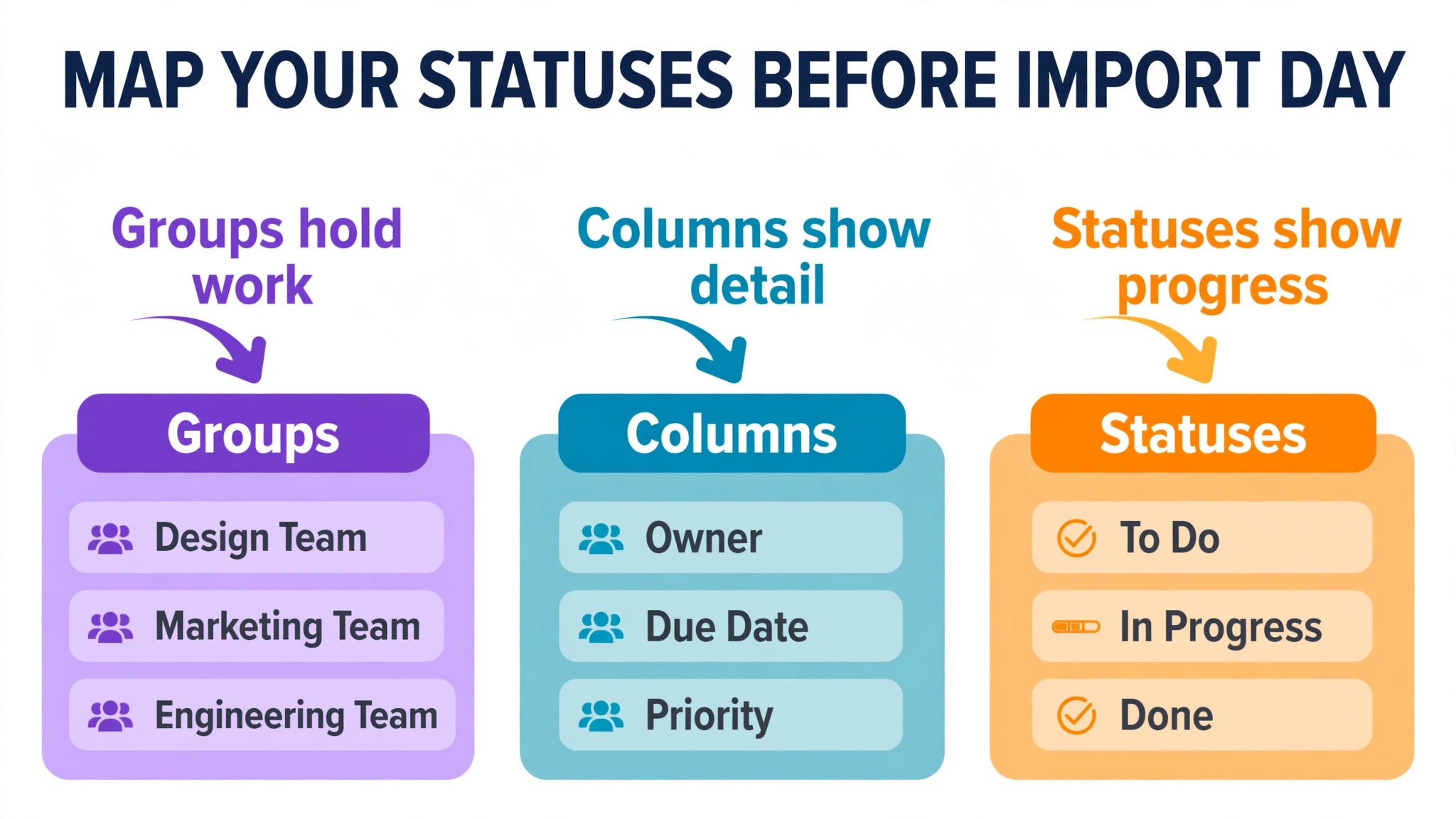
Status mapping is where a migration either preserves meaning or quietly destroys it. Asana sections, custom field values and completion states do not automatically mean the same thing on a Monday board, and a team that imports without a map will discover that a task marked complete in Asana sits in a Monday group called In Progress, or that a priority field became a text column nobody filters. The map should be written before import, agreed by the team, and applied to every batch without exception.
Start by listing every Asana section and every status value in use across the projects being moved. Group them into the Monday statuses the team actually needs, which for most small teams means a short set such as Not Started, Working On It, Waiting, Review and Done. Where two old values mean the same thing in practice, merge them into one new status and note the merge, because a status list with fifteen shades of in progress helps nobody. Where one old value means different things in different projects, split it and note the split, because forcing it into one status will mislead the team later.
Build the map as a table the whole team can see, with the old value, the new Monday status, the board it applies to and the person who approved the change. Test the map on the pilot board, and ask the project owners to confirm that their tasks landed in the right status before the next batch imports. When you switch Asana to Monday small team status mapping is also the moment to retire statuses that described a workflow the team no longer follows, because a migration that carries a dead workflow forward wastes the fresh start the new tool offers.
| Asana section or value | Monday group or status | Note |
|---|---|---|
| To do section | Not Started status | Keep as a group only if the team wants it |
| In progress section | Working On It status | Single status across all boards |
| Review section | Review status | Owner confirms before Done |
| Completed tasks | Done status | Completion date checked on pilot |
| Priority custom field | Priority column | Values standardised to three levels |
Rebuilding Templates for Repeatable Work
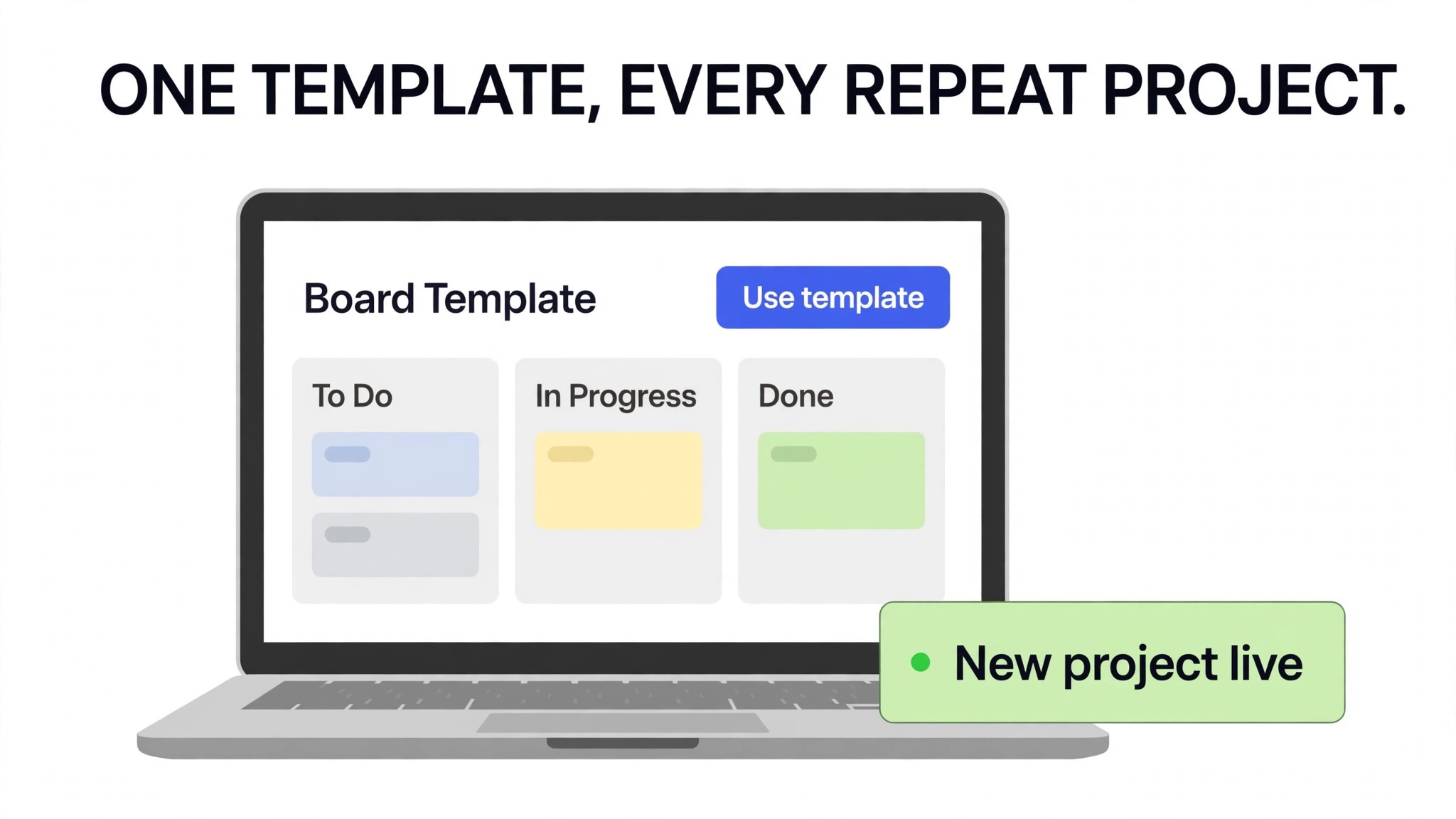
Templates are the second rebuild job, and they pay back faster than any other part of the move. A small team usually runs the same kinds of work repeatedly, meaning client onboarding, a campaign launch, an event, a product release or a monthly reporting cycle. In Asana those repeatable projects may exist as copied projects, task templates or simply as habit, and none of those transfer as a Monday template on their own. Rebuilding them deliberately in Monday turns the migration into an upgrade rather than a copy.
For each repeatable project, build a Monday board template with the groups, columns, statuses and item structure the team actually uses, and add a short description inside the template of when to use it and who owns it. Add item templates for recurring single tasks, such as a blog post, a client check in or a supplier order, so a team member can create a correctly structured item in one click rather than copying an old item and editing its fields. Save the most used board views as well, meaning a main table view, a calendar view for deadline work and a kanban view for teams that think in columns.
Test each template by launching a real project from it, not a test project that nobody cares about. A template that survives a real launch with only minor edits is a good template. A template that the team abandons mid project and rebuilds by hand was built from the old system rather than from the work itself, and it should be revised before the next launch. When you switch Asana to Monday small team template discipline is what stops the new workspace from drifting back into the clutter the old workspace accumulated, because every new project starts from a clean, agreed shape.
Resetting Permissions and Cleaning Membership
Permission reset is the migration job most often forgotten, and it is the one with the sharpest consequences when it goes wrong. An Asana workspace that has grown for years usually contains ex staff, finished contractors, clients who were added for one project and guests whose access was never reviewed. Importing that membership list wholesale into Monday carries every stale permission into the new system, and the new system then looks disorganised from day one, with the wrong people seeing the wrong boards.
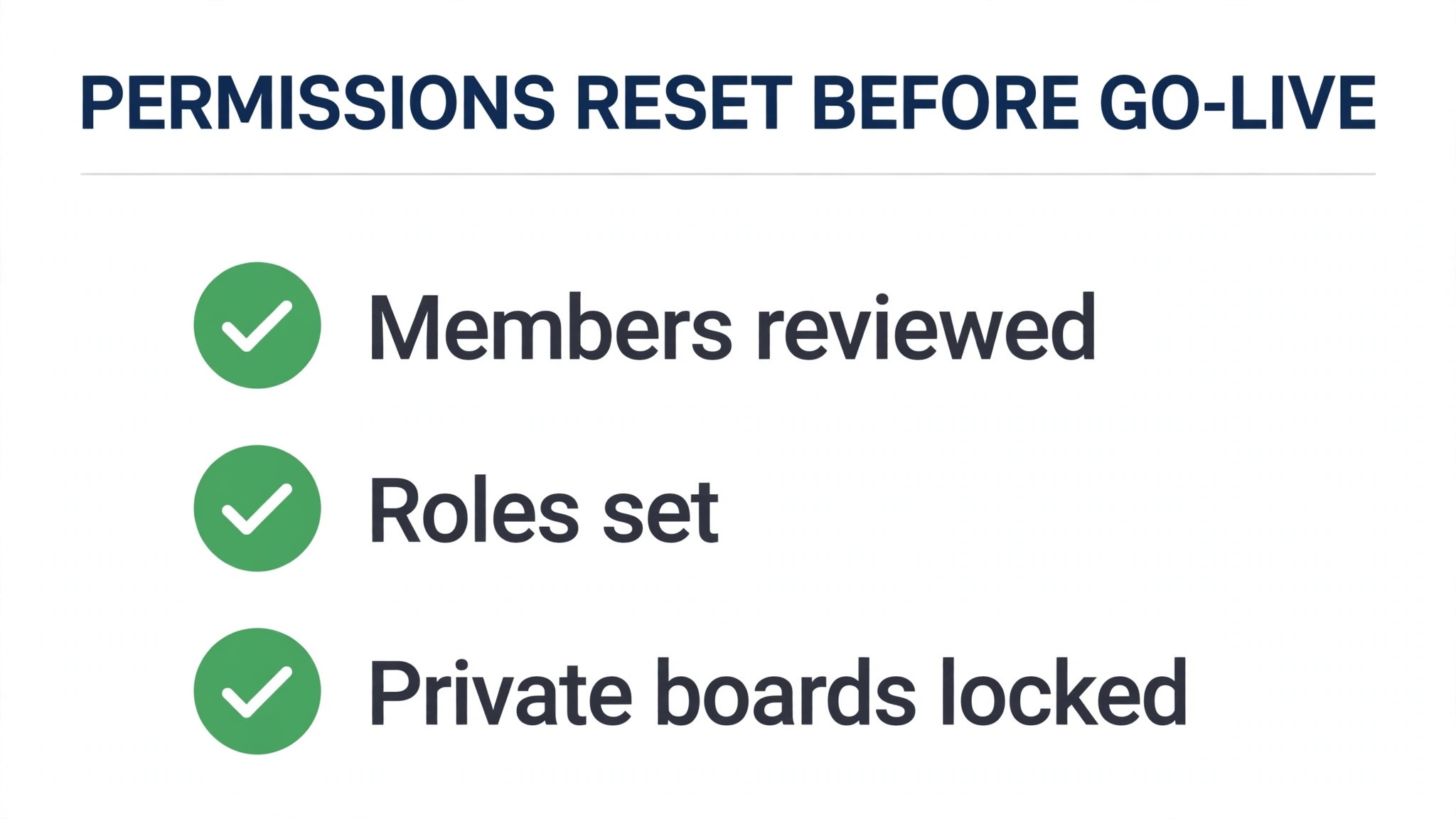
Start from the audit document and build a fresh membership list for Monday, meaning every current team member, their role and the boards they genuinely need. Invite members to Monday before the main import, using the same email addresses where possible, so assignees map cleanly to real people rather than to unclaimed names. Set board permissions deliberately, meaning main boards for the whole team, private boards for sensitive work such as hiring or finance, and shareable boards only where an external collaborator truly needs one.
Remove or downgrade anyone who no longer works with the team, and record the change, because a contractor who retains access to a client board after a project ends is a risk no migration should preserve. Check guest access separately, because a guest who needs several boards is really a team member and should be licensed as one, while a client who needs one board should stay a guest on that board alone. Finish with a permission test, meaning log in as a sample member from each role and confirm that the boards visible match the plan, and that no private board leaks into a general view.
Adoption Checklist for the First Two Weeks
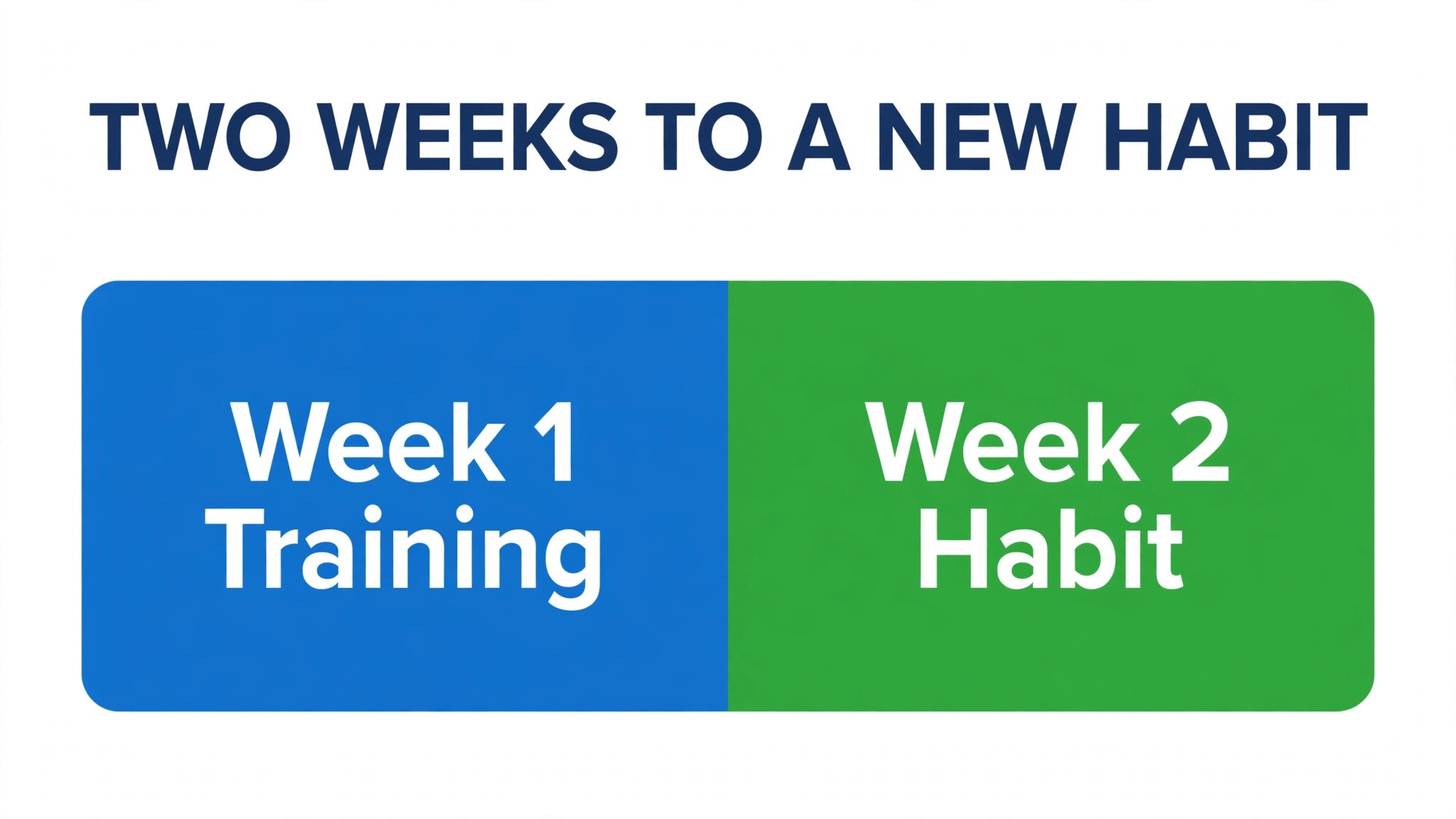
Adoption fails when a team is given a new tool and an old habit at the same time, so the first two weeks need a checklist with owners and dates, not just encouragement. Week one starts with a single training session that covers creating an item, changing a status, commenting, attaching a file and finding work assigned to the viewer, and it should use the team’s real boards rather than a demo workspace. A team that learns on its own work adopts faster than a team that learns on example data it will never touch again.
Each team member should have one named buddy for the first week, meaning a colleague who already knows Monday well enough to answer a quick question without a formal ticket. Daily work should be checked in Monday from day one, and the old Asana boards should be read only, so a team member who updates the old system by habit discovers the freeze immediately and corrects it once, rather than building a parallel record over a month. Managers should run the first weekly review from a Monday dashboard, because a review run from a spreadsheet signals that the new tool is optional, and optional tools do not get adopted.
Week two adds the habits that make the tool stick, meaning a Monday board review at the start of each project meeting, a rule that new work is created in Monday and not in chat or email, and a short feedback session where the team names the two things that still frustrate them. Fix those two things visibly, whether they are a missing column, a confusing status or a broken automation, and tell the team what changed. When you switch Asana to Monday small team adoption is not a launch event. It is a fortnight of small, visible fixes that prove the new tool listens to the people who must use it daily.
Cost, Plan Choice and the Overlap Month
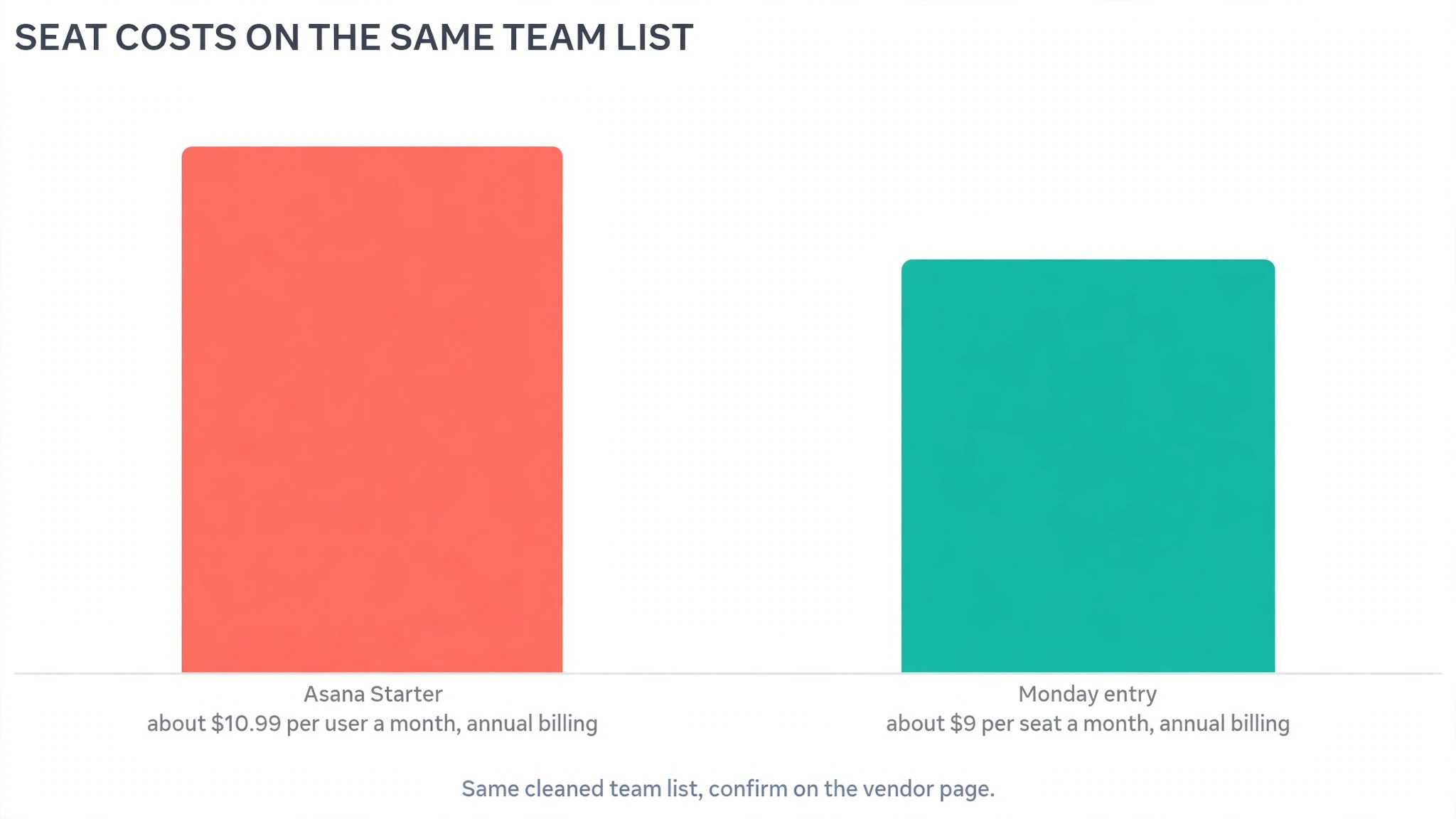
Cost comparison for this move starts with seat counts, not headline rates. Published guides at writing time place Asana Starter around 10.99 dollars per user a month on annual billing, and Monday entry paid plans around 9 dollars per seat a month on annual billing, but both vendors tier features and limits differently, so the team must compare the plan that carries the views, automations and guest rules it actually uses. Count core team members honestly, separate guests who only need one board, and price both tools on the same seat list before declaring a winner.
Also budget time, because time is the larger cost for a small team. A pilot afternoon, a status mapping session, a template rebuild day and an automation rebuild day add up to roughly a working week spread across a fortnight, and that week should be planned around delivery deadlines rather than squeezed between them. A team that migrates during its busiest delivery week will cut corners on testing, and testing is the part of a migration that cannot be recovered later without rework.
Mistakes That Leave a Team in Two Tools
The first mistake is importing everything without an audit. Dead projects, test boards and stale members all travel faithfully, and the new workspace starts its life looking like the old one at its worst. The second mistake is skipping the pilot and importing in one large batch, which turns a mapping error into a workspace wide cleanup. The third mistake is rebuilding automations from memory instead of from a written map, which produces recipes that look plausible but trigger on the wrong event and send notifications nobody asked for.
The fourth mistake is leaving Asana editable after cutover. A team with two editable systems will split its work within days, and reconciling two versions of the same project costs more than the migration saved. Freeze the old tool, announce the freeze in one message, and point every bookmark, chat pin and document link at the new boards. The fifth mistake is treating training as a single video link. A short live session on real boards, a buddy for week one and a visible fix for the top two frustrations will do more for adoption than any library of tutorials the team never opens.
After Cutover, How to Tell the Move Worked
A migration that feels finished on cutover day has only passed its easiest test. The real test runs over the following month, and it is measured in behaviour, not in imported task counts. Start with the simplest measure, which is where new work gets created. If new tasks appear in Monday within a day of being agreed, the team has adopted the new source of truth. If new work still appears in chat threads, email and the old Asana boards, the team has two systems and one of them is the new tool in name only.
Check this daily in week one, and correct it in public, kindly, every time it happens, because a habit corrected once becomes a habit kept.
The second measure is whether deadlines still hold. Compare on time completion for the month after the move with the month before it, and look at the tasks that slipped rather than the average alone. A task that slipped because its owner changed, its date was mapped wrong or its dependency was dropped in migration is a migration fault that can still be fixed. A task that slipped because the work itself grew is a normal project problem. Telling those two apart matters, because blaming the new tool for normal slippage will turn the team against a move that actually worked, while excusing migration faults as normal slippage will leave broken data in place for months.
The third measure is manager time. Before the move, note how long the weekly review took and how many boards or exports it required. After the move, run the same review from a Monday dashboard and time it again. When you switch Asana to Monday small team managers often find the review takes half the time, because workload, deadlines and stuck items sit on one dashboard instead of across several projects and a spreadsheet. If the review still takes as long, the dashboards are probably wrong, meaning a missing column, a status that nobody updates or a board that was never added to the rollup, and fixing the dashboard is more useful than urging the team to try harder.
The fourth measure is the state of the boards themselves. Open each board at the end of week two and week four, and look for the signs of a workspace drifting back to clutter, meaning items with no owner, items with no date, duplicate items created because a team member could not find the original, and groups that hold a mix of live and finished work.
Clean those boards in a short weekly tidy session, and add the tidy to a named role rather than leaving it to goodwill. When you switch Asana to Monday small team board hygiene is the difference between a workspace that stays readable for a year and one that needs a second migration in six months, and the tidy session is the cheapest habit in this whole guide.
Finally, ask the team directly, and ask a specific question rather than a general one. Ask each person to name the one task in Monday that still frustrates them and the one view they now rely on daily. The frustrations list becomes the fix list for month two, and the relied on views list tells the migration owner which boards and dashboards deserve protection when the next change arrives.
A team that can name what works and what does not has genuinely moved. A team that answers only with polite general praise has not yet been given a safe way to complain, and the complaints will surface later as quiet abandonment. When you switch Asana to Monday small team success sounds like specific praise and specific complaints in the same meeting, because that is what a tool in real daily use produces.
Frequently Asked Questions About Moving to Monday
Does the native import move all my Asana projects at once?
It can import multiple projects, but a small team should import one pilot project first, check names, assignees, due dates, completion states and custom fields against the original, and then import the rest in batches. A pilot reveals mapping gaps while they are cheap to fix, and batching keeps each check manageable. Importing everything in one pass turns a small mapping error into a large cleanup.
What does not move from Asana to Monday?
Dependencies do not migrate, and automations do not translate between the two systems, so both must be rebuilt as Monday rules and recipes. Deeper subtask nesting has no direct equivalent, and comment history and attachments may carry only in part depending on the route, so export or screenshot key threads before cutover and keep Asana readable for a month as a fallback.
How long does a small team migration take?
A team with a handful of projects and simple automations can complete the move in one to two weeks of part time work, including audit, pilot, mapping, template rebuild and cutover. A team with many projects, complex custom fields or dependency heavy work should allow three to four weeks, and should plan the migration around delivery deadlines rather than through the busiest week of the quarter.
Do team members need new accounts in Monday?
Yes, and inviting them before the main import, with the same email addresses where possible, helps assignees map cleanly to real people. Build the membership list fresh from the audit rather than importing stale members wholesale, set board permissions deliberately, and test visibility from a sample account in each role before cutover day.
Will my team lose work if we freeze Asana too early?
No, if the freeze comes after the pilot, the batch imports and the automation tests have all passed, and Asana remains readable for at least a month. Freeze editing, not access, so the team can still look up a comment thread or an old attachment while Monday becomes the single source of truth. A freeze that comes before testing is risky, while a freeze that never comes leaves the team in two tools.
Is Monday cheaper than Asana for a small team?
It can be on headline seat rates in published guides, but the honest comparison prices both tools on the same cleaned seat list, on the plan tier that carries the views and automations the team actually uses, and with an overlap month included. A team that moves for board flexibility and dashboards, and uses them weekly, will get value from the move even when the bills are close.
More Reading on Stratilyze
– Asana Against Monday, Which Fits a Small Team – Cost of Asana for a Small Business Monthly – Cost of Monday for a Small Business Monthly – Choosing a Project Tool That the Whole Team Will Actually Use, plain text title, link not verified at writing time