
Two childcare centers of the same size can run very different weeks. In the first center, parents get photos and daily reports without asking, tuition is collected on autopay, and the director checks ratios and enrollment from one dashboard. In the second center, staff chase late payments by phone, parents message three different apps for updates, and enrollment leads sit in an inbox nobody owns. The difference is rarely effort, because both teams work hard. The difference is system, and it is why the best management software for childcare centers is a staffing and trust decision, not only a software purchase.
Childcare software has a harder job than most business software, because it serves three audiences at once. Directors need billing, ratios, enrollment, and multi site reporting. Teachers need fast daily reports, attendance, and messaging that does not eat teaching time. Parents need a simple app that shows their child day, their balance, and their messages in one place. A tool that pleases only one audience will fail, because the other two will work around it.
This guide compares eleven tools on enrollment, billing, parent communication, daily reports, attendance, staff ratios, curriculum, and multi site control. Prices come from vendor pages and recent published comparisons, and many vendors quote rather than publish prices, so check the vendor pricing page before you sign. Test each shortlisted tool with a tour lead, a split billing family, and a daily report, because those three jobs reveal the gaps that matter most.
Why the Best Management Software for Childcare Centers Lives or Dies on Parent Trust
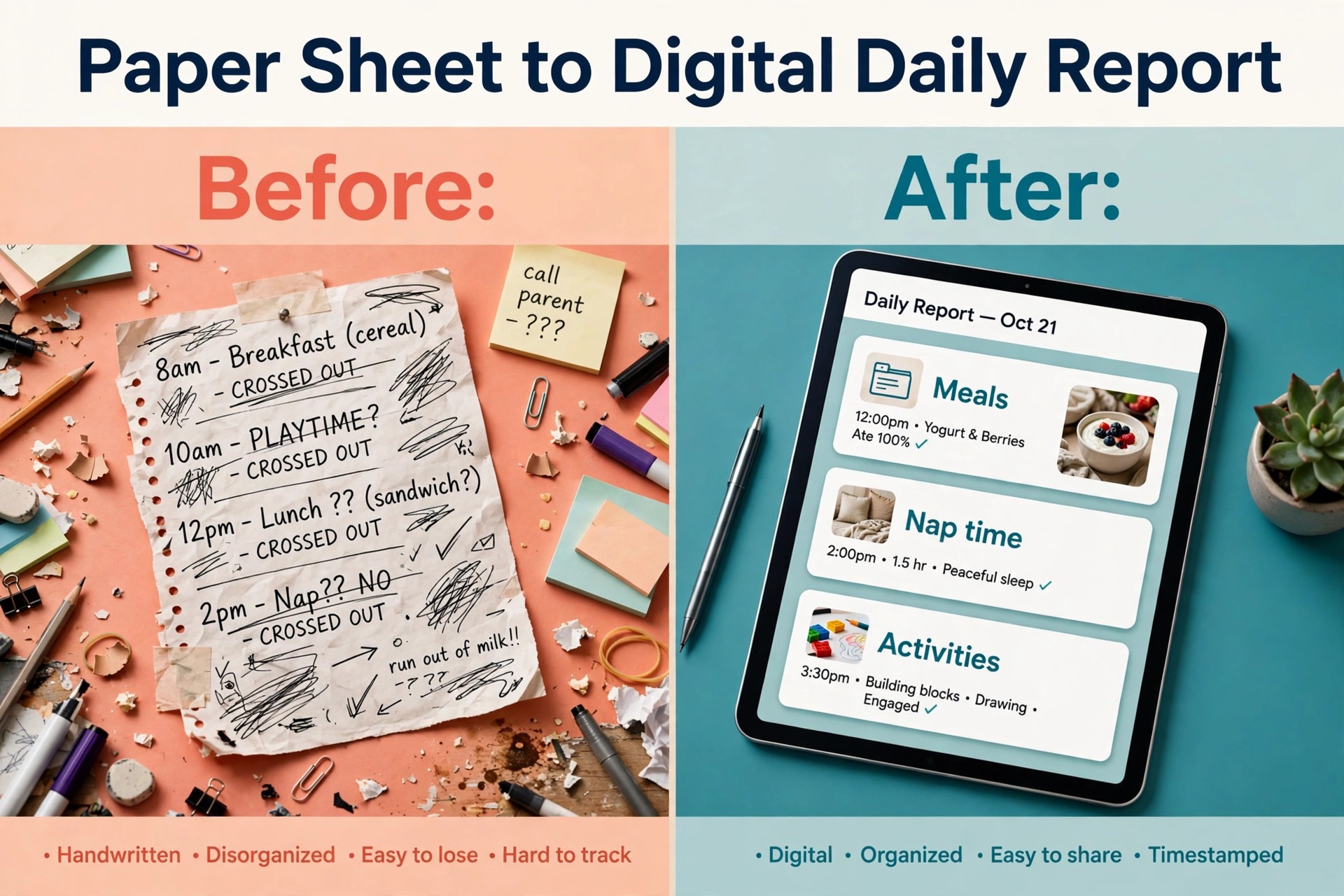
Parents judge a childcare center every day through the app, whether the center wants that or not. A late daily report feels like a late pickup update. A wrong balance feels like a billing dispute waiting to happen. A missed message about illness or closure feels like a safety gap. Software that keeps parent communication fast, accurate, and in one place protects trust in a way no marketing page can replace.
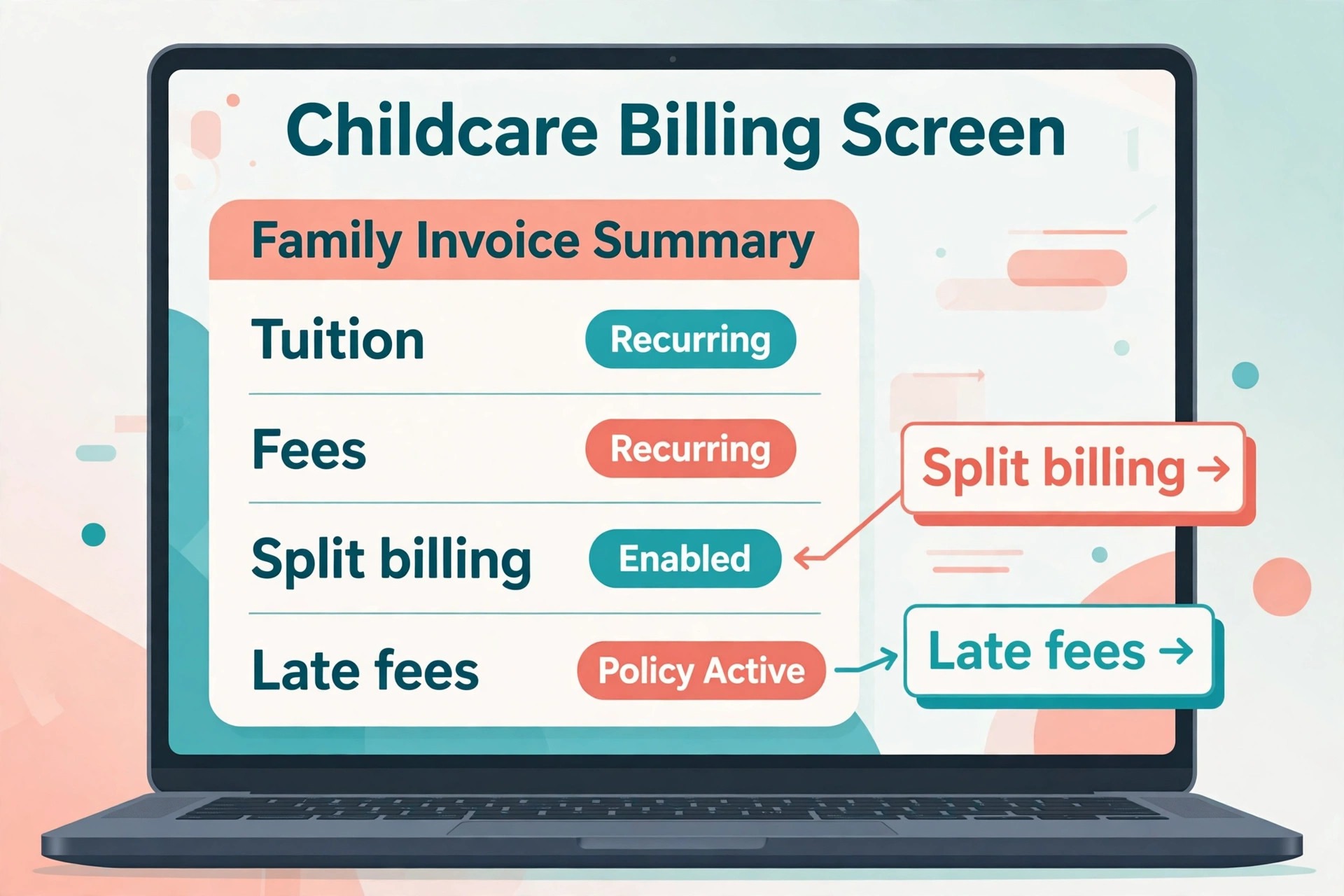
Billing is the second trust test. Childcare tuition is a large monthly payment, and parents notice errors fast. Automated invoicing, autopay, late fee rules, split billing for separated parents, and subsidy accounting all reduce disputes, but only when the rules are set correctly and the parent portal shows the same numbers staff see. A tool that automates billing badly is worse than a manual system, because errors reach many families at once.
The third test is staff time. Teachers should spend minutes, not hours, on daily reports, attendance, and messaging. A tool with a slow tablet flow, too many taps per report, or a confusing ratio view will be resisted by the very staff it should help. Test the teacher flow in a real classroom, not only in a demo room, because classroom noise, wet hands, and busy transitions are the real conditions.
The 11 Tools at a Glance
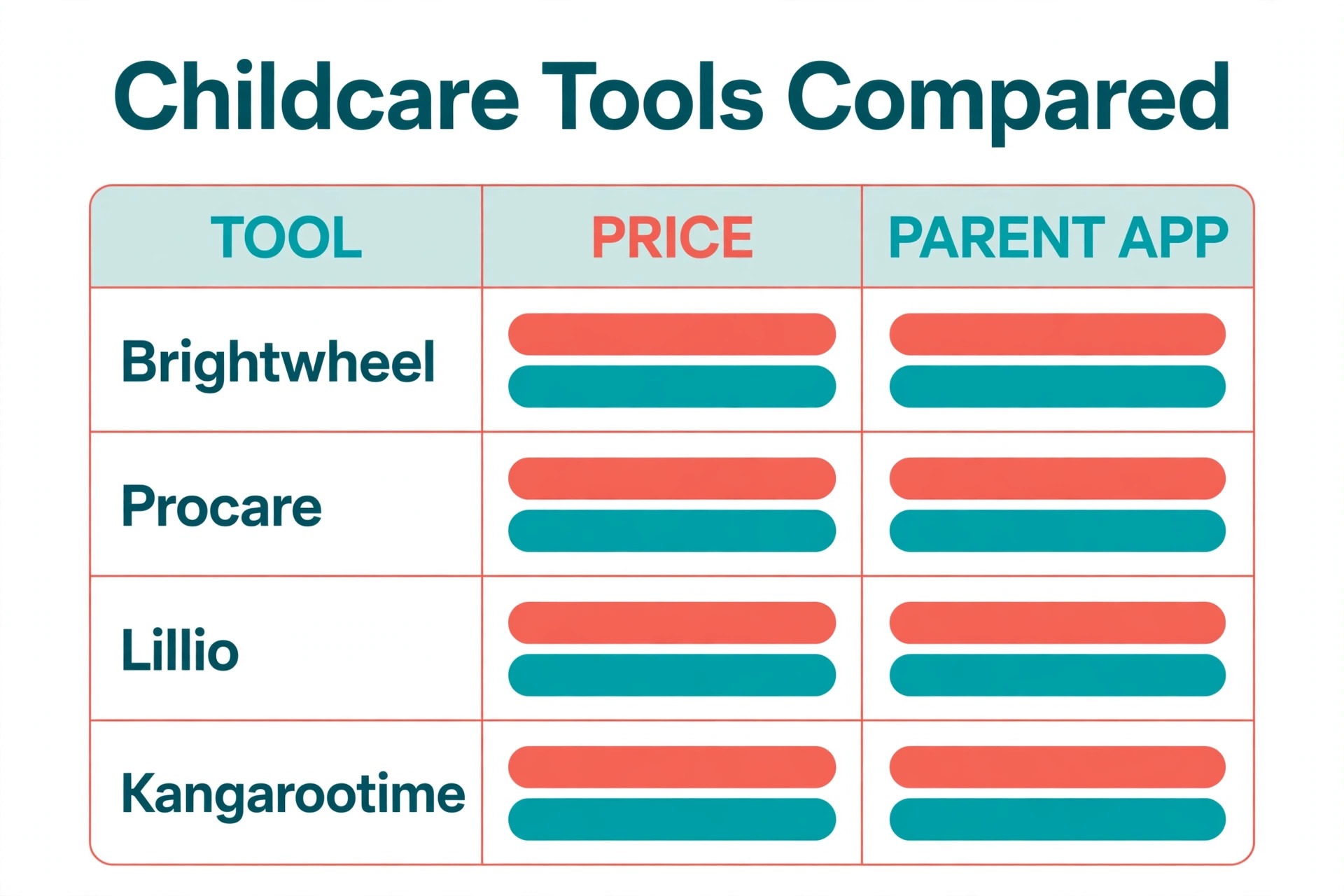
Use this table to shortlist three tools, then read only those full sections in detail. Price notes are starting points from published sources, and the vendor pricing page is the final word.
| Tool | Main job | Starting point | Watch out for |
|---|---|---|---|
| Brightwheel | Parent communication plus billing | Free basic plan, premium by quote | Premium price is not published |
| Procare | Deep billing and multi site control | From 69 dollars a month in published guides | Quote based higher tiers |
| Lillio | Learning documentation and parent updates | From CAD 19 dollars a month for up to 10 children | Billing is lighter than Procare |
| Kangarootime | Automated tuition billing | Check the vendor pricing page | Pricing is quote based |
| Famly | Learning journals and curriculum | From 49 dollars a month | United States tiers are less clear |
| Playground | Modern billing and enrollment | From 50 dollars a month in published guides | Now part of the Procare group |
| Daily Connect | Budget per child pricing | From 1.40 dollars per child, 12.99 dollars minimum | Small vendor |
| myKidzDay | Budget tool for small programs | From 1 dollar per child or 10 dollars per room | Lighter multi site tools |
| illumine | Multi center enrollment and dashboard | From 0.99 dollars per student | Quote based center plans |
| MyKidReports | Low flat fees and simple pricing | Free up to 5 children, then 0.99 dollars per child | Smaller ecosystem |
| ChildPilot | Hands on onboarding for small centers | Check the vendor pricing page | Pricing is quote based |
Shortlisting the best management software for childcare centers from a table alone is risky, because two tools can look equal on price and differ sharply on billing depth, curriculum tools, or multi site reporting. Use the table to cut the list to three, then test billing, daily reports, and enrollment in a trial before you decide.
Best Pick by Job
Use the best management software for childcare centers table below to match your center type first, then test only the tools in your row.
| Center type | First pick | Second tool | Why this pair works |
|---|---|---|---|
| Daycare centers | Brightwheel | Procare | Parent app plus billing depth |
| Preschools | Lillio | Famly | Learning documentation plus curriculum |
| After school programs | Kangarootime | Playground | Automated billing plus modern enrollment |
Daycare centers need a parent app that staff learn in a day, plus billing that collects tuition without chasing. Brightwheel offers a familiar parent app with check in, billing, messaging, meals, naps, and lesson plans in one place, while Procare adds deeper billing, payroll, and multi site control for centers that outgrow a simple tool. A daycare center should choose on billing complexity and growth plans.
Preschools need learning documentation that parents and teachers both value. Lillio offers daily reports, photos, parent messaging, and development tracking aligned with United States standards in published descriptions, while Famly offers learning journals, curriculum tools, and live translation across many languages. A preschool should test observation recording and parent sharing in a trial, because those jobs define daily value.
After school programs need fast enrollment, attendance by session, and billing that matches irregular schedules. Kangarootime offers automated invoices, payments, and late fees without director chasing, while Playground covers billing, attendance, digital paperwork, staffing, and food program tracking. An after school program should test session attendance and pickup authorization carefully, because safety and billing both depend on accurate attendance.

The 11 Tools in Detail
Each section below judges the tool on childcare specific jobs, so you can see where the best management software for childcare centers earns its price and where it does not.
1. Brightwheel
Brightwheel is the best all round pick for most centers in several recent comparisons, and its strength is parent communication. Billing, check in, messaging, meals, naps, lesson plans, and daily reports sit in one app that most staff learn in a day. That ease of learning matters, because childcare staff turnover is high, and a tool that needs long training will be used badly by new hires.
Pricing includes a free basic plan, with premium plans quoted by enrollment and by the modules selected, so check the vendor pricing page or request a quote for your center size. Published guides estimate premium pricing by child, but those figures are third party estimates, not vendor published prices, so do not budget from them alone. Ask for a written quote that includes card and ACH processing fees before signing.
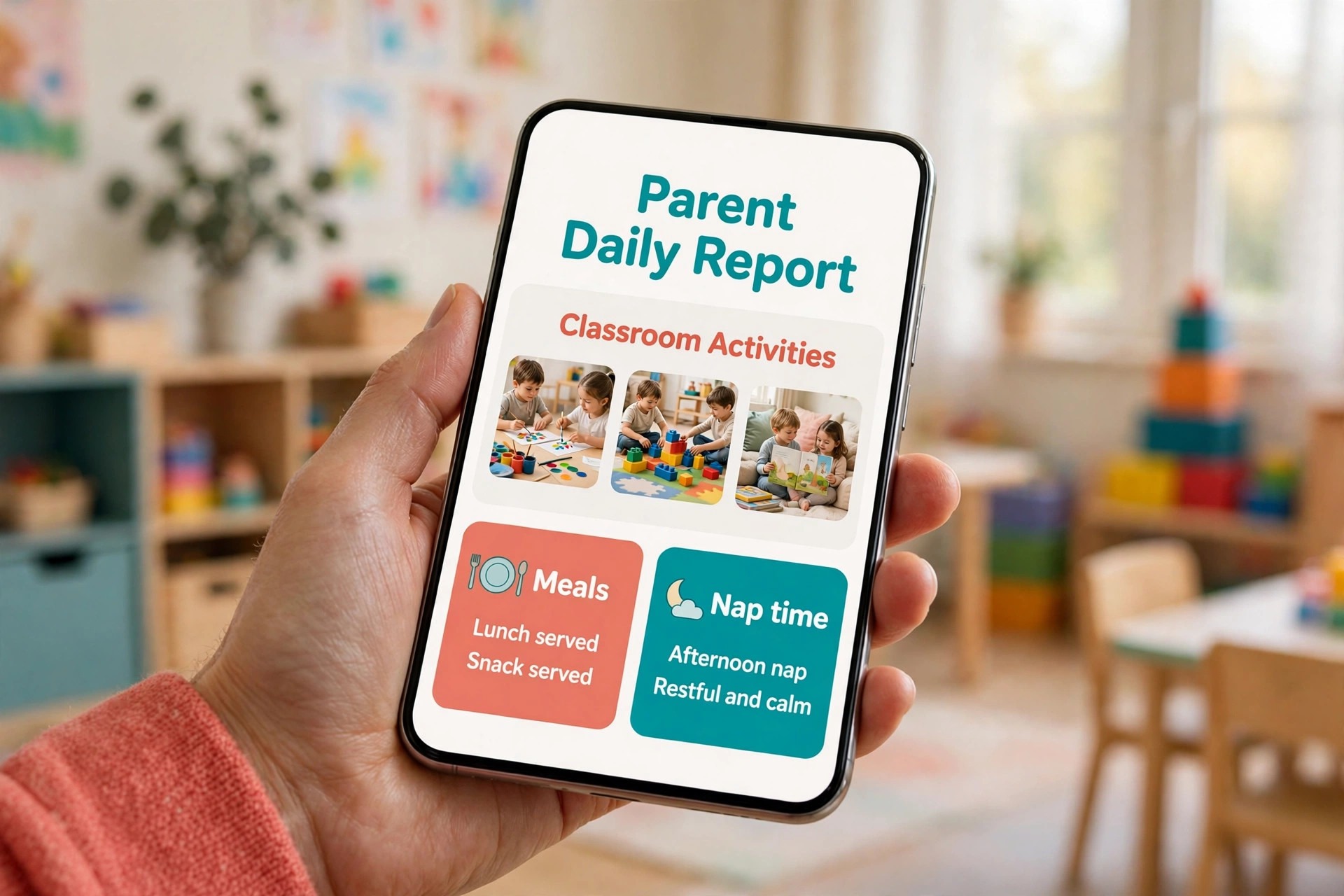
Brightwheel suits small to mid size centers that want better tuition collection, digital check ins, and a clean parent experience without a complex setup. Larger multi site centers with deep subsidy billing or payroll needs may find Procare stronger, but for most single centers, Brightwheel is the first tool to trial.
2. Procare
Procare is the deepest all in one platform in this list, with more than thirty years serving the industry and more than forty thousand childcare businesses in published descriptions. Billing, payroll, parent communication, enrollment, attendance, and multi site management sit together, with split billing for separated parents and subsidy accounting that smaller tools often lack. That depth matters for centers with complex finances.
Pricing is reported from 69 dollars a month in some published guides, with higher tiers quote based and setup scoped separately. Other published comparisons report higher base figures, so check the vendor pricing page and request a written quote for your center count, enrollment, and modules. Procare pricing is flat with no per child fee in published descriptions, which helps a growing center, because the bill does not rise with every new enrollment.
Procare suits established and multi site centers, centers with subsidy billing, and centers that need payroll and deep reporting. Small centers may find the setup heavier and the price higher than Brightwheel or a per child tool, so shortlist Procare when financial complexity or multi site control is a real need.
3. Lillio
Lillio, formerly HiMama, is known for parent engagement and learning documentation, with daily reports, photos, parent messaging, and development tracking. That documentation strength suits preschools and curriculum led programs, where parents judge value by what they see their child learning, not only by attendance and billing. Staff can record observations, share photos, and track milestones in a flow built for classrooms.
Pricing is published in Canadian dollars in several guides, starting at about CAD 19 dollars a month for up to ten children and rising to about CAD 199 dollars a month for one hundred fifty or more children, with about ten percent off for annual billing. United States pricing is quote based in some guides, so check the vendor pricing page for your region and enrollment. That published ladder helps small centers budget, because the price at their child count is visible before a sales call.
Lillio suits small centers and preschools that want clear pricing and strong parent engagement, and that do not need the deepest billing automation. Centers with complex split billing or subsidy accounting should compare Procare, because Lillio billing is lighter. For a curriculum led preschool, Lillio is a strong first shortlist pick.
4. Kangarootime
Kangarootime promise is billing that runs itself, with automated invoices, payments, and late fees without a director chasing anyone. That automation suits centers where tuition collection eats director time every month, and where late payments create awkward parent conversations. Attendance tracking, subsidy billing, and parent communication sit alongside billing, so the center can run daily operations from one system.
Pricing is quote based, so check the vendor pricing page or request a quote for your enrollment, center count, and billing needs. A center should ask for the full fee picture, including card and ACH processing, texting, and any per child or per center charge, before comparing Kangarootime against a published price tool. Quote based pricing makes direct comparison harder, but it also allows a center to negotiate terms for its size.
Kangarootime suits billing led centers and multi location businesses that want automated tuition collection at the center of the system. A curriculum led preschool may find Lillio or Famly stronger on learning documentation, but a center whose biggest pain is billing will feel Kangarootime value in the first billing cycle.
5. Famly
Famly is built for pedagogy led programs, with learning journals, curriculum tools, staff rotas, occupancy forecasting, and a parent app that teachers and parents both use daily. Live translation across many languages and an artificial intelligence assistant for drafting updates help centers with diverse families and busy staff. That pedagogy focus sets Famly apart from billing led tools, because learning quality is treated as a core job, not as an extra report.
Pricing starts at 49 dollars a month in the United States in published guides, with tiers less clearly defined than in the United Kingdom, where pricing starts at about 79 pounds a month. Check the vendor pricing page for your region, enrollment, and tier, because the United States tier structure is less transparent in published sources. Ask what is included at the entry tier, especially billing depth and reporting.
Famly suits pedagogy led programs and groups operating in Europe, as well as United States preschools that value learning journals and curriculum tools. A center whose biggest pain is complex billing may find Procare stronger, but a center that sells learning quality will find Famly documentation and parent sharing hard to match.
6. Playground
Playground covers billing, attendance, digital paperwork, staffing, and food program tracking in a modern all in one platform. That breadth suits centers that want a clean interface and a single system for daily operations, without the older interface feel of some long established tools. Enrollment, billing, and parent communication sit together, so a director can move from a tour lead to an enrolled child to a paid invoice without switching systems.
Pricing is reported at about 50 dollars a month in published guides, but check the vendor pricing page for current tiers, because Playground was acquired by Procare in September 2026 in published reports, and pricing and packaging may change as the two businesses combine. A center should confirm whether Playground remains a separate product, and whether support and billing terms change under the new ownership.
Playground suits modern centers that want an all in one tool at a flat monthly rate, and after school programs that need session attendance and food program tracking. A center that needs the deepest subsidy billing should still compare Procare directly, because Playground breadth is strong but Procare depth is deeper.
7. Daily Connect
Daily Connect suits single centers and in home providers that want budget pricing and rich daily reporting. More than thirty activity types cover meals, naps, photos, activities, and health notes, with artificial intelligence note cleanup and automatic message translation in recent descriptions. That activity depth helps small providers send rich parent updates without writing long reports by hand.
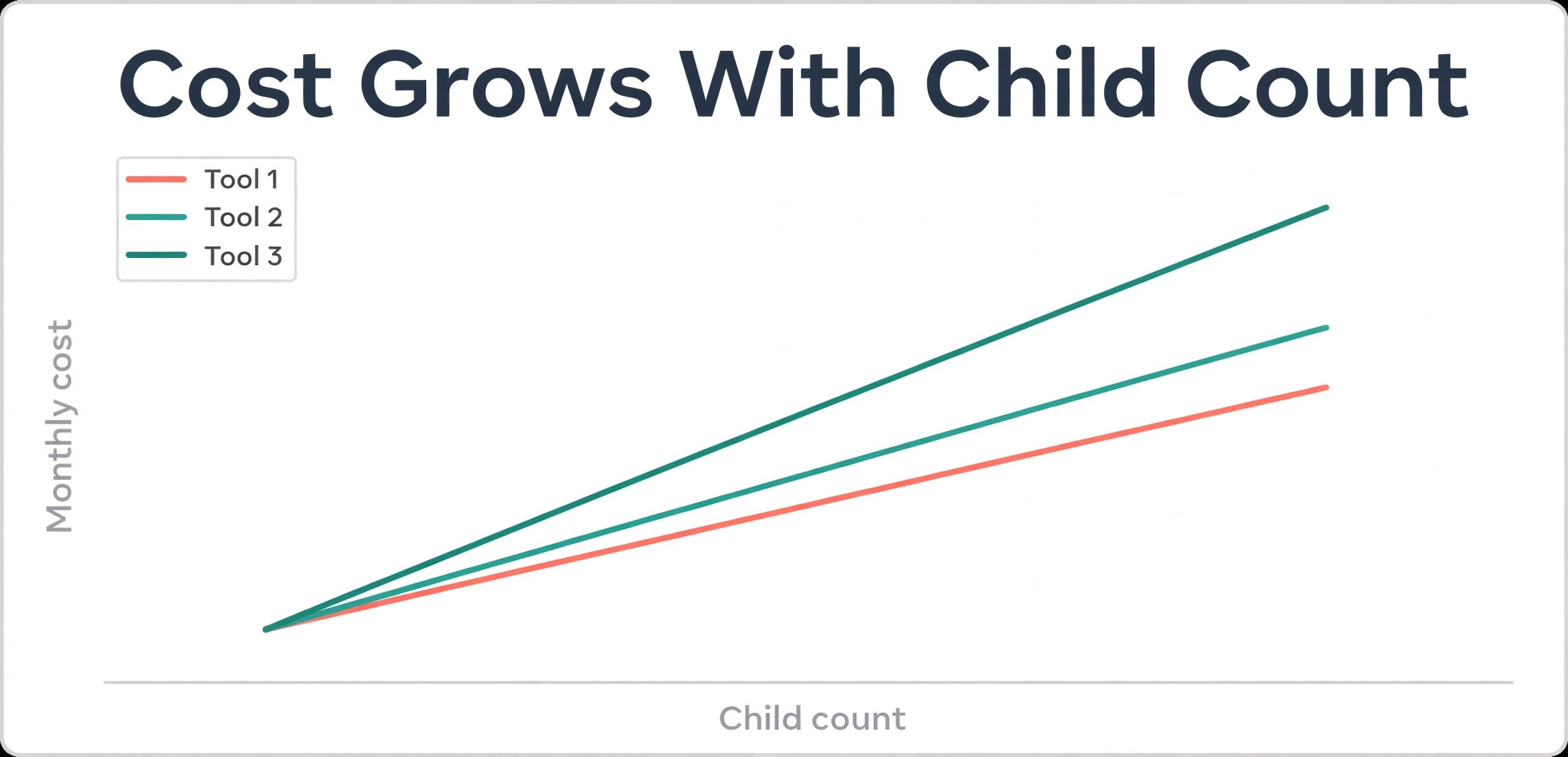
Pricing is per child, starting at 1.40 dollars per child in published guides, with a 12.99 dollar monthly minimum. Another published source reports 16 dollars a month billed annually for ten children, then 1.60 dollars per child, so check the vendor pricing page for the current rate and minimum. Per child pricing is kind to very small providers and rises with enrollment, so model the price at your full child count.
Daily Connect suits budget conscious single centers and in home providers that value daily reports and low entry cost. Multi site reporting and deep billing are thinner than Procare or Kangarootime, so a growing group should compare those tools before committing to a per child model at scale.
8. myKidzDay
myKidzDay suits in home and small providers that want a low published price and food program reporting. Pricing is 1 dollar per child or 10 dollars per room per month in published guides, with a free inquiry and waitlist customer system. That low price and simple structure help a small provider move from paper to digital without a large monthly commitment or a sales negotiation.
Features cover billing, attendance, daily reports, and parent communication in a straightforward package, with CACFP food reporting that matters for providers in food programs. That food reporting strength is a real differentiator for small providers, because food program paperwork is time consuming and error prone on paper. A provider that claims food reimbursement should test that flow carefully in a trial.
myKidzDay suits in home providers and small centers that want budget pricing and food reporting, and that do not need multi site dashboards or deep payroll. A larger center should compare Brightwheel or Procare, because myKidzDay simplicity becomes a limit as center count and billing complexity grow.
9. illumine
illumine is built for groups running two or more centers that want artificial intelligence led enrollment and one dashboard across sites. Enrollment leads, parent communication, billing, and multi center reporting sit together, with a switch over reported in four hours in vendor descriptions. That multi center dashboard helps a group director see occupancy, billing, and enrollment across sites without opening each center separately.
Pricing is by number of centers and quote based for center plans, with a per student figure of 0.99 dollars reported in published comparisons. Check the vendor pricing page for a quote at your center count, because the per student figure alone does not describe the full center plan price. Ask for the full fee picture, including processing fees, before comparing illumine against a flat price tool.
illumine suits multi center groups that want enrollment growth and group visibility as the main job. A single small center may find Brightwheel or Daily Connect simpler and cheaper, because illumine multi center strength only pays back when several centers share one dashboard and one enrollment pipeline.
10. MyKidReports
MyKidReports offers the clearest published pricing in this list, with a free plan for up to five children and then 0.99 dollars per enrolled child per month, with every feature included. Billing and autopay, split payments and sibling billing, QR code check in, room tablets, daily reports, and an enrollment system with inquiries, tours, and waitlists all sit in one app. That all features model removes tier anxiety for small providers.
Payment fees are also published clearly, with a flat 49 cents per bank transaction and 2.79 percent on cards in published guides. That flat bank fee helps a center that collects many tuition payments by bank transfer, because a large tuition payment costs the same fee as a small one. A center should still compare card fees against other tools, because card heavy centers pay more on the percentage model.
MyKidReports suits centers of every size that want published pricing, low flat fees, and a simple all in one app, from home providers to multi site groups. The vendor ecosystem is smaller than Brightwheel or Procare, so a center that needs many third party integrations should test those connections in a trial. For price transparency alone, MyKidReports deserves a shortlist place.
11. ChildPilot
ChildPilot is known for hands on onboarding, which matters for small centers that worry about switching systems. A guided setup, staff training, and a responsive support team can make the difference between a smooth launch and a failed one, especially for a center whose director also teaches or covers classrooms. That onboarding strength is easy to undervalue in a feature table, but it shows in the first month of use.
Pricing is quote based, so check the vendor pricing page or request a quote for your enrollment and center count. A center should ask what onboarding includes, how long support stays hands on, and whether training for new staff is included later, because onboarding value fades if later hires get no help. Compare the quoted total against a published price tool at the same size.
ChildPilot suits small centers that want guided onboarding and a simple all in one system, and that value support over breadth. A larger multi site center with deep billing needs should compare Procare or Kangarootime, because ChildPilot strength is launch support rather than financial depth.
Testing a Childcare Tool on a Real Week
Use the best management software for childcare centers trial to run three jobs that define daily life. Take a tour lead from inquiry to waitlist to enrollment, and confirm that messages, paperwork, and billing all follow the same family record. Run a split billing family with two payers, and confirm that each payer sees only their share and that late fees apply by the rules you set. Send a daily report with photos, meals, and naps, and confirm that parents receive it fast and can reply in the same app.
Next, test the teacher flow in a real classroom. Record attendance, a meal, a nap, and a photo for a group of children, and time how long it takes with wet hands, noise, and transitions. A flow that takes twice as long in a classroom as in a demo will be skipped by busy teachers, and parent reports will suffer. Score the teacher flow as heavily as the director dashboard, because teacher adoption decides whether parent reports stay rich.
Finally, test ratios and reporting together. Check that the system warns when a room approaches its ratio limit, and that a director can pull enrollment, billing, and attendance by center in one report. A tool that passes parent messaging but fails ratio warnings creates a safety risk, and a tool that passes billing but fails multi center reporting creates extra work for a group director.
Setup Checklist for a Childcare Center Switch
Follow this sequence when you move to the best management software for childcare centers you chose, and do not skip the billing test.
- Export children, families, staff, enrollment status, and outstanding balances, and clean duplicate family records before import.
- Build rooms, age groups, ratio rules, and staff assignments first, because attendance and safety both depend on them.
- Set billing rules next, including tuition dates, late fees, split billing, sibling discounts, and subsidy handling.
- Connect payments, run a test invoice and a test refund, and confirm the parent portal shows both correctly.
- Invite a small group of parents and teachers to check in, send a daily report, and pay tuition before a full launch.
- Train staff on attendance, daily reports, pickup authorization, and billing queries, because those four jobs cause most support questions.
- Keep the old system read only for one full billing cycle, so no tuition or attendance record is lost in the move.
A careful switch protects trust on every side. Parents forgive a new app quickly if reports are rich and balances are correct. Teachers forgive a new system quickly if daily reports are fast and ratios are clear. Test billing and attendance twice, and launch only when both are clean.

Frequently Asked Questions
These answers cover the questions center owners ask most when they compare the best management software for childcare centers.
How much should a small childcare center pay for management software?
Most small centers pay between 1 dollar and 2 dollars per child per month on per child tools, or between 49 dollars and 99 dollars a month on flat tools, with larger platforms quote based once multi site, payroll, or subsidy depth is included. Price the tool at your real child count, and add card and ACH processing fees, because those fees change the total more than the subscription headline suggests.
Does childcare software handle split billing for separated parents?
Strong tools such as Procare handle split billing for separated parents, with each payer seeing only their share and late fees applied by rule. Weaker tools bill one family account and leave parents to split payments themselves, which creates disputes. Test a split billing family in a trial, including a late payment, before you commit to a tool for a center with many split families.
Can parents see daily reports, photos, and balances in one app?
Yes, on tools with a parent app such as Brightwheel, Lillio, and MyKidReports, where daily reports, photos, messages, and balances live together. The key is to test the full parent flow during a trial, including a photo report and a tuition payment, because an app that looks simple in a demo can still confuse parents when reports, messages, and billing sit in different tabs.
What is the difference between per child pricing and flat pricing?
Per child pricing charges a small fee for each enrolled child, which suits small providers and grows with enrollment. Flat pricing charges one monthly fee regardless of child count, which suits larger centers and groups. A center with seasonal enrollment swings may prefer per child pricing, while a center with stable full enrollment may prefer flat pricing. Model both at your peak and quiet enrollments.
Should a preschool buy management software and curriculum software separately?
A preschool can buy separately, but a combined tool such as Lillio or Famly often works better, because learning observations, parent sharing, and billing live in one record. Separate tools can still work when curriculum needs are specialist, but the center must then keep learning records and billing in sync across systems. Start combined when possible, and split only when a clear curriculum need justifies it.
How long does it take to switch childcare software?
Most centers can switch in two to four weeks, including data import, room and billing setup, payment testing, and staff training. Enrollment season is the worst time to switch, because tour leads and new family paperwork add pressure to an already busy period. Plan the switch for a quiet gap between terms, and keep the old system read only until the first tuition run is clean.
The Bottom Line for Childcare Centers
The practical winner among the best management software for childcare centers depends on your center model, not on a single ranking. A daycare center should shortlist Brightwheel and Procare, and choose on billing complexity and growth plans. A preschool should shortlist Lillio and Famly, and choose on learning documentation and curriculum depth. An after school program should shortlist Kangarootime and Playground, and choose on automated billing and session attendance.
Whatever you choose, run the trial week in this guide, price the total with processing fees included, and pick the tool your teachers can run in a busy classroom without slowing down care. A childcare center lives on parent trust, accurate billing, and safe attendance, and the right software protects all three without adding work to an already demanding day.
Read the related guides on Best AI Tools for Daycares and Daycare Parent Communication System Setup for communication and workflow ideas that pair well with a new management system.