
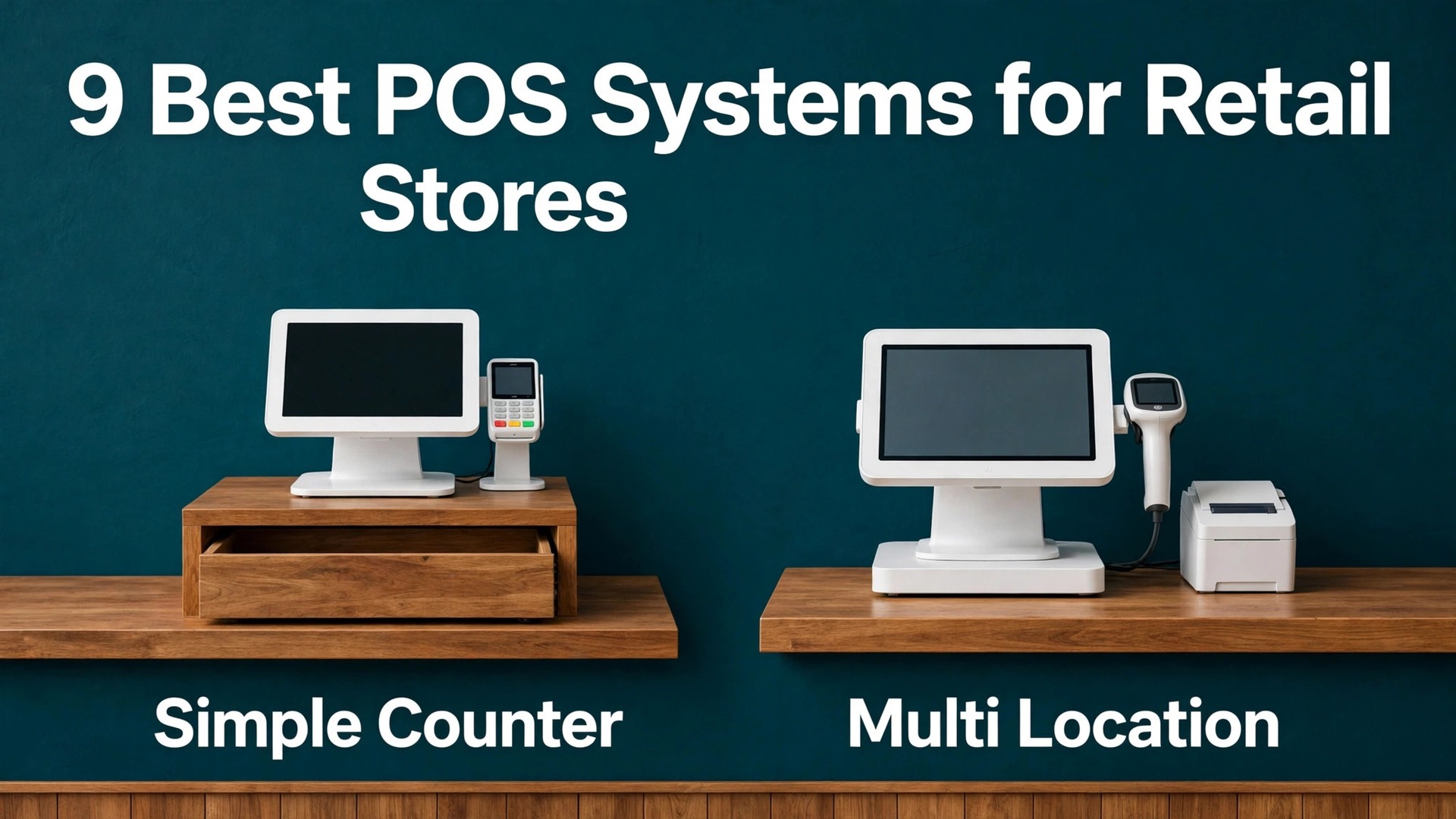
Square against Shopify, Lightspeed against Clover, free against $89 a month. The comparison that matters for the best pos system for retail stores is not the headline price, it is the total cost at real volume, because a shop doing $20,000 a month in card sales can spend $500 or more on processing alone. The subscription is the small number. The card rate, the hardware lock in and the inventory limits are the numbers that decide the bill.
A retail POS is not just a card reader. It holds the catalogue, tracks stock across locations, manages staff permissions, runs loyalty, handles returns and exchanges and keeps online and in store inventory in sync. A shop that buys on price alone often discovers the inventory gap months later, when a second location opens, a pop up needs stock or a bestseller sells out online while the shelf still shows it in stock.
This guide compares nine systems on checkout speed, inventory depth, payment rates, hardware, multi location handling and the real monthly bill at single shop, multi shop and pop up sizes. Prices come from vendor pages and recent comparison checks, and where a price varies by reseller or is quoted only, it says so and tells you to check the vendor page before signing.
Retail POS Tools at a Glance
| Tool | Starting price | Best for |
|---|---|---|
| Square for Retail | Free, Plus $49 a month per location | Most small shops |
| Shopify POS | Basic $39 a month, POS Pro $89 extra | Shops selling online and in store |
| Lightspeed Retail | From $89 a month | Inventory heavy retail |
| Clover | Varies by reseller | Shops wanting hardware choice |
| Toast | Starter $0, paid plans by quote | Shops with a food counter |
| KORONA POS | From $59 a month per terminal | Shops wanting processor choice |
| Helcim | $0 software | B2B and wholesale leaning shops |
| GoDaddy POS | From $0 | Shops wanting low flat rate processing |
| Epos Now | Priced by quote | Shops wanting a bundled kit |
Read the table as a shortlist, not a ranking. The free tool suits a single shop perfectly, while the inventory specialist suits a shop with hundreds of SKUs. Pick three finalists, then read their full sections before buying hardware, because hardware lock in is harder to undo than a software subscription.
Use that shortlist as the starting point for choosing the best pos system for retail stores for your size and budget.
Why Best POS System for Retail Stores Is Not Just a Card Reader
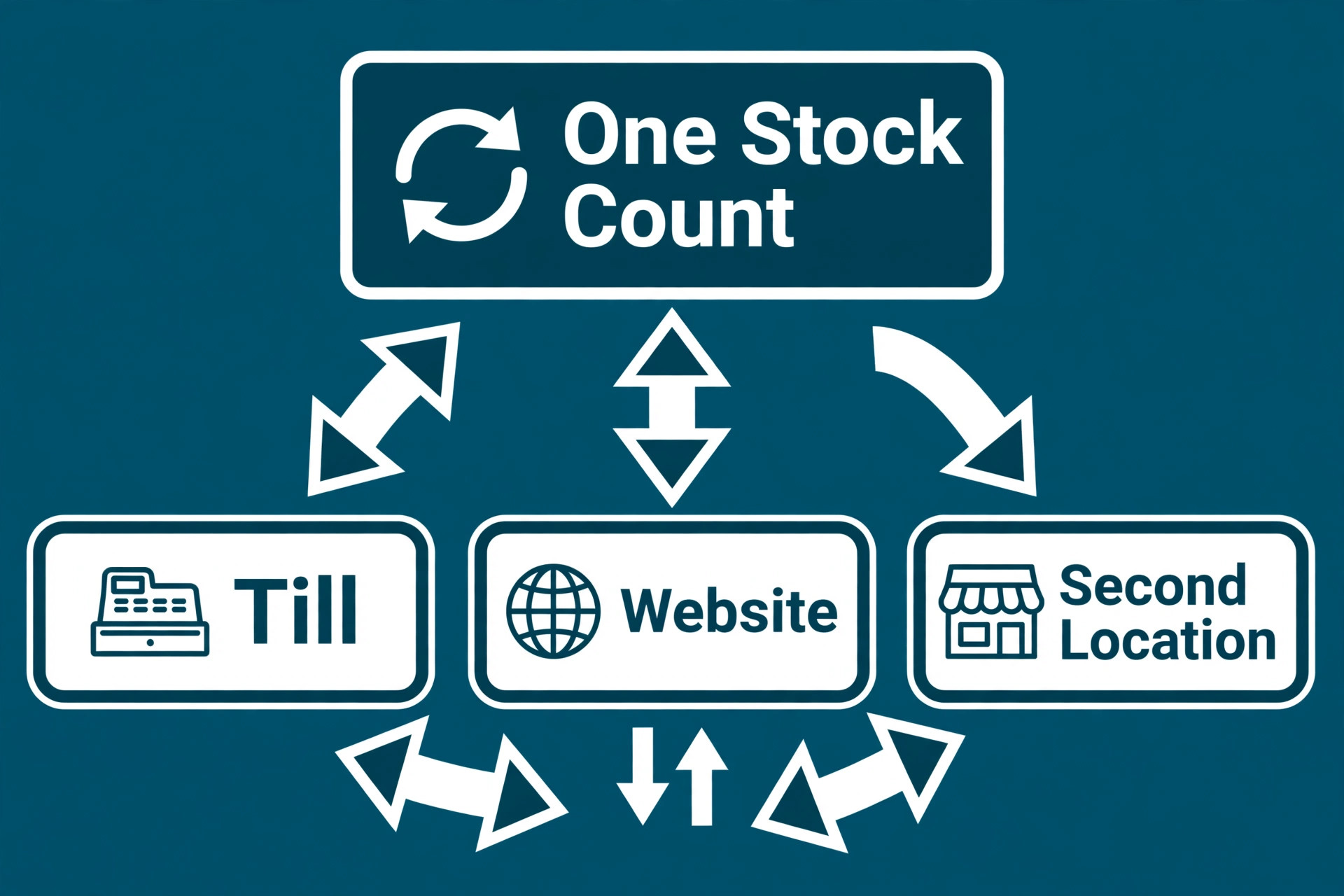
A card reader takes money. A POS system runs the shop. The difference shows up in stock accuracy, because a POS that updates inventory at the till, online and at the second location in real time prevents overselling and stockouts. A shop selling the same product in store and online needs one stock number, not two, and a system that forks inventory into separate counts will create refunds, complaints and manual recounts every week.
Staff and customer tools are the second difference. Permissions that stop a junior cashier refunding without approval, loyalty that brings a customer back, gift cards that sell in December and redeem in January, and reports that show which products, hours and staff actually earn money are all POS jobs, not card reader jobs. A shop that only compares card rates misses the tools that change daily takings and staff costs.
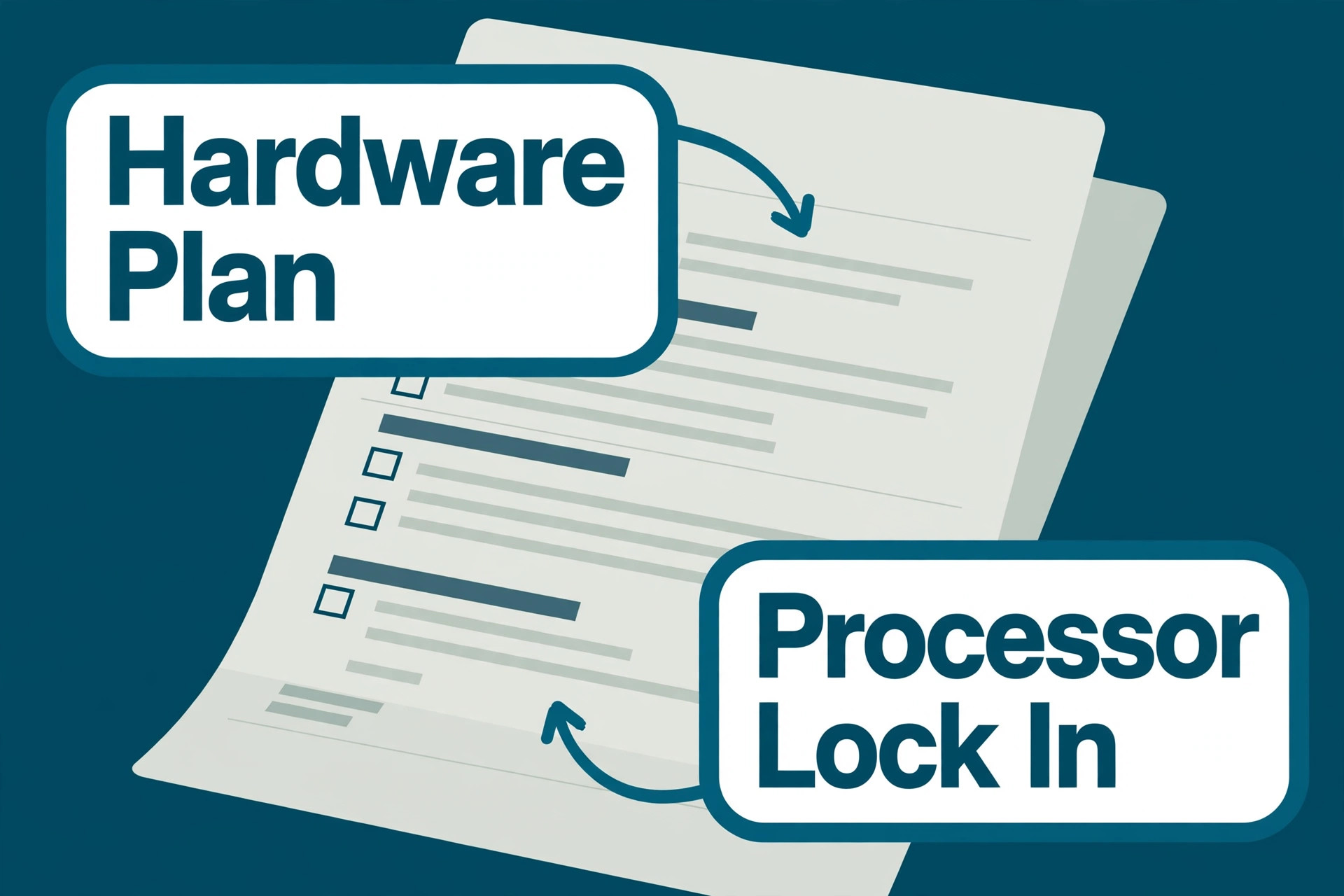
The third difference is hardware and payments lock in. Some systems only work with their own terminals, some require their own payment processor and some sell hardware on multi year plans that cost more than buying outright. Those terms matter more than a $10 subscription gap, because a shop locked into dear hardware or a fixed processor cannot shop around when volume grows. Read the hardware and processor terms before the software features.
Nine Systems, Reviewed One by One
Square for Retail
Square for Retail is the pick for most small shops. The free plan covers POS, basic inventory, customer profiles, digital receipts, gift cards and invoicing, while Plus costs $49 a month per location and Premium costs $149 a month per location. In person card payments run at 2.6 percent plus 15 cents on the free plan, with a lower rate on Premium, and online payments run higher, so model the card mix before judging the free plan.
The strength is speed to first sale and transparent pricing. A shop can start on a phone, add a reader and sell the same day, with no contract and hardware bought outright. The weakness is specialist depth. Matrix inventory for size and colour variants, deep purchase order workflows and full multi location controls are thinner than on Lightspeed, so a complex catalogue will outgrow it. Choose Square for Retail if the shop is small and wants the fastest, cheapest credible start. Skip it if inventory complexity is the main problem.
Shopify POS
Shopify POS is the pick for shops that sell online as much as in store. It needs a Shopify plan, with Basic from $39 a month, and POS Lite included while POS Pro adds $89 a month per location. It keeps one catalogue, one stock count and one customer record across the website and the till, which is the whole point for an omnichannel shop, and card rates vary by Shopify plan with Shopify Payments required for the best terms.
The strength is unified inventory. A sale online updates store stock instantly, a return in store updates the online record, and the shop never has to reconcile two systems. The weakness is dependence. The shop must run Shopify ecommerce to get the full benefit, and POS Pro is an extra cost on top of the Shopify plan, so a shop without an online store pays for an ecosystem it does not use. Choose Shopify POS if the store already sells on Shopify. Skip it if the shop is in store only.
Lightspeed Retail
Lightspeed Retail is the pick for inventory heavy retail. Pricing is reported from $89 a month on annual billing for the Basic plan, with higher tiers for deeper features, so check the vendor page for the current tier breakdown. It covers matrix inventory for size, colour and variant combinations, purchase orders, supplier management, multi location transfers and detailed reporting, which is why bike shops, apparel stores and specialty retailers choose it.
The strength is inventory depth. A shop with hundreds of SKUs, many suppliers and several locations gets purchase order workflows and stock controls that generalist tools cannot match. The weakness is price and learning curve. It costs more than Square or Shopify POS, setup takes longer and staff training is real. Choose Lightspeed Retail if inventory complexity drives the decision. Skip it if the catalogue is small and a simpler tool would do.
Clover
Clover is the pick for shops that want hardware choice and a polished counter. Pricing varies widely by reseller and by hardware kit, with direct plans reported from around $15 a month per device up to much higher kit prices on multi year plans, so get a written quote and check the vendor page rather than budgeting from a comparison article. It covers POS, payments, inventory, loyalty and reporting across a wide range of terminals and handhelds.
The strength is the hardware range. A shop can pick a countertop terminal, a handheld or a full station that fits the counter and the brand, and the system looks good in a premium store. The weakness is reseller pricing. The same hardware can carry very different rates, fees and contract terms depending on the seller, and some plans lock the shop into a processor and a term. Choose Clover if hardware matters and the quote is clear in writing. Skip it if the shop wants transparent published pricing with no reseller negotiation.
Toast
Toast is the pick for retail shops with a food counter, cafe section or quick service element. The Starter Kit is $0 with Toast Payments, while Point of Sale plans start from $69 a month in recent comparisons, with higher plans by quote. It covers checkout, kitchen display, online ordering and handheld ordering in a system built for food service, which suits a retail shop where food is a growing share of takings.
The strength is food service depth. A shop selling coffee and pastries alongside retail gets kitchen flow, modifiers and online ordering that pure retail systems handle weakly. The weakness is retail fit and lock in. Toast requires Toast Payments, hardware is closed, and pure retail inventory is thinner than on Lightspeed or Shopify POS. Choose Toast if food service matters as much as retail. Skip it if the shop is pure retail with no food counter.
KORONA POS
KORONA POS is the pick for shops that want processor flexibility. Pricing starts from $59 a month per terminal, and it lets the shop choose its payment processor rather than forcing a single provider. That freedom matters for shops with high volume, high risk categories or existing processor relationships, because processor choice is where larger shops save real money on card fees.
The strength is freedom and retail depth. The shop keeps inventory, reporting and multi terminal handling while shopping for the best processing deal, instead of accepting a bundled rate. The weakness is entry cost and ecosystem size. At $59 per terminal it costs more than a free plan for a small shop, and integrations are narrower than on Square or Shopify. Choose KORONA POS if processor choice matters. Skip it if the shop is small and happy with a bundled processor.
Helcim
Helcim is the pick for B2B and wholesale leaning shops that want low cost interchange plus processing. Software is $0, with the business paying processing on an interchange plus model rather than a flat rate, plus hardware costs where needed. That model suits shops with larger average tickets, because interchange plus pricing can beat a flat 2.6 percent rate once tickets grow, while small ticket shops may see less benefit.
The strength is transparent processing and zero software fee. A shop that understands interchange plus pricing can save money as volume grows, and there is no monthly software bill to justify. The weakness is retail polish. Checkout, inventory and loyalty features are solid but less deep than on Square or Lightspeed, and the pricing model needs a shop owner comfortable comparing processing statements. Choose Helcim if tickets are large and processing cost matters most. Skip it if the shop wants the deepest retail feature set.
GoDaddy POS
GoDaddy POS is the pick for shops that want low flat rate in person processing with a simple setup. Pricing is reported from $0 for software, with paid tiers up to around $35 a month, and in person processing is reported as one of the lowest flat rates in recent comparisons, so check the vendor page for the current rate before budgeting. It covers checkout, inventory basics, payments and online selling through GoDaddy tools.
The strength is the processing rate and simplicity. A shop with steady in person volume can save on every sale against a 2.6 percent flat rate, and setup is straightforward for a small team. The weakness is depth. Multi location inventory, advanced reporting and specialist retail workflows are thinner than on Lightspeed, and the ecosystem suits GoDaddy users best. Choose GoDaddy POS if in person rate is the priority. Skip it if inventory complexity or multi location control drives the decision.
Epos Now
Epos Now is the pick for shops that want a bundled hardware and software kit from one supplier. Pricing is by quote, with hardware and software bundled into a monthly figure in many deals, so check the vendor page and get a written quote that separates hardware cost from software cost. It covers POS, inventory, reporting, staff management and payments for retail and hospitality, with support and setup included in the bundle.
The strength is one supplier for everything. A shop that does not want to buy terminals, software and support separately gets a working till with setup help. The weakness is price clarity and lock in. Quote only pricing makes comparison hard, and bundled monthly hardware payments can cost more over time than buying outright. Choose Epos Now if a single bundled supplier matters. Skip it if the shop wants published pricing it can compare line by line.
The Best Pick for Each Retail Job
The right POS changes with the shape of the shop. A single shop, a multi shop team and a pop up stall need different strengths, even when they browse the same category pages. Use this table to match the pick to the job, then confirm the fit with a hardware and inventory test before buying terminals.
| Job | Best pick | Why it wins |
|---|---|---|
| Single shop | Square for Retail | Free start, fast setup, clear rates |
| Multi shop team | Lightspeed Retail | Deep inventory and transfers across sites |
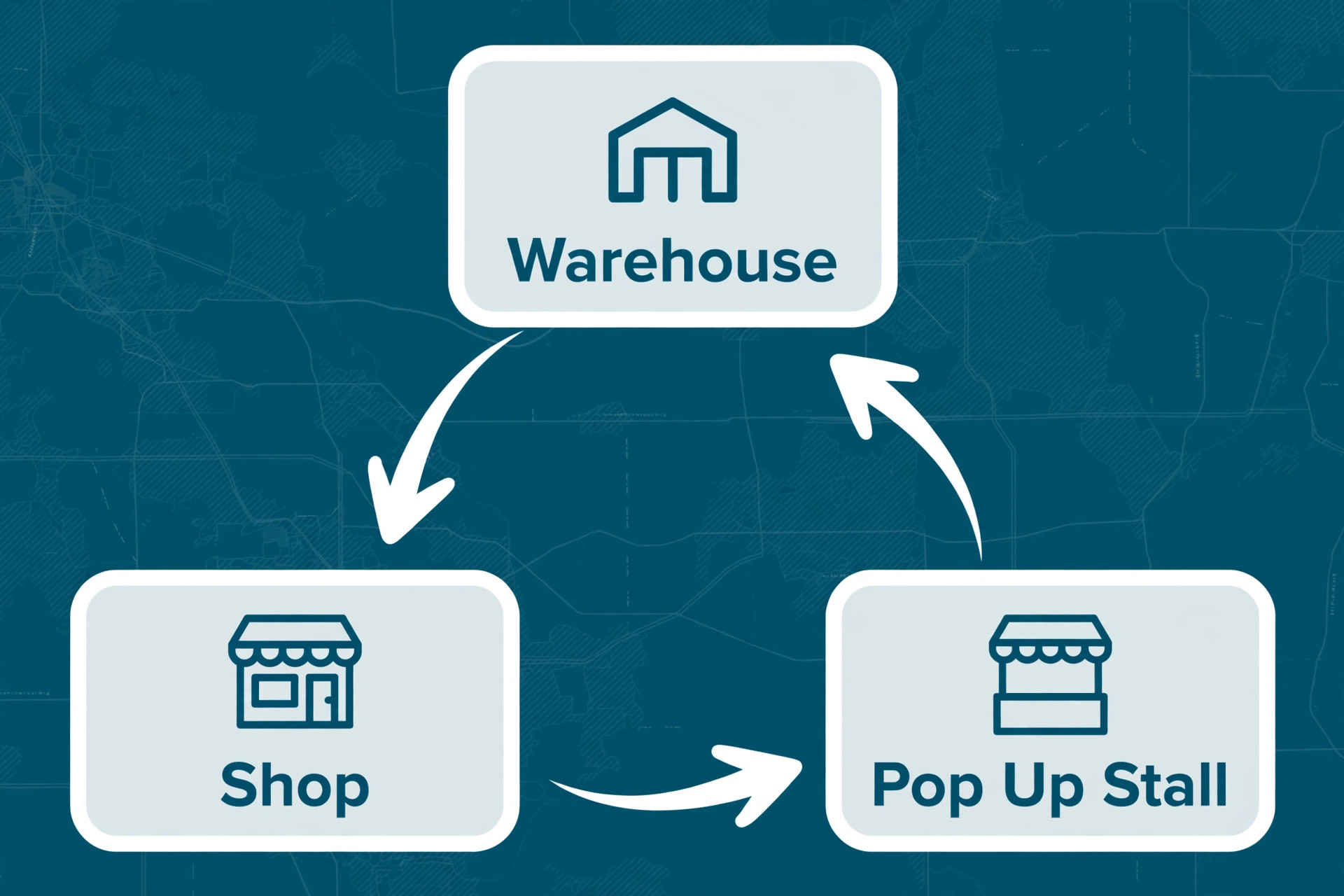
| Pop up stall | Square for Retail | Phone plus reader, no contract, same day sales |
That matching step is what turns a general search for the best pos system for retail stores into a shortlist that fits real work.
The Retail POS Checklist Before You Pay
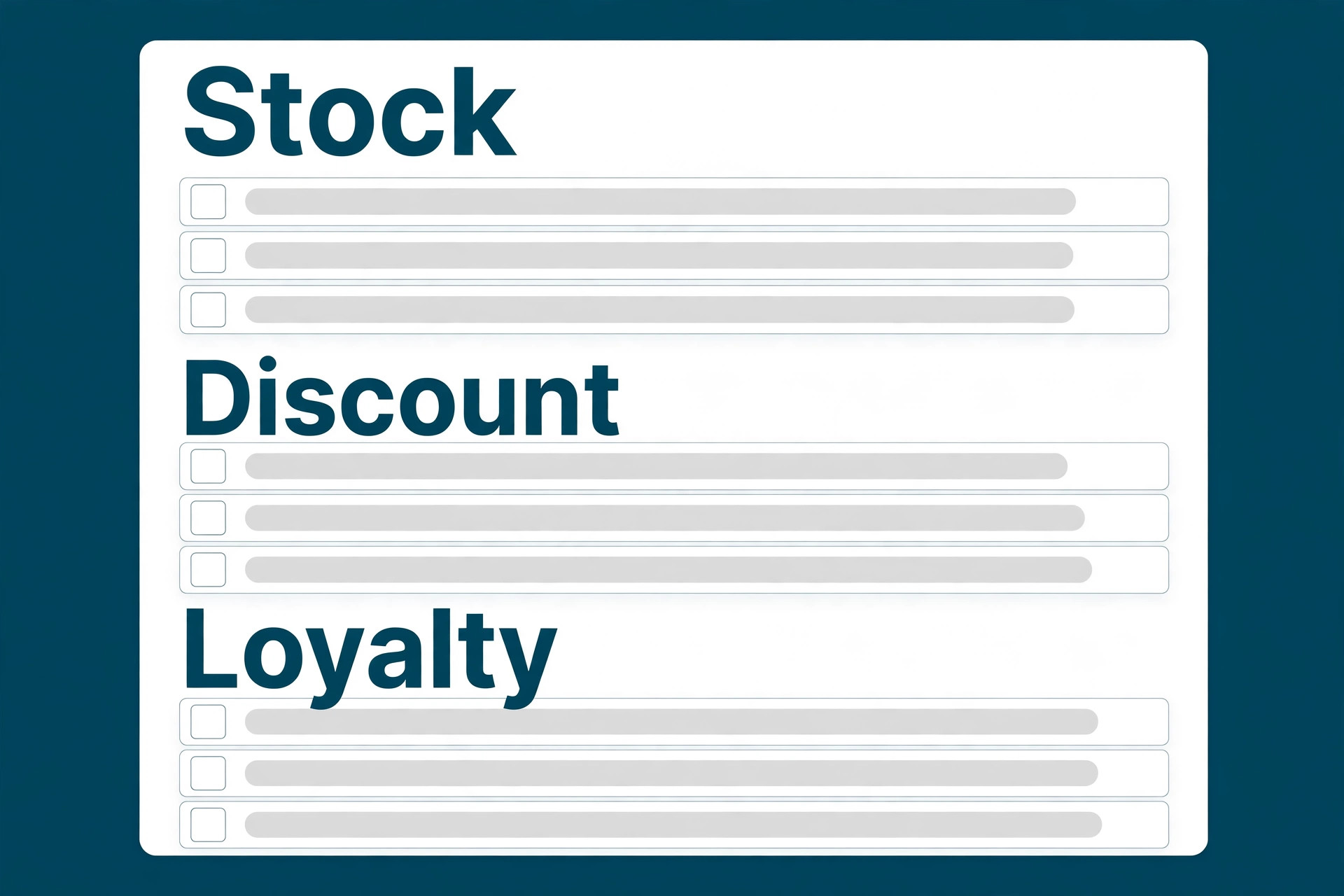
Run through this checklist on every finalist before buying hardware. A system that fails two or more items will cost more in workarounds and restocking than it saves in subscription fees.
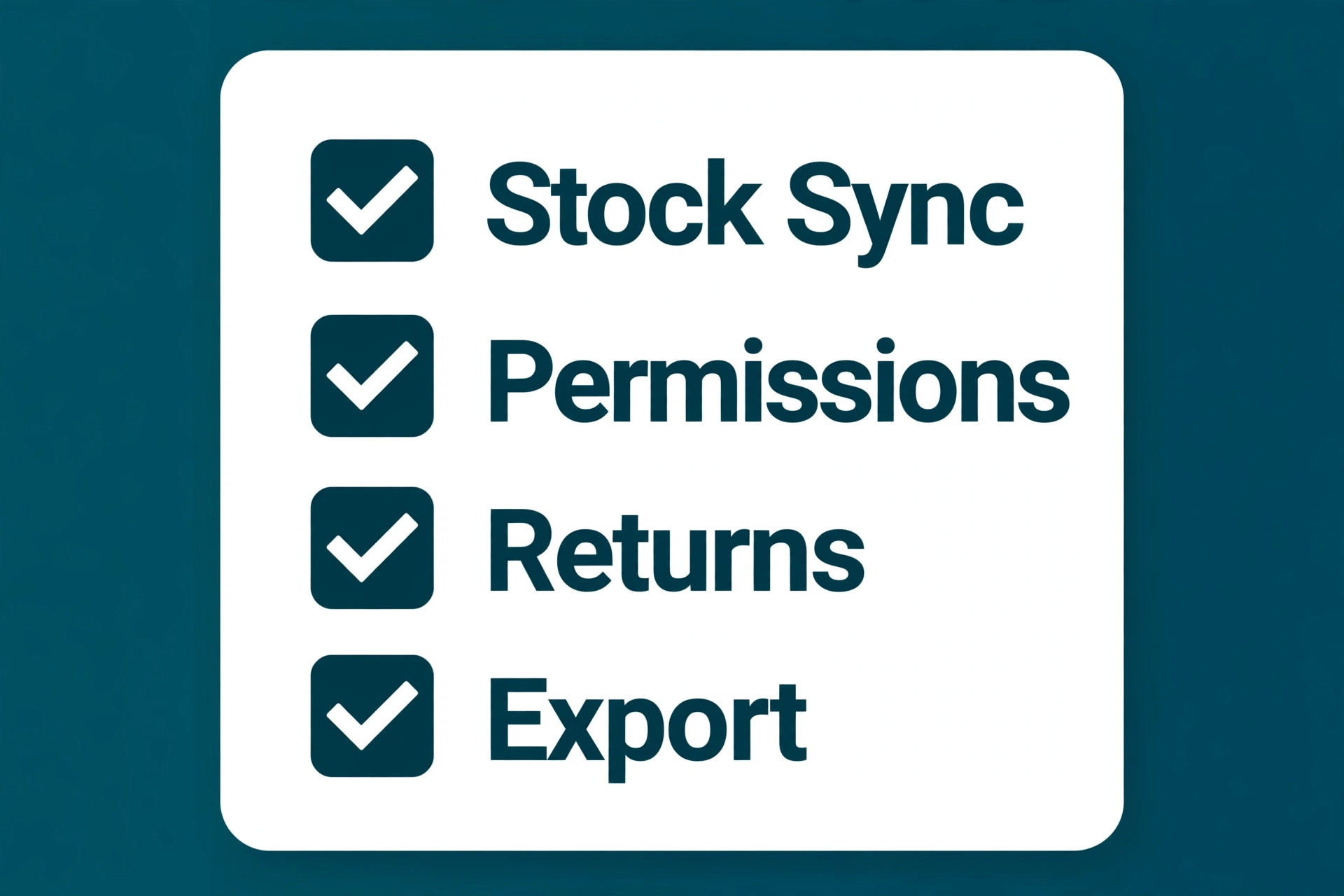
Check that online and in store stock share one count, with a test sale online updating the till stock instantly.
Check that the card rate at real monthly volume and real average ticket is written down, not just the subscription price.
Check that hardware can be bought outright, and what happens to the system if a terminal breaks on a Saturday.
Check that staff permissions, refunds, discounts and voids are controlled, with a report showing who did what.
Check that returns, exchanges, gift cards and loyalty work in store and online without manual fixes.
Check that multi location transfers, or pop up stock handling, work in a test before a second site or market stall opens.
Check that sales, stock and customer data can be exported, so the shop is never locked into a system it cannot leave.
The Real Monthly Bill at Each Shop Size
The subscription is the smallest line for most shops, because processing dominates once volume grows. A shop doing $20,000 a month in card sales at 2.6 percent plus 15 cents pays over $500 a month in processing, before any subscription, hardware or add ons. At that volume, a 0.2 percent rate difference is worth $40 a month, which is more than the gap between several subscription tiers. Run the numbers on real volume and real average ticket, not on the plan price alone.
At a single shop, the realistic software range in this guide runs from $0 on Square and Helcim to $89 a month on Lightspeed, plus processing and any loyalty or reporting add ons. At three shops, Square Plus at $49 per location runs $147 a month, Shopify POS Pro adds $89 per location on top of a Shopify plan, and Lightspeed pricing moves to quoted multi location terms, so get a written multi location quote rather than multiplying a single site price. Pop up costs are different again, because a phone plus reader setup on Square can run with no subscription, while a bundled hardware kit on a monthly plan keeps charging between markets.
Hardware deserves its own budget line. Buying a terminal outright costs more upfront but nothing monthly, while a kit on a 36 month plan can cost several times the outright price over its life. Add hardware, subscription, processing and add ons into one monthly total at real volume, then compare that total across finalists. The best pos system for retail stores is the one whose total bill, not whose headline plan, still makes sense after a busy month and a quiet month.
When you compare the best pos system for retail stores, judge the total bill at your real size, not the headline plan price.
Mistakes That Cost Retail Shops Real Money
The most expensive mistake is choosing on subscription price alone. A free plan with a high card rate can cost more than an $89 plan with a lower rate once volume grows, and a cheap plan with weak inventory can cost far more in stockouts, overselling and manual recounts. Price the total bill at real volume, then judge inventory depth, because stock accuracy affects every sale while subscription price affects only one line.
The second mistake is buying hardware before testing the software. Terminals, drawers and printers bought for one system may not work with another, and a shop that discovers an inventory gap after buying three stations faces a costly switch. Test the software on a phone or borrowed terminal first, run a full day of test sales, returns and stock checks, and only then buy hardware for the system that passed.
The third mistake is ignoring the exit terms. Processor lock in, hardware plans and data export limits can trap a shop in a system it has outgrown. Before signing, confirm whether the shop can bring its own processor, what the hardware plan costs over its full term and whether sales, stock and customer data export cleanly. A shop that cannot leave its POS will accept price rises and poor support it would never accept from a supplier it could replace.
The cheapest option in a search for the best pos system for retail stores is rarely the cheapest system once real volume and add ons are counted.
How to Test a POS Finalist in Two Weeks
Week one should test checkout and stock, not the dashboard design. Load a sample catalogue with variants, sell, refund, exchange and discount test items, and check that stock updates instantly in store and online. Test a staff permission by trying a refund from a junior login, and test a loyalty or gift card flow end to end. If any step needs a manual fix, note it, because manual fixes fail on a busy Saturday.
Week two should test the messy reality. Move stock between two test locations or to a pop up setup, run a busy hour simulation with back to back sales and check reporting the next morning for accuracy. Ask one staff member to run the till for a full shift and report what confused them. Their list is the true gap list, and it matters more than any vendor demo.
End the trial with a cost sheet, not a feeling. Write down subscription at the real location count, processing at real volume and average ticket, hardware cost over its full term and any add ons needed. Compare that total across finalists, then pick the cheapest system that passes the inventory, permission and stock sync tests. Price breaks ties. It should never override a failed inventory or payment test.
A trial that tests money, paperwork and daily work will tell you more about the best pos system for retail stores than any demo ever will.
Hardware, Terminals and Offline Selling
Hardware decisions outlive software trials, so test the till on the device the shop will actually use. A system that feels fast on a laptop demo can feel slow on a small countertop terminal, and a barcode scanner, receipt printer and cash drawer that work with one system may need replacing for another. Borrow or rent the exact terminal setup for the trial week, run real sales through it and check print speed, scanner accuracy and how the screen reads in bright shop light.
Offline selling matters more than most shops expect, because internet outages happen on Saturdays, not on quiet Tuesdays. Some systems keep selling offline and sync when the connection returns, while others stop at the first dropped connection. Test this deliberately by disconnecting the trial terminal, selling a test item and reconnecting to confirm the sale, stock and payment all land correctly. A shop that cannot sell during an outage loses the busiest hour of its week.
Terminal placement and staff training close the hardware question. A till that forces staff to walk around a counter, a screen that faces away from the customer or a printer that jams under a pile of bags all slow checkout and annoy customers. Place the trial terminal where the real till will sit, train one junior staff member on it without help and watch where they hesitate. Their hesitation points are the training and layout fixes to make before opening, not after the first busy weekend.
More Reading on Stratilyze
Readers comparing POS systems usually check the neighbouring guides next. The guide to POS for coffee shops covers a closely related till decision, the guide to POS for food trucks helps with mobile selling, and the guide to accounting software for small business covers the money side of running a shop.
Frequently Asked Questions
How much should a retail shop pay for a POS system
Software ranges from $0 on Square and Helcim to $89 a month or more on Lightspeed, but processing dominates the bill. A shop doing $20,000 a month in card sales at 2.6 percent pays over $500 a month in processing alone. Add subscription, hardware and add ons into one monthly total at real volume, then compare totals, because the cheapest subscription is rarely the cheapest system.
Is Square enough for a retail store
For most small single shops, yes. Square for Retail covers checkout, basic inventory, customer profiles, gift cards and reporting with no contract and a fast start. It becomes thin when the catalogue grows complex, with many size and colour variants, or when multi location purchase orders and transfers become daily work. At that point Lightspeed or Shopify POS usually fit better.
Should a shop with an online store choose Shopify POS
If the store already sells on Shopify, Shopify POS is the natural choice, because it keeps one catalogue, one stock count and one customer record across website and till. A shop without a Shopify store should not adopt Shopify just for POS, because the POS benefit depends on the ecommerce ecosystem. In store only shops should compare Square and Lightspeed instead.
Hardware plans and processing rates are the two biggest hidden costs. A terminal kit on a 36 month plan can cost several times its outright price, and a card rate difference of 0.2 percent is worth $40 a month on $20,000 of card sales. Get hardware costs over the full term in writing, and model processing at real volume before signing any contract.
Can a retail shop switch POS without losing stock data
Yes, if export is tested before signing. Most systems export products, stock levels and customers, but variant structures, purchase history and loyalty balances vary. Test an export during the trial, check what comes out and confirm exit terms in writing. Never buy hardware for a new system before knowing exactly what data leaves with the shop if it cancels.
Does a pop up stall need a full POS system
No, a pop up needs a phone, a card reader and a simple inventory count, which is why Square is the usual pop up pick. A full multi location system adds cost and setup a weekend stall does not need. Use the main shop system if it already supports mobile selling, otherwise run the pop up on Square and reconcile stock back to the main system after the event.
The Verdict for Retail Stores
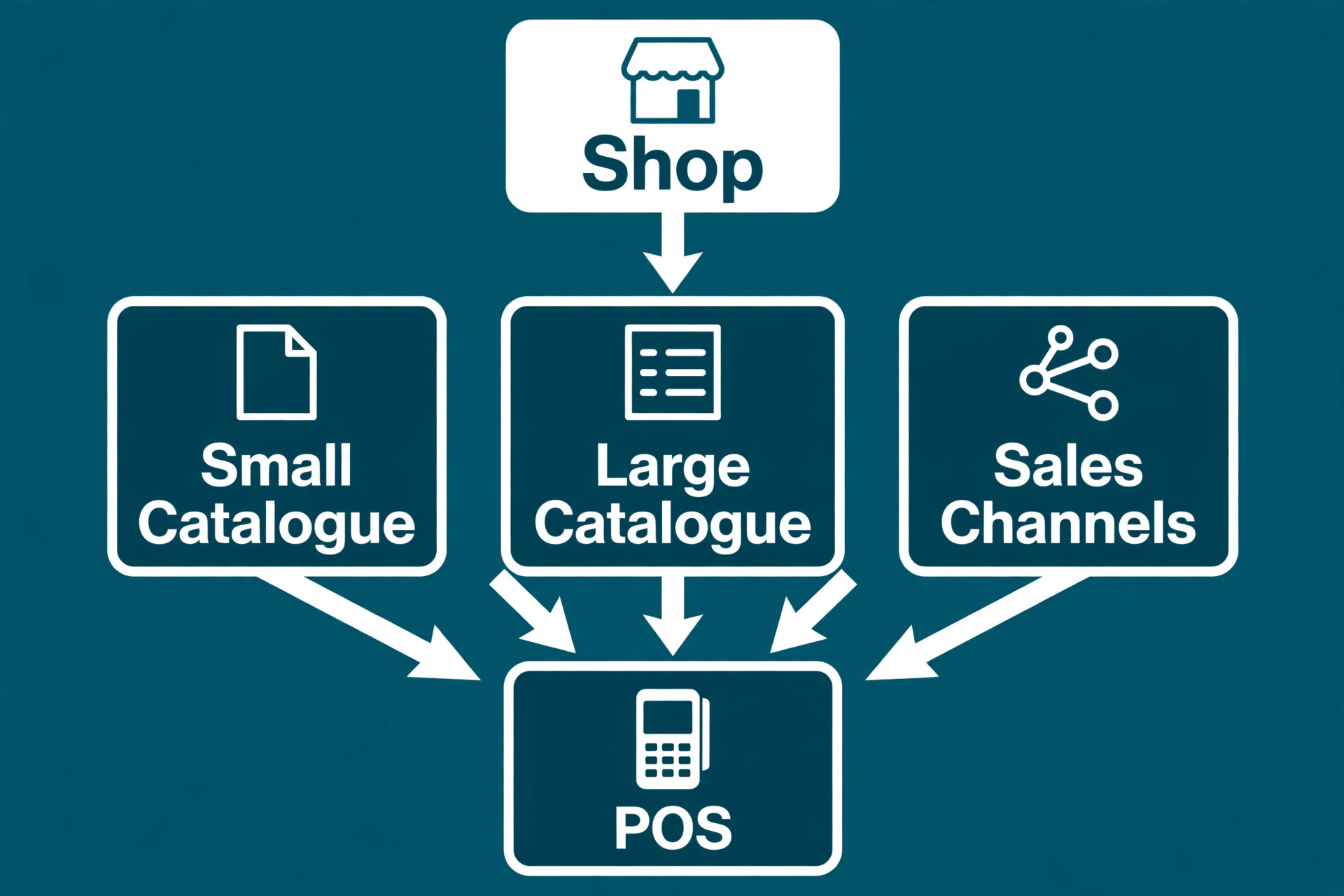
For most retail stores, the decision comes down to catalogue and channels. Single shops should start with Square for Retail for its free start, fast setup and clear rates. Shops selling online and in store on Shopify should choose Shopify POS for unified stock. Shops with complex catalogues, many suppliers or several locations should choose Lightspeed Retail for inventory depth, and shops where processor choice matters should price KORONA POS or Helcim on real volume before deciding.
Whatever the pick, judge it on total cost and stock accuracy first. Test inventory sync, staff permissions and returns in a trial, price subscription plus processing plus hardware over its full term, and pick the cheapest system that passes those tests. The best pos system for retail stores is the one that keeps one true stock count, takes payment fast and still makes sense after a busy month and a quiet month. Trial two finalists, compare annual totals and choose the system the staff can run on a busy Saturday without workarounds.