
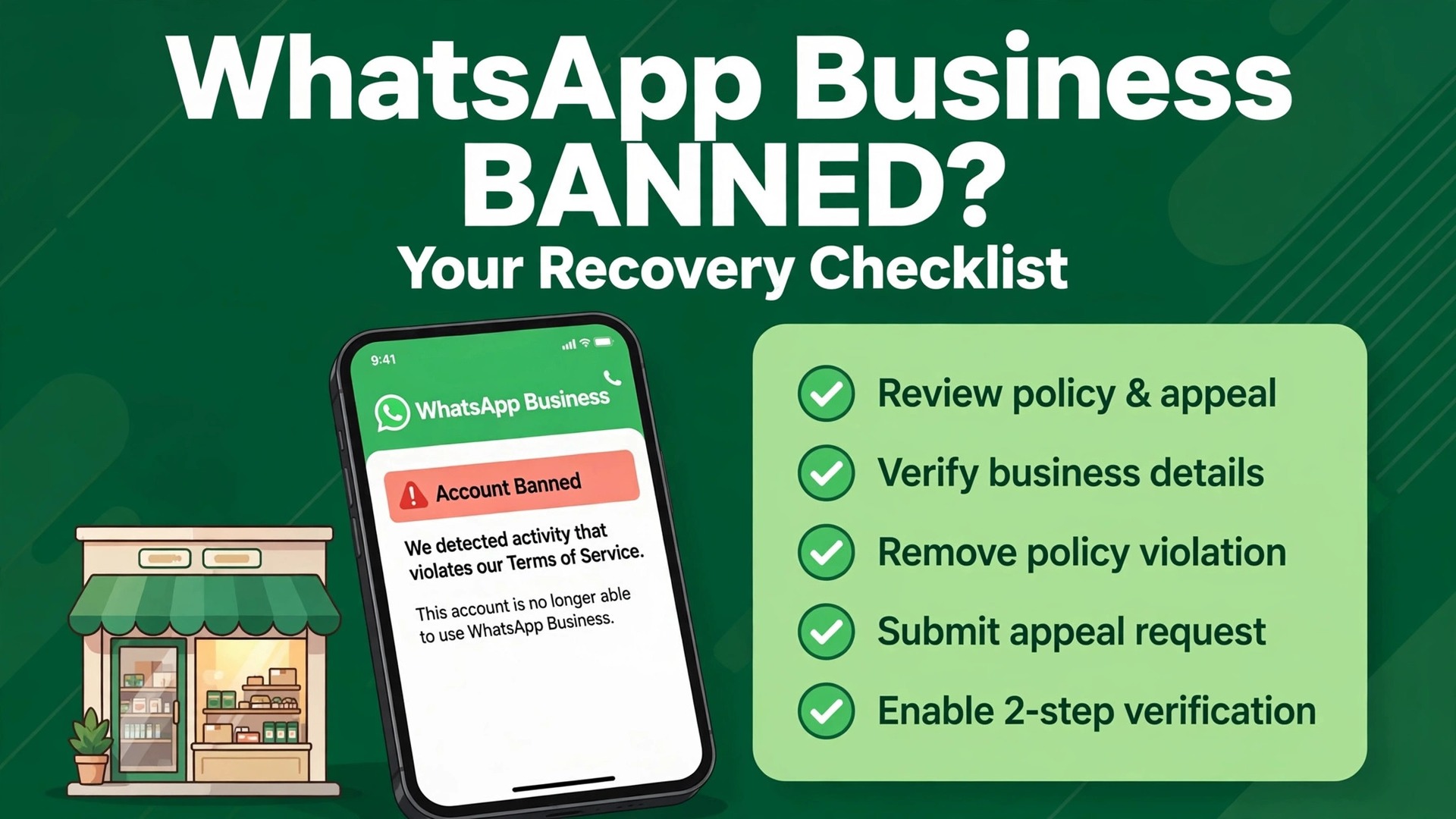
A temporary restriction and a permanent ban can look identical on the morning they arrive. Both stop a small business from messaging customers, both feel sudden, and both tempt the owner to act fast. The difference matters more than the panic suggests. A temporary restriction often lifts on its own once its period ends, while an account ban needs a formal review, and a ban with no review option cannot be appealed through the app at all. This guide shows how to fix WhatsApp business account banned small business problems by first naming which situation you are in, then working the right channel in the right order.
WhatsApp enforces its terms through automated systems and user reports, which means legitimate businesses can be flagged alongside spam operations. Bulk style messaging, unofficial apps, scraped numbers, and messages sent without proper consent are the most common triggers, but a sudden spike in volume, a batch of customer reports, or a shared device history can also draw attention. The appeal that works is the one that addresses the actual trigger with evidence, not the one that argues most loudly that the business is legitimate.
Small businesses depend on WhatsApp differently from large firms. It may be the main order channel, the support channel, and the repeat customer channel all at once. Losing it for days can cost real revenue, which is why the temptation to create a new number immediately is so strong. Resist that temptation until you understand the ban, because using a new account to bypass enforcement can make the original case harder and can put the new number at risk too.
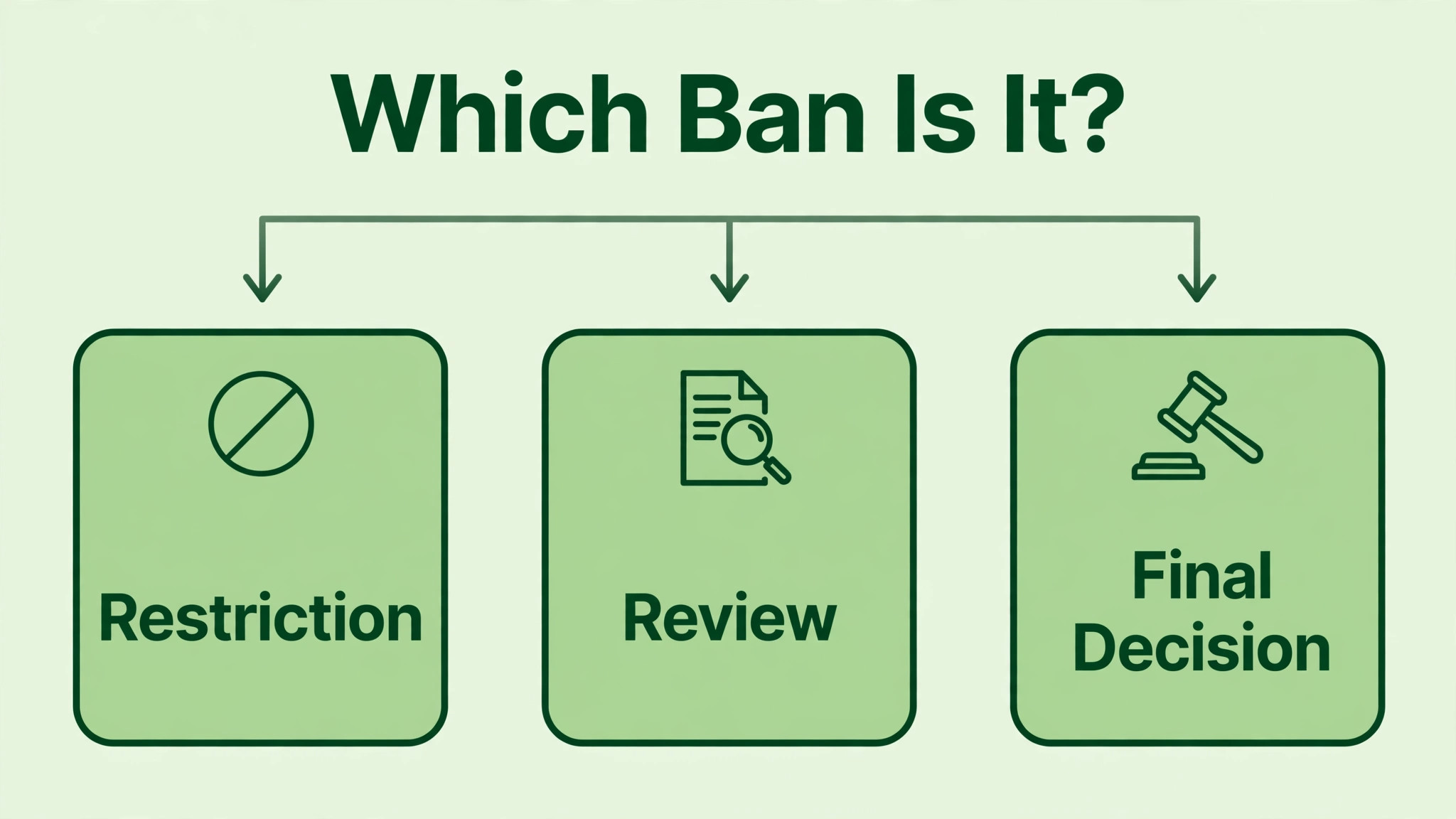
A Ban Is Not One Single Thing
Start by separating three situations. A temporary restriction limits sending for a short period, often described as lasting a day to a few days, and it usually lifts automatically once the period ends. An account ban blocks the number from using WhatsApp and offers a review path, either in the app or through business support tools. A final ban offers no review option in the app, and WhatsApp treats that decision as final for that number through that channel.
The product you use changes the route. WhatsApp Business app users appeal through the app itself, using the review option shown on the ban screen when one is available. WhatsApp Business Platform users, who connect through the official API, appeal through Meta Business Support Home, by selecting the restricted account and the violation, then requesting a review. Using the wrong channel wastes time, because an app appeal cannot fix a Platform restriction and a Platform appeal cannot fix an app ban.
Timing expectations also differ by route. App reviews are often described as completing within about a day, while Platform reviews are often described as taking one to two days, though complex cases can take longer. Treat those ranges as typical observations from official help material, not as promises for your case. Check the app or Business Support Home for updates rather than counting hours and assuming a decision is overdue.
| Situation | What you usually see | Usual next step |
|---|---|---|
| Temporary restriction | Sending limited, timer or notice shown | Stop risky activity, wait out the period |
| Account ban with review | Ban screen with review option | Submit one clear review request with evidence |
| Platform restriction | Violation shown in Business Support Home | Request review for that violation |
| Final ban | No review option offered | Do not attempt bypass, plan a compliant fresh start separately |
Naming your situation first prevents the most common error, which is appealing a temporary restriction as if it were a ban, or appealing a final ban repeatedly through a channel that cannot reopen it. Both errors waste the attention the real case needs.
How to Fix WhatsApp Business Account Banned Small Business in Order
The workflow below follows the order that gives a reviewer something clear to decide on. Reading the notice comes first, because the appeal must answer the violation named there. A policy audit comes second, because an appeal written before the business knows what it did wrong cannot show a credible fix. The support request draft comes third, so the wording can reflect the audit. Number and business verification comes fourth, because mismatched details undermine an otherwise sound appeal. The recovery checklist comes last, because it governs what happens after any review decision.
- Read the ban notice in full and record the product, the number, the violation wording, and whether a review option is offered.
- Audit recent messaging against WhatsApp policy, including consent, volume, templates, tools, and unofficial apps.
- Draft a short support request that names the violation, states the fix already made, and attaches the relevant evidence.
- Check number verification and business details, including the registered number, business name, and account quality status.
- Submit through the correct channel, wait for the decision in the proper place, and work the recovery checklist whatever the outcome.
Work these steps in order and keep every document in one case folder. Screenshots of the notice, message logs, opt in records, template approvals, and business details all belong together. A tidy folder lets you answer a request for more information quickly, and it gives the business a record to learn from whether the review succeeds or not.
Read the Ban Notice Carefully
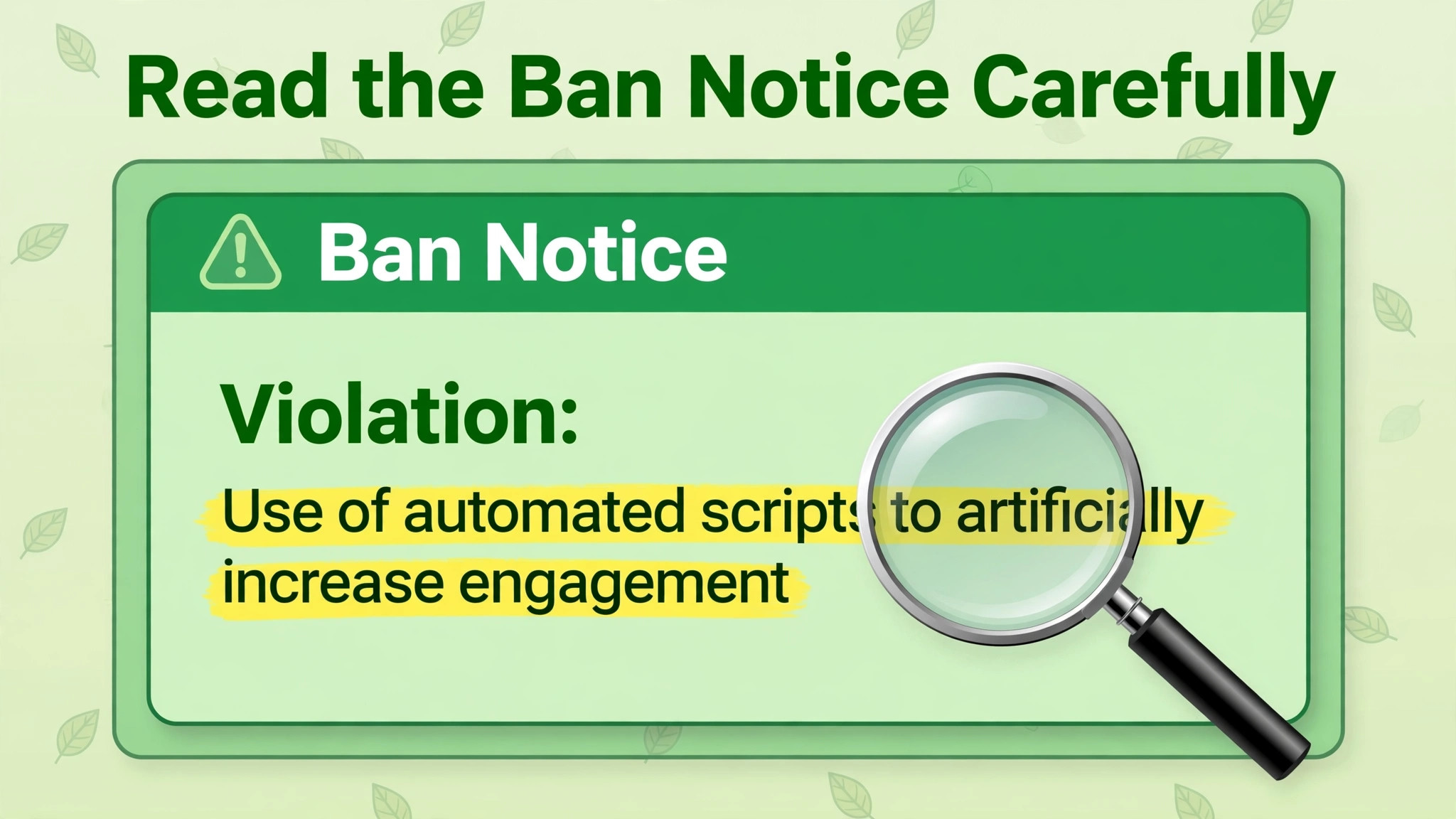
Open the ban screen or the violation notice and save a screenshot before anything changes. Record the exact wording of the violation, the number affected, the date, and whether a review button is shown. If the notice names a policy area, such as spam, bulk messaging, or use of an unofficial app, that wording is the brief for the whole appeal. An appeal that answers a different policy area will miss the point, even when it is well written.
Check whether the notice covers one number, one business account, or a wider asset. Platform users should open Business Support Home and WhatsApp Manager to see the violation details, the affected business asset, and any related restrictions. App users should read the full ban screen rather than acting on the headline alone. A notice that affects messaging quality, a notice that affects account standing, and a notice that blocks the number entirely are different jobs with different evidence.
Note the review option honestly. If a review button is present, the case can be submitted for review through that route. If no review option appears in the app, WhatsApp states that the ban is final through that channel, and repeated attempts through the same screen will not create a new route. Facing that fact early is painful, but it saves days of repeated submissions and lets the business plan its customer communication properly.
Also record what the business was doing in the days before the ban. A new campaign, a new messaging tool, a large import of numbers, a staff member given access, or a template change can all be relevant. Pull the message history for that window before memories fade. The audit in the next section depends on those records, not on a general feeling that nothing unusual happened.
That record is the starting point whenever a business must fix WhatsApp business account banned small business cases, because a reviewer will judge the appeal against the notice, and the notice will be judged against the recent message history. Gather the history first, and the rest of the case becomes far easier to argue honestly.
Audit Your Messaging Against Policy
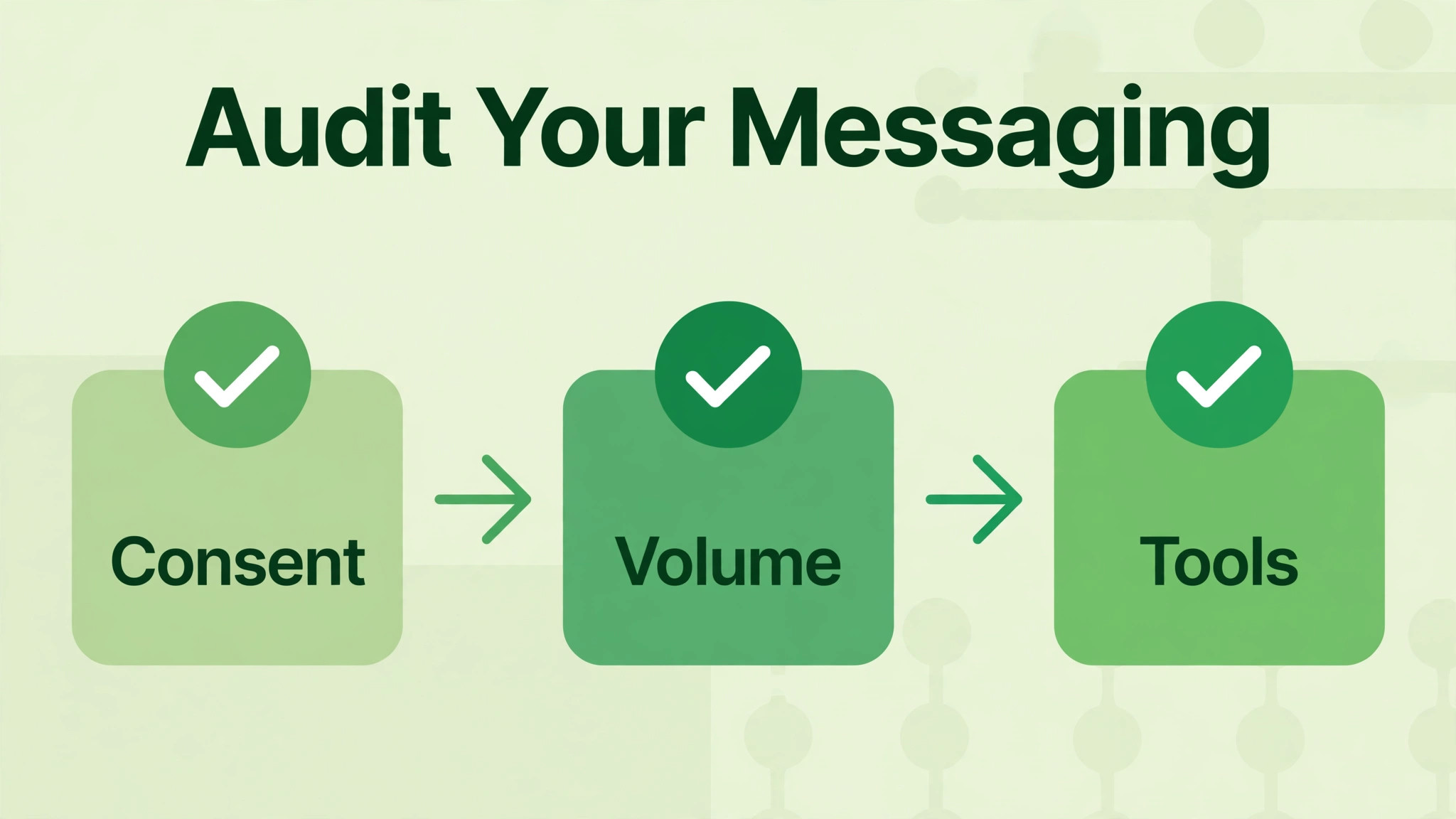
An audit is a check of your own activity against the rules, not a defence of it. Work through the main trigger areas one by one, and write a plain finding for each. Consent comes first. Were messages sent only to people who had agreed to receive them, and can the business prove that agreement with records. Messages sent to purchased, scraped, or guessed numbers are a classic trigger, and no wording improvement fixes a consent gap.
Volume and pattern come second. A sudden jump from a handful of daily messages to hundreds in a day looks like bulk behaviour, even when every recipient is a real customer. Check the sending pattern for spikes, repeated identical messages, and messages sent at unusual hours. Check whether broadcasts went to large lists without segmentation, and whether replies and opt outs were handled promptly. A business that kept sending after customers asked to stop has a clear audit finding to fix.
Tools come third, and this area needs blunt honesty. Unofficial apps, modified WhatsApp clients, unauthorised bulk sending tools, and scraping tools are all high risk triggers. If any such tool was used, stop using it before requesting a review, and record the date it was removed. Switching to the official app or the official Platform, with approved templates and proper opt in handling, is part of the fix, not an optional extra.
Templates and content come fourth for Platform users. Check that message templates were approved, that they matched the approved wording, and that marketing messages went only to opted in recipients. Check business details too, including whether the business name, category, and verification status match the real business. An audit that finds nothing is also useful, because it lets the support request say so plainly, with records to back the claim, rather than guessing at a cause.
This audit stage is where a business learns how to fix WhatsApp business account banned small business cases properly, because the fix must match the trigger. A consent fix will not help a tool violation, and a template fix will not help a volume spike. Name the trigger, fix that trigger, and prove the fix.
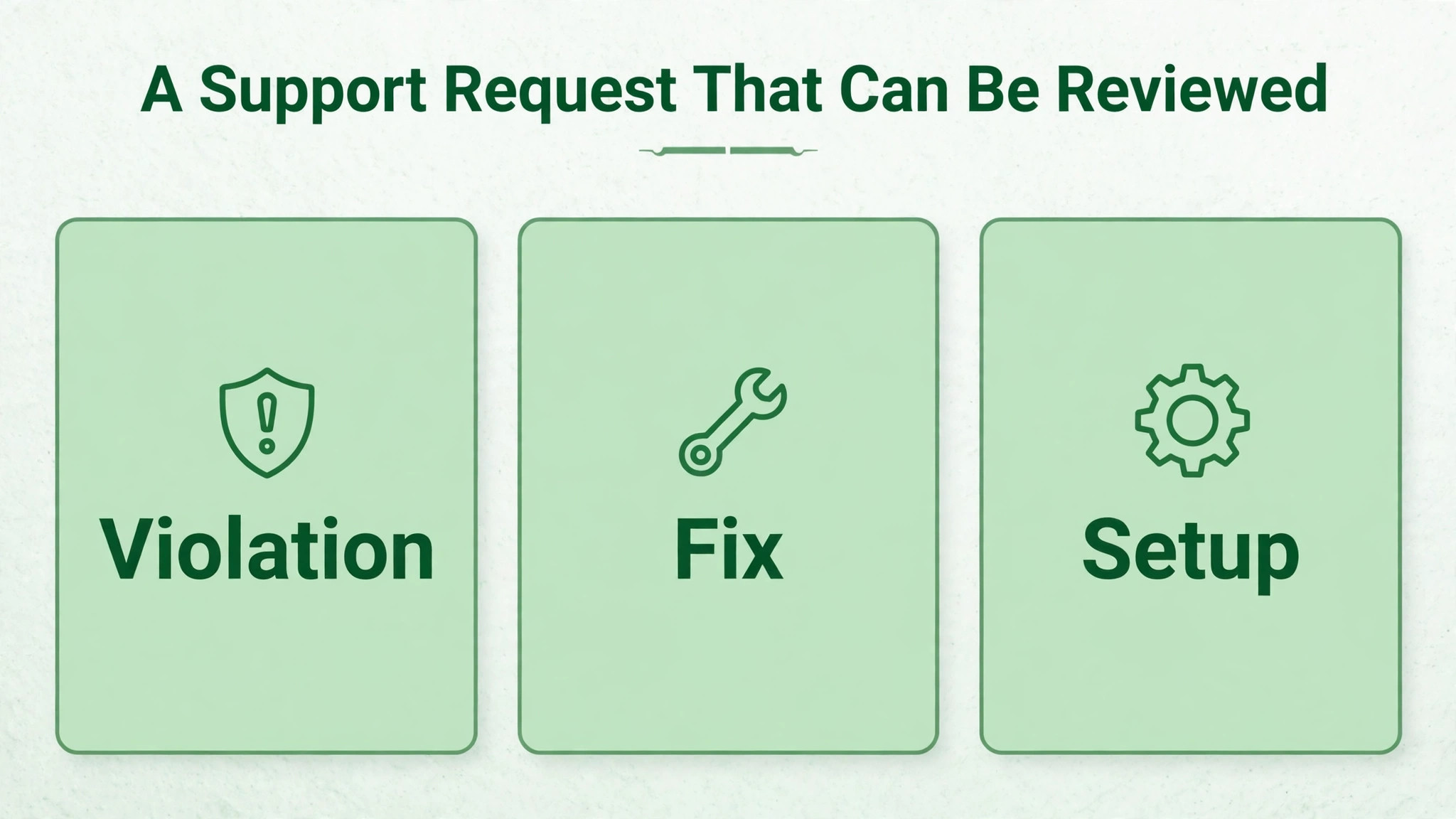
Draft a Support Request That Can Be Reviewed
A support request should be short, factual, and specific to the notice. Open with the registered number, the business name, and the violation wording from the notice. State plainly whether the business believes the violation was a mistake or accepts that a policy area was breached, and explain what the audit found. Reviewers decide on evidence and clarity, not on length or emotion, so keep the request to the facts that matter.
Structure the request in three short parts. The first part names the violation and the audit finding. The second part lists the fixes already made, with dates, such as stopping an unofficial tool, pausing broadcasts, removing a non consented list, or correcting templates. The third part states the current compliant setup, including how consent is recorded, how volume is controlled, and who owns messaging. Each fix should be something already done, not something planned for later.
Attach evidence that matches the claims. Opt in records support a consent claim. A screenshot or log showing an unofficial tool removed supports a tool claim. Approved template records support a template claim. Business registration or verification documents support an identity claim. Do not attach unrelated documents, because extra files bury the relevant proof and slow the review.
Keep the tone respectful and direct, and avoid repeating the request while it is under review. Multiple appeals sent in quick succession can confuse the case and do not speed up a decision. Submit once through the correct channel, note the submission date and reference if one is shown, and check the same channel for the decision. A single clear request beats five anxious ones.
A request written this way gives a reviewer a clean decision to make, which is the practical goal when you need to fix WhatsApp business account banned small business problems through an official channel. The reviewer does not need to be persuaded that the business is good. The reviewer needs to see the violation, the fix, and the current setup, each stated plainly and backed by a document.
Check Number Verification and Business Details
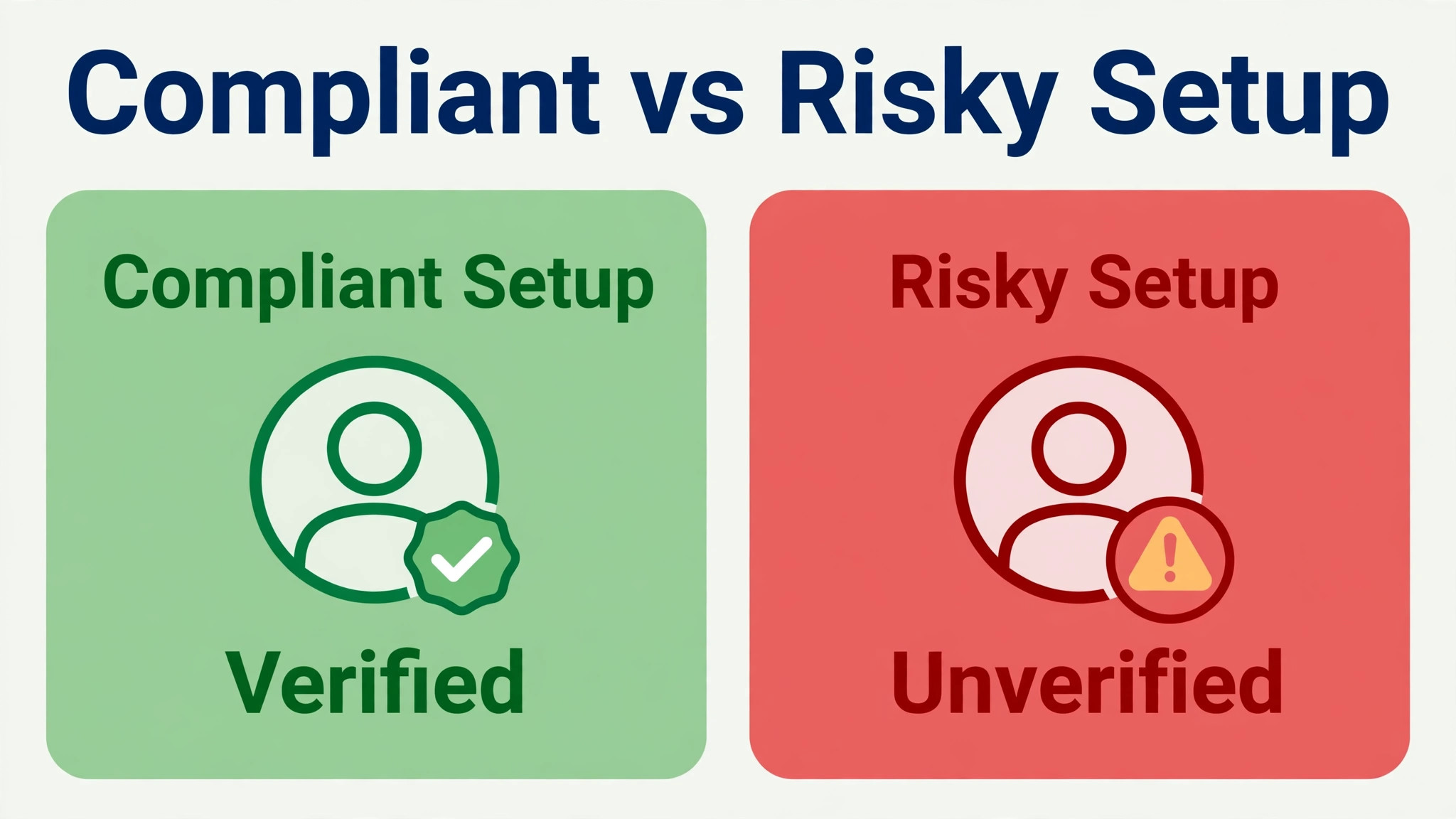
Verification problems undermine appeals, because a reviewer must be confident about which business and which number the case concerns. Confirm that the number in the appeal matches the number on the ban screen exactly, including country code. Confirm that the business name matches the registered business, and that the account quality status in Business Support Home or WhatsApp Manager shows the same violation you are appealing. Mismatched details create doubt, and doubt slows decisions.
For Platform users, check the phone number status, the business verification status, and the messaging limits shown in WhatsApp Manager. A number with a low quality rating or a recent restriction history needs a slower, more careful return to messaging after any successful review, which the recovery checklist covers. For app users, check that the business profile details, such as name, category, and contact information, are accurate and complete, and that the device and app are the official versions.
If the business recently changed numbers, owners, or business names, gather the documents that explain the change. A change that looks unexplained can look like an attempt to evade enforcement, while the same change with a clear paper trail reads as normal business administration. Keep those documents in the case folder, and mention the change briefly in the support request only if it is relevant to the violation.
Also confirm that the contact details for the business are current, so a decision notification reaches the right person. A decision sent to an old email or an unmonitored Business Manager account can sit unread while the team assumes the case is still pending. Assign one person to watch the appeal channel daily until a decision arrives.
Verification details are easy to overlook under pressure, yet they matter in every attempt to fix WhatsApp business account banned small business cases, because a reviewer who cannot match the appeal to the banned number with confidence cannot approve it quickly. Check the number, the name, and the account status before submitting, not after.
Submit Through the Right Channel
App users should submit through the review option on the ban screen when it is available. Tap the review option, add the short explanation drafted in the previous section, and submit. The decision arrives as a notification in the app, so keep the app installed and notifications on for that number. Do not delete the app or change the number while the review is pending, because that can disrupt the case.
Platform users should submit through Business Support Home. Select the restricted WhatsApp Business account, select the violation, add supporting details, and submit the review request. The decision arrives in Business Manager, so the assigned person should check there rather than waiting for an email alone. If a business service provider manages the connection, share the connector logs with the provider and ask whether an escalation through the provider is appropriate if the first review does not succeed.
Email and contact forms are secondary routes, not replacements for the in app or Business Support review. If the official guidance for your product points to a contact form, use it with the same short, evidence based request. Do not pay third parties who promise to unban an account, and do not call unofficial support numbers, because third parties cannot ban or unban an account, and paying for that promise usually ends in a permanent loss rather than a recovery.
After submission, stop the activity that triggered the ban. Pause broadcasts, stop bulk style sending, remove unofficial tools, and hold new campaigns until a decision arrives. Continuing the same activity during a review undermines the claim that the business has fixed the problem, and it can create a fresh violation while the first case is still open.
That pause is part of the fix, not a delay to it, and it applies to every effort to fix WhatsApp business account banned small business accounts through review. A reviewer who sees the risky activity stopped on the submission date has far more reason to trust the appeal than one who sees the same activity continuing.
Recovery Checklist After a Review
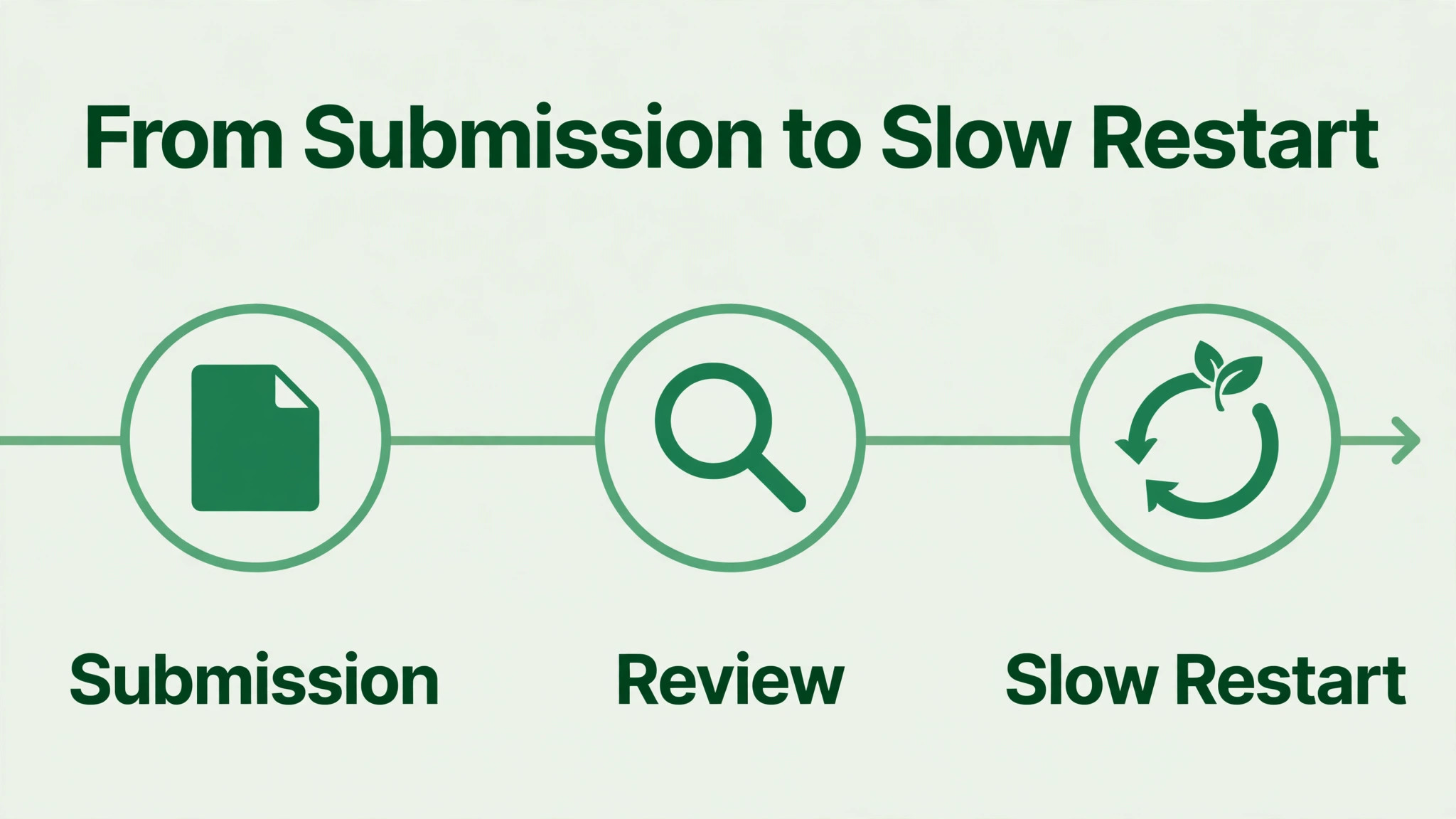
Whatever the decision, the business needs a plan for the days after it. If access returns, do not resume high volume sending immediately. Warm up slowly, starting with replies to existing customers and small, consented batches, and watch quality signals closely. A sudden return to the old volume can trigger a fresh restriction, which is a worse outcome than a slow restart.
- Notice and decision saved, with dates, violation wording, and the channel used for the review.
- Trigger fixed and evidenced, including consent records, tool removal, or template corrections as relevant.
- Messaging paused or slowed, with a gradual return plan based on replies and small consented batches.
- Opt in process documented, with records kept for every new contact added to messaging lists.
- Broadcast lists cleaned, with non consented numbers removed and opt outs honoured promptly.
- Business details verified, with the registered number, business name, and profile information matching.
- One owner assigned to messaging quality, with a weekly check of volume, reports, and account status.
- Customer communication covered, with an alternative contact route published while WhatsApp is unavailable.
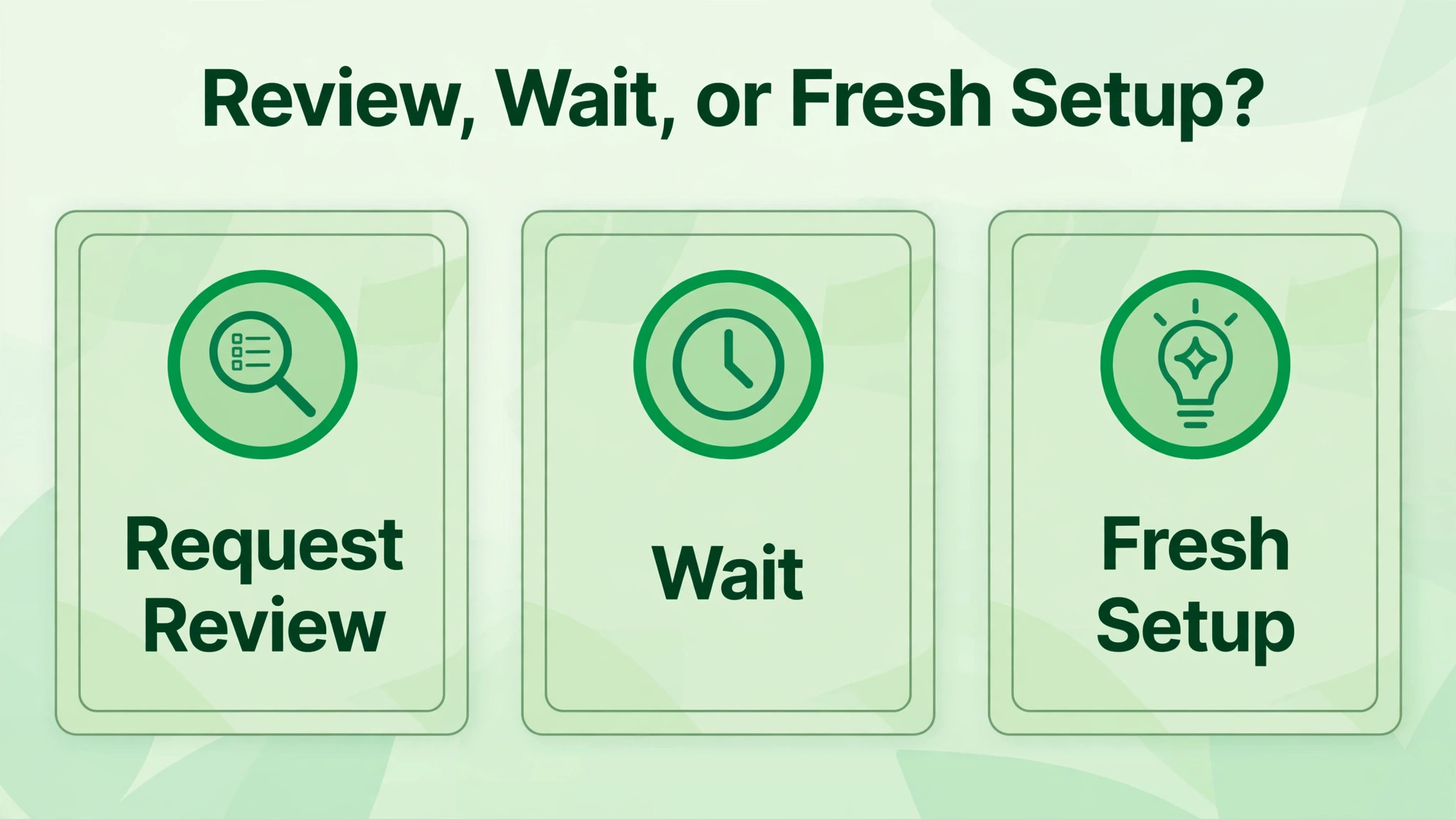
If the review does not succeed, do not keep resubmitting the same request. Read the decision for any new detail, fix any gap it names, and consider whether a fresh, compliant setup on a properly verified number is the right next step, handled separately and without attempting to bypass the original decision. Keep customers informed through email, website, or phone, so the business does not go silent while the messaging channel is resolved.
Document the whole case once it closes, whatever the outcome, including the notice, the audit findings, the request, and the decision. That record becomes the training material for anyone who handles messaging next, and it prevents the business from repeating the same trigger with a new campaign or a new staff member. A closed case with a written lesson is worth more than a closed case that is simply forgotten.
Mistakes That Turn a Temporary Ban Permanent
The fastest way to worsen a case is to keep doing the activity that caused it. Sending more bulk messages during a restriction, switching to an unofficial tool to get around a limit, or creating a string of new numbers to keep messaging all signal evasion rather than correction. Enforcement systems notice patterns, and a pattern of evasion is treated more seriously than a single mistake that was fixed.
Repeated identical appeals are another trap. Each appeal should add something material, such as a new piece of evidence, a completed fix, or a corrected detail. Resending the same text every day does not add weight, and it can make the case harder to review. Submit once, wait for the decision in the proper channel, and use the waiting time to complete the audit and the recovery plan.
Paying an unofficial unban service is a costly mistake. No third party controls WhatsApp enforcement, and services that promise fast unbans often use methods that breach policy themselves. The money is lost, the account remains banned, and the business may gain a worse enforcement history. Use only the official app review, Business Support Home, or the official contact routes for your product.
Ignoring customer communication during the ban is a quieter mistake. Customers who cannot reach the business on WhatsApp will try other channels, and silence pushes them to competitors. Publish an alternative contact route on the website and social profiles, answer email and phone promptly, and tell regular customers where to reach you. The business keeps trading while the messaging case is resolved, which matters more than winning an argument about the ban.
Customer communication deserves the same attention as the appeal itself when a team works to fix WhatsApp business account banned small business disruption, because revenue lost during a silent week is rarely recovered by a later review decision. Keep customers informed, keep orders flowing through other channels, and treat the ban as a business continuity problem as well as a policy case.
Frequently Asked Questions
How long does a WhatsApp business review usually take?
Review timing depends on the product and the case. App reviews are often described as completing within about a day, while Platform reviews are often described as taking one to two days, though complex cases can take longer. Check the app or Business Support Home for the decision rather than assuming a fixed deadline, and avoid submitting duplicate appeals while a review is pending.
What is the difference between a restriction and a ban?
A temporary restriction limits sending for a short period and usually lifts automatically once the period ends, while an account ban blocks the number and requires a review. A final ban offers no review option in the app. Naming which situation applies is the first step, because each one needs a different response, and appealing a temporary restriction as if it were a ban wastes time.
If no review option appears in the app, WhatsApp states that the ban is final through that channel and cannot be appealed through the app. Platform users should still check Business Support Home for a review route for their violation. Do not attempt to bypass a final decision with unofficial tools or a string of new numbers, because evasion can worsen enforcement.
Should I create a new WhatsApp number while banned?
Creating a new account to bypass a ban is not a safe shortcut, and it can put the new number at risk as well. Fix the original case through the proper channel first, and stop the activity that triggered the ban. If a fresh compliant setup becomes necessary after a final decision, handle it as a separate, properly verified setup, not as a way to continue the same activity.
What evidence helps a WhatsApp business appeal?
Evidence that matches the violation helps most, such as opt in records for a consent question, approved templates for a template question, logs showing an unofficial tool was removed, and business verification documents for an identity question. Attach only relevant proof, keep the request short and factual, and make sure the number and business name in the appeal match the ban notice exactly.
How do I avoid another ban after access returns?
Return to messaging slowly, send only to opted in contacts, honour opt outs promptly, use only official apps and approved templates, and keep volume steady rather than spiking. Assign one owner to messaging quality, check account status weekly, and keep consent and template records tidy. A slow, documented return protects the account far better than an immediate return to old volume.
What to Do This Week
Start with the notice, name the situation honestly, and audit before you appeal. A temporary restriction needs patience and a pause in risky activity. A reviewable ban needs one clear request with evidence for the actual trigger. A final ban needs a proper customer communication plan rather than repeated submissions through a closed channel. Each path is different, and choosing the right one is the work.
Keep the recovery checklist running after the decision, because the habits that prevent the next ban are the same habits that make an appeal credible. Consent records, steady volume, official tools, approved templates, and a named owner for messaging quality are not paperwork for its own sake. They are the record that lets a small business keep its most direct customer channel open. Work this guide in order to fix WhatsApp business account banned small business trouble without turning one enforcement action into a longer account history problem.
More Reading on Stratilyze
- Best CRM for event planners small business shows how a small team keeps contacts, bookings, and client details together.
- Best client management software for accountants looks at how a small firm tracks clients, documents, and follow up work in one place.
- Best helpdesk software for ecommerce stores covers support tools that help a small team answer customers promptly and keep records tidy.
- Best proposal software for freelancers explains proposal tools that help a small business present work clearly and win clients faster.