
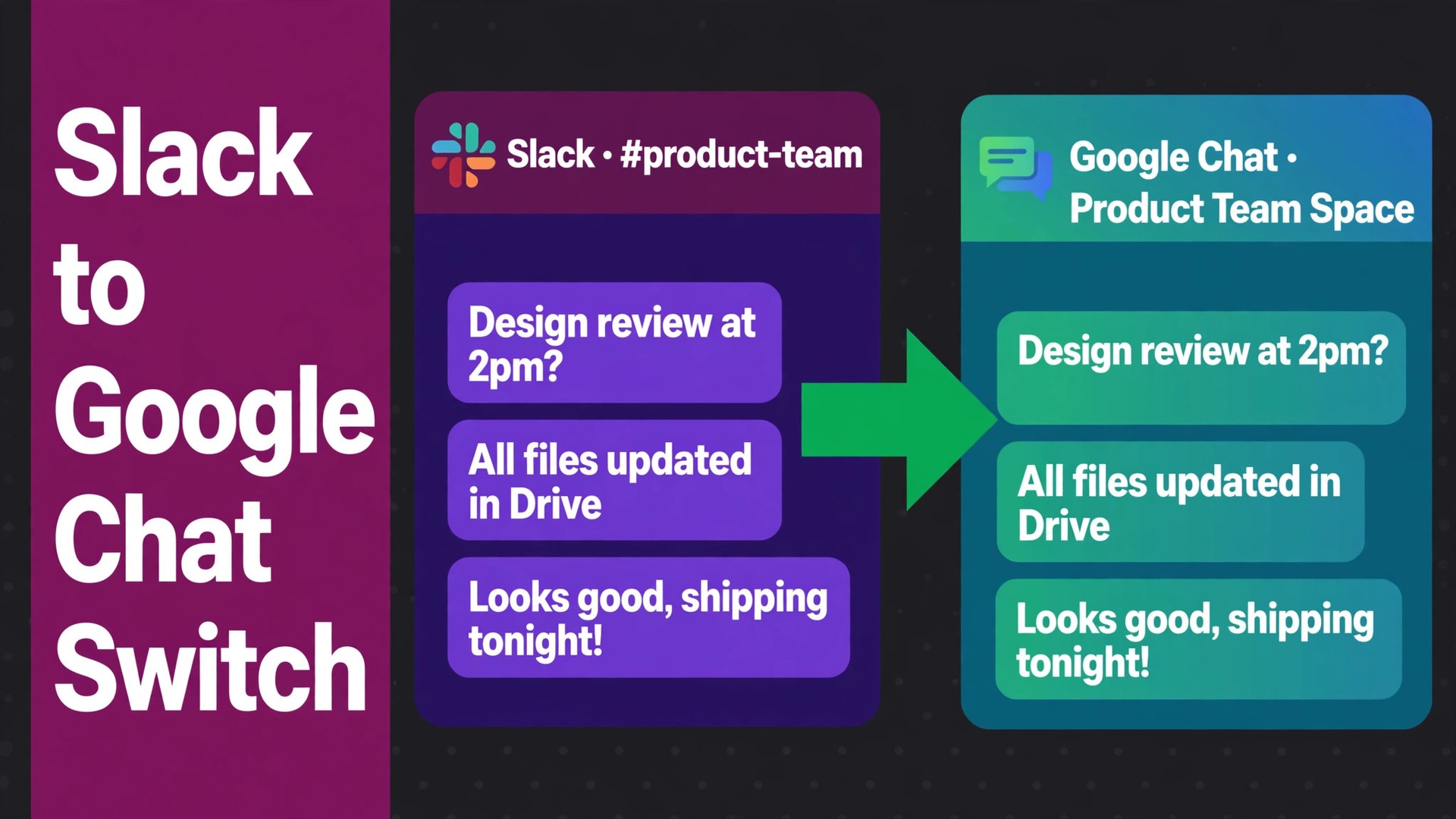
The problem is simple, and it is costing money every month. A small team pays for Slack, pays for Google Workspace, and runs its daily chat in the tool that does not hold its email, calendar and documents. Messages scatter across two systems, files live in two places, and new joiners must learn which conversation belongs where. The switch Slack to Google Chat small team move fixes that split by putting chat where the rest of the work already lives, but only if the team accepts what Google Chat does differently.
Slack is the stronger chat product in isolation. It has more integrations, richer workflow automation, more mature channel management and a larger app directory. Google Chat is the stronger choice for a team already paying for Workspace, because it arrives bundled with Gmail, Drive, Calendar and Meet, and it removes a separate bill and a separate login. The decision is therefore not about which chat app is better in general. It is about whether the team values Slack’s depth more than Workspace’s consolidation, and for many small teams the answer has shifted as Workspace became their main system.
This guide covers the move honestly, including the parts that do not transfer. It explains Slack export limits by plan, how channels map to Chat spaces, what happens to messages, files, apps and guests, and it gives a migration checklist plus a first-week cutover plan. It is written for a team of roughly three to twenty people with Google Workspace accounts already in place, because without those accounts the migration cannot attribute messages correctly.
Switch Slack to Google Chat Small Team, Channel by Channel
Start with an inventory, not an export. List every Slack channel, note whether it is public or private, count its members, and mark whether it has been active in the last 90 days. Small teams are usually surprised by the result. A workspace with sixty channels often has fifteen that matter, twenty that are quiet, and twenty-five that nobody can explain. Migrating all sixty into Google Chat spaces recreates the clutter in a new tool, and a new tool full of dead spaces feels worse than the old tool full of dead channels.
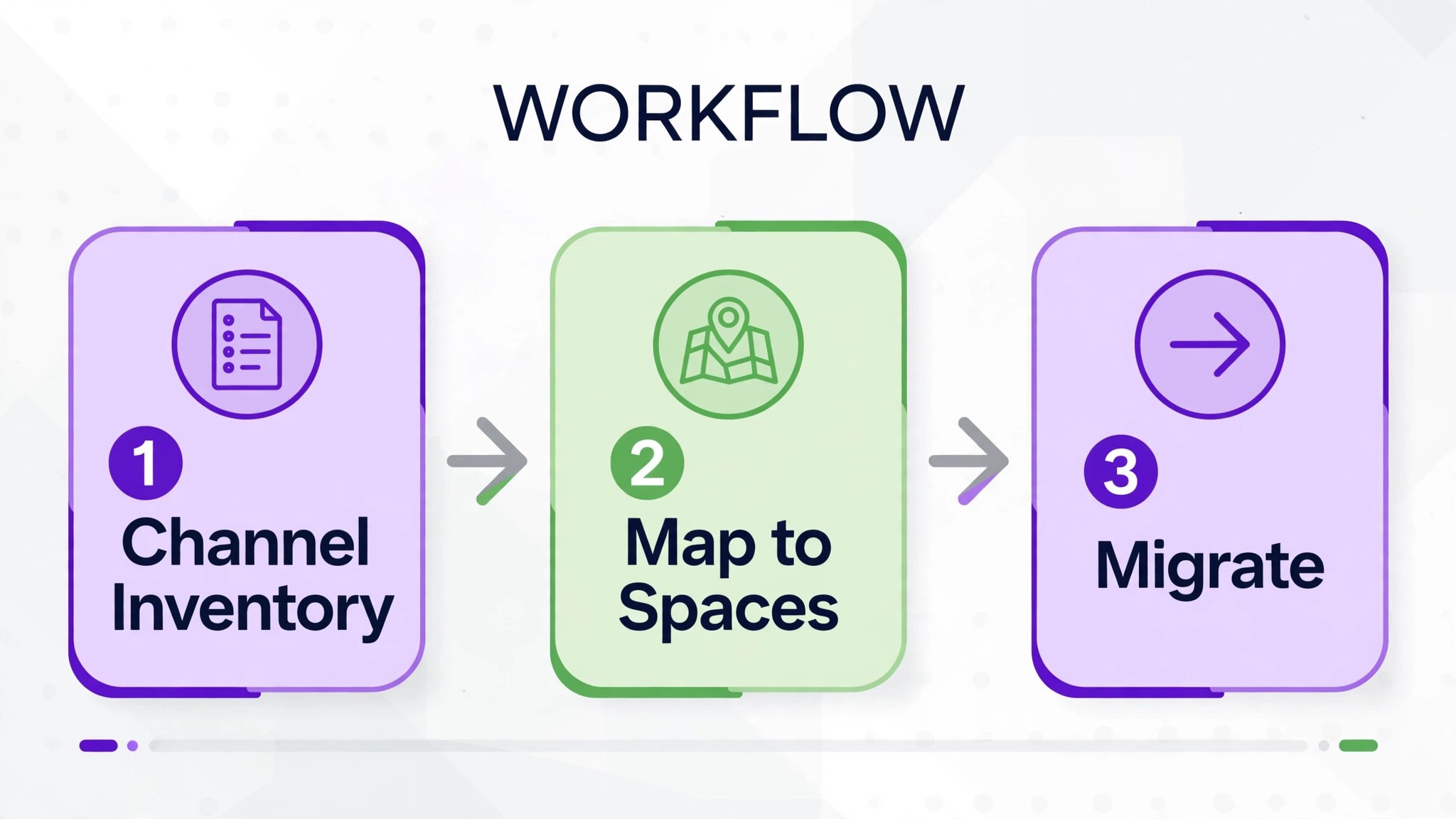
Decide the mapping before touching any migration tool. A Slack channel becomes a Google Chat space, a Slack private channel becomes a restricted space with the same members, and Slack direct messages become Chat direct messages or group conversations. That mapping sounds obvious, and the hard part is the exceptions. A channel used by two teams can split into two spaces. Two quiet channels on the same topic can merge into one space. A channel that exists only for bot notifications should not become a space at all, because its notifications belong in a different system or in an email digest.
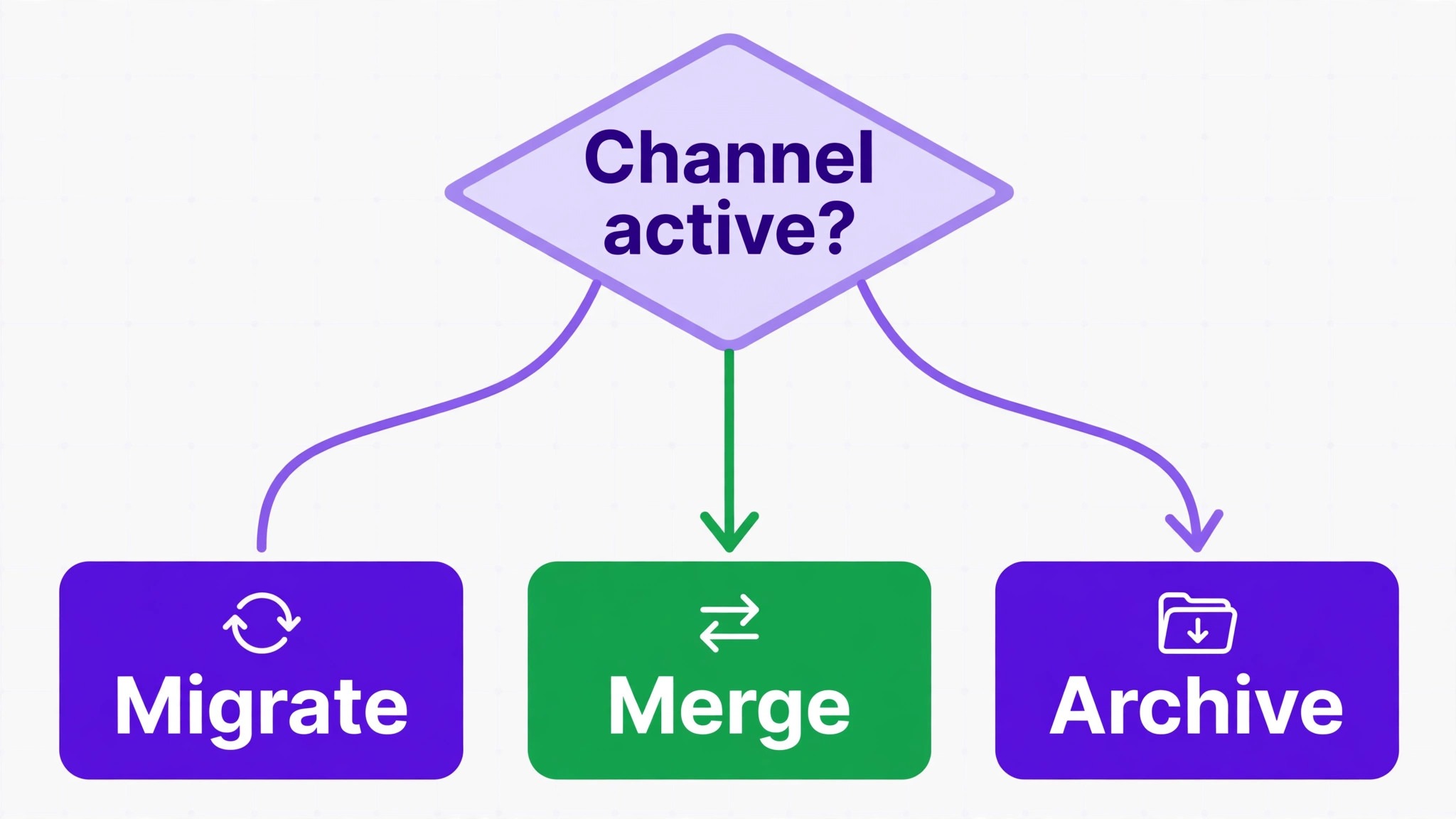
Archive first, migrate second. Archive or close dead channels in Slack, export the archive for record keeping, and migrate only the live channels. The team will thank you in week two, when the Chat sidebar shows spaces people actually use instead of a long list of rooms nobody enters. This is also the moment to rename spaces clearly. A space named after a project and its purpose, rather than an inside joke from three years ago, helps a new joiner find the right room on day one.
What Exports, What a Migration Tool Carries, and What Breaks
Slack’s own export is limited by plan, and that limit shapes the whole project. Public channel messages and file links are available on most plans, while private channels and direct messages require higher plans, and a free workspace export covers only a limited recent window for files. Check your plan’s export scope before promising the team a complete history move, because a promise built on the wrong plan is the most common cause of migration disappointment.
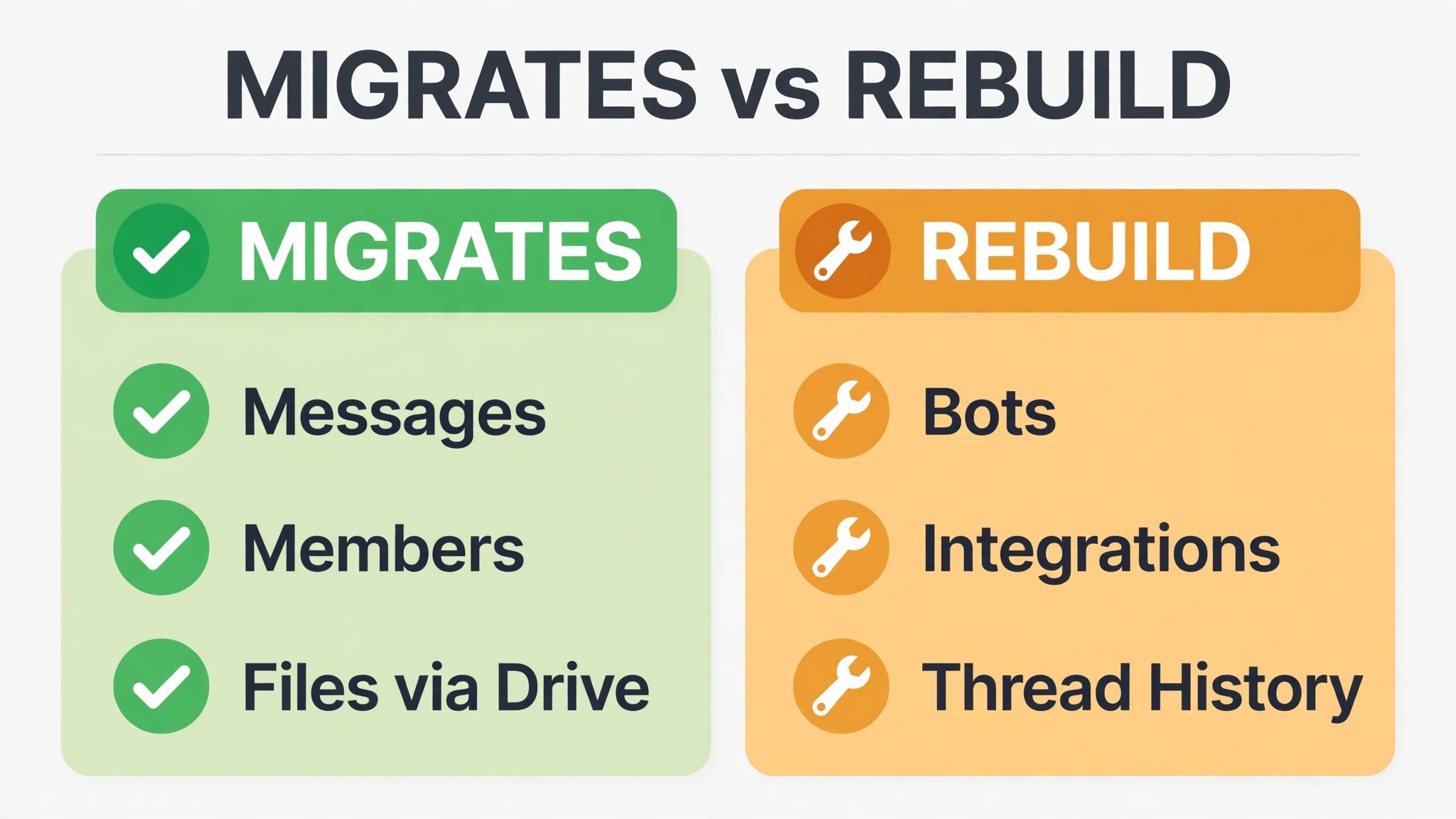
A dedicated migration tool changes the picture considerably. Tools built for this route can move public and private channels to spaces, preserve message history and thread structure, keep original timestamps, map users by email, and move files into Google Drive with links preserved in the conversation. That is a far better outcome than a raw export, but it still has limits that the team must hear in advance. Slack apps and bots do not transfer, Slack workflows need recreating in Workspace, and custom emoji do not move automatically, because Google Chat does not expose the same administration route for them.
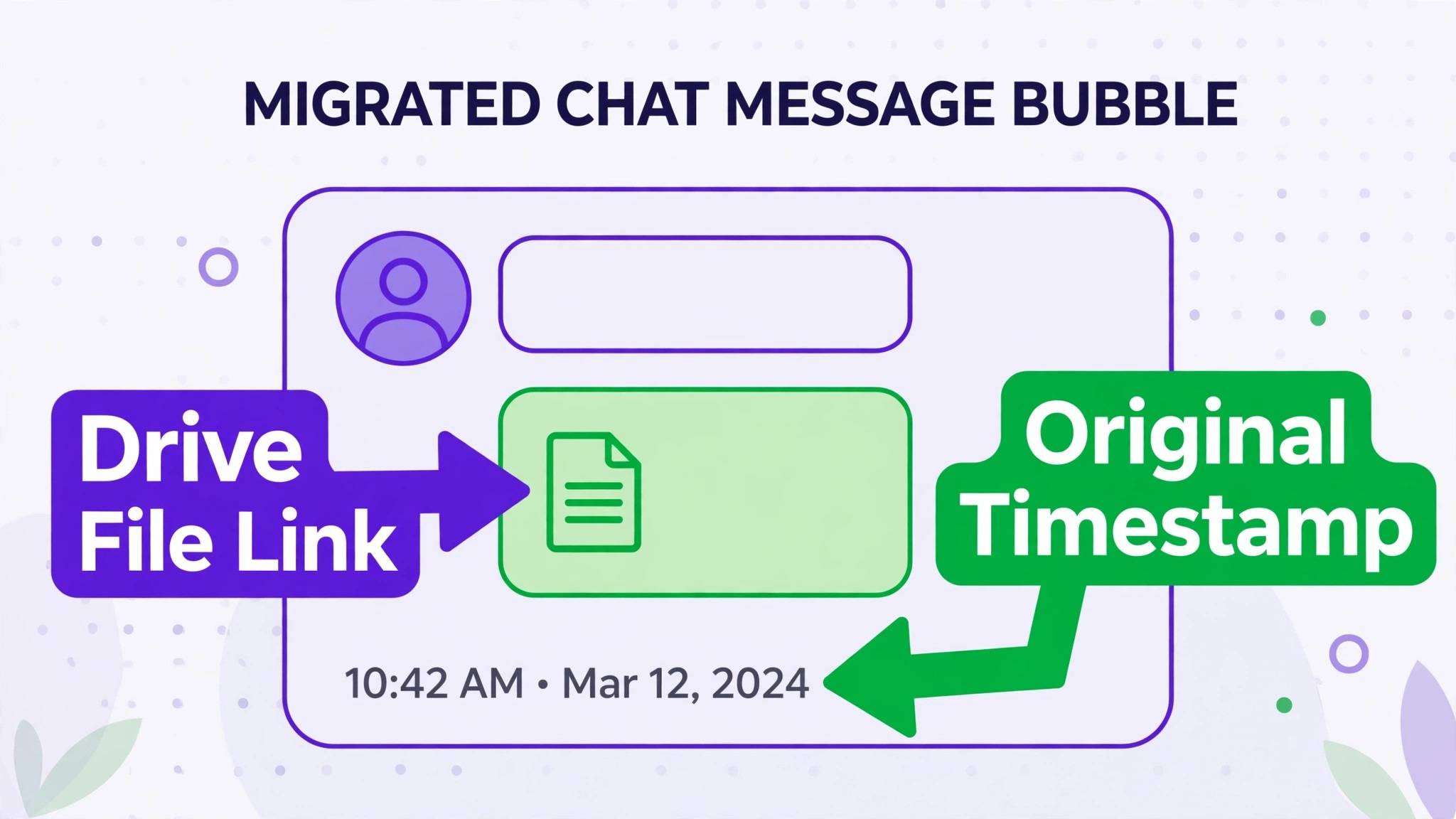
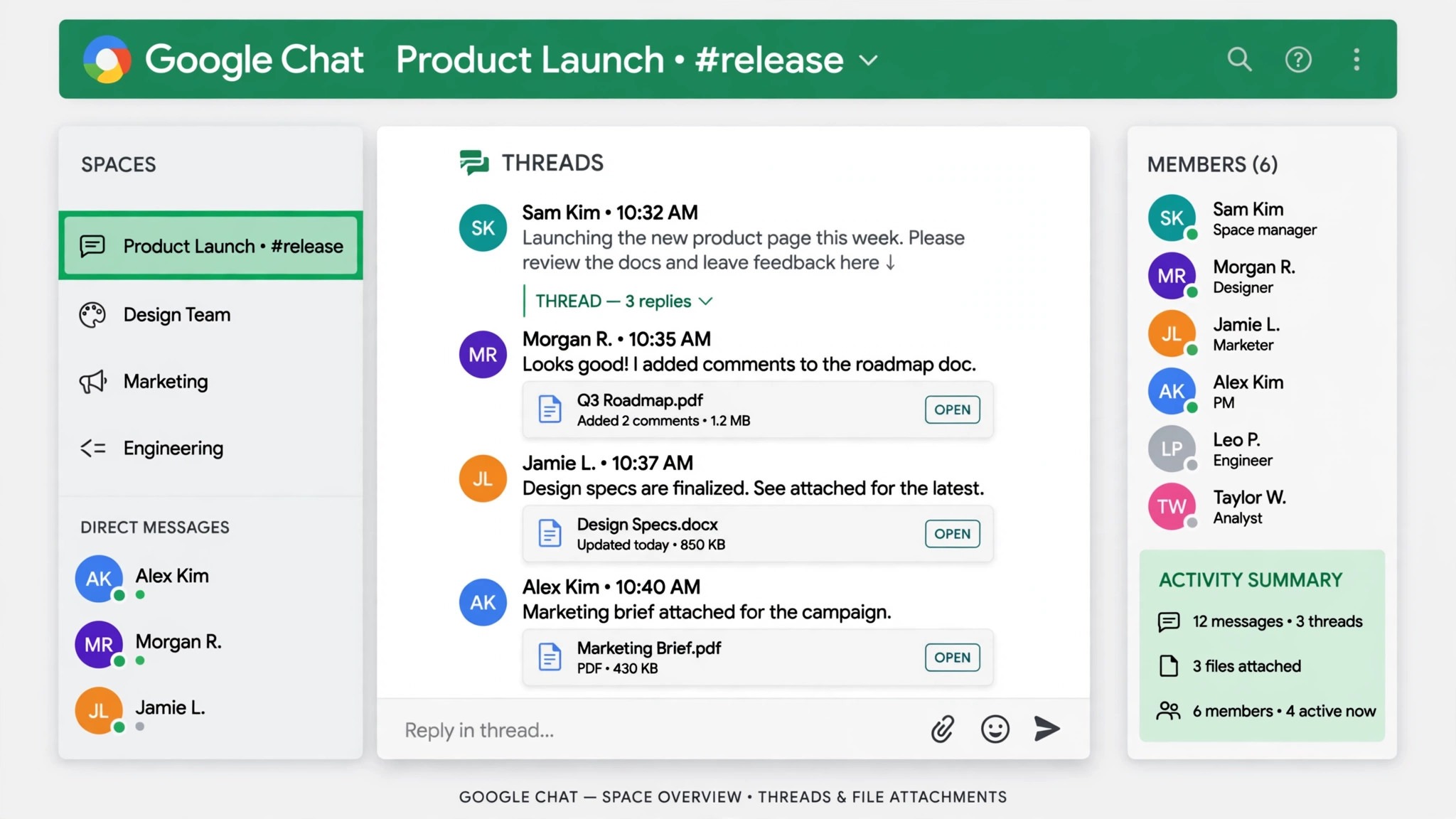
Attachments need a separate check. Google Chat allows only one attachment per message in a space, while Slack allows up to ten attachments on a single channel message in the comparisons reviewed for this guide. A migration tool handles this by moving extra attachments to Drive and turning them into links in the migrated message, which preserves access but changes how the message reads. A team that shares many multi-file messages should test one such thread in a pilot space before migrating the whole workspace, so that nobody is surprised by the new format.
The table below summarises the working picture for planning. Use it in the team announcement, so that expectations are set before the move rather than negotiated during it.
| Slack element | In Google Chat after migration | Action needed |
|---|---|---|
| Public channels | Spaces with members and history, via a migration tool | Map each channel to a space, archive dead channels first |
| Private channels | Restricted spaces with the same members | Confirm member lists, higher export plans may be needed |
| Direct messages | Direct and group chats | Decide which DMs matter, many can stay as an archive |
| Message history and threads | History and threads preserved by migration tools | Run a pilot space and check threads and timestamps |
| Reactions | Standard reactions preserved by most tools | Check custom reactions, which may not carry over |
| Files and attachments | Files in Drive, links in messages | Test multi-attachment messages in the pilot |
| Custom emoji | Not transferred automatically | Export the emoji catalogue as an archive, re-add the few that matter |
| Apps and bots | Nothing transfers | List active apps, find Chat equivalents or Workspace add-ons |
| Workflows | Nothing transfers | Rebuild the few workflows the team truly uses |
| Guests and external users | Guests in spaces, with Google accounts needed | Map external users to Google accounts before migration |
A pilot migration of one busy channel and one quiet channel is essential. Check message order, thread replies, file links, member attribution and timestamps. If the pilot is clean, the rest is repetition. If the pilot shows attribution errors, fix user mapping first, because a history full of messages from the wrong person is worse than a shorter history.
Apps, Bots and Workflows, Rebuilt Rather Than Moved
Apps are where Slack teams feel the move most, because Slack’s app directory is far larger than Google Chat’s. Start by listing every app installed in Slack, note what it does, and mark whether anyone still uses it. Most small teams find a short list of survivors, usually a calendar app, a file storage app, a polling app and one or two service notifications. Everything else can be dropped without a meeting about it.
For each survivor, find the Google Chat equivalent or the Workspace route. Calendar notifications can come from Calendar itself. File sharing already lives in Drive. Polls can run through a Chat app or a simple form. Service notifications can arrive through webhooks or email into a dedicated space. The goal is not to recreate Slack’s app collection in Chat. It is to cover the handful of jobs that apps actually did, using tools the team already pays for.
Workflows need the same treatment. Slack workflows that post a daily summary, welcome a new joiner or collect a request can be rebuilt with Workspace automation, a scheduled message, or a simple form that posts into a space. Complex multi-step workflows may become a manual check instead, and that is acceptable if the workflow fired rarely. A workflow that nobody can explain, and that fires once a month, is not worth rebuilding in any tool.
Custom emoji deserves a brief, honest note. Teams love their emoji, and losing them feels personal even when it changes no work outcome. Export the custom emoji catalogue as an archive, re-add the handful that carry real meaning, such as a team-specific approval mark, and let the rest go. A migration that stalls over emoji is a migration that has lost sight of its purpose, which is cheaper, simpler communication.
For a team comparing chat tools more broadly, the team communication software guide puts Chat and Slack side by side, while the Teams to Slack small team guide shows the reverse pressure, where a team moves toward Slack for depth rather than away from it for consolidation.
Guests, External Users and Permissions
External users are the detail that breaks a cutover if it is left late. Slack guests and shared channel members do not automatically become Google Chat guests, and every migrated message needs a Google Workspace account to attribute it correctly. Before any migration run, list every external user, confirm they have a Google account or a Workspace guest invitation, and map their Slack email to their Google email. A mismatch here creates messages attributed to the wrong person or to a placeholder account, and fixing attribution after the fact is painful.
Permissions in Chat spaces are simpler than in Slack, which helps a small team. A space can be open to the organisation or restricted to named members, and managers control who can add members and post. Decide the rule per space before migration. Project spaces are usually restricted to the project team, company-wide spaces are open, and client spaces are restricted to the client team plus named guests. Write the rule down, because a space created open by accident and later restricted creates confusion about who saw what.
Security also improves when the team consolidates, provided the team uses Workspace controls properly. One account system means one place to remove access when someone leaves, one set of retention rules, and one audit trail. That benefit only holds if leavers are actually removed from Workspace promptly. A migration is a good moment to audit Workspace accounts, remove former staff, and confirm that guest access is reviewed quarterly, because a tidy account list is the foundation of the whole move.
The Full Migration Checklist
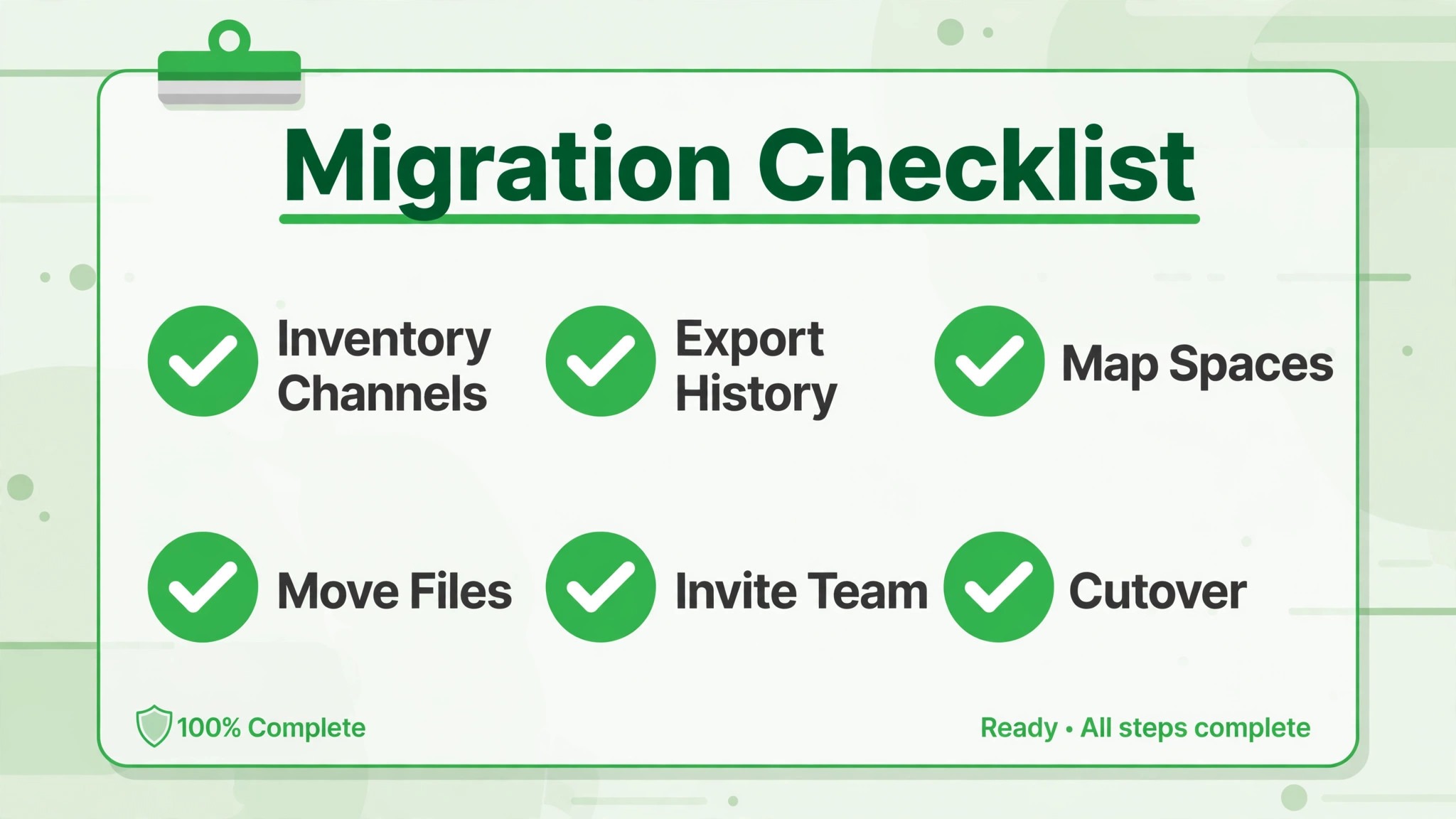
Work through this checklist in order, with one owner per item. A tick means the result was checked, not merely attempted, and the pilot space is the item that must not be skipped.
– Inventory every Slack channel, mark active and dead channels, and archive the dead ones – Decide the channel to space mapping, including merges and splits, and write it down – Check your Slack plan’s export scope for private channels and direct messages – List every external user and map their Slack email to a Google account – Confirm every team member has a Google Workspace account and can sign in to Chat – List every Slack app, bot and workflow, keep the survivors, and find Chat or Workspace equivalents – Export Slack data as an archive and store it where the team can reach it – Run a pilot migration of one busy and one quiet channel, checking threads, files and attribution – Test a multi-attachment thread in the pilot and confirm Drive links work – Migrate live channels space by space, checking members and message order on a sample each time – Rebuild the surviving workflows and app notifications, and test each one – Re-add the handful of custom emoji that carry real meaning, and archive the rest – Set space permissions per the written rule and confirm guests can reach their spaces – Train the team in a short session on spaces, threads, mentions and where old history lives – Set Slack to read-only on cutover day and confirm Chat is the only place new chat happens
The checklist looks long, but most items are decisions rather than labour. The slow parts are the inventory and the pilot, and those are the parts that prevent a week of cleanup. A team that ticks the checklist honestly will find cutover day quiet, which is exactly what a chat migration should feel like.
The First-Week Cutover Plan
Cutover week gives the team one job per day, so that daily work continues while the new chat system beds in. The table below is the plan to follow, with the pilot space owner acting as the first point of contact for questions.
| Day | Job for the day | Done looks like |
|---|---|---|
| Day 1, Slack read-only | Set Slack to read-only, announce Chat as the only chat tool, post welcome messages in each space | No new messages in Slack, team knows where to talk |
| Day 2, space review | Review spaces with their owners, fix names and members, migrate any missed channel | Spaces read clearly to someone who did not build them |
| Day 3, app and workflow check | Test every rebuilt notification and workflow, fix those that fired wrongly or not at all | Each survivor has a tested message as evidence |
| Day 4, guest and file check | Confirm guests can reach their spaces, open a sample of Drive file links, fix broken links | Guests confirm access, files open first time |
| Day 5, meeting in Chat | Run a normal team meeting with follow-ups posted as Chat messages, not Slack messages | Meeting actions live in Chat spaces, not in Slack history |
| Day 6, archive check | Confirm the Slack archive and exports are reachable, note where they live | Any team member can find old history without asking |
| Day 7, closeout | Ask the team what still hurts, fix the top three complaints, agree Slack stays read-only | Three fixes done, no open request to return to Slack |
Day one needs a clear announcement, not a quiet change. Tell the team in plain terms that Slack is now read-only, that Chat is where conversation happens from today, and where to find old messages if they need them. People do not adopt a tool they discover by accident. They adopt a tool whose owner has made a clear decision and explained it in one message.
Day five is the proof point. A normal meeting run with Chat follow-ups shows the new system carrying real work, and it surfaces gaps while they are still small. If the meeting has to fall back to Slack, note exactly why, and fix that gap before the next meeting. Two meetings run entirely from Chat are strong evidence the migration has stuck.

A Worked Example of the Switch Slack to Google Chat Small Team Move
An illustrative example shows how the decisions fit together. Imagine a ten person design studio already paying for Google Workspace, with email in Gmail, files in Drive and meetings in Meet, yet running daily chat in Slack on a paid plan. New joiners learn two systems. Files discussed in Slack live apart from the Drive folders where final work sits. The studio owner asks a simple question. Why pay for chat separately when chat is already included in the system the team uses for everything else.
The inventory is the first surprise. The studio’s Slack workspace holds forty channels, but only twelve have been active in the last 90 days. Eight are project channels for live clients, two are company-wide rooms, and two are social rooms the team values. The other twenty-eight channels are dead projects, old experiments and bot notification rooms. The switch Slack to Google Chat small team plan therefore starts with archiving, not migrating, and the team migrates twelve spaces, not forty. That single decision makes Chat feel clean from day one, which is half the battle for adoption.
User mapping comes next, and it takes an afternoon rather than a week. Eight staff members already have Workspace accounts, two contractors need guest invitations, and three external clients need their email addresses mapped to Google accounts. One client uses a personal Gmail address for Chat, which is fine once it is written down, because the alternative is a migrated history attributed to a placeholder account that nobody recognises. The studio also finds two former staff members still holding Workspace accounts, and removes them during the same tidy, which is a security gain that has nothing to do with chat and everything to do with good housekeeping.
The pilot migration covers one busy client channel and one quiet social room. The busy channel tests threads, file links and multi-attachment messages, while the quiet room tests whether a low-traffic space still feels worth opening. Both pass, with one lesson. A thread that carried six attachments in Slack now shows one attachment plus Drive links, and the team agrees that is acceptable once they see the files open correctly. The pilot owner becomes the team’s Chat champion, answering questions in week one so that the owner does not have to.
Cutover week follows the plan in this guide, with one studio-specific addition. Client spaces migrate last, after internal spaces have run cleanly for three days, because a client locked out of a space is a worse outcome than a staff member confused for an afternoon. By day five, the studio’s weekly meeting runs with follow-ups posted in Chat spaces, and by day seven the owner can point to a removed Slack bill as a concrete saving. The switch Slack to Google Chat small team move in this example succeeds not because Chat is better than Slack, but because the studio stopped paying for a second system that duplicated one it already owned.
The lesson for a real team is to run the same maths on its own workspace. Count live channels, count external users, list surviving apps, and price the Slack bill against the migration tool fee. If the live channel count is small, the app list is short, and Workspace is already the main system, consolidation is likely to win. If the channel count is large, the app list is long, and Slack holds partner conversations that Chat cannot easily replace, the honest answer may be to stay, tidy Slack, and revisit the move when the team’s systems change.
Costs, Risks and When to Stay on Slack
Cost is usually the clearest argument for this move, because Google Chat is included in Google Workspace plans, while Slack is a separate subscription per user. A team already paying for Workspace can remove the Slack bill entirely, and that saving is real even after allowing for a migration tool fee in the first month. Check the vendor’s current pricing page for both tools before budgeting, because per-user prices and plan names change, and a saving built on last year’s prices will embarrass the person who quoted it. If the team does not already pay for Workspace, the maths changes, and Slack’s free plan may be cheaper than buying Workspace for chat alone.
The risks are specific. The first is lost history, because a raw export covers less than a migration tool, and direct messages may need a higher Slack plan to export at all. Mitigate it by choosing the migration route before promising a complete history. The second is a half-migrated team, where some people keep chatting in Slack because it feels familiar. Mitigate it with read-only access on day one. The third is app loss, where a team discovers on cutover day that a Slack app had no Chat equivalent. Mitigate it with the app inventory, done before migration, not after.
Stay on Slack when its depth drives daily work. A team that runs many integrations, builds complex workflows, uses shared channels with many external partners, or relies on Slack’s search and app ecosystem every hour will find Chat restrictive. In that case, the better project is to tidy Slack, by archiving dead channels and removing unused apps, rather than migrating to a tool that cannot hold the work. The switch Slack to Google Chat small team move suits teams whose chat is mostly conversation, files and simple notifications, which is most small teams, but not every team.
A team that uses Slack mainly for client conversations may also want the freelance client communication guide for comparison, and a team moving its meetings as well may find the Zoom to Google Meet classroom guide useful for the wider Workspace consolidation. Both help confirm whether Chat is part of a coherent Workspace move or a lone change that adds confusion.
Frequently Asked Questions
Will all my Slack messages move to Google Chat?
It depends on the route and the plan. A dedicated migration tool can move public and private channel history with threads and timestamps, while a raw Slack export is limited by plan, especially for private channels and direct messages. Run a pilot migration on one busy channel before promising the team a complete history, and keep the Slack archive as a fallback for anything that does not migrate.
Do Slack apps and workflows transfer to Google Chat?
No. Apps, bots and workflows do not transfer, because the two systems have different app models. List active apps before migration, find Chat equivalents or Workspace routes for the survivors, and rebuild the few workflows the team truly uses. Most small teams find that only a handful of apps survive this review, which is itself a useful tidy.
Files move into Google Drive under a migration tool route, with links preserved in the migrated messages. Because Chat allows only one attachment per message in a space, multi-attachment Slack messages become a first attachment plus Drive links for the rest. Test a multi-attachment thread in the pilot space, so the team knows what the new format looks like before cutover.
Can external guests use Google Chat spaces?
Yes, with a Google account and a space invitation, but the setup must happen before migration so that messages attribute correctly. Map each external user’s Slack email to their Google email, invite them to the right spaces, and check their access on day four of the cutover plan. A guest locked out on launch day creates pressure to reopen Slack, which undermines the migration.
How long does a small team migration take?
A team with a handful of live channels can usually inventory in a day, pilot in two or three days, and complete the cutover week as set out above, which is a realistic timeline for the switch Slack to Google Chat small team move. The timeline stretches when the inventory finds dozens of channels, many external users, or apps with no clear equivalent, because those decisions take longer than the migration run itself. Allow extra days for decisions rather than rushing them.
Should we migrate direct messages as well?
Migrate the direct messages that hold live decisions, and archive the rest. Most direct message history is short-lived coordination that nobody revisits, and migrating all of it adds noise to Chat without value. A practical rule is to migrate direct messages for current projects and key client conversations, and to keep the full Slack archive searchable for everything else.
A Plain Closing Judgement
The switch Slack to Google Chat small team decision comes down to consolidation against depth. Slack is deeper. Chat is already paid for, already connected to email, calendar, documents and meetings, and already familiar to anyone who uses Gmail. For a small team that already lives in Workspace, consolidation usually wins, and the migration pays for itself in the first month of removed Slack billing.
Start with the channel inventory, run one pilot space properly, and let cutover week do its work. A quiet migration is a successful migration, and the team will know it worked when Chat becomes the obvious place to ask a question, without anyone having to announce that Slack is gone. For the opposite direction, the Discord to Slack community guide is a reminder that depth still matters for some communities, and a team should choose the tool that fits its real conversation, not the tool that looks cheapest on paper.